The invitation is the first impression. Before guests see the venue, taste the food, or hear the music, they experience your event through a single piece of communication. Paper invitations have held that role for centuries, but event planners who have switched to flipbooks for invitations are reporting something that printed card stock simply cannot deliver: guests who share the invitation, talk about it, and arrive already excited. Flipbooks AI has become one of the go-to platforms for creating these digital experiences, and the results are changing how events feel before they even begin.
Why Paper Invitations Are Losing Ground
The traditional printed invitation has a real cost problem. Design, print, postage, and envelopes for a 200-person event can run anywhere from $600 to $1,650 depending on the quality. Then factor in the timeline: printing takes days, mailing takes days, and if you need to update a single detail, the entire process starts over. Venue change two weeks out? Reprint everything.
The Cost Reality of Printed Invites
| Item | Estimated Cost (200 Guests) |
|---|
| Design (freelance) | $150 - $500 |
| Printing (premium cardstock) | $300 - $800 |
| Postage | $120 - $200 |
| Envelopes and handling | $50 - $150 |
| Total | $620 - $1,650+ |
Beyond cost, printed invitations have zero interactivity. There is no way to embed a venue video, include a live RSVP link, or show a map. They sit on a kitchen counter for a week, then get recycled. A flipbook invitation lives on the device. It gets opened multiple times, forwarded to a spouse, and shared in the family group chat. That reach is impossible to replicate with paper.
Why Digital Still Felt Cheap (Until Flipbooks)
For years, digital invitations meant a flat email with a JPEG image or, at best, a simple web form. The experience felt impersonal compared to a heavy cardstock envelope with a wax seal. That perception shifted when interactive flipbooks entered the picture. A flipbook invitation mimics the physical sensation of turning pages, creating anticipation and a sense of occasion that a static email never could. The difference is visceral, and guests notice it immediately.
What Makes Flipbook Invitations Different
The core difference is interactivity. A flipbook invitation is a multi-page digital document with a realistic page-turn animation, clickable elements, embedded multimedia, and a fully mobile-responsive design. It behaves like a premium magazine that guests flip through on any device, at any time.
Page-Turn Animation That Creates Anticipation
The page-turn effect is not a gimmick. When a guest swipes to turn the page and reveals event details gradually, they are experiencing the invitation rather than reading it. That progression builds anticipation in a way that a single-card static format simply cannot. Each turn is a small reveal. Each spread is a new layer of the story you are telling about your event.
Embedded Media Changes Everything
With a flipbook invitation, you can include:
- Venue video walkthrough so guests know exactly what the space looks and feels like
- Photo gallery from the couple's engagement session or previous events
- Audio message from the host welcoming guests personally
- Interactive RSVP form with direct confirmation built into the flipbook itself
- Google Maps embed for precise directions with zero friction
- Countdown timer that updates in real time as the event approaches
None of this is possible with printed card stock. All of it is built directly into Flipbooks AI without any coding required.
Mobile-First by Design
Over 78% of email is opened on mobile. An invitation that requires a desktop PDF viewer is already failing your guests before they read a single word. Flipbook invitations created with Flipbooks AI are fully mobile-responsive with touch-swipe navigation. Guests flip through the invitation the same way they scroll through content on their phone, which means zero friction and immediate attention.

Types of Events Where Flipbooks Shine
Flipbook invitations are not limited to one event type. The format adapts across nearly every category of professional event planning, from intimate celebrations to large-scale corporate functions.
Weddings and Social Celebrations
The wedding market has been among the fastest adopters. A wedding flipbook invitation can span multiple pages including a save-the-date spread, full ceremony details, reception information, accommodation suggestions, dress code guidance, and a personal message from the couple. The Wedding Album Flipbook tool on Flipbooks AI is built for exactly this kind of layered, emotional storytelling.
💡 Pro tip: Pair your wedding flipbook invitation with a digital program created using the Event Program Maker so guests have a seamless digital experience from the first invitation through the ceremony itself.
Corporate Events and Galas
Corporate event planners face a different challenge. Invitations for conferences, award galas, and product launches need to communicate professionalism, brand identity, and logistics clearly. A flipbook invitation lets planners embed exact brand colors, logo, and typography, creating branded event materials that feel like a natural extension of the organization rather than an afterthought.
The format also supports embedded agendas, speaker profiles with photos, and sponsor recognition pages. For large conferences, the same flipbook can function as both invitation and event program, cutting production costs significantly.
Nonprofit Fundraisers and Charity Events
Fundraiser invitations carry the extra burden of communicating mission and impact before the event happens. A flipbook invitation for a charity gala can include impact stories with photos, a preview of live auction items, donor recognition for early commitments, and a direct donation link embedded on the final page. The Non-Profit Annual Report tool provides templates that nonprofit planners can adapt for invitation purposes with the same structural clarity.
How to Build a Flipbook Invitation from Scratch
The process is simpler than most planners expect. Here is the exact workflow used by professional event planners on Flipbooks AI.
Step 1: Design Your Invitation in PDF Format
Start in any design tool you are comfortable with, including Canva, Adobe InDesign, or PowerPoint. Design each page of your invitation as a full-bleed layout. A typical multi-page flipbook invitation includes:
- Cover page: Event name, date, and a striking hero image that sets the tone
- Host or couple page: Introduction, photo, and a warm personal message
- Event details spread: Date, time, venue address, dress code
- Location and directions page: Map embed, parking information, transport options
- RSVP page: Clickable link or embedded form, response deadline, contact details
- Extras: Gift registry, accommodation suggestions, schedule preview, FAQs
Export the finished design as a PDF. Every page becomes a flippable spread in the final flipbook.
Step 2: Upload to Flipbooks AI
Go to Flipbooks AI and create your account. The PDF to Flipbook Converter processes your file in seconds. Upload the PDF and the platform automatically converts each page into the interactive flipbook format with the realistic page-turn animation applied. No code. No technical skills required.
✅ Best practice: Design your pages at 1920x1080px (16:9 ratio) for the best display on widescreen monitors and tablets. Portrait orientation at 1080x1920px works better for invitations designed primarily for mobile viewing.
Step 3: Customize the Experience
Once uploaded, you can personalize every aspect of the reading environment:
- Custom background: Choose from textures like marble, wood, dark, or light to frame the flipbook
- Brand colors: Apply your event's color palette to navigation controls and the loading screen
- Logo placement: Upload your logo or the couple's monogram to appear throughout the interface
- Page sound: Add a satisfying page-turn audio effect for the full tactile simulation
- Multimedia embeds: Drop video, audio, or interactive links directly onto specific pages
- Table of contents: Add navigation for longer multi-section invitations
Step 4: Set Privacy and Sharing Options
This is where flipbook invitations separate from every other digital format. Flipbooks AI gives planners precise control over who can access the invitation:
| Privacy Option | Best For |
|---|
| Public link | Open community events, conferences, public galas |
| Password-protected | Private weddings, exclusive dinner parties |
| Email-gated | Lead generation events, trade shows, RSVP capture |
| Unlisted | Semi-private events with controlled sharing |
For most weddings and private social events, the password-protected option is the right call. Guests receive the link and a separate password. The invitation stays personal and exclusive without requiring a printing budget.
What to Include in Your Flipbook Invitation
The multi-page format creates an obligation: fill it well. A poorly organized flipbook with low-quality images is worse than a clean single-card digital invite. Here is a content checklist for high-performing flipbook invitations.
Essential Pages
- Event title and date: Clear, prominent, visible above the fold on page one
- Host information: Who is organizing, welcoming, or celebrating
- Venue details: Full address, building name, floor or suite if applicable
- Dress code: With visual reference images if the code is specific or unusual
- RSVP mechanism: A direct link, embedded form, or scannable QR code with deadline
Value-Add Pages
- Venue photo gallery: 3 to 5 photos that show the space and set expectations
- Event schedule: Arrival, ceremony, cocktail hour, dinner, and closing times
- Accommodation suggestions: Nearby hotels with booking links
- FAQs page: Parking, childcare, dietary needs, accessibility, weather contingency
⚠️ Warning: Do not pad your flipbook with filler pages. Each page should earn its place. Guests who encounter two or three purely decorative pages in a row will lose focus and close the flipbook before reaching the RSVP.

Paper vs. Digital: The Full Comparison
Event planners who have made the switch are not going back. The table below compares the two formats across the criteria that matter most in professional event management.
| Feature | Printed Invitation | Flipbook Invitation |
|---|
| Cost per 200 guests | $620 - $1,650 | $0 - $29/month (platform plan) |
| Time to distribute | 5 - 10 business days | Instant (link or message) |
| Updates after sending | Full reprint required | Edit in minutes, no resend needed |
| RSVP tracking | Manual phone or email follow-up | Automated with open-rate data |
| Embedded multimedia | Not possible | Video, audio, maps, clickable links |
| Mobile experience | Flat image or PDF reader | Touch-swipe interactive flipbook |
| Environmental impact | Paper, ink, shipping waste | Zero physical materials |
| Analytics | None | Opens, time spent, page views |
| Password protection | Not applicable | One-click setup |
| Shareability | Limited (physical object) | Instant forwarding via any channel |
The cost advantage alone justifies the switch for most planners. Add real-time analytics, instant updates, and embedded multimedia, and printed invitations struggle to compete for any event type or budget level.
Sharing and Tracking Your Digital Invitations
One of the most underutilized capabilities of flipbook invitations is analytics. Paper invitations disappear into a void. You send them and hope people show up. Flipbook invitations on Flipbooks AI give you hard data on exactly what is happening.
Embed Codes vs. Direct Links
Two primary sharing methods exist for flipbook invitations:
- Direct link: A clean URL you paste into an email, WhatsApp, or SMS message. Works everywhere. One click opens the full interactive flipbook.
- Embed code: Paste the snippet into your event website or landing page. The flipbook appears inline with no redirection. This is particularly effective for corporate event pages where the invitation is part of a larger brand experience. The Embed Flipbook on Website tool handles this setup in minutes.
Tracking Who Opened What
With the Professional plan on Flipbooks AI, planners get access to:
- Total unique opens: How many individual guests opened the invitation
- Average read time: How long guests spend with each flipbook
- Page-by-page analytics: Which spreads are being read carefully versus skipped
- Geographic data: Where your guests are located when they open the invitation
- Lead capture: Optional email gate to collect RSVPs and build your guest list automatically

This data changes how planners approach follow-up. If 40% of invited guests opened the invitation but only 20% have RSVPed, you know exactly who to contact. If the venue page has the highest drop-off rate, the directions probably need more clarity. These are actionable insights that printed invitations can never provide.
Pricing: What Event Planners Actually Pay
Flipbooks AI offers plans structured to work for independent event planners and large agencies alike.
| Plan | Best For | Key Highlights |
|---|
| Free | First-time users, personal events | Basic flipbook creation, limited storage |
| Standard | Independent planners, regular events | Unlimited flipbooks, no watermarks, custom branding |
| Professional | Agencies, high-volume planners | Analytics, lead generation, offline downloads, priority support |
💡 Pro tip: The Standard plan is the sweet spot for most independent event planners. Unlimited flipbooks with no watermarks means you can create a fresh invitation for every client without hitting a ceiling. Compare all plans to find what fits your volume and client expectations.
For high-volume agencies handling multiple events per month, the Professional plan pays for itself in analytics value alone. Knowing open rates for each event helps planners refine their invitation strategies and present measurable results to clients at the end of every project.
Real Scenarios: Event Planners in Action
To see how this works in practice, here are three real-world scenarios where flipbook invitations delivered concrete results.
Wedding planner, 180-person ceremony: The planner replaced a $1,200 printed invitation suite with a password-protected flipbook built in Flipbooks AI. The flipbook included an engagement photo gallery, a venue video tour filmed on an iPhone, and an embedded RSVP form. Tracking showed a 94% open rate within 48 hours of sending. The couple saved over $900 and had real-time RSVP counts instead of waiting by the mailbox for weeks.
Corporate event coordinator, 350-person annual gala: The team created a branded flipbook that served as both invitation and event program, combining speaker bios, sponsor logos, and the evening schedule into a single shareable link. Embed codes placed the flipbook directly on the company's event page. Post-event analytics showed an average read time of 4.2 minutes per guest, well above the industry average for email invitations.
Nonprofit development director, charity auction: The flipbook invitation featured impact stories with photos, a preview of the top auction items, and a direct donation link embedded on the final page. Early donations of $3,400 came through the invitation link before the event even took place, a result that would have been impossible with a printed card.
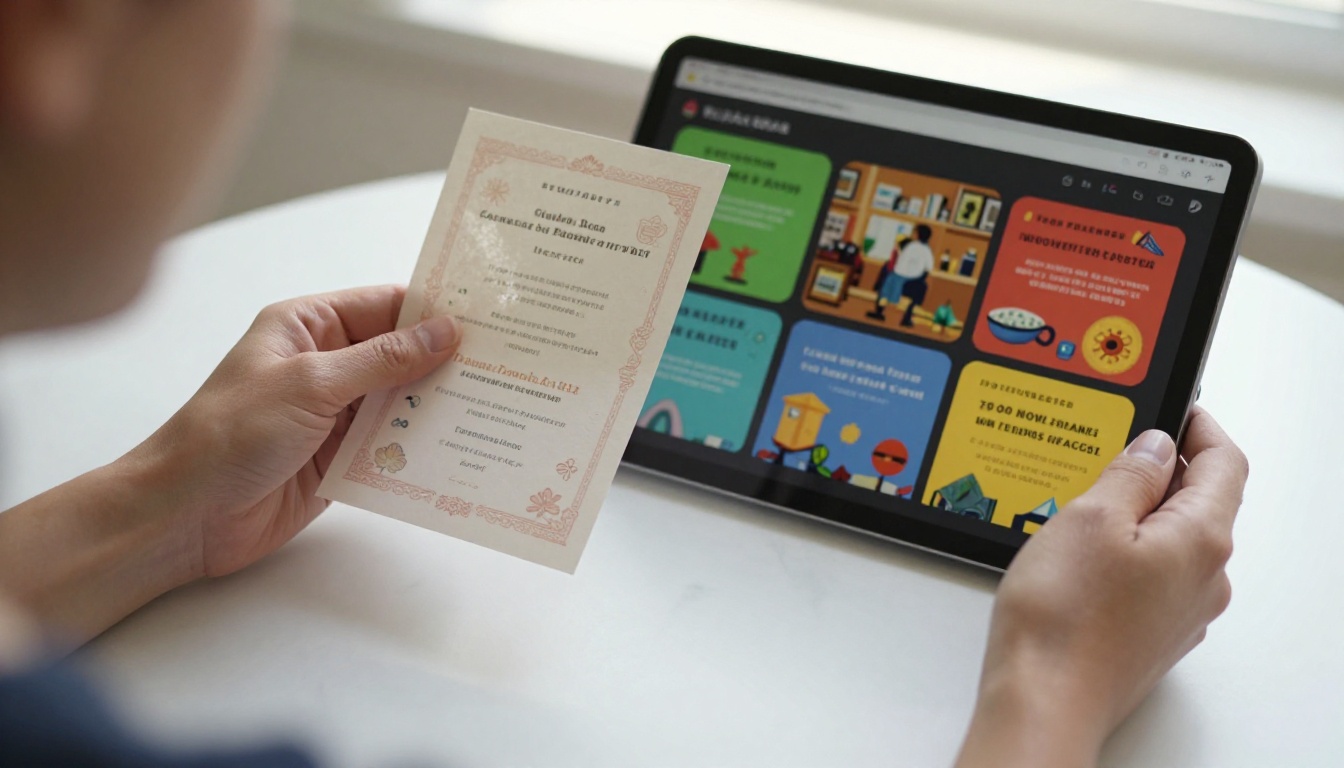
Hands-on Tutorial: Your First Flipbook Invitation
Since Flipbooks AI is directly built for this use case, here is a focused walkthrough for creating a wedding or social event invitation from zero.
1. Visit Flipbooks AI and sign up: Go to Flipbooks AI and create your account. The free plan is enough to test the full workflow on your first invitation.
2. Design your PDF: Open Canva, InDesign, or any tool you prefer. Build your invitation as a multi-page document. Each page becomes one spread in the flipbook. Aim for 5 to 8 pages for a full invitation experience.
3. Convert your PDF: Use the PDF to Flipbook Converter. Upload your PDF and the platform converts it instantly. The page-turn animation is applied automatically.
4. Apply branding: Set your event's color scheme, upload a logo or monogram, and choose a background texture that matches the event's mood. A garden party invitation suits a light natural wood background. A black-tie gala suits the dark velvet option.
5. Set privacy: For private events, enable password protection. Choose a password that is easy to share verbally or via message without confusion.
6. Share your flipbook: Copy the direct link and paste it into your email invitation or event WhatsApp group. For website embeds, use the Embed Flipbook on Website tool to get the snippet.
7. Track opens and follow up: In the dashboard, monitor who has opened the invitation and who has not. Use this data to send targeted follow-up messages rather than blasting everyone with reminders.
✅ Best practice: Send a plain-text message or email with the flipbook link rather than attaching the PDF. Links are more likely to be opened and shared. Include the password on the same message for private flipbooks so guests do not need to ask for it separately.
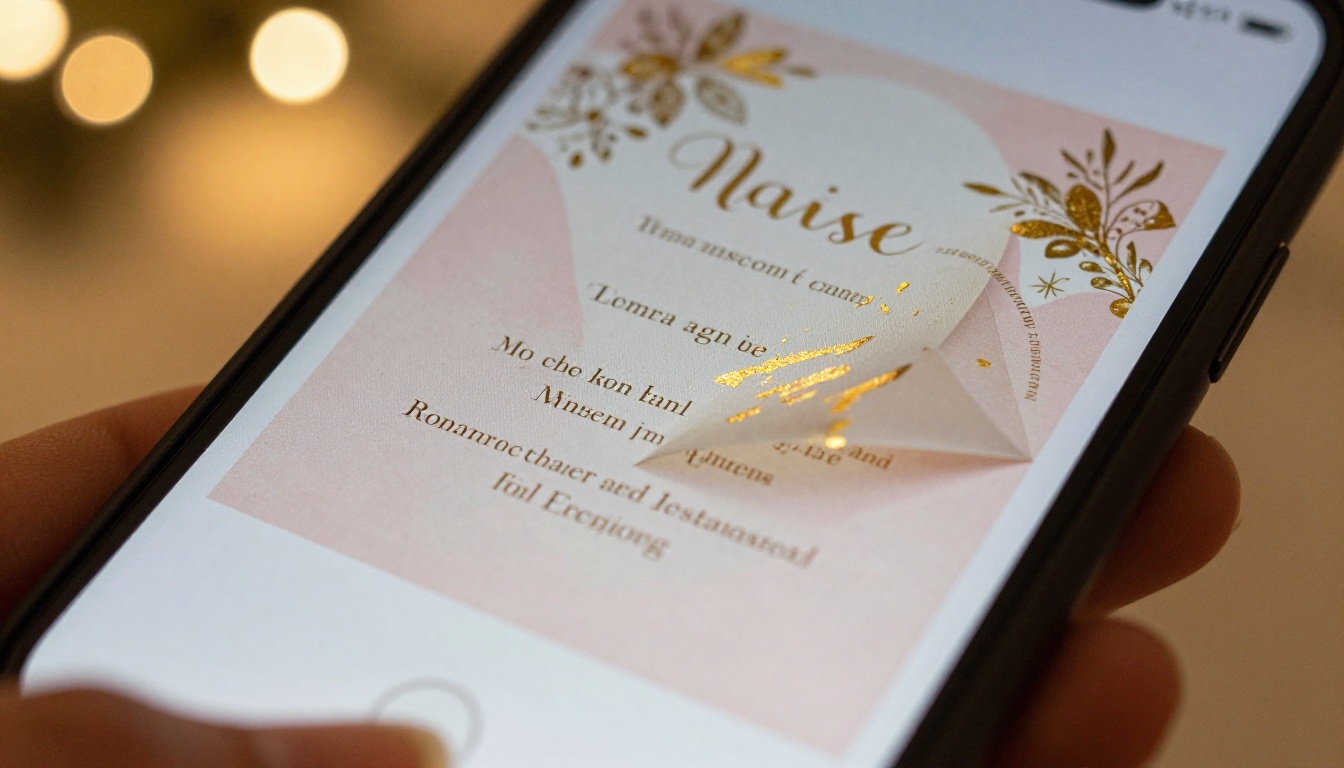
Take Your Invitations Further
The shift from printed to flipbook invitations is not just about saving money or going digital for its own sake. It is about giving guests an experience that starts before they walk through the door. A well-crafted flipbook invitation sets the tone, communicates care, and creates anticipation in a way that a flat card or basic email image simply cannot replicate.
Event planners who add flipbook invitations to their service offering have a concrete differentiator they can show clients during the pitch, not just describe. The visual difference between a static PDF and an interactive flipbook is immediately obvious and immediately persuasive.
The Event Program Maker, the Wedding Album Flipbook, and the Presentation Flipbook Designer are all built for the kind of content event planners produce every week. Every tool on Flipbooks AI includes no watermarks on Standard plan and above, unlimited flipbooks, custom branding, mobile-responsive output, and optional password protection for private events.
Ready to create your first flipbook invitation? Get started for free on Flipbooks AI and see the difference in your next event. Browse all available flipbook tools to find templates built for your specific event type, or compare pricing plans to find the right fit for your volume and client needs.