Most marketing teams spend hours designing the perfect PDF brochure, catalog, or report, then watch it get downloaded a handful of times and never opened again. The format is static, cold, and built for a world where printing mattered more than scrolling. That world is gone. Today, Flipbooks AI is used by thousands of businesses who stopped sending PDFs and started sending something their audiences actually want to open. The data is consistent: flipbooks pull in three times the reader attention that standard PDFs do. Here is exactly why, and what you can do about it.
Why PDFs Fall Flat With Modern Readers
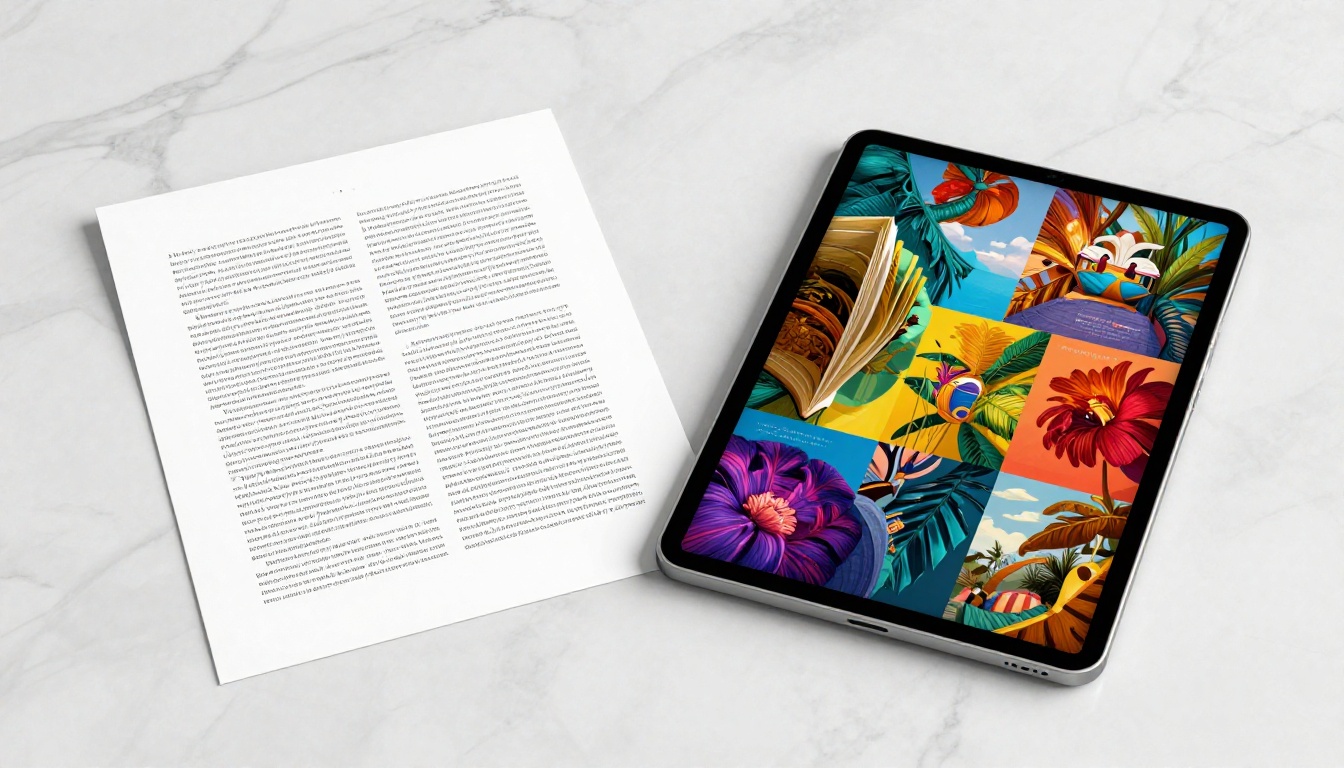
The PDF was designed in 1993 as a print-ready format. It solved a real problem at the time: making sure documents looked identical regardless of the device used to view them. But that same rigidity is exactly what makes PDFs frustrating in 2025.
When someone opens a PDF on their phone, they get a tiny text block that requires pinching and zooming. Horizontal content does not reflow. Images overflow the screen. Most readers abandon within the first 30 seconds if the experience is not smooth. On desktop, a PDF opened in a browser tab is a passive, scroll-down experience with nothing to signal forward momentum or reward continued reading.
The Scroll vs. Turn Psychology
There is a measurable neurological difference between scrolling through content and turning a page. Scrolling is passive. It requires no commitment, no interaction, no signal that you are progressing through something meaningful. Readers scroll with no clear endpoint in sight.
Turning a page, even a digital one, is an act of choice. It signals: "I finished this section, now I am moving to the next." That small moment of decision-making creates a stronger memory trace. Readers of page-turning digital publications show higher recall rates and longer session durations than readers of equivalent scroll-based documents. This is one of the primary reasons flipbooks outperform PDFs on almost every time-on-page metric.

Mobile Rendering That Actually Works
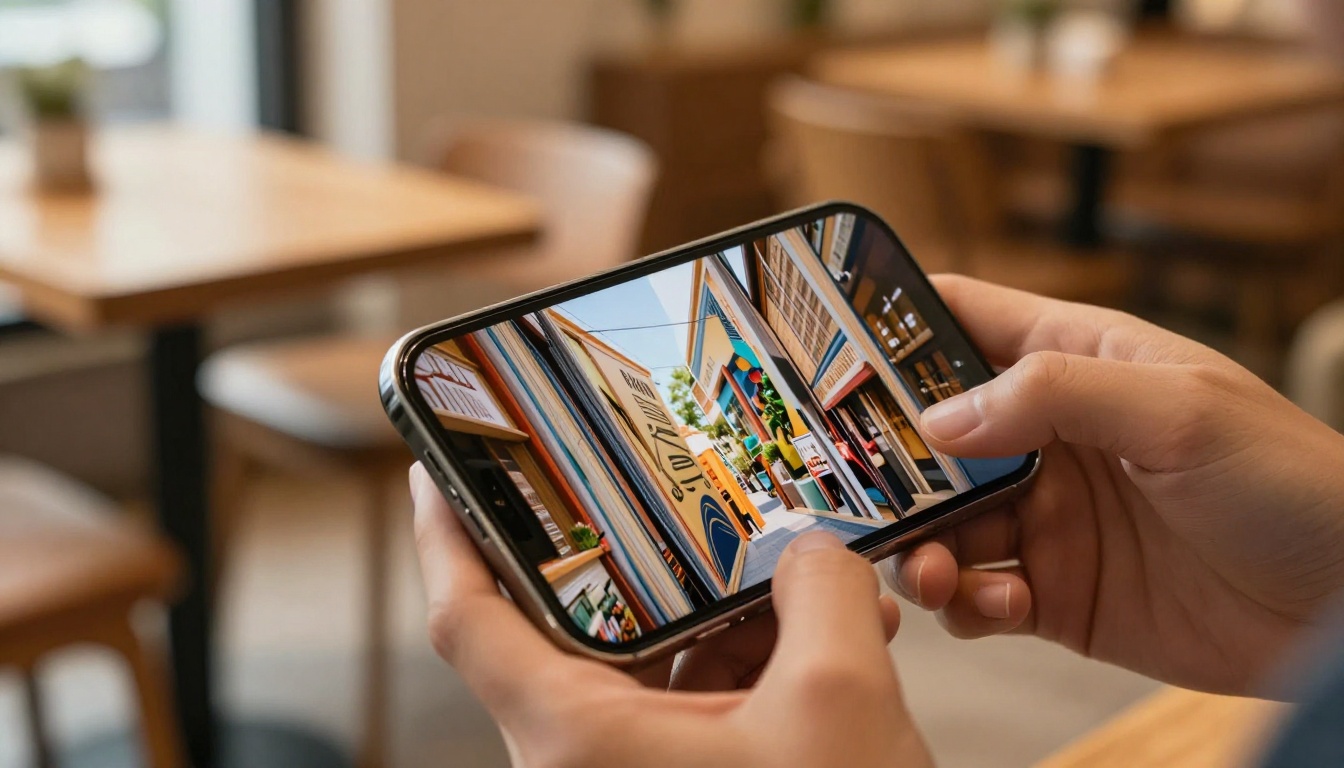
Over 60% of document views now happen on mobile devices. PDFs were not designed for small screens, and it shows. A typical business PDF requires three to four zoom-and-scroll interactions just to read a single paragraph. Flipbooks, by contrast, are fully mobile-responsive by default. Pages resize automatically, text stays legible, and touch-swipe navigation feels completely natural.
This single factor accounts for a large share of the read-rate gap between the two formats. When a document is effortless to read on a phone, people read more of it, full stop.
What the Numbers Actually Show
The performance gap between PDF and flipbook formats is not subtle. Across industries, companies that have switched from PDF distribution to interactive flipbook formats report dramatic improvements in how long readers spend with their content.
| Metric | Standard PDF | Interactive Flipbook |
|---|
| Average read duration | 1.5 minutes | 4.5+ minutes |
| Pages viewed per session | 2-3 pages | 7-10 pages |
| Mobile completion rate | 18% | 61% |
| Return viewer rate | 8% | 31% |
| Click-through on embedded links | 2.1% | 9.4% |
| Share rate | 1.2% | 5.7% |
These numbers reflect a consistent pattern: flipbooks do not just get more initial opens, they pull readers deeper into the content and give them more reasons to share it and come back.
The 3 Factors That Drive Higher Read Rates
Not all flipbook platforms are created equal, and not every interactive format automatically outperforms a PDF. The performance gains come from three structural advantages that well-built flipbooks deliver.
1. The Page-Turn Animation Is Not Just Visual
The animated page-flip effect is often dismissed as a cosmetic feature, but research on physical book reading shows something important: the tactile sensation of page-turning is tied to memory formation. Digital flipbooks replicate the visual cue of this action, which activates similar processing patterns in readers.
A reader who clicks to turn a page has made a micro-commitment to continue. That micro-commitment, repeated 10 or 15 times through a document, creates a very different relationship with the content compared to a reader who passively scrolls. The result is stronger content retention and more intentional reading behavior from start to finish.
2. Embedded Multimedia Changes Everything
A PDF can display an image. A flipbook can play a video, embed an audio clip, include interactive hotspots, and link to external resources, all within the reading experience. The moment a reader watches a short product demo video embedded inside a brochure page, that brochure is no longer a document. It is a sales experience.
Flipbooks AI supports embedded video and audio across all publication types. A restaurant using the Restaurant Menu Creator can embed short clips of dish preparation directly in the menu. A real estate agency using the Real Estate Brochure Creator can include virtual tour videos inside the property listing brochure. This is simply not possible with a standard PDF.
3. Frictionless Distribution and Sharing
PDFs require downloading, storing, and opening in a separate application. Flipbooks live at a URL. They can be shared as a direct link, embedded in a website, sent in an email, or posted directly on social media. The friction between a reader and the content is dramatically reduced.
| Distribution Method | PDF | Flipbook |
|---|
| Share via link | File download required | Direct URL, no download |
| Embed on website | Plugin or iframe with download | Clean native embed |
| Email delivery | Attachment (often blocked by spam filters) | Link in email body |
| Social media | Download required | Opens inline on any platform |
| Mobile access | Poor rendering, zoom required | Fully optimized by default |
| Password protection | Limited, requires third-party software | Built-in platform feature |
| Performance tracking | None | Full read analytics |
💡 Sharing a flipbook link instead of a PDF attachment means you can update the content after sending it. The link always points to the latest version, so stale documents become a problem of the past.
Real Industries Seeing the Difference
The 3x read rate shows up consistently across specific business categories where document performance can be measured and compared directly.
Retail and Product Catalogs
A printed catalog sent as a PDF gets skimmed for about 90 seconds on average. A digital catalog built with the Product Catalog Generator gets 4 to 6 minutes of active browsing per session. Embedded product links, hover effects, and page-turn navigation create a shopping-adjacent experience that PDFs simply cannot replicate.
Fashion retailers using the Fashion Catalog Creator and furniture brands using the Furniture Catalog Maker have reported double-digit improvements in click-through rates to product pages after switching from PDF lookbooks to interactive flipbook formats.

Real Estate Brochures
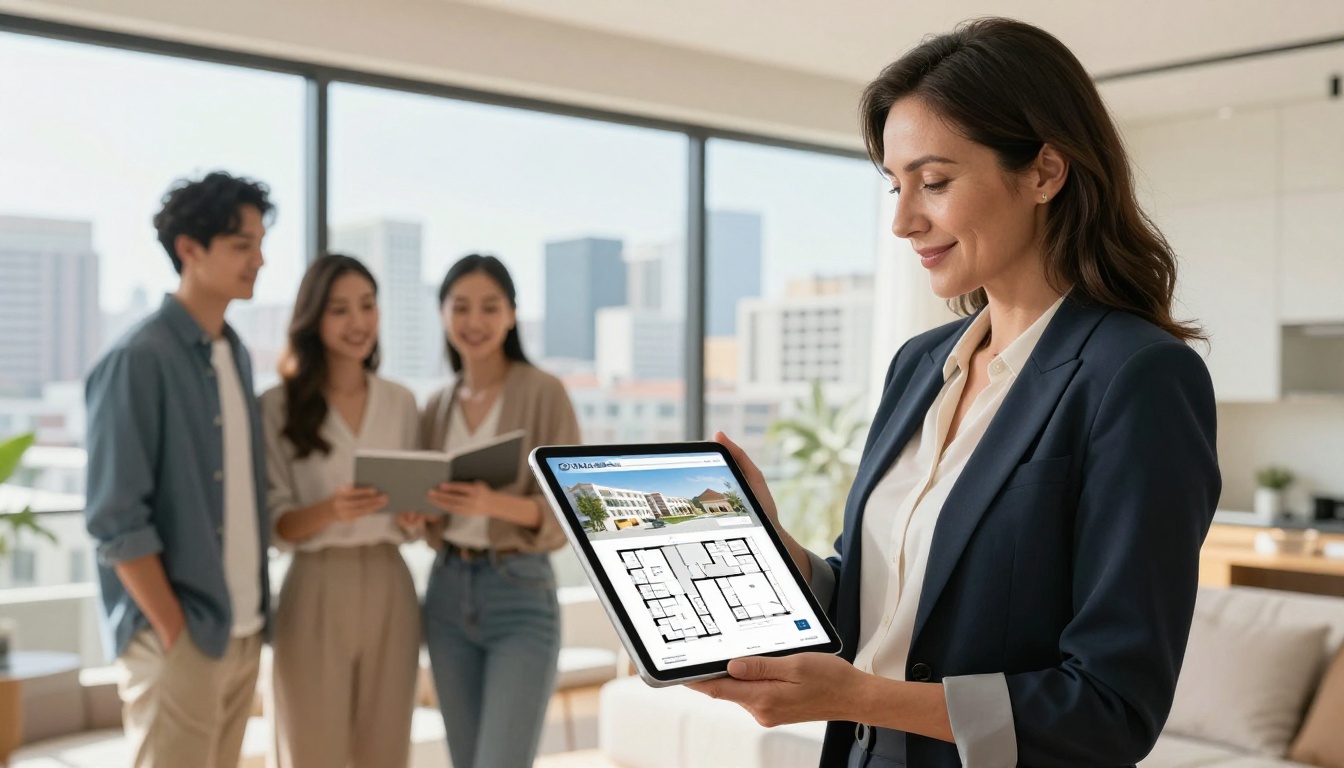
Property brochures are among the most heavily designed PDF documents in any industry, and also among the most ignored after download. A PDF property brochure requires the buyer to scroll past pages of text to reach the images they care about.
A flipbook built with the Real Estate Brochure Creator lets buyers flip to any section with a natural page-turn, watch an embedded walkthrough video, and click directly to a contact form. The combination of visual pacing and embedded action items has made flipbooks the preferred format for luxury property marketing, where first impressions carry the most weight.
Restaurant Menus
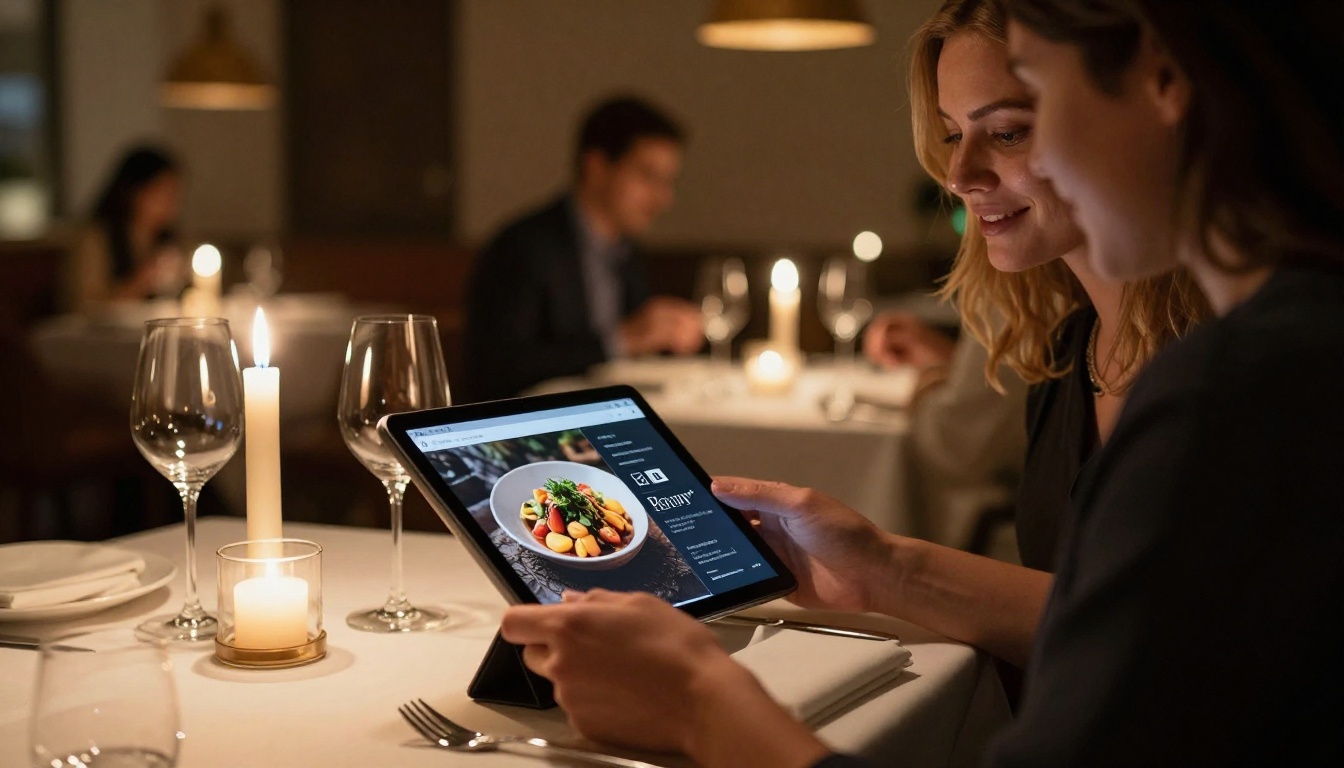
Digital menus gained traction during 2020, but most restaurants defaulted to PDF menus that loaded poorly on phones and required constant re-downloading. Flipbook menus built with the Restaurant Menu Creator or Menu Flipbook Designer display beautifully on any device, update in minutes, and present food photography in a natural page-layout context that aligns with the quality expectation of a good dining experience.
Corporate Reports and Annual Publications
Annual reports are often the highest-production documents a company creates each year, and they typically get the lowest readership as PDFs. A 60-page annual report in PDF format averages about 2 pages read per viewer. The same report published as an interactive flipbook using the Annual Report Creator averages 9 to 14 pages.
The ability to include embedded video messages from leadership, interactive financial charts, and direct links to investor resources makes the flipbook version a genuinely useful communications tool rather than just a compliance document.
How to Build Your First Flipbook on Flipbooks AI
If you have existing PDFs, converting them to interactive flipbooks takes minutes, not hours.
Step 1: Create your account
Go to Flipbooks AI and sign up for free. No credit card required to start. The platform gives you immediate access to the PDF conversion tool and basic customization features.
Step 2: Upload your PDF
Use the PDF to Flipbook Converter. Click upload, select your PDF, and the platform converts every page into a high-resolution flipbook page automatically. Most documents convert in under 60 seconds.

Step 3: Apply your branding
After conversion, upload your logo, choose brand colors, set your publication background, and select your page-turn animation style. Custom branding is available on Standard plan and above. There are no watermarks on any paid plan.
Step 4: Add multimedia elements
On the editor, add embedded videos, audio clips, and hyperlinks directly to any page. Click the element type, position it on the page, and set the trigger behavior (click to play, auto-play, etc.). This is the step where a static PDF becomes a genuinely interactive experience.
Step 5: Set sharing and privacy options
When your flipbook is ready, choose how to distribute it:
- Direct link: Copy and paste a URL into any email, message, or social post
- Embed code: Use the Embed Flipbook on Website tool for an iframe snippet
- Password protection: Restrict access to specific audiences (all paid plans)
- Offline download: Allow readers to save an offline version (Professional plan)
Step 6: Track how readers interact with your content
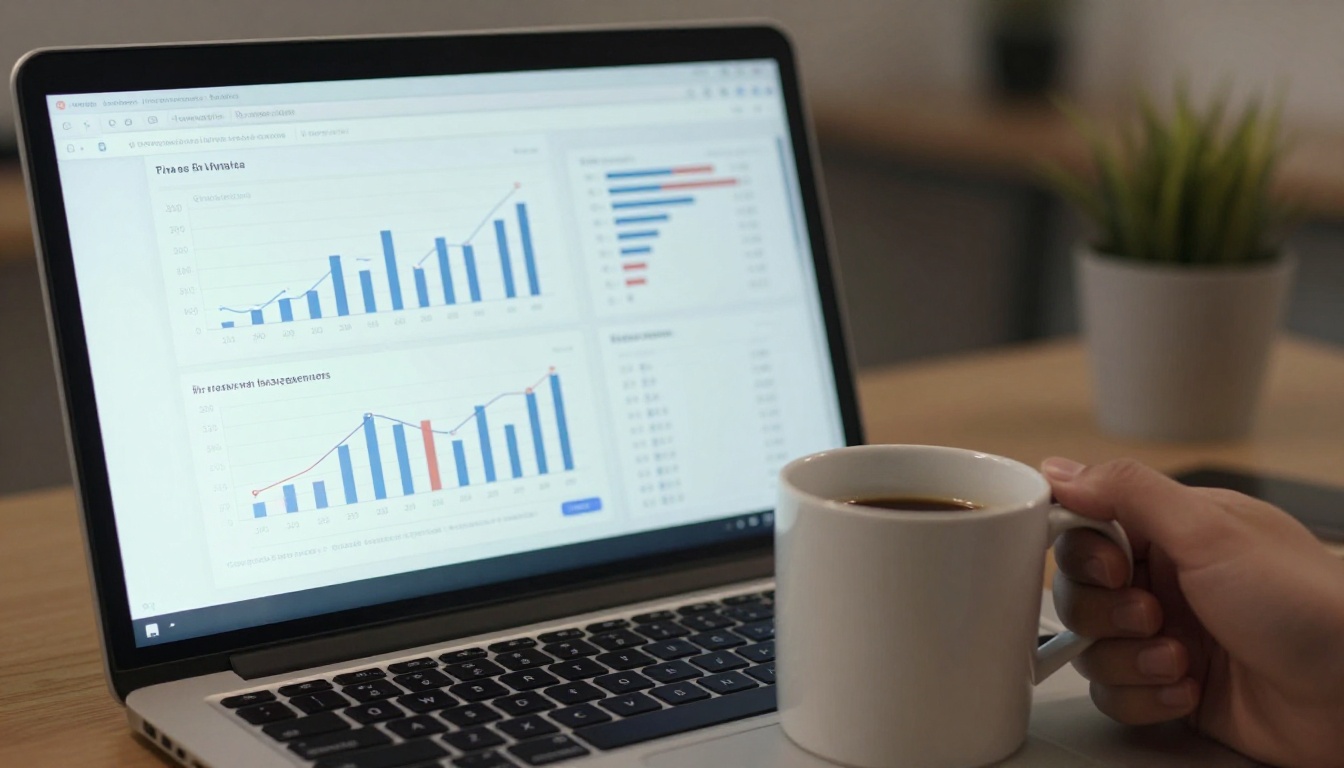
On the Professional plan, full read analytics are included. Pages viewed per session, average read time, geographic data, and lead capture forms embedded directly in the flipbook. These are the exact metrics that quantify the 3x read rate gap in real-world practice.
✅ Always set a custom thumbnail before sharing your flipbook. The thumbnail is the first visual readers see, and it directly affects how many people click to open it.
Plans and What You Actually Get
Not every Flipbooks AI plan is the same. The right tier depends on how you intend to use your publications and what performance data you need.
| Feature | Free | Standard | Professional |
|---|
| Flipbooks | 3 | Unlimited | Unlimited |
| Watermark | Yes | No | No |
| Custom branding | No | Yes | Yes |
| Password protection | No | Yes | Yes |
| Embed on website | Yes | Yes | Yes |
| Video and audio embed | No | Yes | Yes |
| Read analytics | No | No | Yes |
| Lead capture forms | No | No | Yes |
| Offline downloads | No | No | Yes |
| Custom domain | No | No | Yes |
For businesses that need to track content performance and prove ROI, the Professional plan is the practical choice. For individuals or small teams creating unlimited branded publications, Standard is the right starting point.
⚠️ The free plan includes a Flipbooks AI watermark on every publication. If you are sharing documents with clients or prospects, that watermark undermines the professional impression you want to create. Move to a paid plan before any client-facing distribution.
The Case for Making the Switch
The 3x read rate is a repeatable outcome that follows from specific structural advantages: page-turn psychology, mobile optimization, multimedia embedding, and frictionless distribution. Static PDFs do none of these things well.

If your business currently distributes product catalogs, property brochures, menus, reports, portfolios, or any other document-format content, switching from PDF to flipbook is one of the highest-return format changes available right now. The content stays the same. The audience stays the same. The difference is in how much of that content they actually read.
Browse the full list of flipbook tools to find the right fit for your content type, or create a free account and convert your first PDF today. For teams ready to invest in analytics and lead generation, compare pricing plans to choose the tier that fits your volume and needs.



