Most freelancers are losing clients before a single call ever happens. Not because their work is lacking, but because the way they present themselves blends into the noise. A flat PDF, a generic Google Drive link, a portfolio site that takes four seconds to load on mobile. Clients form opinions in milliseconds, and a forgettable presentation means a forgettable freelancer. Flipbooks AI is changing that dynamic, and the freelancers who figured this out first are closing more deals, charging higher rates, and building client relationships that last.
This article breaks down exactly how freelancers across disciplines use interactive flipbooks to win attention, build credibility, and convert more prospects into paying clients.

Why Static PDFs Are Costing You Business
Every freelancer has sent a portfolio PDF at some point. You spend hours arranging pages, exporting a clean file, attaching it to an email, and waiting. The response rate is often disappointing, and it has nothing to do with your talent.
The Attention Problem
A PDF is a passive document. It sits in a downloads folder, competes with every other attachment a client received that week, and offers zero signal about whether it was ever opened. There is no page-turn animation, no embedded video, no feedback loop. It does not create an experience; it delivers information in the most forgettable format possible.
The average decision-maker receives dozens of vendor or freelancer submissions per week. The ones that get callbacks share one trait: they are memorable within the first ten seconds. A document that behaves more like a website, with smooth page transitions and rich media, earns attention that a flat PDF simply cannot.
What Clients Actually See
💡 Research insight: Studies on B2B buyer behavior consistently show that visual presentation quality influences perceived professionalism more than the work samples themselves at the initial touchpoint.
Clients do not just evaluate your skills. They evaluate whether working with you feels easy, modern, and low-risk. A polished interactive portfolio signals all three. A PDF with inconsistent margins signals the opposite.

What an Interactive Flipbook Does Differently
A flipbook is a digital publication that mimics the experience of flipping through a physical magazine or brochure, but with the interactivity of the web. When a client opens your flipbook portfolio link, they are immediately inside an experience, not reading a document.
First Impressions That Actually Land
The page-turn effect is not just aesthetic. It communicates that this freelancer put real thought into how the work is presented, not just what is inside. Clients associate that level of care with how you will treat their project.
With Flipbooks AI, your portfolio becomes a branded, interactive publication. Custom colors, your logo, your typography. No watermarks, no third-party branding cluttering your presentation. The focus stays entirely on your work and your identity.
Pages That Do the Selling
Static portfolios show. Interactive portfolios sell. The difference is in what happens between pages. A freelance photographer can embed behind-the-scenes video clips. A brand designer can include animated logo transitions. A copywriter can add audio samples of voiceover work. A consultant can embed a short case study video directly into the page.
These touchpoints hold attention far longer than static content. The more time a prospect spends inside your portfolio, the more invested they become before they ever speak to you.

5 Types of Freelancers Who Win with Flipbooks
Flipbooks work across virtually every freelance discipline, but some fields see especially strong results. Here is how different professionals apply them.
Graphic Designers and Brand Specialists
For designers, the portfolio is the product. An interactive flipbook showcases branding work, packaging, print layouts, and visual systems in a format that itself demonstrates design competence. Using the Digital Portfolio Creator or Portfolio Flipbook Builder, designers can present case studies with before-and-after spreads, brand guidelines as living documents, and client testimonials embedded alongside the work.
Photographers
A Photography Portfolio flipbook transforms a shoot gallery into an editorial experience. Instead of a grid of thumbnails, clients see full-bleed spreads that feel like a luxury magazine. Photographers report that flipbook portfolios produce stronger emotional responses from prospective clients, which translates directly into faster booking decisions.
Copywriters and Content Strategists
Copywriters often struggle with portfolio presentation because words on a screen look identical to everyone else's words on a screen. A flipbook changes the context entirely. Arrange writing samples, case study results, and client metrics across designed spreads. The formatting elevates the work and signals that this writer understands visual communication, which is exactly what most clients want from a content partner.
Consultants and Business Coaches
Consultants and coaches use flipbooks to present service packages, methodology overviews, and client success stories in a format that feels like a polished proposal deck. A beautifully designed flipbook sent before a discovery call positions the consultant as premium before a single word is spoken. This format works especially well for proposals built with the Sales Presentation tool.
Web Developers and UX Designers
Developers and UX professionals face the challenge of presenting technical work in a way that non-technical clients can appreciate. Flipbooks let them walk clients through case studies with annotated screenshots, before-and-after UI comparisons, and process documentation in a narrative format that builds clarity and confidence with any audience.

What to Put Inside Your Freelance Flipbook
The content architecture of your flipbook matters as much as the visual presentation. Here is what the most effective freelance flipbooks include.
| Section | Purpose | Pro Tip |
|---|
| Cover Page | Instant brand impression | Use a strong hero image and your name plus specialty |
| About / Story | Build personal connection | Keep it to 150 words, focus on client outcomes |
| Selected Work | Demonstrate capability | Show 4-6 projects, not your entire archive |
| Case Studies | Prove results | Include specific metrics: "increased traffic by 40%" |
| Services & Process | Set expectations | Use a simple 3-step or 4-step process visual |
| Testimonials | Build social proof | Pull direct quotes from client emails |
| Pricing Overview | Qualify prospects | Ranges work better than specific numbers |
| Contact / CTA | Convert viewers | Include a direct scheduling link |
✅ Best practice: A flipbook portfolio works best at 12 to 20 pages. Shorter feels thin. Longer loses attention. Hit the sweet spot by being selective, not exhaustive.
Tailoring Your Flipbook to the Client
One of the biggest advantages of the digital flipbook format is how fast it is to create a customized version for a specific prospect. Instead of sending the same portfolio to every lead, you can build a targeted version that leads with the work most relevant to their industry.
A freelancer pitching a restaurant chain would open with their food and hospitality work. The same freelancer pitching a tech startup would lead with product-focused projects. The core content stays the same; only the order and emphasis changes. This level of personalization, delivered in under an hour, signals a level of client-centricity that most competitors simply cannot match.
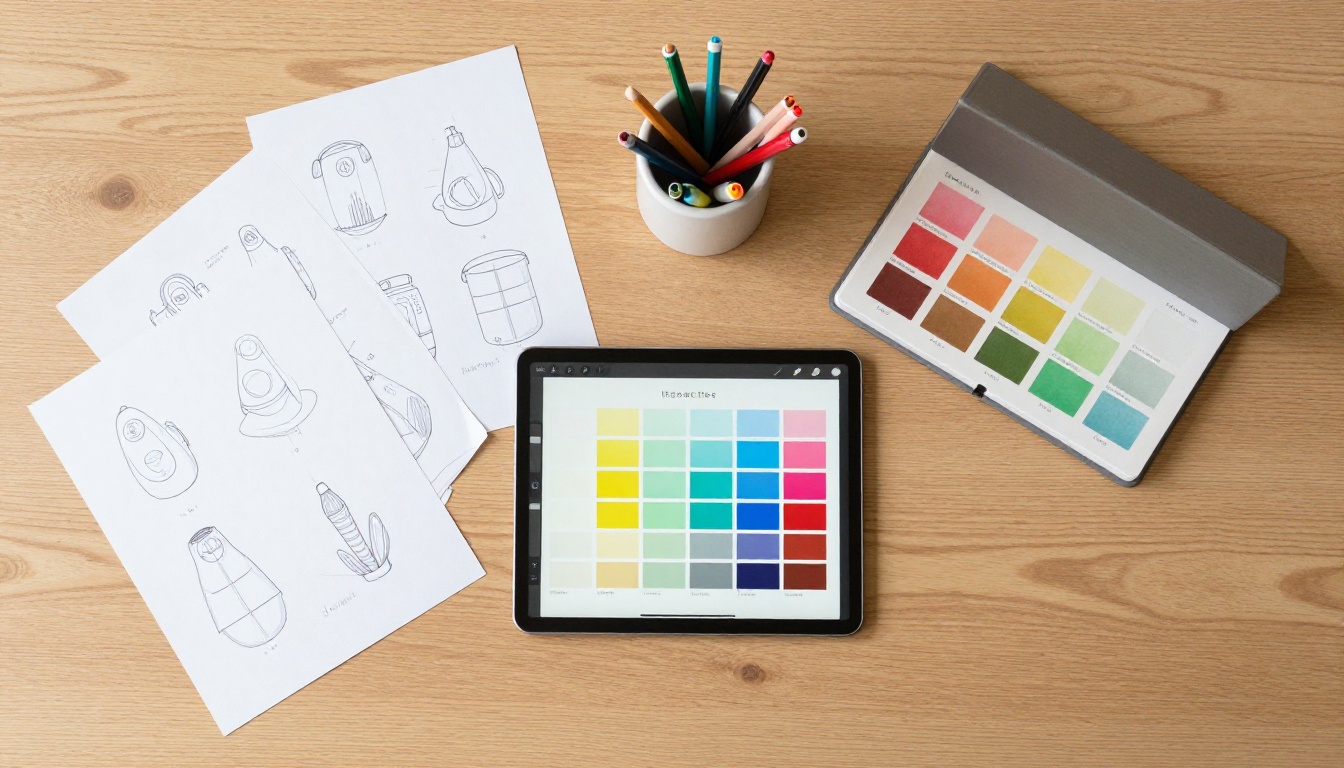
How to Build Your Portfolio Flipbook with Flipbooks AI
Flipbooks AI gives freelancers exactly what they need: a fast, professional flipbook builder with zero watermarks and full customization control. Here is how to go from PDF to live portfolio link in minutes.
Step 1: Create Your Account
Head to flipbooksai.com/account and create a free account. No credit card required to start. You get access to the full tool suite immediately.
Step 2: Upload Your PDF
Prepare your portfolio as a PDF from any design tool (Figma, InDesign, Canva, PowerPoint). Then navigate to the PDF to Flipbook Converter and drag your file into the upload area. The platform converts it automatically, preserving all your typography, images, and layouts.
Step 3: Customize Your Branding
Once converted, open the customization panel. You can:
- Upload your logo and set it as the persistent header brand
- Choose your brand color palette for the interface chrome
- Select page-turn style (flat slide or realistic page flip)
- Toggle the background color or texture behind pages
- Enable or disable the table of contents sidebar
Step 4: Add Multimedia Elements
This is where the flipbook surpasses any static PDF. Click on any page to add:
- Embedded video: Paste a YouTube or Vimeo link directly onto a page
- Clickable links: Turn any area into a hotspot linking to your website, Calendly, or a case study
- Audio clips: Add voiceover or ambient sound to specific pages
Step 5: Set Sharing Options
When your flipbook is ready, choose how to share it:
- Direct link: A clean, branded URL you paste into emails or proposals
- Embed code: Drop the flipbook directly into your personal website using the Embed Flipbook on Website tool
- Password protection: For proposal-specific versions you only want the intended client to see
- Offline download: Available on the Professional plan, ideal for in-person meetings
💡 Pro tip: Create one master portfolio flipbook and duplicate it for each client pitch. Swap the cover page and reorder sections in under 30 minutes. You now have a personalized portfolio for every prospect.

Proposals That Actually Get Responses
Portfolios win attention. Proposals win projects. Freelancers who combine both into a single flipbook document have a significant structural advantage.
Instead of sending a portfolio link separately from a proposal document, create a combined flipbook that flows from your story, through your work, into your proposed approach for this specific client. Structure it like a narrative:
- The Problem: What you understand about their specific challenge
- The Approach: How you work and what your process looks like
- Relevant Work: 2 to 3 case studies directly related to their industry
- The Investment: Your proposed scope and pricing
- Next Steps: A single, clear call to action with a scheduling link
This format makes it nearly impossible for a client to forward your proposal without your entire portfolio and story coming with it. Every person who sees it gets the full picture of who you are, not just a quote in a spreadsheet.

Freelancers have more portfolio options than ever. Here is how the formats compare on the metrics that actually matter for client acquisition.
| Format | Setup Time | Interactivity | Mobile Experience | Customization | Analytics |
|---|
| Static PDF | Low | None | Poor (small text) | Limited | None |
| Portfolio Website | High | Moderate | Good | High | Via plugins |
| Behance / Dribbble | Low | Low | Good | Very limited | Basic |
| Google Slides link | Low | None | Moderate | Moderate | None |
| Flipbook (Flipbooks AI) | Low | High | Excellent | Full control | Built-in (Pro) |
| Notion Page | Medium | Low | Moderate | Moderate | None |
The flipbook format wins on the combination of low setup time, high interactivity, and excellent mobile experience. A client scrolling through your flipbook on their phone during a commute has a qualitatively better experience than trying to pinch-zoom a PDF.
Plan Options Worth Knowing
Different freelancers have different needs. Here is a quick breakdown of what matters at each tier.
| Feature | Free | Standard | Professional |
|---|
| Flipbooks created | Limited | Unlimited | Unlimited |
| Watermarks | Yes | No | No |
| Custom branding | Partial | Full | Full |
| Password protection | No | Yes | Yes |
| Analytics | No | No | Yes |
| Lead generation | No | No | Yes |
| Offline downloads | No | No | Yes |
| Embed on website | Limited | Yes | Yes |
For most freelancers starting out, the Standard plan gives everything needed to present professionally without limitations. For those sending proposals at scale or wanting to see exactly how long clients spend on each page, the Professional plan analytics are genuinely valuable sales intelligence.
⚠️ Watch out: Free plans on any flipbook platform will show their branding on your portfolio, which undercuts the professional impression you are trying to create. If you are sending this to paying clients, use a plan without watermarks.

Using Analytics to Follow Up Smarter
One of the most underused advantages in the Professional plan is the built-in analytics. When you share a flipbook link, you can see:
- Total views: How many times your link was opened
- Time per page: Which sections held attention and which were skipped
- Return visits: Whether a prospect came back to look again, which is a strong buying signal
This turns your portfolio from a one-way broadcast into active sales intelligence. If a prospect spent five minutes on your pricing page and then two minutes on your testimonials, that is a very different follow-up conversation than if they opened it once and closed after the first page.
Smart follow-up based on this data is one of the highest-leverage moves a freelancer can make. "I noticed you had a chance to look through the proposal" lands differently than a cold check-in email.
Flipbooks AI offers purpose-built tools that go beyond a general portfolio. Depending on your freelance niche, these add significant value:
Each tool is optimized for its specific content type, saving the setup time you would spend building from scratch.
Where to Start Right Now
The best freelance flipbook portfolio is the one that exists. Perfectionists often spend weeks redesigning a portfolio that clients will judge in fifteen seconds. Get a functional version live first, then iterate.
Start with your five strongest pieces of work. Write three sentences about each that focus on what the client achieved, not what you did technically. Add a one-paragraph bio, a simple services overview, and a direct link to your scheduling tool. Convert it to a flipbook. Send it to your next five prospects.
The feedback you get from real client interactions will tell you more about what to improve than any template or framework. The flipbook format makes iteration fast because updating a PDF and re-uploading takes minutes, not hours of website editing.
Ready to create your first flipbook portfolio? Get started for free on Flipbooks AI and have a live, shareable portfolio link before the end of the day.
Browse all available flipbook tools to find the right fit for your specific niche. Compare pricing plans to decide which tier matches where you are in your freelance business right now.



