Freelancers who send the same flat PDF that every other applicant sends are fighting an uphill battle before the conversation even starts. The moment a client opens a static document and scrolls through pages of text with no interactivity, no page-turning effect, no visual hierarchy, they have already mentally moved on to the next candidate. Flipbooks AI changes that dynamic completely, and thousands of independent professionals are already using it to stand out, close faster, and charge more.
Why Static PDFs Are Costing You Clients
Most freelancers underestimate how much their document format affects client perception. A brilliant portfolio buried in a 12-page PDF looks identical to an amateur one. The format flattens everything.
What Clients Really See
When a client receives a PDF attachment, they typically:
- Download it and immediately forget about it
- Open it, skim two pages, and close it
- Struggle to navigate between sections without scrolling endlessly
- See zero visual dynamism regardless of how good the actual work is
The problem is not your work. It is the container. A static document signals static thinking, and in a market where clients have 10 proposals in their inbox, that is the wrong signal.
The First Impression Problem
Clients make hiring decisions in seconds. Research on buyer behavior consistently shows that visual presentation shapes perceived value before a single word is read. A freelancer who sends a polished, interactive portfolio with a page-turning effect, embedded media, and clean navigation already looks more professional than someone who sends a Word document, even if their actual work is comparable.
💡 Pro Tip: The format of your proposal is part of your proposal. Clients are hiring you to create great work. Show them you already do.
What a Freelance Flipbook Actually Is
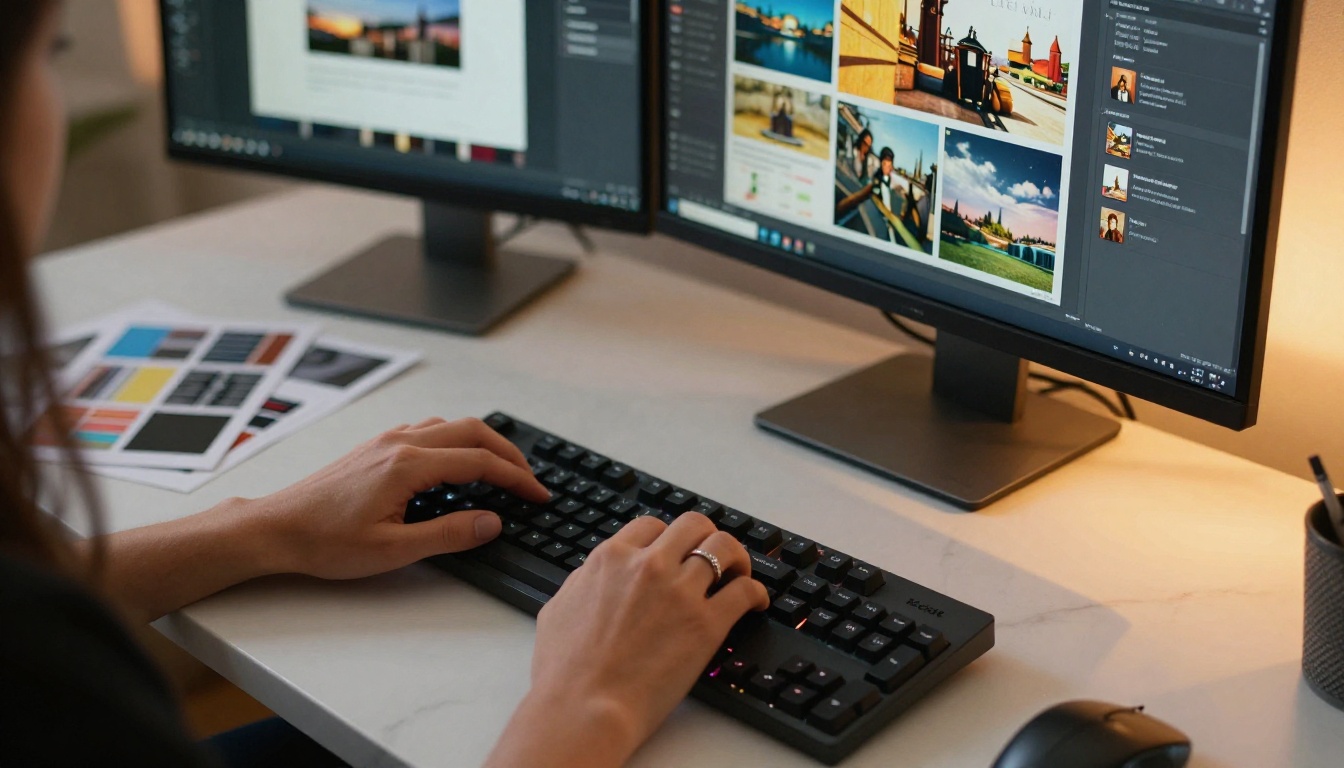
A flipbook is a digital document that behaves like a real magazine or brochure, with pages that actually turn, a table of contents that jumps between sections, embedded links, videos, and full mobile responsiveness. It lives online as a shareable link, not a file that gets downloaded and lost in a folder.
Beyond the Pretty Page
The interactive nature of a flipbook is what makes it powerful for freelancers specifically. You are not just sharing a static portfolio. You are creating an experience that mirrors the quality of work you deliver. A graphic designer sending a flipbook is showing visual thinking in the act of presenting. A copywriter sending one is demonstrating attention to format and flow. A consultant sending one is signaling that they care about the client's reading experience.
There are three main types of documents freelancers turn into flipbooks:
- Portfolio flipbooks: Showcasing past work in a structured, browsable format
- Proposal flipbooks: Presenting project scope, pricing, timelines, and case studies
- Service brochures: Explaining what you offer, to whom, and at what investment level

Portfolio Flipbooks That Clients Actually Read
A portfolio is your highest-leverage marketing asset. It works while you sleep, while you are on calls with other clients, and while a hiring manager is reviewing options at 11pm. The format it lives in determines whether it gets read or closed.
Designers, Photographers, Writers All Benefit
Every freelance niche benefits from an interactive portfolio format differently:
- Graphic designers can organize work by client, industry, or project type, with each section navigable from a visual table of contents
- Photographers can create gallery spreads that mirror the feel of a printed editorial book, with images presented at full bleed width
- Copywriters can showcase headline tests, case study results, and before-and-after examples in a format clients can actually absorb
- Web developers can include screenshots, live links, and technical summaries in a structured, easy-to-skim format
- Consultants can present client outcomes, frameworks used, and testimonials in a visually compelling case study format
How to Organize Your Work
The most effective freelance portfolio flipbooks follow a simple structure:
- A strong opening page with your name, specialty, and one compelling outcome statistic
- Three to five featured projects with context, your role, and measurable results
- A short "about" section that tells your story without being a biography
- Testimonials from past clients, presented visually
- A clear next step, whether that is a contact form, a link to book a call, or an email address

| Freelance Niche | Best Portfolio Content | Recommended Tool |
|---|
| Graphic Design | Case studies, brand identity work, mockups | Digital Portfolio Creator |
| Photography | Full-bleed gallery spreads, editorial samples | Photography Portfolio |
| Copywriting | Before/after examples, campaign results | Portfolio Flipbook Builder |
| Web Development | Screenshots, live project links, tech stack overview | Digital Portfolio Creator |
| Marketing / Brand Strategy | Case studies, ROI results, framework breakdowns | Presentation Flipbook Designer |
| Consulting | Client outcomes, process documentation, testimonials | Press Kit Designer |
Proposals That Close More Deals
A proposal is where projects are won or lost. Most freelancers send proposals as plain text emails or basic PDF attachments. The ones who consistently close at higher rates are the ones who have invested in how the proposal feels to receive.
The Proposal Nobody Ignores
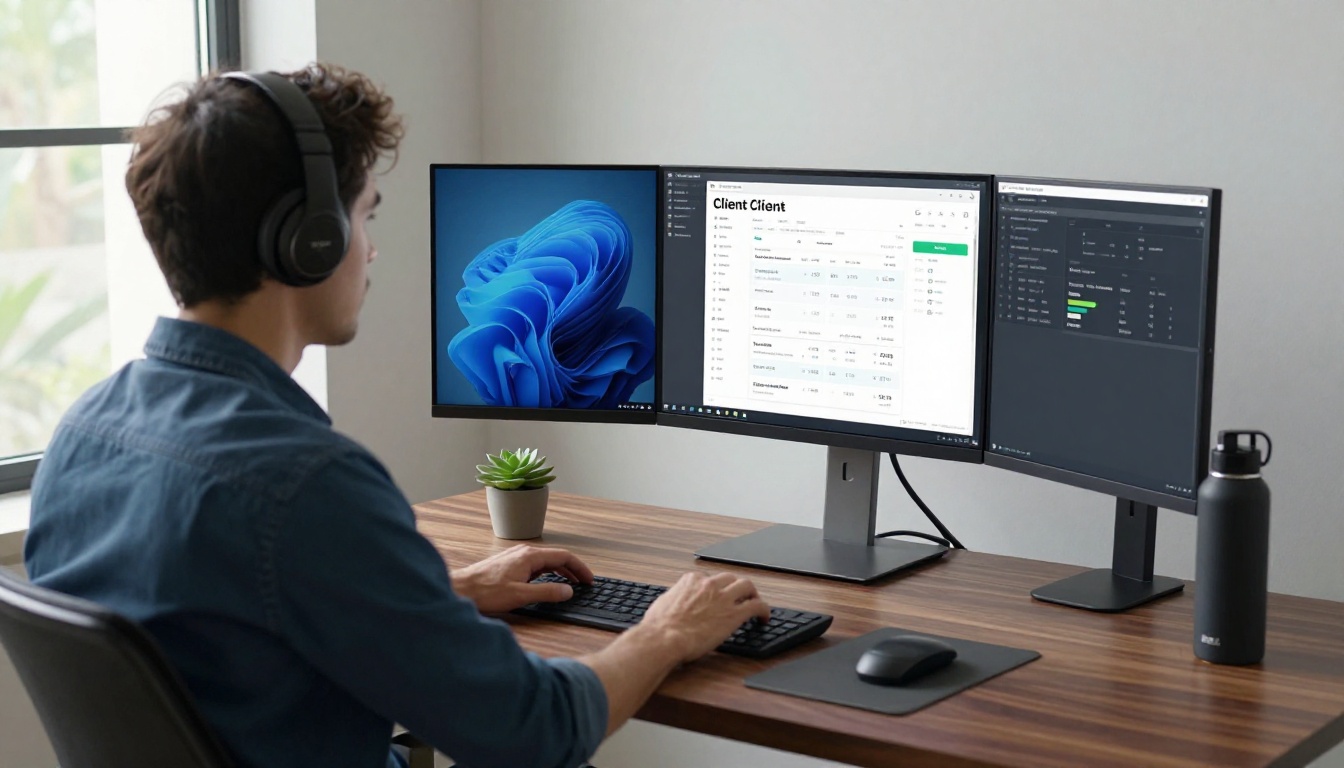
An interactive proposal flipbook changes the client's experience from passive reading to active exploration. Instead of scrolling through a wall of text, the client can:
- Jump to the pricing section from the table of contents
- See embedded images of your past work in context
- Review your process as a visual timeline rather than bullet points
- Share the proposal link with other stakeholders in their organization without forwarding file attachments
💡 Pro Tip: Include a short personal video embed on the opening page of your proposal flipbook. It puts a face to the pitch and makes the interaction feel genuinely human.
Pricing Pages That Convince
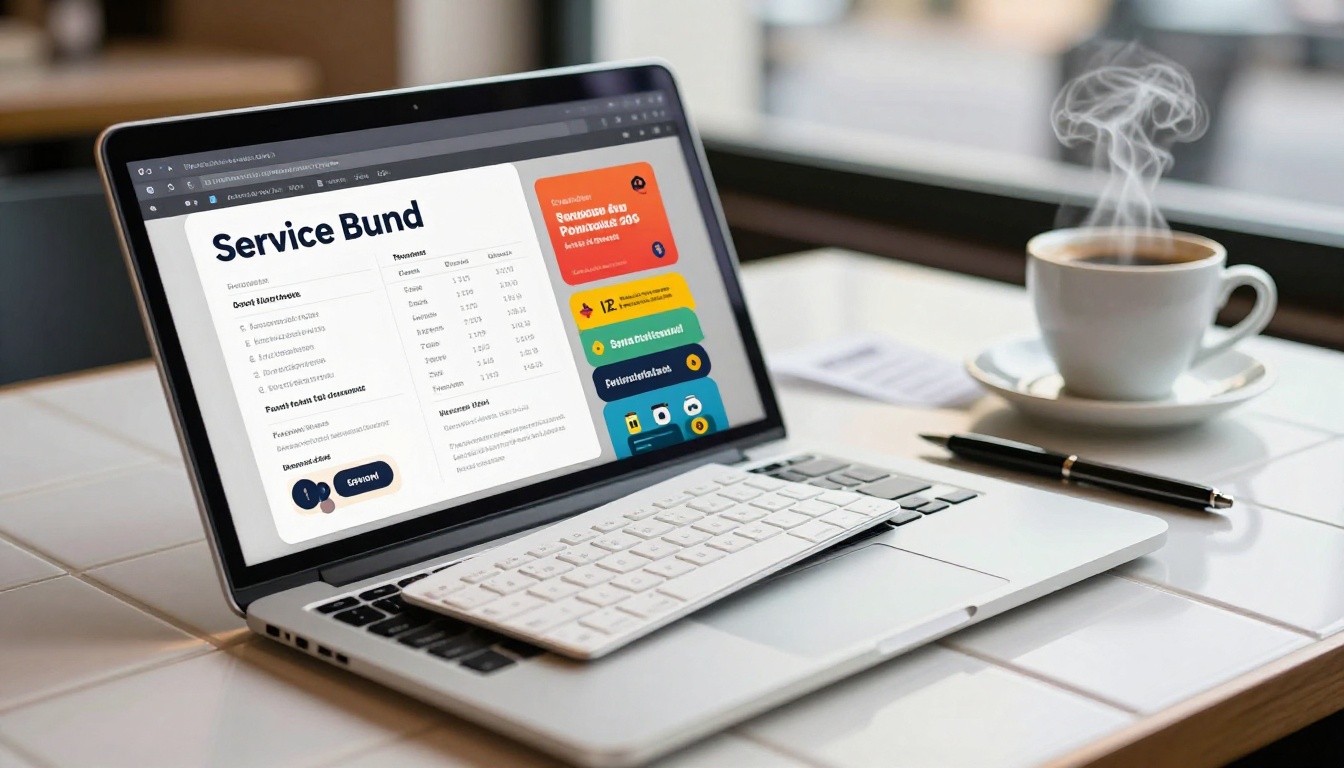
The pricing section of a proposal is where most deals stall. A well-structured pricing page in a flipbook can change that. Use a clear three-column layout that shows what is included at each tier, highlights a recommended option visually, and links directly to your booking or contact page.
| Feature | Static PDF | Interactive Flipbook |
|---|
| Page-turning experience | No | Yes |
| Mobile-responsive layout | Rarely | Always |
| Embedded video support | No | Yes |
| Shareable link, no download needed | No | Yes |
| Analytics and open tracking | No | Yes (Professional plan) |
| Password protection | No | Yes |
| Custom branding | Limited | Full control |
| Interactive table of contents | No | Yes |
| Lead generation forms | No | Yes (Professional plan) |
⚠️ Warning: Sending a PDF proposal to a client who has already received a flipbook from a competitor immediately signals lower effort and professionalism, regardless of your actual skill level.
How to Build Your First Freelance Flipbook
Building a flipbook on Flipbooks AI takes less time than you probably expect. Here is the exact process:
Step 1: Create your account
Go to flipbooksai.com/account and sign up. The free tier lets you start immediately with no credit card required.
Step 2: Prepare your PDF
Before uploading, make sure your PDF is designed for landscape viewing. High-resolution images, clean typography, and consistent margins make a significant difference in the final flipbook appearance.
Step 3: Upload and convert
Click "New Flipbook," upload your PDF, and let the platform convert it. The page-turning effect is applied automatically. For portfolios, use the Digital Portfolio Creator. For proposals, the Presentation Flipbook Designer gives you the right framework.
Step 4: Apply your branding
Add your logo, adjust accent colors to match your brand, and set the flipbook background. Custom branding is available on Standard plan and above, with no watermarks ever.
Step 5: Add interactive elements
Embed links to your website, case studies, and contact pages directly within the flipbook pages. If you have video testimonials or process walkthroughs, embed them inline using the built-in media support.
Step 6: Configure sharing and protection
Generate a shareable link. For sensitive proposals with custom pricing, enable password protection so only your intended client can access it. For public portfolios, the open link works perfectly across all devices.
Step 7: Review your analytics
On the Professional plan, you can see who opened your flipbook, how long they spent on each page, and whether they shared it internally. This data changes how you follow up. If a client spent 8 minutes on the pricing page, you know they are serious.
✅ Best Practice: Create separate flipbooks for your portfolio and your proposals. Your portfolio is evergreen. Your proposal should be specific to each client's industry and pain points.

Real-World Scenarios That Win Projects
The abstract case for flipbooks is convincing enough. But the real proof is in the specific situations where freelancers have used them to pull ahead of the competition.
The Designer Who Closed a $5k Contract
A brand identity designer was competing for a small business rebrand project alongside three other candidates. Instead of emailing a PDF with JPG attachments, she sent a proposal flipbook with: an opening page featuring her best work for a similar client, a three-step process overview with timeline, a case study showing a past rebrand with before-and-after visuals, and a pricing page with two clear options.
The client responded within two hours. She had the contract signed before any of the other candidates heard back.
The Copywriter Who Doubled Response Rates
A freelance copywriter was struggling with low proposal response rates, under 15 percent. After switching to flipbook proposals with embedded examples of her best email campaigns and landing page rewrites, her response rate climbed above 35 percent. The factor that mattered: clients could actually see the quality of her work in context, not just read descriptions of it.
The Consultant Who Ditched Cold Emails
A freelance business consultant replaced his cold email outreach with a targeted digital brochure built on the Brochure Flipbook Maker. Instead of writing personalized emails to each prospect, he created a single, polished interactive brochure explaining his methodology, past client outcomes, and pricing tiers. He included a lead capture form on the final page. Prospects who engaged with the brochure were already warm when he made contact.

| Freelance Scenario | Best Flipbook Type | Features to Use |
|---|
| Portfolio for new clients | Digital portfolio flipbook | Gallery layout, case studies, testimonials |
| Project proposal | Presentation flipbook | Pricing table, timeline, embedded video |
| Service brochure for outreach | Interactive brochure | Lead capture form, process overview, CTA |
| Photography client presentation | Photography portfolio | Full-bleed images, album-style layout |
| Consulting services overview | Press kit / brochure | Methodology, client outcomes, pricing |
| Agency or studio capabilities | Annual report style | Full team overview, portfolio summary |
Sharing, Tracking, and Following Up
The strongest part of using a flipbook in your freelance workflow is not just the visual impact. It is the intelligence you get about client behavior after sending.
One Link Does Everything
Instead of emailing a file attachment that gets downloaded and forgotten, you send a URL. That URL works on any device, requires no special software, opens instantly in a browser, and looks identical on mobile, tablet, and desktop. You can include it in a cold email, a LinkedIn message, a WhatsApp follow-up, or a text. The client's experience is consistent regardless of how they access it.
💡 Pro Tip: Add your portfolio flipbook link to your email signature. Every message you send becomes a subtle, frictionless introduction to your work.
Analytics That Show Who Is Interested
The Professional plan at Flipbooks AI includes analytics that tell you:
- When a specific link was opened
- How many pages were viewed
- How long the viewer spent on each page
- Whether the link was opened multiple times, suggesting the client reviewed it more than once
- Whether the link was shared with others in their organization
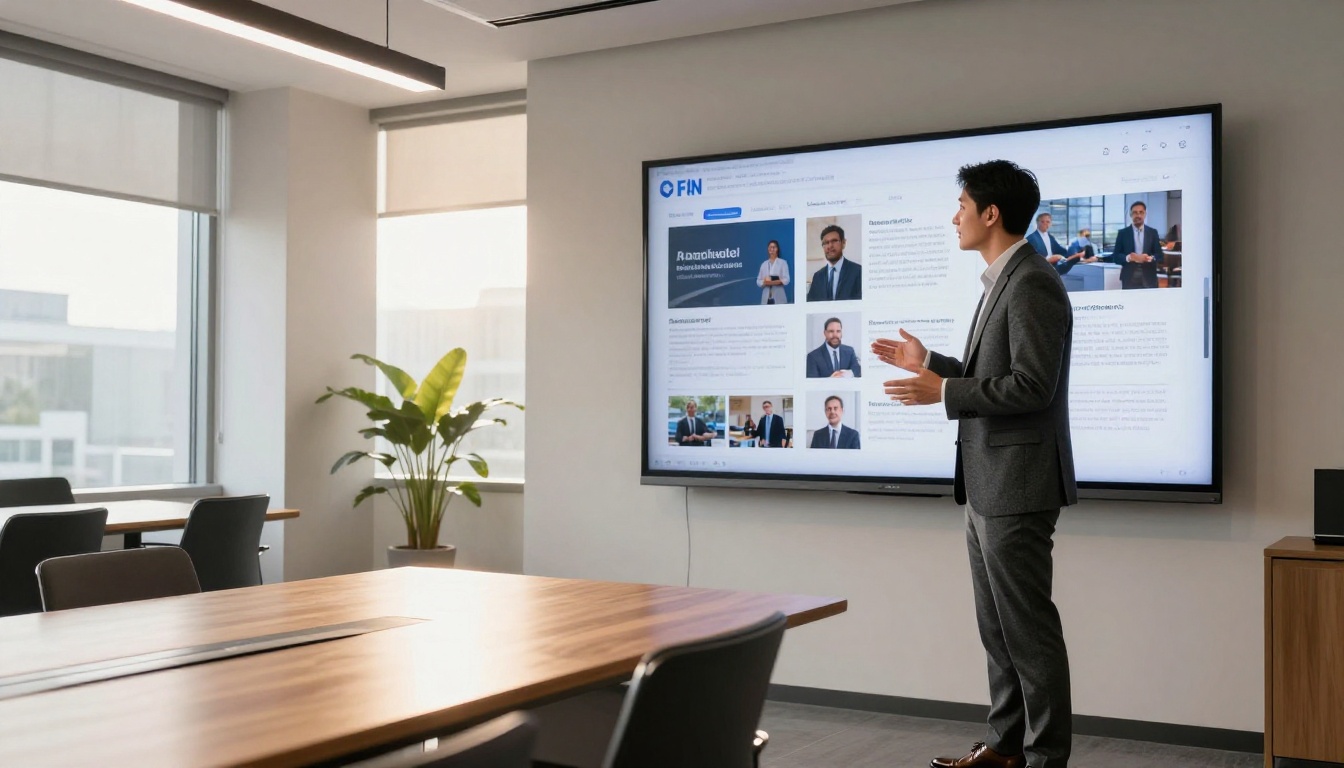
This data turns your follow-up from guesswork into strategy. If a prospect opened your proposal four times but has not responded, you know they are still considering it. A brief, direct follow-up referencing a specific section of the flipbook feels personalized without being intrusive.
You can also enable lead generation forms within the flipbook itself, capturing contact details from prospects who engage with your content but have not yet reached out directly. For freelancers building a consistent pipeline, this passive lead capture adds significant value over time.
| Feature | Free | Standard | Professional |
|---|
| Flipbooks per account | Limited | Unlimited | Unlimited |
| Watermark-free | No | Yes | Yes |
| Custom branding | No | Yes | Yes |
| Password protection | No | Yes | Yes |
| Offline downloads | No | Yes | Yes |
| Analytics | No | No | Yes |
| Lead generation forms | No | No | Yes |
| Embed video and audio | Yes | Yes | Yes |
| Mobile-responsive | Yes | Yes | Yes |
View full details on the pricing page.

Stop Sending PDFs, Start Winning More Projects
The freelancers who consistently win better projects are not always the most talented. They are often simply the most professional in how they present themselves. A PDF tells a client "here is my work." A flipbook tells them "here is how I work," and that distinction closes the gap between a response and a contract signed.
Your next project opportunity is sitting in someone's inbox right now, waiting for a reason to choose you. Make the reason obvious.
Ready to send your first interactive portfolio? Create your account on Flipbooks AI and have your first flipbook live in under an hour. Not sure which plan fits your freelance workflow? Compare pricing options to find the right tier. Already know what you want to build? Browse the full list of flipbook tools and templates to find the perfect starting point for your portfolio or proposal.
The clients you want are already online. Show them something worth opening.



