The moment a guest walks into their hotel room, they notice everything. The quality of the bed linen. The scent in the air. And, increasingly, whether the property feels current or dated. One of the most telling signals is the welcome folder sitting on the desk: thick, laminated, sun-faded, and filled with information from three years ago. Hotels are finally doing something about it, and the answer is a digital flipbook delivered right to the guest's phone. Flipbooks AI is making this shift simple and cost-effective for properties of every size.
Why Printed Welcome Folders Are Not Working Anymore
Hotels spend thousands every year printing, laminating, and replacing in-room collateral. A single room compendium can cost between $15 and $40 to produce when you factor in design, print, binding, and periodic updates. Multiply that across 200 rooms and you are looking at a significant recurring budget item that most properties have simply accepted as unavoidable.
It is not unavoidable. It is optional.
The Real Cost of Reprinting and Waste
Every time room service hours change, a restaurant closes for renovation, or a new excursion is added to the concierge desk, the printed version becomes wrong. Most hotels do not reprint immediately. They update when they can, which means guests read outdated information and call the front desk with questions that should never have needed asking.
The environmental cost compounds the financial one. Glossy, laminated materials cannot be recycled in most municipal programs. A 200-room hotel replacing room compendiums twice a year generates substantial plastic and paper waste, directly contradicting the sustainability messaging many properties now place prominently in their marketing and booking pages.
Guests Simply Do Not Read Static Brochures
Mobile-first consumers are accustomed to scrolling, tapping, and watching. A static printed booklet competing for attention against Netflix on the in-room TV is unlikely to win. Hospitality research consistently shows fewer than 30% of guests read printed in-room collateral at all. The information exists, but it is not reaching anyone.
Digital flipbooks solve this by matching how guests actually consume content. They are interactive, visual, and shareable. A guest can browse the spa menu, watch a short clip of the pool area, and tap a button to make a dinner reservation, all within the same document, from the same phone they are already holding.

What a Hotel Welcome Flipbook Contains
A well-built hotel welcome flipbook is more than a digitized version of the old paper folder. It is a genuinely useful guest resource that reduces calls to the front desk and improves the overall stay from the first five minutes.
Room Information and House Rules
The core content covers what guests need immediately: Wi-Fi credentials, check-out time, thermostat and lighting instructions, safe operation, laundry procedures, and a clear explanation of the noise policy. When this information is accessible on a phone without needing to call reception at 2 a.m., both guest satisfaction and staff workload improve at the same time.
Dining Menus and Restaurant Hours
The in-room dining menu, the restaurant breakfast hours, the pool bar offerings. All of this belongs in the flipbook. The Restaurant Menu Creator from Flipbooks AI makes it straightforward to build a beautifully formatted digital menu section with photos, descriptions, and pricing. When seasonal menus change, the update takes minutes, not days of reprinting.
Spa Services and Local Attractions
Guests frequently ask the concierge for the same information: spa treatment options, gym hours, and local restaurant recommendations. A well-curated flipbook section answering these questions reduces front desk call volume and lets guests browse at their own pace. You can embed clickable links to booking pages directly within the document, so a guest reading about the hot stone massage can tap to book without ever leaving the page.
5 Ways Hotels Deliver Flipbooks to Guests
Generating the flipbook is only half the job. Getting it in front of guests at the right moment is where the strategy matters.
QR Codes on Key Card Envelopes
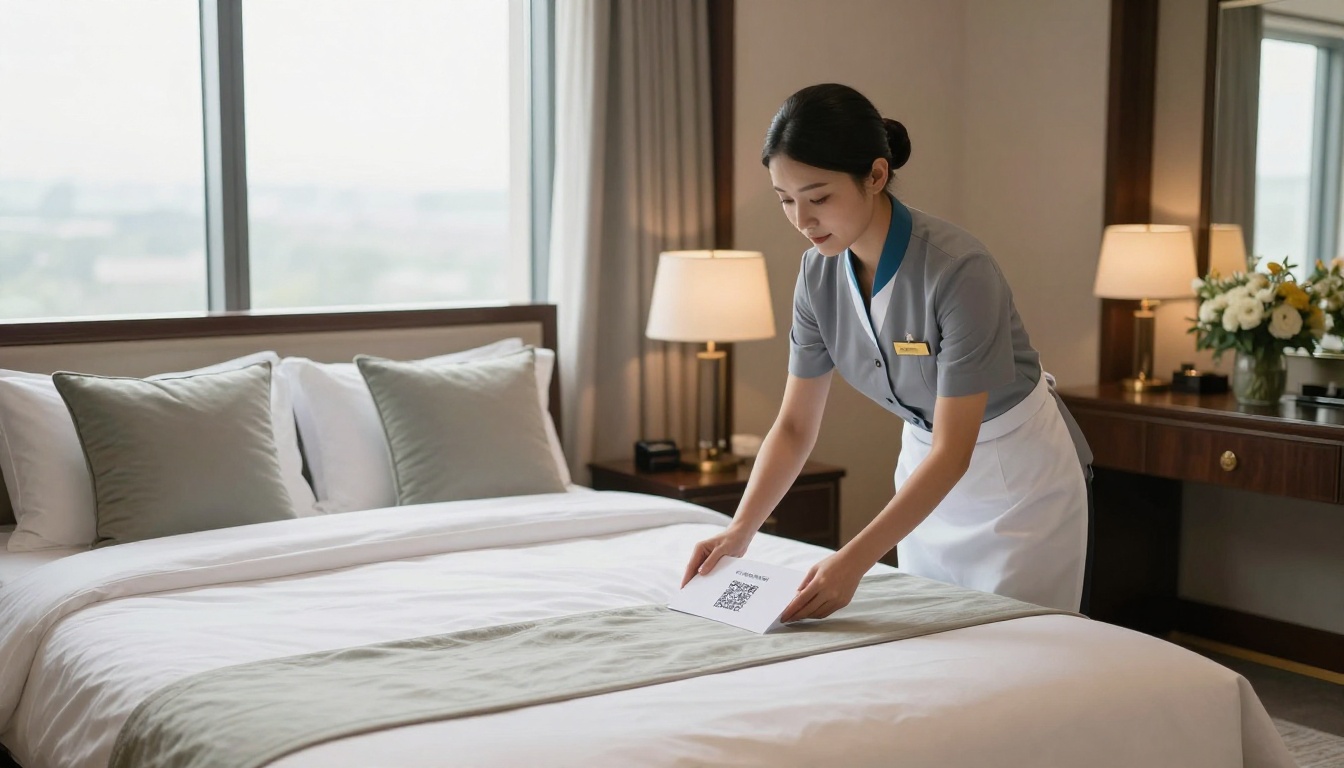
This is the most effective delivery method for existing properties with minimal infrastructure change. A QR code printed on the key card envelope, or on a small tent card placed on the bed during turndown service, directs guests to the digital flipbook instantly on their personal device. No app download required. No login. Just a tap and the flipbook opens in the browser.
Pre-Arrival Email Campaigns
Sending the flipbook link in the pre-arrival confirmation email, 24 to 48 hours before check-in, allows guests to browse amenities and familiarize themselves with procedures before they even pack their bags. It reduces check-in friction because guests arrive already knowing the Wi-Fi password, the restaurant hours, and the pool rules.
In-Room Tablets and TV Screens
Boutique hotels and resort properties increasingly place dedicated tablets in rooms. Loading the welcome flipbook as the home screen on a tablet creates a premium, branded first impression. Smart TVs can display a QR code on the welcome screen that links directly to the flipbook for guests who prefer their own phones.
Lobby Kiosks at Check-In
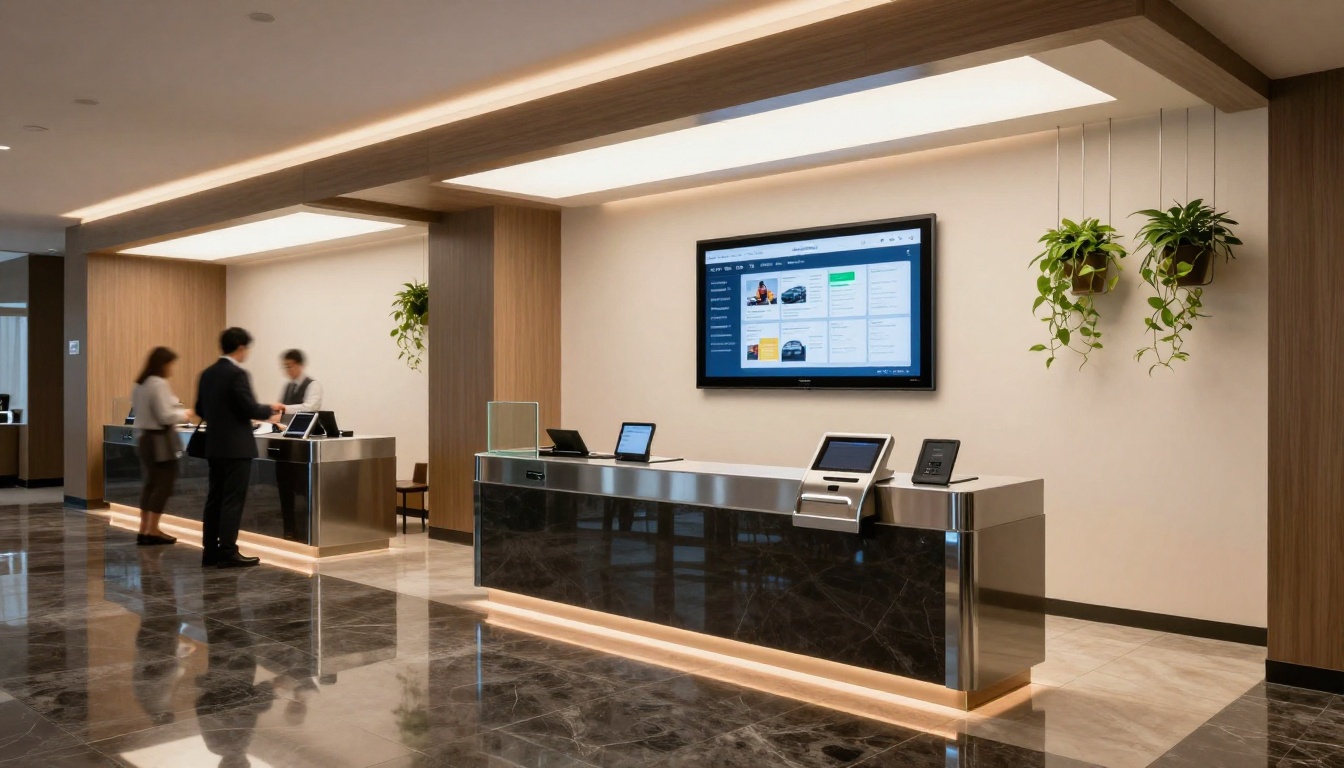
Self-service kiosks at check-in can display the flipbook on-screen, letting guests browse while waiting. This approach works especially well for business hotels with high weekday check-in volumes where staff are managing multiple guests simultaneously and cannot give personalized verbal walkthroughs.
WhatsApp and SMS Links
In markets where WhatsApp is the dominant communication channel, or for properties with a strong guest messaging workflow, sending the flipbook link via direct message immediately after check-in is highly effective. The link opens the flipbook in the browser with zero friction on any smartphone operating system.
Results Hotels See After Switching
The shift from paper to digital is not just an aesthetic upgrade. The operational and financial outcomes are measurable and consistent.
Lower Operational Costs
Properties that have made the switch report eliminating their in-room printing budget almost entirely for informational content. At a 150-room property spending $25 per room on printed compendiums and replacing them twice a year, that is a $7,500 annual saving from a single line item. Add in the time staff spend managing, distributing, and disposing of printed materials and the figure grows further.
Faster Content Updates
When the executive chef changes the brunch menu, or a new airport shuttle service is added, the flipbook is updated in real time. No reprinting cycle. No waiting for the print vendor. No rooms sitting with outdated information for weeks. The single source of truth is always current, for every guest, in every room, simultaneously.
Better Guest Satisfaction Scores
Hotels using digital welcome flipbooks report improvements in specific guest satisfaction categories: ease of finding information, quality of in-room amenities communication, and overall impression of the property as modern and attentive. These improvements surface directly in online review scores, which have a measurable impact on occupancy rates and average daily rate.
💡 Pro tip: Include a brief video tour of the hotel's best spaces inside the flipbook. Guests who preview the rooftop bar or the spa pool during check-in are significantly more likely to visit during their stay, which increases food and beverage revenue without any additional marketing spend.
Flipbooks vs. Printed Welcome Folders
Before committing to a full rollout, most hotel operations managers want a clear side-by-side view of what they are trading.
| Feature | Printed Welcome Folder | Digital Flipbook |
|---|
| Update Speed | Days to weeks (reprint cycle) | Real-time, instant |
| Cost per Room | $15 to $40 per unit | Near zero after setup |
| Guest Access | In-room only | Any device, anywhere |
| Environmental Impact | High (paper, laminate, waste) | Minimal |
| Language Options | Separate print runs per language | Multiple languages in one link |
| Analytics | None | Page views, dwell time, clicks |
| Booking Links | Not possible | Fully supported |
| Video and Audio | Not possible | Fully supported |
| Update Process | Vendor coordination required | Self-service in minutes |
⚠️ Worth noting: If your property operates without in-room tablets or a dedicated kiosk setup, QR codes on physical tent cards are still fully effective. You do not need new hardware to start. A standard A4 tent card with a QR code costs pennies and gets the flipbook onto every guest's device.
How to Build a Hotel Welcome Flipbook with Flipbooks AI
Flipbooks AI makes this process accessible even to hotel teams with no prior design or technical background. Here is the exact workflow from PDF to live flipbook.
Step 1 - Design Your PDF
Start in your preferred design tool. Canva, Adobe InDesign, and Microsoft Publisher all work perfectly. Structure the document with clear sections: welcome message, room information, dining, spa, local area, and emergency contacts. Use high-quality photography throughout. The PDF becomes your source file, and the quality of your images determines the quality of the final flipbook.
For hotels that want professionally structured templates built specifically for hospitality, the Hotel Brochure designer provides a ready-made framework that cuts the PDF creation time significantly.
Step 2 - Upload and Convert
Go to flipbooksai.com and upload your PDF. The platform converts it automatically into an interactive flipbook with animated page-turn effects. The process takes under a minute for a standard 20-page document. The PDF to Flipbook Converter handles the entire transformation automatically, preserving all fonts, images, and formatting from your original file.
Step 3 - Brand and Customize
Apply your hotel's color palette, add your logo in the header or footer, and configure the background theme to match your property aesthetic. Professional plan accounts can apply a custom domain so the flipbook URL reflects your hotel's brand.
You can embed video clips, audio narration, and direct booking links within specific pages. A page describing the rooftop bar can link directly to your reservation widget. A spa page can link to your booking portal. The Spa and Wellness Menu tool handles the spa section formatting with purpose-built templates.
✅ Best practice: Add password protection to any version that includes internal rate information or staff procedures. Flipbooks AI supports password protection natively, so guest-facing and staff-facing versions can both be managed from the same account without mixing up access.
Step 4 - Share with Guests
Copy the shareable link and generate a QR code using any free QR tool. Print the code on key card envelopes, tent cards, or front desk signage. Paste the link directly into your pre-arrival email template or your WhatsApp automation workflow. For properties that want to embed the flipbook on their website, the Embed Flipbook on Website tool generates the code snippet in seconds.
Flipbooks AI Plans for Hotels
Understanding which plan fits your property's operation takes about two minutes with a clear comparison.
| Feature | Free Plan | Standard Plan | Professional Plan |
|---|
| Number of Flipbooks | 1 | Unlimited | Unlimited |
| Watermark | Yes | No | No |
| Custom Branding | No | Yes | Yes |
| Password Protection | No | Yes | Yes |
| Embed on Website | No | Yes | Yes |
| Analytics Dashboard | No | No | Yes |
| Lead Generation Tools | No | No | Yes |
| Offline Downloads | No | No | Yes |
| Custom Domain | No | No | Yes |
For most independent hotels, the Standard plan provides everything needed to run a complete digital welcome program without watermarks and with full custom branding. Larger groups or properties that want to track which sections guests are actually reading, or that want to capture lead information from new direct bookings, benefit from the Professional plan's analytics and lead generation capabilities.
Compare all pricing plans to see which tier fits your property's operation and budget before committing.
What Guests Actually Want Inside
The temptation when building a digital welcome flipbook is to include everything the hotel offers. That approach produces an overwhelming document that guests abandon after the first two pages. The most effective welcome flipbooks are edited, not exhaustive.
Local Recommendations That Feel Personal
Generic "things to do in the city" lists are immediately recognizable as filler. Guests respond far better to specific, opinionated recommendations written in a human voice: the best espresso within walking distance, the market that is worth the 15-minute walk, the rooftop bar that locals actually go to. This level of specificity signals genuine hospitality and generates the kind of word-of-mouth reviews that money cannot buy.
Check-Out Made Effortless
A dedicated page explaining exactly what happens at check-out reduces anxiety and front desk congestion on busy mornings. Guests want to know whether they need to visit reception or can simply leave, where to drop the key card, what happens with the deposit, and who to contact if there is a billing question. Put this information in the flipbook and watch morning lobby congestion drop.
Safety Information Done Simply
Fire exit routes, emergency contact numbers, and the nearest hospital address should appear in a clean, scannable format on a dedicated page. Regulatory requirements in most markets require this information to be accessible in rooms. A digital flipbook makes it available on any device and can be updated instantly if room assignments or building layouts change.
💡 Pro tip: Build separate flipbook versions for different guest segments. A business traveler version leads with conference room availability, printing services, and express checkout. A leisure traveler version leads with pool hours, spa booking, and local dining. Flipbooks AI lets you manage multiple documents under one account at no additional cost on Standard and Professional plans.
Content Priorities for Your First Flipbook
If you are building your first hotel welcome flipbook and are not sure where to start, prioritize sections by guest value and update frequency.
| Content Section | Guest Value | Update Frequency | Recommended Placement |
|---|
| Wi-Fi Password | Critical | Rarely | Page 1 |
| Room Features | High | Occasionally | Page 2 |
| Dining Hours | High | Frequently | Page 3 |
| Spa Services | Medium-High | Seasonally | Page 4 |
| Local Attractions | Medium | Monthly | Pages 5-6 |
| Check-Out Process | High | Rarely | Page 7 |
| Emergency Info | Critical | Rarely | Back page |
The sections guests need immediately go first. The sections that change frequently are placed where they are easy to update without reorganizing the entire document. Emergency information always goes at the back where it is findable but does not interrupt the welcoming tone of the opening pages.
The Guests Who Notice
Properties that have moved to digital welcome flipbooks describe an interesting secondary effect: guests comment on it. Not always explicitly, but in their reviews. Phrases like "everything was so well organized" and "the hotel thought of everything" appear more frequently when the digital experience is polished.
The welcome flipbook signals intentionality. It tells the guest that the property cares about their time and their experience. A physical folder, no matter how well designed, sends a different signal. It is static. It cannot link to a booking. It cannot be updated between Tuesday and Wednesday when the spa hours change. It cannot show a video of the suite the guest just checked into.
The Travel Guide Flipbook tool within Flipbooks AI is purpose-built for exactly this type of content, combining property information with local destination guidance in a single polished document that guests actually want to browse.
Start Building Yours Today
The shift from paper to digital welcome collateral is already underway in properties that take guest experience seriously. It does not require a large budget or a technology overhaul. It requires a well-designed PDF, an account on Flipbooks AI, and about an afternoon of setup time.
Properties that act now are differentiating themselves from competitors still laminating information that was accurate two years ago. Guests notice, even when they cannot articulate exactly why one hotel felt more professional, more current, more attentive than another.
Ready to build your property's digital welcome flipbook? Create your account and upload your first PDF in minutes. Want to see which plan fits your operation before committing? Browse the pricing options and compare features across tiers. For inspiration on format and structure, explore the full tools directory to find templates built specifically for hospitality use cases.
The paper folder had its moment. The next check-in experience starts with a flipbook.



