Every year, the average office worker prints roughly 10,000 pages. Multiply that across a team of ten, factor in ink, hardware maintenance, physical storage, and shipping costs, and the number that surfaces is uncomfortable. Most companies never calculate it because printing costs are spread thin across expense categories, purchase orders, and departmental budgets. This article does the math for you, breaking down what printing actually costs, what you stop paying the moment you go digital, and exactly how much businesses in different industries save when they make the switch. You'll also see how to use Flipbooks AI to convert your existing print materials into interactive digital publications in minutes.

What Printing Actually Costs Per Year
The sticker shock of going digital fades quickly when you see what you're already spending on print. The total cost of printing extends well beyond paper and ink. A 2023 study by Quocirca found that print costs represent 1 to 3% of company revenue for most organizations, yet 90% of businesses don't track them accurately.
Paper Is Only the Beginning
Standard 80gsm A4 paper costs roughly $5 to $8 per ream of 500 sheets, depending on quality. A mid-size business printing 50,000 pages per year spends $500 to $800 on paper stock alone. But that's before you account for specialty papers: coated stock for brochures, heavy card for catalogs, glossy paper for product photography. The moment quality matters, paper costs triple.
For businesses producing physical catalogs or marketing materials, paper alone can represent $2,000 to $10,000 annually. And every time a product changes, a price is updated, or a season turns, those printed materials become worthless.
Ink and Toner Costs Break Budgets
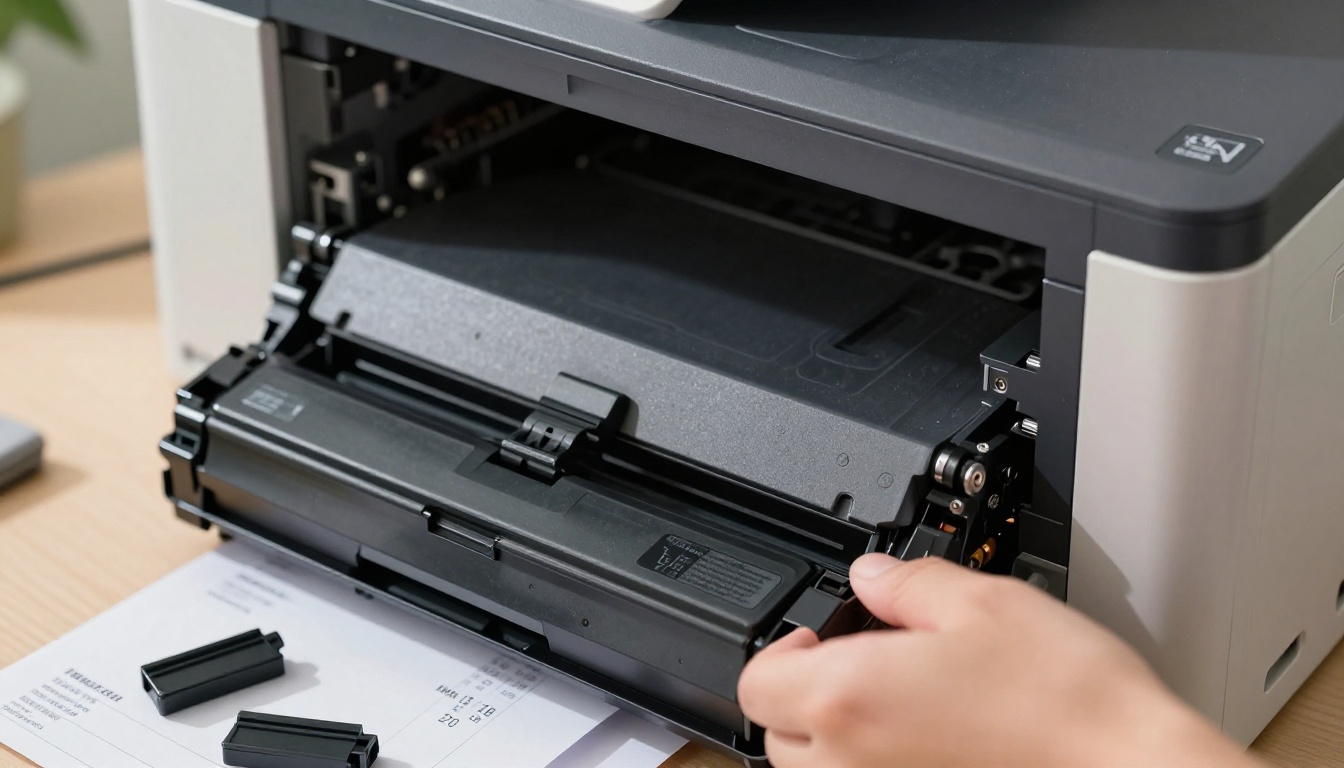
Ink is, by volume, one of the most expensive liquids on the planet. A standard office laser toner cartridge yielding 3,000 pages costs $60 to $100. That works out to 2 to 3 cents per black-and-white page, and 5 to 15 cents per full-color page when you factor in cyan, magenta, and yellow cartridges.
For a business printing 50,000 color pages per year, ink costs alone reach $5,000 to $7,500. For high-volume print operations, these numbers scale proportionally and without mercy.
💡 The true cost per printed page is 7x to 10x higher than most people estimate when all supplies and hardware are included.
Hardware and Maintenance Nobody Tracks
Office printers cost between $300 and $3,000 to purchase. Enterprise laser printers run $5,000 to $20,000. Beyond the purchase price, annual maintenance contracts typically add 10 to 15% of equipment value per year. Drum replacements, fuser units, and service call fees accumulate quietly.
Then there's downtime. A broken printer during a critical deadline costs productivity that never appears in a budget line, but it costs real money. According to IDC research, the fully-loaded cost of printing for a knowledge worker is $725 to $1,200 per year.
The Real Per-Page Math
When you add up every component, the true cost per page tells a very different story than the ink cartridge yield suggests.
| Document Type | Print Cost Per Page | Digital Cost Per Page | Annual Savings (5,000 pages) |
|---|
| Standard B&W text | $0.05 | $0.00 | $250 |
| Full-color brochure | $0.30 | $0.00 | $1,500 |
| Coated catalog page | $0.80 | $0.00 | $4,000 |
| Professionally printed catalog | $2.50+ | $0.00 | $12,500+ |
| Large-format display print | $5.00+ | $0.00 | $25,000+ |
The digital cost per page is not a typo. Once a PDF is created and uploaded to a digital platform like Flipbooks AI, distribution to thousands of recipients costs exactly zero additional dollars per view.
⚠️ Printing 5,000 product catalog pages costs between $4,000 and $12,500 per print run. A digital version of the same catalog costs nothing to distribute and can be updated instantly.
Going digital doesn't just reduce printing expenses. It eliminates entire cost categories that exist only because of print.
Distribution and Shipping
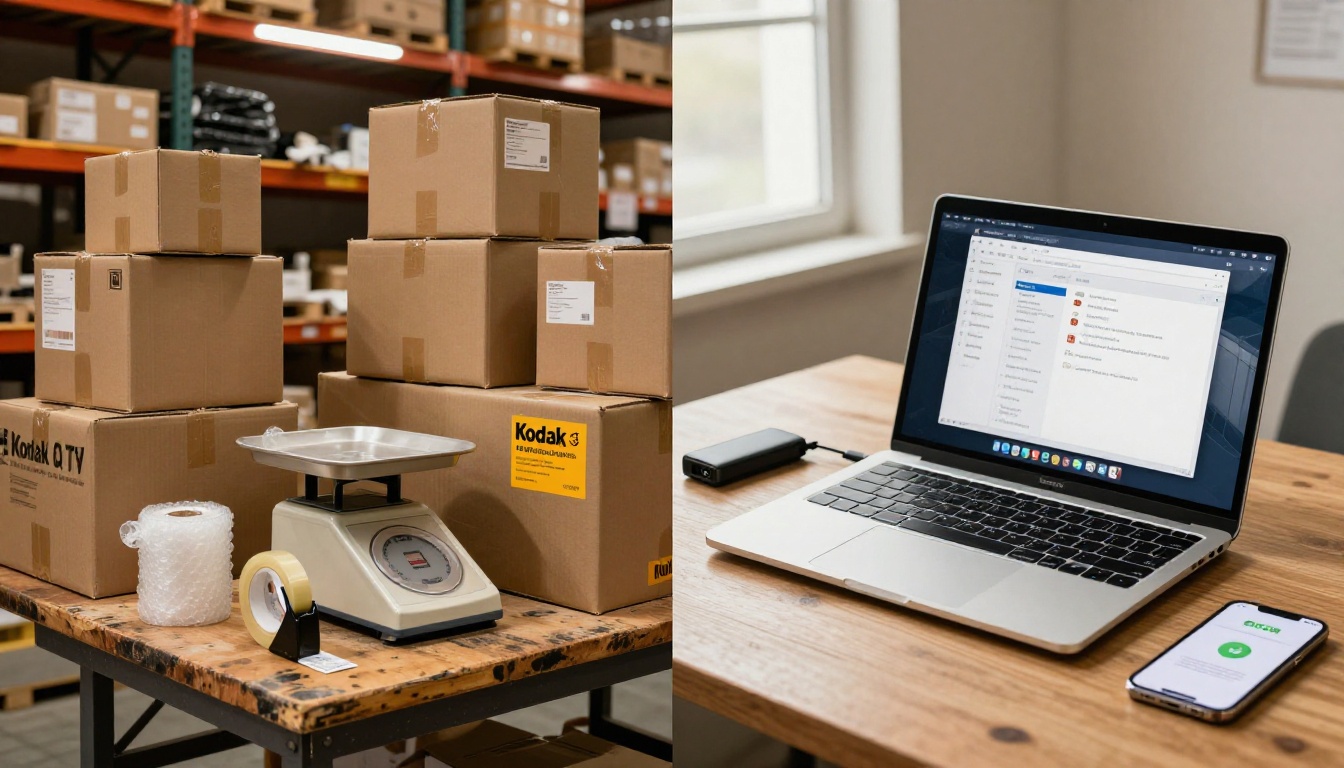
Printing a catalog and mailing it to 5,000 customers carries these costs:
- Printing: $4,000 to $12,500
- Postage and shipping: $0.50 to $3.00 per unit ($2,500 to $15,000 total)
- Packaging materials: $0.20 to $0.80 per unit
- Fulfillment labor: 2 to 4 hours per 1,000 units
A single catalog campaign to 5,000 recipients can cost $7,000 to $30,000 before a single person reads a page.
The digital equivalent: upload your PDF to Flipbooks AI, share a link or embed code, and reach 50,000 recipients for the same cost as reaching 5,000 on paper. Zero shipping. Zero postage. Zero packaging waste.
Storage and Office Space
Filing cabinets occupy floor space. Floor space in commercial real estate costs money. A standard four-drawer filing cabinet holds roughly 10,000 to 12,000 pages and occupies 2 to 3 square feet. A business storing 10 years of printed reports, catalogs, brochures, and manuals easily fills 50 to 100 filing cabinets, or requires an off-site storage unit.
Off-site document storage costs $0.25 to $1.50 per box per month. A 500-box archive runs $1,500 to $9,000 per year. Retrieval fees add another $20 to $75 per request.
Cloud storage, by contrast, costs pennies per gigabyte. A company's entire document archive, digitized, fits in cloud storage that costs less than a single month of physical storage fees.
Reprinting Outdated Materials
This is the invisible cost that compounds hardest. Every time a product is discontinued, a price changes, or a regulation updates, printed materials become liabilities. Businesses routinely:
- Destroy entire print runs of outdated catalogs
- Reprint brochures mid-season due to errors or pricing changes
- Discard trade show materials after a rebranding
According to industry estimates, 25 to 40% of printed marketing materials are never used and end up discarded. That means a quarter to nearly half of a print budget funds waste by default.
With a digital flipbook, updates take minutes. Change a price, update a product image, or fix an error without reprinting a single page.
Industry Savings Breakdown
The print savings numbers vary significantly depending on what you're printing and how often. Here's what different industries typically save when they go digital.
| Industry | Avg. Annual Print Budget | Typical Digital Savings | Payback Period |
|---|
| Retail (catalogs) | $15,000 to $80,000 | 70 to 90% | Under 3 months |
| Restaurants (menus) | $3,000 to $12,000 | 80 to 95% | Under 6 weeks |
| Real Estate (brochures) | $8,000 to $40,000 | 65 to 85% | Under 2 months |
| Education (materials) | $5,000 to $25,000 | 60 to 80% | Under 4 months |
| Corporate (reports, decks) | $10,000 to $50,000 | 75 to 90% | Under 2 months |
Retail Catalogs and Product Brochures
Retail businesses with seasonal or frequently updated product lines face the heaviest print burden. A 48-page printed product catalog costs between $2.50 and $5.00 per unit to produce professionally. For a run of 10,000 units, that's $25,000 to $50,000 per catalog cycle. Four cycles per year puts the total at $100,000 to $200,000 annually, and that figure doesn't include distribution.
Digital catalogs created with the Digital Catalog Maker or the Catalog Flipbook Creator eliminate per-unit printing costs entirely. A single PDF upload creates a rich, interactive flipbook that can be shared with an unlimited audience, embedded on a website, or sent via email link.
✅ Retailers using digital catalogs report saving 75 to 85% of their annual print budgets while reaching significantly larger audiences.
Restaurant Menus

Restaurant menus wear out. They get stained, torn, and outdated. A typical restaurant reprints menus two to four times per year, with professional menu printing costing $3 to $15 per menu copy for laminated card stock. A 50-table restaurant with 200 menu copies reprinted quarterly spends $2,400 to $12,000 annually on menus alone.
Every time a dish is removed, a price adjusts, or a new seasonal item is added, the entire print run is outdated. Digital menus built with the Restaurant Menu Creator update instantly and display on tablets, QR-linked pages, or embedded screens without a single reprinting cost.
The Menu Flipbook Designer gives restaurants polished, interactive menus that match their brand identity at a fraction of the cost of reprinting.
Real Estate and Property Brochures

Real estate agents and property developers print property brochures that go out of date the moment a property sells or a price changes. A glossy, full-color property brochure runs $1.50 to $5.00 per copy when professionally printed. An agent handling 40 active listings with 100 copies per listing spends $6,000 to $20,000 per year on brochures, most of which are discarded when the property moves.
Digital property brochures built with the Real Estate Brochure Creator can be updated in real time, deactivated when a property sells, and shared directly to a buyer's phone during a showing. No printing. No waste. No expired materials.
Corporate Reports and Presentations
Annual reports, board presentations, and internal training manuals represent some of the most expensive single-print items in corporate budgets. A professionally bound 80-page annual report costs $15 to $50 per copy to print, bind, and ship. For a company sending 1,000 copies to shareholders and stakeholders, that's $15,000 to $50,000 for a single document.
The Annual Report Creator and Corporate Report Maker transform these documents into interactive digital publications with embedded video, live charts, and real-time data, shareable to any device worldwide for a fraction of the cost. Sales teams benefit from the Sales Presentation tool, which turns static decks into dynamic, shareable flipbook presentations.
The Environmental Case for Digital

The financial savings of going digital come with an environmental impact worth knowing. Global paper consumption contributes to deforestation, water use, and carbon emissions at significant scale.
| Environmental Factor | Print Impact | Digital Impact |
|---|
| Paper source | 24 trees per ton of paper | 0 trees |
| Water consumption | 10 liters per A4 sheet | Negligible |
| CO2 per 1,000 pages | ~32 kg CO2 | ~0.002 kg CO2 |
| Ink waste | Non-biodegradable cartridges | None |
| End-of-life | Landfill or recycling required | No physical waste |
For a business printing 50,000 pages per year, switching to digital eliminates the equivalent of 1.2 trees of paper consumption, roughly 500,000 liters of water use in paper production, and 1,600 kg of CO2. These aren't rounding errors. They're meaningful reductions that increasingly matter to customers, investors, and regulators.
💡 ISO 14001 environmental management certification and ESG reporting increasingly factor in paper consumption metrics. Digital publishing directly supports sustainability reporting goals.
How to Convert Your Print Materials to Digital

The switch from print to digital is simpler than most businesses expect. Flipbooks AI converts any existing PDF into a fully interactive digital flipbook in minutes, with no design skills required.
Step 1: Set Up Your Account
Go to flipbooksai.com/account and create an account. The Standard plan and above include unlimited flipbooks with no watermarks, so you can digitize your entire library without per-document fees.
Step 2: Upload Your PDF
Click "Create New Flipbook" and upload your existing PDF file. Whether it's a 200-page product catalog, a 6-page restaurant menu, or a 40-page annual report, the platform processes it in seconds and renders it as a page-turning digital publication with realistic flip animations.
The PDF to Flipbook Converter supports any PDF format and preserves your original typography, images, and layout exactly as designed.
Step 3: Customize Your Branding
Apply your brand colors, add your logo, and customize the viewer interface. Flipbooks AI supports custom branding on all paid plans, so your flipbook looks native to your brand rather than a third-party tool.
- Add multimedia: Embed product videos, audio narration, or interactive elements directly into pages
- Set password protection: Restrict access to private catalogs or confidential reports
- Enable lead generation: Collect email addresses from viewers before they access the content (Professional plan via pricing)
- Offline downloads: Let customers save the flipbook for offline reading on any device
Step 4: Share or Embed
Once live, your digital publication is ready to distribute through multiple channels:
- Direct link: Share via email, social media, or messaging apps
- Embed code: Drop a single line of code to embed the flipbook on any website or landing page using Embed Flipbook on Website
- QR code: Generate a QR code for physical spaces, packaging, or print campaigns that still run
- Download: Enable offline downloads for customers without reliable internet access
Step 5: Track What People Actually Read
The Professional plan includes analytics showing who viewed your flipbook, which pages received the most time, and where readers dropped off. This data replaces the guesswork inherent in physical print distribution, where you know how many copies shipped but nothing about what was actually read.
✅ Most businesses that track viewer analytics for the first time discover that 40 to 60% of their most important content was never reaching readers in printed form. Digital analytics show you exactly what performs.
Start Saving on Your Next Print Run
The numbers are not subtle. Printing costs between 5 cents and several dollars per page, requires physical distribution, occupies physical space, and becomes obsolete every time something changes. Digital publishing eliminates every one of those costs simultaneously.
Whether you're running a retail operation with quarterly catalogs, a restaurant that reprints menus seasonally, or a corporation publishing annual reports, the savings from going digital pay for the transition within weeks, not years.
Browse all available flipbook tools to find the right format for your business. Compare pricing plans to find the tier that fits your publishing volume. Or go straight to flipbooksai.com/account and start converting your first print document today.
Every page you don't print is money you keep.



