Nonprofits produce annual reports every year, yet most of these reports end up unopened, unread, and forgotten in an email inbox. Donors glance at a PDF attachment, decide it's too long, and move on. That's a real problem, because your annual report is one of the most persuasive documents your organization produces. It tells your story, proves your impact, and gives donors every reason to keep supporting you. The good news is that Flipbooks AI gives nonprofits a direct solution: turning static, forgettable PDFs into interactive digital flipbooks that people actually want to read.
Why Most Nonprofit Annual Reports Fall Flat
The average nonprofit pours hundreds of hours into designing, writing, and printing an annual report. Then it sends a PDF to 2,000 donors, gets a 12% open rate, and calls it done. The document that cost weeks of labor reaches almost nobody in a meaningful way.

The PDF Problem Nobody Talks About
PDFs are designed for printing. They sit flat, they don't respond to taps or clicks, and they offer zero data about who read what. When a donor opens a PDF annual report on a phone, they're pinching and zooming through pages that were never designed for mobile. Most abandon it within 30 seconds.
Beyond the reading experience, PDFs are passive. There's no way to embed a thank-you video from the families you've served. There's no way to let donors click through to your donation page directly from a chart. There's no way to see whether your major gift donors actually read through to the financials section.
What Donors Actually Want to See
Research on donor behavior consistently shows that supporters want three things from an annual report:
- Proof that their dollars had real impact (specific numbers, not vague claims)
- Stories that connect emotionally (faces, names, voices)
- Financial transparency (clear breakdowns of how money was spent)
A static PDF can technically contain all of that. But a digital flipbook presents it in a way that donors actually interact with. Page transitions, embedded videos, clickable charts, and mobile-optimized layouts remove every barrier between your story and your audience.
What Makes a Flipbook Different
From Static Pages to Interactive Stories
A digital flipbook recreates the tactile feeling of reading a physical magazine, while adding layers that print can never match. Pages turn with a realistic curl animation. Readers can tap thumbnails to jump to any section. The table of contents becomes a live navigation tool.
For nonprofits, this matters because the annual report is rarely read from start to finish in a single sitting. Major donors might go straight to the financials. Program volunteers might look for stories about the work they contributed to. Board members want the governance section. A flipbook with clear visual navigation serves each of these readers without making them scroll through 40 pages to find what they need.
Multimedia That Moves Donors
This is where digital reports leave print completely behind. With Flipbooks AI, you can embed:
- Video testimonials from program participants
- Audio messages from your executive director
- Animated charts that visualize growth over time
- Clickable donation buttons directly inside the report
- Photo galleries that expand on tap
A grandmother who received meals from your food bank can speak directly to donors from inside the report. That emotional connection is simply not possible with a printed PDF.
💡 Embed a 60-second thank-you video from your executive director on page 2. Donors who watch it are significantly more likely to read the full report.
How to Build Your Nonprofit Annual Report as a Flipbook

The Non-Profit Annual Report tool on Flipbooks AI is built specifically for organizations like yours. Here's how the process works from start to finish.
Step 1: Upload and Convert Your PDF
Once your design team has finalized the annual report in their preferred design software (InDesign, Canva, Google Slides), export it as a PDF and upload it directly to Flipbooks AI. The platform converts each page automatically into a high-resolution digital flipbook, preserving your typography, photography, and layout exactly.
Visit flipbooksai.com/account to create your free account and upload your first report in under five minutes.
Step 2: Brand It to Your Organization
After conversion, you can apply custom branding that matches your nonprofit's identity:
- Custom colors matching your brand palette
- Logo placement on the reader interface
- Custom domain for sharing (e.g., report.yournonprofit.org)
- Custom background for the flipbook viewer
This matters for credibility. A branded flipbook looks like a professional publication, not a generic PDF viewer. Donors perceive the organization as modern and trustworthy.
Step 3: Add Videos, Audio, and Media
This step is where most nonprofits are genuinely surprised by what's possible. Inside the flipbook editor, you can:
- Click any page to open the multimedia editor
- Drag and drop a video link (YouTube, Vimeo, or direct upload)
- Position it over any area of the page
- Set it to autoplay on page turn, or require a click to play
- Add audio narration for specific pages
You can also embed links on any text or image, so donors can click a photo of your team and go directly to their staff bios, or click a "Donate Now" button that opens your donation portal.

Step 4: Share, Embed, and Distribute
Flipbooks AI gives you multiple sharing options for your annual report:
- Direct link: A clean URL you can share via email, social media, or text message
- Embed code: Drop your report directly into your website with a single snippet of HTML
- Password protection: For board-only or restricted-access versions
- QR code: Print on physical materials to connect offline donors to the digital version
- Social sharing buttons: Built into the reader so donors can share it themselves
✅ Send your flipbook annual report as a direct link in your year-end appeal email. Replace the PDF attachment entirely. Click-through rates consistently outperform attachment-based emails.
Print vs. Digital: The Real Cost Comparison

The financial case for digital flipbooks is hard to argue against. Here's what a typical mid-size nonprofit spends on a printed annual report compared to a digital one:
| Cost Item | Printed Annual Report | Digital Flipbook |
|---|
| Design (in-house or agency) | $2,000 – $8,000 | $2,000 – $8,000 |
| Printing (2,000 copies) | $4,000 – $12,000 | $0 |
| Mailing and postage | $1,500 – $3,500 | $0 |
| Distribution labor | $500 – $1,500 | $0 |
| Updates and reprints | $1,000+ per revision | $0 (edit anytime) |
| Analytics and tracking | Not available | Included |
| Total estimated cost | $9,000 – $25,000+ | $0 – $8,000 |
The design cost remains roughly the same since you're still creating the document. But every cost that follows design, printing, mailing, distribution, nearly disappears. A Flipbooks AI Standard plan lets you publish unlimited flipbooks with no watermarks, bringing your total publishing cost to nearly nothing.
⚠️ Printing costs add up fast when you need to send updated versions. With a digital flipbook, you can correct errors, update statistics, or add new content after distribution. Your donors always see the most current version.
5 Sections Every Nonprofit Flipbook Report Needs

Not all annual reports are equal. The ones that actually move donors to give again share a common structure. Here's what your flipbook report should always include:
Your Impact by the Numbers
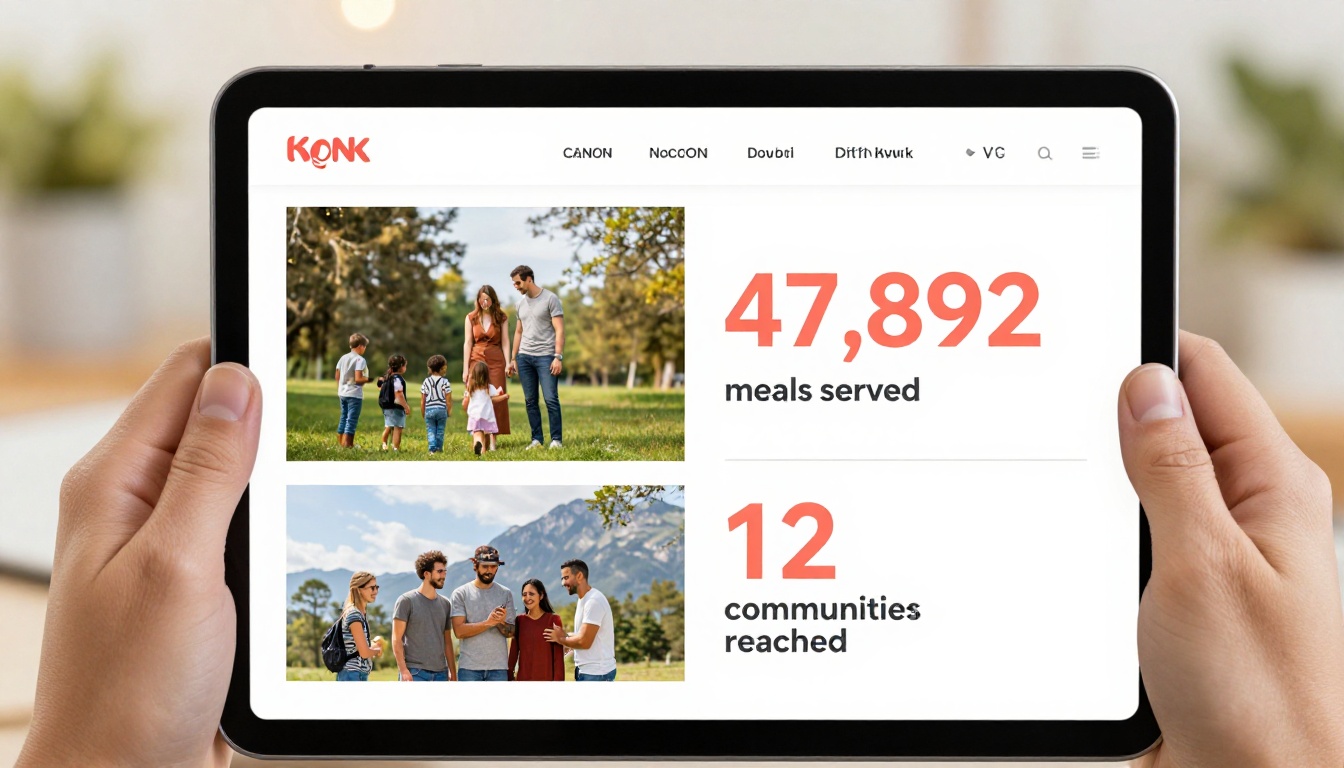
Lead with your most specific, impressive statistics. Not "we helped thousands of people" but "we served 47,892 meals to 3,241 families across 12 communities." Numbers with that level of specificity build credibility fast.
Use visual charts and infographics to make these numbers easy to absorb at a glance. A bar chart showing year-over-year growth is more persuasive than a paragraph describing the same data.
Donor Spotlights That Build Trust
Name your donors (with permission) and tell micro-stories about what their support made possible. A $500 donor who sees their name linked to a specific program outcome will feel personally invested in your mission. This is the section most donors turn to first.
Financial Transparency Done Right
Your financials section should show:
- Revenue breakdown by source (individual donations, grants, events, corporate)
- Program expense ratio (how much goes directly to programs vs. operations)
- Year-over-year comparison to show growth and stability
- Auditor's statement or a link to full financial statements
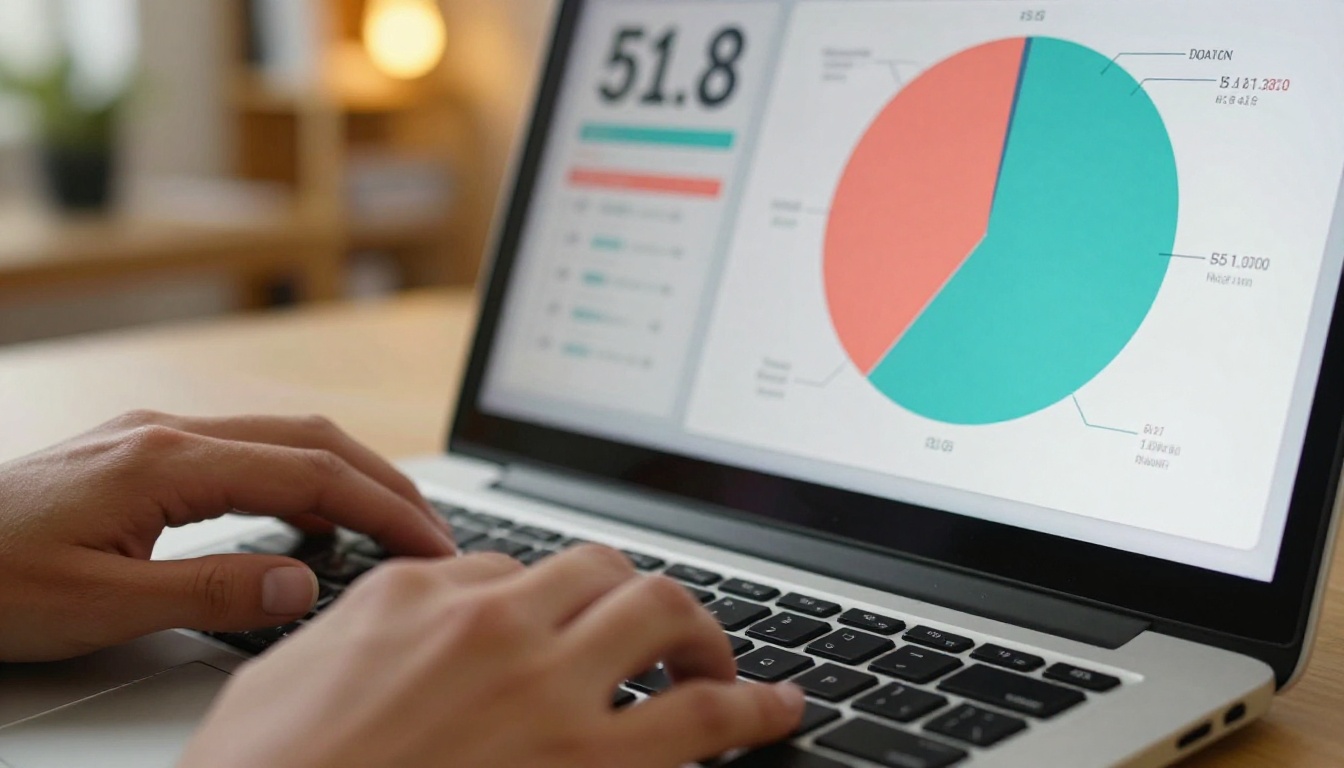
A clean pie chart beats a table of numbers for most donors. Use your flipbook's interactive charts to let donors tap on segments for additional detail.
Which Flipbooks AI Plan Works for Nonprofits
Choosing the right plan depends on your organization's size and the features that matter most. Here's a breakdown of what each tier offers for nonprofit reporting:
| Feature | Free | Standard | Professional |
|---|
| Flipbooks published | Limited | Unlimited | Unlimited |
| Watermark-free | No | Yes | Yes |
| Custom branding | No | Yes | Yes |
| Password protection | No | Yes | Yes |
| Embedded videos | No | Yes | Yes |
| Analytics dashboard | No | No | Yes |
| Lead generation forms | No | No | Yes |
| Offline downloads | No | No | Yes |
| Custom domain | No | No | Yes |
For most nonprofits publishing a single annual report, the Standard plan is sufficient. Organizations running multiple reports (regional chapters, program-specific impact reports) or wanting to track who reads their reports will benefit from the Professional plan. The analytics dashboard alone justifies the upgrade: you can see exactly which sections get the most attention, which pages donors drop off on, and how long they spend on each section.
💡 Use the lead generation form feature (Professional plan) to capture contact information from donors who access your report via a shared link. People who take the time to read your annual report are your warmest prospects for major gifts.
Sharing Your Report With the Right Audience
Email, Social, and Website Embedding
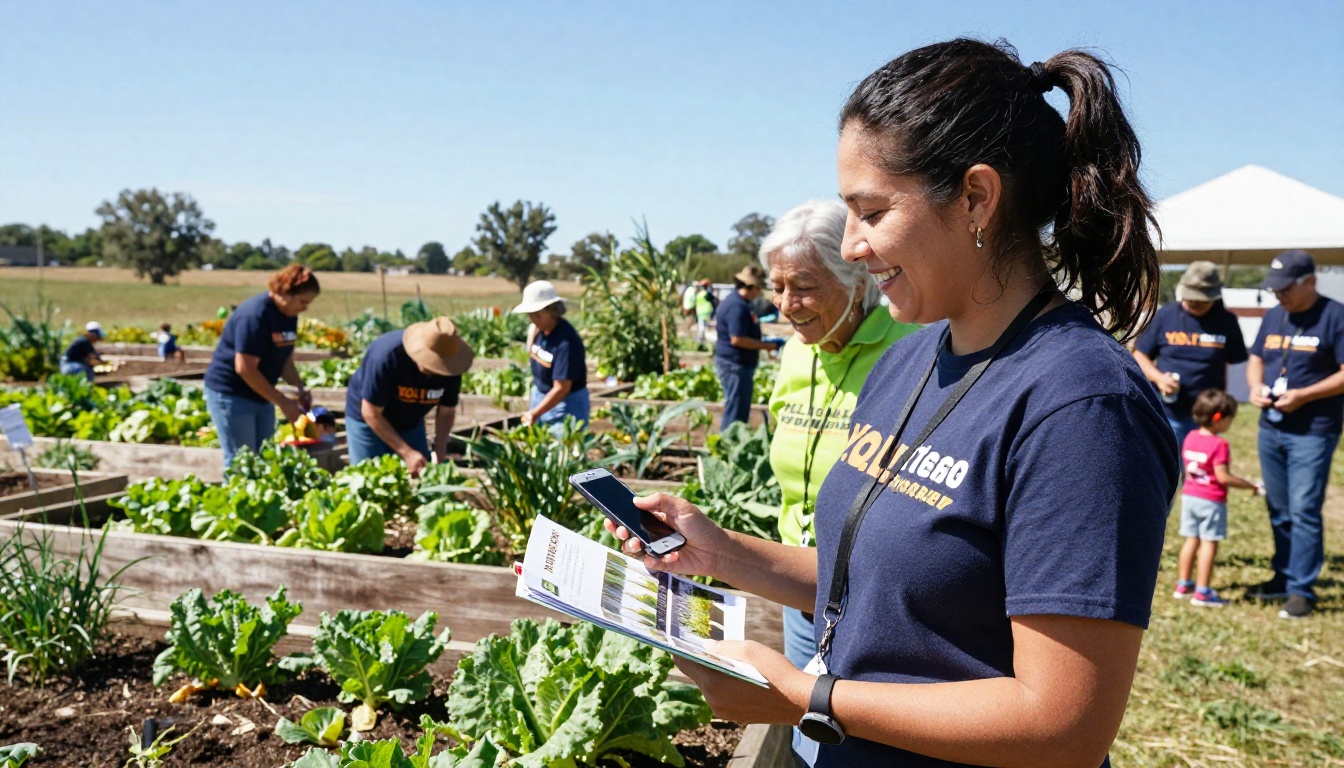
The moment your flipbook is published, you have four primary distribution channels:
- Email newsletter: Send a link with a thumbnail screenshot, not a PDF attachment. Your email will load faster and deliver a better reading experience on every device.
- Website homepage: Use the Embed Flipbook on Website tool to place your report directly on your site's annual report page or homepage feature section.
- Social media: Share individual pages as images with a link to the full flipbook. A striking financial transparency chart or a powerful story page makes excellent standalone social content.
- Board and major donor communications: Send personal emails to your top donors with a direct link, framing it as an early look before the public release.
Analytics That Show Who's Reading
This is a capability that printed annual reports can never match. With Flipbooks AI's Professional plan, you gain access to:
- Total views and unique visitors
- Time spent per page (see which sections hold attention longest)
- Drop-off points (see where readers leave, so you can improve next year)
- Geographic data on where your audience is located
- Device breakdown (mobile vs. desktop vs. tablet)
This data has real operational value. If your financial transparency pages get the highest time-on-page, that tells you donors care deeply about accountability. If they drop off at the program descriptions, that's a signal to make those sections more visual and story-driven.
Real-World Use Cases Across Nonprofit Sectors
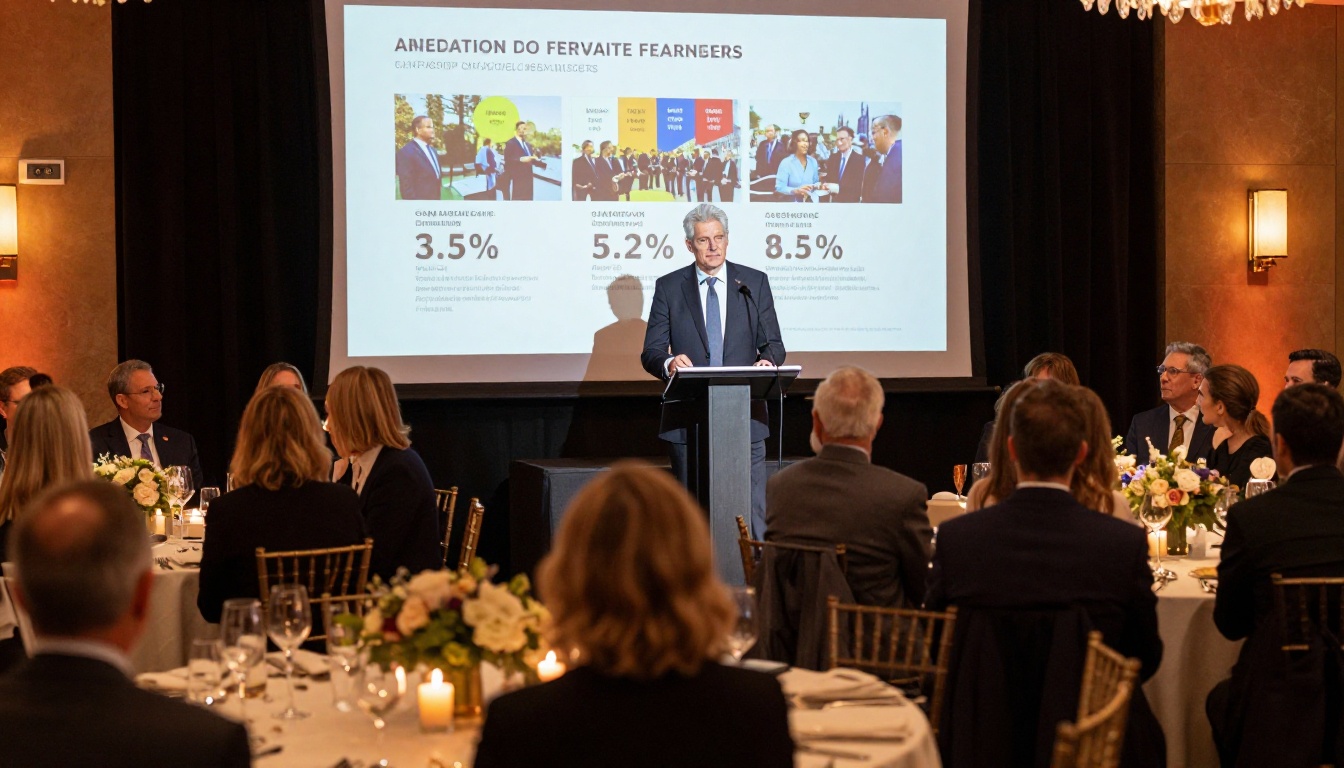
Different types of nonprofits use flipbook annual reports in different ways. Here's how organizations across sectors are putting this to work:
| Nonprofit Type | Specific Use Case | Flipbook Feature Used |
|---|
| Food banks | Embed video of meal distribution events | Video integration |
| Environmental orgs | Interactive maps showing conservation areas | Clickable hotspots |
| Healthcare nonprofits | Password-protected version for board members | Password protection |
| Education foundations | Student success story spotlights with photos | Photo galleries |
| Arts organizations | Visual portfolio of funded artists and works | Full-bleed imagery |
| Housing nonprofits | Before-and-after photography of renovated homes | Side-by-side pages |
| Animal shelters | Embed pet adoption video highlights | Video integration |
| International NGOs | Multi-language versions per region | Custom sharing links |
The Annual Report Creator and Corporate Report Maker tools on Flipbooks AI are designed with these varied needs in mind. Whether your organization tells its story through data, photography, or video testimonials, the platform adapts to your content rather than forcing your content to adapt to the platform.
Make Your Report Work All Year
Most nonprofits treat their annual report as a once-a-year obligation. The smarter approach is to treat it as a living document that works between fundraising cycles.
With a digital flipbook, you can:
- Update program statistics as new data becomes available throughout the year
- Add a mid-year message from leadership without reprinting anything
- Include a donation call-to-action that links to your current campaign
- Repurpose individual pages as social media graphics or email headers
- Send it at multiple touchpoints: new donor welcome emails, grant applications, major donor meetings, volunteer orientation packets
The Report Flipbook Creator makes it easy to maintain multiple versions of your report for different audiences without duplicating your design work.
Your annual report is too important to be ignored. Donors who read it give more, give longer, and refer others. The format has been holding nonprofits back for years. Ready to change that?
Create your account on Flipbooks AI and publish your first digital annual report for free. When you're ready to add analytics, lead capture, and custom branding, compare pricing plans to find the right fit for your organization. Browse all nonprofit publishing tools to see everything that's available.



