Nonprofits don't have a mission problem. They have a communication problem. The organizations doing the most meaningful work in the world are still handing donors a 40-page PDF that gets downloaded, skimmed for 90 seconds, and forgotten. That's where Flipbooks AI changes everything, giving charities, foundations, and cause-driven organizations a way to present their story that people actually want to experience.
This article breaks down exactly how nonprofits are using flipbooks right now to move donors, recruit volunteers, and build the kind of trust that keeps organizations funded year after year.
Why Static PDFs Fail Donors Today
The attention problem nobody talks about
The average person spends less than two minutes with a nonprofit annual report. After months of writing, designing, and printing, most of that work gets dismissed with a scroll. Static PDFs carry real disadvantages that rarely get discussed in fundraising circles.
They're cold. There's no interactivity, no sense of movement, no way for a donor to click through to a video of the child whose school supply drive they funded. A PDF is a finished object. It has no room to breathe.
They're also heavy. Emailing a 12MB annual report means watching it sit unread in inboxes, blocked by attachment limits, or bounced entirely by corporate email filters. And on mobile, a PDF is practically unreadable without pinching and zooming through pages designed for a printer.
What donors actually want from your reports
Donors are human. They respond to stories, faces, and outcomes, not to spreadsheets. Research from the nonprofit sector consistently shows that emotional connection is the single strongest predictor of continued giving. That means your communication materials need to feel something, not just report numbers.
What donors respond to:
- Photos of real people whose lives changed because of their contribution
- Clear impact data presented visually, not buried in tables
- A sense of the organization's personality and values
- Easy sharing, so they can tell friends why they give
- Mobile-friendly formats that work on a phone during a commute
A static PDF can't deliver most of this list. An interactive flipbook can deliver all of it.

What a Flipbook Does That PDFs Never Could
Pages that actually turn
The page-turn effect isn't a gimmick. It's a psychological signal that says "this is worth reading." The sensation of turning a page, even a digital one, triggers the same reading behavior as a printed magazine or book. People slow down. They read captions they would have scrolled past in a flat document.
For a nonprofit, that slowing-down moment is worth real money in donor retention.
Embed video, audio, and links
A flipbook built on Flipbooks AI can hold embedded video clips of beneficiaries speaking directly to donors, audio testimonials from program participants, and clickable donation buttons right inside the publication.
Imagine an impact report where a donor reads about the clean water project on page 8, then taps an embedded 60-second video of a mother explaining what access to clean water means to her family. That single moment is infinitely more powerful than three paragraphs of well-written text.
Mobile-first by default
More than 60% of email is now opened on a mobile device. Most PDFs render terribly on phones, requiring constant pinching and zooming through tiny text. Flipbooks designed with Flipbooks AI are responsive from the start, scaling perfectly to any screen without a single adjustment from the content team.
✅ Best practice: Always preview your flipbook on both desktop and mobile before distributing. What looks great at 1920px needs to be just as clean at 390px.
5 Real Ways Nonprofits Use Flipbooks
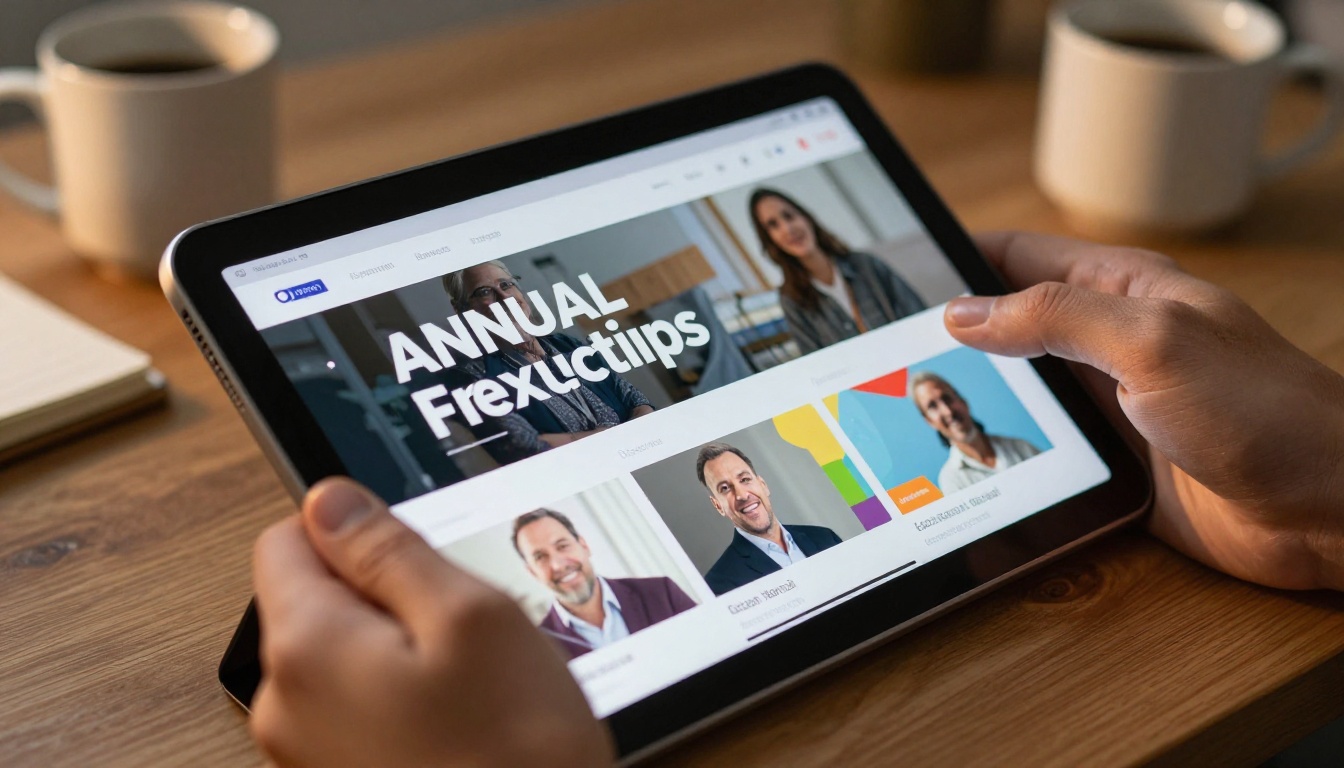
Annual reports that get read
The annual report is the most common flipbook use case for nonprofits, and for good reason. Instead of sending a static PDF that gets filed and forgotten, organizations are converting their existing InDesign or Canva layouts into interactive publications using the Non-Profit Annual Report tool.
The result: reports that board members forward to major donors, grant officers bookmark for reference, and stakeholders share on LinkedIn without being asked.
Volunteer recruitment campaigns
Recruiting volunteers is a storytelling challenge. You're asking people to give their time, which is harder to ask for than money. Nonprofits are using flipbooks to build visually rich "Why Volunteer" booklets that show the human side of the organization: what a typical volunteer day looks like, quotes from current volunteers, and specific open roles.
This works particularly well for organizations that run recurring volunteer cohorts. A polished flipbook booklet positions volunteer onboarding as an event, not just a form to fill out.
Donor appreciation packages
Major donors deserve more than a tax receipt email. Nonprofits are creating personalized impact summaries for top-tier donors, showing exactly which programs their contribution supported, with photographs, outcome data, and a personal note from the executive director.
💡 Tip: Password-protect personalized donor reports so only the recipient can access them. This exclusivity adds perceived value and makes the communication feel genuinely personal.
Program impact stories
Between major report cycles, nonprofits can share quarterly or mid-year program stories as standalone flipbooks. A 6-10 page interactive piece covering one program, three beneficiary stories, and a clear funding ask performs far better than a standard newsletter.
The Newsletter Flipbook Publisher makes it straightforward to produce these mid-cycle publications on a consistent schedule without a dedicated design team.
Fundraising campaign kits
During active fundraising campaigns, nonprofits need materials that volunteers and board members can share digitally without printing costs. A flipbook works perfectly as a shareable campaign brief: embedded donation links, live progress metrics, and compelling story photography, all in one link that anyone can forward from their phone in 10 seconds.

How to Create Your Nonprofit Flipbook
Creating a professional flipbook for your nonprofit takes minutes, not months. Here's exactly how to do it using Flipbooks AI.
1. Create your account
Head to Flipbooks AI and sign up. No credit card required to start. The Standard plan covers unlimited flipbooks, which handles a full annual publication calendar for most nonprofit organizations.
2. Prepare your PDF
Your existing annual report, program summary, or newsletter works perfectly as a starting point. Export it as a PDF from InDesign, Canva, Google Slides, or Microsoft Word. For clean image rendering, export at 150 DPI minimum.
3. Upload and convert
Use the PDF to Flipbook Converter to upload your file. The platform processes the document and generates a pixel-perfect interactive flipbook from your existing layout in seconds. No redesign required.
4. Apply your branding
After conversion, customize the presentation to match your nonprofit's identity:
- Custom logo in the viewer interface
- Brand color scheme for buttons and UI elements
- Organization name in the browser tab and share link
- Custom domain if needed (e.g., report.yourcharity.org)
5. Add multimedia
This is where a flipbook becomes genuinely more powerful than any PDF. Click on any page to embed:
- Video clips: Testimonials, program footage, beneficiary thank-you messages
- Audio: Board chair's address, donor interview recordings
- Clickable links: Donation buttons, program pages, volunteer signup forms
6. Set sharing and access
Choose how your flipbook gets accessed:
- Public link: For social media, email campaigns, and general distribution
- Password protected: For confidential donor reports or board packages
- Website embed: Use the Embed Flipbook on Website tool to add the publication directly to your annual report page
7. Distribute and track
Copy the shareable link and send it through email, social media, and your website. With the Professional plan, analytics show exactly how many people opened the report, which pages held attention longest, and how long the average reader spent with your content. That data is invaluable for planning the next publication cycle.
Flipbook Plans: What Nonprofits Actually Need
Most nonprofits don't need every feature available. Here's a straightforward breakdown of what each plan level provides for a charitable organization.
| Feature | Free | Standard | Professional |
|---|
| Flipbooks | 1 | Unlimited | Unlimited |
| Watermarks | Yes | No | No |
| Password Protection | No | Yes | Yes |
| Custom Branding | No | Yes | Yes |
| Embedded Video and Audio | No | Yes | Yes |
| Analytics | No | No | Yes |
| Lead Generation | No | No | Yes |
| Offline Downloads | No | No | Yes |
| Mobile Responsive | Yes | Yes | Yes |
⚠️ Important: The Free plan includes a watermark on every page. For donor-facing communications, that's a credibility problem. The Standard plan removes watermarks entirely and is the minimum recommended tier for any nonprofit using flipbooks for external publishing.
Most small nonprofits operate well on the Standard plan. Organizations running major campaigns with multiple stakeholder groups and detailed reporting requirements should consider Professional for the analytics and lead generation tools. See the full pricing breakdown to compare plans side by side.

Mistakes Nonprofits Make with Digital Reports
Walls of text, no visuals
The most common error in nonprofit digital publishing is treating a flipbook like a word processor document. Long paragraphs without images, pull quotes, or visual breaks destroy reader retention on page 2. Every spread in your flipbook should have at least one strong visual: a photograph, an infographic, or a data visualization that gives the eye somewhere to land.
Sending the same PDF every year
Some organizations convert their annual report to a flipbook once, then reuse the same template without updating the interactive elements. Donors notice. Stale video embeds, broken links, and outdated photography signal an organization that doesn't invest in communication. Budget time to refresh multimedia elements with each new publication cycle.
Ignoring mobile readers
Even after converting to a flipbook, teams sometimes design page layouts that only look right on desktop. Double columns, tiny caption text, and landscape-oriented infographics all break down on mobile. The fix is simple: design for mobile first, then scale up to desktop.
No clear call to action
An impact report without a donation button, a volunteer link, or a clear next step is a missed opportunity. Every nonprofit flipbook should have at least one actionable moment, ideally on multiple pages, where a motivated reader can take the next step without leaving the publication.

Measuring Story Impact with Data
Which pages hold attention
The Professional plan on Flipbooks AI includes page-level analytics. This data shows you exactly where readers spend time and where they drop off. If your program impact pages get 45 seconds of average read time and your financial summary gets 8 seconds, that's actionable: the financial summary needs redesigning, not more text.
Common patterns nonprofits discover through analytics:
- Story pages outperform data pages consistently: Readers stay longer on beneficiary stories than on program outcome tables
- Video embeds increase time on page dramatically, sometimes 3-5x compared to text-only pages
- Front pages carry the highest risk: The first spread must earn the second immediately, or you lose the reader
Lead generation through downloads
Nonprofits can gate downloadable versions of their flipbooks behind a simple email form. A donor who requests the PDF version of your annual report has self-identified as highly interested. The Professional plan includes this lead generation feature, feeding email addresses directly into your CRM workflow.
💡 Tip: Offer a downloadable "Impact Summary" as a lead magnet on your website. A two-page distillation of your annual report, gated behind a simple email form, builds your donor list passively year-round.
| Metric | What It Tells You | How to Improve |
|---|
| Time on page | Which content resonates most | Add video, pull quotes, stronger photography |
| Drop-off page | Where readers lose interest | Shorten text, add visuals, restructure spread |
| Share rate | Emotional power of the content | Feature more personal beneficiary stories |
| Lead form completions | High-intent reader volume | Improve the gated download offer |
| Return visits | Long-term supporter loyalty | Create a publication series, not one-off pieces |


Start Telling Stories That Actually Stick
Donors give to organizations they believe in. Volunteers give time to causes they feel connected to. Grant officers fund nonprofits that demonstrate clarity, credibility, and real impact. None of that happens with a static PDF sitting unread in an inbox.
Interactive flipbooks close that gap. They give nonprofits a communication format that respects the reader's time, works on any device, and creates the kind of emotional moments that turn a one-time donor into a recurring supporter. They replace cold documents with living publications that breathe, turn, and respond.
The tools are already there. The Non-Profit Annual Report tool, the Report Flipbook Creator, and the full suite available at Flipbooks AI are built for exactly this kind of work.
Ready to create your first nonprofit flipbook? Get started for free and have your first interactive report published today. When you're ready to access analytics, lead generation, and offline downloads, compare pricing plans to choose the right tier for your organization.



