Nonprofits run on stories. Every donation, every volunteer hour, every grant application circles back to one thing: can you make someone feel the mission? For years, the answer was a PDF nobody opened, a printed brochure that landed in the recycling bin, or a wall of text on a donation page. Flipbooks AI is changing that, giving mission-driven organizations a way to publish interactive, visually rich content that donors, volunteers, and board members actually read from start to finish.
This is a breakdown of exactly how nonprofits use flipbooks to tell their story, with real use cases, practical steps, and a look at why digital flipbooks outperform every static format in the nonprofit communication toolkit.
Why Donors Stop Reading Static PDFs
Static PDFs were the standard for nonprofit publishing for a long time. Annual reports, impact summaries, program brochures, they all came as a PDF attachment in an email. Most of them never got opened. Of those that did, fewer than half got read past the first page.
The problem is not the content. Most nonprofits have extraordinary stories to tell. The problem is the format.
The Attention Problem With Flat Files
A PDF is a passive document. There is nothing to interact with, no way to click through a story, no embedded video of the family you helped, no visual cue that says "turn the page." On mobile, PDFs are practically unreadable without zooming and scrolling. With donors increasingly browsing on phones, that gap in the experience matters enormously.
People do not read PDFs the way organizations hope. They skim them, get frustrated by small text and broken layouts, and close them before reaching the impact statistics that might have inspired another gift.
What Donors Actually Want
Donors want to feel something. They want to see the face of the child in the literacy program, hear the volunteer describe why she spends every Saturday at the food bank, and see the numbers laid out clearly so they trust where their money goes. They want a story with a beginning, a middle, and a moment that makes them reach for their wallet again.
That emotional arc requires a format built for it, one that pages through visually, supports real media, and works just as well on a phone as on a desktop.

What a Flipbook Does Differently
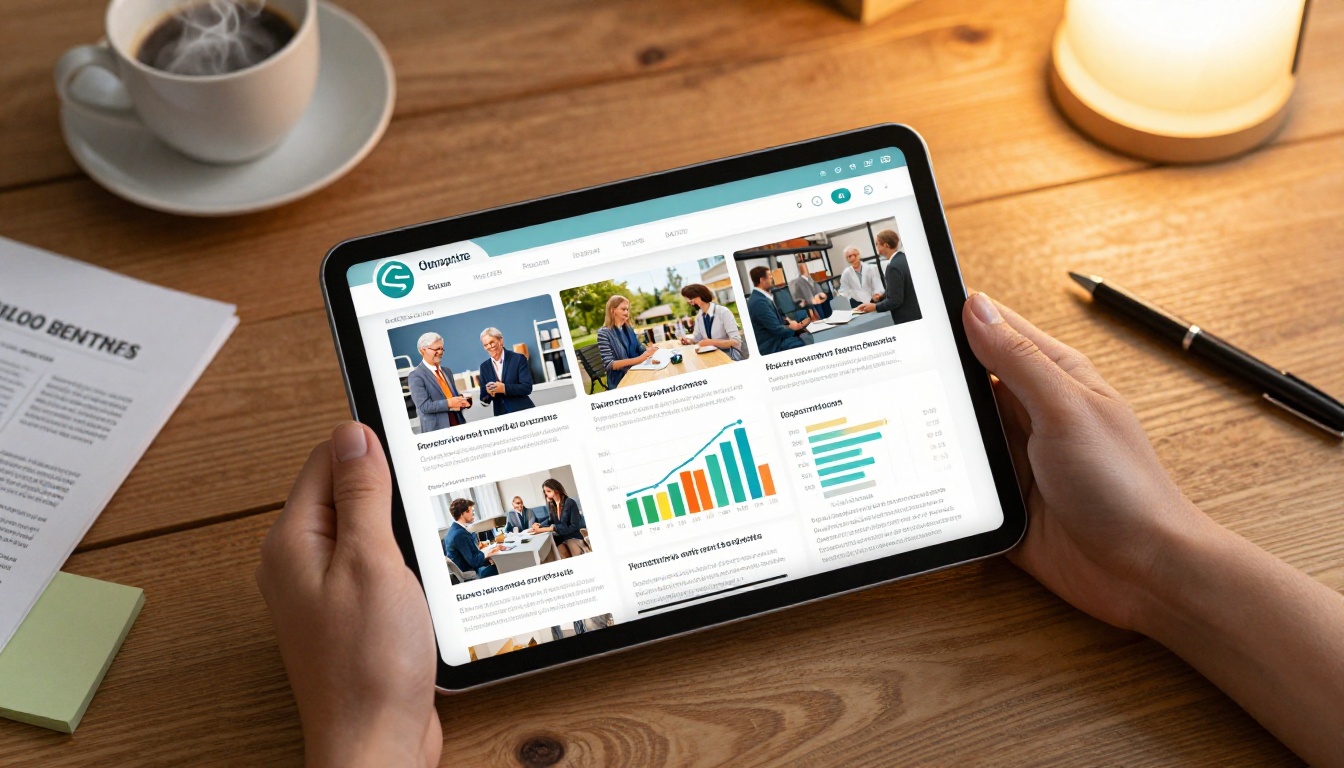
A flipbook is a digital publication with realistic page-turning animation, interactive navigation, and full multimedia support. It looks like a real magazine or brochure. Pages flip. Readers scroll through chapters. You can embed video clips, audio testimonials, hyperlinks, and animated graphics directly inside the document.
Pages That Actually Turn
The page-turning effect is not just cosmetic. It creates a reading rhythm. It signals to the reader that there is more to come, that this is a structured story worth following. Nonprofit communications directors report that readers spend dramatically more time in a flipbook than with the same content formatted as a PDF.
The format also works offline. Flipbooks AI includes offline download options on its Standard plan and above, so you can share a link with a board member and know they can access it on a flight without Wi-Fi.
Embed Video and Audio Inside the Story
This is where flipbooks genuinely separate from every other nonprofit publishing format. Instead of linking out to a YouTube video and hoping the donor clicks through, you embed the video directly on the page. The donor is reading the impact report, turns to page 4, and a 90-second video of a beneficiary sharing their story plays right there, inside the document.
Audio works the same way. A message from your executive director, a clip from a community event, a soundbite from a program graduate. All of it lives inside the flipbook, not behind a separate link that most readers never follow.
6 Ways Nonprofits Use Flipbooks Right Now
Nonprofits are not using flipbooks for one thing. They are replacing nearly every static document in their communications pipeline with interactive publications. Here is where the impact shows up most clearly.
Annual Reports That Get Shared
The annual report is a nonprofit's most important accountability document. It tells donors where the money went, shows program outcomes, and builds the trust that drives year-over-year giving. The problem: most annual reports live as a 40-page PDF that gets attached to a December email and quietly ignored.
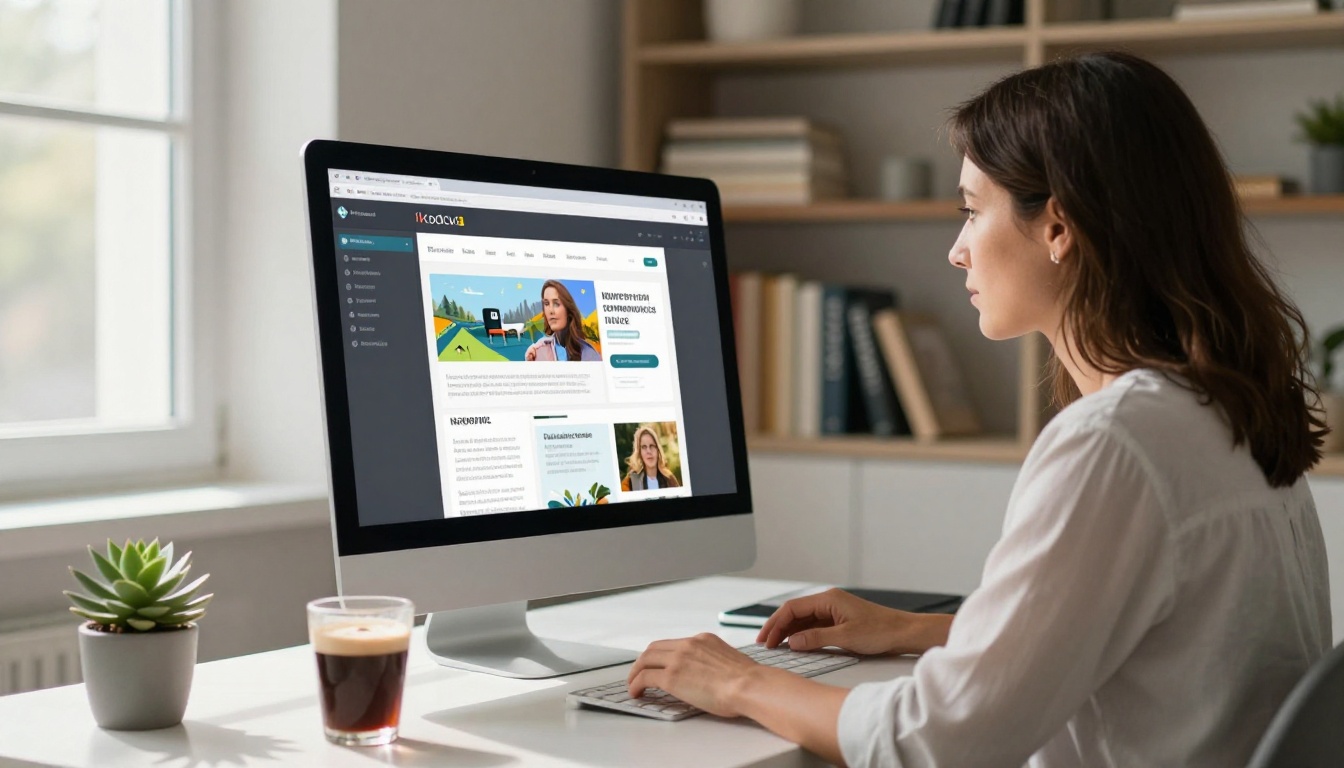
A flipbook annual report changes the entire dynamic. Readers page through it like a magazine. Charts and infographics render beautifully at any screen size. Photos of program participants fill full-bleed spreads. The Annual Report Creator and dedicated Non-Profit Annual Report tools make it possible to convert an existing PDF into a shareable, brandable interactive publication in minutes.
Fundraising Campaign Materials
When a capital campaign launches or a year-end giving push begins, the materials need to be extraordinary. A flipbook campaign package that includes a case for support, a donor recognition section, impact statistics, and a direct call to give performs far better than a static PDF deck.
Donors can share flipbooks directly. They can send a link to a friend, post it in a community group, or forward it with a personal note. That shareability creates organic amplification that a PDF simply cannot replicate.
Volunteer Recruitment Packets
Recruiting volunteers requires telling a story just as much as raising money. A well-designed volunteer information packet in flipbook format, showing the day-to-day experience, introducing the team, and walking through the onboarding process, converts far better than a text-heavy word document.
💡 Add a direct signup link inside your volunteer flipbook so readers can apply without leaving the document.
Event Programs and Schedules
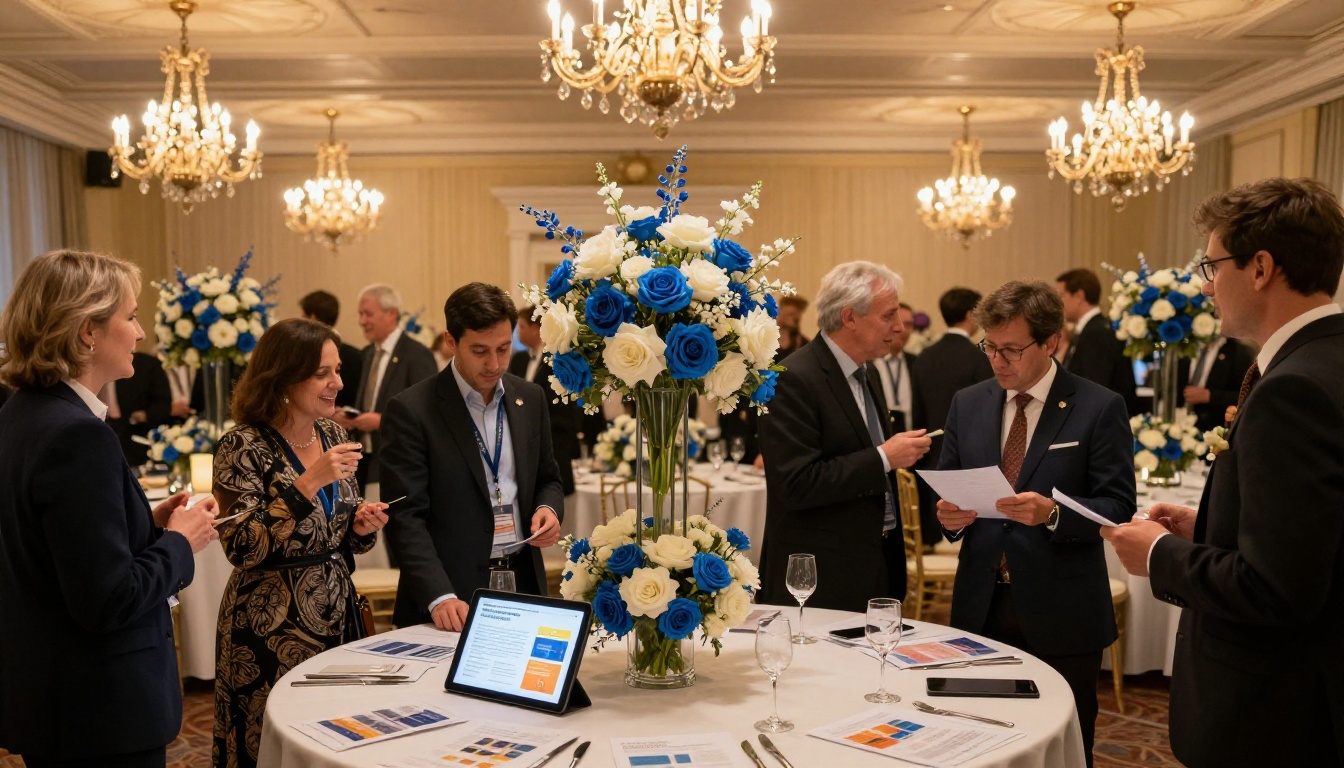
Gala programs, conference agendas, charity auction booklets. All of these traditionally get printed at significant cost and discarded the same evening. A digital flipbook event program saves printing costs, reaches remote attendees, and stays accessible after the event as a record of the occasion.
The Event Program Maker at Flipbooks AI is built specifically for this use case, with templates that make production fast even for teams without a dedicated designer.
Community Impact Stories
Monthly or quarterly impact stories, what used to be a flat email newsletter, become immersive reading experiences in flipbook format. A food bank can show the number of meals served, feature a family photograph, and include a short video testimonial all on the same spread. A literacy program can show before-and-after reading level data alongside a student's portrait and a quote from their teacher.
The Newsletter Flipbook Publisher was built for exactly this workflow, letting organizations publish a professional-quality impact story on a regular cadence without heavy production overhead.
Grant Proposal Presentations
While grant proposals submitted to foundations typically follow strict formatting requirements, the supporting materials, case statements, program presentations, and funder briefings, benefit enormously from interactive formatting. A flipbook case statement is something a program officer will spend genuine time with. It stands out in a review pile where everything else is a PDF.
Flipbook vs. PDF vs. Static Website
Not every format is equal for nonprofit storytelling. Here is a direct comparison across the formats most organizations currently rely on.
| Feature | PDF | Static Website | Flipbook |
|---|
| Mobile-Friendly | Poor | Good | Excellent |
| Page-Turning Experience | No | No | Yes |
| Embedded Video | No | Yes | Yes |
| Shareable Link | Yes | Yes | Yes |
| Offline Access | Yes | No | Yes (Standard+) |
| Password Protection | No | Limited | Yes |
| Analytics | No | Yes (with tools) | Yes (Professional) |
| Custom Branding | Limited | Yes | Yes |
| Production Time | Low | High | Low |
| Print-Ready Export | Yes | No | Yes |
⚠️ PDFs remain useful for formal submissions and legal documents. For donor-facing storytelling and community outreach, the flipbook format consistently outperforms.

How to Build Your Nonprofit Flipbook with Flipbooks AI
Flipbooks AI makes the entire process accessible, even for nonprofits without a dedicated design team. Here is how to get your first publication live.
1. Create Your Account
Head to flipbooksai.com/account and sign up. The free plan lets you publish immediately. For nonprofits publishing multiple documents per year, the Standard plan provides unlimited flipbooks with no watermarks, offline downloads, and password protection.
2. Prepare Your PDF
Before uploading, make sure your PDF is well-designed. Use your brand colors, include high-resolution photos, and structure the content with clear headings and page breaks that will read naturally in a paged format. Canva, Adobe InDesign, and Google Slides all export PDFs that convert cleanly.
3. Upload and Convert
Use the PDF to Flipbook Converter to upload your document. The conversion takes seconds. Your PDF becomes a fully interactive, page-turning publication with automatic mobile optimization applied at every screen size.
4. Apply Your Branding
Set your organization's logo, brand colors, and cover style. Flipbooks AI supports full custom branding with no platform watermarks on paid plans. Choose a page-turn animation style, add a background tone if appropriate, and set a custom domain on higher-tier plans.
5. Embed Video, Audio, and Links
This is the step most organizations skip when they first start, and it is the step that makes the biggest difference. Add a video to your impact spread. Embed a donation button directly on the giving page. Link to your volunteer signup form from inside the volunteer chapter. This interactivity is what separates a flipbook from a digitized PDF.
6. Publish and Share
Publish with a single click. You receive a shareable link, an embed code for your website using the Embed Flipbook on Website tool, and a QR code for printed event materials. Password-protect private reports for board members or major donors. Enable analytics on the Professional plan to see exactly which pages readers spend the most time on, and which ones they skip.
✅ Use the password protection feature for board-only financial documents. It is clean, professional, and takes seconds to configure.

Best Flipbook Content Types for Nonprofits
Not every nonprofit communication belongs in a flipbook. Here is a practical reference for where the format performs best versus where a simpler format is sufficient.
Real-World Results Nonprofits See
The organizations switching from static PDFs to interactive flipbooks for their donor communications report measurable shifts in how their materials perform.
Donor Retention and Repeat Giving
Annual reports are directly tied to donor retention. A donor who reads the full annual report is far more likely to give again in the following year than a donor who received it and never opened it. Interactive formats have higher read-through rates, which translates directly to retention over time.
When a donor pages through a beautifully produced report showing exactly what their donation funded, with photos, embedded video testimonials, and clear financial breakdowns, the trust that drives repeat giving builds naturally and sustainably.
Email Click-Through Rates
When nonprofits switch from attaching a PDF to linking to a flipbook in their donor email, click-through rates improve. A link to a flipbook with a compelling cover image reads differently than "Annual Report 2025.pdf." It signals a quality experience worth clicking, not a file to download and deal with later.
💡 Use a screenshot of your flipbook cover as the email preview image. It creates a visual click target that consistently outperforms a plain text link.
Board and Funder Presentations
Sharing a flipbook link before a board meeting or funder presentation changes how prepared your audience arrives. They can review the material on their own device, at their own pace, with full multimedia included, and arrive ready for a substantive conversation rather than spending the first fifteen minutes reading a packet.
Flipbooks AI Plans for Nonprofits
Flipbooks AI offers tiered plans designed to scale with an organization's publishing needs. Here is how the plans stack up against typical nonprofit use cases.
| Plan | Flipbooks | Watermark | Analytics | Offline Downloads | Password Protection |
|---|
| Free | 3 | Yes | No | No | No |
| Starter | 10 | No | No | No | No |
| Standard | Unlimited | No | No | Yes | Yes |
| Professional | Unlimited | No | Yes | Yes | Yes |
For most nonprofits publishing a quarterly newsletter, an annual report, and a handful of campaign materials per year, the Standard plan covers everything needed with no watermarks and full sharing options. Organizations that want to track which pages donors read most, or use lead generation features to capture new supporter information inside the flipbook itself, will benefit from the Professional plan.
Full pricing details are available at flipbooksai.com/pricing.
The Nonprofit Story Deserves a Better Stage
The work nonprofits do is often extraordinary. Feeding communities. Educating children. Rebuilding lives after disaster. The organizations doing this work deserve a publishing format that matches the power of the story they are telling. A static PDF does not do that. An interactive flipbook does.
From the annual report that donors actually read front to back, to the volunteer packet that converts skeptics into champions, to the event program that outlasts the evening, flipbooks give mission-driven organizations a way to make every piece of communication feel as important as the cause it represents.
Browse all available tools at flipbooksai.com/tools to find the right starting point for your organization. Ready to publish your first flipbook? Create your account and get your first publication live today. Compare plans at flipbooksai.com/pricing to find the tier that fits your organization's needs and budget.