Photographers spend years perfecting their craft, yet most still send clients a flat PDF or a link to a website that looks like every other photographer's website. Flipbooks AI is changing that. A growing number of photographers across every specialty, from weddings to fine art, are using interactive flipbooks to present their portfolios in a way that actually stops people mid-scroll and makes clients reach out. The format is not a trend. It is a measurable upgrade to how great work gets seen.
Why Static Portfolios Fall Short
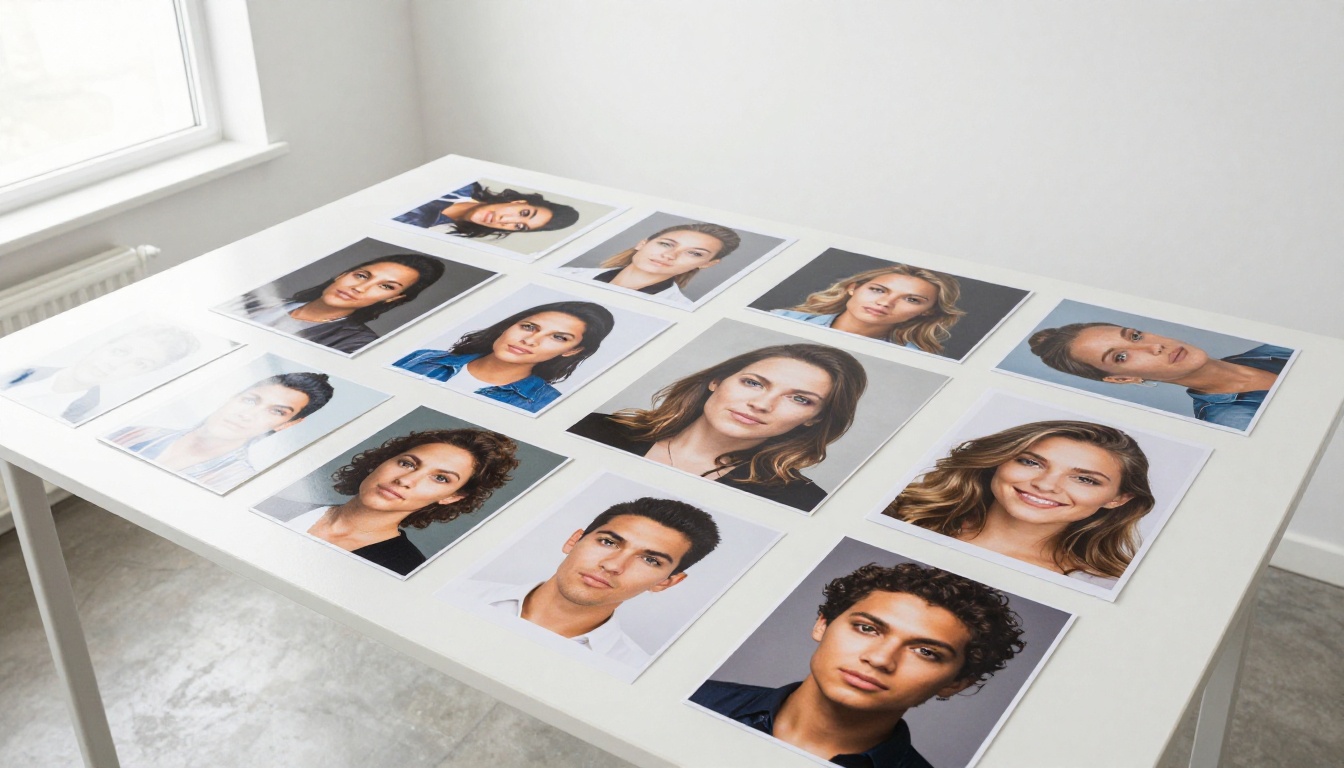
The modern client moves fast. They have six tabs open and a dozen Instagram galleries queued up. A static PDF that requires downloading, a website that loads slowly, or an email attachment that may or may not open on a phone, these are not just inconveniences. They are reasons for clients to move on before they ever see your best work.
The Attention Problem Every Photographer Faces
When a potential wedding client compares two photographers, the work itself often matters less than how the work is presented. A stunning gallery buried inside a clunky PDF loses to a visually dynamic flipbook every single time, not because the photos are worse, but because the experience of viewing them is worse.
Photographers who understand this are not competing on price. They are competing on perception, and flipbooks shift that perception immediately.
What a Client Actually Remembers
After a consultation, a client might forget a photographer's name. They rarely forget how the portfolio made them feel. An interactive flipbook with smooth page turns, a cinematic cover image, and a clean layout creates a memory. A folder of JPEGs does not.
💡 The first three seconds of a client seeing your portfolio determines whether they stay or leave. A flipbook cover page with a single dramatic image is the most powerful first impression you can make.
What a Photography Flipbook Actually Is
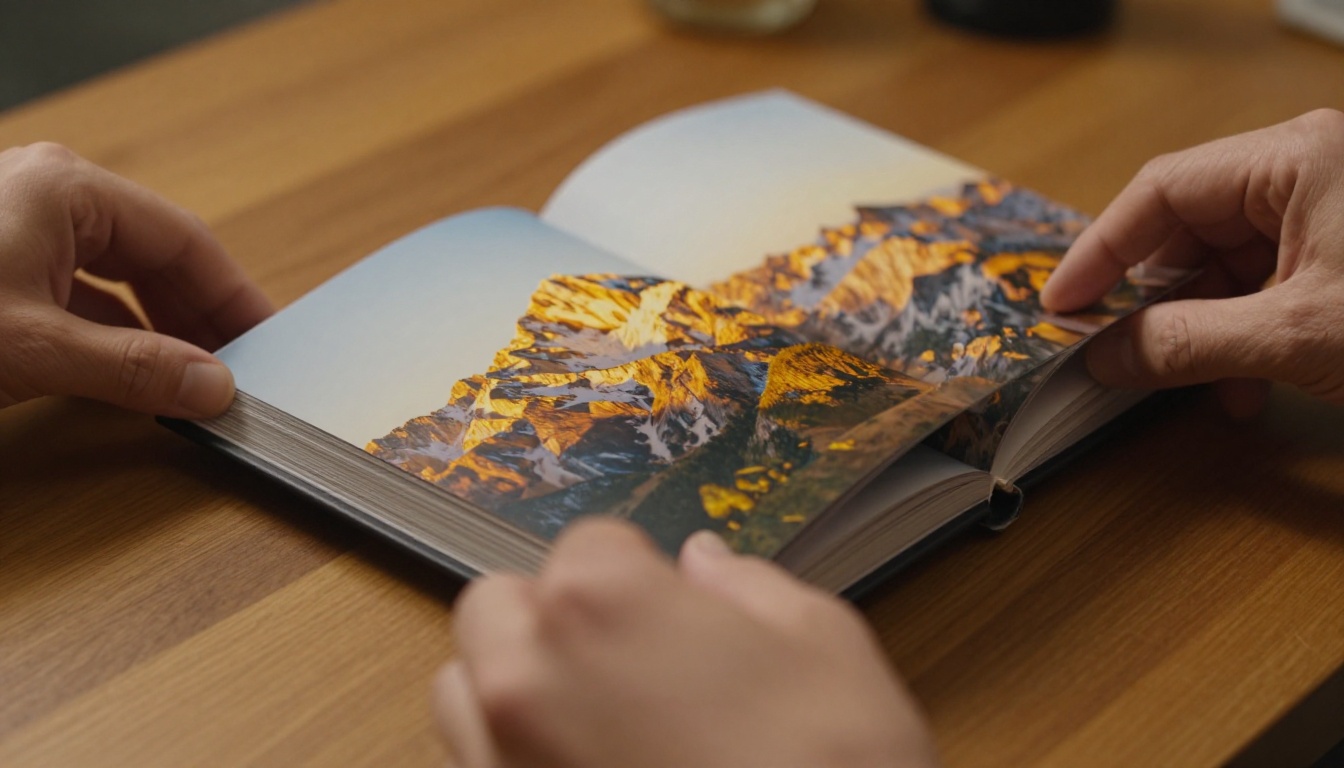
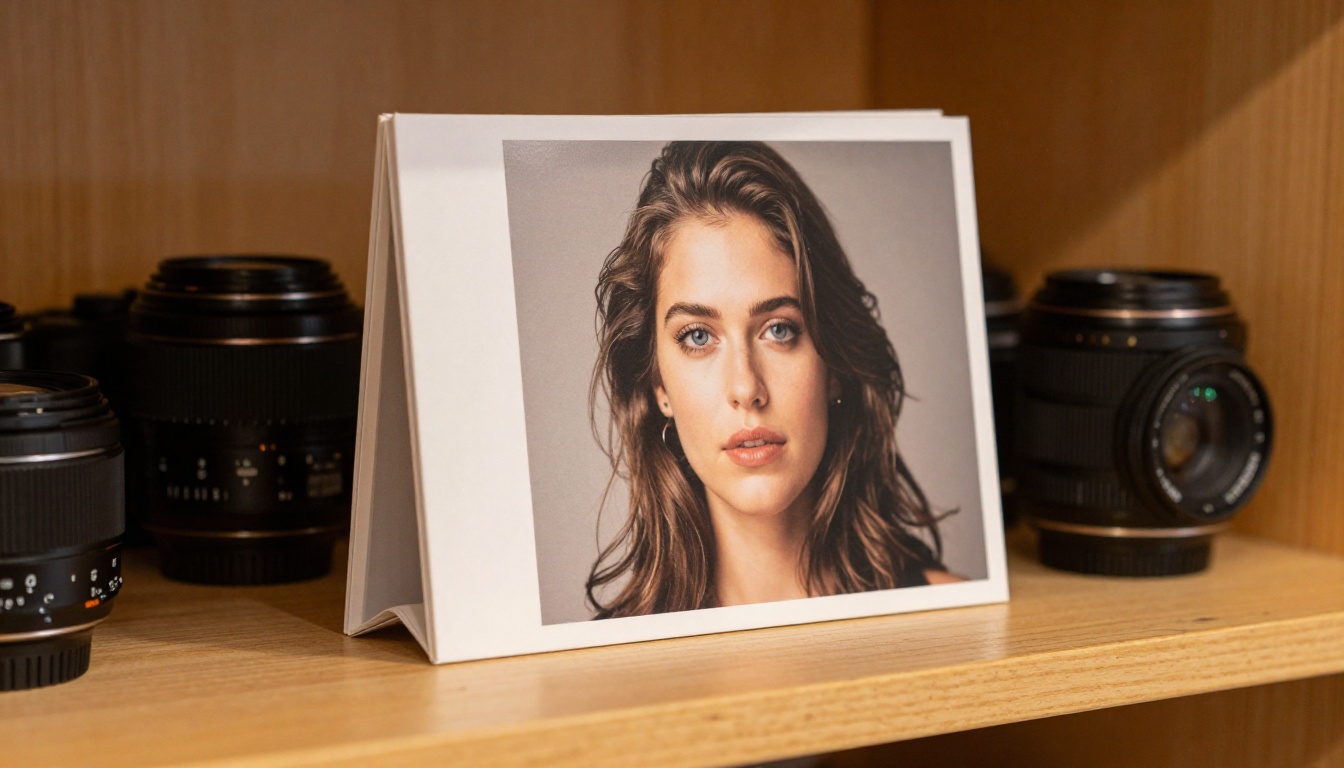
A flipbook is a digital publication that mimics the feel of a printed book or magazine. Pages flip with a realistic animation, the layout is exactly as you designed it, and the whole thing works in any browser without any app or download required.
For photographers, this means you can take a PDF of your portfolio, whether it is a wedding album layout, a fashion lookbook, or a fine art collection, and turn it into something that looks and feels like a luxury printed book, but lives online and can be shared with a single link.
The Photography Portfolio Flipbook tool on Flipbooks AI was built specifically for this use case. Upload your PDF, and within minutes you have an interactive portfolio that works on any device and reflects the quality of your actual work.
The format works across virtually every photography specialty, but some niches see outsized results.

Wedding Photographers
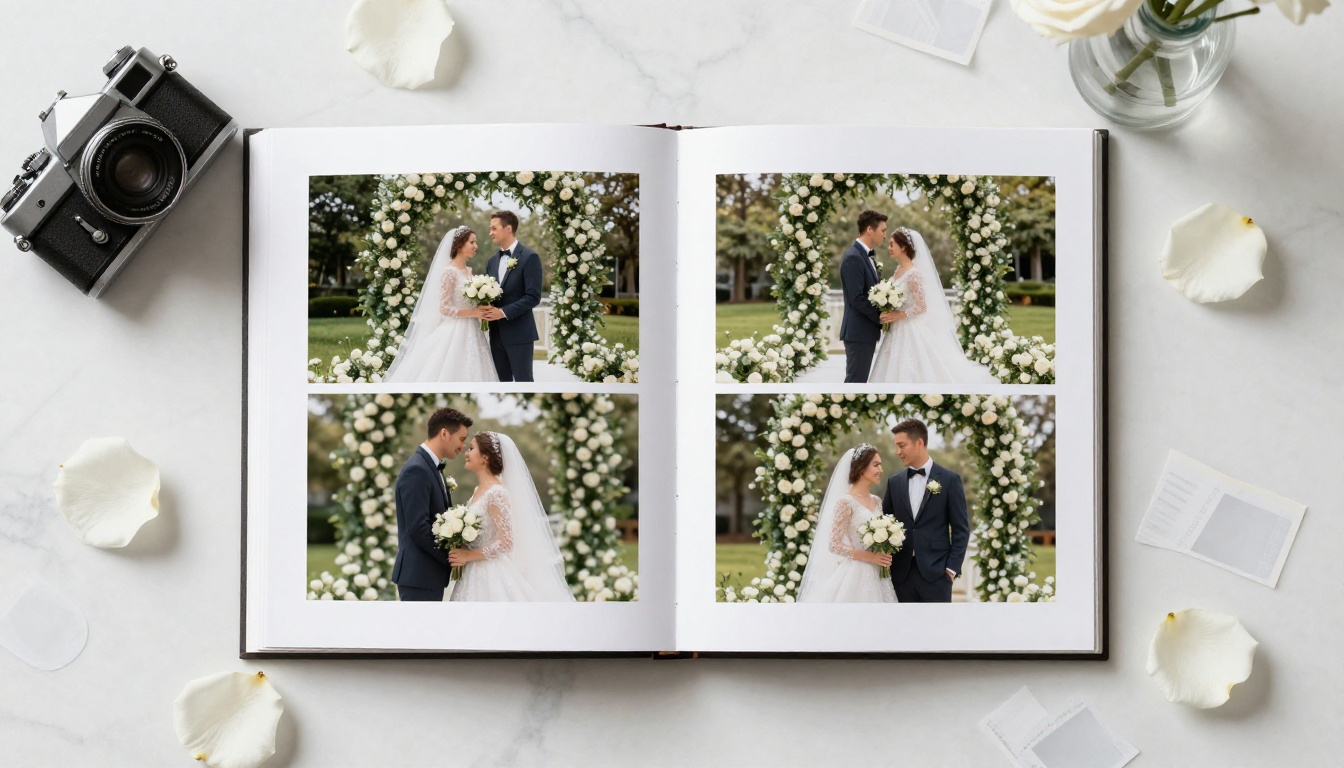
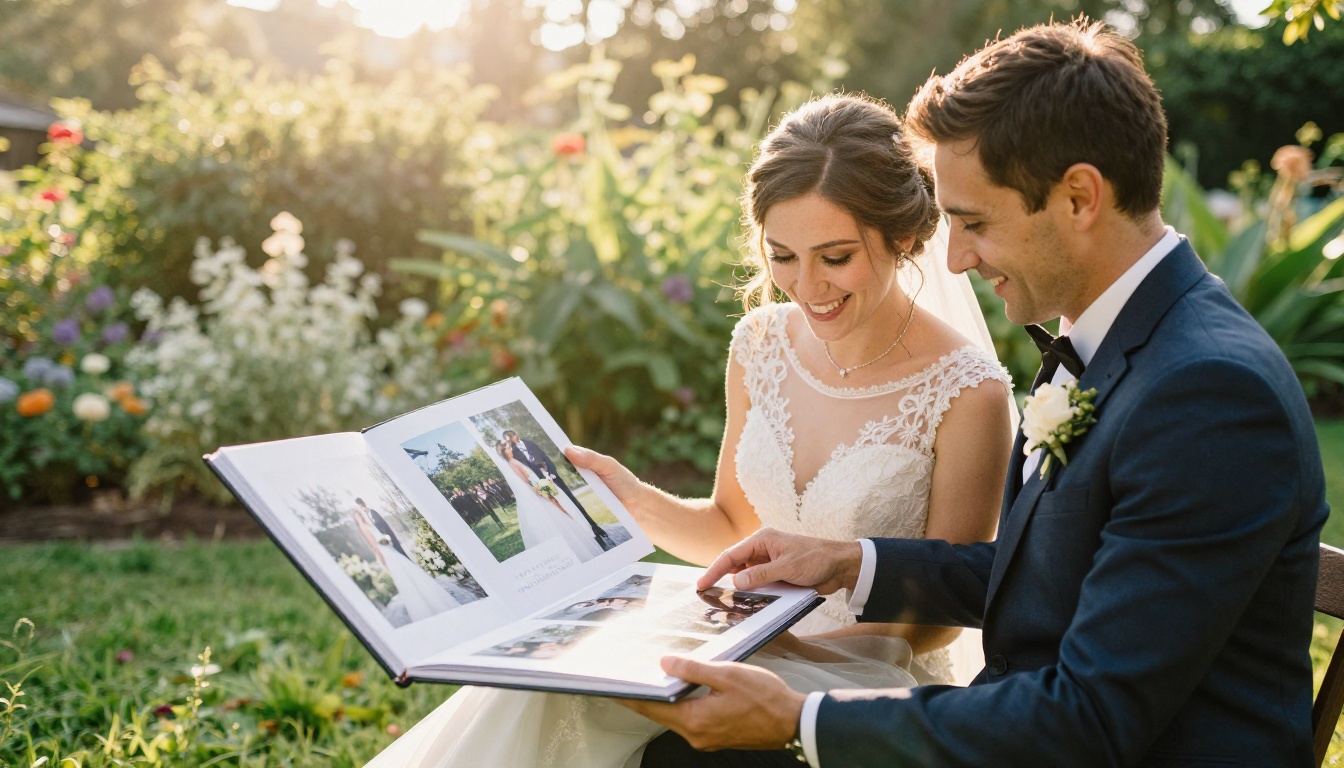
Wedding photographers have the most to gain from the flipbook format. A wedding album tells a story from getting ready to the last dance, and that story works best when it flows page by page, not as a scrollable grid. Sending a client a flipbook link before signing a contract gives them a preview of exactly what their own album could look like.
Couples share everything with family during the planning process. A flipbook link can be forwarded in seconds, opened on any phone, and experienced the same way every time. That is free referral marketing that a static PDF simply cannot replicate.
Fashion and Commercial Photographers
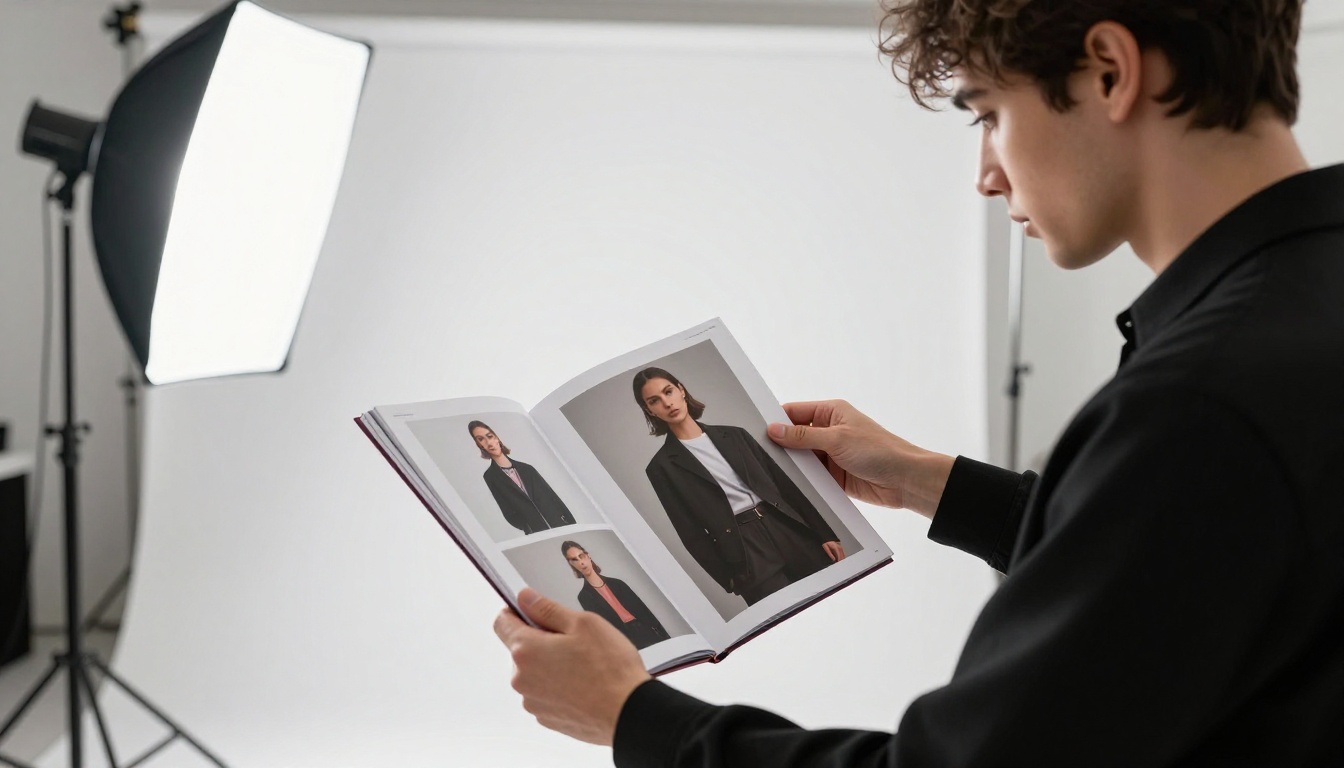
Fashion photographers already think in terms of editorial spreads. A flipbook is the natural format for that work. The Interactive Lookbook Designer allows fashion photographers to present seasonal collections, campaign images, and editorial stories in a format that fashion editors, art directors, and brand managers recognize immediately.
✅ For fashion and commercial work, create one flipbook per campaign or season rather than one large general portfolio. Targeted presentations convert better than broad ones.
Portrait and Family Photographers
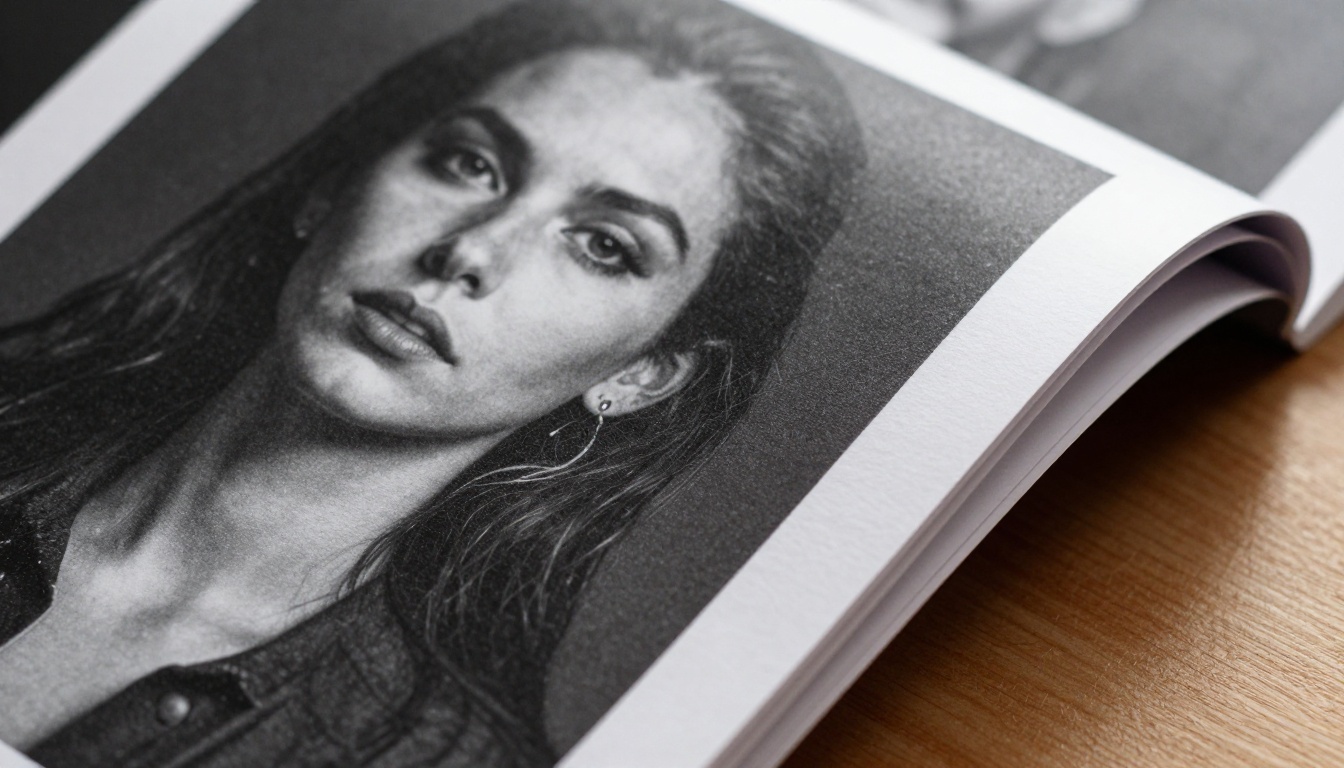
For portrait photographers, the challenge is showing range without overwhelming the client. A flipbook lets you organize work by session type, mood, or season, and clients can flip through at their own pace. The page-by-page format gives each image space to land, rather than competing with seven other images in a grid.
How to Build Your Photography Flipbook with Flipbooks AI
This is where the actual work happens, and it is far simpler than most photographers expect.
Step 1: Design Your Portfolio PDF
Before you upload anything to Flipbooks AI, you need a PDF. Use any design tool you are comfortable with: Adobe InDesign, Canva, Lightroom's book module, or PowerPoint. The goal is to design for double-page spreads if you want the flipbook effect to feel like a real book.
A few layout rules that matter:
- Keep important content away from the center gutter (the fold between pages)
- Use consistent margins and typography throughout
- Design a strong cover page, it will be the first thing clients see
- Include your contact information on the final page
Step 2: Upload and Convert
Go to Flipbooks AI and create your account. The upload process takes about one minute.
- Click New Flipbook from your dashboard
- Select Upload PDF and choose your portfolio file
- Wait for the conversion, typically under a minute for most portfolio sizes
- Your flipbook is ready for customization
💡 Name your file descriptively before uploading. The file name is used as the initial flipbook title, so something like "Portfolio-Wedding-2025.pdf" saves you an editing step.
Step 3: Customize Your Brand
This is where your identity comes through. Flipbooks AI gives you control over:
- Cover style: Soft cover, hard cover, or magazine spine
- Background color and texture: Match your brand palette exactly
- Page flip sound: On or off, depending on your presentation context
- Table of contents: Auto-generated from your PDF bookmarks
- Logo and branding: Add your studio logo to the flipbook interface frame
Step 4: Set Your Sharing Options
Once your flipbook is published, you have several ways to share it:
- Direct link: A clean URL you can text, email, or add to your email signature
- QR code: Print it on your business card so clients scan and open your portfolio instantly
- Embed code: Drop it directly onto your website or a landing page
- Password protection: For client-specific galleries or proofing sessions
⚠️ If you are sharing work-in-progress proofs or private client galleries, always use password protection. This keeps unpublished work secure while still giving clients a beautiful viewing experience.
Step 5: Track Client Behavior
The Professional plan on Flipbooks AI includes analytics that show you how long each viewer spent with your flipbook, which pages held their attention longest, and how many times the link was opened. For photographers who send proposals, this data is genuinely valuable. Knowing a potential client spent 14 minutes on your wedding gallery is a strong signal to follow up that day.
Sharing Your Flipbook in the Real World
Generating the flipbook is only part of the process. How you share it matters just as much.
In-Person Client Consultations
Bring a tablet to every consultation. Open your flipbook, hand it to the client, and let them flip through it themselves. The act of physically interacting with pages, even on a touchscreen, creates a completely different emotional response than watching someone else scroll through photos.
Many photographers report that clients spend two to three times longer with a flipbook than they do watching a slideshow of the same images.
Sending Links After Meetings
Follow up every consultation with your flipbook link in the email. Instead of attaching a PDF that may or may not download correctly, send a single line: "Here is a link to my full portfolio for you to browse at your own pace." That link works on any device, loads instantly, and looks identical every time.
Embedding on Your Website
The Embed Flipbook on Website tool generates a clean embed code. Paste it into any website builder, including WordPress, Squarespace, or Wix, and your portfolio becomes an interactive experience visitors can browse without ever leaving your page.
💡 Embed different flipbooks on different pages. Put your wedding portfolio on your wedding page, your portrait work on your portrait page. Targeted presentation increases conversion significantly.
Flipbooks AI Plans at a Glance
Understanding which plan fits your workflow helps you get the most from the platform.
| Feature | Free | Standard | Professional |
|---|
| Flipbooks | 1 | Unlimited | Unlimited |
| Watermark | Yes | No | No |
| Password Protection | No | Yes | Yes |
| Custom Branding | No | Yes | Yes |
| Analytics | No | No | Yes |
| Lead Generation Forms | No | No | Yes |
| Offline Downloads | No | No | Yes |
| Embed on Website | Limited | Yes | Yes |
For most working photographers, the Standard plan covers everything needed for daily client work. Photographers who regularly send proposals and want to track client interest will find the Professional plan pays for itself quickly. Compare all plans to see what fits your workflow right now.
Not all portfolio formats are created equal. Here is how flipbooks stack up against the alternatives photographers use most.
| Format | Mobile Friendly | Interactive | Shareable via Link | Requires Download | Layout Control |
|---|
| Flipbook | Yes | Yes | Yes | No | Full |
| PDF File | Varies | No | No | Yes | Full |
| Website Gallery | Yes | Limited | Yes | No | Limited |
| Social Media Post | Yes | Limited | Yes | No | None |
| Printed Portfolio | No | No | No | N/A | Full |
| Google Photos Album | Yes | No | Yes | No | None |
Real Ways Photographers Win More Clients
Beyond the format itself, there are specific strategies photographers use to turn flipbooks into a client-attracting tool.
The Email Signature Portfolio
Add your flipbook link to your email signature with a short label like "View My Portfolio." Every email you send becomes a passive marketing touchpoint. Recipients can open your work with one click, no attachment, no friction.
The QR Code Business Card
Print your flipbook QR code on your business card. Hand it to someone at a networking event and they can have your full portfolio open on their phone before the conversation ends. This is not a gimmick. It is a genuinely better experience than asking someone to Google your name later.
Niche-Specific Flipbooks
Rather than one general portfolio, create separate flipbooks for different client types. A family photographer might maintain a newborn flipbook, a family portrait flipbook, and a senior portrait flipbook. Each one speaks directly to that specific client's situation and needs.
✅ Create a new flipbook for every major project or season. This keeps your portfolio current and gives you fresh content to send to past clients who might refer you to someone new.
The Client Proof Gallery
Use Flipbooks AI to create a beautiful proofing experience. After a session, design a simple PDF of your selects, upload it as a password-protected flipbook, and send the client a private link. They can flip through their images in an elegant format, share with family members, and make selections, all without you needing a separate proofing service.

What Photographers Are Actually Saying
The photographers who commit to the flipbook format consistently report the same outcomes: clients spend more time with the portfolio, ask fewer questions about quality, and move faster to booking. The format does not replace great photography. It gives great photography the presentation it deserves.
A portrait photographer based in Chicago described the shift this way: after switching from PDF attachments to a Flipbooks AI link, her consultation-to-booking rate went up noticeably within the first month. The flipbook was not the only change, but it was the most visible one that clients consistently mentioned.
Wedding photographers in particular report that couples often bring up the portfolio link during the first call: "We loved looking through your flipbook." That moment of recognition, where the portfolio itself becomes a talking point, is what separates a memorable brand from a forgettable one.
Start Presenting Your Work Differently
Your photography deserves a presentation that matches its quality. A static PDF or a basic website gallery is not holding you back entirely, but it is not helping you either. A flipbook built on Flipbooks AI takes the same images you already have and puts them in a format that clients actually enjoy experiencing.
Create your first photography flipbook for free and see the difference in how clients respond.
If you work across multiple niches, browse the full tools directory to find the right template for each type of work. And when you are ready to remove watermarks, access analytics, and get the full feature set, compare plans at Flipbooks AI to pick the right tier for your business.
The best photographers are already doing this. Now you know how.



