The difference between a salon that's fully booked and one that isn't rarely comes down to skill alone. Often, it comes down to how clearly and attractively a salon presents its prices before a client ever walks through the door. Digital price lists have quietly become one of the most effective tools in a salon owner's marketing arsenal, and the salons using them right are pulling ahead fast.
Flipbooks AI has made it easier than ever to create stunning, interactive digital price lists that work on any device. Whether shared as a link on Instagram, embedded on a website, or displayed on a tablet at reception, a well-crafted digital menu tells clients exactly what they're getting, at what price, and why it's worth it.
Why Paper Price Lists Are Costing You Clients
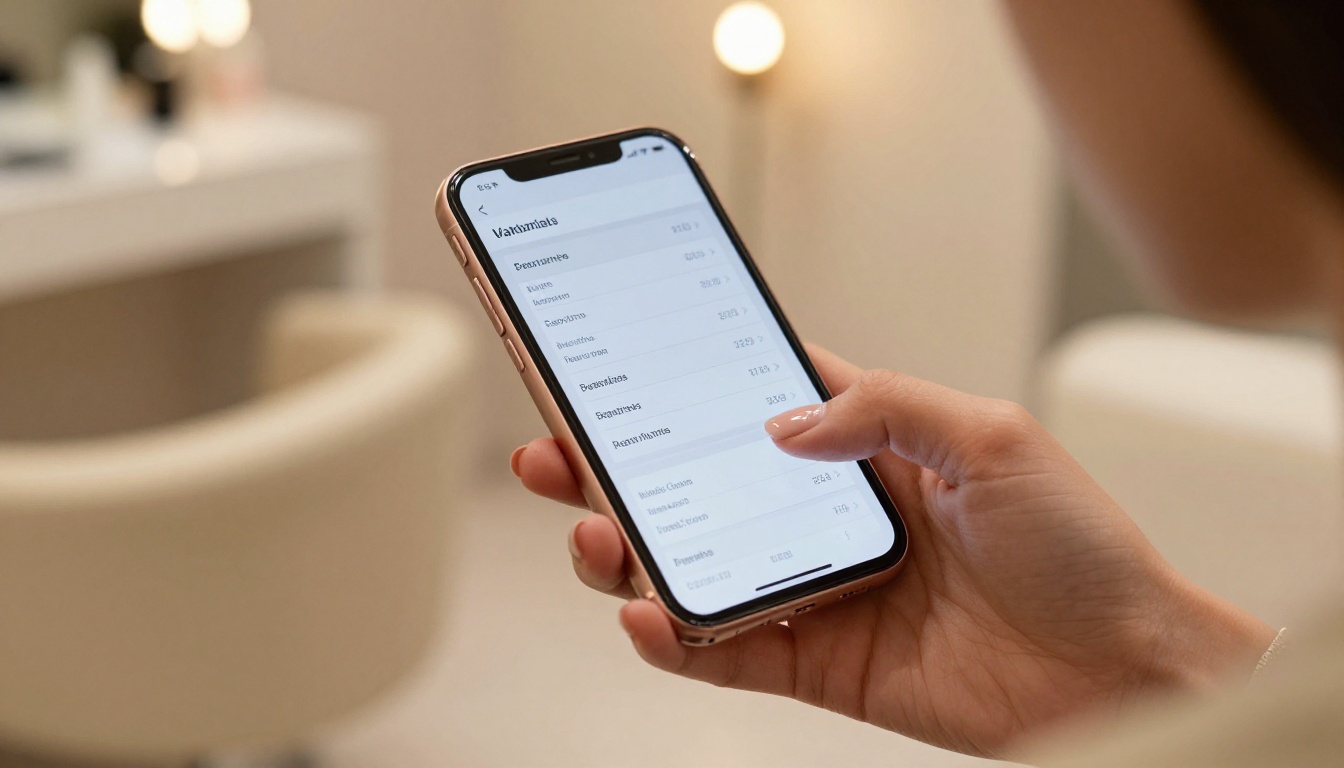
Most salons still rely on printed price sheets, laminated menus, or hand-written boards behind the desk. These worked fine for decades. But client behavior has shifted dramatically, and what worked in 2010 is actively hurting conversion rates today.
What Clients Do Before They Book
Before picking up the phone or tapping "book now," the average salon client does research. They check Instagram, visit your website, read reviews, and above all, look for your prices. If they can't find a clean, current price list within about 30 seconds, most will move on to the next salon.
The data reflects this clearly:
- 72% of consumers say pricing transparency is a major factor in choosing a local service business
- Salons with publicly listed prices receive 3x more online booking requests than those without
- A poorly formatted or outdated price list creates distrust, even if the salon is excellent
⚠️ An unclear or missing price list signals disorganization. Clients assume the rest of the experience will be the same.
The Problem with Print
| Issue | Paper Price List | Digital Price List |
|---|
| Updating prices | Reprint every time | Edit in seconds |
| Sharing online | Not possible | Share via link or embed |
| Visual quality | Fades, tears, smudges | Always sharp and clean |
| Mobile-friendly | No | Yes |
| Cost over time | Recurring print costs | One-time setup |
| Client trust signal | Low | High |
What a Digital Price List Actually Does for a Salon
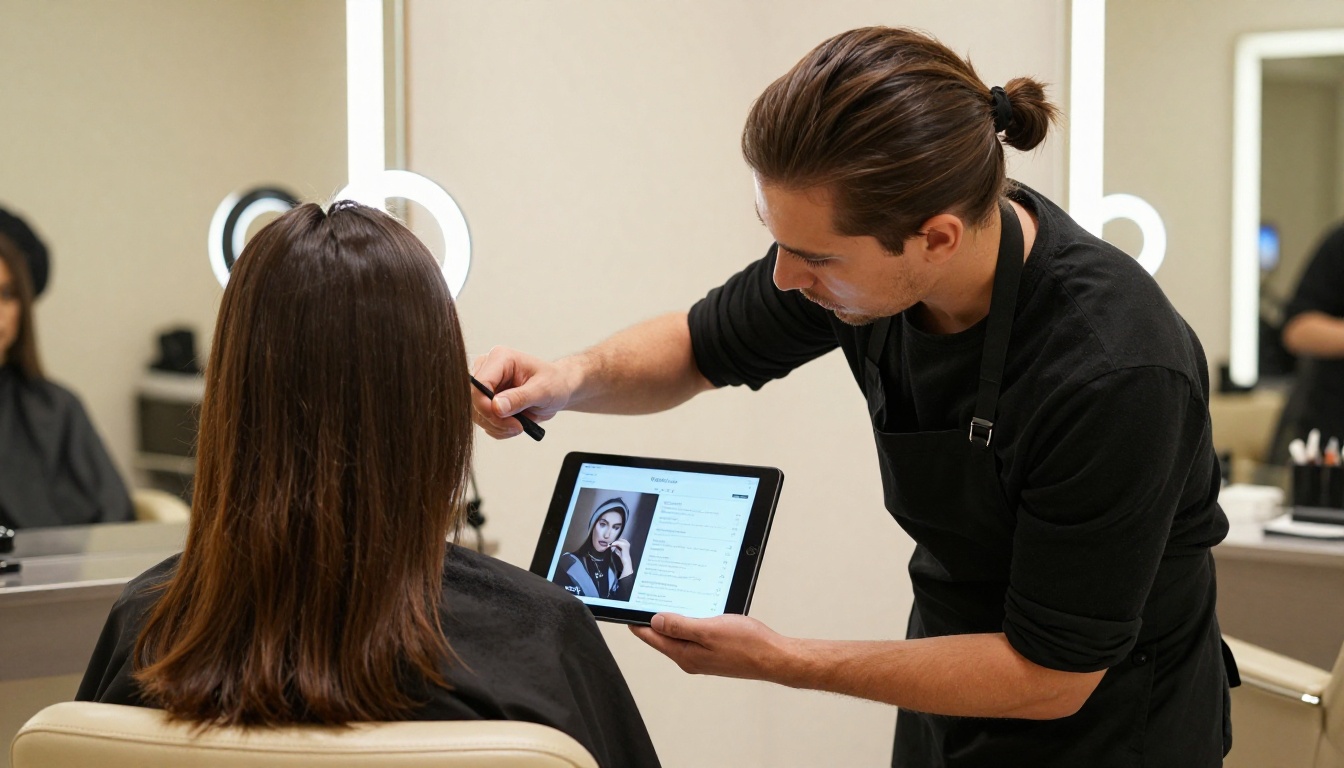
A digital price list is not just a reformatted version of your paper menu. When done properly, it functions as a sales tool, a trust signal, and a booking accelerator rolled into one.
It Pre-Sells Services Before the Appointment
When a client reviews your digital menu before booking, she's already walking through your service offerings in her head. She's thinking "I'd love that balayage" or "I should ask about the keratin." By the time she sits in the chair, she's warmer, more open to upsells, and less likely to hesitate on price.
Stylists who work with salons that share digital price lists in advance consistently report higher average ticket values per appointment. Clients come in informed and ready to spend.
It Removes Awkward Price Conversations
One of the most common sources of client friction is the moment a price gets revealed at checkout. With a polished digital price list shared before the appointment, there are no surprises. Everyone's aligned. That clarity builds loyalty.
💡 Include a "starting from" and "full service from" price range in your digital list to manage expectations while keeping room for consultation-based pricing.
It Works as a Marketing Asset
A beautiful digital price list is shareable content. Clients screenshot it, send it to friends, save it to their phone. When your list looks professional and visually appealing, it doubles as an advertisement for your brand.
How Salons Are Using Digital Price Lists in Practice
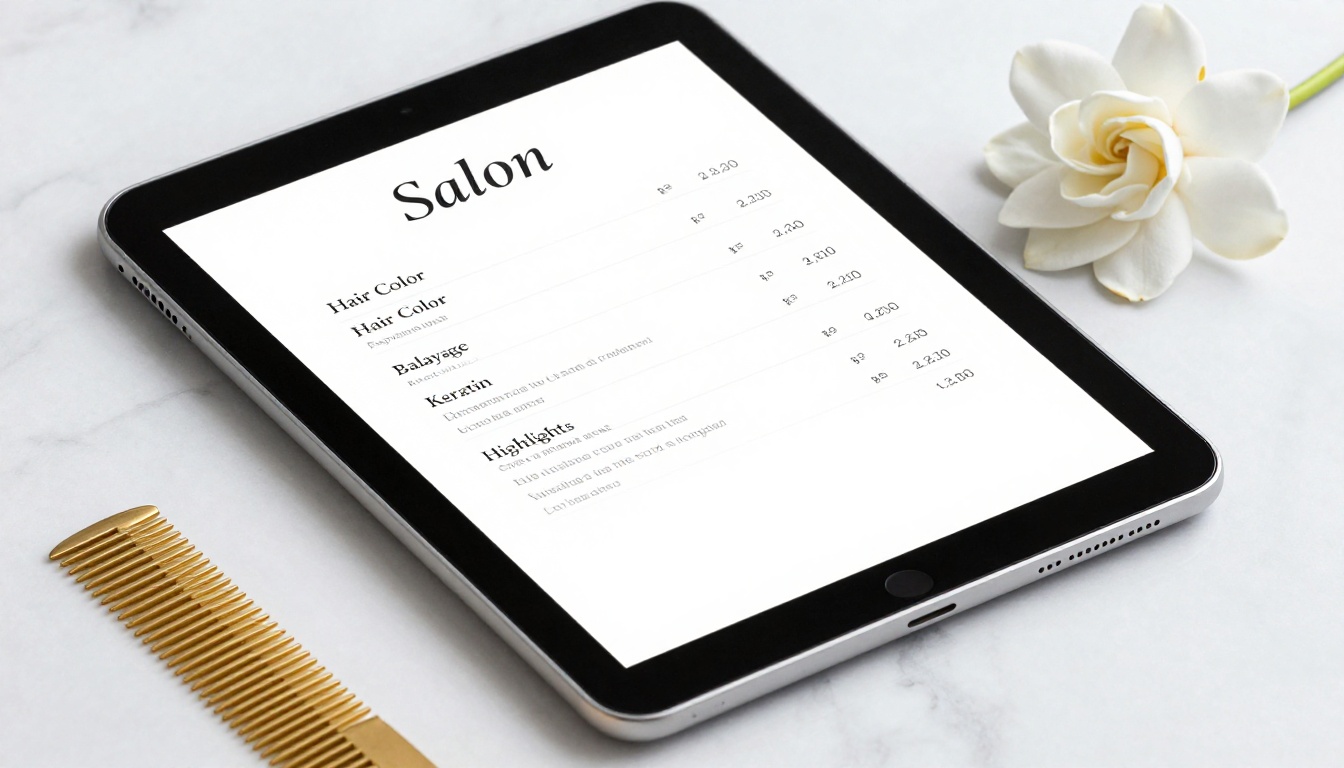
Different salons are finding creative ways to deploy digital pricing beyond just posting a PDF on their website.
At the Reception Desk
A tablet or mounted screen at the front desk displaying your digital menu serves multiple purposes. Clients waiting for their appointment browse services they might not have considered. Stylists can reference it while consulting. New walk-in clients can self-serve without needing to ask staff.
High-end salons in metropolitan areas routinely credit their reception tablet menu with increasing their add-on service rate by 20-35%.
On Social Media and WhatsApp
Sharing a link to your digital price list on Instagram Stories or WhatsApp Business is one of the simplest and highest-impact moves a salon can make. Every time someone asks "how much is a balayage?", instead of typing it all out, you send one link.
The link loads a polished, scrollable, professional price list. That response itself communicates quality and professionalism.
On Your Website
Embedding an interactive digital price list on your services page keeps clients on your site longer and gives them a reason to book directly rather than calling or messaging for information. It reduces inbound inquiries about pricing and converts more visitors into bookings.
In Your Google Business Profile
Adding a link to your digital price list in your Google Business Profile description or as a "menu" item increases the quality of leads you get from local searches. Clients who click through to check prices and book are more qualified than cold inquiries.
The Visual Quality Factor
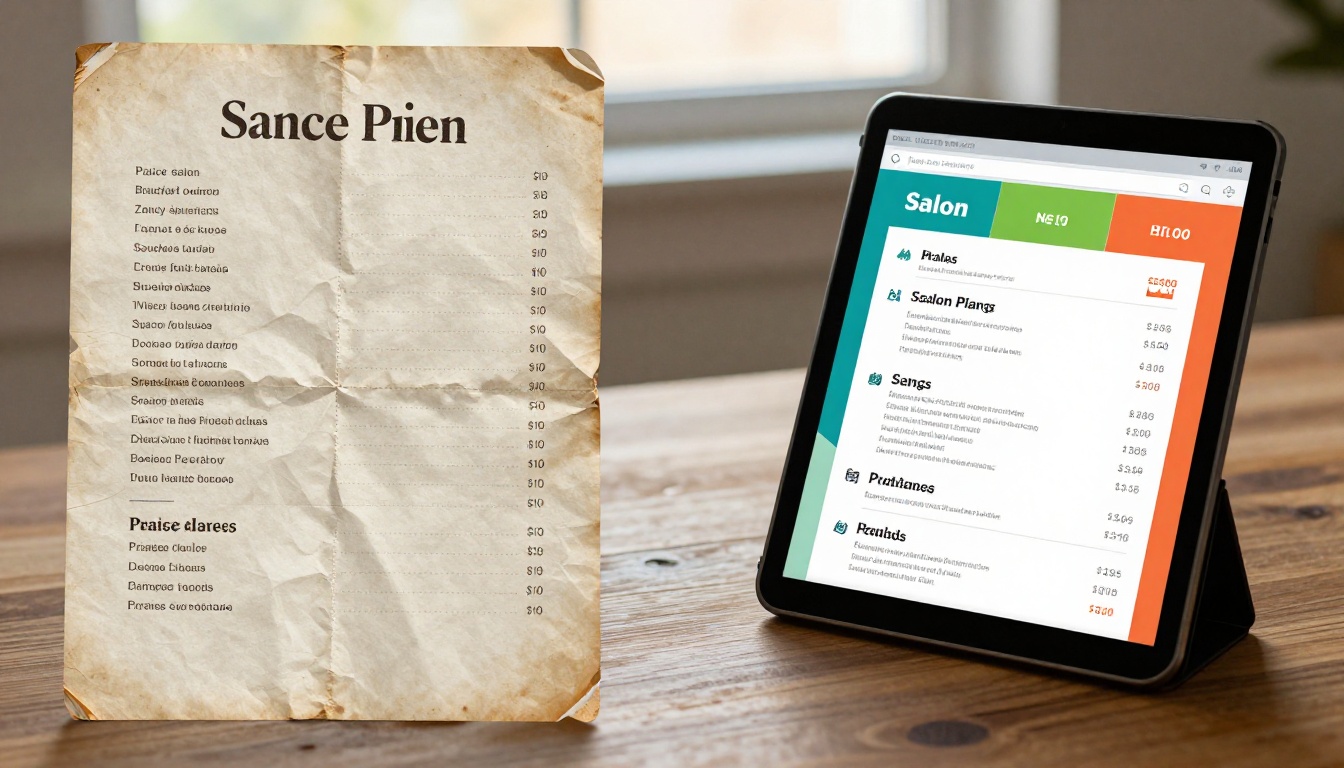
This is where most salons leave money on the table. A digital price list that looks generic, cluttered, or like it was made in 15 minutes in Google Docs does not convert clients. The visual design of your price list is a direct reflection of your salon's brand.
What a High-Converting Price List Looks Like
- Clean typography: Readable fonts, clear hierarchy between service categories and prices
- Branded colors: Colors that match your salon's visual identity
- Service descriptions: Brief, enticing descriptions, not just "Balayage - $180" but "Balayage - Sun-kissed, natural color blended by hand. Starting at $180."
- Professional photos: Images of actual results, not generic stock photos
- Mobile optimization: Looks perfect on a phone screen, not just desktop
✅ Treat your digital price list like a product brochure, not an invoice. Sell the experience, not just the price.
Basic vs. Professional Digital Price List
| Feature | Basic Digital (PDF/Google Doc) | Professional Digital Flipbook |
|---|
| Page-turn animation | No | Yes |
| Mobile responsive | Sometimes | Always |
| Embed on website | Difficult | One line of code |
| Share as link | Yes | Yes |
| Branded design | Minimal | Fully customizable |
| Update without reprinting | Yes | Yes |
| Password protection | No | Yes (Professional plan) |
| Analytics (who viewed it) | No | Yes (Professional plan) |
| Add videos or audio | No | Yes |
How to Create a Salon Digital Price List with Flipbooks AI

Flipbooks AI offers a dedicated Digital Price List Generator built specifically for this use case. Here's how to set one up from scratch.
Step 1: Design Your PDF
Start in Canva, Adobe Express, or any design tool you're comfortable with. Create your price list as a visually branded PDF. Include:
- Your salon name and logo at the top
- Service categories as section headers (Hair, Color, Nails, Treatments, etc.)
- Service name, brief description, and price range for each item
- Your contact information and booking link at the end
- Professional images of your work if possible
Export as PDF when done.
Step 2: Upload to Flipbooks AI
- Go to flipbooksai.com and create a free account
- Click "New Flipbook" and select your PDF file
- The platform automatically converts it into an interactive, page-turning flipbook in seconds
- Your price list is now a fully mobile-responsive digital document
Step 3: Brand It
Inside the editor:
- Set your brand colors for the flipbook interface
- Add your salon logo to the viewer frame
- Choose a background style that matches your aesthetic
- Configure the page-turn style (classic flip, slide, or fade)
Step 4: Set Privacy and Sharing
- Public link: Share freely on social media, WhatsApp, email
- Password protected: For VIP clients or private pricing tiers, available on Professional plan
- Embedded code: Copy one line of HTML and paste it into your website's services page
💡 Use the Embed Flipbook on Website tool to integrate your price list directly into your booking page for a seamless client experience.
Step 5: Track Performance
With the Professional plan, you get access to analytics showing:
- How many times your price list was viewed
- Which pages clients spent the most time on
- Where they dropped off
- Lead capture forms embedded directly in your flipbook
This data tells you which services get the most attention and which ones need better descriptions or pricing adjustments.
Real-World Impact: What Salons Report
The numbers from salons that have switched to digital price lists speak clearly:
| Metric | Before Digital Price List | After Digital Price List |
|---|
| Avg. booking inquiry response time | 2-4 hours (typed replies) | Instant (link share) |
| Clients who ask price at checkout | 40-60% | Under 15% |
| Social media DM conversion rate | Low | 2-3x higher |
| Average ticket value | Baseline | 15-30% increase |
| Time updating prices per quarter | 3-5 hours | Under 30 minutes |
These are not marketing claims. They're the practical result of removing friction between a curious client and a confident booking decision.
Who Should Make the Switch Now

The answer is: any salon that wants more clients and less friction. But the impact is especially significant for specific types of operators.
Salons in Competitive Urban Markets
When five other salons are within walking distance and most of them don't have a polished digital menu, yours immediately stands out. That professionalism signal influences who gets the booking.
Independent Stylists and Booth Renters
Independent operators often don't have a receptionist or a full website. A digital price list shared on Instagram or via a booking link is a complete client communication tool in a single link.
Salons Running Promotions
Paper flyers are expensive and disposable. A digital promotional price list can be updated instantly, shared widely, and tracked. Run a seasonal promotion? Edit the flipbook in two minutes and share the same link you always use.
New Salon Openings
First impressions are everything. Having a professional digital price list ready from day one signals that you're serious, organized, and worth booking. It sets the tone for the entire client relationship.
Common Mistakes to Avoid
Switching to digital does not automatically mean better results. These are the errors that undercut the effort.
Outdated Prices
A digital price list with prices from two years ago is worse than no list at all. Set a calendar reminder to review and update your list every quarter at minimum.
Too Much Information
Not every service needs three paragraphs. Keep descriptions tight: one to two sentences that sell the service, plus a clear price range. Overwhelming clients with text makes them close the tab.
No Call to Action
Every page of your digital price list should point somewhere. Include a "Book Now" button or a link to your booking platform. Don't leave clients to figure out the next step on their own.
⚠️ If your price list doesn't have a booking link on every page, you're leaking potential clients at the exact moment they're most ready to act.
Poor Mobile Experience
More than 80% of your potential clients will view your price list on a phone. If it's a zoomed-out PDF that requires pinching and scrolling, you've already lost them. A flipbook format is inherently mobile-first.
The Bigger Picture for Salon Marketing

A digital price list is not a standalone tactic. It sits inside a broader digital presence strategy that builds trust, drives bookings, and creates loyal repeat clients.
The salons winning right now treat their digital price list the same way a restaurant treats its online menu: always current, visually beautiful, easy to share, and directly connected to a booking system.
Tools like Flipbooks AI have brought this level of professional digital presentation within reach of any salon, regardless of size or technical ability. You don't need a web developer or a graphic design degree. You need a well-designed PDF and five minutes.
What Sets the Best Salons Apart
The salons that consistently fill their chairs week after week share a few traits:
- They remove every possible barrier between client interest and booking
- They present their services with visual confidence
- They update their pricing without stress or delay
- They track what works and double down on it
A polished, interactive digital price list does all four of those things.
Ready to stop losing clients to salons with better-looking menus? Get started for free on Flipbooks AI and have your digital price list live today. Compare pricing plans to see which tier fits your salon's needs, or browse all available salon and beauty tools to build out your full digital presence.



