Every school year, district administrators face the same uncomfortable math: printing costs climb, textbook budgets balloon, and the materials that arrived in August are outdated by November. The cycle repeats, and the money spent never comes back. That's the problem Flipbooks AI directly solves for schools ready to rethink how they produce and distribute educational content.
Switching from printed materials to digital flipbooks isn't just a technology upgrade. It's a budget decision with measurable returns in the first semester.
Where Schools Bleed the Most Money
Printing is one of the most quietly expensive line items in any school budget. According to education budget analyses, the average U.S. school district spends between $40 and $60 per student per year on paper-based materials alone. For a 500-student school, that's $20,000 to $30,000 annually on printing, toner, maintenance contracts, and paper stock.
And that doesn't account for textbook replacement cycles, which typically run every 5 to 7 years at $60 to $100 per book per student.
The Hidden Costs Nobody Talks About
Beyond the obvious line items, printing in schools carries hidden costs that rarely appear in budget presentations:
- Printer maintenance contracts: $2,000 to $8,000 annually per machine
- Paper storage: Dedicated supply rooms, locked cabinets, and constant reorder time
- Distribution labor: Staff time spent copying, collating, and distributing worksheets
- Revision costs: Every time a curriculum updates, old materials become waste
- Disposal and recycling: Outdated textbooks and printed materials require proper disposal
⚠️ Most school finance officers track toner and paper costs. Very few track the full labor cost of printing workflows. The real number is almost always higher than reported.
Textbook Replacement: A Massive Recurring Expense
Textbook procurement is a budget category that school boards scrutinize every cycle, yet few challenge the underlying model. A single subject-area textbook adoption across a 1,000-student high school can cost $200,000 to $400,000 every five years. Digital alternatives eliminate the replacement cycle entirely.
What Digital Flipbooks Actually Cost

Digital flipbooks convert existing PDFs into interactive, page-turning publications that work on any device. They require no printing, no physical distribution, and no replacement cycle. Platforms like Flipbooks AI charge a flat monthly or annual subscription rather than a per-unit cost.
Here's how the numbers stack up:
Cost Comparison: Print vs. Digital Flipbooks
| Cost Category | Print (Per Year) | Digital Flipbooks (Per Year) | Savings |
|---|
| Materials per 500 students | $25,000 | $0 | $25,000 |
| Printer maintenance | $6,000 | $0 | $6,000 |
| Textbook replacement (amortized) | $40,000 | $0 | $40,000 |
| Distribution labor | $8,000 | $0 | $8,000 |
| Platform subscription | $0 | $300–$600 | -$500 |
| Total Estimated | $79,000 | $500 | $78,500 |
Estimates based on a 500-student school with standard print consumption rates.
💡 These figures are conservative. Schools with active communications programs, regular newsletter printing, and multiple departments producing printed content will see even higher potential savings.
Why Flipbooks Work So Well in Schools

The financial case is strong, but the operational case is equally compelling. Digital flipbooks solve practical problems that printed materials simply cannot address.
Instant Updates, Zero Reprinting
When a science curriculum changes, a printed textbook becomes wrong the moment it's issued. A digital flipbook can be updated in minutes and pushed to every student simultaneously. No reprinting, no recalls, no wasted materials.
This matters especially for:
- School handbooks: Updated policies and procedures available to families instantly
- Course syllabi: Adjusted due dates and content reflected in real time
- District newsletters: Published weekly without printing or postage costs
- Training manuals for staff: Updated onboarding materials without reprinting entire binders
Works on Any Device Students Already Own
Mobile-responsive design means digital flipbooks display correctly on phones, tablets, and laptops. Schools don't need to purchase dedicated hardware. Students accessing materials on personal devices reduces the need for costly one-to-one device programs.
✅ Best practice: Upload your PDF to Flipbooks AI and test it on mobile before distributing to students. The platform automatically optimizes for screen size.
No Distribution Overhead
Distributing a digital flipbook means sharing a link, embedding on a school website, or sending via the school's learning management system. There is no physical logistics involved. No copying. No collating. No stapling.
The School Newsletter Creator tool lets communications staff publish polished, interactive newsletters that reach every family through a single URL.
How Schools Are Using Digital Flipbooks Right Now
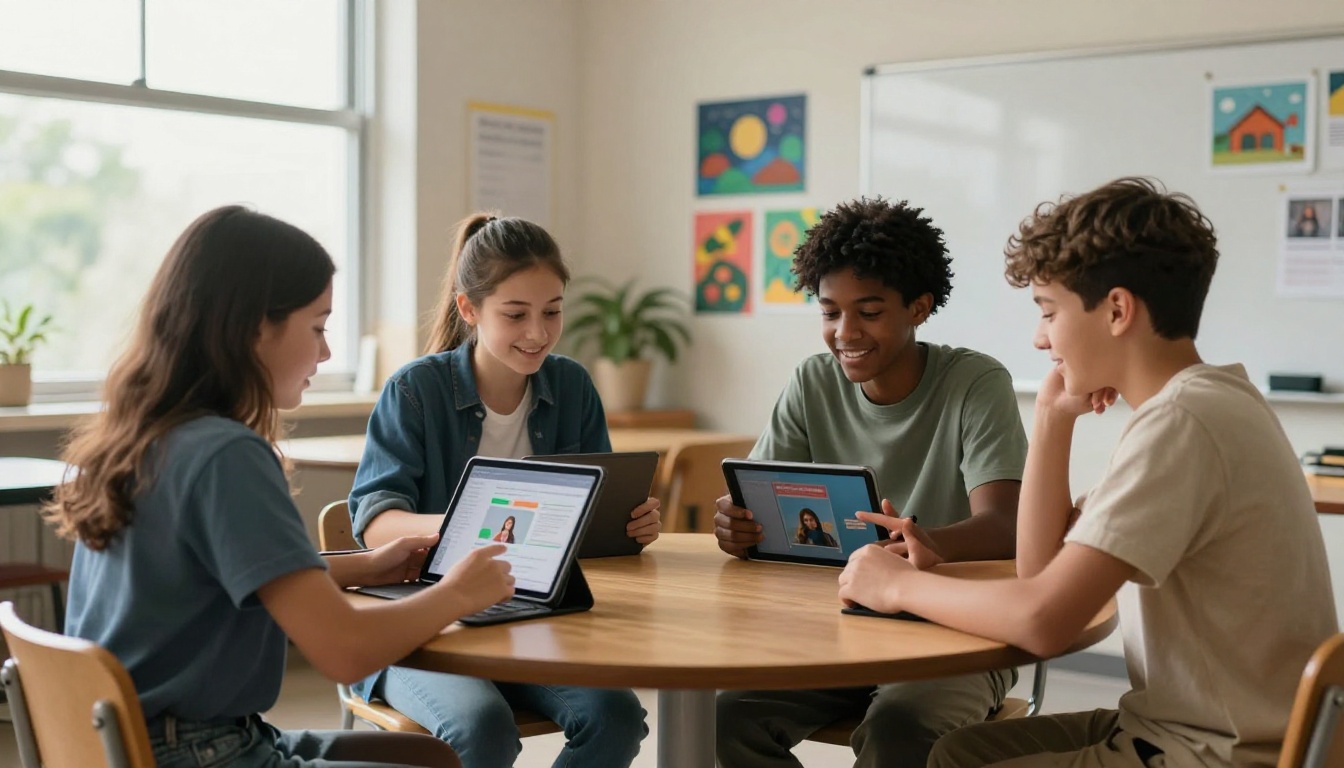
Digital flipbooks aren't a theoretical solution. Districts and individual schools across multiple grade levels are already replacing printed materials across several specific use cases.
Course Materials and Curriculum Packets
Teachers who previously printed 30-page curriculum packets for every unit now upload a single PDF and share a link. The Course Material Publisher tool makes this simple for any department. The flipbook includes embedded videos, audio, and interactive elements that a printed packet simply cannot offer.
School Yearbooks
Yearbooks are one of the highest-cost print projects in K-12 education. A school-wide printed yearbook can cost $40 to $80 per copy. The Yearbook Flipbook Maker allows schools to produce a professional digital yearbook at a fraction of the cost, with optional limited print runs for families who want a physical copy.
Staff Training and Onboarding
HR departments and department heads regularly produce printed training binders. A Training Manual Flipbook can replace these entirely, with password protection to keep sensitive HR materials secure and analytics to confirm which staff members have actually read the content.
Parent and Community Newsletters
School communications teams spend significant time and money printing newsletters, stuffing envelopes, and mailing them home. Digital newsletters through the School Newsletter Creator eliminate printing and postage while also providing detailed reader analytics.
💡 Schools on the Professional plan get access to lead generation tools and reader analytics. You can see exactly which parents opened the newsletter and which sections they read. That data is valuable for school communications strategy.
The Real Cost of Doing Nothing
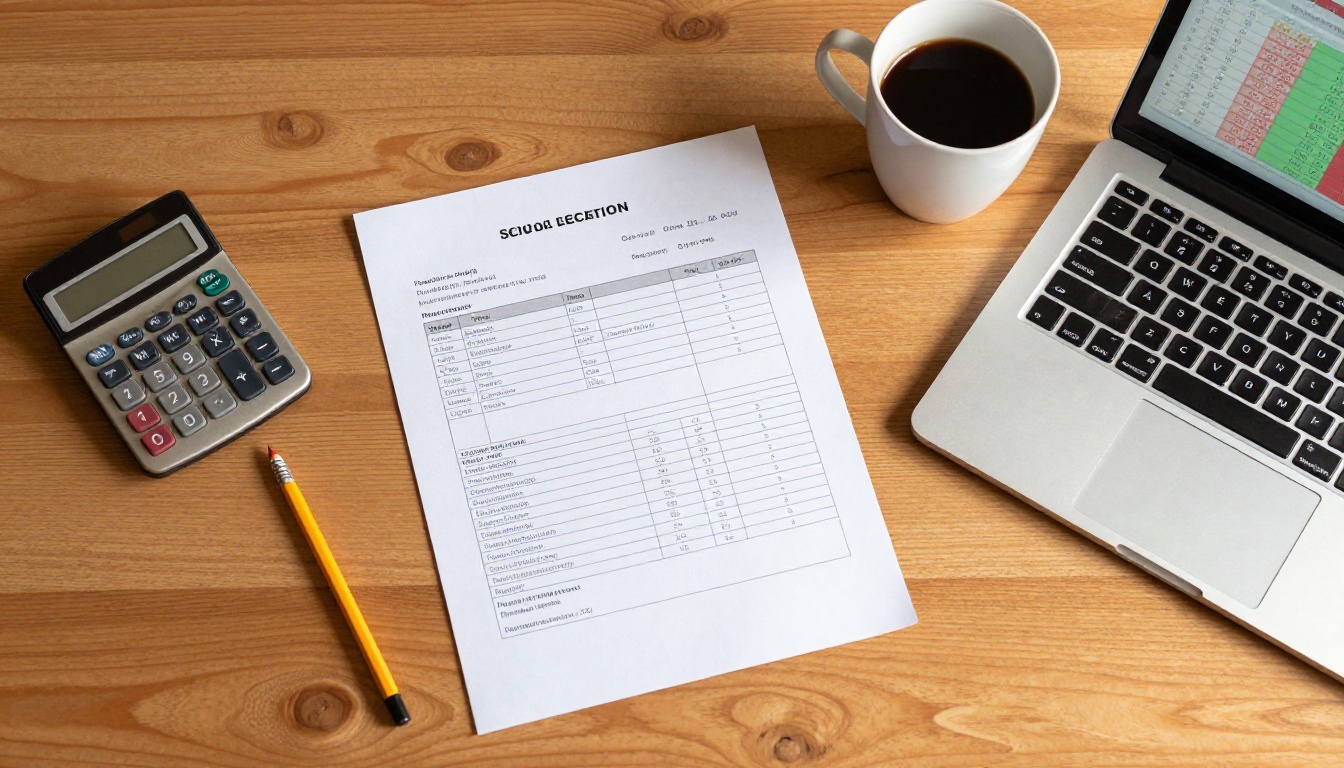
Inertia has a cost. Schools that delay switching to digital materials continue to spend at current rates while neighboring districts bank the savings and reinvest in instruction. Over a five-year period, a 500-student school that doesn't switch could spend an additional $350,000 to $400,000 on print-related costs that were entirely avoidable.
That money represents:
- 3 to 4 additional teaching positions
- A full STEM lab renovation
- 2,000 student Chromebooks
- 10 years of a district-wide digital publishing subscription
The math is not subtle.
Environmental Savings That Matter to Families
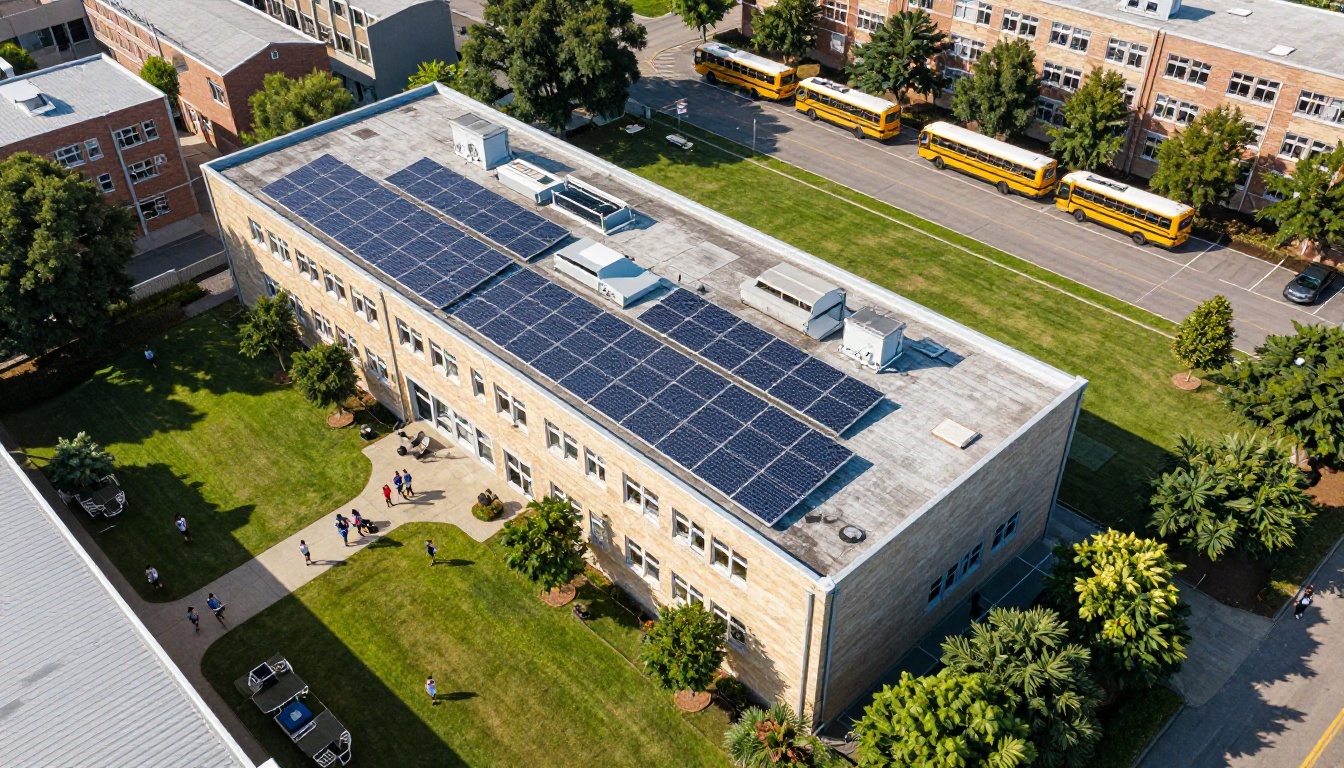
Beyond the budget, there is an increasingly important community dimension to this conversation. Families care about sustainability. Board members face pressure to report on environmental initiatives. Going paperless is one of the most visible and impactful steps a school can take.
A typical school that prints 50,000 pages per month eliminates:
- 600,000 pages of paper per year
- Approximately 60 reams of paper monthly
- Significant toner waste and plastic cartridge disposal
- Carbon emissions from delivery trucks restocking supplies
✅ If your district has formal sustainability reporting requirements, switching to digital publishing directly supports those goals with quantifiable metrics.
How to Create Digital School Materials with Flipbooks AI
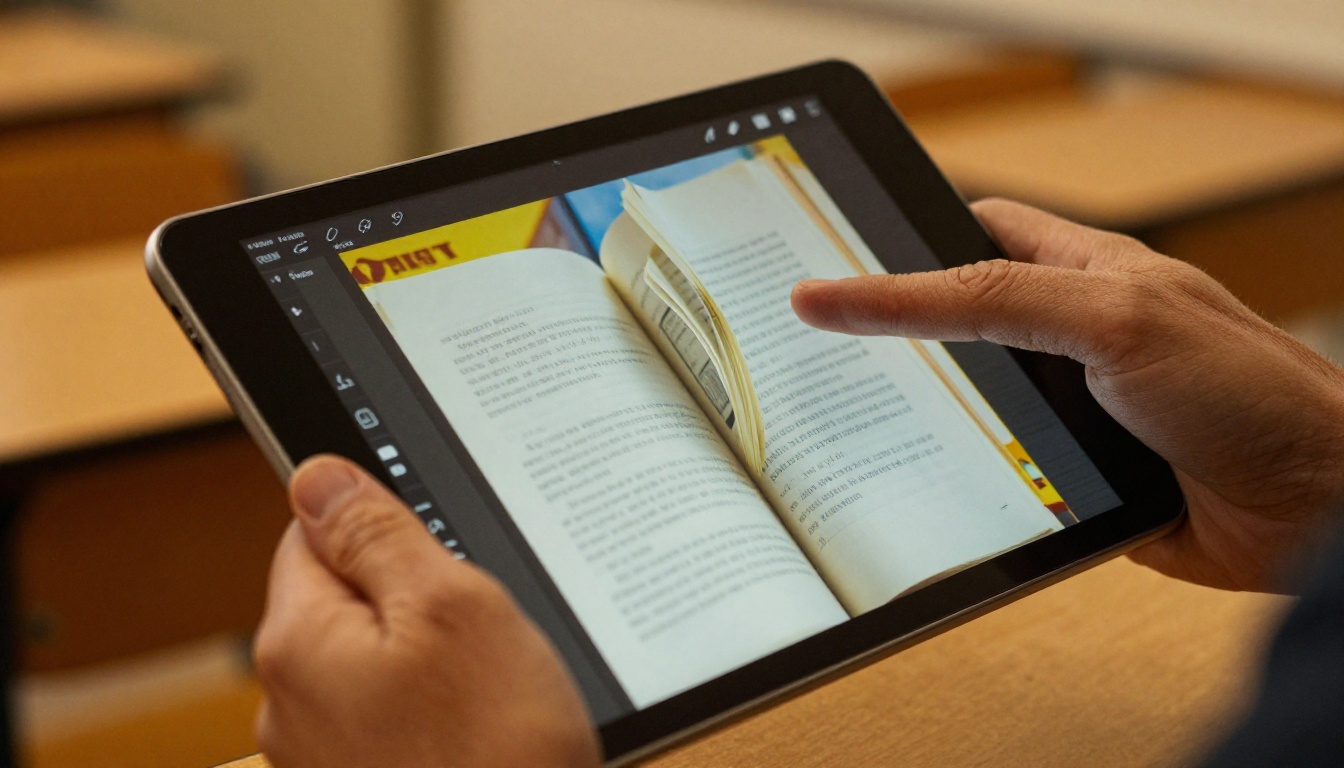
Creating digital flipbooks for classroom and school-wide use requires no technical expertise. Here's how to get started with Flipbooks AI:
Step 1: Create your account
Go to flipbooksai.com/account and sign up. The process takes under two minutes. No credit card required to start.
Step 2: Upload your PDF
Any existing school material in PDF format, including handbooks, syllabi, newsletters, and training manuals, can be uploaded directly. The PDF to Flipbook Converter handles the conversion automatically.
Step 3: Customize branding
Apply your school's colors, logo, and fonts. Custom branding ensures every flipbook looks professionally connected to your district's identity rather than a generic digital document.
Step 4: Add multimedia (optional)
Embed YouTube videos, audio clips, or external links within the flipbook. A science unit flipbook can include lab demonstration videos directly on the relevant page. No separate links or file attachments required.
Step 5: Publish and share
Choose from multiple distribution options:
- Share a direct URL via email or LMS
- Embed directly on the school website using the Embed Flipbook on Website tool
- Enable password protection for sensitive materials
- Allow offline downloads for students without consistent internet access
Step 6: Track reader activity (Professional plan)
The analytics dashboard shows read rates, time spent per page, and reader location data. For staff training materials, you can confirm completion without chasing signatures on printed forms.
Choosing the Right Plan for Your School

Not every school needs the same feature set. Here's how the Flipbooks AI pricing plans compare for educational use cases:
Plan Comparison for Schools
| Feature | Free | Standard | Professional |
|---|
| Flipbooks per month | Limited | Unlimited | Unlimited |
| Watermarks | Yes | No | No |
| Custom branding | No | Yes | Yes |
| Password protection | No | Yes | Yes |
| Analytics | No | Basic | Full |
| Offline downloads | No | No | Yes |
| Lead generation | No | No | Yes |
| Embed on website | No | Yes | Yes |
| Price range | $0 | Low monthly | Mid monthly |
For most schools, the Standard plan covers the majority of use cases: unlimited flipbooks, no watermarks, custom branding, and embedding. Districts with staff training programs or parent outreach initiatives will benefit from the Professional plan's full analytics and offline access features.
💡 Annual billing on any plan offers significant savings compared to monthly. Compare full pricing details before deciding.
What to Replace First
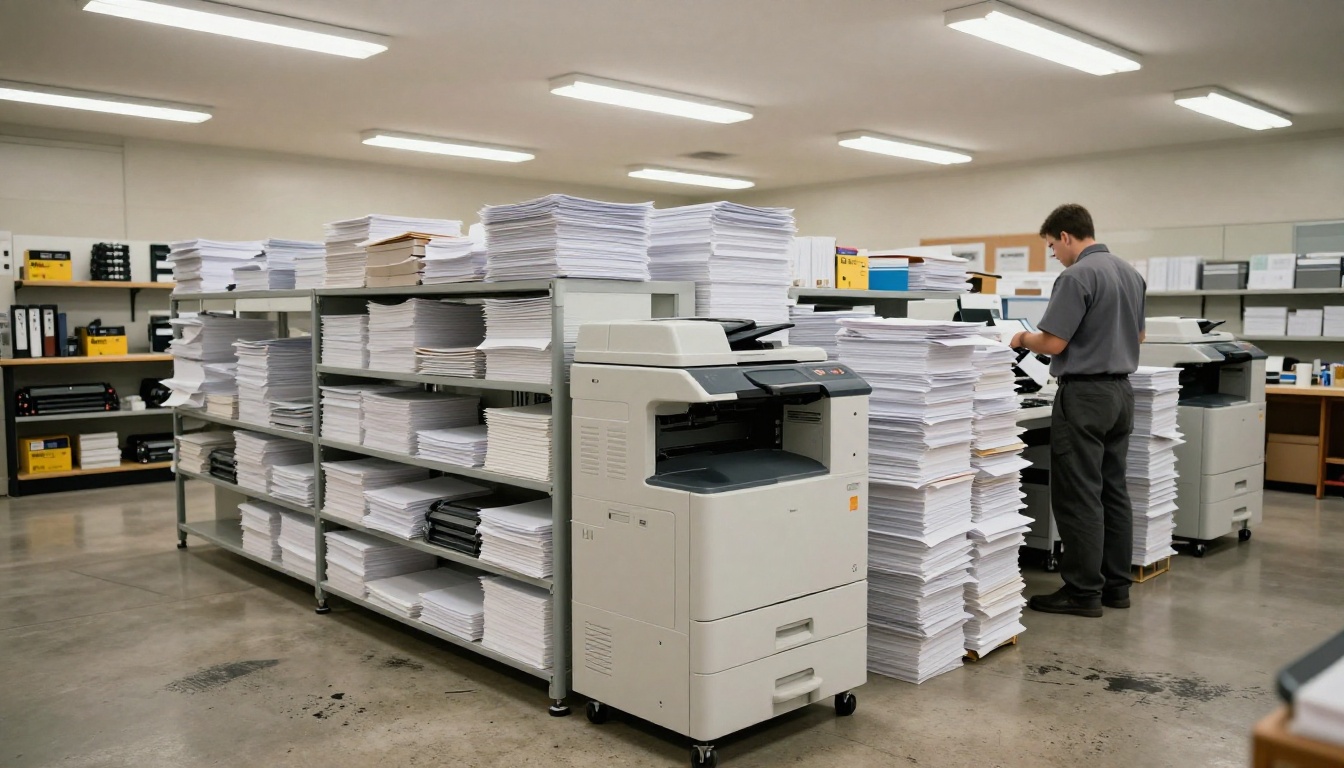
If you're not ready to go fully digital overnight, prioritize the materials with the highest print volume and most frequent revision cycles. These give you the fastest return on the switch.
Priority Matrix for Schools
| Material Type | Print Volume | Update Frequency | Priority |
|---|
| Parent newsletters | High | Weekly/Monthly | Immediate |
| Course syllabi | High | Per semester | Immediate |
| Staff handbooks | Medium | Annual | High |
| Curriculum packets | Very High | Per unit | High |
| Student handbooks | Medium | Annual | Medium |
| Yearbooks | Low | Annual | Medium |
| Library resources | Medium | Varies | Medium |
Starting with newsletters and syllabi typically produces visible savings within 60 days. These are high-frequency, high-volume print items with low institutional resistance to going digital.
What Schools Say About the Switch
The feedback from schools that have moved to digital materials consistently focuses on three things: the speed of distribution, the quality of the final product, and the reaction from families.
Parents who previously received black-and-white photocopied newsletters now open full-color, interactive flipbooks on their phones. The perception of the school's professionalism increases immediately. Teachers who once waited three days for the copy room to process curriculum packets can distribute materials to every student in under five minutes.
The initial concern about student access, whether every student has a device or reliable internet, is a real consideration. However, most schools already have LMS platforms, computer labs, and Chromebook programs in place. Offline download capabilities in the Professional plan address the access gap for students without consistent home internet.
Making the Budget Case to Your School Board
If you're a principal, curriculum director, or district administrator building the case internally, the strongest argument isn't about technology. It's about money.
Frame the proposal this way:
- Quantify current print costs: Pull actual toner, paper, and maintenance invoices from the last fiscal year
- Model the five-year projection: Apply those costs forward with 3 to 5% annual inflation on supply prices
- Show the subscription cost: A full-year Professional plan subscription costs less than most schools spend on a single month of paper and toner
- Present the reinvestment opportunity: Show what the savings could fund instead, including staffing, technology, and facility improvements
✅ Request a detailed cost breakdown from your finance office before the presentation. Real numbers from your own budget are far more persuasive than industry averages.
What Happens After You Start
Schools that make the switch report a consistent pattern: the first publication takes some adjustment. The second feels routine. By the third, staff who were skeptical become advocates because they've seen how much easier their jobs became.
The tools are already built for this. The Course Material Publisher, School Newsletter Creator, Training Manual Flipbook, and Yearbook Flipbook Maker are all purpose-built for educational environments.
The only remaining question is when your school will stop paying for print and start investing those dollars somewhere that actually moves student outcomes forward.
Ready to see what it looks like in practice? Create your free account on Flipbooks AI and convert your first document today. Browse all available tools and templates to find the right fit for your school's needs, or compare the full pricing options to choose the plan that works for your district's budget.



