Small businesses are figuring something out that big brands have known for years: static PDFs do not hold attention. A 12-page brochure attached to an email rarely gets opened past page two. A digital flipbook feels like something worth staying with. It pages like a magazine, loads cleanly on any device, and can be dropped into an email, embedded on a website, or shared via a single link. Flipbooks AI is built exactly for this, giving any small business owner the tools to produce professional, interactive publications without needing a design team or a developer behind them.
The question is not whether flipbooks work for small business marketing. The question is which formats to use, how to set them up correctly, and where to share them for real results. This article answers all three.
What Sets Flipbooks Apart From a Basic PDF
Most small business owners default to PDFs because they are familiar. You export from Canva or InDesign, attach it to an email, and hope someone reads through it. The problem with PDFs is that they are passive. They cannot be tracked, they do not invite real interaction, and they embed poorly into websites without third-party plugins.
Flipbooks solve all of this at once.
The Page-Turn Effect That Stops the Scroll
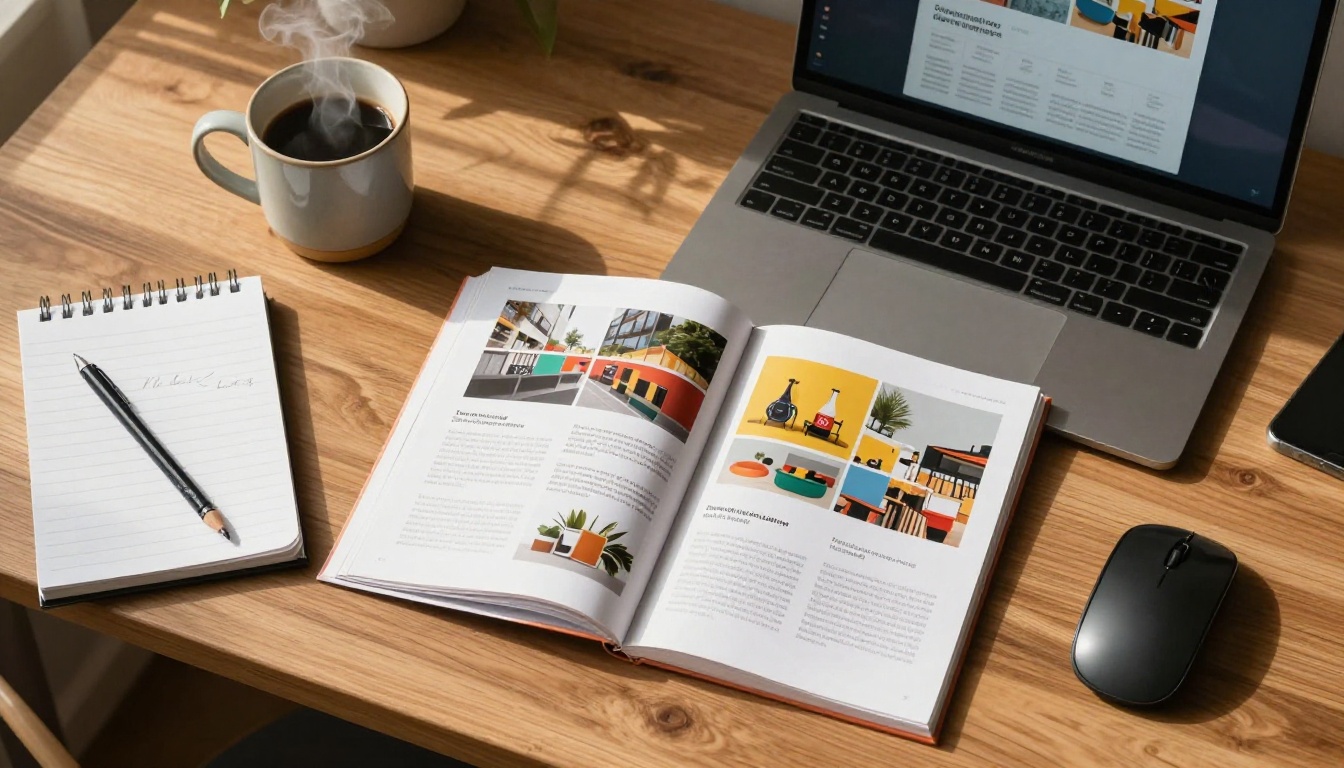
A flipbook replicates the physical experience of turning pages, but in a browser. That subtle animation, a page corner curling and revealing the next spread, creates a rhythm that keeps readers moving through your content rather than clicking away. It activates familiarity. People have been turning pages their whole lives, and that muscle memory carries directly into digital behavior. For a small business, that extra time spent with your content is the margin between browsing and buying.
Mobile-First by Default
Over 60% of digital content is consumed on mobile devices. Static PDFs on mobile are pinch-and-zoom frustrations that most people abandon within seconds. Flipbooks built on Flipbooks AI are responsive by design, adapting intelligently to any screen size without breaking the layout. A customer browsing your restaurant menu on their phone at lunchtime should have exactly the same smooth experience as someone sitting at a desktop.
Embeddable Anywhere
One of the most practical advantages is that flipbooks live on the web, not in someone's downloads folder. They embed in websites with a single line of code, link directly from social media bios, and open in any browser without requiring special software. Your brochure, catalog, or menu is always one click away from any potential customer, regardless of how they found you.
PDF vs. Interactive Flipbook: Side-by-Side
| Capability | Static PDF | Interactive Flipbook |
|---|
| Page-turn animation | No | Yes |
| Mobile-responsive | No | Yes |
| Analytics tracking | No | Yes |
| Embeds in websites | Poorly | Natively |
| Video and audio | No | Yes |
| Password protection | No | Yes |
| Lead capture | No | Yes |
| Shareable via link | Yes | Yes |
| Update without resending | No | Yes |
| Offline download | Yes | Yes (Standard plan+) |
💡 Pro tip: Embed your flipbook directly on your homepage or a dedicated landing page. Visitors who interact with embedded flipbooks stay on-site longer, which signals quality to search engines and can improve your overall SEO standing.

7 Small Businesses Already Winning With Flipbooks
The variety of businesses finding real traction with flipbook marketing is broader than most people expect. From brick-and-mortar shops to mobile businesses, the format adapts to nearly any industry.
Restaurants and Cafés
A printed menu has a shelf life of maybe one season before prices change or items rotate out. A digital flipbook menu updated with a single upload means your pricing and daily specials are always current. Restaurants using the Restaurant Menu Creator can produce full-color, page-turn menus that customers access via QR code at the table or browse online before making a reservation. No printing costs. No outdated copies getting corrected by hand.
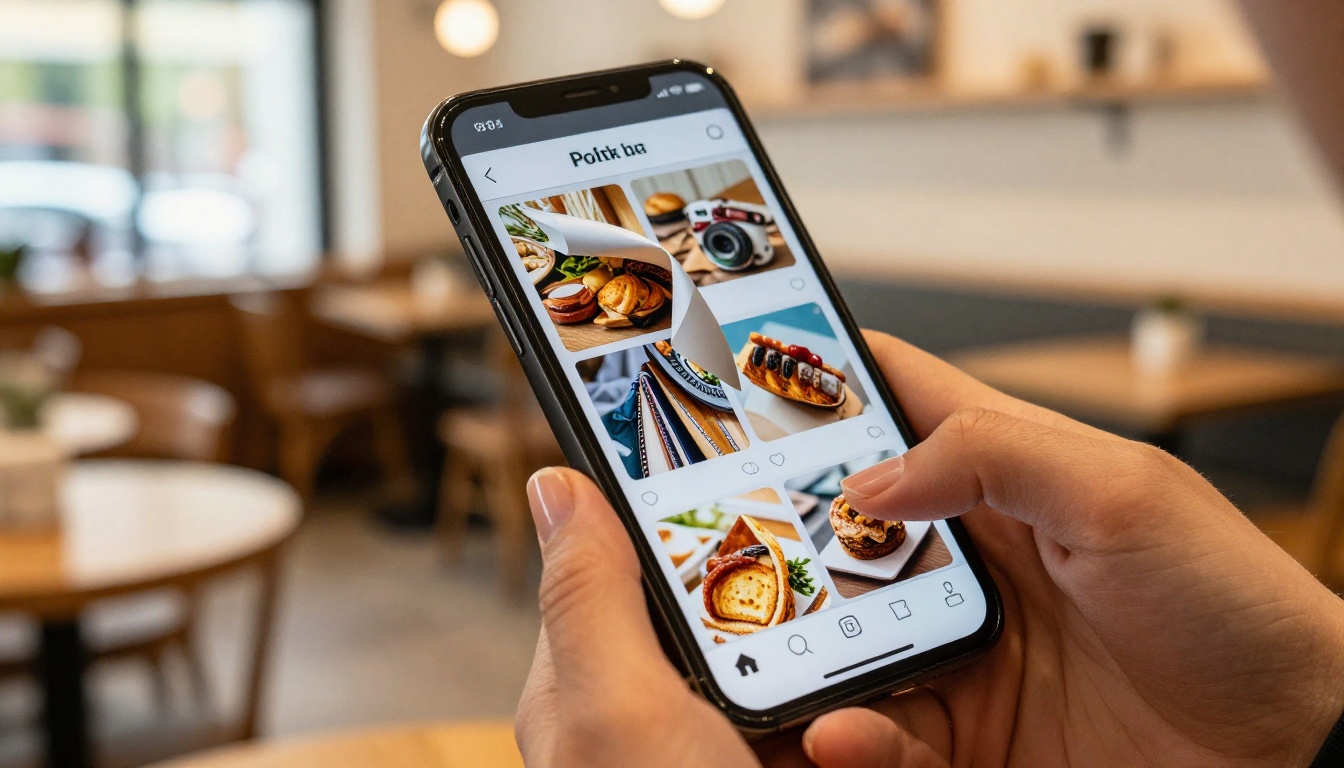
The added benefit for cafés is that a beautifully designed digital menu doubles as a marketing asset. Share it on Instagram, link it in a Google Business profile post, and your menu becomes a customer acquisition tool rather than just an ordering reference.

Retail Boutiques
Product catalogs are central to retail marketing. A boutique selling handmade goods or artisanal clothing can use the Digital Catalog Maker to turn a simple PDF layout into a browsing experience that feels genuinely premium. Pages can include product close-ups, material descriptions, sizing details, and pricing in a format customers actually stay with. When a potential buyer has spent four minutes browsing your catalog, they arrive at the purchase point far more primed than someone who saw a single product image on social media.
Real Estate Agencies
Property brochures need to do serious work before a client walks through the door. A flipbook format lets agents present full-bleed photography, floor plans, neighborhood highlights, and agent contact information in a publication that emails cleanly and embeds directly on listing pages. The Real Estate Brochure tool is purpose-built for exactly this use case, giving agencies a way to send prospects something that creates real emotional investment in the property before the showing.

Salons and Spas
Service menus matter enormously in personal care industries. A well-designed flipbook showing treatment options, pricing tiers, product lines, and before-and-after photography helps clients make confident decisions before they even book. The Spa and Wellness Menu tool creates polished service publications that work equally well as website embeds, Instagram bio links, or QR code destinations printed on appointment cards.

Fitness Studios
Membership brochures, class schedules, trainer profiles, and promotional offers all sit naturally inside a flipbook format. A fitness studio can produce a seasonal promo publication and distribute it through an email newsletter, embed it on the pricing page, or display it on a tablet mounted at reception. Prospective members who flip through the full studio story before signing up arrive more informed and more committed to their decision, which directly reduces dropout rates in the first month.
Food Trucks and Pop-Ups
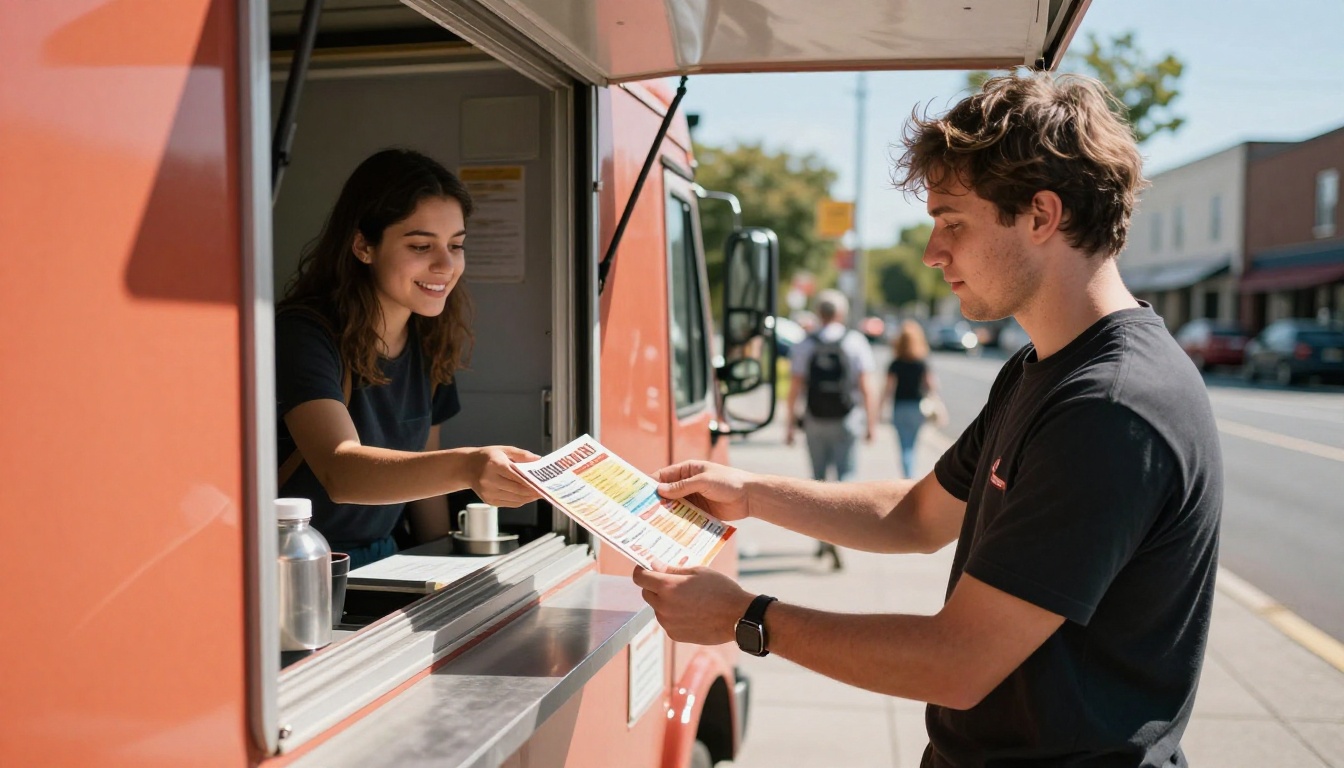
For businesses without a permanent storefront, a strong digital presence is not optional. A food truck flipbook menu shared on Instagram Stories or linked in a Google Business profile makes ordering clearer and builds brand recognition across different event locations. The Menu Flipbook Designer gives food truck owners a format that moves with their business, always available and always current.
Freelancers and Consultants
A static PDF portfolio rarely showcases work the way it deserves. A flipbook portfolio built with the Digital Portfolio Creator gives freelancers a shareable link that presents case studies, client testimonials, and project imagery in a format that builds credibility before the first conversation happens.
How to Create a Flipbook With Flipbooks AI
Here is the full process, from a blank PDF to a live, shareable flipbook ready to bring in customers.
Step 1: Create Your Account
Head to Flipbooks AI and sign up. The free plan lets you test the platform before making any commitment. Standard and Professional plans remove watermarks and give access to unlimited flipbooks.
Step 2: Prepare Your PDF
Your flipbook starts as a PDF. Design it in Canva, Adobe InDesign, Google Slides, or any tool that exports to PDF format. Use high-resolution images, keep page dimensions consistent, and think in spreads: every two facing pages form one visual moment that readers see together when they turn a page. Plan your layout accordingly.
Step 3: Upload and Convert
On your Flipbooks AI dashboard, click "Create New Flipbook" and upload your PDF. The PDF to Flipbook Converter handles the conversion automatically, preserving fonts, images, colors, and layout with precision. For most standard documents, conversion takes under a minute.
Step 4: Apply Your Branding
Once converted, apply your brand colors to the viewer interface, add your logo, choose a page transition style, and set the background. This is where your marketing material stops looking like a template and starts looking like your brand. Consistent branding across the flipbook viewer and your website reinforces trust at every scroll.
✅ Best practice: Use your primary brand color for the toolbar and navigation controls. Visitors who see consistent branding throughout their experience trust the content faster and stay longer.
Step 5: Add Multimedia
Flipbooks AI allows you to embed videos, audio clips, and hyperlinks directly into individual pages. A restaurant can embed a short kitchen video on the chef profile page. A fitness studio can link directly to an online class booking form. A real estate agent can place a full property walkthrough video inside the brochure page itself. These embedded elements create depth that a static document cannot offer.
Step 6: Publish and Share
When your flipbook is ready, publish it. You receive a direct sharing link, an embed code for websites, and QR code options for print materials. Password protection is available for internal documents or exclusive client presentations. Use Embed Flipbook on Website for seamless site integration with no coding required.
💡 Pro tip: Place your flipbook embed above the fold on your most-visited page. Visitors who interact with it immediately after landing are significantly more likely to take the next step.
Step 7: Track What Is Working
On the Professional plan, you get access to analytics and lead generation tools. See exactly how many people viewed your flipbook, which pages held attention longest, and where the traffic originated. That data tells you which products generate the most interest, which pages people skip, and where your marketing is performing. See full plan details at Flipbooks AI pricing.
Flipbook Types by Business Category
Choosing the right format for your specific business type is worth thinking through before you start designing. Here is a breakdown of the most effective formats by industry:
Pricing Tiers Worth Knowing
Most small businesses land on either Standard or Professional. Here is exactly what each plan includes:
| Feature | Free | Standard | Professional |
|---|
| Flipbooks | 1 | Unlimited | Unlimited |
| Watermark | Yes | No | No |
| Custom branding | No | Yes | Yes |
| Password protection | No | Yes | Yes |
| Analytics dashboard | No | No | Yes |
| Lead generation forms | No | No | Yes |
| Offline downloads | No | Yes | Yes |
| Embed on website | Yes | Yes | Yes |
| Video and audio embed | No | Yes | Yes |
| Mobile-responsive design | Yes | Yes | Yes |
⚠️ Note: If you want to use your flipbook as a lead capture tool, collecting visitor emails or contact details from within the publication itself, the Professional plan is required. For pure distribution and sharing, Standard includes everything most small businesses need.
See full plan details at Flipbooks AI pricing.
3 Common Mistakes Small Businesses Make
Before you start building, here are the errors that cost most first-time creators time and results.
Using Low-Resolution Source Files
A flipbook converts your PDF exactly as-is. If your source file has blurry images or pixelated fonts, the flipbook inherits those issues and amplifies them on larger screens. Always export your PDF at 300 DPI minimum and preview how it renders at full-screen zoom before publishing.
Skipping the Share Strategy
Creating a beautifully designed flipbook and then attaching it to one email is the equivalent of printing a luxury catalog and keeping it in the back office. Flipbooks generate real returns when placed in high-traffic locations: embedded on the website, linked in the social media bio, posted to Google Business, linked in email signatures, and printed on physical signage as QR codes.
Ignoring Mobile Layout
Even though Flipbooks AI produces responsive publications, your PDF layout needs mobile testing before you finalize. Two-column text layouts that read beautifully on desktop can become difficult to read on a phone screen. Single-column layouts with larger text and bold imagery perform better across all screen sizes, especially for menus and service catalogs.
Where to Share Your Flipbook
Once published, your flipbook belongs in every marketing channel your business already uses.
- Email newsletters: Link with a clear action phrase. "Browse Our Spring Menu" or "See Our Full Service List" consistently outperforms a generic attachment.
- Social media bio links: Instagram, TikTok, and LinkedIn allow one clickable link in the bio. A flipbook link drives more focused action than a general homepage link.
- Google Business profile: Add your flipbook as a product or featured post. Local customers searching for your business can immediately access your catalog or menu.
- QR codes on print materials: Business cards, table cards, receipts, signage, and takeaway packaging all become portals to your digital flipbook with a printed QR code.
- Website embed: The highest-value placement. A flipbook embedded on your services or products page creates an immersive experience that keeps visitors on-site.

What the Analytics Tell You
For small businesses with tight marketing budgets, knowing what works is not optional. It is essential. Flipbook analytics on the Professional plan give you specific, actionable data that simply does not exist with printed materials.
What you can track:
- Total views per flipbook and per session
- Average time spent on each individual page
- Pages with the highest and lowest reader attention
- Traffic sources showing where viewers came from
- Lead capture form submissions from within the flipbook itself
This data shapes your next move directly. If your café's dessert section gets three times more time-on-page than the main course pages, you know exactly what to feature in your next promotion. If your property brochure loses readers on page five, you know the content or layout needs attention before the next distribution push.

💡 Pro tip: Run the same promotion using two slightly different flipbook layouts and compare analytics side by side. Businesses that test this way find the messaging that resonates without relying on guesswork.
From Static to Shareable
The businesses seeing real traction with flipbook marketing share one behavior: they stopped treating their marketing materials as documents and started treating them as experiences. A well-designed flipbook for a local florist is not just a catalog. It is a seasonal story. A fitness studio flipbook is not just a price list. It is a first impression that builds conviction before the client ever walks in.
Flipbooks AI gives small businesses the infrastructure to do this without a full production team. From the first upload to the analytics dashboard, every part of the process is built for owners who want professional results with practical tools.
Ready to stop sending PDFs nobody finishes? Create your first flipbook free and see how your content performs when it actually feels worth reading.
Browse all flipbook tools and templates to find the right format for your business. When you are ready to grow, compare pricing plans and choose what fits.



