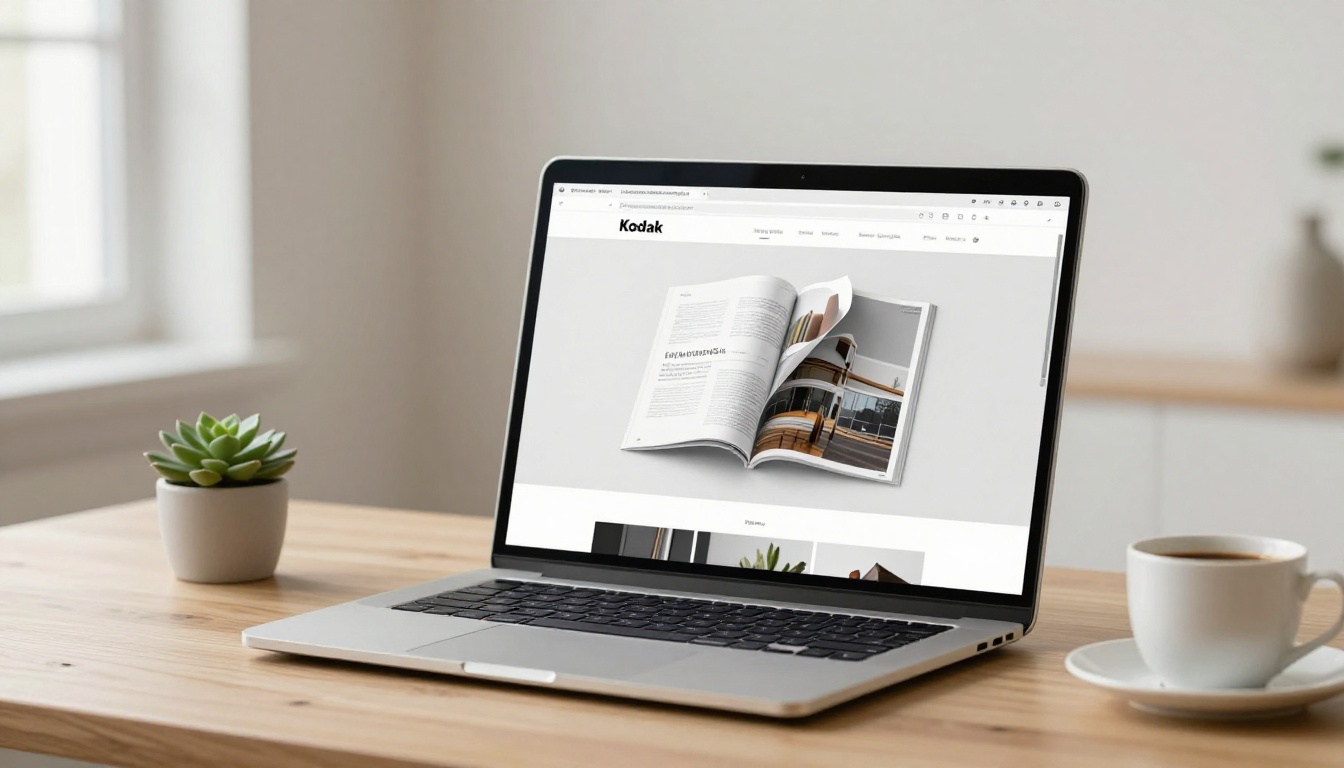
You have a PDF. It opens, it scrolls, it does what PDFs do. But scrolling through a static file is not how people want to experience content anymore. A page flip effect changes the entire dynamic, turning your document into something that feels like a real magazine or catalog, with smooth animated page turns that are genuinely satisfying to interact with. Flipbooks AI makes this possible in under five minutes, with no software to install and no code to write. The difference in how readers respond is immediate and measurable.

Why Static PDFs Fall Short
The PDF format was built for printing. When the web became the primary way people consume content, the format never fully adapted. Sharing a PDF link asks your audience to download a file, open it in a separate viewer, and scroll through pages in a layout that was designed for paper, not screens.
The format everyone tolerates but nobody loves
Studies on digital content consumption consistently show that people spend significantly less time with static PDFs than with interactive digital publications. A PDF catalog sent by email gets opened, skimmed, and closed. An interactive flipbook with realistic page turns gets bookmarked, revisited, and shared. The scrolling experience of a standard PDF feels clunky on mobile, zoom is awkward, and there is no tactile sense of moving through the content.
What readers actually expect today
Web users are conditioned to expect smooth, responsive interactions. Animations that mimic physical behavior, like the curve of a page lifting from a surface, tap into deeply familiar sensory memory. The page flip is not a gimmick. It is a proven interface pattern that signals professionalism, increases time-on-page, and makes content feel curated rather than just filed away.
💡 Pro tip: Interactive flipbooks consistently outperform static PDFs on engagement metrics including scroll depth, time on page, and return visits.
How the Page Flip Effect Actually Works
The animation you see when a page turns in a digital flipbook is a carefully calculated simulation of how paper behaves when it bends under a fingertip. Understanding the mechanics helps you evaluate tools and set up your flipbook for the best result.
The physics behind a convincing flip
A realistic page flip involves several simultaneous elements: the page curling as it lifts from the binding, a drop shadow cast on the page beneath it, the back of the turning page briefly visible as it passes through the midpoint, and a slight deceleration as it settles flat on the other side. Tools that cut corners on any of these produce a flip that looks artificial. The best converters model all of them accurately using CSS transformations and JavaScript physics calculations.
HTML5 is the only standard that matters now
Early digital flipbooks ran on Flash, which is now dead across every major browser and device. The modern standard is HTML5, which renders entirely in the browser without plugins or downloads. This matters because it means your flipbook works on every device without the reader needing to install anything. When evaluating any conversion tool, always confirm the output is HTML5. Anything else is a dead end.

5 Ways to Add the Page Flip
Not all methods for adding a page flip effect to a PDF are equal. Here is a breakdown of the main approaches, from the fastest to the most technical.
Online conversion tools
The simplest route. You upload a PDF, the tool converts it to an HTML5 flipbook, and you get a link to share immediately. No software installation, no manual exports. Flipbooks AI operates this way, handling conversion, customization, and hosting in a single workflow.
Desktop software
Applications like FlippingBook Desktop require installation and produce output files that you host yourself. This gives more control over where the output lives but adds friction to every update cycle. It suits organizations with strict data residency policies but is overkill for most users.
PDF viewers with flip plugins
Some web-based PDF viewers support page flip as an optional add-on. Quality varies significantly and customization is typically limited. These work for basic needs but lack the branding and embedding flexibility of dedicated flipbook platforms.
Manual HTML and JavaScript implementation
A developer can implement a page flip library like Turn.js directly into a website. This requires extracting pages from a PDF, converting them to images, and integrating the library code. The result is highly custom but this approach takes hours, not minutes.
Design tool exports
Some tools accept PowerPoint, Canva exports, or other slide formats in addition to PDF. The workflow is identical: export from your design tool, upload, convert. This is useful if your content lives in slide format rather than a document.
Method Comparison
| Method | Speed | Requires Dev | Custom Branding | Hosting Included | Mobile-Ready |
|---|
| Online tool (Flipbooks AI) | Very Fast | No | Yes | Yes | Yes |
| Desktop software | Medium | No | Limited | No (self-host) | Varies |
| PDF viewer plugins | Fast | No | Minimal | Depends | Partial |
| Manual HTML/JS | Slow | Yes | Full | No | Yes |
| Design tool export | Medium | No | Yes | Depends | Yes |
⚠️ Warning: Any method that does not output HTML5 will not work reliably on modern mobile devices. Always test on both desktop and a phone before distributing.
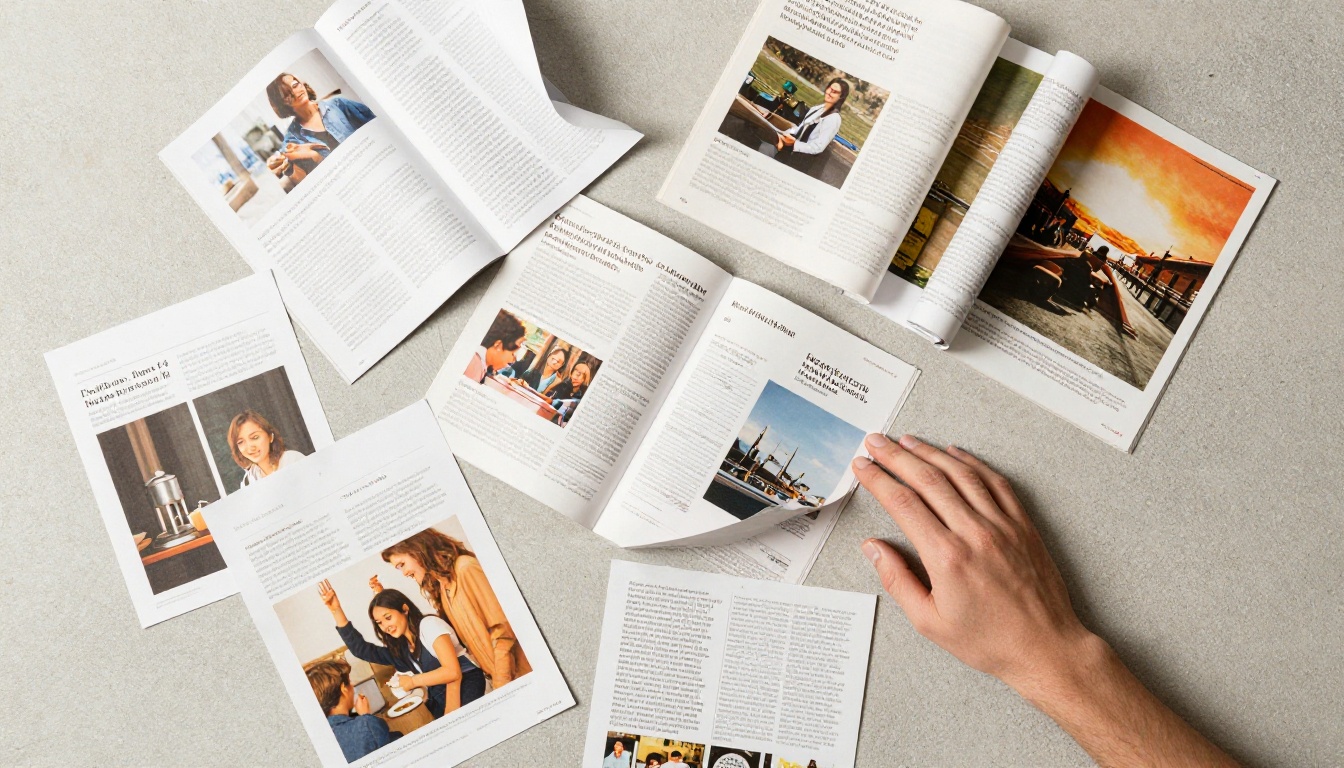
Add Page Flip in 5 Minutes
This is the workflow using Flipbooks AI. From a finished PDF to a live, shareable flipbook takes three to five minutes.
Step 1: Upload your PDF
Go to Flipbooks AI and create an account. From your dashboard, create a new flipbook and upload your PDF file. The platform accepts multi-page documents automatically, converting each page into a flipbook page. The upload process handles the rendering without any input from you.
✅ Best practice: Export your PDF at 150 DPI or higher with embedded fonts before uploading. This ensures pages render crisply at full screen on high-resolution displays.
Step 2: Customize the flip style
Once uploaded, you can adjust the flip animation speed, enable or disable the realistic shadow cast by the turning page, and choose how readers interact: arrow buttons, corner clicks, or keyboard shortcuts. Add your brand colors, logo, and background at this stage.
The PDF to Flipbook Converter handles all technical rendering automatically. You control the experience layer on top.
Step 3: Publish and share instantly
Click publish and your flipbook is immediately live at a unique URL. Sharing options include:
- Direct link: Share anywhere, email, social media, messaging apps
- Embed code: Drop the iframe snippet into any website or CMS using the Embed Flipbook on Website tool
- Password protection: Lock the flipbook behind a password for internal or paid content
- QR code: Download a QR code for print materials that links directly to the live flipbook

Who Uses Page Flip PDFs
The page flip effect is not industry-specific. Here are the scenarios where it adds the clearest value.
Marketing teams and product catalogs
A product catalog that flips like a magazine gets shared, bookmarked, and revisited. Marketing teams use the Product Catalog Generator and Fashion Catalog Creator to turn seasonal lookbooks into interactive experiences. Clients browse them on their phones the same way they flip through a physical catalog, and share links directly from their devices.
Real estate agents and property brochures
A property brochure with a realistic page flip feels premium and matches the quality expectation buyers have for high-value purchases. The Real Estate Brochure Creator handles this workflow end to end. Agents share a single link in their email signature and every prospect receives the same polished, interactive presentation.
Hotels and restaurants
Menus and property brochures are natural fits for the page flip format. A restaurant can replace its downloadable PDF menu with an embedded flipbook that guests open on their phones at the table. The Restaurant Menu Creator and Hotel Brochure Designer tools are built specifically for these workflows.
Educators and course creators
Training materials, course workbooks, and school newsletters become far more readable as flipbooks. The Training Manual Flipbook and Course Material Publisher tools serve teams that need to distribute structured content at scale without managing file attachments or version confusion.

Flipbooks AI Plans at a Glance
Understanding what each plan includes helps you pick the right tier from the start rather than upgrading mid-project.
| Feature | Free | Standard | Professional |
|---|
| Flipbooks | 3 | Unlimited | Unlimited |
| Watermark | Yes | No | No |
| Custom branding | No | Yes | Yes |
| Password protection | No | Yes | Yes |
| Analytics | No | No | Yes |
| Lead generation forms | No | No | Yes |
| Offline downloads | No | No | Yes |
| Custom domain | No | No | Yes |
| Embed video and audio | No | Yes | Yes |
| Mobile-responsive | Yes | Yes | Yes |
💡 Pro tip: The Standard plan removes watermarks and adds unlimited flipbooks, which is the minimum viable tier for professional use. The Professional plan adds analytics and lead capture, which is essential if your flipbooks are part of a sales or marketing funnel.
Explore all pricing plans to find the right fit for your workflow.
3 Mistakes That Kill the Flip Effect
Getting the page flip effect right is mostly about avoiding a small number of predictable errors.
Low-resolution source files
The flipbook converter renders each PDF page as an image. If your source PDF was exported at 72 DPI or uses heavily compressed images, the result will look blurry at full screen. Export at 150 to 300 DPI for results that hold up across large monitors and high-resolution phone displays.
Overloading pages with small text
A PDF designed for A4 print with 10-point body text will be unreadable at default flipbook zoom on a phone. If your content is going to live primarily as a flipbook, design with digital readability in mind: larger type sizes, more whitespace, and content that works at both full-page and zoomed-in views.
Ignoring the mobile experience
Over 60% of web traffic is mobile. A flipbook that works on desktop but requires constant pinch-zooming to read on a phone is a problem. Flipbooks AI outputs mobile-responsive flipbooks by default, but your source PDF still needs to be designed with phone screens as the primary reading context.
⚠️ Warning: Testing only on desktop before distributing is the single most common mistake. Always preview on a phone before sending the link to clients or posting it publicly.
Share, Embed, and Track Your Flipbook
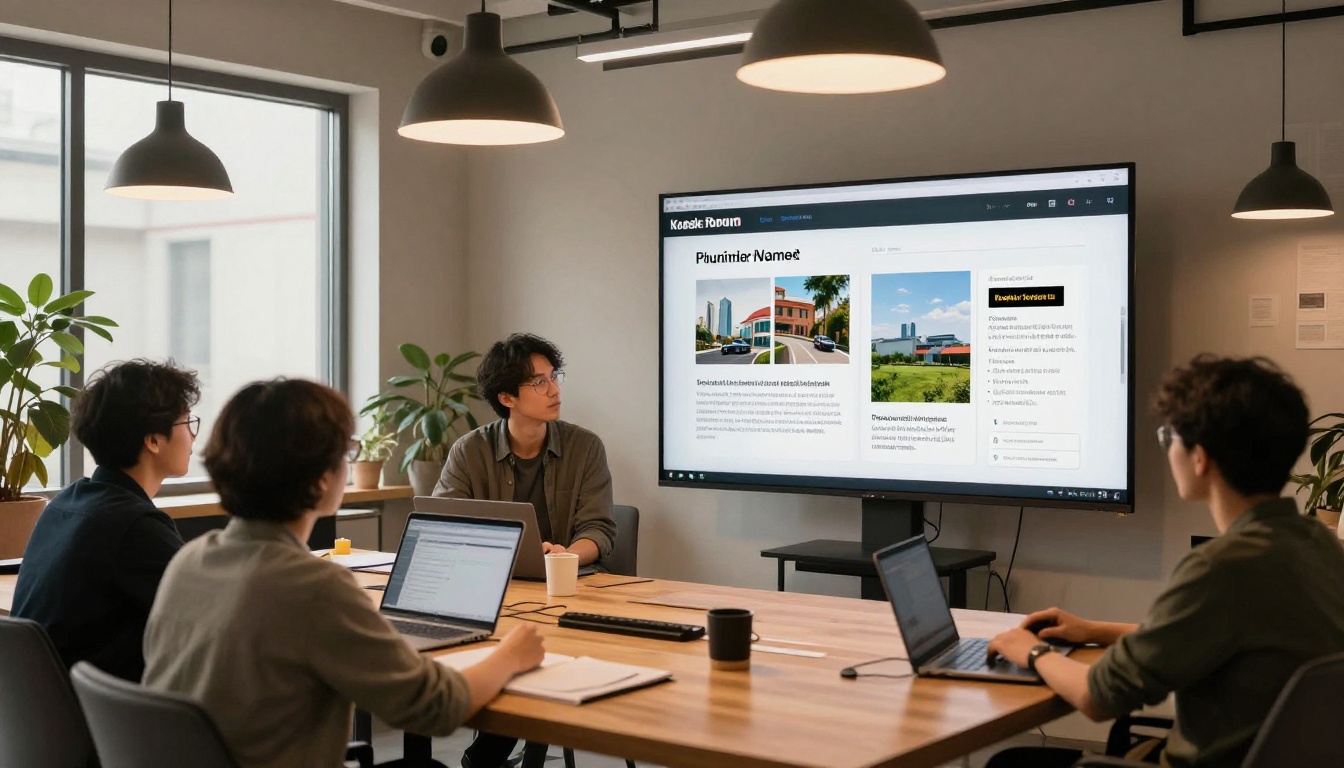
Publishing a flipbook is the beginning. The real value comes from distributing it effectively and understanding how people interact with it once it is live.
Embedding on your website
The embed code from Flipbooks AI is a standard iframe that drops into any website builder, including WordPress, Webflow, Squarespace, Wix, or raw HTML. Set the iframe dimensions to fill your content area and the flipbook scales responsively inside it without any additional configuration.
Sharing via email and social media
Most email clients do not render iframes directly, but a linked screenshot works perfectly. Take a screenshot of your open flipbook, use it as a linked image in your email campaign, and the click takes readers to the live interactive version. For social media, a short screen recording of the page flip animation performing in real time performs significantly better than a static image as a reel or story.
Analytics and lead capture
On the Professional plan, you get page-level analytics showing which pages readers spend the most time on, where drop-off occurs, and total view counts. This data is directly actionable: if readers consistently stop at page 4, that section needs work. Lead generation forms can be embedded within the flipbook itself, appearing after a reader has progressed through a set percentage of the document.
Content Type to Tool Mapping
Adding a page flip effect to a PDF is one of those upgrades that takes almost no time and makes an immediate difference in how people engage with your content. The gap between a static file and a polished interactive flipbook is measured in minutes, not days. Ready to see it for yourself? Create your first flipbook for free on Flipbooks AI. Browse all tools and templates to find the right fit for your content type, or review pricing plans to choose what works for your needs.



