Pop-ups get a bad reputation. When they interrupt you mid-scroll on a cluttered website, they feel like an obstacle. But inside a flipbook, a well-placed pop-up feels different. It feels contextual. A reader on page 4 of your product catalog sees a discount offer that matches exactly what they just viewed. A subscriber on your brand magazine's final page gets an invitation to join your newsletter. That is the difference between an annoying pop-up and a converting one. On Flipbooks AI, adding interactive pop-ups takes minutes and requires zero code.
Why Pop-Ups Work Differently in Flipbooks
A flipbook is not a website. Readers who open a flipbook are already invested. They clicked a link, waited for it to load, and started flipping pages. That behavioral signal tells you something: this person is interested. Placing a pop-up in front of a disengaged visitor is noise. Placing one in front of an already-engaged reader is strategy.
Studies consistently show that interactive elements inside digital documents produce 3-5x higher click-through rates compared to the same CTA placed on a static landing page. The context is earned. When your pop-up appears on page 7 of a travel guide and offers a free destination checklist download, it does not feel intrusive. It feels like a natural next step.
The Types of Pop-Ups You Can Add
Not all pop-ups serve the same goal. Before you add one, know what you want it to do.
| Pop-Up Type | Best For | Trigger Method |
|---|
| Email Capture | List building, lead gen | Time delay or page arrival |
| Discount Coupon | E-commerce, product catalogs | Click trigger on specific page |
| Exit Intent | Reducing bounce, last-chance offers | Cursor moving to close |
| Video Overlay | Product demos, testimonials | Click trigger on CTA button |
| Form / Survey | Feedback collection, qualification | Page-specific trigger |
| Social Follow | Growing social channels | Final page trigger |
💡 Use one pop-up per flipbook session. Multiple pop-ups in sequence frustrate readers and reduce the conversion rate of all of them.
What Triggers a Pop-Up
The trigger is everything. A pop-up that fires at the wrong moment will be dismissed before it is even read. Flipbooks AI supports several trigger types that give you precise control over timing and context.
Time-Based Triggers
The pop-up appears after the reader has been viewing the flipbook for a set number of seconds. Ideal for lead capture forms, because the reader has demonstrated enough interest to stay.
Page-Based Triggers
The pop-up fires when the reader reaches a specific page number. Perfect for product catalogs where a discount offer should appear right after the reader sees the featured product.
Click Triggers
A button or hotspot on a page opens the pop-up when clicked. This is the least intrusive option because the reader chooses to engage with it.
Scroll Triggers
The pop-up appears after the reader has scrolled through a certain percentage of the flipbook. Useful for long-form publications like e-books or annual reports.
Trigger Comparison at a Glance
| Trigger Type | Intrusiveness | Best Use Case | Avg. Conversion |
|---|
| Time Delay (5-10s) | Medium | Email capture | 4-8% |
| Page-Based | Low | Coupons, product offers | 6-12% |
| Click / Hotspot | Very Low | Video, product info | 10-18% |
| Exit Intent | Medium-High | Last-chance offer | 3-7% |
| Final Page | Low | Newsletter, social follow | 5-9% |
How to Add Pop-Ups to Your Flipbook with Flipbooks AI
Flipbooks AI makes adding pop-ups to your digital flipbook straightforward, with no coding required. Here is how to do it from start to finish.
Step 1: Create Your Flipbook
Go to Flipbooks AI and create a free account. Upload your PDF using the PDF to Flipbook Converter. The platform will convert your document into a page-turning digital flipbook in under two minutes.
Step 2: Open the Flipbook Editor
Once your flipbook is created, click Edit to open the interactive editor. This is where you can add hotspots, links, embedded media, and pop-ups.
Step 3: Select a Page
Navigate to the page where you want the pop-up to appear. If you are adding a coupon pop-up to a product catalog, go to the page featuring that product.
Step 4: Add a Pop-Up Element
In the editor toolbar, select Pop-Up from the interactive elements panel. A configuration window will appear where you can:
- Choose the pop-up type (form, image, video, or custom HTML)
- Set the trigger (time delay, click, page arrival, or exit intent)
- Customize the design (background color, button color, font, width)
- Write the headline, body copy, and CTA button text
- Connect it to your email provider (Mailchimp, ConvertKit, and others) for lead capture
Step 5: Set Display Rules
Choose whether the pop-up appears once per session or every time the reader visits. For most lead capture scenarios, once per session is the right setting. For promotional offers tied to limited-time deals, every-visit mode works better.
Step 6: Preview and Publish
Use the built-in preview mode to test the pop-up as a reader would experience it. Check it on both desktop and mobile. Once satisfied, click Publish to make the changes live.
✅ Always write a headline that promises a specific benefit. "Get 20% off your first order" outperforms "Sign up for our newsletter" every single time.
Designing a Pop-Up That Gets Clicked
A technically correct pop-up that is poorly designed will still fail. These are the design principles that actually move the needle.
Keep It Short
Your pop-up has about 3 seconds to communicate its value before the reader dismisses it. One headline. One subline. One button. That is the complete formula.
Make the CTA Button Impossible to Miss
Use a color that contrasts sharply with the background. If your flipbook uses a white and blue palette, your CTA button should be coral, green, or orange. The eye needs a clear focal point to act on.
Give the Reader an Easy Way Out
A clearly visible close button reduces anxiety and paradoxically increases conversion. When readers know they can leave, they feel less pressured, and they actually read the pop-up before deciding.
Match the Pop-Up to the Page Context
This is the single biggest factor in pop-up performance. A pop-up offering a cooking class discount on a recipe book flipbook will convert at 3x the rate of the same pop-up placed randomly on a page it has nothing to do with.
Pop-Up Copy Templates That Work
| Goal | Headline | CTA Button |
|---|
| Email capture | "Get the full recipe collection free" | "Send it to me" |
| Discount coupon | "20% off, just for reading this far" | "Claim my discount" |
| Video demo | "See it in action, 90 seconds" | "Watch now" |
| Feedback survey | "Quick question about what you just read" | "Take 2-min survey" |
| Social follow | "More content like this, every week" | "Follow us" |
Real-World Use Cases
Pop-ups are not one-size-fits-all. The best implementations are tightly matched to the type of flipbook and audience.
Product Catalogs
A furniture brand using the Digital Catalog Maker can add a click-triggered pop-up to each product page. When a reader clicks a sofa image, a pop-up appears with the price, dimensions, and a "Request a Quote" form. The sales team receives the lead automatically.
Restaurant Menus
A restaurant using the Restaurant Menu Creator can add a time-delayed pop-up offering a free dessert with orders above a certain amount. The pop-up appears after the reader has been browsing for 10 seconds, right when appetite is highest.
Fashion Lookbooks
A fashion brand using the Interactive Lookbook Designer can add page-triggered pop-ups on each collection spread, linking directly to the shop page for featured items.
Real Estate Brochures
A realtor using the Real Estate Brochure Creator can add a pop-up on the final page inviting readers to schedule a viewing, with the form connected directly to a calendar booking tool.
E-Books and Courses
An educator using the Interactive E-Book Publisher can add a mid-document pop-up at the 50% scroll point, offering bonus material to readers who subscribe to a mailing list.

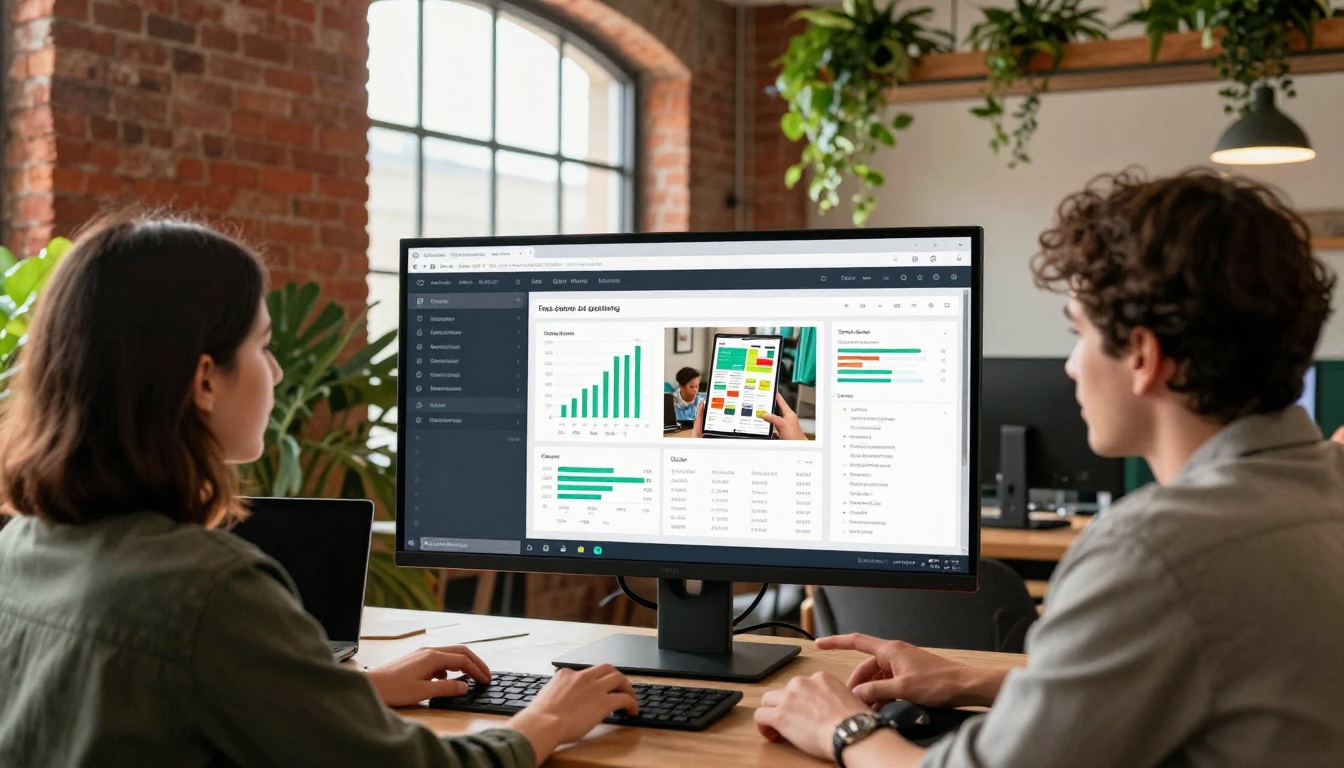
Adding a pop-up is step one. Measuring its performance is how you improve it over time. With the Professional plan on Flipbooks AI, you get access to built-in analytics that show:
- Impressions: How many times the pop-up was displayed
- Dismissals: How many readers closed it without engaging
- Clicks / Conversions: How many readers took the intended action
- Conversion Rate: The ratio of conversions to impressions
A healthy pop-up conversion rate inside a flipbook is typically 6-15%, depending on the offer and trigger. If yours is below 4%, start by testing a stronger headline or a more compelling offer before adjusting timing.
⚠️ Never run two pop-ups on the same page. The conflict confuses readers and makes analytics unreliable for both elements.
A/B Testing Your Pop-Ups
Once you have baseline data, use it to run simple A/B tests. Change one variable at a time:
- Headline: Test a benefit-led headline against a question-based one
- Trigger timing: Compare 5-second delay vs. 15-second delay
- CTA button copy: "Get my discount" vs. "Claim 20% off now"
- Background color: White modal vs. brand-colored modal
- Form fields: Single email field vs. name plus email
Run each variation for at least 200 impressions before drawing conclusions. Small changes in pop-up copy routinely produce 30-50% swings in conversion rate. The data will tell you what your readers actually respond to, not what you assume they will.
Pop-Up Mistakes That Kill Conversions
Even experienced digital publishers make these errors regularly. Avoid them.
- Firing too early: A pop-up that appears within the first 2 seconds hits readers before they have any context for the offer. Wait at least 5-10 seconds.
- Asking for too much information: A form with five fields will convert at a fraction of the rate of a single email field. Ask for the minimum viable information.
- Using generic copy: "Subscribe to our newsletter" is the weakest possible headline. Tell the reader exactly what they receive in return.
- Forgetting mobile: Your pop-up must be fully responsive. A pop-up that covers the entire screen on a phone with no visible close button generates instant dismissals and negative brand impressions.
- No follow-up: Collecting an email without a welcome sequence attached is a wasted opportunity. Connect your pop-up form to an automation tool before you publish.
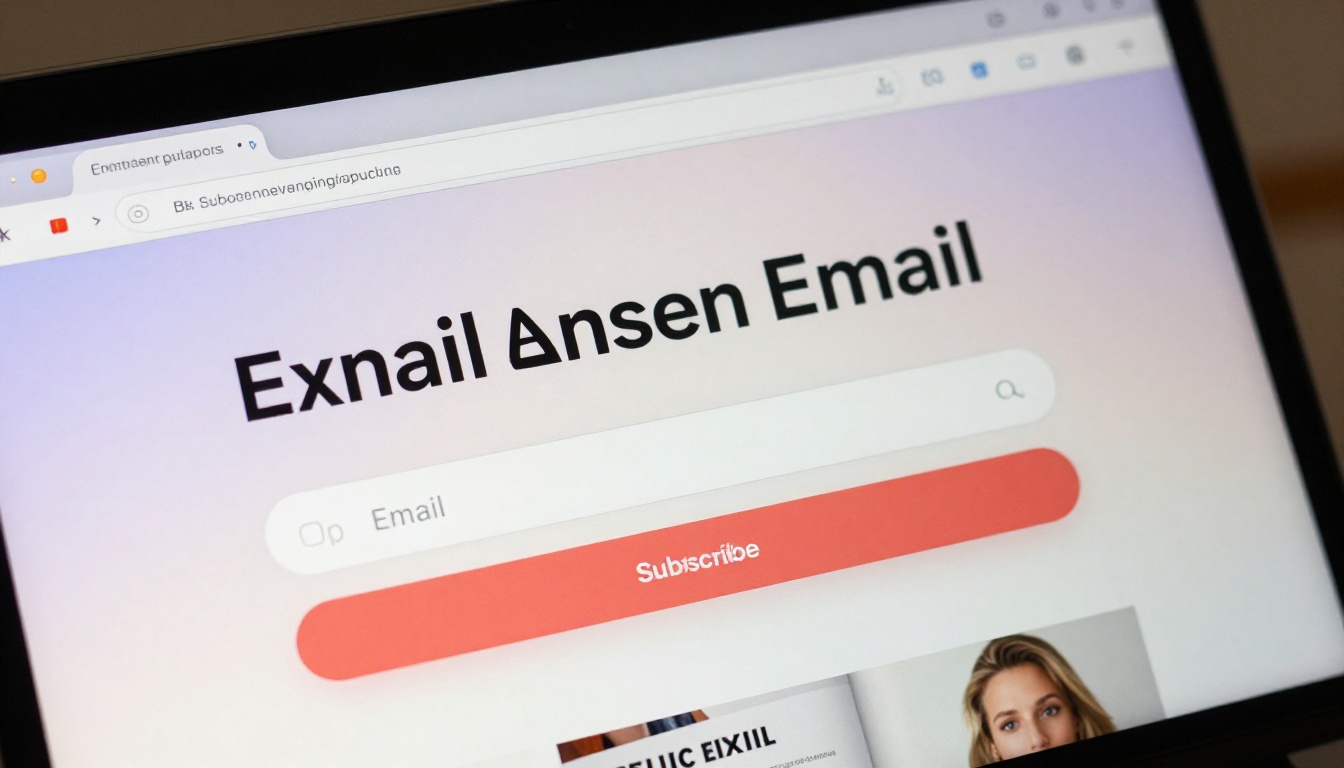
💡 Add a "soft close" option, a small "No thanks" text link below the CTA, so readers who decline feel respected rather than trapped. This reduces frustration without meaningfully reducing conversions.
Flipbooks AI Plan Features for Pop-Ups
Different pricing plans unlock different levels of pop-up functionality. Here is a full breakdown to help you choose the right tier.

| Feature | Free | Standard | Professional |
|---|
| Basic pop-ups (image, video) | Partial | Yes | Yes |
| Lead capture forms | No | Yes | Yes |
| Email provider integrations | No | Yes | Yes |
| Analytics and conversion tracking | No | No | Yes |
| Exit-intent trigger | No | Yes | Yes |
| Custom pop-up HTML | No | No | Yes |
| Offline downloads | No | Yes | Yes |
| No watermarks | No | Yes | Yes |
| Unlimited flipbooks | No | Yes | Yes |
For most content creators and small businesses, the Standard plan provides everything needed to add fully functional lead-capture and promotional pop-ups. The Professional plan is the right choice for teams that need detailed conversion data, custom integrations, and full design control over every pop-up element.
What to Do After Someone Converts
A pop-up conversion is the beginning of a relationship, not the end of one. Here is what to set up immediately after your form goes live:
- Confirmation message: Show an in-pop-up thank-you message immediately after submission. Do not redirect readers away from the flipbook. Keep them in the experience.
- Welcome email: Set up an automated email sequence in your email marketing tool. The first email should deliver whatever you promised within 60 seconds of sign-up.
- Segment your list: Tag subscribers by which flipbook and which page they converted on. This data makes your future campaigns dramatically more relevant.
- Retarget non-converters: Use your flipbook's analytics data to identify readers who dismissed the pop-up. These readers know you exist. A targeted social or email campaign can re-engage them at a fraction of the cost of cold outreach.
Every reader who converts on your pop-up is someone who raised their hand and said they want more from you. Treat that signal seriously, and your flipbook becomes more than a document. It becomes a repeatable lead generation asset that works while you sleep.
Ready to add your first pop-up? Create a free account on Flipbooks AI and build your first interactive flipbook today. Already have one live? Upgrade your plan to unlock lead capture forms, analytics, and exit-intent triggers. Browse all flipbook tools to find the perfect format for your next publication.



