Your Etsy shop might have the most beautiful handmade products on the platform, but without a well-structured catalog, potential buyers scroll past without a second glance. A catalog is not just a list of products — it's your brand's story told visually, your shop's first impression, and one of the most effective sales tools you have as a small business owner. Flipbooks AI makes this process faster and more professional than ever, but before we get there, let's build the foundation right.
How to Build a Catalog for Your Etsy Shop That Actually Sells
What a Catalog Actually Does for Your Etsy Shop
It Positions You as a Professional Brand
Most Etsy shops are browsed casually. Buyers aren't committed — they're exploring. A polished product catalog changes the equation. When someone receives a link to a beautifully formatted catalog showing your full collection, you stop being "a seller on Etsy" and start being a brand worth buying from.
This is especially true for wholesale buyers, interior designers, gift shop owners, and boutique buyers who want to order in bulk. They expect a catalog. Without one, you're invisible to this entire market segment.
It Increases Average Order Value
When buyers see your full product range in one place, cross-selling happens naturally. A customer who came for a macrame wall hanging might also order a matching plant hanger and a set of ceramic hooks — but only if they see all three together. A catalog does that work without you being present.

How to Organize Your Products Before Building
Sort by Collection, Not Listing Date
The most common mistake Etsy sellers make when building a catalog is organizing products the way Etsy organizes them — by recency or sales rank. Your catalog should be organized by collection or product type, the way a retail brand thinks about it.
For example:
- Collection-based: Spring Collection, Holiday Collection, Best Sellers
- Product-type-based: Ceramics, Textiles, Jewelry, Candles
- Use-case-based: For the Kitchen, For the Home Office, For Gifting
Pick the structure that reflects how your customers actually shop. If your buyers tend to furnish entire rooms, organize by use case. If they collect specific types of handmade goods, organize by product type.
Build a Product Inventory Sheet First
Before you open any design tool, build a simple spreadsheet with:
| Column | What to Include |
|---|
| Product Name | Clear, descriptive name |
| SKU / Item Number | Your internal reference code |
| Category | Which collection it belongs to |
| Price | Retail and wholesale if applicable |
| Materials | What it's made from |
| Dimensions | Size and weight |
| Available Variants | Colors, sizes, styles |
| Main Photo File | Filename of hero product image |
This sheet becomes the source of truth for everything in your catalog. It also makes updating the catalog far less painful later.
💡 Add a "Catalog Priority" column with values like High, Medium, or Low. This helps you decide what gets a full-page spread versus a smaller feature in your final layout.

Photography: The Make-or-Break Element
Why Your Etsy Photos Are Not Catalog Photos
Etsy listing photos are optimized for square thumbnails viewed at small sizes on a mobile feed. Catalog photography is different. It needs to work at larger sizes, across multiple pages, and in both digital and print formats.
Your catalog photos should:
- Use consistent backgrounds across the entire catalog (white, natural linen, or raw wood work well)
- Show scale clearly with props or context items that indicate size
- Be shot in consistent lighting so pages feel cohesive
- Show multiple angles for hero products
- Be at least 2000px on the shortest side for clarity at any display size
Setting Up a Simple Home Studio
You don't need a professional studio. You need:
- A large window — north-facing if possible for even, shadowless light
- A white foam board — to bounce light back onto the shadow side
- A clean, consistent surface — white marble contact paper on a board works perfectly
- A camera or recent smartphone — an iPhone 14 or newer shoots catalog-quality images
- A tripod — for consistent framing across your entire product range
⚠️ Mixing lighting types (warm incandescent with cool daylight) across photos creates an inconsistent, amateurish look in your catalog. Always shoot in the same lighting conditions.
Lifestyle vs. Product Shots
Your catalog needs both types:
| Shot Type | Purpose | Where to Use |
|---|
| Clean Product Shot | Show exact item, color, texture | Product detail pages |
| Lifestyle Shot | Show item in real-world context | Section openers, feature spreads |
| Flatlay | Showcase collection or bundle | Category overview pages |
| Close-up / Macro | Highlight materials and craftsmanship | Alongside product descriptions |
How to Build a Catalog for Your Etsy Shop Step by Step
Step 1: Choose Your Catalog Format
You have three main format options:
PDF Catalog — The professional standard. Easy to share via email, distribute to wholesale buyers, and print. Requires a design tool like Canva, Adobe InDesign, or a dedicated catalog maker.
Digital Flipbook — A PDF converted into an interactive, page-turning format. Looks premium, works beautifully on mobile, and can include clickable links directly to your Etsy listings. This is where tools like Flipbooks AI excel.
Printed Catalog — Best for trade shows, boutique partnerships, and markets. Higher cost but leaves a lasting physical impression.
For most Etsy sellers, a digital flipbook is the best choice. It costs nothing to distribute (just share a link), looks far more professional than a static PDF, and you can track who viewed it.
Step 2: Design Your Catalog Layout
If you're using Canva — the most accessible option for most sellers — start with a presentation template at A4 or US Letter size. Structure your pages as follows:
- Front Page — Shop name, logo, season or year, hero product image
- About the Maker — Brief 2-3 sentence story, your photo
- Collection Overview — One page per category with a hero image
- Product Pages — 2-6 products per page with photo, name, price, dimensions
- Custom Orders / Wholesale Info — Terms, minimum order quantities, lead times
- Contact and Links — Etsy shop URL, email, Instagram handle
💡 Use no more than two fonts throughout. One display font for headings, one clean sans-serif for body text. More than two fonts reads as amateur.

Step 3: Write Product Descriptions That Sell
Each product in your catalog needs three things:
- A clear name — descriptive, not just a code number
- A one-sentence benefit statement — what makes it worth buying
- Specifications — materials, dimensions, care instructions, variants
Here's a format that works:
Hand-Thrown Stoneware Mug — Terracotta Glaze
Holds your morning ritual in something made to last. Dishwasher safe, microwave safe, and entirely unique.
Materials: Stoneware clay, food-safe glaze | Size: 12oz | Available in: Terracotta, Sage, Charcoal
Short. Specific. Memorable. That's what belongs in a catalog.
Step 4: Export and Convert to a Digital Flipbook
Once your catalog PDF is complete, converting it to an interactive digital format takes minutes. With Flipbooks AI, the process is:
- Create or sign into your account at flipbooksai.com
- Click New Flipbook and upload your catalog PDF
- The platform automatically converts each page into a page-turning digital experience
- Add your brand colors, logo, and a custom thumbnail
- Optionally add clickable hotspots that link directly to your Etsy product listings
- Set sharing preferences: public link, password-protected for wholesale buyers, or embedded on your website
- Share the link via email, social media, or your Etsy shop announcement
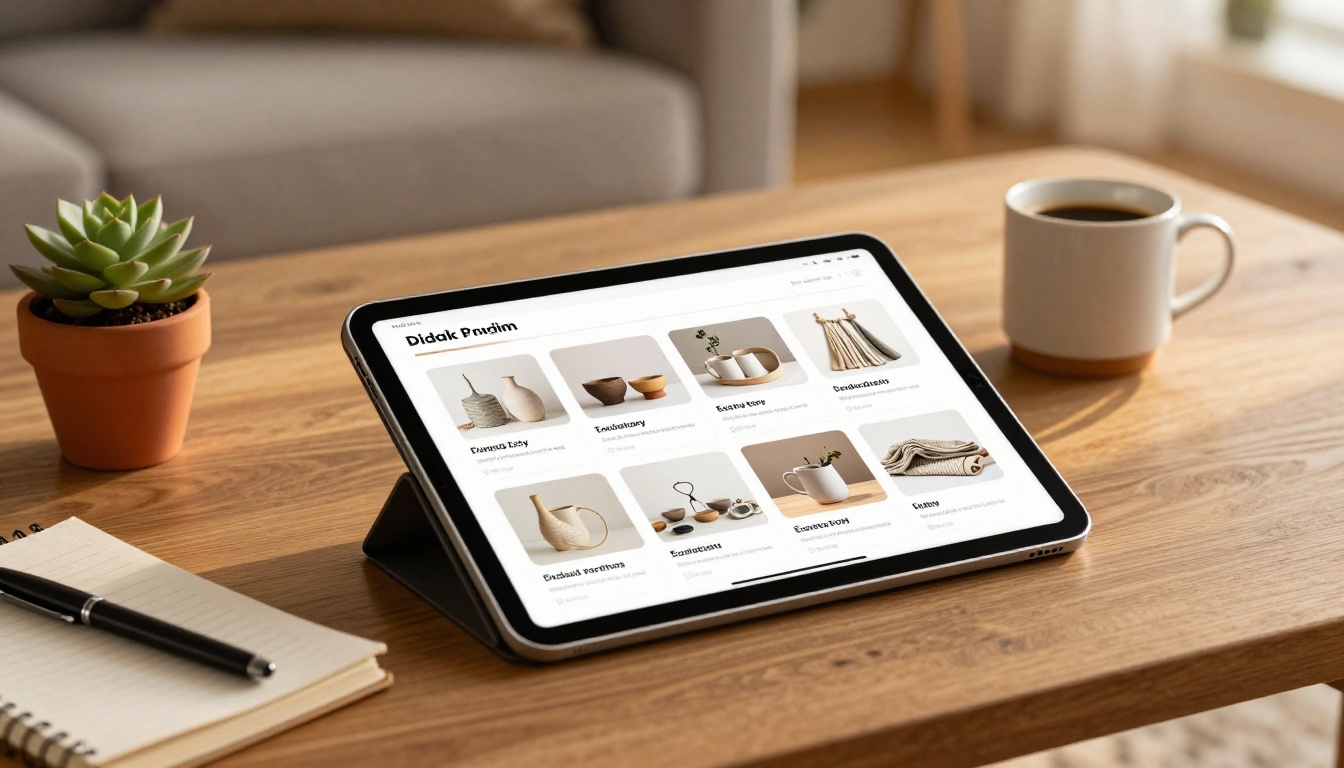
The Product Catalog and Digital Catalog Maker tools make this especially smooth for Etsy sellers who want a polished result without a technical learning curve.
Flipbooks AI Features for Etsy Catalog Builders
Flipbooks AI is built precisely for sellers and small business owners who want professional-grade digital catalogs without the complexity of enterprise tools.
What You Can Do With Flipbooks AI
| Feature | What It Means for Your Etsy Shop |
|---|
| No watermarks | Your catalog looks 100% professional with your branding only |
| Unlimited flipbooks | Create separate catalogs for each season or collection |
| Password protection | Share wholesale pricing catalogs privately |
| Embed on website | Drop your catalog directly into your Squarespace or Wix site |
| Mobile-responsive | Buyers on phones see a perfect experience |
| Custom branding | Match your shop's colors and fonts exactly |
| Analytics (Professional) | See how many times your catalog was viewed and for how long |
| Lead generation (Professional) | Capture buyer emails directly from the catalog |
| Offline downloads | Buyers can save your catalog for later |
For sellers who attend trade shows or pitch to boutiques, the Catalog Flipbook Creator tool makes it easy to produce a dedicated wholesale catalog distinct from your retail-facing Etsy presence.

✅ Build two versions of your catalog. A public retail version with your Etsy prices, and a password-protected wholesale version with tiered pricing for boutique buyers. Flipbooks AI's password protection feature makes this effortless.
How to Share Your Etsy Catalog Effectively
Where to Distribute Your Catalog Link
Once your digital catalog is live, put the link everywhere:
- Etsy Shop Announcement — Pin the catalog link at the top of your shop
- Order Confirmation Messages — Include the catalog link in your Etsy message template
- Instagram Bio — Replace the single link with your catalog URL
- Email Signature — Every email you send becomes a catalog distribution moment
- Pinterest — Pin individual catalog pages with the link in the description
- Trade Show Follow-Up Emails — Instead of attaching a heavy PDF, share the flipbook link
Sending to Wholesale Buyers
When pitching your products to boutiques or gift shops, a flipbook catalog link is far more impressive than a Google Drive PDF. It loads instantly, looks beautiful on any device, and signals that you're running a serious operation.
Include the catalog link in your pitch email with a note like: "Here's our current collection with pricing — let me know if you'd like samples of anything."

Seasonal Catalog Strategy for Etsy Sellers
When to Update Your Catalog
| Season | Catalog Focus | When to Publish |
|---|
| Spring | New collections, lighter products | Late February |
| Summer | Outdoor, gifting, weddings | Mid-April |
| Fall / Holiday | Gift sets, limited editions, bundles | Early September |
| New Year | Bestsellers, restocked items | Late December |
Most successful Etsy sellers produce at least two catalog updates per year: one for the spring and summer selling season, and one for the holiday rush. The holiday catalog is by far the most important — this is when gift buyers and boutique buyers are actively sourcing.
💡 Do not wait until November to build your holiday catalog. Boutique buyers need 6-8 weeks to place and receive wholesale orders. Your holiday catalog should be in their hands by early October at the latest.
Keeping Your Catalog Current
With Flipbooks AI, you can update your catalog PDF and re-upload it to the same flipbook URL. Anyone who bookmarked or shared your catalog link automatically sees the updated version — no need to redistribute a new link.
This is a significant advantage over static PDFs, which become outdated the moment pricing or inventory changes.
Mistakes That Kill Etsy Catalogs
Too Many Products, Not Enough Story
A catalog is not a data dump. Including every product you've ever listed overwhelms buyers and dilutes your brand. The most effective Etsy catalogs feature 20-50 products, curated to tell a coherent story about who you are as a maker. Edit ruthlessly. If a product doesn't represent your brand at its best, it doesn't belong in the catalog.
Inconsistent Photography
One photo on a white background next to one on wood next to one staged in a bedroom creates a chaotic, unprofessional feel. Consistency in backgrounds and lighting is the single most powerful way to raise your catalog's quality without spending more money.
No Clear Pricing or Ordering Information
Buyers — especially wholesale buyers — will not chase you for pricing. If your catalog doesn't clearly show prices and how to order, they move on to a seller whose catalog makes it easy.
Neglecting Mobile Viewers
More than 60% of Etsy buyers browse on mobile devices. Your catalog must work perfectly on small screens. This is one more reason to use a digital flipbook format through Flipbooks AI rather than a static PDF — the page-turning format is inherently mobile-optimized and renders beautifully at any screen size.

Make Your First Catalog Today
Building a catalog for your Etsy shop is not a luxury reserved for large brands. It's one of the highest-leverage things you can do as an independent maker to grow sales, attract wholesale buyers, and position your shop as a serious creative business.
Start with your best 20-30 products. Shoot them consistently against a single clean background. Design a simple layout in Canva with your brand colors and fonts. Export to PDF. Then upload it to Flipbooks AI and convert it into a professional digital catalog in minutes.
Once you see how a beautifully formatted, interactive catalog changes the way buyers engage with your products, you'll wonder why you waited.
Ready to build yours? Create your free account on Flipbooks AI and have your first catalog published today. Browse pricing plans to add analytics, lead generation, and unlimited catalogs. Or check out all catalog tools to find the right fit for your shop.



