Your brand has a story, and right now it is probably scattered across email attachments, Google Drive folders, and shared links that expire after seven days. A digital bookshelf changes that. It gives your audience, clients, and team one organized, on-brand destination for everything you publish: from product catalogs and lookbooks to training manuals and press kits. Flipbooks AI makes building that destination straightforward, turning your existing PDFs into interactive, page-turning publications that reflect your brand identity with every scroll.
What a Digital Bookshelf Actually Does
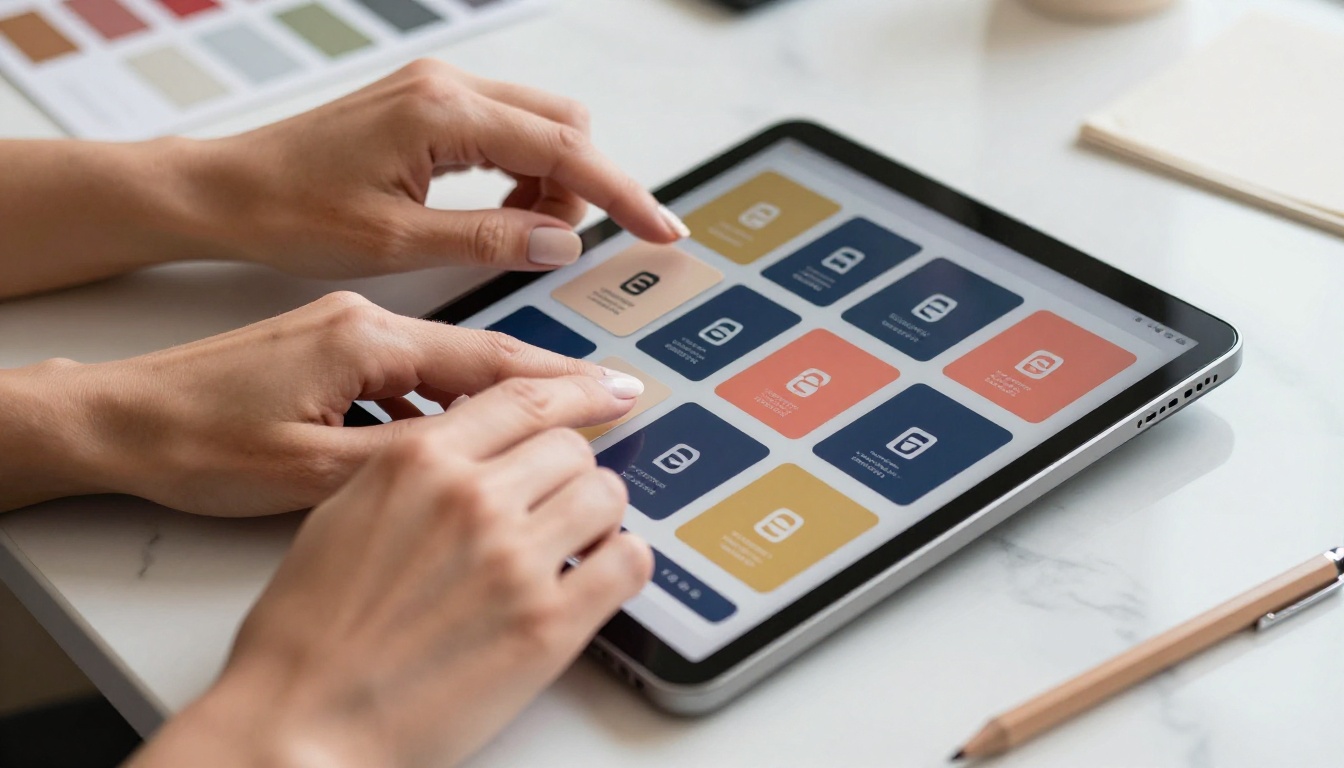
A digital bookshelf is not just a folder with a prettier interface. It is a curated collection of your brand's publications, structured to tell a coherent story, built to be shared, and designed to match your visual identity at every point. Think of it as your brand's public-facing library: organized, always current, and always accessible.
When someone wants to know what your brand stands for, you send them a single link instead of five attachments. When your sales team needs the latest product catalog, it is there. When a journalist needs your press kit, it is one click away. That shift from scattered files to a single destination is what separates brands that feel professional from those that still feel like they are figuring it out.
From Scattered Files to a Curated Collection
Most brands already have the content. The challenge is presentation. A product catalog as a PDF attachment gives the reader nothing to interact with. The same document as an interactive flipbook with page-turn animations, embedded video, and a branded cover becomes a premium brand experience. The content is identical. The impression is entirely different.
The Gap Between a File Library and a Branded Bookshelf
| Feature | Generic File Library | Branded Digital Bookshelf |
|---|
| Visual consistency | Inconsistent formats, no branding | Unified brand identity across all publications |
| Interactivity | Static downloads only | Page-flip animations, video and audio embeds |
| Sharing | Raw file download links | Clean shareable URLs, embed codes |
| Analytics | None | Reader tracking, page views, click data |
| Mobile experience | Poor PDF rendering on small screens | Fully responsive, reads well on any device |
| Brand impression | Generic and forgettable | Polished, premium, and on-brand |
💡 The moment you give a client a branded flipbook link instead of a PDF attachment, the perceived value of your content doubles. The content is the same. The experience is not.

What Belongs on Your Brand's Digital Bookshelf
Before you start building, decide what goes in. The most effective brand bookshelves are selective, not exhaustive. Every publication should serve a clear purpose for a specific audience. Publishing everything you have ever created produces noise, not a library.
Core Brand Documents
These are the publications your internal and external stakeholders return to repeatedly:
- Brand Style Guide: Colors, typography, tone of voice, logo usage rules
- Press Kit: Company overview, executive bios, high-resolution assets, media contacts
- Annual Report: Financial highlights, company milestones, sustainability commitments
- Investor Deck: Company vision, market opportunity, traction metrics
- Employee Onboarding Manual: Culture documentation, processes, tools, and expectations
Customer-Facing Publications
These are what clients, prospects, and partners actually read:
- Product Catalogs: Full inventory with specifications, pricing, and lifestyle photography
- Lookbooks: Seasonal collections, editorial spreads, and mood-driven storytelling
- Service Brochures: What you offer, how you work, and what clients can expect
- Case Studies: Client success stories with real outcomes and real numbers
- Event Programs: Conference agendas, speaker bios, and sponsor recognition pages
✅ Best Practice: Separate your bookshelf into sections by audience. One section for clients, one for press, one for internal teams. Password-protect the internal section so only team members can access it.
Document Type Reference Table
5 Qualities That Make a Bookshelf Work
Not all digital bookshelves are equal. The ones that get read and shared consistently share five specific traits.
1. Consistent Visual Identity
Every publication on your shelf should feel like it came from the same brand. Same fonts, same color palette, same logo placement. When you use Flipbooks AI, you apply your brand colors, custom logo, and cover design across every flipbook you create. A visitor scrolling through your shelf should never wonder whether they are looking at the right company.
2. Easy Sharing and Access
A bookshelf no one can find is useless. Each publication needs a clean, shareable URL that opens instantly in any browser, with no account required to read. Flipbooks AI generates direct links for every flipbook, plus embed codes so you can place your entire bookshelf directly on your website or landing page without any technical setup.

3. Mobile-First Rendering
More than 60% of branded content is consumed on mobile devices. A publication that requires pinching and zooming on a phone is a publication that gets closed within 30 seconds. Every flipbook on Flipbooks AI is fully mobile-responsive, adapting the reading experience to any screen size without any extra configuration on your end.
4. Trackable Reader Data
Knowing what gets read is as valuable as publishing it in the first place. Which pages do readers spend the most time on? Which publications get opened most often? Which links get clicked? The Professional plan on Flipbooks AI includes built-in analytics that answers these questions, helping you refine what you publish and prioritize what actually resonates with your audience.
5. Zero Friction to Read
Password prompts, download requirements, and registration gates kill reading rates for public-facing content. Your external publications should open in one click with no barriers. Reserve password protection only for internal or confidential content, a feature Flipbooks AI supports as standard across paid plans.
How to Build Yours with Flipbooks AI
This is where the work actually happens. The process is faster than most people expect, and the result is a branded publication experience that most teams could not build from scratch in weeks.
Step 1: Create Your Account
Go to Flipbooks AI and create your account. The free plan lets you get started and see the platform before committing. When you are ready to build a full brand bookshelf without watermarks or limitations, the Standard plan gives you unlimited flipbooks with full branding customization.
Step 2: Upload Your First PDF
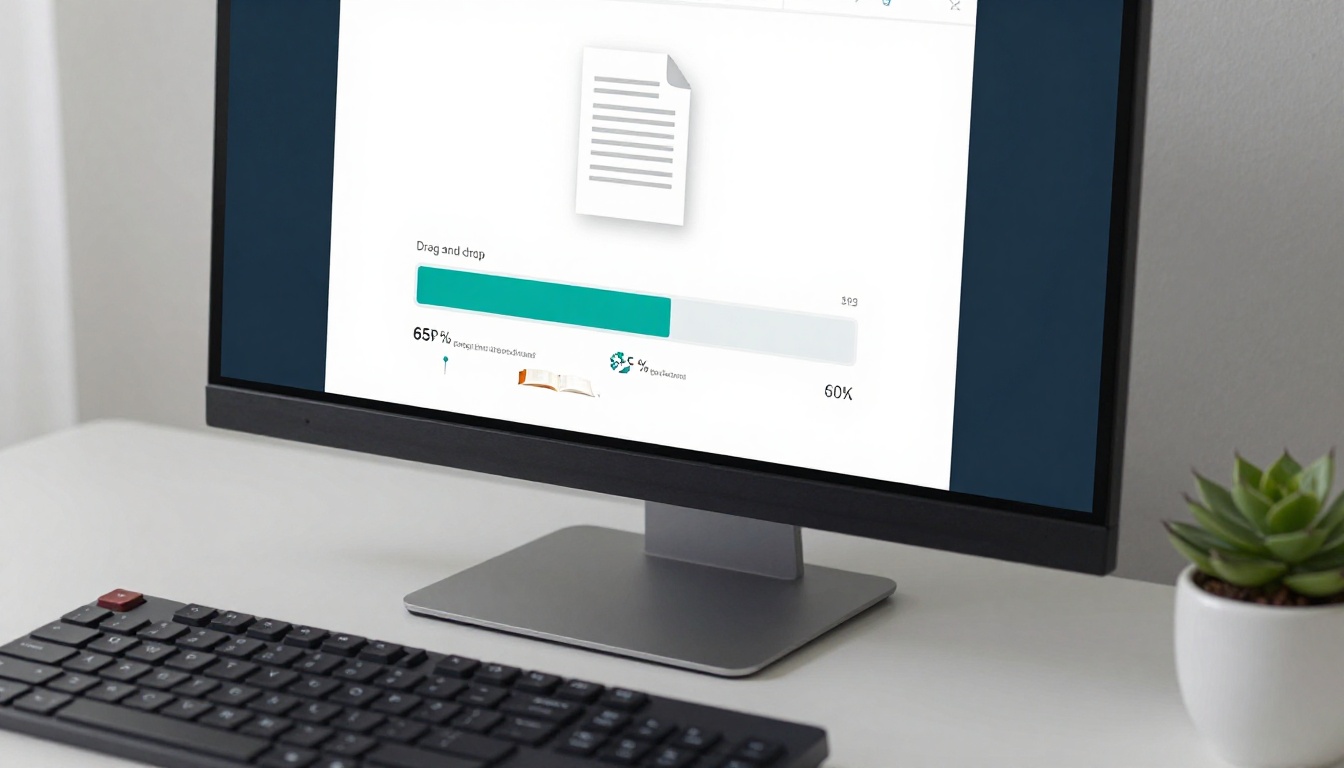
Select the publication you want to convert first. Start with your most-accessed document, often the product catalog or the brand lookbook. Drag your PDF into the upload zone. Flipbooks AI processes each page automatically, converting it into a high-fidelity interactive page. Page quality is preserved whether your original PDF was 10 pages or 300 pages.
💡 Before uploading, make sure your PDF was exported at 150 to 300 DPI minimum. Higher resolution source files produce sharper, more professional-looking flipbooks.
Step 3: Apply Your Brand Customization
Once the PDF is converted, open the customization panel. Here you can:
- Upload your logo and set its position on the reader interface
- Set your brand color for the toolbar and navigation elements
- Add a custom cover thumbnail if the first page alone does not represent the publication well
- Configure the page-turn animation style: classic flip, slide, or fade
- Add multimedia by linking embedded video or audio to specific pages for richer storytelling
For products with multiple SKUs or seasonal collections, the Digital Catalog Maker provides a structured catalog format purpose-built for product-dense publications.
Step 4: Organize Into a Collection
With multiple publications ready, group them by audience or content type. Name each flipbook clearly so visitors understand what they are opening before they click. Think of your flipbook titles the same way you think of chapter headings: descriptive, direct, and never vague.

Step 5: Share and Embed
Every flipbook gets its own permanent, shareable link. With that link you can:
- Embed on your website: Use the Embed Flipbook on Website tool to generate a responsive iframe code for any page or section
- Share via email or social: Copy the direct URL and paste it anywhere, no attachment needed
- Password-protect private publications: Set a per-flipbook password for internal or client-only content
- Enable offline access: On the Professional plan, readers can download flipbooks to their device for reading without an internet connection
⚠️ Do not use raw PDF links for client-facing publications. They render poorly on mobile, offer no analytics, and carry zero brand presentation value.
Real-World Use Cases by Industry
The digital bookshelf concept works across industries because every brand publishes documents. The format changes. The core value does not.
Retail and E-Commerce Brands
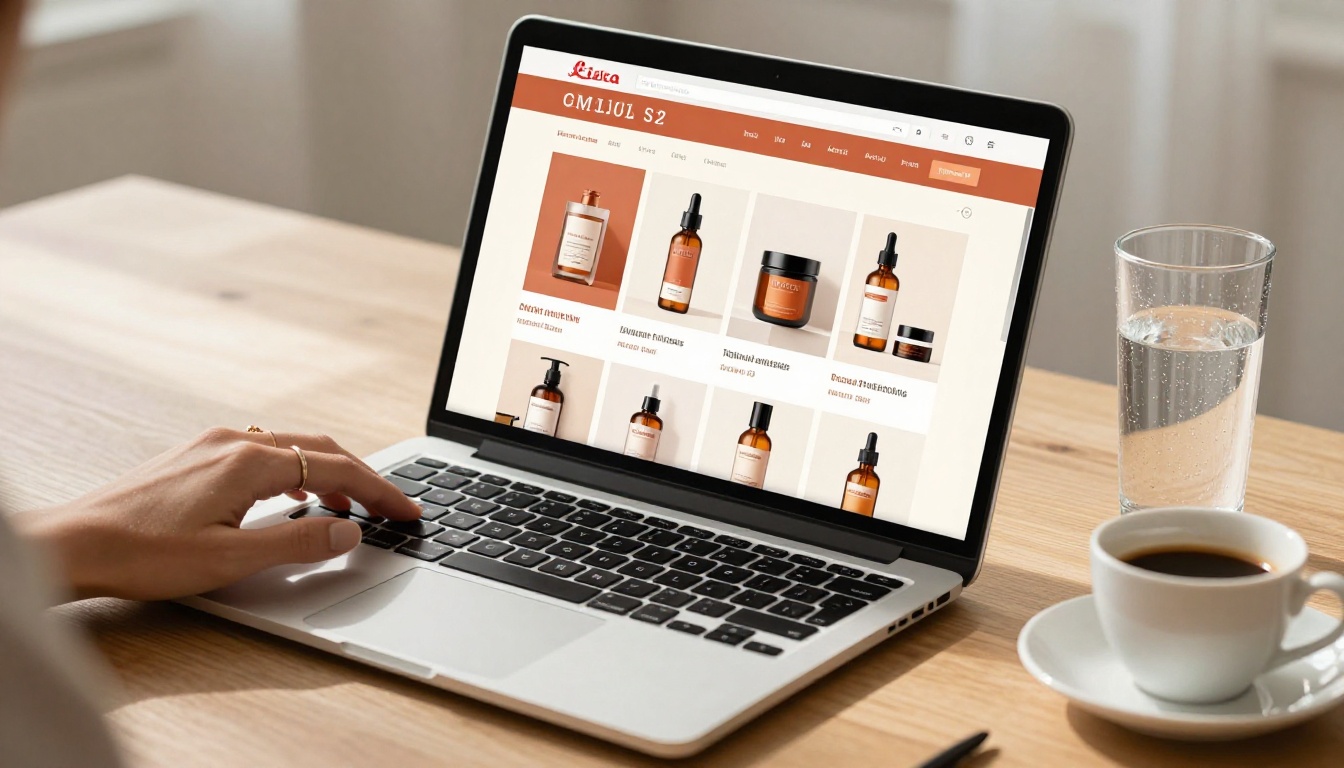
A fashion retailer builds a seasonal digital bookshelf with three core publications: the new collection lookbook, the size and fit guide, and the brand story editorial. Each flipbook is linked from the brand's website footer and from product detail pages. The Fashion Catalog Creator handles the visual complexity of multi-page editorial layouts without compressing image quality.
Professional Services Firms
A consulting firm publishes its annual report, a capabilities brochure, and a curated set of case studies on its digital bookshelf. Prospects access everything from a single link included in email proposals. The firm password-protects client-specific engagement reports. The Corporate Report Maker gives them a polished format that matches the professionalism of the content inside.
Creative Studios and Agencies
A creative agency uses its digital bookshelf as an always-current portfolio. Rather than maintaining a custom portfolio site, the team publishes each project case study as a flipbook and organizes them by industry vertical, service type, and year. New work goes live within minutes of a project wrapping. The Digital Portfolio Creator is purpose-built for this workflow.

Hospitality and Food Brands
A boutique hotel publishes its seasonal dining menu, property brochure, and local experience guide as flipbooks, accessible via QR codes placed in guest rooms and at the front desk. A restaurant group uses the Restaurant Menu Creator to publish menus that update in real time without any reprinting costs. The Hotel Brochure tool handles the high-photography, premium-feel layouts that hospitality brands rely on to make first impressions.
Flipbooks AI Plans at a Glance
Choosing the right plan depends on your publication volume and which features your workflow actually needs.
| Feature | Free | Standard | Professional |
|---|
| Number of flipbooks | Limited | Unlimited | Unlimited |
| Custom branding | No | Yes | Yes |
| Watermarks | Yes | No | No |
| Password protection | No | Yes | Yes |
| Reader analytics | No | No | Yes |
| Lead generation forms | No | No | Yes |
| Offline downloads | No | No | Yes |
| Embed on website | Yes | Yes | Yes |
| Mobile responsive | Yes | Yes | Yes |
| Embed video and audio | No | Yes | Yes |
💡 For most brands building a full digital bookshelf, the Standard plan is the right entry point: unlimited flipbooks, no watermarks, full custom branding, and password protection for private content. Move to Professional when analytics and lead generation become priorities.
See full details at Flipbooks AI pricing.
Sharing Your Bookshelf with the World
Once your publications are live, distribution is where the work pays off.
Embed Directly on Your Website
The most durable way to host your brand bookshelf is directly on your own site. Use the Embed Flipbook on Website tool to get a responsive embed code. Place it on a dedicated Resources or Press page, or embed individual flipbooks on relevant product and service pages for contextual reading.
Share via Direct Link
Every flipbook has a permanent, clean URL. Use these across your existing channels:
- Email campaigns: Replace bulky PDF attachments with a single, trackable link
- Social media profiles: Link your most important publication directly in your bio
- QR codes: Generate a QR code for any flipbook and print it on packaging, signage, or physical materials
- Sales proposals: Include flipbook links in pitch decks for a far more polished presentation than raw attachments
Password-Protect Confidential Content
Not everything on your bookshelf is public. Internal training manuals, confidential financial reports, and early-access content for select clients should be protected. Set a password per flipbook in the settings panel. Readers with the password get full, immediate access. Everyone else sees a clean, branded prompt with no clue about what is behind it.
What Experienced Publishers Do Differently
Brands that extract the most value from their digital bookshelf treat it as a living asset, not a one-time project. The shelf grows, gets refined, and generates data that informs every future content decision.
Analytics and Reader Insights
With analytics enabled on the Professional plan, you see which publications get the most reads, which pages hold attention longest, and where readers consistently drop off. A B2B company reviewing its case study analytics discovers that three-page summaries get 80% more complete reads than eight-page documents. That is a content strategy insight worth acting on.
Lead Capture Inside Publications
The Professional plan adds a lead generation form that appears within the flipbook reading experience itself. A prospect accessing your digital catalog can submit their email directly, without leaving the publication or navigating to a separate form. Your bookshelf becomes a passive lead-generation asset that runs without any ongoing effort.
Offline Access for Field Teams
Sales representatives operating in areas with inconsistent connectivity need publications that work without an internet connection. The offline download feature on the Professional plan lets field reps download flipbooks to their device, giving them full access to product catalogs and presentations in any environment.
✅ Best Practice: Set a quarterly calendar reminder to review every publication on your bookshelf. Outdated content sitting alongside current material damages credibility. Replace, archive, or update anything that no longer reflects where your brand is today.
Build It Once, Use It Everywhere
Your brand's digital bookshelf is one of the highest-leverage content investments you can make. You are creating these publications anyway. The bookshelf just makes sure they are seen, shared, and doing real work instead of sitting in a drive folder that nobody checks. From the first catalog you publish to the twentieth case study you add, each piece compounds the value of the whole collection.
Ready to start building? Create your account on Flipbooks AI and publish your first flipbook today. Browse all available tools and templates to find the right format for each publication type. When you are ready for analytics and lead generation, review pricing and plans to choose what fits where your brand is heading.



