Publishing a professional digital magazine used to sit behind a wall of complexity: web developers, expensive software licenses, weeks of back-and-forth, and a final product that still somehow looked outdated. That era is over. Today, anyone with a PDF and twenty minutes can publish a fully interactive, beautifully branded digital magazine that readers can flip through on any device, anywhere in the world. Flipbooks AI is at the center of this shift, and this article shows you exactly how it works.
What a Digital Magazine Actually Is
A digital magazine is not just a PDF posted to a website. That approach gives readers a flat, static document with no real reading experience. A true digital magazine uses interactive page-flip technology: readers click or swipe to turn pages, just like a physical magazine, but with the added depth of hyperlinks, embedded videos, audio, and animated transitions.
The Page-Flip Format Explained
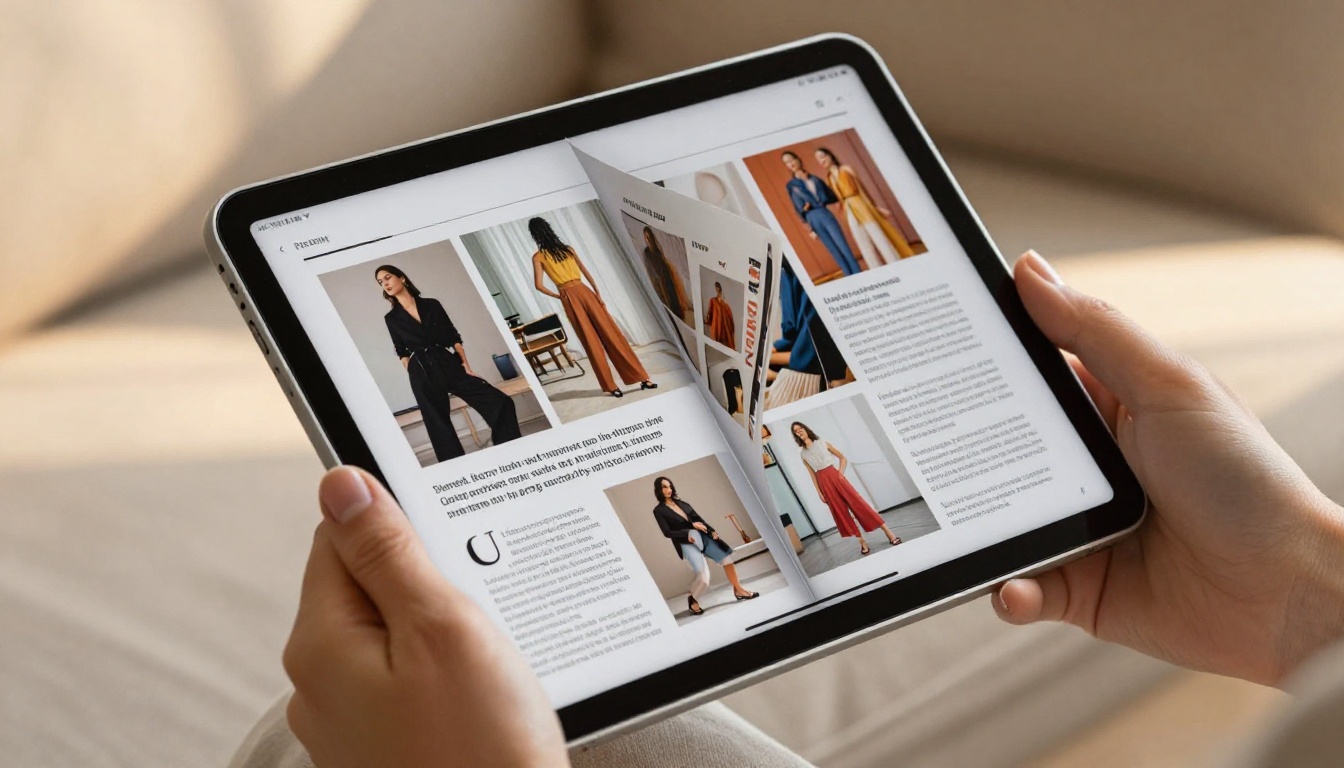
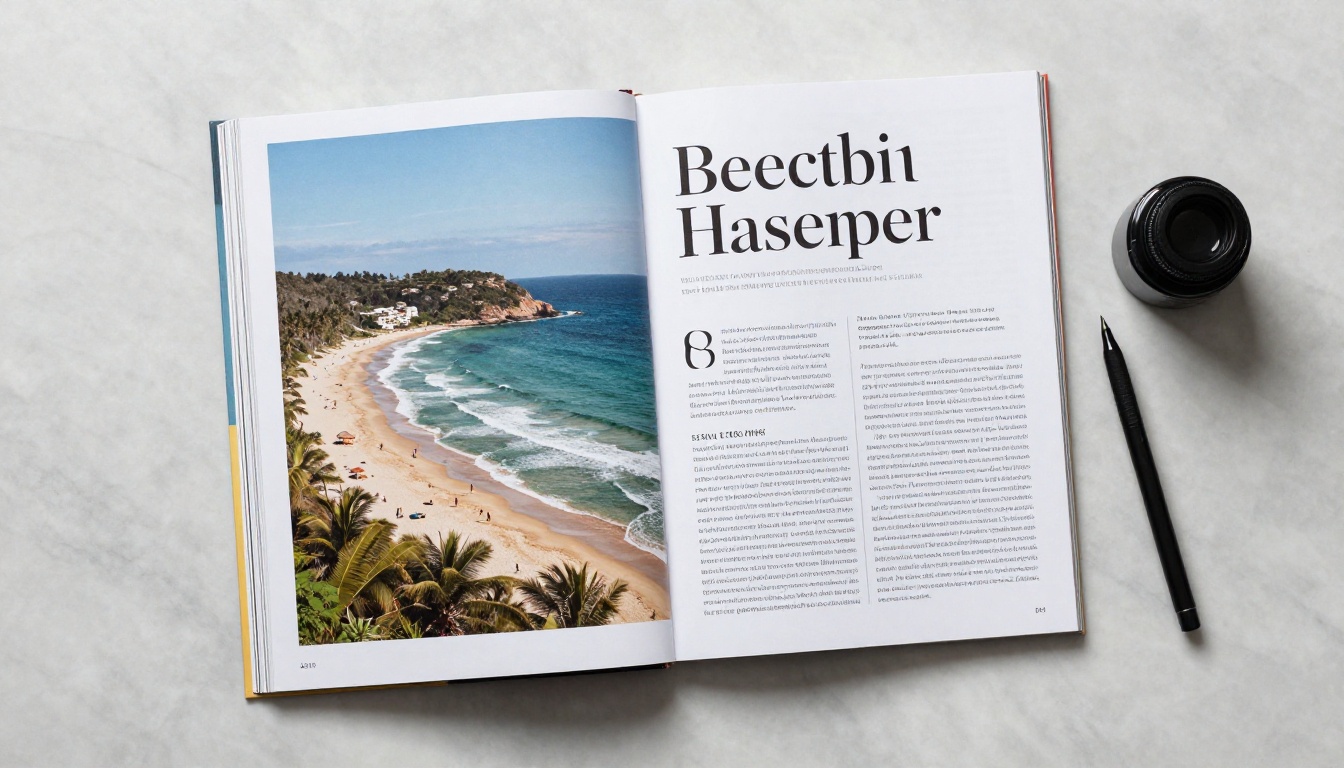
The page-flip format simulates the tactile feeling of turning a real magazine page. When a reader opens your publication, they see a double-page spread. Hovering the cursor near the edge of a page reveals a corner curl. Clicking or swiping flips the page with a smooth animation that shows the paper thickness in motion.
This format does something important: it keeps readers inside the reading experience. Instead of scrolling endlessly through a vertical feed, they move page by page, the same way they would with a printed issue.
Features Readers Expect in 2024
Modern readers arrive with expectations shaped by apps and websites. A digital magazine that just mimics print misses half the opportunity. Here is what interactive digital magazines offer that print cannot:
- Clickable links within the content, sending readers to product pages, websites, or sign-up forms
- Embedded videos that play directly inside the magazine page
- Audio tracks for podcasts, music, or narration
- Table of contents with clickable navigation
- Full-text search across all pages
- Social sharing buttons on every page
- Mobile-responsive layout that scales to any screen size without reformatting
💡 Pro tip: Interactive elements dramatically increase the time readers spend with each issue. A clickable table of contents alone can double how many pages someone visits before closing.
What You Need Before You Start
You do not need a web developer. You do not need coding skills. You need two things.
Your Source PDF
The starting point for any digital magazine built on Flipbooks AI is a PDF file. This means you design your magazine in whatever tool you already use: Canva, Adobe InDesign, Affinity Publisher, even Microsoft Word if your layout is simple. Export it as a PDF, and the conversion platform does the rest.
Your PDF should be:
- Formatted at a standard magazine size (A4 or Letter portrait are most common)
- Exported at high resolution (300 DPI minimum for images)
- Saved with embedded fonts so text renders correctly on all devices

Choosing the Right Platform
Not every PDF-to-flipbook tool is built equally. Some add watermarks to your publication. Some limit how many issues you can publish. Others give you no control over branding. The right platform should offer:
- No watermarks on your published content
- Custom domain or embed options
- Password protection for paid or private issues
- Analytics to track readership
- Reliable uptime and fast loading
⚠️ Watch out: Free tools almost always add their own branding to your magazine. If you are publishing on behalf of a business or client, that watermark undermines your credibility immediately.
Build Your Magazine on Flipbooks AI
Flipbooks AI makes the entire process happen in five steps. No installation required. No technical background needed.
Step 1: Create Your Account
Go to flipbooksai.com/account and sign up. The platform runs entirely in your browser, so there is nothing to download or install. Setup takes under two minutes.
Step 2: Upload Your PDF
From your dashboard, click the upload button and select your magazine PDF. The PDF to Flipbook Converter processes your file automatically, converting each page into a high-resolution interactive flipbook spread. Depending on file size, conversion typically takes under two minutes.
Step 3: Set Your Branding
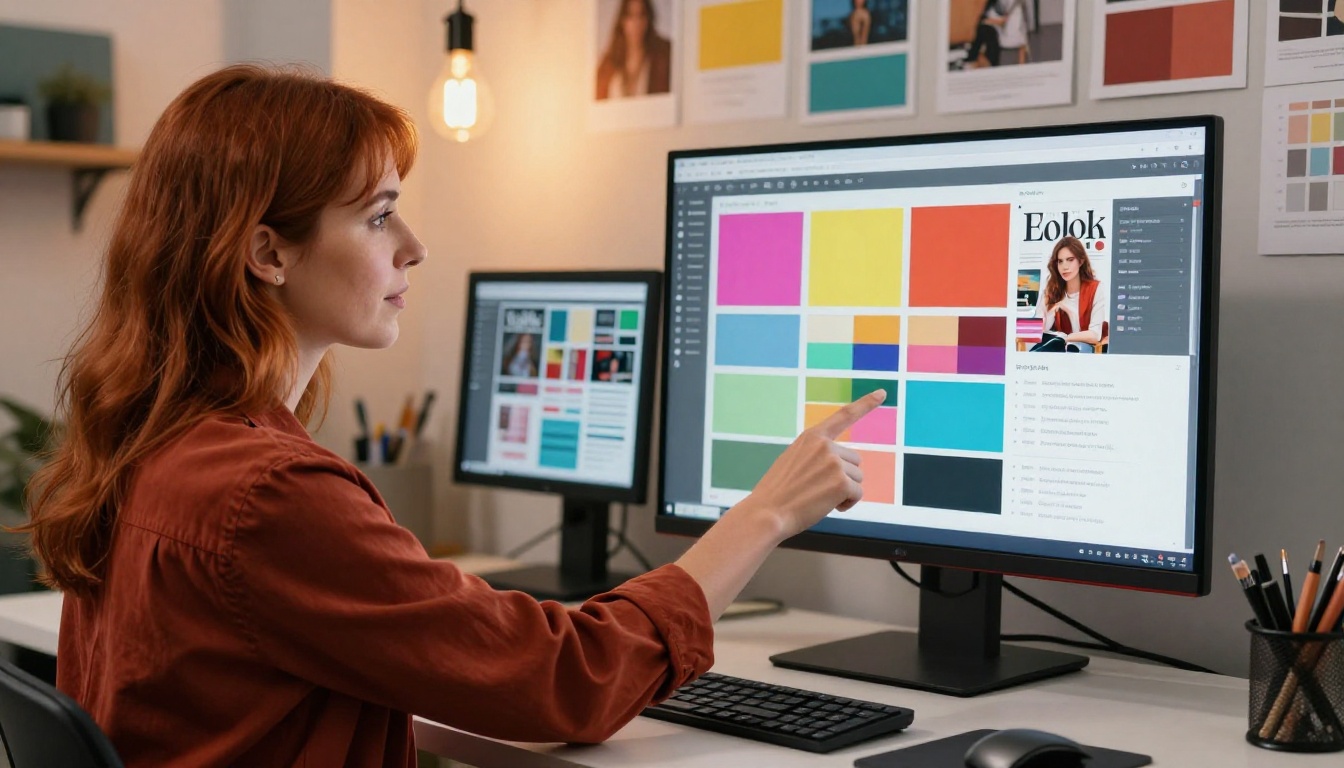
Once your flipbook is created, open the customization panel. Here you can:
- Upload your logo and set its position on the viewer
- Choose your brand colors for the toolbar and background
- Select a background texture or color behind the magazine
- Set a custom page for the opening spread
- Enable or disable the page-flip sound effect
The viewer your readers see will carry your brand, not the platform's name.
Step 4: Add Interactive Elements
After branding, layer in the interactive features that print cannot offer:
- Add links: Click any region of any page to add a clickable hotspot pointing to a URL
- Embed video: Place a video player directly on a page using a YouTube or Vimeo link
- Add audio: Drop an audio player on a page for narration or ambient sound
- Table of contents: Set up a clickable contents panel that readers can open from any page
Step 5: Publish and Share
When you are ready, hit publish. Your magazine gets a unique shareable URL immediately. From the share panel you can also:
- Generate an embed code to place the flipbook directly on your website
- Set a password for private or paid access
- Download an offline version for readers without internet access
- Enable lead capture forms that collect reader emails before granting access
✅ Best practice: Always test your published magazine on both a desktop browser and a mobile phone before sharing it publicly. Page layout, link positions, and video embeds can behave differently across screen sizes.
Types of Magazines You Can Build
The no-code publishing approach works across every magazine category imaginable. Here are the most common formats and who they are built for:
💡 Pro tip: Company newsletters published as interactive flipbooks see significantly more reads per issue than PDF attachments sent over email. Readers share them more frequently too, since the link opens instantly without a download.

Fashion and Lifestyle Magazines
Fashion brands, independent stylists, and boutique retailers use digital magazines to showcase seasonal collections, styling stories, and editorial photography. A digital format lets them link directly from an outfit photo to the product page, turning a magazine read into a purchase moment.
Industry and Trade Publications
Professional associations and B2B publishers use the format to distribute member magazines, sector reports, and thought-leadership content. The ability to password-protect an issue means premium content stays behind a paywall without building a separate members area.
Internal Company Magazines
Large organizations publish internal magazines for employees: company updates, culture stories, department spotlights, and event coverage. Distributing these as interactive flipbooks rather than PDF attachments removes the friction of downloads and delivers a polished reading experience on any device.
Not all platforms offer the same capabilities. Here is how the main options stack up against each other:
| Feature | Flipbooks AI | Generic PDF Viewer | Basic Flipbook Tool |
|---|
| No watermarks | ✅ Always | Rarely | Free tier only |
| Custom branding | ✅ Full | ✗ | Limited |
| Password protection | ✅ All paid plans | ✗ | Paid plans only |
| Analytics and tracking | ✅ Professional | ✗ | Rarely |
| Embedded videos | ✅ All paid plans | ✗ | Some |
| Offline downloads | ✅ All paid plans | ✗ | Rarely |
| Mobile-responsive | ✅ All plans | Partial | Varies |
| Lead generation forms | ✅ Professional | ✗ | ✗ |
| Unlimited publications | ✅ Standard and above | ✗ | Varies |
Sharing Options That Actually Work
Getting your magazine in front of readers requires more than a published URL. Flipbooks AI gives you several distribution methods that fit different contexts.
Embedding on Your Website
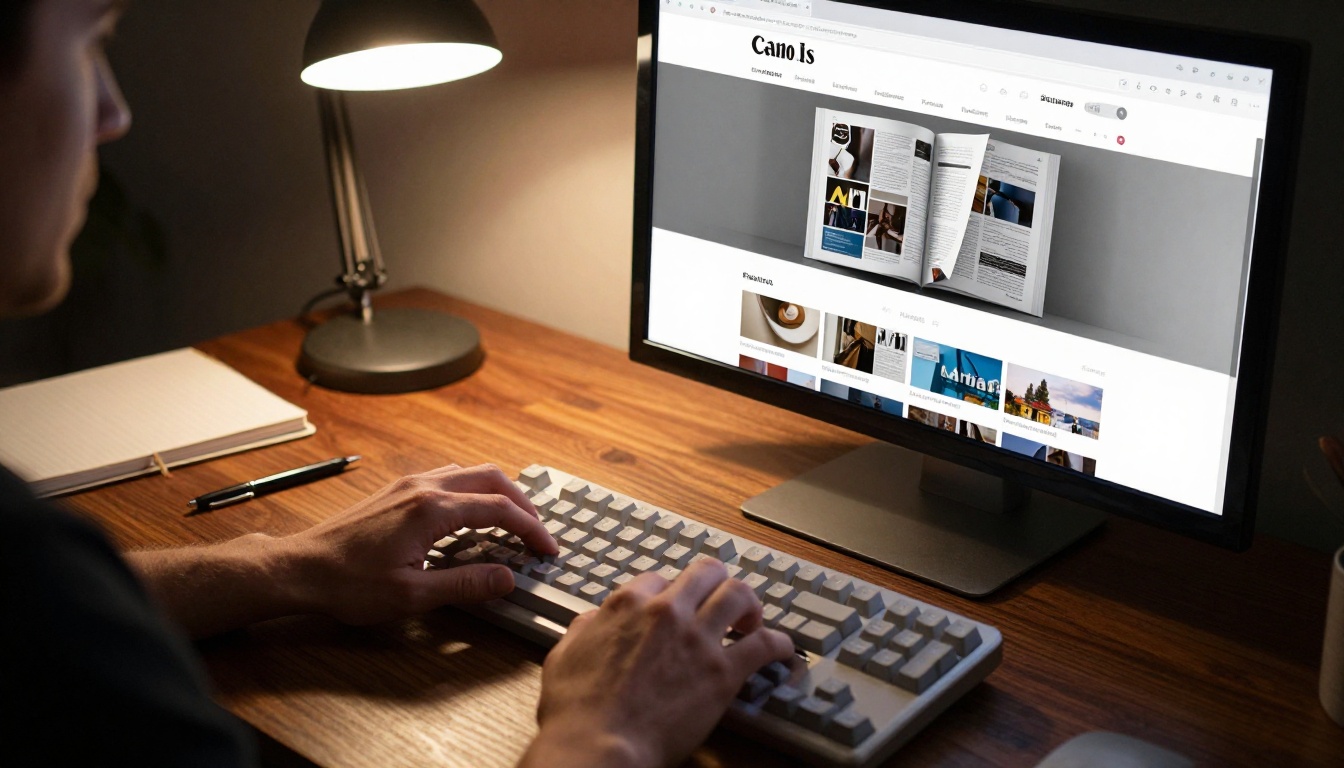
The Embed Flipbook on Website tool generates a short snippet of HTML code. Paste it into any page builder, WordPress post, Webflow section, or website HTML block, and your interactive magazine appears directly within your site, no new tab required.
Direct Links and QR Codes
Every published magazine gets a permanent shareable URL. This link works in email campaigns, social media posts, WhatsApp messages, and printed materials. For printed promotions, generate a QR code pointing to the URL so anyone with a phone can open the digital issue immediately.
Password Protection for Premium Content
If your magazine is paid or private, set a password in the sharing settings. Readers who visit the URL see a password prompt before the flipbook opens. This keeps your content exclusive without building a paywall from scratch.
✅ Best practice: For premium newsletters and subscriber-only issues, use a unique password per issue rather than a single static password. This prevents lapsed subscribers from accessing current issues after their subscription expires.
Making Revenue From Your Magazine
A digital magazine can do more than inform. With the right features, it becomes a revenue channel.
Lead Generation Built In
The Professional plan at Flipbooks AI includes lead generation forms that appear before the reader reaches the first page, or at a set page number you choose. The form collects the reader's name and email address, building your subscriber list passively while they read. Every captured contact syncs directly to your CRM or email platform.
Readership Data That Matters
The analytics features on the Professional plan give you a real picture of how readers interact with each issue:
- Total views and unique readers per issue
- Average time spent per page
- Which pages have the highest drop-off rate
- Geographic breakdown of your readership
- Traffic sources showing where readers came from
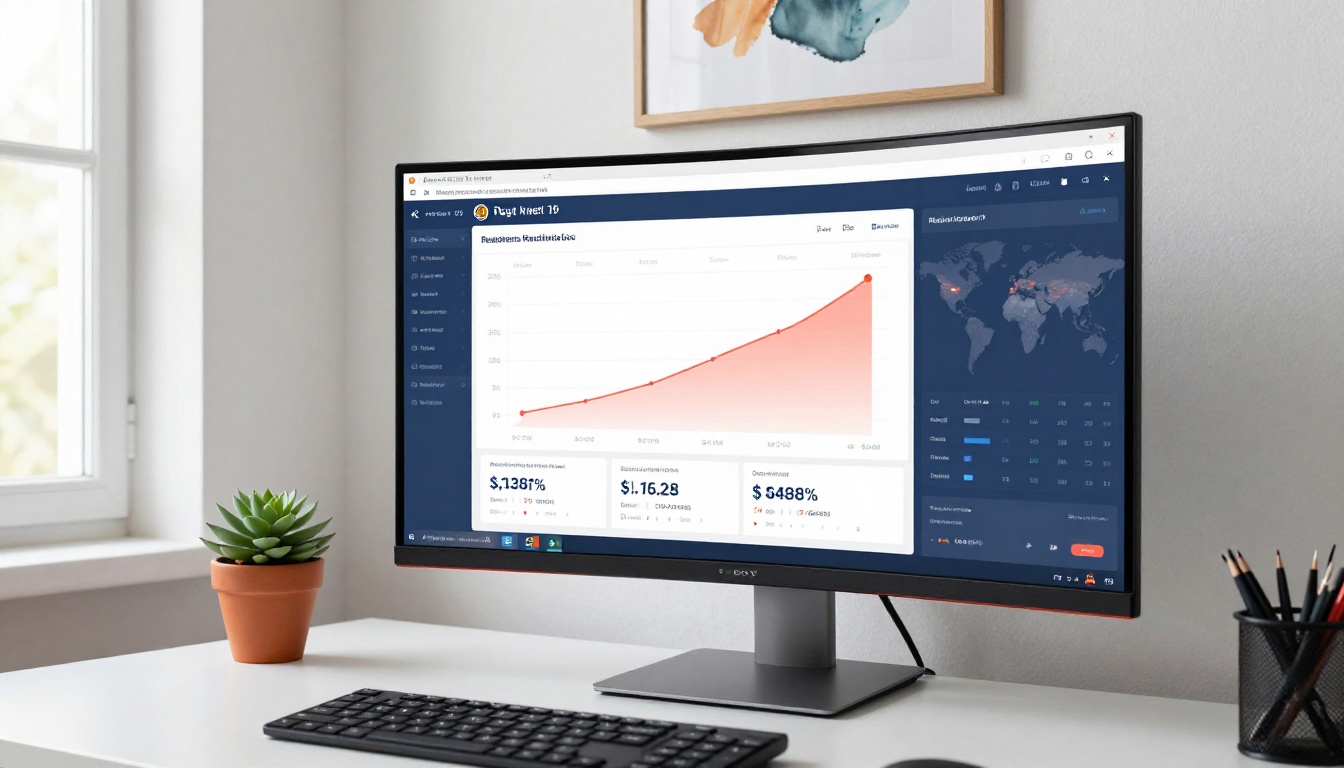
This data tells you which sections of each issue perform well, which pages lose readers, and which distribution channels bring in the most traffic. You can use this to improve future issues and prove ROI to advertisers.
💡 Pro tip: Share your readership stats with potential advertisers as part of a media kit. Verified data on page views and average reading time is far more persuasive than estimated print circulation numbers.
Plans and Pricing at a Glance
Flipbooks AI offers three tiers to match different publishing needs:
| Feature | Free | Standard | Professional |
|---|
| Flipbooks | 1 | Unlimited | Unlimited |
| Watermarks | Yes | No | No |
| Custom branding | ✗ | ✅ | ✅ |
| Password protection | ✗ | ✅ | ✅ |
| Offline downloads | ✗ | ✅ | ✅ |
| Embedded videos and audio | ✗ | ✅ | ✅ |
| Analytics | ✗ | ✗ | ✅ |
| Lead generation forms | ✗ | ✗ | ✅ |
| Mobile-responsive | ✅ | ✅ | ✅ |
The Standard plan is the right entry point for most independent publishers, bloggers, and small businesses. The Professional plan is built for publishers who need to justify revenue, grow a subscriber list, or report readership performance to stakeholders.

Real-World Use Cases Worth Noting
The format works across industries in ways that are easy to overlook until you see them in action.
A restaurant group uses a quarterly food and lifestyle magazine to showcase seasonal menus, chef interviews, and event announcements. Each issue links directly to reservation pages and online ordering. The magazine is embedded on their website and shared across social channels at no printing cost.
A real estate agency publishes a monthly property magazine with listings, neighborhood spotlights, and market commentary. Password protection limits access to registered buyers. Agents share individual issue links in email outreach, and the analytics tell them exactly which properties attracted the most reader attention.
A fitness brand creates a bi-monthly member magazine with workout programming, recipe content, and athlete stories. Lead capture gates the first issue, collecting email addresses from readers who would otherwise browse anonymously.

⚠️ Common mistake: Many first-time digital magazine publishers spend weeks perfecting their first issue before publishing. The better approach is to publish a solid first issue quickly, review the analytics after two weeks, and improve the second issue based on real reader behavior rather than assumptions.
Where to Start Right Now
Building a digital magazine without coding is not a workaround or a compromise. It is the most practical, cost-effective way to publish for most creators and businesses. You get a professional-grade reading experience, full branding control, real readership data, and distribution options that print cannot match, all without writing a single line of code.
Browse the full library of flipbook tools to find the right starting point for your magazine type. Whether you are building a fashion editorial, an internal company publication, or a trade industry newsletter, the E-Magazine Publishing Tool and the Magazine Flipbook Creator have you covered.
Ready to publish your first issue? Create your account on Flipbooks AI and have your magazine live today. If you are deciding between plans, compare pricing options to find the tier that fits your publishing volume and monetization goals.



