Your PDF is already done. The design is polished, the content is finalized, but the moment you share it as a flat file attachment, something important is lost. People download it, scroll passively, and close it. Interactive flipbooks change that entirely. With a realistic page-turn effect, smooth navigation, and mobile-first presentation, that same document becomes something people actually want to read. And converting any PDF to a flipbook takes seconds, not hours.
Flipbooks AI makes this possible without any software installation, no design skills required, and no watermarks cluttering your work. You upload your PDF, and within moments you have a fully interactive digital publication ready to share, embed, or send directly to clients. This article walks you through the entire process, from why flipbooks outperform static PDFs to the exact steps to get your first one live today.
Why Static PDFs Are Holding You Back

Every time someone downloads your PDF, you lose control of the experience. You have no idea if they read it, which pages they spent time on, or whether they bounced after page two. Static documents are passive. They sit in a downloads folder, ignored, competing with every other file on someone's device.
The Problem with Attachments
Email attachments get blocked by corporate spam filters. Large PDFs slow down inboxes. And once downloaded, there is no way to update the document if something changes. Send a revised price list six months later, and your client is still referencing the old version.
What Makes Flipbooks Different
A flipbook is a live, hosted digital publication. It lives at a URL. You can update it, password-protect it, track who reads it, and embed it anywhere. The page-turn animation creates a reading experience closer to a physical magazine or catalog, which significantly increases the time readers spend with your content.
💡 Interactive documents receive 2-3x more time-on-page than static PDFs. The tactile page-flip effect is a psychological trigger that keeps readers flipping forward.
How to Convert Any PDF to Flipbook in Seconds

The conversion process on Flipbooks AI is built for speed. No installation needed, no technical background required. Here is the exact workflow from start to published:
Step 1: Sign Up in Under a Minute
Head to Flipbooks AI and create your account. The signup takes under a minute. No credit card is required on the free tier, so you can test the platform with zero commitment.
Step 2: Upload Your PDF
Once inside your dashboard, click the "New Flipbook" button. You will see a drag-and-drop upload area. Drag your PDF file directly into the box, or click to browse your files. The platform accepts PDFs of any size, from a 2-page menu to a 300-page annual report.
⚠️ For best results, ensure your PDF has embedded fonts and high-resolution images. If fonts are not embedded, text may not render correctly in the output flipbook.
Step 3: Let the Conversion Run
This is where the speed becomes apparent. Flipbooks AI processes each page of your PDF and converts it into high-fidelity rendered pages with the page-flip effect applied automatically. For most documents, this takes between 5 and 30 seconds depending on file size.
Step 4: Customize the Look
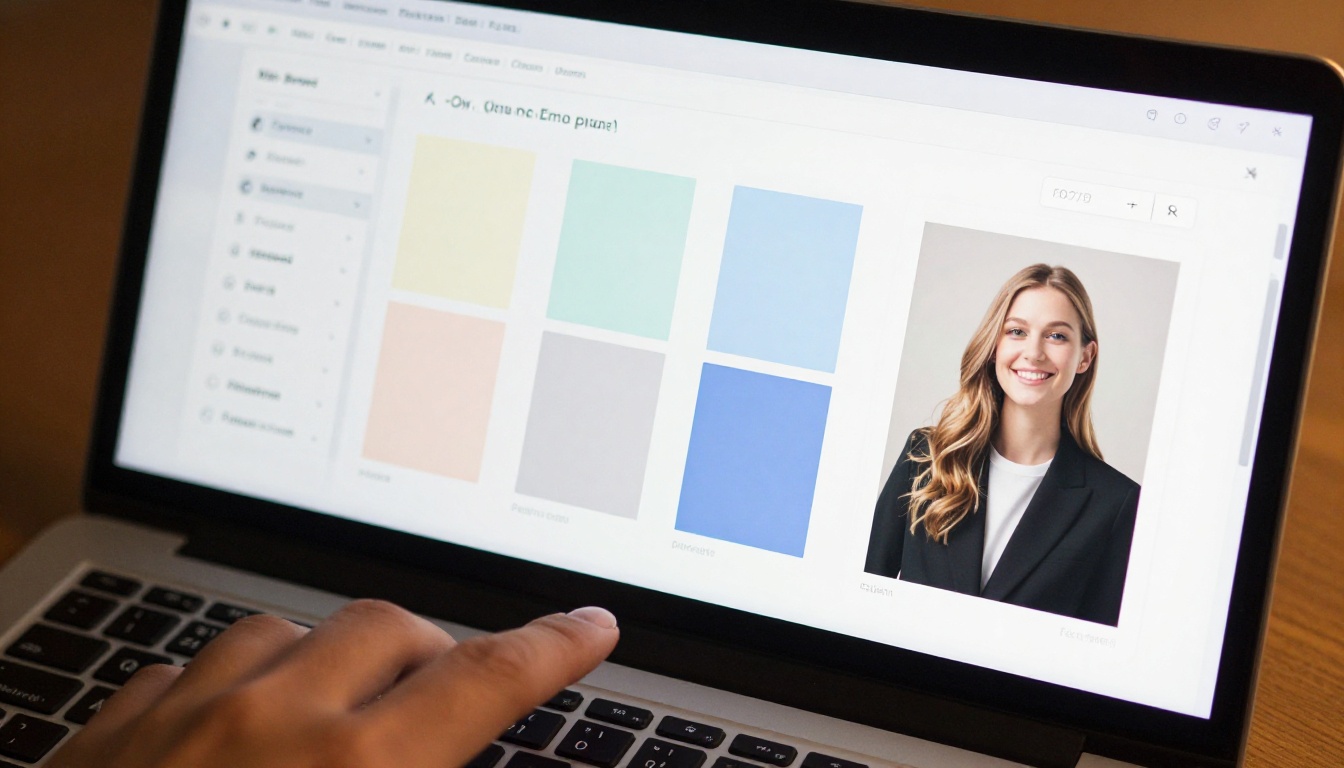
After conversion, you land on the customization panel. This is where you shape the final presentation:
- Add your logo for consistent brand identity across all pages
- Change background colors to match your exact brand palette
- Set a custom domain for white-label publishing under your own URL
- Swap the thumbnail image if the first PDF page needs a stronger visual opener
- Enable password protection for private or client-only documents
- Embed videos and audio within specific pages for richer presentations
Step 5: Publish and Share
When you are satisfied with the result, click Publish. You receive a shareable link immediately. You can also grab an embed code to place the flipbook directly on your website, inside an email newsletter, or on a landing page. Anyone with the link reads the flipbook in their browser, no download required.
Flipbooks AI Plans at a Glance
Before diving deeper into use cases, here is how the plan tiers compare on the features that matter most:
| Feature | Free | Standard | Professional |
|---|
| Flipbooks | 3 | Unlimited | Unlimited |
| Watermark | Yes | No | No |
| Password Protection | No | Yes | Yes |
| Custom Branding | No | Yes | Yes |
| Embedded Media | No | Yes | Yes |
| Analytics | No | No | Yes |
| Lead Generation | No | No | Yes |
| Offline Downloads | No | No | Yes |
| Custom Domain | No | No | Yes |
✅ The Standard plan covers most small businesses perfectly. Unlimited flipbooks, no watermarks, full custom branding, and embedded media at a predictable monthly cost.
View all pricing details to compare tiers side by side.
Real-World Use Cases for PDF Conversion
The conversion workflow is universal. Any PDF becomes a better experience as a flipbook. But certain industries see particularly strong returns.
Restaurants and Hospitality
A restaurant prints and reprints menus constantly. Costs add up, and every dish change makes printed menus outdated overnight. The Restaurant Menu Creator and Menu Flipbook Designer let hospitality businesses publish QR-code-accessible digital menus that update in real time. A price change takes seconds, not a trip to the printer.

Real Estate
Property brochures are expensive to print and immediately outdated when a listing sells or a price adjusts. The Real Estate Brochure Creator converts property PDFs into beautiful interactive flipbooks agents can share via WhatsApp, email, or embed directly on listing pages. When a property status changes, update the flipbook once and everyone with the link sees the new version instantly.

E-Commerce and Retail
Product catalogs shared as static PDFs are hard to navigate and impossible to bookmark on a specific item. The Product Catalog Generator and Digital Catalog Maker create shareable catalogs where buyers flip through pages naturally, section by section. Fashion brands rely on the Fashion Catalog Creator to showcase seasonal collections with the atmosphere of a printed editorial lookbook.
Education and Training
Training departments distribute PDF manuals that employees rarely read past page three. The Training Manual Flipbook and Course Material Publisher create interactive publications accessible on any device. Schools use the School Newsletter Creator and Yearbook Flipbook Maker to create publications parents and students actually look forward to reading.
Corporate Communications
Annual reports sent as PDFs get skimmed or ignored entirely. The Annual Report Creator and Corporate Report Maker present financial data, milestones, and company highlights in a format that feels considered and authoritative. Investors and stakeholders spend more time with a publication that looks and behaves like one.
Why the Page-Flip Effect Actually Works
The page-turn effect is not a gimmick. It is a psychological signal that tells the reader this is a document worth taking seriously. Physical books and magazines have trained people for centuries to associate the act of turning a page with depth, credibility, and value.
When your document replicates that experience in a browser, readers spend more time with it. They flip more pages. They return to specific sections. They share it because it looks impressive. All of this translates into better outcomes for the business that published it.
💡 Password-protected flipbooks are ideal for client proposals, internal reports, and premium content. Share the link and password only with the intended audience, and revoke access at any time through your dashboard.
Embedding Your Flipbook on Any Website
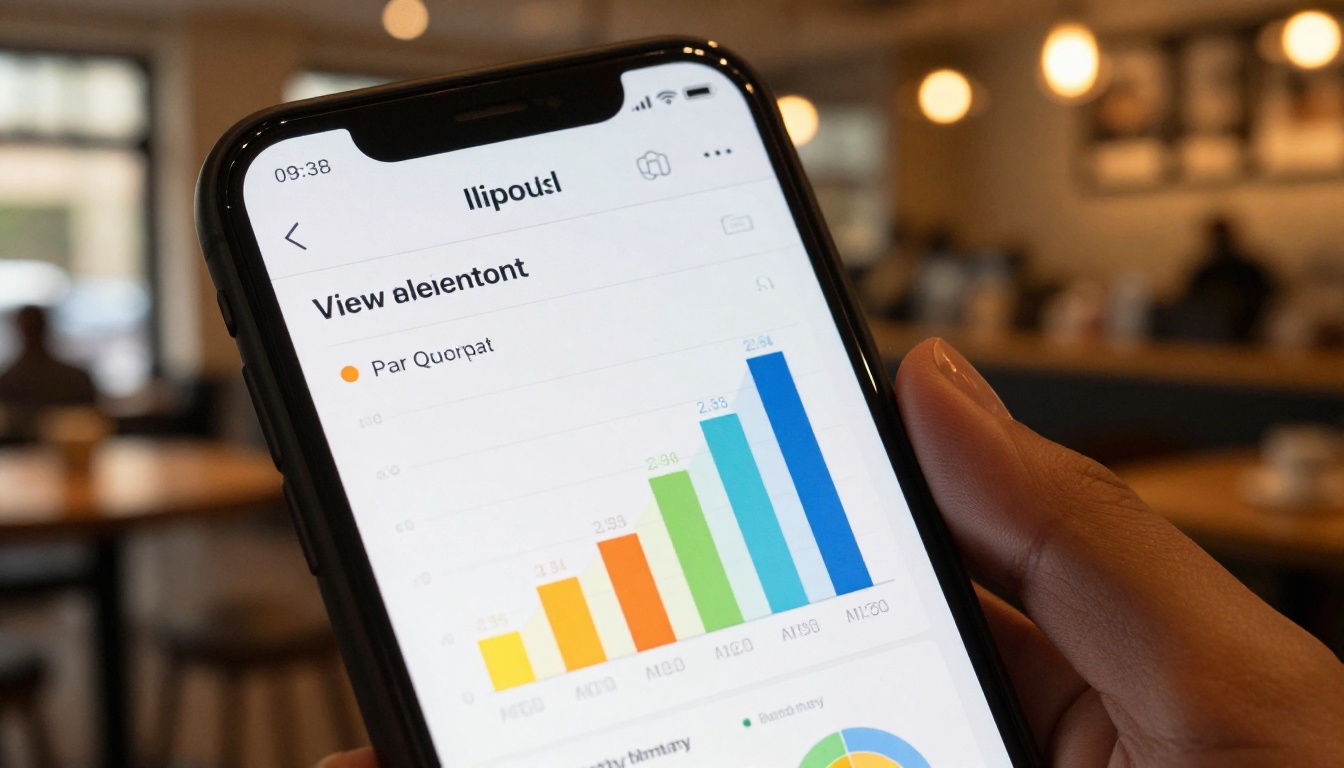
One of the most powerful capabilities on Flipbooks AI is embedding your flipbook directly into any web page. The Embed Flipbook on Website tool provides a clean iframe code that drops into WordPress, Webflow, Squarespace, Shopify, or any HTML page without additional plugins.
Why Embedding Outperforms Linking
When you link to a PDF, visitors leave your site. When you embed a flipbook, they stay. This reduces bounce rate, increases session duration, and signals to search engines that your content is valuable. The flipbook loads in place, fully interactive, without the visitor ever navigating away.
Tracking Performance with Built-In Analytics
On the Professional plan, every flipbook includes a built-in analytics panel. You can track:
- Total views and unique visitors over time
- Time spent on each individual page of the document
- Drop-off points where readers stop before reaching the final page
- Geographic data showing where your audience is located
- Lead capture results from forms embedded within the document itself
This data replaces guesswork. You see exactly how readers interact with each publication, which pages hold attention, and where to focus improvements on the next version.
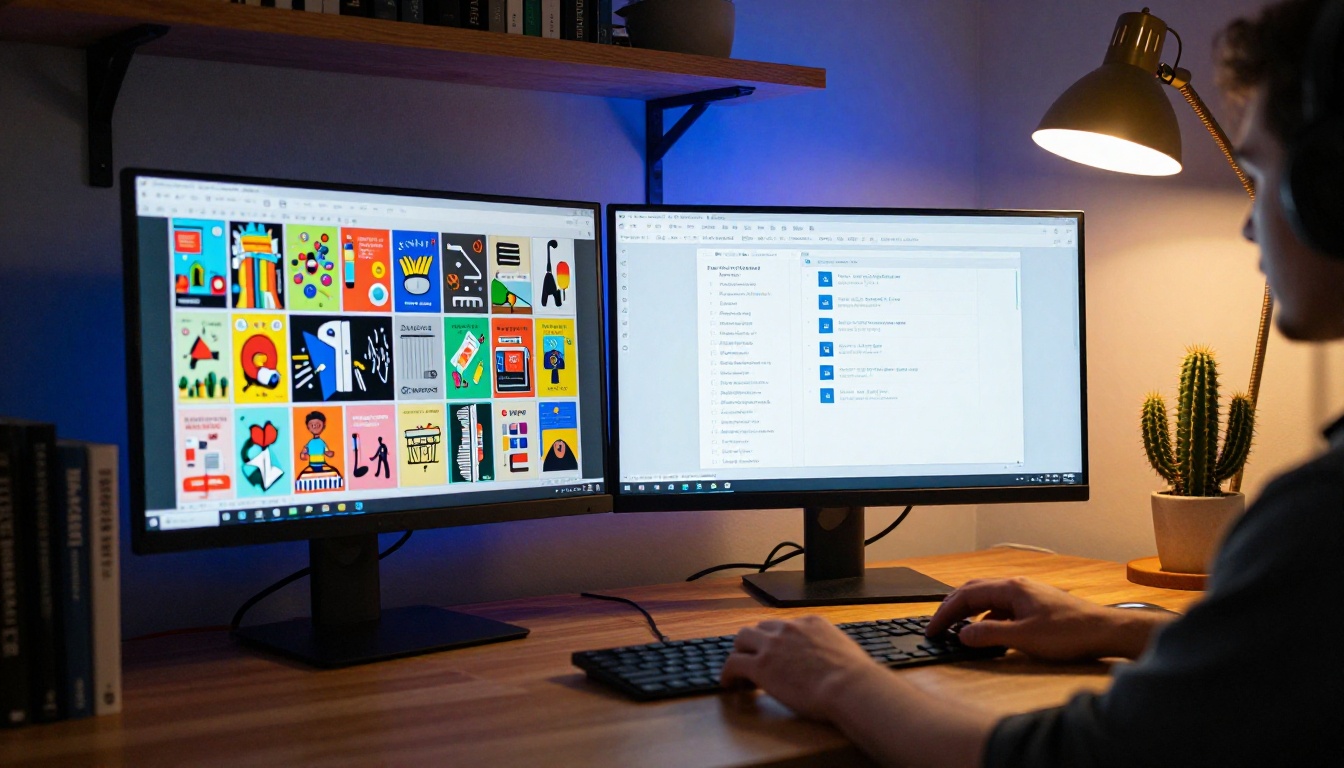
Flipbooks AI offers dedicated tools built specifically for different document types and professional contexts. Here is a reference of the most widely used:
| Industry | Tool | Best For |
|---|
| Food and Beverage | Menu Flipbook Designer | Restaurants, cafes, catering |
| Real Estate | Real Estate Brochure Creator | Property listings, developments |
| Retail | Product Catalog Generator | E-commerce, wholesale buyers |
| Fashion | Fashion Catalog Creator | Seasonal collections, lookbooks |
| Publishing | Interactive E-Book Publisher | Authors, publishers, course creators |
| Corporate | Corporate Report Maker | Annual reports, investor materials |
| Creative | Digital Portfolio Creator | Designers, photographers, artists |
| Hospitality | Hotel Brochure Designer | Hotels, resorts, wellness venues |
| Education | Training Manual Flipbook | HR departments, L&D teams, educators |
| Events | Event Program Maker | Conferences, weddings, shows |
Browse the full tools directory to find the right starting point for your document type.
Common Questions About PDF Conversion
Does conversion affect image or text quality?
No. Flipbooks AI renders each page at high resolution. Text, images, and vector graphics display at the same quality level as the original file. On high-DPI screens, your document will appear sharper than it does in most standard PDF viewers.
Can I update the PDF after publishing?
Yes. You can replace the source PDF in your dashboard without changing the flipbook URL. Anyone with the original link immediately sees the updated version. This is one of the biggest practical advantages over distributing static PDF files by email.
Is the flipbook mobile-responsive?
Every flipbook created on Flipbooks AI is fully mobile-responsive. On smartphones, the layout adjusts automatically to single-page view for optimal readability. The page-turn gesture works with touch swipes on any mobile device.
What file size limit applies?
The platform supports large PDF files. For standard documents up to 100 pages, uploads complete in under 10 seconds on a standard broadband connection. Very large files above 200 pages are fully supported, with slightly longer processing times.
⚠️ If your PDF contains scanned pages (image-only, no embedded text layer), the flipbook displays correctly but text will not be searchable. For searchable flipbooks, use PDFs with proper embedded text layers.
Which Plan Fits Your Situation
| Situation | Recommended Plan |
|---|
| Personal projects or testing the platform | Free |
| Small business publishing under 20 flipbooks | Standard |
| Marketing teams needing analytics and tracking | Professional |
| Agencies managing multiple client publications | Professional |
| Non-profits on a limited budget | Standard |
| High-volume publishing operations | Professional |
Flipbooks AI pricing is transparent with no hidden fees. Start for free and upgrade only when your needs demand it.
What to Do After Your First Flipbook Goes Live
Publishing is not the final step. Here is how to get maximum value from your new publication:
- Share the link directly in email campaigns, social media posts, and client messages
- Embed it on the relevant page of your website using the provided iframe code
- Set up lead capture on the Professional plan to collect contact details before granting access
- Password-protect client-specific versions to maintain document confidentiality
- Create version variants for different audiences using the same source PDF with different branding customizations
- Download offline versions (Professional plan) for presentations in environments without reliable internet access
For businesses that distribute content regularly, from monthly newsletters to quarterly reports, the PDF to Flipbook Converter becomes a core part of the publishing workflow rather than a one-time experiment.
Documents That Should Already Be Flipbooks
If your business sends any of the following as static PDFs right now, you are leaving a real opportunity unrealized:
- Sales proposals that clients forward internally to stakeholders
- Product catalogs sent to wholesale buyers and retail partners
- Company brochures sitting on your website's About page
- Event programs distributed at conferences, trade shows, or ceremonies
- Training materials sent to new team members during onboarding
- Press kits shared with journalists and media contacts
- Newsletters emailed to subscribers monthly or quarterly
- Annual reports published for shareholders and board members
Every one of these documents becomes more compelling, more trackable, and more professional as an interactive flipbook. The conversion takes seconds. The result lasts.
Ready to stop sending flat files? Create your first flipbook for free and see immediately how readers respond differently. Whether you are converting a two-page menu or a 200-page corporate report, the process is identical and the output is always a publication that reflects the quality your work deserves.
Not sure which tool fits your document type? Browse all flipbook tools to find the right template. And when you are ready to scale up with analytics, lead generation, and offline access, the Professional plan has everything included.
Your documents deserve to be read. A flipbook makes that happen.



