Every year, millions of magazine issues are printed, shipped, and discarded before half their readers ever pick them up. The economics of print are brutal, the reach is limited, and reader behavior data is essentially nonexistent. Converting your magazine PDF into an online flipbook changes all of that in one move. With realistic page-turning animations, mobile-responsive layouts, and instant global distribution, a digital flipbook delivers the same tactile reading experience your audience loves, without the print bill. Flipbooks AI makes this conversion fast, professional, and permanent.
Why Print Magazines Need a Digital Presence
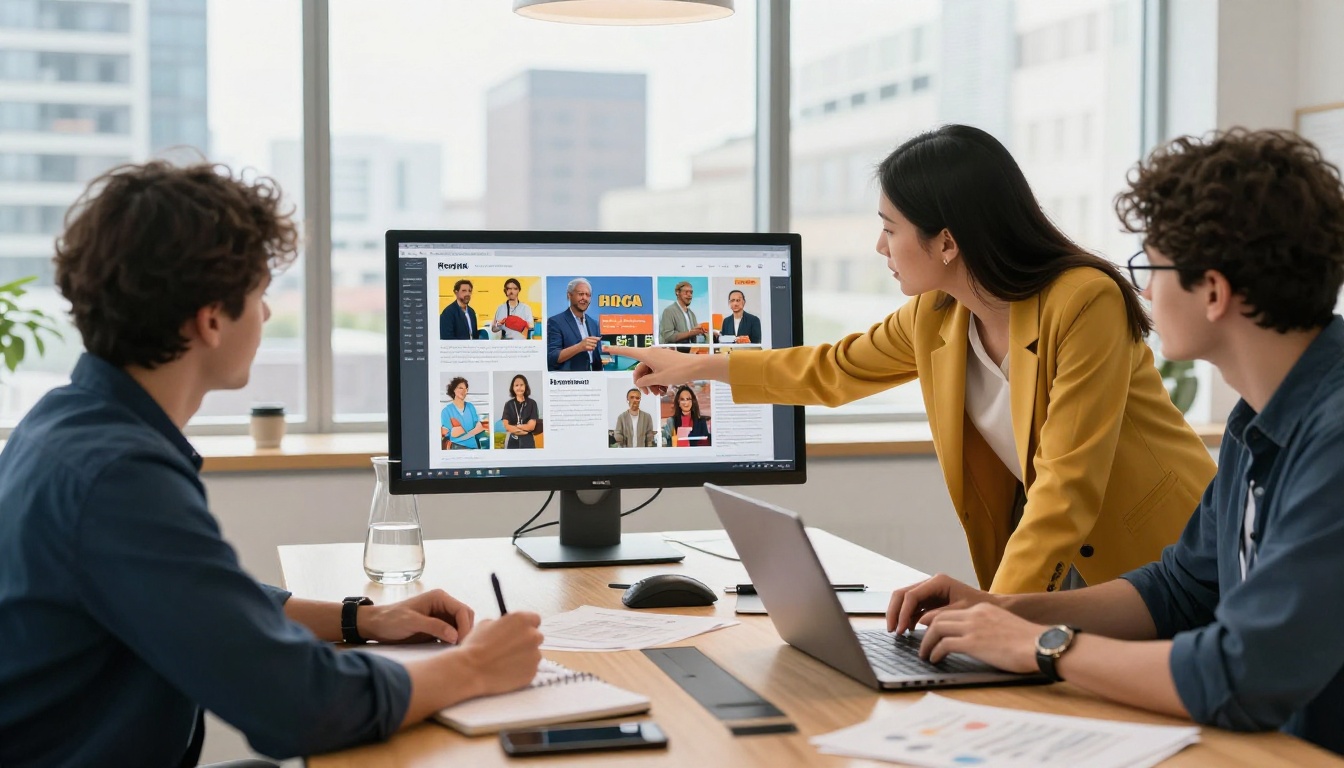
The magazine industry has not died. It has migrated. Readers have not stopped consuming magazine-style content; they have simply moved to screens. A beautifully designed PDF sitting on your desktop or hiding behind a static download link does not cut it anymore. It sits flat, it fails to pull readers in, and it gives you zero data about who opened it or how far they got.
The Real Cost of Print-Only Publishing
Print magazines carry costs that compound at every stage: design, prepress, printing, binding, distribution, and returns. The average cost to print and distribute a single issue can run into thousands of dollars before a single reader picks it up. Digital flipbooks eliminate nearly all of those costs while adding capabilities print simply cannot offer.
| Cost Factor | Print Magazine | Digital Flipbook |
|---|
| Per-issue printing | $2–8 per copy | $0 |
| Distribution shipping | $1–3 per copy | $0 |
| Geographic reach | Local or regional | Global |
| Reader behavior data | None | Full analytics |
| Post-publish updates | Impossible | Instant |
| Multimedia (video, audio) | No | Yes |
What Modern Readers Actually Want
Studies consistently show that mobile devices account for over 60% of all content consumption. If your magazine cannot be read comfortably on a phone or tablet, you are losing more than half your potential audience before they even start. Digital flipbooks are built mobile-first, scaling automatically across devices without any additional work from your side.
💡 A digital flipbook does not replace your brand aesthetic. It amplifies it. Your fonts, colors, photography, and editorial voice transfer perfectly from the PDF.
How the PDF-to-Flipbook Conversion Works
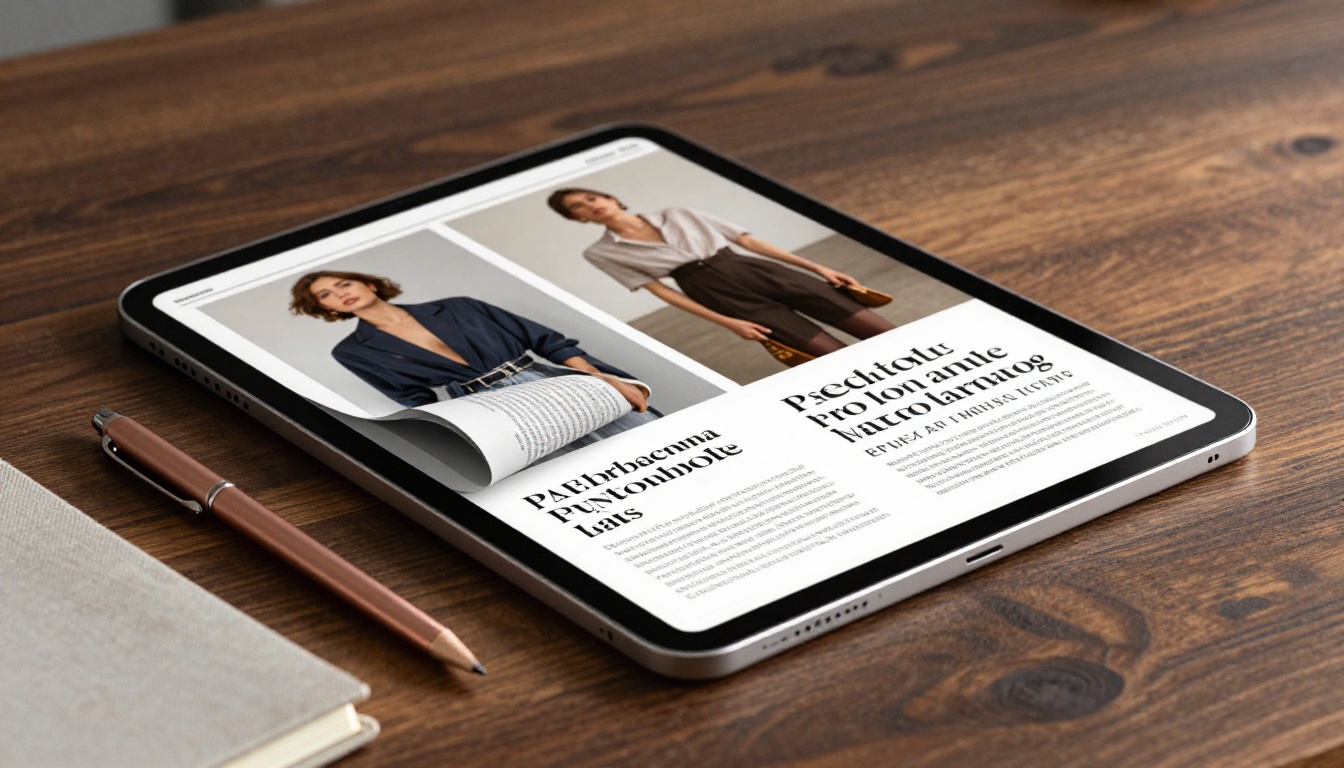
The conversion process sounds technical but the underlying mechanics are straightforward. When you upload a PDF to a platform like Flipbooks AI, the system processes each page and renders it into an HTML5 format that supports interactive page-turning animations directly in a browser.
From Static File to Interactive Experience
A standard PDF displays as a flat scrollable document. A flipbook renders each PDF page as a high-resolution interactive spread. The page-curl effect is calculated in real time as the reader drags or clicks to turn pages, creating the same satisfying sensation as physical paper without the weight. The conversion happens automatically. You do not need to reformat your design files, adjust your layout, or write any code. The PDF you already have is all the source material needed.
The Technology That Powers Page Turns
Modern flipbook platforms use HTML5 and WebGL rendering to produce smooth, physics-based page animations. This means they work across all browsers and devices without requiring Flash or any browser plugins. The result is a reading experience that feels premium on a high-end laptop and equally crisp on a budget smartphone.
✅ Export your magazine PDF at 150–300 DPI for the best balance of visual quality and fast loading times online.
Step-by-Step: Converting Your Magazine PDF
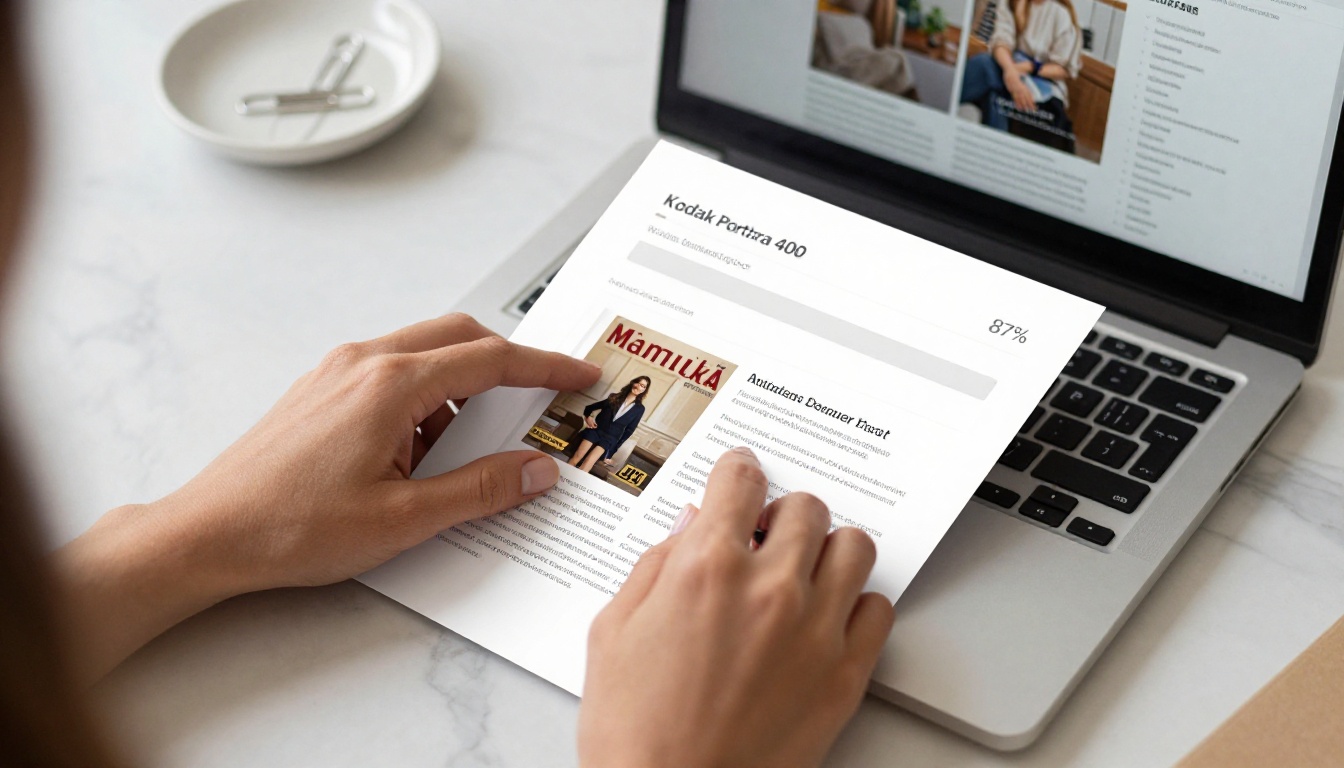
This is where the process becomes concrete. Below is exactly how to take a magazine PDF from your computer to a live, shareable online flipbook using Flipbooks AI.
Step 1: Create Your Account
Go to flipbooksai.com/account and sign up. The Standard plan includes unlimited flipbooks, no watermarks, and custom branding. The setup takes under two minutes.
Step 2: Upload Your Magazine PDF
Once inside the dashboard, click the upload button and select your magazine PDF. The platform accepts any standard PDF regardless of how it was created. Whether you designed it in Adobe InDesign, Canva, or exported it from layout software, the upload process is identical.
Upload specs to keep in mind:
- File format: PDF (any version)
- Recommended resolution: 150–300 DPI
- File size: up to 500MB per upload on standard plans
- Pages: single-page and double-page spreads both supported
The conversion typically completes in under 60 seconds for a standard 48-page magazine. Larger publications with embedded high-resolution photography may take a few minutes.
Step 3: Customize Your Digital Magazine
This is where a good digital magazine becomes a great one. After conversion, you have access to a customization panel that lets you:
- Apply your brand colors to the flipbook interface
- Add your logo to the viewer header
- Choose between single-page and double-page spread views
- Set background textures or solid colors
- Enable or disable the table of contents sidebar
- Add a custom loading screen with your branding
💡 Use the Magazine Flipbook Creator or the E-Magazine Publishing Tool for specialized magazine workflows with pre-configured templates and magazine-specific settings built in.
Step 4: Publish and Share
When your magazine looks exactly how you want it, click publish. You will immediately receive:
- A direct link you can share via email, social media, or messaging apps
- An embed code to place the flipbook directly on your website or blog
- A QR code for print-to-digital bridge campaigns
The Embed Flipbook on Website tool gives you a simple iframe snippet you can paste into any CMS, from WordPress to Webflow, without touching a line of custom code.
Customization Options That Actually Matter
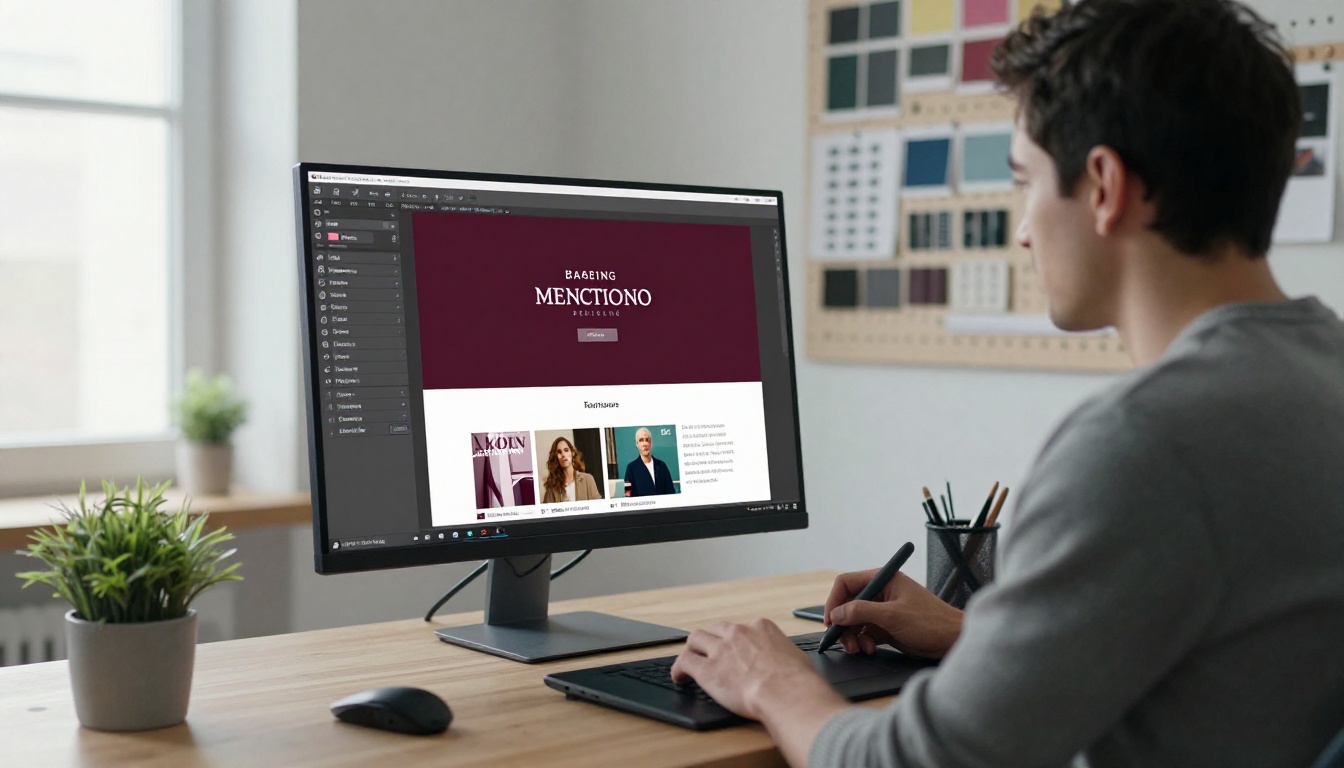
Most magazine publishers care about two things: looking professional and staying on-brand. Both are fully addressed in the customization layer of Flipbooks AI.
Branding Your Digital Magazine
| Feature | What It Does |
|---|
| Custom logo | Appears in the flipbook header throughout reading |
| Brand color palette | Applied to buttons, controls, and the progress bar |
| Custom domain | Host your flipbook at your own URL |
| Custom loading screen | Branded splash page before the flipbook opens |
| Remove platform branding | Clean, white-label reading experience |
All of the above are available without any technical skills. Changes apply live and can be updated at any time after publishing, without needing to re-upload or reconvert your PDF.
Adding Multimedia to Your Pages
Beyond the page-turn effect, digital magazines can include content that print never could. You can embed video clips directly into specific pages so a reader arrives at your fashion spread and a short video plays automatically. Audio interviews sit beside profile pieces. Animated visuals bring product photography to life in ways static images cannot match.
⚠️ Multimedia embedding (video and audio) is available on the Standard plan and above. Check pricing to see which plan fits your publication's needs.
Sharing and Distribution Options
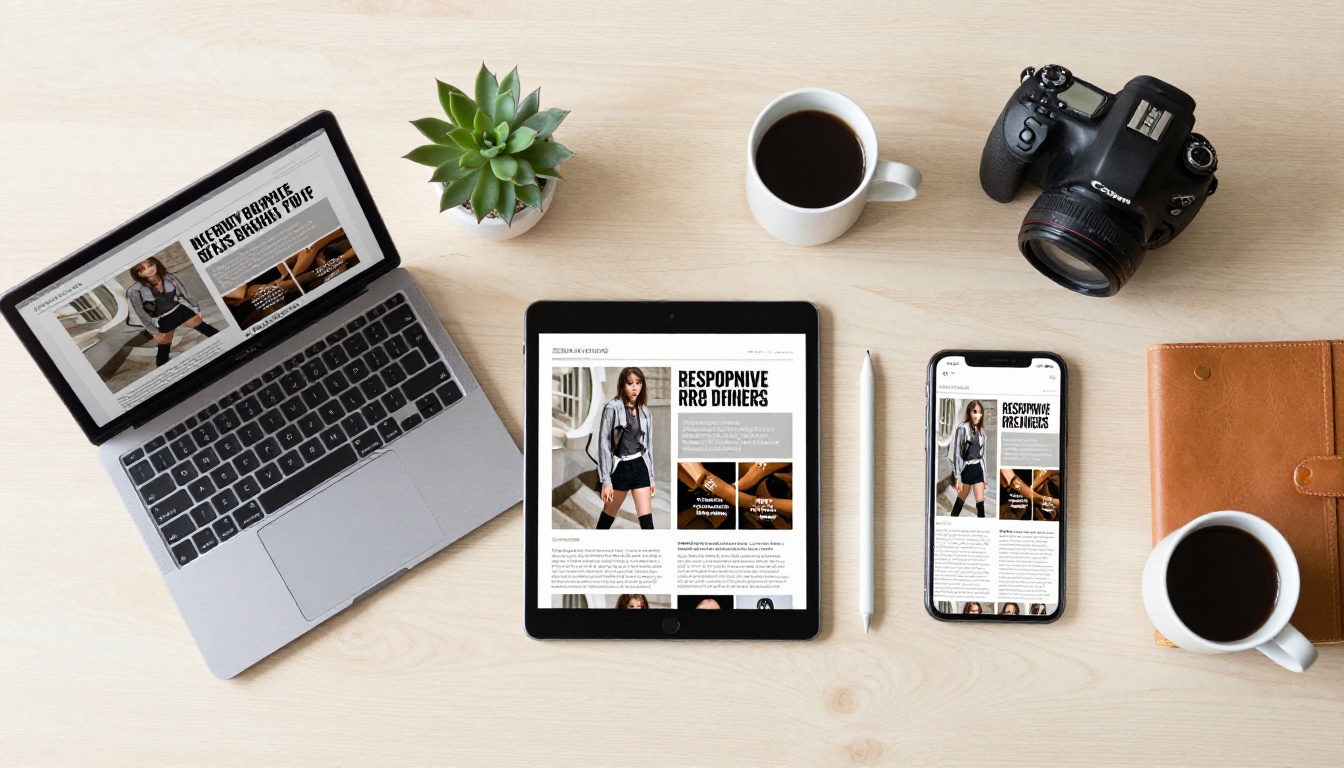
A digital magazine is only as good as its distribution. Flipbooks AI gives you multiple channels to reach readers wherever they are.
Embed Codes and Direct Links
The direct link option is the simplest: one URL that opens the flipbook in any browser on any device. You can share this in:
- Email newsletters
- Social media posts and stories
- SMS campaigns
- Messaging apps
- Press releases and media kits
The embed code option lets you place the full interactive flipbook experience directly inside a webpage. Readers never have to leave your site to read the magazine, which keeps traffic on your domain and reduces drop-off.
Password Protection and Access Control
Not every magazine is meant for everyone. Subscriber-only publications, internal corporate magazines, or premium content products need access control. Flipbooks AI supports:
- Password protection: Set a password readers enter before accessing the flipbook
- Lead generation gates: Capture reader emails before granting access (Professional plan)
- Offline downloads: Allow readers to save the flipbook for offline reading (Professional plan)
Flipbooks AI Plan Comparison

Choosing the right plan depends on your publishing volume and feature requirements. Here is a clear breakdown:
| Feature | Free | Standard | Professional |
|---|
| Flipbooks | 3 | Unlimited | Unlimited |
| Watermark | Yes | No | No |
| Custom branding | No | Yes | Yes |
| Password protection | No | Yes | Yes |
| Analytics | Basic | Standard | Full |
| Lead generation | No | No | Yes |
| Offline downloads | No | No | Yes |
| Multimedia embedding | No | Yes | Yes |
| Custom domain | No | No | Yes |
See all plan details at flipbooksai.com/pricing.
Real-World Use Cases for Digital Magazine Flipbooks
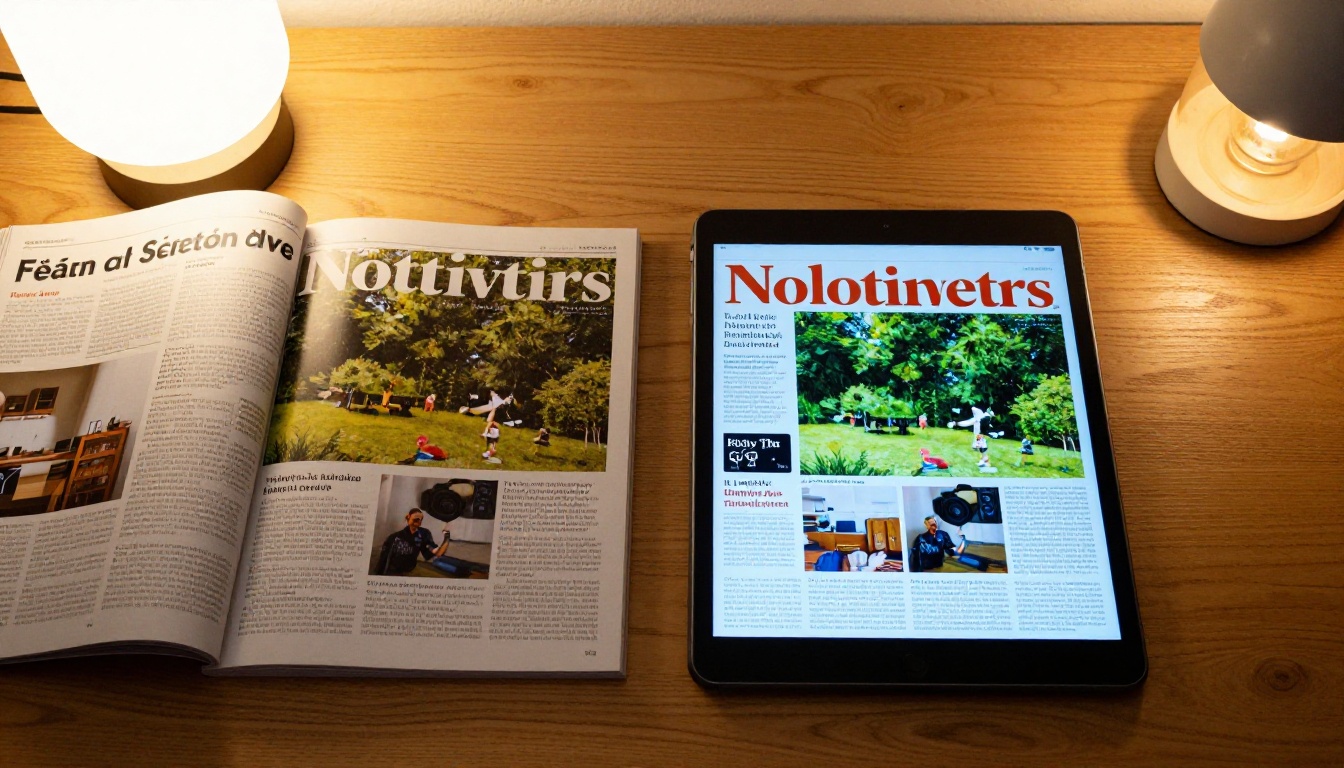
Magazine flipbooks serve very different publishers for very different reasons. The same core technology adapts to each use case without modification.
Fashion and Lifestyle Publishers
Fashion brands and lifestyle magazines were early adopters of digital flipbooks. The format preserves the visual luxury of a printed magazine while adding the ability to link directly from product photos to purchase pages. A reader lands on a shoe spread and a single tap takes them to the product listing. No friction, no searching.
The Interactive Lookbook Designer is built specifically for this use case, with templates designed around editorial photography and shoppable content.
Corporate Communications Teams
Annual reports, company newsletters, and internal magazines benefit enormously from the flipbook format. Stakeholders can read the annual report on any device. HR teams can distribute the monthly company newsletter to remote employees worldwide without printing costs. Analytics show exactly which sections received the most time from readers.
For this use case, the Annual Report Creator and Corporate Report Maker provide ready-made structures for professional corporate publications.
Independent Content Creators
Solo creators and small editorial teams running niche magazines now have access to the same publishing infrastructure that major media companies use. A travel magazine, a food publication, a photography journal, a local community issue: all of these can be produced in PDF and converted to a professional digital publication in minutes.
The Travel Guide Flipbook and Photography Portfolio tools cater specifically to these creative publishing needs.
Common Questions Before You Convert
Do I need to redesign my magazine for digital?
No. The conversion process works directly from your existing PDF. Your layout, fonts, images, and design remain exactly as you created them.
Will the text be readable on mobile?
Yes. Readers can pinch-to-zoom on any page, and the platform automatically scales the layout for smaller screens without distorting the design.
Can I update the magazine after publishing?
Yes. You can upload a revised PDF and replace the existing flipbook at any time. The URL and embed code stay the same, so any links or embeds you have already shared continue working with the updated content.
How long does conversion take?
Most magazines convert in under 60 seconds. Very large files with embedded high-resolution photography may take 2–5 minutes.
Is there a page limit?
No. Standard and Professional plans support magazines of any page count.
✅ Before going live, test your flipbook on at least three devices: a desktop browser, a tablet, and a mobile phone. This takes five minutes and prevents any format surprises after launch.
Start Publishing Your Digital Magazine Today
You already have the hard part done: a beautifully designed magazine PDF. The conversion to a professional online flipbook takes minutes, costs a fraction of print, and opens your publication to a global audience with zero distribution logistics to manage.
Ready to make the move? Create your free account on Flipbooks AI and have your first digital magazine live before the end of today.
Browse all the available tools to find templates built specifically for your magazine type, from fashion lookbooks to corporate publications to independent editorial projects.
When you are ready to remove watermarks, add your branding, or access analytics and lead generation, compare pricing plans and choose the tier that fits your publishing goals.



