Creating a digital lookbook used to require a graphic designer, a print budget, and a distribution plan. Now anyone with a PDF and a free account can publish an interactive, page-flipping lookbook online in minutes. Whether you're a fashion brand, a freelance photographer, an interior designer, or a startup founder building buzz for a new collection, a digital lookbook is one of the sharpest tools you have for communicating your visual identity. Flipbooks AI is one platform making this accessible without a price tag or a learning curve.
What a Digital Lookbook Actually Is
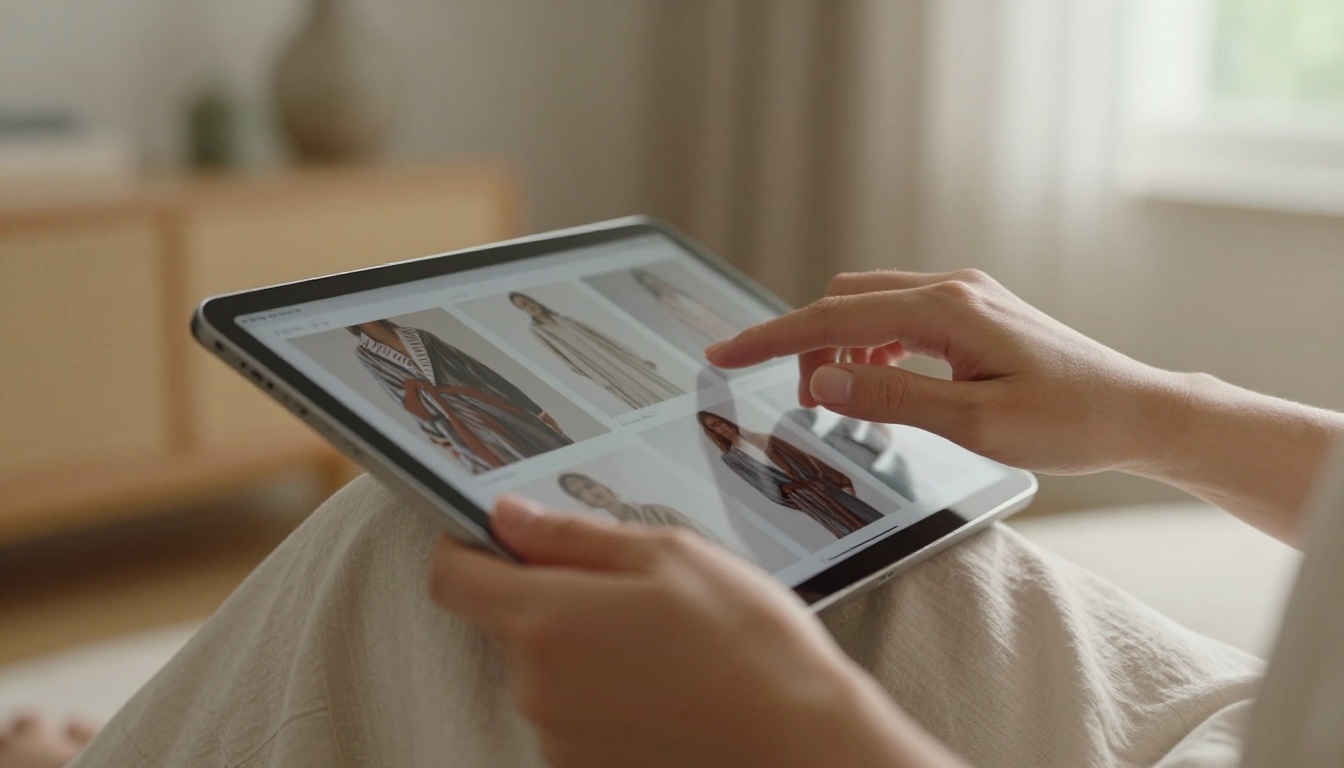
A digital lookbook is an interactive publication that presents a curated collection of images, products, or creative work in a visually rich, shareable format. Unlike a flat PDF, a well-made digital lookbook has page-turning animations, clickable links, embedded media, and mobile-responsive layouts that make it feel like a real magazine.
How It Differs from a Static PDF
Static PDFs are a dead end. You send them, they sit in a downloads folder, and no one revisits them. A digital lookbook lives on the web, can be embedded on any site, shared with a single link, and updated without redistribution.
| Feature | Static PDF | Digital Lookbook |
|---|
| Page-flip animation | No | Yes |
| Mobile-responsive | Rarely | Always |
| Embed on website | No | Yes |
| Clickable links inside | No | Yes |
| Analytics tracking | No | Yes (Professional plan) |
| Password protection | No | Yes |
| Offline download option | No | Yes |
💡 The biggest practical difference: a digital lookbook shows exactly how many people viewed it, for how long, and which pages they spent the most time on.
Who Should Make One
The short answer: anyone with a visual story to tell. More specifically:
- Fashion designers launching seasonal collections
- Photographers building an interactive portfolio
- Interior designers presenting project proposals
- Real estate agencies showcasing properties
- Retailers replacing printed product catalogs
- Event planners sharing venue and package options
- Wedding professionals creating visual service guides
5 Types of Lookbooks Worth Creating
Not all lookbooks serve the same purpose. The format is flexible enough to work across wildly different industries, but the approach for each changes significantly.
Fashion and Seasonal Collections
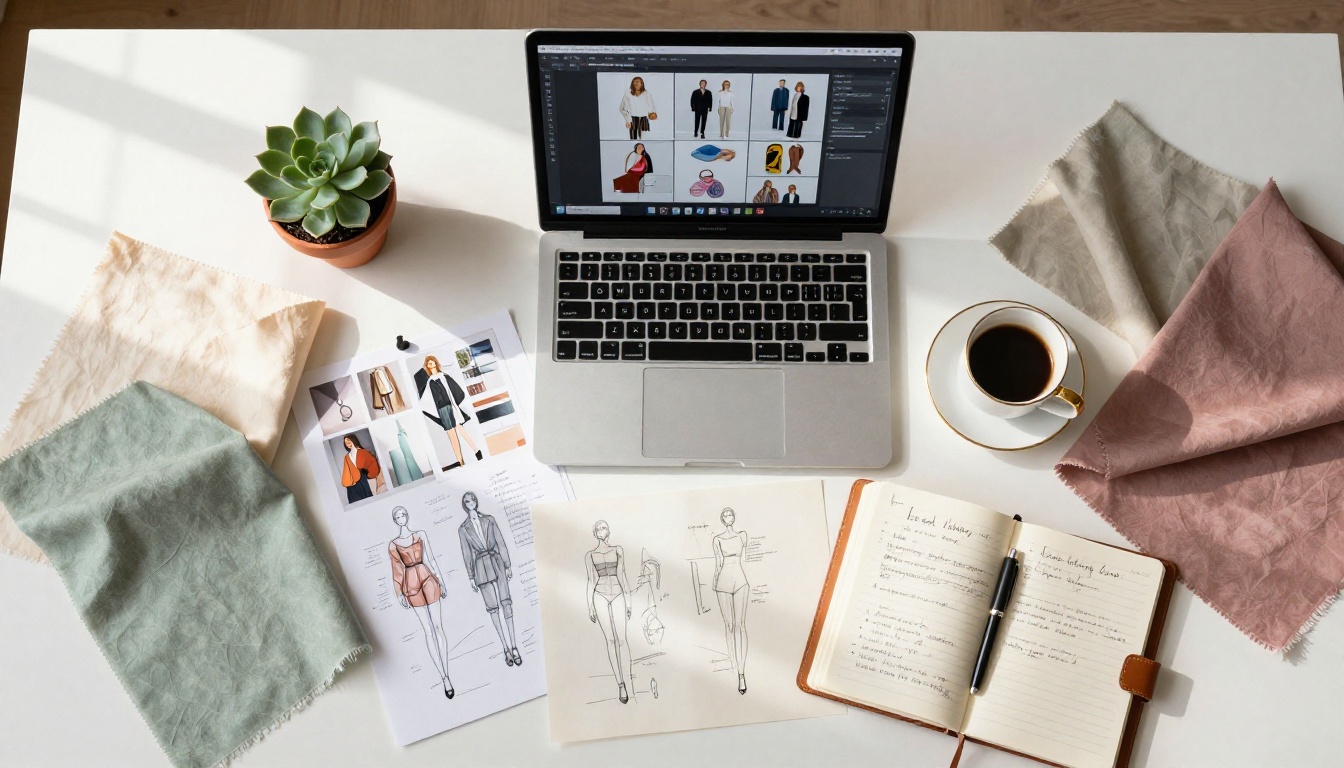
This is the classic use case. A fashion lookbook curates outfits, styling suggestions, and product photography into a cohesive editorial narrative. The goal is to move the viewer emotionally before they ever click "buy." Seasonal drops, capsule collections, and brand campaigns all benefit from this format.
The Interactive Lookbook Designer and Lookbook Flipbook Builder on Flipbooks AI are purpose-built for exactly this type of creative output.
Interior Design and Home Decor
Interior designers use lookbooks to present client proposals, mood boards, and finished project portfolios. A digital lookbook lets you pair lifestyle photography with product specs and supplier links in a single document that clients can revisit on any device.
Brand and Product Showcases
A brand lookbook goes beyond a product catalog. It tells the story behind the items: the materials, the process, the inspiration. This format works especially well for artisan goods, handmade products, and brands with a strong aesthetic identity. The Digital Catalog Maker handles the structural side while the lookbook format adds the editorial layer.
Photography and Portfolio Work
A photography portfolio in lookbook format is far more compelling than a grid on a static website. The page-turn experience gives individual images room to breathe, creates narrative flow, and makes the work feel curated rather than just archived. The Photography Portfolio Flipbook tool is built specifically for this.
Real Estate and Property
Real estate agents can replace printed property brochures with digital lookbooks that include floor plans, photography, virtual tour links, and contact details in a single shareable URL. The Real Estate Brochure Creator makes each property its own polished publication.

Before building, it helps to know what the platform landscape actually looks like. Several tools offer free tiers, but the feature limits vary significantly.
| Platform | Free Plan | Watermark-Free | Page Flip | Embed | Custom Branding |
|---|
| Flipbooks AI | Yes | Yes | Yes | Yes | Yes |
| Issuu | Limited | No (free) | Yes | Limited | No |
| Canva | Yes | Limited | No | No | Partial |
| Yumpu | Yes | No | Yes | Limited | No |
| Publuu | Limited | No | Yes | Limited | No |
✅ Flipbooks AI is the only platform in this comparison that offers a watermark-free experience on its free plan, with full embed capabilities and page-flip animation included from the start.
Free does not always mean useful. Before committing to any platform, these are the factors that matter most.
Interactive Page Flip
The page-flip animation is what separates a digital lookbook from just "a PDF on a website." It creates the sensation of turning physical pages, which triggers a more attentive reading behavior. Without it, you just have a PDF viewer dressed up with a new interface.
Mobile and Sharing Options
More than 60% of content is consumed on mobile. If your lookbook does not render properly on a smartphone, you are losing most of your audience before they even start reading. Look for platforms that auto-optimize for mobile without requiring a separate version.
Sharing options matter equally: direct links, embed codes, QR codes for print materials, and social sharing integrations all determine how far your lookbook actually travels.
No Watermarks, No Catch
Some free platforms place their own branding on your content, which undercuts the professional impression you are trying to make. Flipbooks AI includes no watermarks on its free and standard plans, which is a notable exception in this category.

How to Create Your Lookbook with Flipbooks AI
Here is a full walkthrough for building and publishing your first interactive lookbook using Flipbooks AI.
Step 1: Create Your Account
Go to flipbooksai.com/account and sign up for free. No credit card required. The free plan gives you immediate access to the full upload and conversion pipeline with support for up to three lookbooks.
Step 2: Prepare Your PDF
Your PDF is the source material. Design it in Canva, Adobe InDesign, Figma, or any layout tool you prefer. Pages should be designed at 16:9 or A4 ratio with high-resolution images (300 DPI minimum). Keep file size under 100MB for best performance.
⚠️ Avoid placing critical content too close to the page edges. Page-flip animations fold the outer edges, which can clip text or images placed at the margins.
Step 3: Upload and Convert
Drag your PDF directly into the Flipbooks AI dashboard. The platform converts it into an interactive flipbook in seconds. You will see a live preview with the page-turn animation active before you publish anything.
Step 4: Customize Your Lookbook
From the editor you can:
- Set a custom background color or image behind the flipbook viewer
- Add your brand logo and adjust viewer controls
- Choose page flip style: hard cover, soft, or magazine
- Embed video and audio directly into specific pages
- Apply a custom domain for white-label publishing (Standard plan and above)
- Enable password protection to share with select clients only
Step 5: Share and Embed
Once published, Flipbooks AI generates:
- A direct link you can paste anywhere
- An embed code for your website, Webflow, or WordPress page
- A QR code for use on business cards or print materials
The Embed Flipbook on Website tool handles the technical side of embedding automatically.
Step 6: Track Performance
On the Professional plan, you get access to analytics showing page-by-page activity, total views, geographic data, and lead capture forms you can insert directly into the lookbook. This is particularly powerful for brands using lookbooks as active sales tools.

Plan Comparison
Flipbooks AI offers three tiers. Here is how they stack up specifically for lookbook creation:
| Feature | Free | Standard | Professional |
|---|
| Flipbooks | 3 | Unlimited | Unlimited |
| Watermarks | None | None | None |
| Custom branding | Partial | Full | Full |
| Password protection | No | Yes | Yes |
| Analytics | No | Basic | Advanced |
| Lead generation forms | No | No | Yes |
| Offline downloads | No | Yes | Yes |
| Embed on website | Yes | Yes | Yes |
| Custom domain | No | Yes | Yes |
💡 For most individual creators and small brands, the Standard plan covers everything needed for a professional lookbook operation. The Professional plan is for sales teams, agencies, and brands using lookbooks as a primary lead generation channel.
See the full breakdown at flipbooksai.com/pricing.
Pro Tips for a Standout Lookbook
The platform handles the technical side. These are the creative details that separate a good lookbook from one people actually share.
Image Quality First
Compressed, low-resolution images destroy the premium feel that most lookbooks aim for. Export your design files at 300 DPI and use JPEG quality at 90% or higher. If you are working with a photographer, ask specifically for lookbook-ready exports. High-quality spreads make the entire publication feel more polished.
Typography and Color
Limit yourself to two typefaces maximum: one for headlines, one for body copy. Use color consistently. Pick a palette of three to five tones and apply them throughout. Visual inconsistency signals a rushed product even to viewers who could not articulate why.
Build in a CTA Page
Every lookbook should end with a page that tells the viewer what to do next. For a fashion brand: "Shop the Collection" with a QR code. For a photographer: contact information and a booking link. For a real estate agent: a property inquiry link. A lookbook without a clear next step is a missed conversion.
Real-World Use Cases
Seeing how other creators use this format makes the possibilities more concrete.
A fashion boutique uses a seasonal lookbook to replace their printed mailer. They embed it on their homepage and share it via Instagram Stories. The sales team sends the direct link in WhatsApp threads with wholesale buyers. The Professional plan's analytics show which products get the most page time, informing the next season's buying decisions.
A wedding photographer replaces a static gallery with a lookbook format for each couple's proposal package. Each package gets a password-protected lookbook with personalized pages, sample albums, and pricing. The Wedding Album Flipbook tool is purpose-built for exactly this.
An interior design studio creates a lookbook for each completed project and publishes them as a living portfolio. New clients receive a selection of lookbooks relevant to their project type: residential, hospitality, or commercial. The embed feature lets each lookbook live on its own case study page on the studio's website.
A startup brand uses a lookbook as their investor pitch companion: not replacing the deck, but supplementing it with a visual brand narrative. The lookbook shows product photography, material stories, and customer testimonials in a format that a standard PDF slide cannot replicate.

The Sharing Strategy That Actually Works
Creating the lookbook is half the job. Distribution determines whether anyone sees it.
- Website embed: Place the lookbook on a dedicated landing page, not buried in a navigation menu
- Email campaigns: Link to the lookbook rather than attaching a PDF. Attachment-heavy emails trigger spam filters; links do not
- Social media: Use the QR code on Stories or Reels to direct mobile viewers straight to the interactive version
- Sales outreach: Replace PDF attachments in cold and warm outreach emails with a single lookbook link. Tracking which prospects opened it and which pages they spent time on is information you would otherwise never have
- Print materials: QR codes on business cards, packaging inserts, and trade show materials bridge physical and digital touchpoints
✅ Best practice: create a unique link for each distribution channel, then use the analytics dashboard in Flipbooks AI to see which channels drive the most activity.

The lookbook format travels far beyond the fashion world. Here are additional formats supported through Flipbooks AI tools:
Every format shares the same core workflow: a PDF goes in, a professional interactive publication comes out.
Start Your First Lookbook Today
You do not need a budget, a development team, or a design background to publish a professional digital lookbook. You need a PDF and ten minutes.
Create your free account on Flipbooks AI and have your first interactive lookbook live before the end of the day. If you want to go further with custom branding, analytics, or unlimited publications, compare the pricing plans to find what fits your workflow.
Browse the full collection of lookbook and publication tools to find the template that matches your industry and visual style.
The format is proven. The tools are free. The only thing left is to build it.



