Most creatives spend more time building their portfolio than actually using it. That has to stop. Whether you're a photographer looking for your next client, a designer pitching to an agency, or a freelancer who just landed an interview, having a polished digital portfolio ready to share is not optional. The good news? You don't need three days, a web developer, or a design degree. You need about 10 minutes and the right tool.
This is the fastest way to put together something that looks professional, works on any device, and actually gets opened. We're using Flipbooks AI as the primary platform because it converts a PDF into an interactive, page-turning portfolio in seconds, with no watermarks and no code required.
What Your Portfolio Actually Needs to Do
Before you start assembling anything, it's worth being clear about what a portfolio is supposed to accomplish. It's not a résumé. It's not a slideshow of everything you've ever made. It's a curated argument that you're the right person for a specific kind of work.
A strong digital portfolio communicates three things in the first 30 seconds: what you do, how well you do it, and how to reach you. Everything else is optional. When you treat the portfolio as an argument instead of an archive, the decisions about what to include and what to cut become much easier.
The 5 Sections That Matter Most
A strong digital portfolio needs exactly five things, in this order:
- A clear opening statement - One sentence that says who you are and what you do.
- 3-5 of your best projects - Not your complete archive. Your best work only.
- Context for each piece - What was the brief, what did you do, what was the result?
- Contact information - A working email or form. Make it obvious.
- A way to share it instantly - A link you can paste into an email or message right now.
That's the whole list. If you have those five things working, you have a functional portfolio. The rest is refinement.
Formats That Work vs. Formats That Fail
Not all portfolio formats are equal. Here's the honest breakdown:
| Format | Setup Time | Mobile-Friendly | Shareability | Interactivity |
|---|
| Personal website | Hours to days | Depends on build | Good (URL) | High |
| PDF attachment | Minutes | Poor | Limited (email only) | None |
| Google Slides | 30-60 min | Decent | Good | Low |
| Digital Flipbook | Under 10 min | Excellent | Excellent | High |
| Behance / Dribbble | 30-60 min | Good | Platform-dependent | Low |
The digital flipbook wins on speed, shareability, and visual impact, which is exactly what a first impression requires. A PDF buried in an email goes unread. A link that opens a beautiful interactive experience in the browser gets attention.
Why Most Portfolios Take Too Long
If you've ever said "I need to redo my portfolio" and then not done it for six months, you're not lazy. You've been falling into the same traps that slow everyone down.
The 3 Biggest Time Traps
The perfectionism spiral. You tweak one layout element, which requires adjusting another, which leads you to question the whole color scheme. Hours gone, and nothing is published.
Over-inclusion. Including every project you've ever touched means spending time on things that don't actually help you. A 40-page portfolio doesn't get read. A focused 10-page one does. Every extra page is a decision you're asking the viewer to make about whether to keep going.
The wrong tool. Building a portfolio on a platform that requires coding, design expertise, or significant setup time means the tool is working against you, not for you. The output might be beautiful, but it won't exist until it's done, and done means shipped.
The Shortcut Most Creatives Miss
The real shortcut is separating content from presentation. If you've already done good work, the content exists. What most people don't realize is that a well-structured PDF can be converted into a beautiful, interactive portfolio in under a minute. That's exactly what the Digital Portfolio Creator and Portfolio Flipbook Builder tools on Flipbooks AI are built for.
💡 The fastest portfolios are built from work that already exists. Don't create new projects for your portfolio. Show the best of what you have right now.

The 10-Minute Method, Step by Step
This is the actual process. Follow it in order and don't deviate until you've finished a complete first version. Resist the urge to refine before you've finished.
Minutes 1-2: Curate, Don't Collect
Open your files, your hard drive, your cloud storage, wherever your work lives. Set a timer for 2 minutes. Pull out between 3 and 6 pieces of work that represent what you do best right now. Not your oldest work. Not your most sentimental work. The work you would most want a new client or employer to see today.
For each piece, write one sentence: what was it, who was it for, and what was the outcome? That's your context. Done.
⚠️ Don't include more than 6 projects. Adding more doesn't make you look more experienced. It makes your best work harder to find.
Minutes 3-4: Pick the Right Format
Take your selected work and create a PDF. If you're a designer or photographer, most professional tools (Figma, Adobe InDesign, Lightroom, Canva) can export a PDF in seconds. If you're a writer or consultant, a Google Doc or Word document exports cleanly to PDF.
Keep it simple:
- One project per spread (2 pages max per piece)
- Large images, minimal text per page
- Consistent font and color throughout
- Your name and contact on the first and last page
💡 10-15 pages is the sweet spot. Enough to show range, short enough to keep someone's attention through to the end.
Minutes 5-7: Build It Fast
This is where Flipbooks AI comes in. Create a free account, upload your PDF, and within seconds your portfolio becomes a fully interactive digital flipbook with realistic page-turn effects, mobile-responsive design, and a shareable link.
No code. No design work required on your end. The platform handles the conversion completely.
You can customize:
- Cover thumbnail: Choose which page appears as the preview
- Background color: Match your personal brand palette
- Page effects: Flat, book, or magazine animation style
- Custom branding: Add your name or logo in the header
- Table of contents: Auto-generated from your PDF structure
✅ Upload the highest-resolution PDF you have. Image quality is fully preserved in the conversion, and crisp visuals make a measurable difference in first impressions.

Minutes 8-10: Publish and Send
Your flipbook is live. You now have:
- A direct link you can paste anywhere, anytime
- An embed code to drop it into a website or email signature
- Password protection for private or client-specific sharing
- A mobile-friendly experience that works on any phone or tablet without an app
Send it to your first contact. That's it. Your portfolio exists, it's live, and it works.
How to Build Your Portfolio with Flipbooks AI
Here is the precise step-by-step process for using Flipbooks AI to create your portfolio from scratch.
Step 1: Create Your Account
Go to flipbooksai.com/account and sign up. The free account gives you access to the core converter tools with no watermarks and no credit card required. You can have a working flipbook published before you even consider upgrading.
Step 2: Upload Your PDF
Click "New Flipbook" from your dashboard. Drag and drop your PDF or click to browse your files. The conversion happens automatically and typically completes in under 30 seconds, even for high-resolution files with multiple pages.
The PDF to Flipbook Converter handles multi-page PDFs of any size with full image fidelity. Your original resolution is preserved.
Step 3: Customize Your Flipbook
Once converted, you'll see a live preview of your flipbook. From the editor you can:
- Set a custom title and description visible to viewers
- Change the viewer background (light, dark, or a custom color)
- Add your logo or personal branding to the viewer header
- Choose from multiple page animation styles (soft page turns, instant flip, zoom)
- Enable or disable the table of contents sidebar for longer portfolios
If you're a photographer, the dedicated Photography Portfolio Flipbook tool includes layout presets optimized specifically for visual work, with full-bleed image support.

Step 4: Share It Everywhere
From the "Share" panel in your flipbook editor, copy your unique direct link. You can also:
- Embed it on your personal site or portfolio page using the Embed Flipbook on Website tool, which generates a responsive iframe
- Set a password for sensitive or client-specific portfolio versions
- Download it offline for in-person presentations (Professional plan)
- Enable lead capture to collect viewer contact information automatically (Professional plan)
💡 Create different versions of your portfolio for different audiences. One focused on branding work for agency clients, another showing product design for tech companies. Each additional version takes under a minute to set up from your base flipbook.
Here is a side-by-side comparison of the most common digital portfolio options for creative professionals:
| Platform | Cost to Start | Setup Time | Interactivity | Sharing | Analytics |
|---|
| Flipbooks AI (Free) | $0 | Under 5 min | High (page turns, embeds) | Link + Embed | Basic |
| Flipbooks AI (Professional) | Paid | Under 5 min | High + lead gen | Link + Embed + Password | Advanced |
| Squarespace portfolio | $16-23/mo | 2-4 hours | Medium | URL | Basic |
| Adobe Portfolio | Included with CC | 1-2 hours | Low | URL | None |
| Behance | Free | 30-60 min | Low | Platform link | Basic |
| Cargo | $13/mo | 2-5 hours | Medium | URL | None |
| PDF email attachment | Free | Minutes | None | Email only | None |
The flipbook format wins on setup time without sacrificing visual quality. For most freelancers and creatives getting started today, Flipbooks AI is the only option that delivers a professional result inside the 10-minute window.
Who This Works Best For
Not everyone needs the same kind of portfolio. Here's how the 10-minute method translates across different creative disciplines.
Photographers and Visual Artists
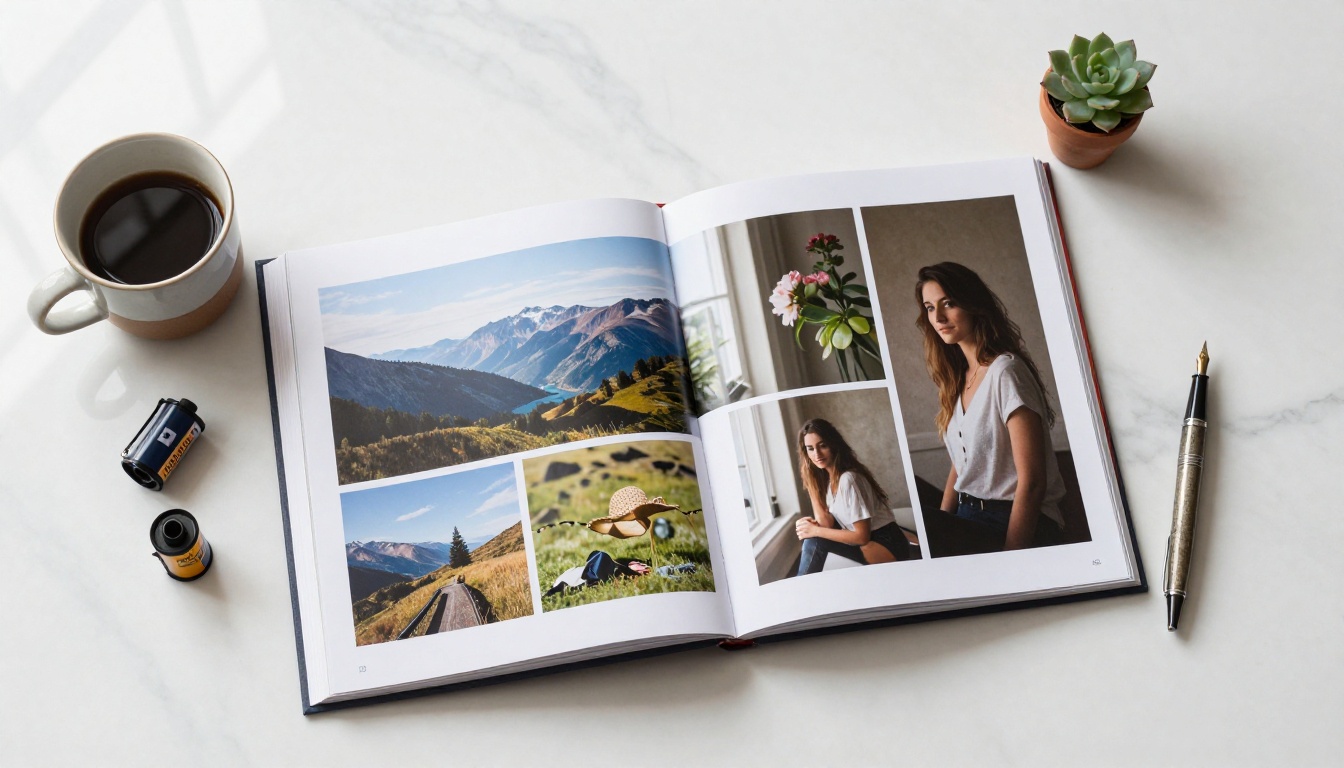
Photographers benefit from a flipbook format more than almost any other creative field. The full-bleed, double-page spread layout shows images at their full impact without the compression artifacts or awkward cropping of social media grids. The page-turn interaction creates a gallery-like experience that static websites rarely achieve without custom development.
Real-world use: A portrait photographer preparing for wedding season inquiries can send a single link to prospective couples that showcases their full editorial style, from ceremony to reception, all in one scrollable experience. No app download required, works on any phone, looks sharp on every screen size.
Freelancers and Consultants
For freelancers, the portfolio serves one critical function: it needs to arrive in a client's inbox and actually get opened. PDFs often get downloaded and forgotten. Long websites get skimmed and closed. A flipbook link opens immediately in any browser, renders beautifully on mobile, and holds attention longer because it has a natural reading rhythm.
✅ Include a one-page rate card or services overview at the end of your portfolio flipbook. It turns a passive showcase into a direct business development tool.
Designers and Creative Agencies
Designers often have work across multiple formats: print, digital, branding, UI/UX. A flipbook lets you present each project as a proper case study spread, with room for process shots, sketches, and final deliverables shown side by side in context.
Agencies sending pitch proposals can use the same workflow with the Presentation Flipbook Designer to create interactive proposals that feel premium without requiring premium build time.

Features Worth Paying For
Once your first portfolio is live and getting views, it's worth knowing which paid features deliver real value:
| Feature | Free Plan | Professional Plan |
|---|
| Unlimited flipbooks | ✅ | ✅ |
| No watermarks | ✅ | ✅ |
| Custom branding | ✅ | ✅ |
| Password protection | ✅ | ✅ |
| Mobile-responsive | ✅ | ✅ |
| Embed on website | ✅ | ✅ |
| Advanced analytics | No | ✅ |
| Lead generation forms | No | ✅ |
| Offline downloads | No | ✅ |
| Custom domain | No | ✅ |
For most individual creatives starting out, the free plan covers everything needed to create and share a professional portfolio today. The Professional plan becomes genuinely valuable once you're actively using your portfolio to attract clients and want visibility into how they're engaging with your work. Analytics tell you which pages get the most time and where viewers drop off, so you can improve the next version with actual data instead of guesses.
See the full breakdown at flipbooksai.com/pricing.
Stop Waiting, Start Sharing
The only portfolio that doesn't work is the one that doesn't exist. Right now, somewhere, a potential client or hiring manager is looking for someone with your specific skills. The question isn't whether your work is good enough. It is. The question is whether it's findable, and whether it's easy to look at when they find it.
Ten minutes is enough to fix both of those problems.

Ready to build yours? Get started for free on Flipbooks AI. No credit card required, no design skills needed.
Already have work you're proud of? Browse all portfolio tools to find the format that fits your creative discipline best.
Want analytics and lead capture once you're ready to grow? Compare pricing plans and pick what works for where you are right now.



