Real estate buyers scroll fast, click less, and remember almost nothing from a flat PDF. If your property listing is still a static document attached to an email, you are already at a disadvantage before a single buyer opens it. An interactive flipbook changes that dynamic completely, turning your listing into an experience that buyers actually want to spend time with. Agents using Flipbooks AI are converting their property PDFs into shareable, branded digital presentations in minutes, not hours.
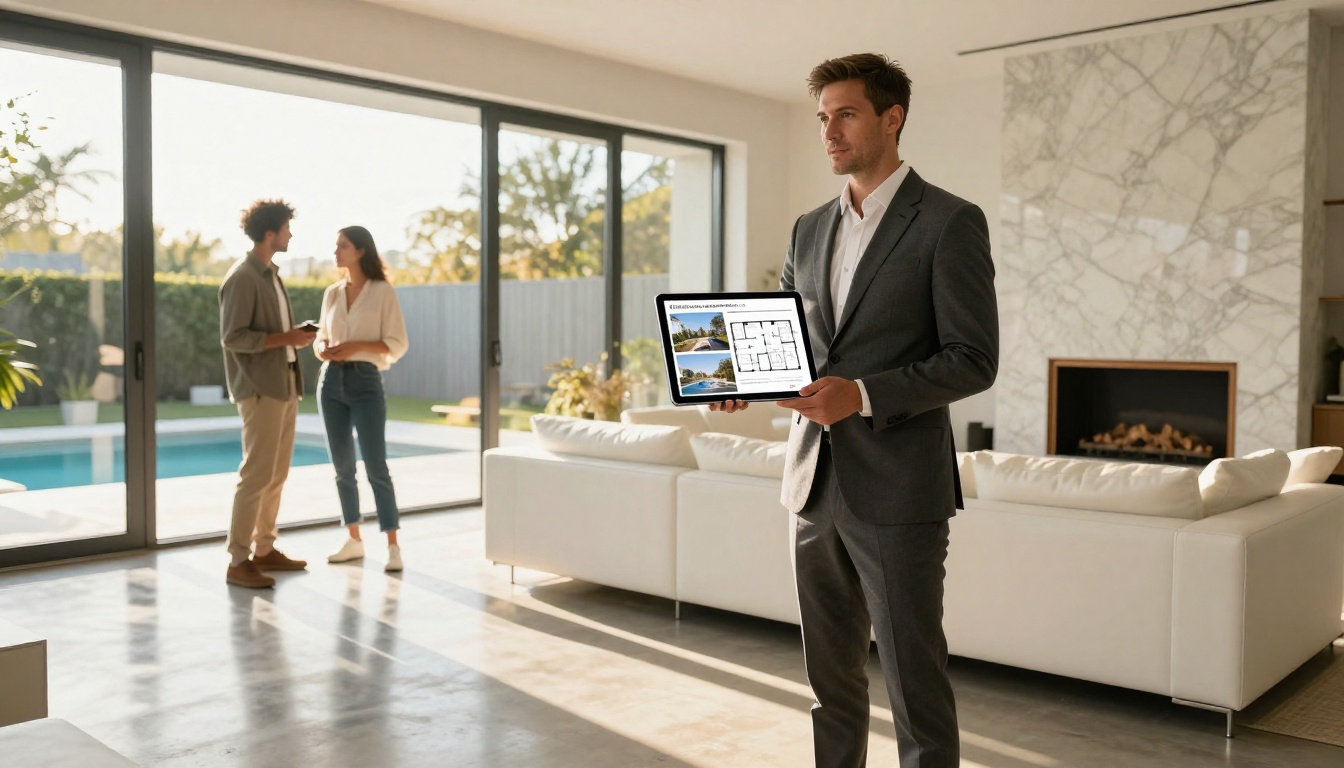
Why Static PDFs Are Losing You Buyers
The modern buyer starts their property search on a phone. They swipe through Instagram, browse Zillow between meetings, and forward interesting listings to partners via WhatsApp. A PDF that needs downloading, zooming, and pinching is friction nobody wants. Research on digital real estate marketing consistently shows that interactive formats keep viewers engaged two to three times longer than static documents.
The First Impression Problem
You have roughly eight seconds to capture a buyer's attention online. A page-turning digital brochure with high-resolution photography, smooth animations, and embedded contact information signals professionalism instantly. A flat PDF says nothing about you or the property except that you printed it to a file.
What Buyers Actually Want
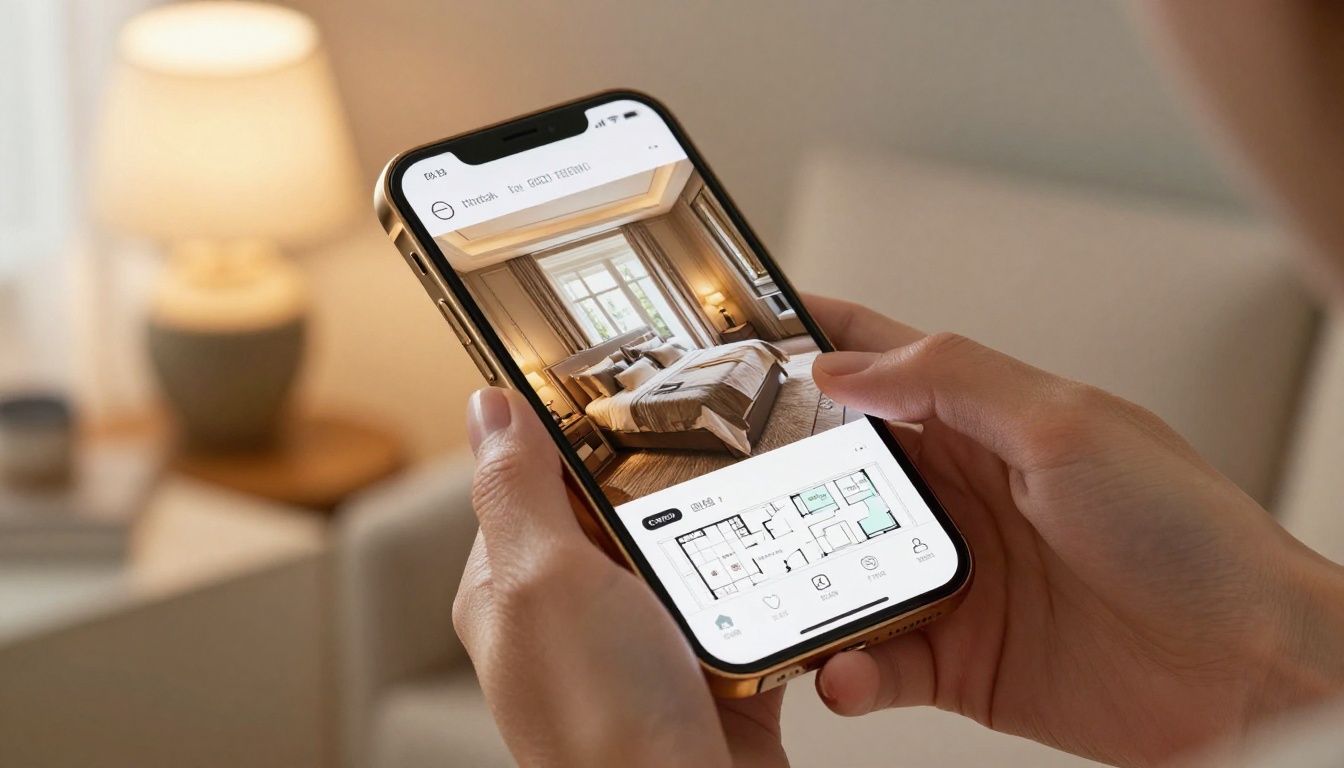
Buyers want context. They want to see how a kitchen connects to a dining room. They want to flip from a bedroom photo to the floor plan without losing their place. They want to share the listing with a partner and have it look identical on both phones. A digital property brochure built as a flipbook delivers all of this natively, with zero friction.
💡 Pro Tip: Listings with interactive flipbooks receive up to 3x more shares on social media than PDF attachments, because a shareable link loads instantly on any device without a download prompt.
What Goes Into a Real Estate Flipbook
Before you open any tool, the content plan matters. A poorly organized flipbook with great photos still loses to a well-structured one. Here is what every property listing flipbook should contain.
Photos and Room-by-Room Walkthrough
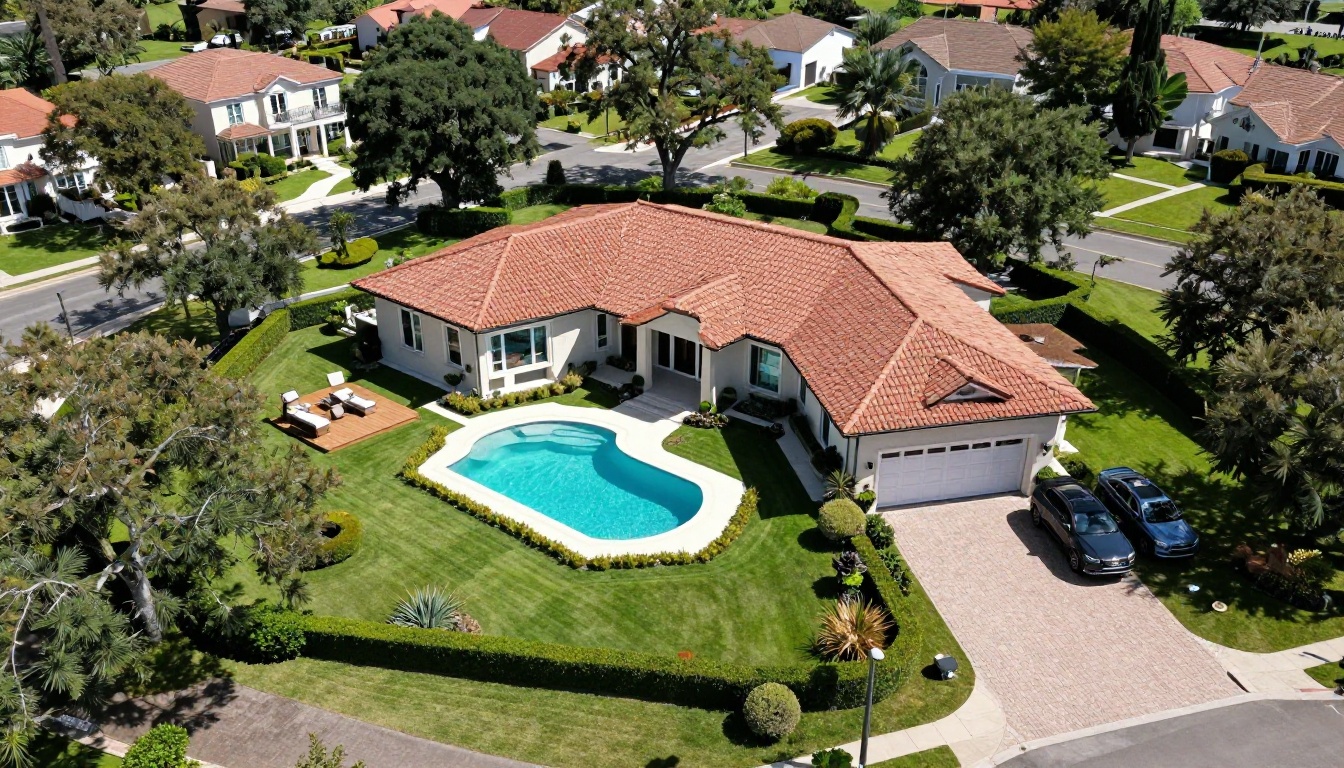
Professional photography is non-negotiable. Dedicate one or two pages per main room: exterior front and rear, living areas, kitchen, each bedroom, bathrooms, and outdoor spaces. Arrange them in the order a buyer would physically walk through the home. This creates a natural flow that feels like a virtual property tour without needing any VR equipment.
Floor Plans, Facts, and Neighborhood Data
Include a clear floor plan on a dedicated page, followed by a property fact sheet: square footage, lot size, year built, number of rooms, garage spaces, and school district rating. Add a neighborhood page with proximity to transport links, shops, parks, and restaurants. Buyers make decisions based on lifestyle fit as much as square footage.
Agent Contact and Call-to-Action Pages
End the flipbook with a dedicated page for your contact details: headshot, phone, email, agency logo, and a QR code linking to your booking calendar. This transforms a passive document into an active lead-generation asset that works around the clock.
✅ Best Practice: Create a password-protected version for pre-qualified buyers only. This adds exclusivity and filters serious inquiries from casual browsers before your first conversation.

How to Prepare Your Listing Content
The quality of your flipbook depends entirely on what you put into it. Cutting corners at the content stage means no tool can fix it later.
Shoot to Impress
Hire a professional real estate photographer. Wide-angle lenses, tripods, and flash diffusers are standard. Golden hour exterior shots are worth the scheduling effort. If the budget allows, add a short drone sequence for aerial footage of the property and street. These are the images that stop buyers from scrolling past your listing.

Build Your PDF the Right Way
Most real estate professionals use InDesign, Canva, or Google Slides to build their listing brochure. Whichever you use, export the final document at 300 DPI in PDF format. Use a landscape 16:9 ratio for a digital-first design that fills screens without letterboxing. Name your pages intentionally so the flipbook navigation makes sense at a glance.
⚠️ Warning: Avoid compressing images aggressively when exporting your PDF. Low-resolution photography inside a flipbook looks worse than a static document because the page-turn animation draws the eye directly to image quality.
How to Create Your Flipbook Step by Step
Flipbooks AI is purpose-built for exactly this workflow. Upload a PDF, customize the presentation, and share a link. No software to install, no technical knowledge required. Here is the full process from raw PDF to published listing.
Step 1: Sign Up and Log In
Go to flipbooksai.com/account and create your account. The free trial lets you test the conversion process before committing to a plan, so you can see exactly what your listing will look like as an interactive flipbook before your first buyer does.
Step 2: Upload Your PDF
From your dashboard, click Create New Flipbook and drag your property listing PDF into the upload area. The PDF to Flipbook Converter processes your document in seconds, building a smooth page-by-page layout with realistic page-turn animations that preserve every design detail from your original file.

Step 3: Customize Your Branding
Once uploaded, the editor opens automatically. Here you can:
- Set your agency colors across the entire flipbook interface
- Upload your agency logo to appear in the toolbar and header area
- Choose a background color or pattern for the viewer frame
- Edit page thumbnails for accurate navigation previews
- Set the flipbook title and metadata for SEO and link sharing
This is where a listing for a boutique agency feels entirely different from one for a national franchise, even when both start from the same uploaded PDF.
Step 4: Add Multimedia
For premium listings, embed a video walkthrough directly into the flipbook. Paste a YouTube or Vimeo link onto any page and it plays inline, without taking the buyer away from the document. You can also embed audio narration, interactive maps, or link directly to a booking form for property viewings.

Step 5: Publish and Share
When the flipbook is ready, click Publish. You get three immediate distribution options:
- Direct link: A clean URL you can paste into emails, WhatsApp, social media, or SMS campaigns
- Embed code: Drop the flipbook directly onto your agency website using the Embed Flipbook on Website tool
- Password protection: Set a private access code for high-value or exclusive listings
💡 Pro Tip: Use the Professional plan analytics to see exactly how long buyers spent on each page. If everyone drops off at the floor plan, it tells you something important about how that page is designed.
Flipbook vs Static PDF
The difference between these two formats becomes impossible to ignore when you see them side by side. The table below compares both options across every metric that matters in real estate digital marketing.
| Feature | Static PDF | Interactive Flipbook |
|---|
| Mobile experience | Poor (pinch to zoom) | Excellent (fully responsive) |
| Page-turn animation | None | Smooth, realistic |
| Video embedding | No | Yes |
| Shareable link | No (download required) | Yes (opens instantly) |
| Analytics and tracking | No | Yes (Professional plan) |
| Password protection | No | Yes |
| Branding customization | Limited | Full |
| Embed on website | No | Yes |
| Lead capture forms | No | Yes (Professional plan) |
| Offline download | No | Yes |
The verdict is not close. For any agent serious about professional property listing presentations, an interactive flipbook is the new baseline.
Choosing the Right Plan
Flipbooks AI offers tiered plans to match different levels of activity. Here is how each one breaks down for real estate professionals.
| Plan | Best For | Flipbooks | Watermark | Analytics | Offline Download |
|---|
| Free | Testing the platform | 1 | Yes | No | No |
| Standard | Solo agents | Unlimited | No | No | No |
| Professional | Teams and brokers | Unlimited | No | Yes | Yes |
💡 Recommendation: Most active agents need at least the Standard plan for unlimited flipbooks and zero watermarks. The Professional plan's analytics and lead generation tools pay for themselves within a single deal cycle.
Check the full pricing breakdown to find the right fit for your business volume. You can also start directly with the Real Estate Brochure Creator for a purpose-built listing template.
Real-World Use Cases
Different property types call for different flipbook approaches. Here is how agents across market segments are using interactive presentations right now.
Luxury Properties
High-value listings demand a presentation that matches the property. A flipbook for a premium home should open with a full-bleed hero photograph, follow with aerial exterior spreads, and dedicate individual pages to showcase standout features like a wine cellar, home cinema, or spa bathroom. Embed a drone video tour and watch average viewing time climb significantly.
The password protection feature is particularly valuable for high-value listings. Distributing an exclusive link only to pre-qualified buyers reinforces the premium positioning of the property and protects the seller's privacy throughout the process.
First-Time Buyer Listings
Entry-level and mid-market listings benefit from clarity above all else. Buyers in this segment are often comparing ten or more properties simultaneously. A flipbook that leads with a clear fact sheet, an accurate floor plan, and a neighborhood walk score gives them exactly what they need to make a fast, confident decision.
Commercial Real Estate
Commercial listings carry far more data: zoning classifications, lease terms, CAP rates, tenancy schedules, and financial projections. A flipbook handles multi-page data tables and charts far better than a PDF, because each spread can be designed for visual hierarchy rather than being formatted around a printer's constraints.
The Online Brochure Designer and Brochure Flipbook Maker are strong starting points for commercial property presentations that need to carry both visual impact and data depth.
Where to Share Your Property Flipbook
Publishing a flipbook is only half the job. Here is where to distribute it for maximum buyer reach.
- Email campaigns: Replace PDF attachments with a flipbook link. Emails with links have higher deliverability than those carrying large attachments, and you can track opens with the Professional plan
- Social media: Post a screenshot of the flipbook front page with the link in the caption. LinkedIn works particularly well for commercial and investment listings; Instagram Stories link directly to the flipbook on a professional account
- WhatsApp and SMS: A short URL is far more effective than a PDF attachment. Buyers open it on the spot, often while still in conversation with you
- Your agency website: Use the embed code to drop the flipbook directly onto your property listing page, keeping buyers on your site longer and improving your search signals
- QR codes on physical signage: Generate a QR code from the flipbook link and print it on yard signs, window displays, or open house handouts. Buyers who visit the property in person can instantly pull up the full digital presentation on their phone
✅ Best Practice: Create a fresh flipbook for each price reduction or listing update. It gives you a concrete reason to re-engage every buyer who expressed interest previously, with new content and a new link to share across all channels.
Build a Repeatable System
Once you see how a property flipbook performs against a static PDF, the next step is building a repeatable workflow that scales across your entire pipeline.
| Step | Action | Time Required |
|---|
| 1 | Receive photography files | Immediate |
| 2 | Drop into branding template | 20 minutes |
| 3 | Export to PDF at 300 DPI | 2 minutes |
| 4 | Upload to Flipbooks AI | 1 minute |
| 5 | Customize branding and publish | 15 minutes |
| 6 | Distribute link across channels | 10 minutes |
Save a master Canva or InDesign template with your agency branding pre-set. Every new listing then becomes a matter of swapping in the photography and property details, exporting to PDF, and uploading to Flipbooks AI. Agents who follow this system consistently produce polished listing presentations in under an hour from photography delivery to published flipbook.
Browse all tools and templates to find the right format for every property type you work with, from residential and luxury to commercial and investment properties.
Ready to create your first property flipbook? Get started for free and see how fast a professional listing presentation comes together. When you are ready to scale, compare pricing plans and upgrade to access analytics, lead generation, and unlimited publishing with no watermarks.



