Your bakery menu is one of your strongest marketing assets, and most bakeries treat it like an afterthought. A printed card behind glass, a static PDF sent by email, or a screenshot buried in Instagram stories. None of these do justice to the craft that goes into every product. If you've been looking into how to create a flipbook for your bakery, the answer is simpler and faster than you'd expect, and the results are measurably better than anything you're doing with paper.
What a Flipbook Does for Your Bakery
The gap between a static menu and an interactive digital flipbook is the same as the gap between a still photo of your signature cake and a video of someone slicing into it. One conveys information. The other creates desire.

Beyond a Static PDF Menu
Static PDFs share poorly, render badly on mobile, and offer no insight into whether anyone actually read them. A digital flipbook solves all three problems at once. It opens in any browser without downloading, scales automatically to any screen, and, on the right platform, gives you data on how customers interact with it.
Here is what you gain immediately when you switch from a static PDF to a flipbook:
- Zero printing costs: Update your seasonal menu in minutes, no reprint needed
- No app required: Anyone with a browser can view it on any device
- Mobile-first display: Text and images scale correctly on phones automatically
- Real sharing: One link works on Instagram, email, WhatsApp, and Google Business
- Analytics (on Professional plan): See which pages customers spend the most time on
The Numbers That Matter for Bakeries
Interactive content consistently holds attention longer than static formats. For a bakery, more time spent with your menu means more items seen, more seasonal specials noticed, and a higher probability that a customer pre-orders rather than impulse-buys at the counter.
| Format | Avg. Attention Time | Mobile Display | Shareable | Trackable |
|---|
| Printed Menu | 30 sec | No | No | No |
| Static PDF | 45 sec | Limited | Yes | No |
| Digital Flipbook | 2-4 min | Yes | Yes | Yes |
| Instagram Post | 3-5 sec | Yes | Partial | Limited |
What You Need Before You Start
You likely already have what you need. Most bakeries that create a flipbook start with a PDF they already own, or design one quickly using free tools.

Designing Your Bakery PDF First
Your flipbook begins as a PDF. If you don't have one, Canva, Adobe Express, or even Google Slides can produce a professional-looking bakery menu in an afternoon. Focus on clarity and photography over complexity.
Every bakery PDF should have:
- Your logo and bakery name on the opening page
- A strong hero product photo as the first visual
- Organized sections: breads, pastries, cakes, seasonal items
- Pricing listed per item or per quantity
- Custom order information and minimum lead times
- A contact page with your hours, phone number, and social links
💡 Design for screens, not print. Use 1920x1080px slides for a 16:9 format that looks perfect on screens without the awkward white margins of an A4 document.
What Goes Into an Effective Bakery Flipbook
Not all flipbooks perform equally. The ones that work share these traits.
Strong photography first. One great image of your croissant outperforms ten average ones. Natural morning light near a window, a plain white or linen surface, and a phone with portrait mode is genuinely enough to start.
Two or three fonts maximum. Customers register consistency even when they can't articulate it. More than three fonts makes a menu feel chaotic rather than curated.
White space around every product. Packed pages feel overwhelming. Products with breathing room feel premium.
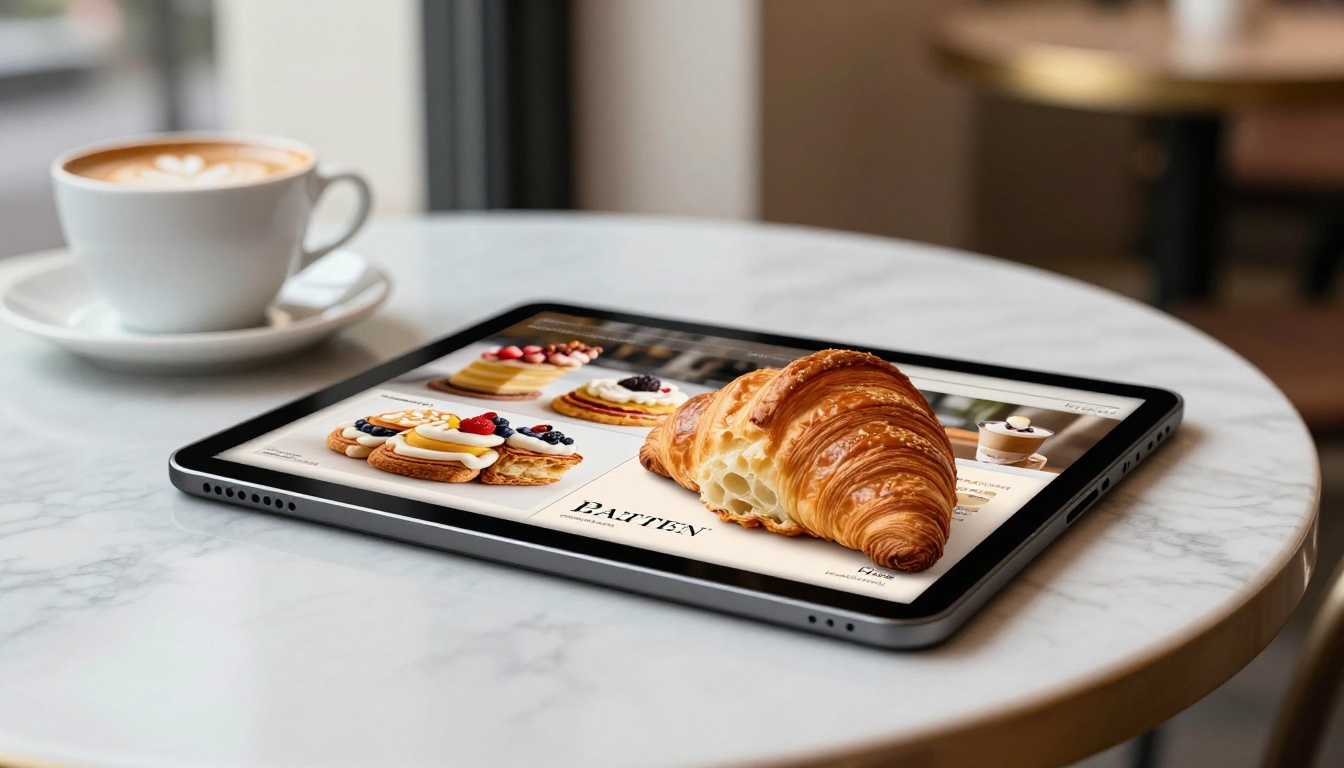
How to Build Your Bakery Flipbook with Flipbooks AI
Flipbooks AI is purpose-built for exactly this. The Menu Flipbook Designer and Restaurant Menu Creator tools were designed for food and hospitality businesses that need a professional result without a development team.
Step 1: Create Your Account
Visit flipbooksai.com/account and sign up. No credit card is required to start. The onboarding takes under two minutes.
Step 2: Upload Your PDF
From the dashboard, click "New Flipbook" and upload your PDF by dragging it into the upload area. The platform converts it automatically into a page-turning digital format. Fonts, images, and layout transfer exactly as designed. Supported file sizes go up to 500MB, which is well beyond any bakery menu.
✅ Best practice: Export your PDF at 300 DPI or higher. Lower resolution files look blurry on retina displays.
Step 3: Customize Your Flipbook
This step is where your bakery's personality comes through. The customization options are specific and practical.
- Brand colors: Match the flipbook background and page accents to your brand palette
- Logo overlay: Pin your logo to appear across every spread automatically
- Page transitions: Select between realistic flip, slide, or fade animations
- Thumbnail image: Choose a custom photo or use your opening PDF page as the preview
- Multimedia embedding: Add a behind-the-scenes kitchen video or product reel directly on any page
Step 4: Share Your Flipbook
Once published, you have several sharing formats available immediately.
| Method | Best Application | Time to Set Up |
|---|
| Direct link | Instagram bio, email signature, WhatsApp | Instant |
| Embed code | Website, blog, booking page | 5 minutes |
| QR code | Counter display, printed bags, receipts | Instant |
| Password protection | Wholesale clients, private seasonal menus | 2 minutes |
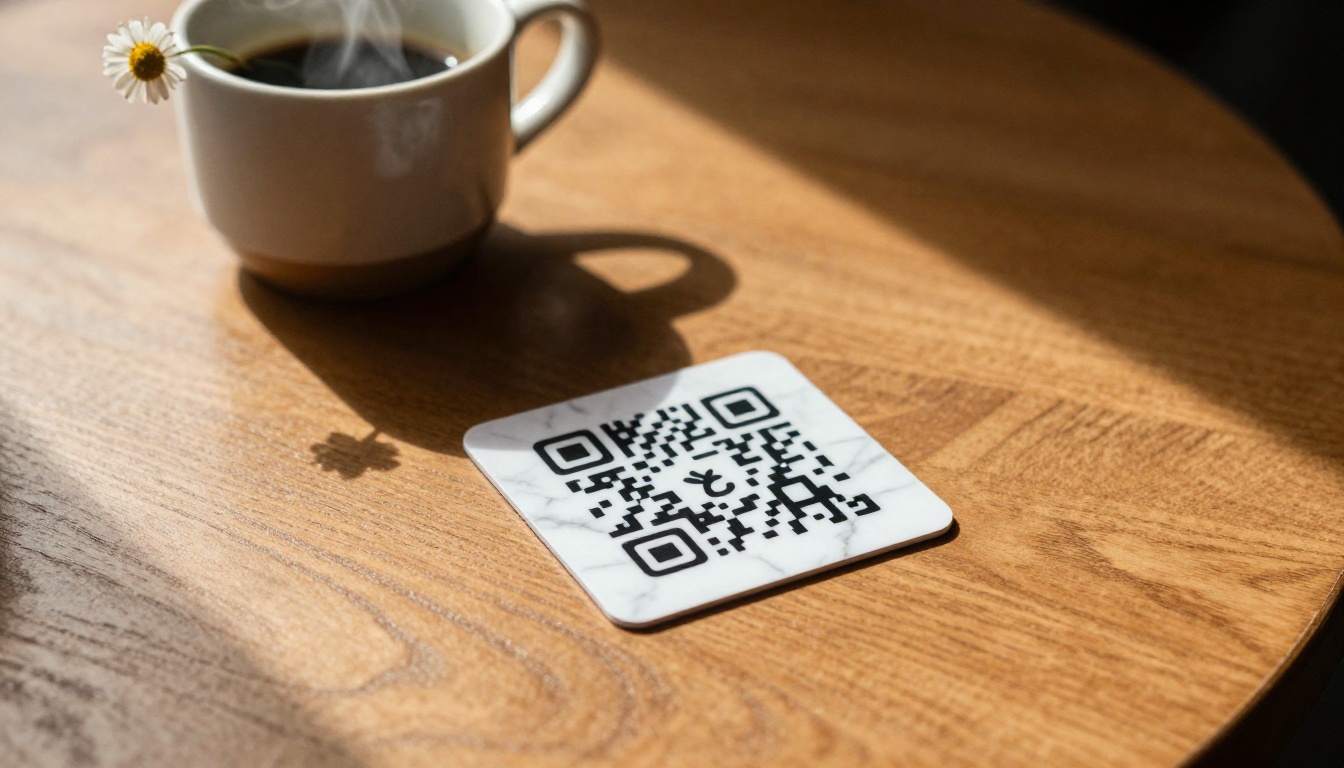
💡 Print your flipbook QR code on a small card and place one on every table and at the register. Customers scan while they wait, browse the full menu, and frequently add items or pre-order for a future visit.
Step 5: Track Who Reads It (Professional Plan)
With the Professional plan, you get page-level analytics showing where readers spend time and where they stop. For a bakery, this information is actionable. If customers consistently skip your seasonal spread, the issue might be layout or photography, not the products themselves.
Additional features in the Professional plan:
- Lead capture forms embedded directly inside the flipbook
- Offline PDF download for customers to save
- Remove platform branding entirely
- Priority customer support
Bakery Use Cases Worth Knowing
Not every bakery flipbook needs to be a standard menu. Some of the most effective uses are ones bakery owners rarely think of first.
Seasonal Menus and Holiday Catalogs
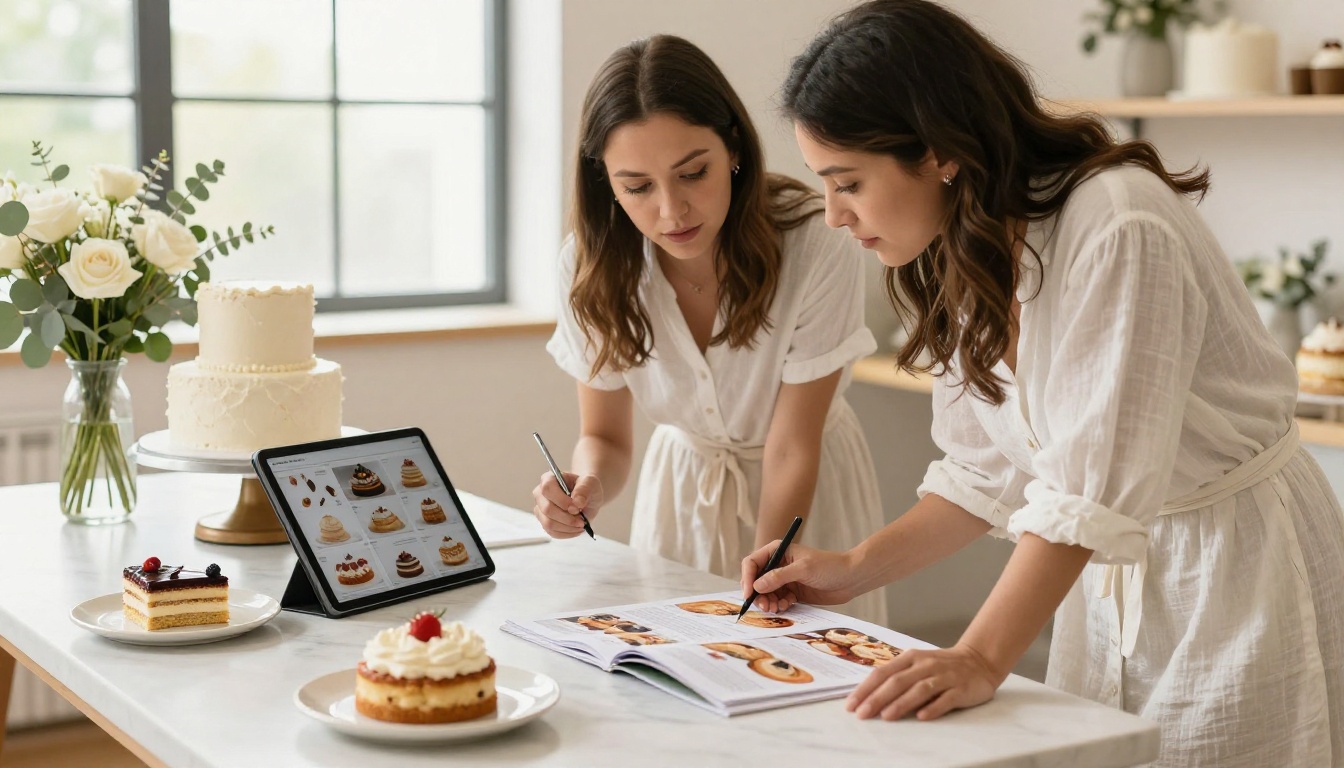
A Christmas cookie collection, a Valentine's Day cake lineup, a summer soft-serve pastry range. Each season gives you a reason to publish a new flipbook and share it across your channels. Because it lives online, you replace or update it without printing or reprinting anything.
The Recipe Book Flipbook tool works particularly well here if you want to blend menu content with recipe previews as a shareable seasonal teaser.
Wedding Cakes and Custom Orders
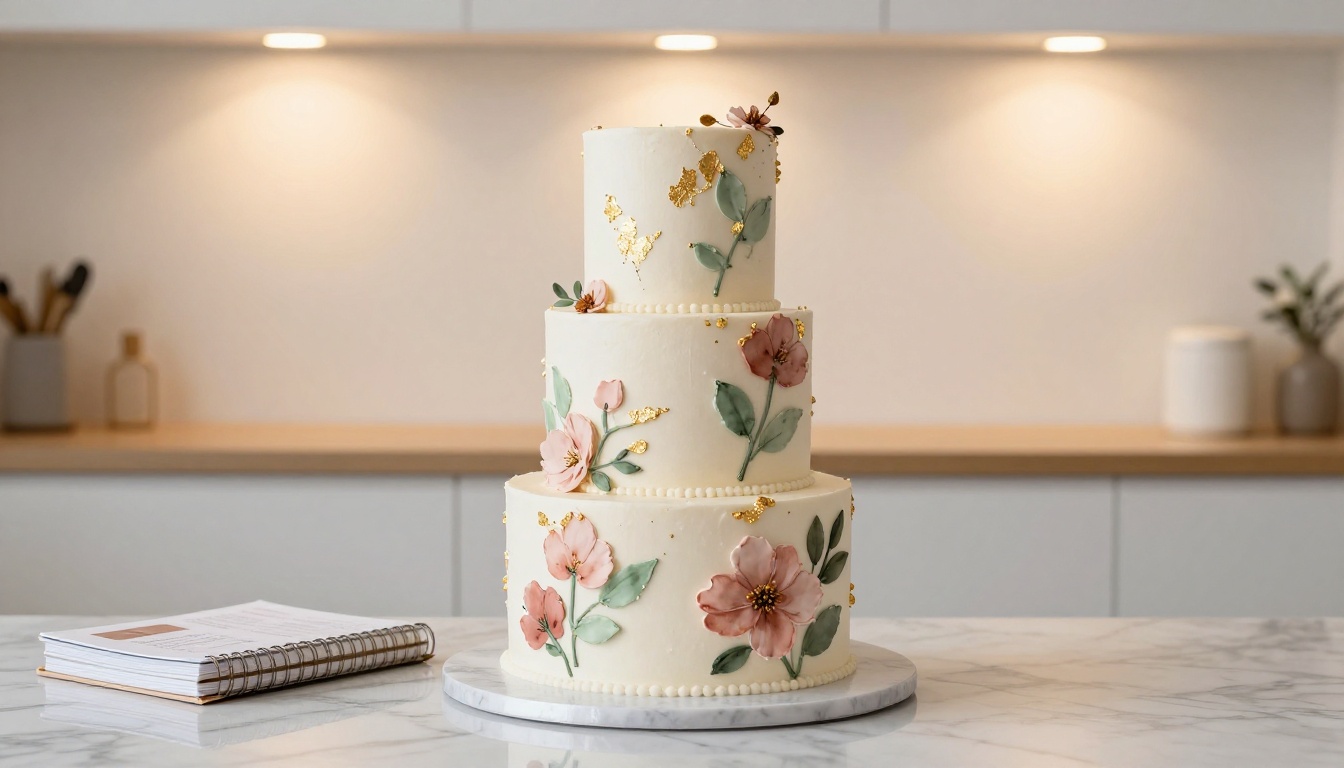
Custom orders are where independent bakeries make real margin. A dedicated flipbook for wedding cakes and custom celebration cakes sets expectations visually before a consultation, and filters out customers who aren't aligned with your pricing.
Include your portfolio, flavor combination options, pricing tiers, and a booking link at the end. Pair this with the Digital Price List Generator if you want a separate formatted pricing sheet alongside your catalog.
Wholesale and B2B Catalogs
If you supply cafes, hotels, or corporate catering operations, a clean digital wholesale catalog removes friction from the buying conversation. Use the Digital Catalog Maker and password-protect it for wholesale clients only. Update pricing each quarter without reprinting or resending PDFs.
Catering and Event Menus
Wedding breakfasts, corporate events, school fundraisers. If your bakery takes event orders, a catering-specific flipbook with minimum quantities, lead times, and delivery details makes your quoting process look more professional and shortens the decision cycle for clients.
Choosing the Right Plan for Your Bakery
Flipbooks AI has tiered pricing designed around how active your flipbook publishing needs are. Here is how each tier maps to typical bakery situations.
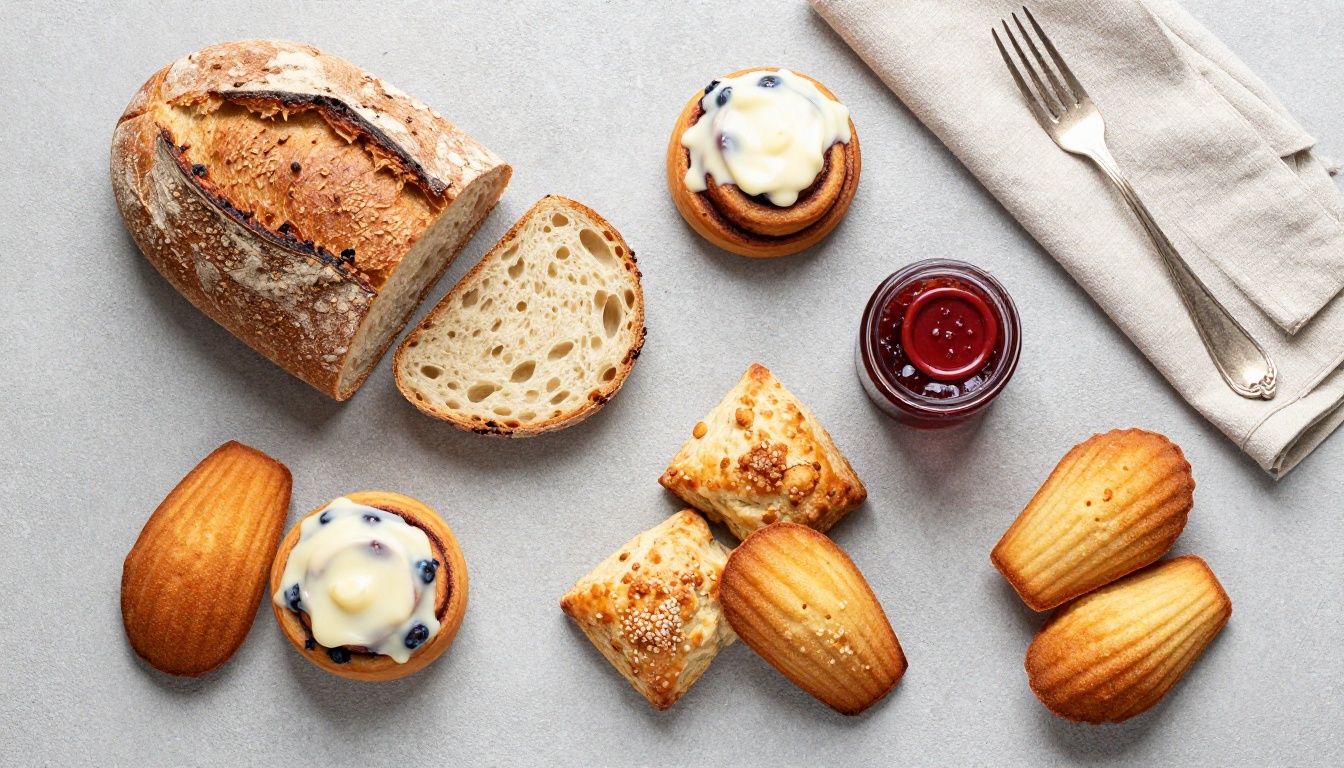
| Plan | Right For | Features Included |
|---|
| Free | Testing before committing | 1 flipbook, basic sharing |
| Standard | Active independent bakeries | Unlimited flipbooks, no watermarks, custom branding |
| Professional | Bakeries tracking orders and leads | Analytics, lead capture, offline downloads |
⚠️ The free plan adds a platform watermark to your flipbook. If you are sharing this publicly as a customer-facing menu, upgrade before distribution.
For most independent bakeries, the Standard plan is the right starting point. It removes watermarks, allows unlimited flipbooks across all your seasonal campaigns, and includes custom branding at a practical price point.
If you want to track which products drive the most pre-orders or capture email leads from inside your flipbook, the Professional plan adds that layer. See all plan details here.
Tips to Make Your Flipbook Actually Work

Photography That Sells on a Budget
You don't need a professional photographer for every product update. Here is what actually works:
- Shoot near a north-facing window for soft, diffused natural light
- Use a plain white or natural linen surface as your backdrop
- Fill the frame with the product, not the counter or packaging
- Photograph in batches: one setup session for 15-20 items at a time
- Apply a single consistent phone filter or Lightroom preset across all images for visual cohesion
QR Codes as a Physical-to-Digital Bridge
A QR code on your counter pointing to your digital menu costs nothing to print and works continuously. Customers waiting for their order scan it, browse your full lineup, and frequently add to their purchase or bookmark the link for a future order.
Where to place your bakery QR code:
- Table tents and counter cards
- Paper bags, pastry boxes, and tissue paper inserts
- Business cards and thank-you notes
- Email receipts and order confirmations
- A small framed print near the register or menu board
Linking Your Flipbook From Google Business
Paste your flipbook link directly into your Google Business listing as a menu URL. It appears in search results when customers look for your bakery by name or category. Customers searching for local bakeries can tap straight through to your full product range before they even visit your website.
1. Sharing the link once and moving on.
Your flipbook link is permanent and always reflects your latest version. Put it in your email signature, Instagram bio, and Google Business profile. Once it's in the right places, it works without your involvement.
2. Uploading a low-resolution source file.
If your original PDF was designed at 72 DPI, the flipbook will look pixelated, especially on retina displays. Always export at 300 DPI minimum before uploading.
3. Forgetting to test on mobile.
Most of your customers will open your flipbook on a phone. Always preview it on a mobile screen before sharing publicly. If the text is unreadably small, go back to the PDF source and reduce the number of columns per page.
✅ Best practice: Design your bakery PDF with a maximum of two columns per spread. This ensures clean rendering on mobile without requiring a separate mobile version.
Your Next Step
Your products deserve a presentation that matches the quality of what you bake. A digital flipbook gets you from a PDF file to a shareable, professional, trackable bakery catalog without hiring a developer or redesigning your website.
Get started free on Flipbooks AI and have your first bakery flipbook live today. Check out the Menu Flipbook Designer if you want a purpose-built starting point for food businesses.
Want to see everything available before committing? Compare all plans to find what fits your bakery's current stage.
Your competitors are still handing out laminated menus. You don't have to be.



