You have a PDF sitting on your desktop. It could be a product catalog, a training manual, a church bulletin, a school newsletter, or a photography portfolio. Right now it opens as a flat, scrollable document that nobody wants to read. What if it flipped like a real magazine, with smooth page-turn animations, clickable links, and a mobile-friendly layout? That is exactly what a digital flipbook does, and the best part is you do not need to spend money to make one. This article shows you how to create a flipbook from any PDF for free, which tools actually deliver on that promise, and how to publish your result so anyone in the world can open it on any device.
What Is a Digital Flipbook, Really?
A digital flipbook is an HTML5-based interactive document that mimics the physical sensation of turning pages. Unlike a standard PDF viewer, a flipbook renders your document with animated page curls, zoom controls, and embedded media support. The resulting file lives in the cloud, loads in any browser, and works perfectly on mobile screens without plugins or downloads.

The core difference between a static PDF and an interactive flipbook comes down to three things:
- Presentation: PDFs scroll. Flipbooks flip. The visual difference is immediate and substantial.
- Time on page: Readers spend significantly more time with flipbooks than with flat PDF documents.
- Shareability: Flipbooks get a single URL, an embed code, or a QR code. PDFs require file downloads.
For businesses, educators, and content creators, this difference is not cosmetic. It changes how people actually interact with your content.
Why PDFs Need the Flipbook Treatment
PDFs were designed for print. They come from an era when documents were printed on paper, and their visual logic reflects that. When you send someone a PDF today, here is what typically happens:
- They download a file they may never open
- If they do open it, they scroll through it on a screen that was never optimized for documents
- They cannot embed it in a website without third-party plugins
- Mobile users struggle with pinch-zoom navigation on small screens
- You have zero insight into whether anyone read it at all
A flipbook solves every one of those problems. It is hosted online, shareable via link, embeddable on any website, mobile-responsive by default, and on professional platforms it includes analytics showing you page-by-page read data.

💡 Pro tip: The average PDF open rate via email is under 20%. Flipbooks hosted on a shareable link have significantly higher interaction rates because they open instantly in the browser without requiring any download.
The 3 Real Use Cases Driving Flipbook Adoption
Before picking a tool, it helps to know what you actually need. Here are the three most common scenarios people face.
When You Have a Print-Ready PDF
This is the most common case. You designed something in InDesign, Canva, or PowerPoint, exported it as a PDF, and now you want to publish it online. Virtually every free flipbook converter handles this scenario well. Upload the PDF, the platform renders each page as an HTML5 page, and you get a shareable link within minutes.
When You Want Branding and Custom Domains
Free tiers on most platforms include the converter but add the platform's branding through logos, watermarks, or subdomain URLs. If you need your company's logo on a clean URL, you will need a paid plan. For internal use, client presentations, or personal projects, the free tier works fine.
When You Need Analytics and Lead Capture
Knowing who read your flipbook, which pages received the most attention, and whether anyone filled out a form inside the document requires a professional tier. Flipbooks AI includes analytics and lead generation on its Professional plan, making it genuinely practical for sales teams and marketers who need proof of engagement.
Not all converters are equal. Here is an honest comparison of what each major option actually offers on the free tier:
| Tool | Free Flipbooks | Watermark-Free | Custom Domain | Analytics | Embeddable |
|---|
| Flipbooks AI | Unlimited (Standard+) | Yes | Yes (paid) | Yes (Pro) | Yes |
| Issuu | 1 | No | No | Limited | Limited |
| FlipHTML5 | 5 | No | No | No | Yes |
| Yumpu | Unlimited | No | No | No | Yes |
| PDF.co | Limited | No | No | No | No |
✅ Best practice: If you plan to publish more than a few flipbooks or need clean branding, Flipbooks AI offers the best ratio of features to cost, including a free starting point and no watermarks on paid plans.
The table above shows a clear split. Most platforms give you one or two free flipbooks but immediately add watermarks or restrict sharing options. Flipbooks AI stands out by offering unlimited flipbooks on the Standard plan with no branding overlays.
How to Create a Flipbook from Any PDF for Free on Flipbooks AI
This is the step-by-step process from zero to a published, shareable flipbook. The whole thing takes under 10 minutes.

Step 1: Create your account
Go to Flipbooks AI and sign up. The process takes about 30 seconds and does not require a credit card to get started.
Step 2: Upload your PDF
Once inside your dashboard, click "New Flipbook" and drag your PDF file into the upload area. The platform accepts PDFs of all sizes, from single-page flyers to 200-page catalogs. Processing typically takes 15 to 60 seconds depending on file size.
⚠️ Note: For best results, export your PDF at 150 to 300 DPI. Files exported at screen resolution (72 DPI) will appear pixelated on large displays when zoomed.
Step 3: Configure your flipbook settings
After upload, the editor gives you control over several presentation options:
- Page layout: Single page or two-page spread view
- Background: White, solid color, or fully custom
- Page flip direction: Left-to-right or right-to-left (for Arabic or Hebrew documents)
- Auto-flip: Enable automatic page turning for presentations or kiosk displays
- Start page: Set which page opens first when someone accesses the link
Step 4: Add branding
On Standard plans and above, you can add your logo to the header, set a custom background color, and remove all Flipbooks AI branding entirely. This matters when you are sharing with clients or embedding on a branded website where consistent identity is important.
Step 5: Share or embed
The sharing panel gives you four distribution options:
- Direct link: A shareable URL you can paste into emails, messages, or social media
- Embed code: An iframe snippet to drop into any website, CMS, or landing page
- QR code: Auto-generated QR code that opens the flipbook on mobile when scanned
- Password protection: Restrict access to authorized viewers with a custom password
Step 6: Track performance (Professional plan)
The Professional plan adds a full analytics dashboard. You can see total views, unique visitors, average time spent on each page, and which pages have the highest drop-off rates. For sales teams using flipbooks as digital brochures or proposals, this data is valuable for refining materials and following up with prospects.
PDF Quality Tips Before You Convert
The quality of your flipbook depends heavily on the PDF you start with. Check these four things before uploading.
Font Embedding
Always embed fonts when exporting your PDF. If fonts are not embedded, the converter may substitute system fonts and break your layout entirely. In Adobe InDesign or Illustrator, font embedding is automatic. In Canva or PowerPoint, it is handled during the PDF export dialog.
Image Resolution
For a crisp flipbook on retina screens, export images at 150 DPI minimum. At 72 DPI (the web default), images will look soft when readers zoom in on specific sections.
File Size
Very large PDFs over 100MB can slow upload and rendering times considerably. Compress your PDF before uploading using any free online compressor. Aim for under 50MB for optimal performance across all connection speeds.
Hyperlinks in the Source PDF
If your PDF contains clickable links, they will be preserved in the flipbook automatically. Internal links like a table of contents or chapter anchors will work as page-jump navigation. External links like product pages or social profiles stay active.
💡 Pro tip: Add a table of contents with anchor links in your PDF before converting. Readers will be able to jump directly to sections inside the flipbook without scrolling through every page.
Use Cases Across Industries
The value of PDF-to-flipbook conversion is not limited to marketing teams. Here is how different industries put it to work:
| Industry | Document Type | Primary Benefit |
|---|
| Retail | Product catalog | Customers browse online without downloading files |
| Real Estate | Property brochure | Share via link on listings and social media |
| Education | Course materials | Students access on any device without downloads |
| Hospitality | Restaurant menu | QR code on table links directly to live digital menu |
| HR | Employee handbook | Trackable, always up-to-date version accessible anywhere |
| Non-profit | Annual report | Professional presentation on a limited budget |
| Events | Event programs | Shareable before, during, and after the event |

A restaurant can use the Restaurant Menu Creator to convert their printed menu into a flipbook, then link it from a QR code on every table. Updating the menu no longer requires a costly reprint. Real estate agents benefit from converting property brochures using the Real Estate Brochure Creator tool and attaching the live link directly to MLS listings.
Embedding Your Flipbook on a Website
One of the most practical features is the ability to embed a flipbook directly into a web page. The platform generates an iframe embed code that drops into any HTML editor, WordPress page, Webflow block, or headless CMS.
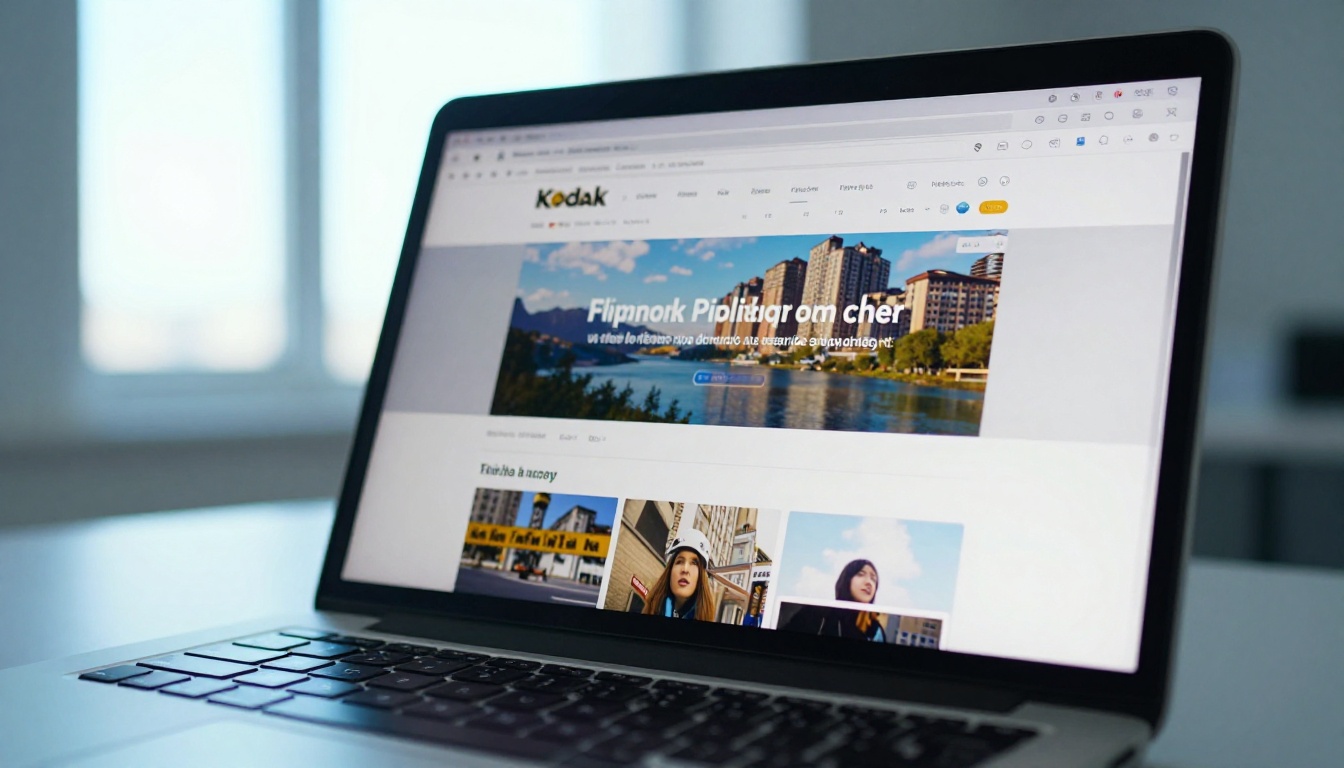
The Embed Flipbook on Website tool makes this frictionless. Configure the width, height, and toolbar visibility, then paste the code. The flipbook renders as a fully interactive element inside your page rather than as a link that opens a new tab.
This is particularly useful for several scenarios:
- E-commerce pages: Embed product catalogs directly on category or landing pages
- Portfolio websites: Show your design work as an interactive reading experience
- Landing pages: Replace static PDF downloads with embedded flipbooks that keep visitors on-page
- Blog posts: Embed a relevant flipbook as interactive supplementary content
Free vs. Paid: What You Actually Get
Here is a direct breakdown of the Flipbooks AI pricing tiers so you know exactly where the free offering ends and where the paid value begins:
| Feature | Free | Standard | Professional |
|---|
| Flipbooks created | Limited | Unlimited | Unlimited |
| Watermarks | Yes | No | No |
| Custom branding | No | Yes | Yes |
| Password protection | No | Yes | Yes |
| Analytics | No | No | Yes |
| Lead generation | No | No | Yes |
| Offline downloads | No | No | Yes |
| Embed on website | Limited | Yes | Yes |
| Video and audio embed | No | Yes | Yes |
For most personal and small business use cases, the Standard plan delivers everything you need without watermark compromises. The Professional plan adds the data layer that sales and marketing teams rely on to measure document performance and capture leads.
Mobile Access and Offline Reading
A common question: what happens when your audience does not have a reliable internet connection?
For online-first flipbooks, mobile access is fully automatic. Every flipbook generated on Flipbooks AI is responsive by default. On a phone, the reader taps to flip pages. On a tablet, the two-page spread view works naturally without any configuration on your part.
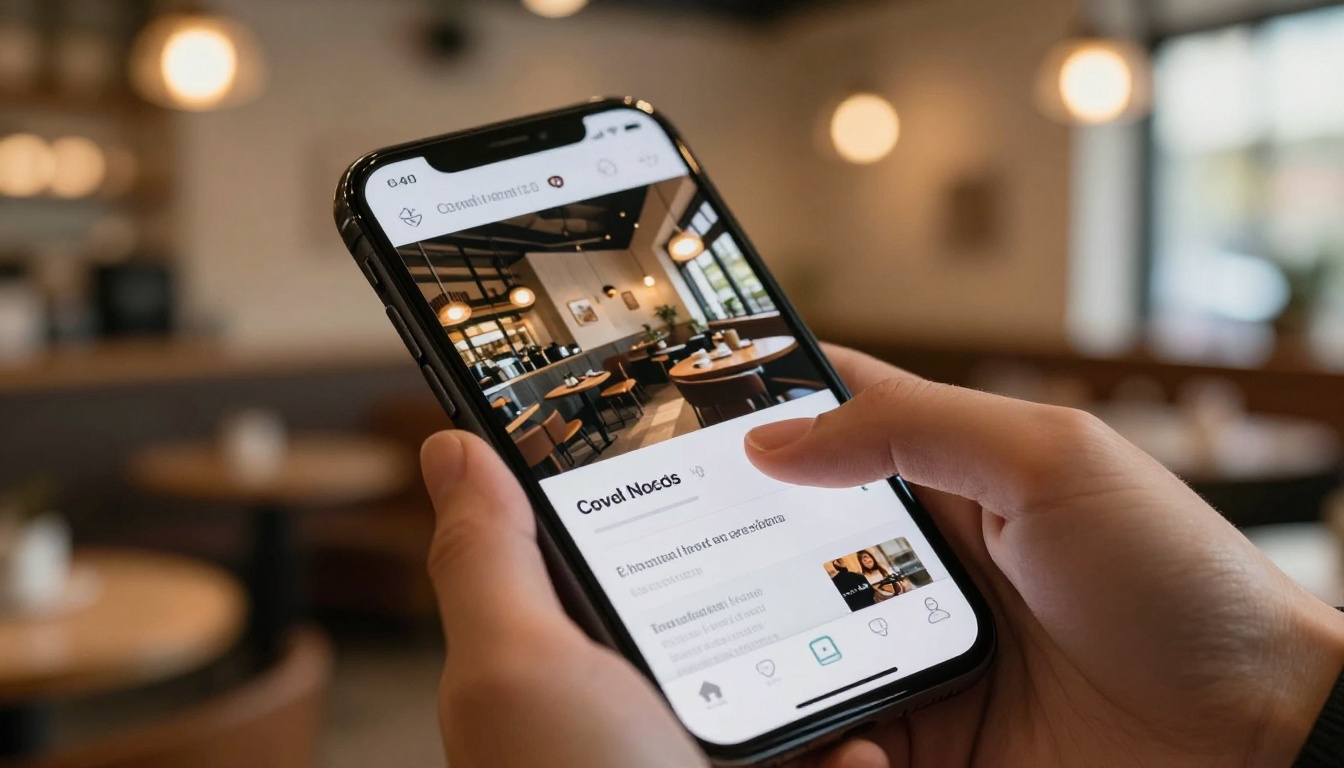
For offline access, the Professional plan includes downloadable offline versions. This matters for:
- Sales reps presenting at client sites without reliable WiFi
- Trade show demos where internet access is unpredictable
- Field teams in remote locations who need document access on the road
✅ Best practice: For sales teams, pair the Professional plan's offline download feature with analytics tracking to see which prospects actually reviewed your materials before following up.
Specialized Tools for Specific Content Types
Flipbooks AI offers purpose-built converters beyond the generic PDF-to-flipbook flow. These tools come with presets optimized for specific document types so you do not have to manually adjust settings:
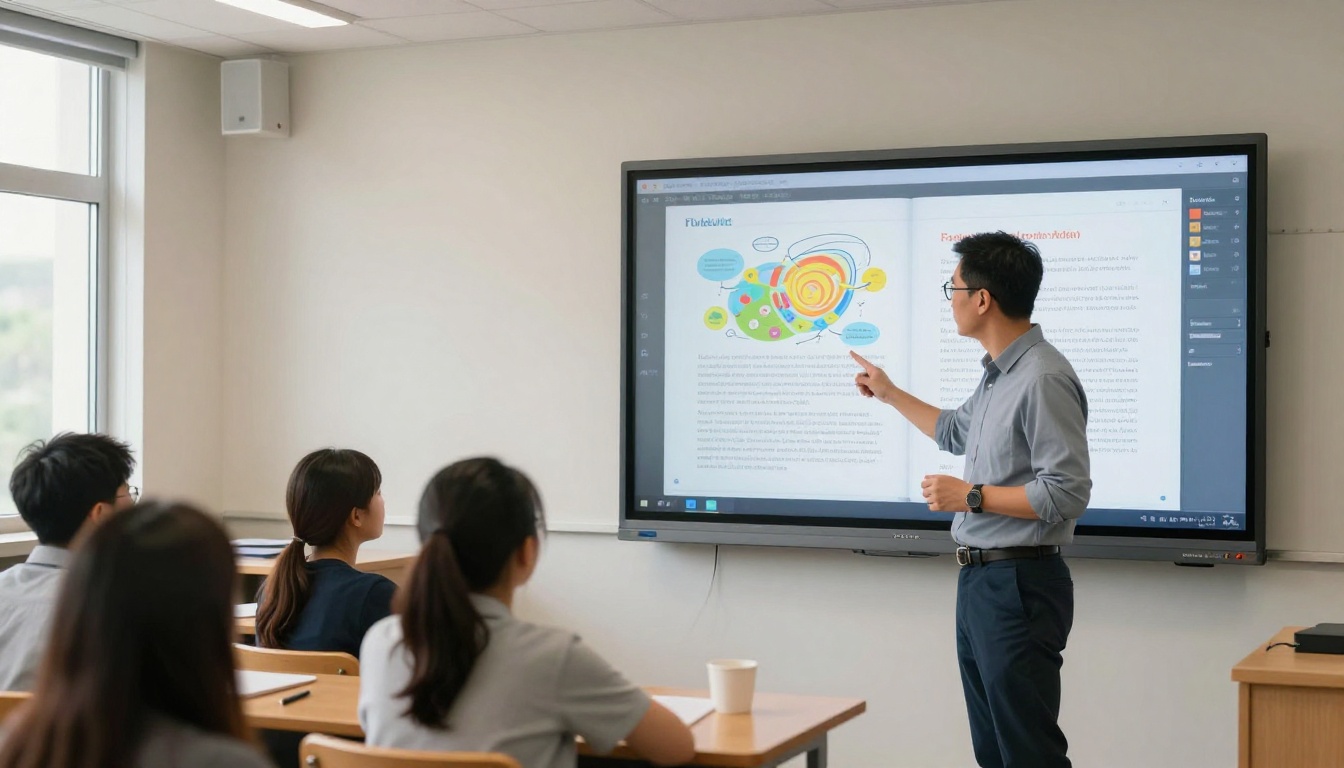
For educators, the Course Material Publisher and Yearbook Flipbook Maker handle the two most common school publishing scenarios. Students access materials on any device with no logins or file downloads required.
The Publishing Checklist Before You Share
Before sending your flipbook link to anyone, run through this quick checklist:

Running through this checklist takes two minutes and prevents the embarrassment of sharing a broken or misconfigured flipbook with a client or audience.
When a Flipbook Makes Sense vs. When to Keep the PDF
Not every PDF needs to become a flipbook. Here is a quick framework for deciding:
Convert to a flipbook when:
- The document has visual design worth preserving and presenting
- You need to share it via link or embed it on a website
- You want to track who reads it and how far they get
- Your audience will primarily view it on mobile devices
- The document will be updated regularly and you need a single always-current URL
Keep as PDF when:
- The document is a legal contract requiring signatures
- You need recipients to print it on physical paper
- It contains form fields that must be filled in offline
- The file is for internal archival purposes only
For everything in the first category, the PDF to Flipbook Converter is the fastest path from static document to published interactive experience.
Your First Flipbook in 10 Minutes or Less
There is no real reason to leave a well-designed document sitting as a static PDF. The conversion process is fast, the free tier is genuinely usable, and the result is a dramatically better reading experience for your audience.
Start with any PDF you already have. A product sheet, a menu, a presentation, a portfolio. Upload it to Flipbooks AI, configure the settings, and copy the share link. That is the whole process.
When you are ready to remove branding, add analytics, or enable offline access, compare the pricing plans and pick what fits your workflow. The Standard plan covers most professional needs without unnecessary complexity.
Browse all flipbook tools and templates to find the right starting point for your specific document type. Whether it is a catalog, a brochure, a training manual, or a magazine, there is a purpose-built option that matches exactly what you are publishing.



