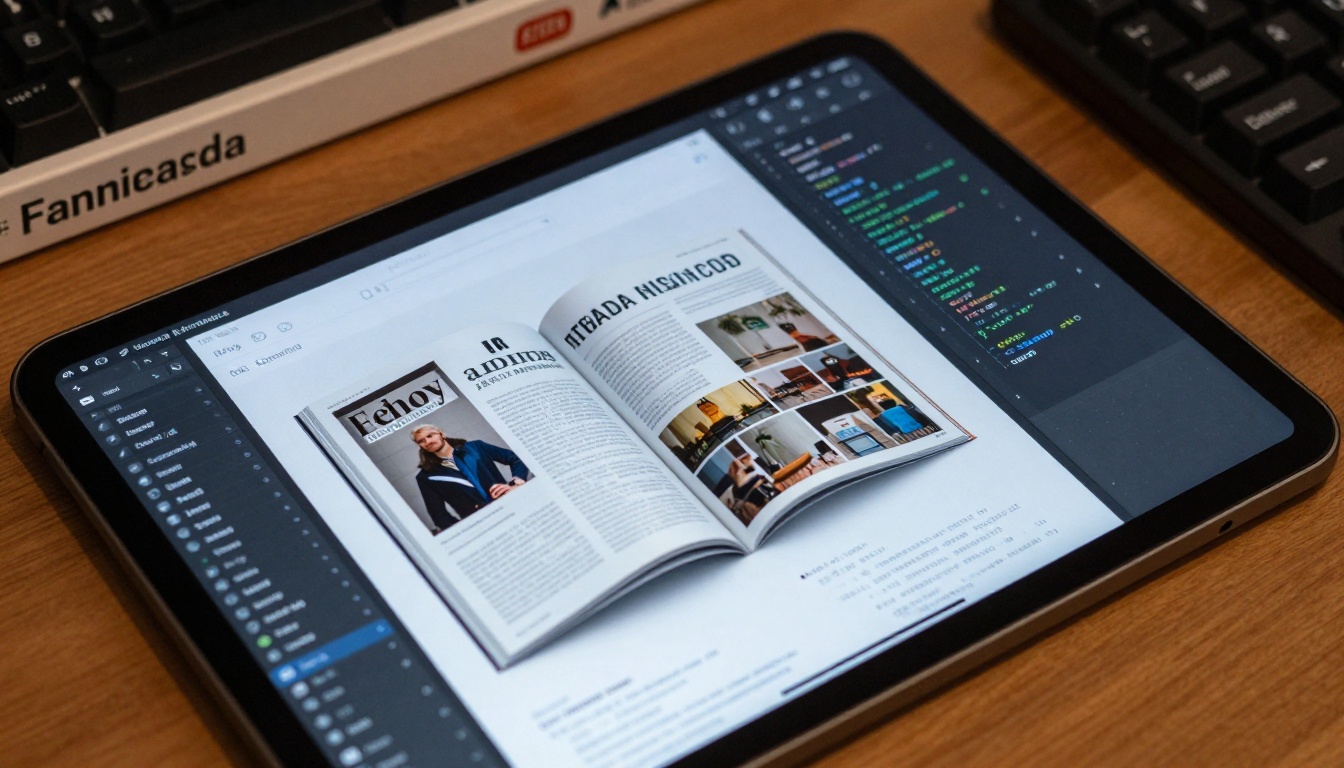
Detailed guide showing exactly how to transform static PDF documents into engaging interactive flipbooks that increase audience engagement by 47%. Learn technical conversion methods, customization options, distribution strategies across websites and social media, and practical applications for business communications, education, and digital publishing.
The transformation from static PDF documents to interactive digital publications represents one of the most significant advancements in content delivery. When you convert PDF files into animated flipbooks, you're not just changing formats—you're fundamentally altering how audiences consume information. The tactile experience of flipping through pages, combined with modern digital enhancements, creates content that people actually want to engage with rather than merely scan.
Why Static PDFs Fall Short for Modern Audiences
PDFs served their purpose in the early digital era as reliable containers for formatted documents. They preserved layout integrity across different devices and operating systems, which was revolutionary at the time. But today's audiences have different expectations. They want content that feels alive, interactive, and responsive to their engagement patterns.
💡 The Engagement Gap: Research shows interactive content receives 47% more engagement than static documents. People spend 2-3 times longer with animated publications versus traditional PDFs.
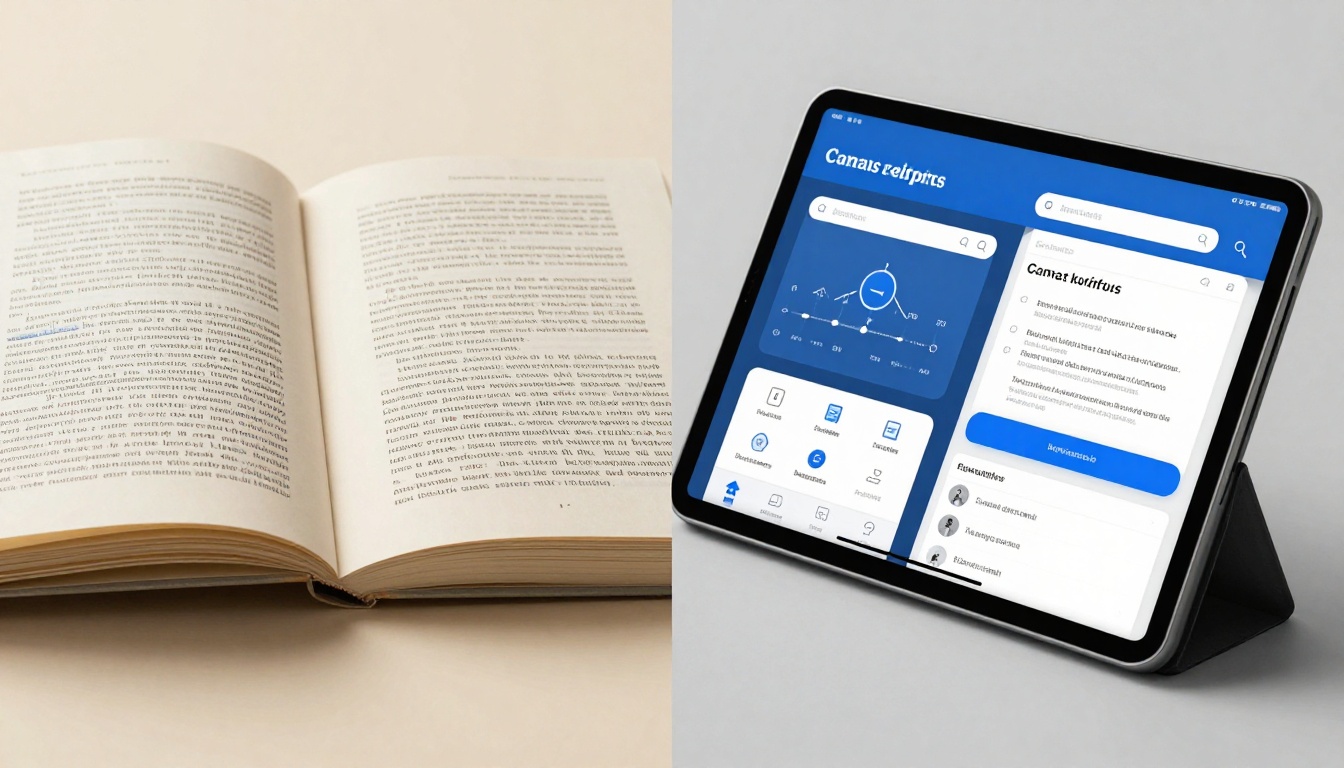
The limitations of PDFs become apparent when you examine user behavior:
PDF Experience
Flipbook Experience
Linear scrolling
Natural page-turning
Fixed zoom levels
Smooth magnification
No animation
Realistic page transitions
Basic navigation
Interactive table of contents
Single-file download
Embedded web viewing
Limited analytics
Detailed engagement tracking
The Technical Foundation: How PDF to Flipbook Conversion Works
At its core, the conversion process involves deconstructing the PDF's structured content and reconstructing it as an interactive web publication. Modern conversion engines analyze PDF elements with impressive precision:
Layout Analysis: The system identifies text blocks, images, tables, and graphical elements, preserving their spatial relationships while preparing them for responsive display.
Content Extraction: Text is extracted with formatting intact—fonts, sizes, colors, and alignment are maintained. Images are optimized for web delivery without sacrificing quality.
Structure Mapping: Hierarchical elements like headings, paragraphs, and lists are mapped to HTML equivalents, creating semantic structure that benefits both accessibility and SEO.
Interactive Layer: Navigation systems, page transitions, and interactive elements are added as an overlay that works seamlessly across devices.
💡 Quality Preservation: High-end conversion systems maintain vector graphics quality and font rendering fidelity, ensuring your content looks exactly as intended across all viewing environments.
Creating Flipbooks with Modern Publishing Platforms
The process of transforming PDFs into flipbooks has become remarkably accessible through specialized platforms. These services handle the technical complexities while providing intuitive interfaces for customization and distribution.
Uploading Your PDF Documents
The journey begins with your source documents. Whether you're working with product catalogs, annual reports, training manuals, or marketing materials, the upload process follows a consistent pattern:
File Preparation Checklist:
Resolution: Ensure images are at least 300 DPI for print-quality results
File Size: Most platforms handle up to 100MB per document
Format Compatibility: Standard PDF/A format ensures maximum compatibility
Security: Remove password protection before upload for automated processing
Embedded Elements: Verify fonts and graphics are properly embedded
Conversion Settings That Matter
After uploading, you'll encounter configuration options that dramatically affect the final result:
Visual Quality Settings:
Resolution Scaling: Choose between mobile-optimized and high-fidelity output
Image Compression: Balance file size against visual quality
Text Recognition: Enable OCR for scanned documents without searchable text
Layout Preservation: Maintain exact positioning or enable responsive reflow
Navigation Configuration:
Page Turning Style: Select from realistic curl, slide, fade, or 3D effects
Table of Contents: Automatically generate from PDF headings or create custom
Search Functionality: Enable full-text search within the flipbook
Bookmark System: Allow readers to save positions and return later
💡 Performance Optimization: Enable lazy loading for faster initial display—pages load as readers navigate rather than all at once, improving experience on slower connections.
Customization: Making Your Flipbook Unique
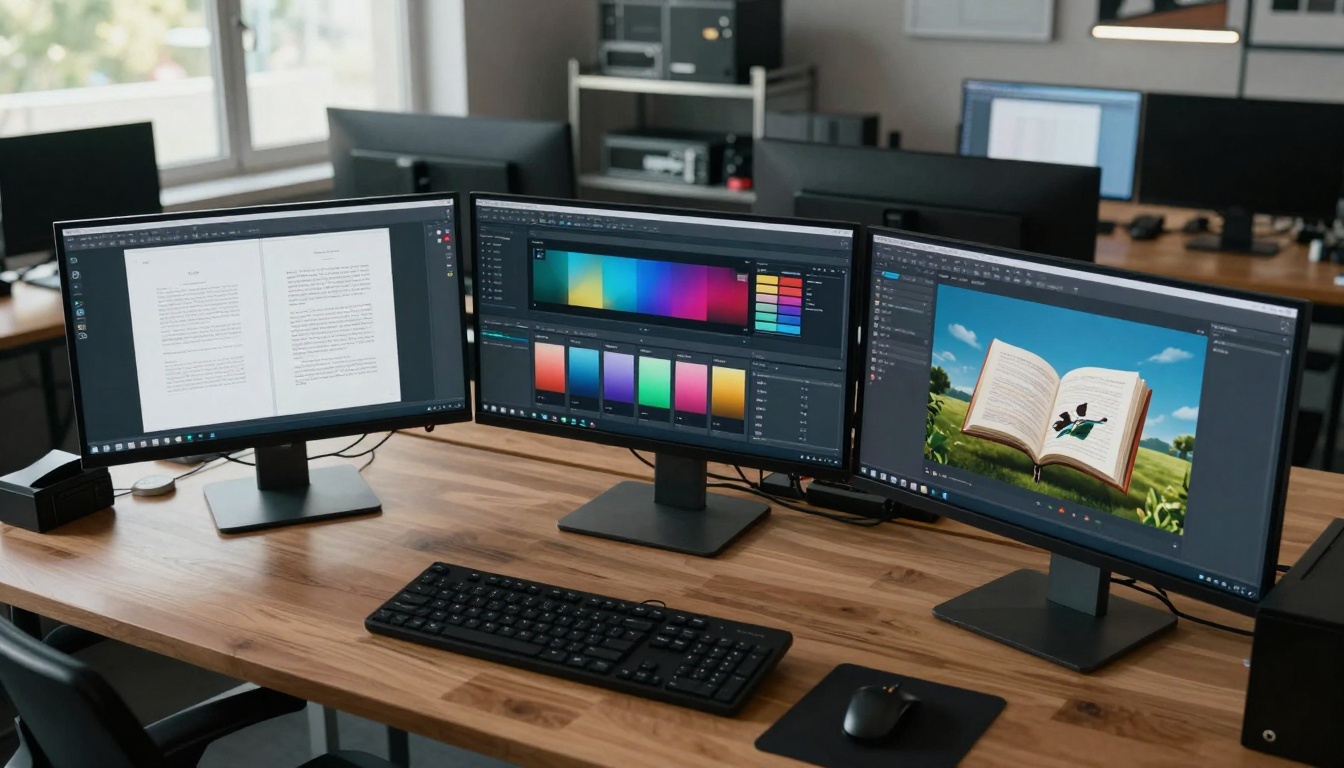
The real magic happens during the customization phase. This is where static content transforms into engaging experiences that reflect your brand identity and communication goals.
Design and Branding Options
Theme Selection:
Pre-built Templates: Choose from professional designs for different content types
Color Schemes: Apply brand colors across navigation, backgrounds, and interface elements
Typography: Select from web-safe fonts or upload custom brand fonts
Backgrounds: Add textures, patterns, or branded imagery behind content
Interactive Elements:
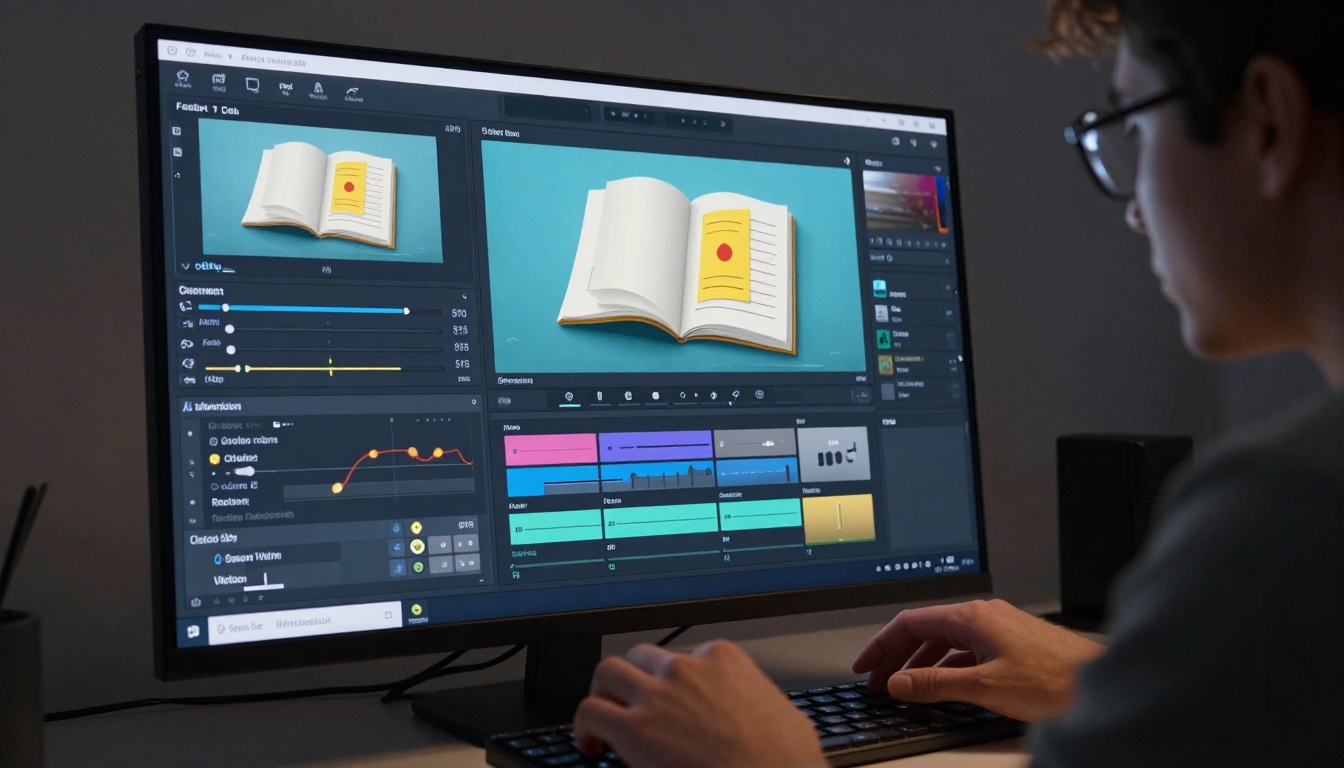
Hotspots: Create clickable areas that reveal additional information
Multimedia Embedding: Insert videos, audio clips, or interactive forms
Links and Actions: Connect pages internally or to external resources
Animation Effects: Add subtle motion to key visual elements
How to Create Interactive Flipbooks with Modern Platforms
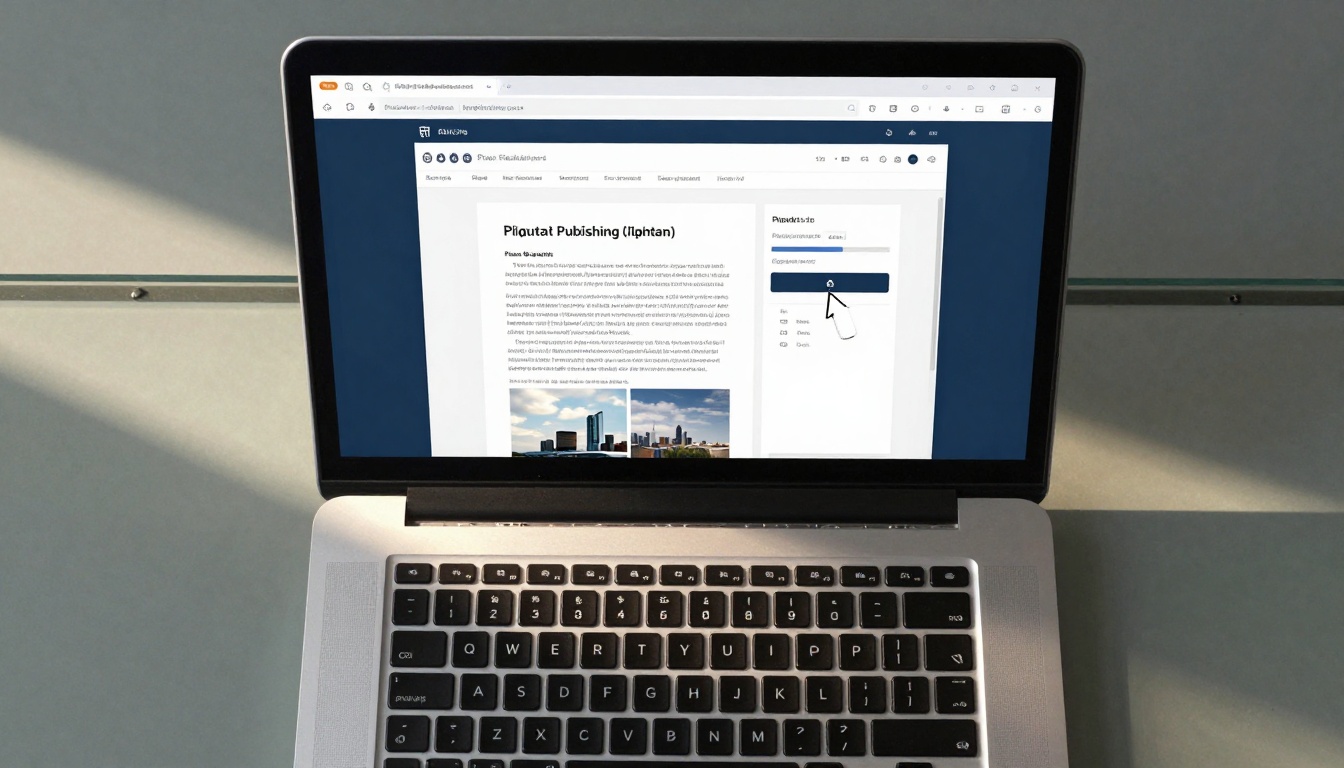
Platforms like Flipbooks AI streamline the entire process from PDF upload to publication. The workflow follows these clear steps:
Visit the Platform: Navigate to the website where you'll create your flipbook
Upload Your PDF: Drag and drop your document or use the file browser
Configure Settings: Choose your preferred display options and navigation style
Customize Appearance: Apply your branding and design preferences
Preview and Test: Review how the flipbook behaves on different devices
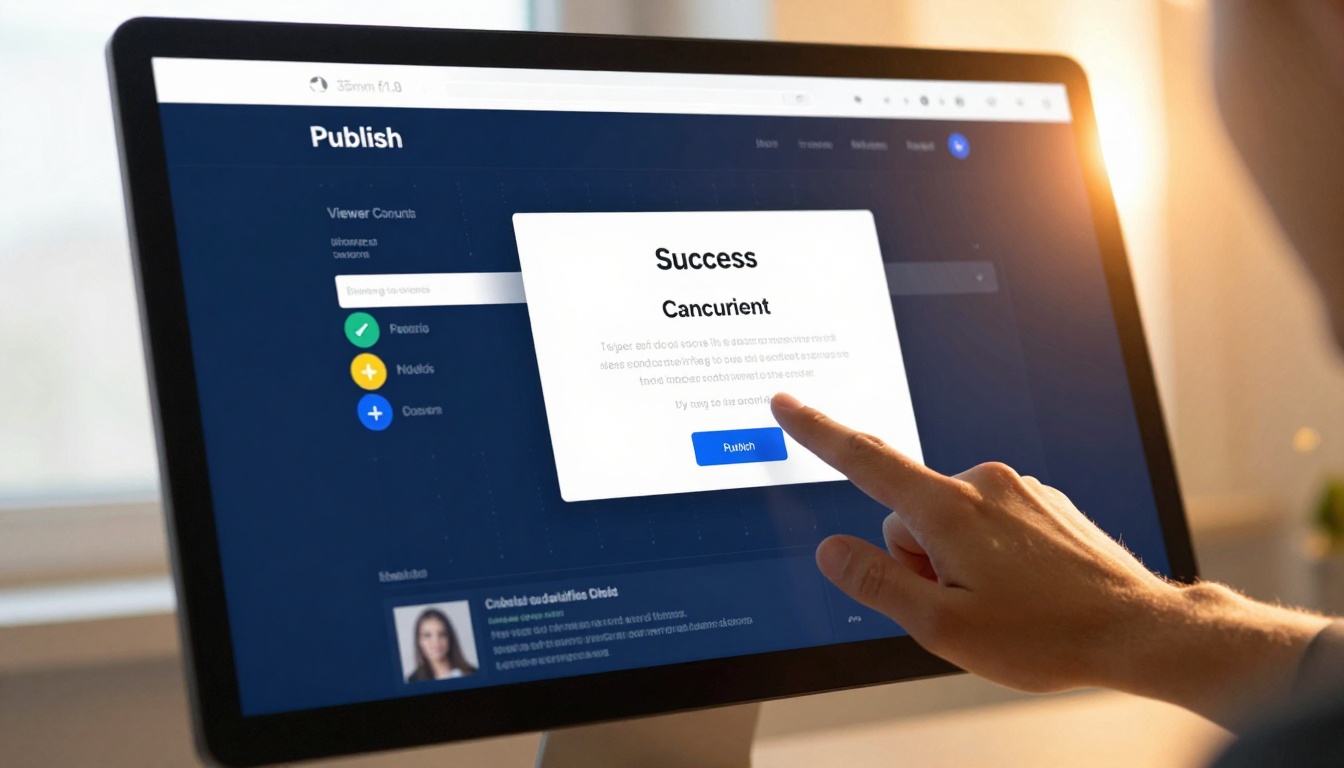
Publish and Share: Make your creation available to your audience
💡 Platform Features: Modern services offer real-time previews, collaboration tools for team projects, and version control to manage different iterations of your publications.
Distribution and Engagement Strategies
Creating the flipbook is only half the battle—effective distribution determines its success. The digital nature of flipbooks opens multiple distribution channels that PDFs simply can't match.
Embedding on Websites and Blogs
The most common deployment method involves embedding flipbooks directly into existing web properties:
Mobile Optimization: Ensure proper scaling on smartphones and tablets
Loading Performance: Implement progressive loading for better speed scores
Accessibility: Include proper ARIA labels and keyboard navigation support
SEO Benefits: Search engines index flipbook content when properly embedded
Social Media and Direct Sharing
Flipbooks shine in social environments where visual engagement drives sharing:
Platform-Specific Strategies:
LinkedIn: Ideal for business reports, white papers, and corporate communications
Instagram: Visual catalogs and lookbooks perform exceptionally well
Facebook: Community announcements and event programs gain traction
Twitter: Executive summaries and quick-reference guides work effectively
Share Features to Enable:
Direct Links: Simple URLs for email and messaging apps
Social Buttons: One-click sharing to major platforms
Embed Codes: Allow others to display your content on their sites
Download Options: Provide offline access when appropriate
Business Applications and Use Cases
The practical applications of PDF-to-flipbook conversion span virtually every industry and organizational function.
Corporate Communications
Internal Documentation:
Employee Handbooks: Transform static PDFs into searchable, engaging resources
Training Materials: Create interactive learning experiences with embedded quizzes
Policy Manuals: Make compliance documents more accessible and referenceable
Annual Reports: Share financial results with compelling visual presentation
External Communications:
Product Catalogs: Showcase offerings with realistic page-turning experience
Brochures and Flyers: Digital versions that feel tactile and premium
Case Studies: Present success stories with multimedia enhancements
Press Kits: Media materials that journalists actually engage with
Educational and Publishing Applications
Academic Institutions:
Textbooks: Make learning materials more engaging for digital-native students
Research Papers: Present findings with interactive data visualizations
Course Syllabi: Create living documents that can be updated throughout terms
Alumni Publications: Connect graduates with compelling institutional storytelling
Traditional Publishers:
Magazines: Maintain print aesthetic while adding digital functionality
Books: Create sample chapters that showcase full publications
Newsletters: Transform email attachments into immersive experiences
Portfolios: Artists and photographers can present work professionally
Technical Considerations and Best Practices
While the conversion process handles most technical complexities, understanding key considerations ensures optimal results.
File Preparation Guidelines
Before You Convert:
Clean Your Source: Remove unnecessary elements, optimize images, and fix formatting issues
Standardize Layout: Ensure consistent margins, spacing, and alignment throughout
Check Accessibility: Add alt text to images and proper heading structure
Test on Multiple Devices: View the PDF on phones, tablets, and computers first
Conversion Settings That Impact Results:
Image Quality: Higher settings produce larger files but better visual fidelity
Text Recognition: Essential for scanned documents, optional for native digital PDFs
Navigation Depth: More detailed table of contents improves usability but adds complexity
Interactive Features: Balance engagement against potential performance impact
💡 Mobile-First Strategy: Design for small screens first, then enhance for larger displays. Mobile users represent the majority of digital content consumers.
Performance Optimization
Loading Speed Strategies:
Progressive Loading: Only load visible pages initially
Image Compression: WebP format provides better compression than JPEG/PNG
Code Minification: Reduce JavaScript and CSS file sizes
Caching Implementation: Leverage browser and CDN caching for repeat visitors
Cross-Device Compatibility:
Touch Interaction: Ensure page-turning works with swipe gestures
Keyboard Navigation: Support arrow keys and other keyboard controls
Screen Reader Support: Implement proper semantic HTML structure
Print Functionality: Allow readers to export or print specific pages
Analytics and Measurement
One of the most compelling advantages of flipbooks over PDFs is the ability to measure engagement in detail.
Tracking What Matters:
Page Views: Which sections receive the most attention
Time Spent: How long readers engage with specific content
Navigation Patterns: How people move through the publication
Interaction Rates: Which hotspots and links generate clicks
Device Breakdown: What platforms people use to access content
Using Data to Improve:
Content Optimization: Expand popular sections, revise less-engaging areas
Format Adjustments: Modify navigation based on usage patterns
Distribution Strategy: Focus on channels that drive quality engagement
Update Planning: Identify when content needs refreshing or expansion
Getting Started with Your First Conversion
The transition from PDFs to flipbooks requires minimal technical expertise but delivers maximum impact. Here's a practical roadmap for your first project:
Week 1: Planning and Preparation
Select Your Document: Choose a PDF that would benefit from interactive enhancement
Define Objectives: What specific outcomes do you want from the conversion?
Gather Assets: Collect brand elements, supplementary media, and related content
Set Metrics: Determine how you'll measure success
Week 2: Platform Exploration
Research Options: Evaluate different conversion services and platforms
Test with Samples: Upload test documents to understand capabilities
Learn Interface: Familiarize yourself with customization tools
Review Examples: Study successful implementations in your industry
Week 3: First Conversion Project
Upload and Convert: Process your chosen PDF document
Customize Appearance: Apply branding and design preferences
Test Thoroughly: View on multiple devices and gather feedback
Refine Based on Input: Make adjustments before final publication
Week 4: Distribution and Analysis
Deploy Strategically: Share through appropriate channels
Monitor Engagement: Track how audiences interact with content
Gather Feedback: Collect qualitative responses from users
Plan Next Phase: Identify additional documents for conversion
💡 Start Small, Scale Smart: Begin with one strategic document, learn from the experience, then expand to additional publications. This approach minimizes risk while maximizing learning.
The shift from static PDF distribution to interactive flipbook presentation represents more than just a format change—it's a fundamental rethinking of how we deliver information in the digital age. When documents become experiences, audiences engage differently, remember more, and act with greater intention.
The technical barriers have disappeared, replaced by intuitive platforms that handle complexity while providing creative control. The question is no longer whether you can convert PDFs to flipbooks, but which documents you'll transform first to create more meaningful connections with your audience.
Next Steps for Your Content Transformation:
Consider which PDF documents in your current inventory would benefit most from this interactive treatment. Marketing materials often see immediate engagement improvements, while training documents become more effective learning tools. Business reports transform from compliance documents to strategic communication assets.
The process begins with a simple upload, progresses through thoughtful customization, and culminates in distribution through channels that match your audience's preferences. Each converted document represents an opportunity to communicate more effectively, engage more deeply, and achieve your communication objectives with greater impact.