Turning a static PDF into an interactive digital publication used to require expensive software, a design background, or days waiting for a developer. That is no longer the case. With the right tool, anyone can create a flipbook from a PDF in minutes, complete with smooth page-turn animations, custom branding, and shareable links. This article walks through everything: why flipbooks outperform flat PDFs, what to prepare, the exact steps to convert, and how Flipbooks AI makes the whole process faster than you expect.
Why PDF Flipbooks Beat Static Documents
PDFs were built for printing. They work well when someone is sitting at a desk ready to scroll through a document vertically. Online, that experience falls apart fast.
The Problem with Plain PDFs
A standard PDF shared via a link forces readers to download the file, open it in a separate application, and navigate it in a format never designed for screens. On mobile the experience is even worse: pinching, zooming, and losing your place in a single-column scroll. Drop rates on PDF content are high, and for good reason.
Beyond usability, plain PDFs carry zero interactivity. No embedded video. No clickable navigation. No analytics to tell you which pages people actually read. You send it into the void and hope for the best.
What a Flipbook Changes
An interactive flipbook replicates the physical sensation of turning pages, in a browser, on any device. Pages curl realistically. Navigation feels natural. Readers stay attentive longer because the format respects the way human attention actually works: visually, with momentum.
Add the ability to embed videos, add audio, password-protect content, and track reader behavior, and you are looking at a fundamentally different type of document. A flipbook is a content experience, not just a file.
What to Prepare Before Converting
Before uploading anything, getting these details right saves time later and ensures the best possible output quality.
PDF Quality Matters
The output quality of your flipbook is only as good as your source PDF. Scanned images at 72dpi will look soft. Text rendered as an image rather than actual selectable text will not be searchable inside the flipbook. For best results:
- Export your PDF at 300dpi or higher
- Use actual text layers, not scanned images of text
- Embed all fonts before exporting
- Keep file size under 200MB for smooth, fast uploads
- Use standard page sizes (A4 or US Letter) for consistent rendering
Choose the Right File
Not every PDF is a good flipbook candidate. The format shines when applied to visually rich, multi-page documents meant to be browsed rather than filled out.
| Document Type | Why It Works as a Flipbook |
|---|
| Product catalogs | Page-by-page browsing mirrors physical catalog behavior |
| Magazines and newsletters | Multi-column layouts benefit from page-turn navigation |
| Company brochures | Branding feels polished and is easy to share via link |
| Restaurant menus | Mobile-friendly, always up-to-date without reprinting |
| Real estate listings | Photos and floor plans together in one shareable link |
| Training manuals | Chapter navigation, searchable, and trackable by page |
| Annual reports | Professional presentation with reader analytics |
| Event programs | Instantly shareable without any print costs |
If your document is a single-page form or a dense technical specification, a flipbook may not add much. For everything else, the format is almost always an improvement over a flat PDF.
How to Convert Your PDF to a Flipbook (Step by Step)
Flipbooks AI handles the full process from upload to published link without any software installation or technical setup. Here is exactly how it works.
Step 1: Create Your Account
Go to flipbooksai.com/account and sign up. The process takes about 60 seconds with no credit card required to start. Once inside your dashboard, you will see the option to create a new flipbook.
Step 2: Upload Your PDF
Drag your PDF directly into the upload area, or click to browse your files and select it. Flipbooks AI processes the file immediately, converting each page into high-resolution images with page-turn physics applied automatically.
For most PDFs under 50MB, processing takes under 30 seconds. Larger files run in the background so you can move on to customization while the upload completes.
💡 If your PDF has hundreds of pages, consider splitting it into chapters before uploading to create multiple shorter flipbooks. This works well for magazine archives and chapter-based training materials.
Step 3: Customize Your Flipbook
This is where most people spend the most time, and for good reason. The customization panel puts full visual control in your hands without requiring any design experience.
Options include:
- Branding: Upload your logo, set brand colors, and choose from multiple font families
- Background: Solid colors, gradient fills, or custom image backgrounds
- Page effects: Adjust page-turn speed, shadow intensity, and flip animation style
- Opening page: Set a specific PDF page as the front or upload a custom opening image
- Navigation: Add a table of contents, enable in-flipbook search, or set auto-advance timing for presentations
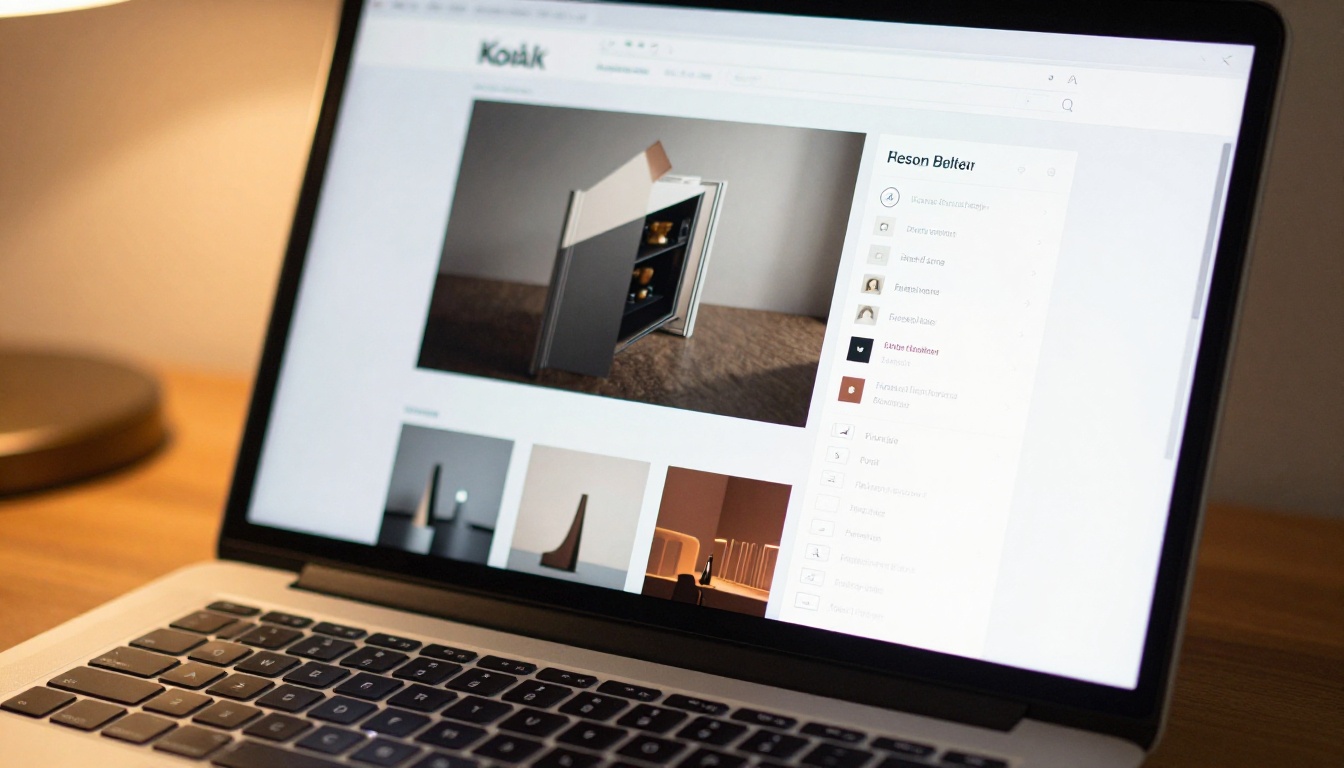
✅ Match your flipbook branding to your existing website or brand identity. Consistent colors and logo placement makes the flipbook feel like a native part of your product rather than an external document someone just emailed you.
Step 4: Add Multimedia
Flipbooks AI supports embedding directly within any page of your flipbook. This is where static PDFs simply cannot compete:
- Videos: Paste a YouTube or Vimeo URL to embed video on any page
- Audio: Background music or narration that plays as readers flip through
- Clickable links: Phone numbers, email addresses, and URLs become tappable hotspots
For catalogs and portfolios, a product demo video sitting on the same page as the product description creates a far more persuasive experience than anything a static PDF can deliver.
Step 5: Publish and Share
Once you are satisfied with the preview, click Publish. Flipbooks AI generates three things instantly:
- A direct shareable link you can post anywhere, on social media, in email, or in a chat
- An embed code to place the flipbook directly on your website without any plugin
- A QR code for print materials that links directly to the digital version

💡 Replace PDF download links on your website with the embed code. Instead of forcing visitors to download a file, the flipbook opens directly in their browser on any device, with no plugins required.
Flipbooks AI Features That Speed Things Up
Not all PDF-to-flipbook tools work the same way. Here is what separates Flipbooks AI from alternatives.
No Watermarks, Ever
Many free tools stamp their branding on every page of your flipbook. Flipbooks AI does not do this on any paid plan. Your content stays yours, with no third-party logos undermining your brand presentation.
Unlimited Flipbooks on Standard Plan
Some platforms cap how many active flipbooks you can have. The Standard plan on Flipbooks AI removes that restriction entirely, which matters for agencies, publishers, and teams that produce a high volume of content.
Password Protection
Need to share a confidential report with selected stakeholders? Password protection lets you control exactly who sees your flipbook. Set a password at publishing, share the link and password separately, and only authorized viewers get in. This feature is available on Standard and Professional plans.
Analytics and Lead Generation
On the Professional plan, you get page-level analytics: how long readers spent on each page, where the highest drop-off happened, and which call-to-action buttons got clicked. Pair that with the lead generation form feature, which collects name and email before readers access the flipbook, and you have a content asset that actively builds your audience.
Offline Downloads
Readers can download a packaged version of your flipbook for offline viewing without it reverting to a flat PDF. The offline version preserves the page-turn experience and all embedded links.
Who Uses PDF Flipbooks (Real-World Cases)
The range of industries using PDF-to-flipbook conversion is wider than most people initially assume.
Retail and E-Commerce
A product catalog flipbook replaces the PDF download with something customers actually want to browse. The Product Catalog tool is built specifically for this use case, with layouts optimized for product imagery, pricing columns, and call-to-action buttons on each spread. Fashion brands use the Fashion Catalog tool to create seasonal lookbooks that perform on social media and in email campaigns.
Hospitality

Restaurants, hotels, and spas use flipbooks to replace printed menus and brochures. The Restaurant Menu Creator makes it easy to build a branded menu flipbook that staff can update instantly when prices or items change, without reprinting anything. Hotels use the Hotel Brochure tool for room descriptions, amenities guides, and local area information.
Real Estate

Property listings and neighborhood reports convert exceptionally well into flipbooks. Agents using the Real Estate Brochure tool can include floor plan PDFs, photo spreads, and embedded video walkthroughs all in one shareable link that works on any device.
Education and Training
Corporate training departments and educators use flipbooks for course materials, employee handbooks, and onboarding documents. The Training Manual Flipbook and Course Material Publisher tools are purpose-built for structured, chapter-based content with clean page navigation.
Publishing and Media
Independent publishers and content teams use Flipbooks AI to produce e-magazines and newsletter flipbooks that readers can share naturally. The format is significantly more shareable than a PDF because anyone can view it in a browser without downloading a single file.
Portfolios and Creative Work
Photographers, designers, and agencies use the Digital Portfolio Creator to present work in a format that respects the visual quality of their output. A photography portfolio in flipbook format delivers a dramatically stronger impression than a static PDF gallery and is far easier to share with prospective clients.
Comparing Plans at a Glance
Choosing the right plan depends on how many flipbooks you need and which features matter most for your use case.
| Feature | Free | Standard | Professional |
|---|
| Flipbooks | 3 | Unlimited | Unlimited |
| Watermark | Yes | No | No |
| Custom branding | No | Yes | Yes |
| Password protection | No | Yes | Yes |
| Video embeds | No | Yes | Yes |
| Page-level analytics | No | No | Yes |
| Lead generation forms | No | No | Yes |
| Offline downloads | No | Yes | Yes |
| Custom domain | No | No | Yes |
For individuals testing the format, Free works fine. For anyone publishing flipbooks regularly and needing full branding control, Standard is the practical minimum. Professional is the right choice for sales teams, publishers, and anyone running content-driven lead generation.
See the full breakdown at flipbooksai.com/pricing.
Common Questions About PDF Flipbooks
Does the PDF need special formatting?
No. Any standard PDF works. If your PDF was designed for print with bleed margins and CMYK color, the flipbook engine handles the conversion automatically and renders in RGB for screen display.
Can I update the flipbook after publishing?
Yes. Uploading a new version of your PDF replaces the content while keeping your customization settings and your existing share link intact. Anyone who has bookmarked or embedded your flipbook sees the updated version the moment you publish.
Will it work on mobile?
Flipbooks created on Flipbooks AI are fully mobile-responsive. On touchscreens, readers swipe to turn pages. The layout adapts to portrait and landscape orientation automatically, with no pinching or zooming required.
Is there a page limit?
There is no hard page limit. Very large documents with 500 or more pages may take slightly longer to process but will publish successfully. The flipbook engine handles long-form documents without quality loss.
Can I make a flipbook completely private?
Yes. Password protection is available on Standard and Professional plans. You can also publish a flipbook as completely unlisted so it does not appear in any public index and is accessible only by direct link, making it suitable for internal documents, board reports, or sensitive client materials.
⚠️ Always preview your flipbook on both desktop and mobile before sharing it publicly. A one-minute preview catches layout issues that are much harder to fix after distribution.
What You Can Build in Under Five Minutes
The honest answer to "how long does this take" is: your first flipbook, from PDF upload to published shareable link, takes most people between three and eight minutes. Customization adds time if you want pixel-perfect branding, but the default output looks professional immediately.
Here is a quick reference for the most common use cases and the specific tools that match them:
Browse the full library at flipbooksai.com/tools to find the template built for your specific content type.
Start Publishing Smarter Today
Static PDFs served their purpose for a different era of document sharing. For anything meant to be read, shared, or acted upon online, a flipbook delivers a measurably better experience for your readers and more useful data for you.
The process takes minutes. Upload your PDF to Flipbooks AI, set your branding, and publish. Your first flipbook can be live and shareable before your next coffee break, with no technical skills, no software to install, and no design experience required.
Ready to see what your documents look like as interactive flipbooks? Create your first flipbook for free and see the difference for yourself. When you are ready for unlimited flipbooks, advanced analytics, and lead generation, compare the pricing plans to find the right fit for your needs.



