You just made a great PDF. Now what? Most people immediately hit the same wall: they look up "flipbook software," find a dozen tools that require downloads, accounts with desktop apps, or worse, a 500MB installer for something they might use once. The good news? You don't need any of that. Creating a stunning digital flipbook today is entirely browser-based, and Flipbooks AI makes it happen in minutes without touching your system's storage.
Why Desktop Software Is a Thing of the Past

The old way of creating digital publications involved licensing expensive desktop software, waiting through lengthy installations, and dealing with updates that broke your workflow. That model made sense in 2005. It doesn't in 2026.
The Real Problem with Installations
Desktop flipbook software comes with a familiar set of headaches:
- Compatibility issues: Windows-only tools won't run on macOS, and vice versa.
- Storage bloat: Many professional tools require 1-5GB just to install.
- Version lock: Files created in one version often won't open in another.
- No collaboration: Sharing work means exporting, compressing, and emailing files back and forth.
- IT restrictions: Many workplaces and schools block software installations entirely.
Browser-based tools eliminate every single one of these pain points. You open a tab, upload your PDF, and you're done.
What You Actually Need
The entire stack for creating a professional flipbook without installing anything:
| Requirement | What You Need |
|---|
| Device | Any computer, tablet, or smartphone |
| Software | A modern web browser (Chrome, Firefox, Safari, Edge) |
| File | A PDF document |
| Account | Free account on an online flipbook platform |
| Time | 5-10 minutes for a basic flipbook |
That's it. No plugins, no Java, no Flash, no extensions.
Best Online Flipbook Makers Compared
Not all browser-based flipbook tools are equal. Some are simple converters. Others are full publishing platforms. Here's a straight comparison of what matters:
| Feature | Basic Free Tools | Mid-Tier Tools | Flipbooks AI |
|---|
| No installation required | ✅ | ✅ | ✅ |
| No watermarks | ❌ | Sometimes | ✅ Always |
| Custom branding | ❌ | ✅ | ✅ |
| Unlimited flipbooks | ❌ | ❌ | ✅ (Standard+) |
| Password protection | ❌ | ❌ | ✅ |
| Analytics dashboard | ❌ | ❌ | ✅ (Professional) |
| Video and audio embedding | ❌ | ❌ | ✅ |
| Mobile-responsive | Partial | ✅ | ✅ |
| Offline download | ❌ | ❌ | ✅ |
| Lead generation tools | ❌ | ❌ | ✅ (Professional) |
💡 Free tools that add watermarks to your flipbooks are a problem for professional use. Always check the watermark policy before committing to a platform.
What to Look for in a Tool
When choosing a browser-based flipbook creator, these criteria separate the serious platforms from the quick converters:
- Page-flip quality: Does the animation look smooth and realistic, or choppy?
- PDF fidelity: Are fonts, images, and layouts preserved exactly?
- Sharing options: Can you embed it on your site, share a direct link, or send a QR code?
- Mobile behavior: Does it adapt correctly on phones without pinching and zooming?
- Brand control: Can you remove platform branding and add your own logo?
How to Build Your Flipbook in 5 Steps
Flipbooks AI is built specifically for browser-based creation, zero installation required. Here's exactly how to go from PDF to published flipbook:
Step 1: Create your free account
Head to flipbooksai.com/account and sign up. The free tier is functional and gets you started immediately, no credit card required.
Step 2: Upload your PDF
Once inside the dashboard, click the upload button and select your PDF. The PDF to Flipbook Converter handles the conversion automatically, preserving your fonts, layouts, and embedded images. Files up to several hundred pages convert in under a minute.
Step 3: Customize your flipbook
This is where your document stops looking like a static PDF and starts feeling like a real publication:
- Set your brand colors and upload your logo
- Choose from multiple page-flip animation styles
- Add a custom background (solid color, gradient, or image)
- Configure the reading direction (left-to-right or right-to-left for Arabic or Japanese content)
- Embed video or audio clips directly into specific pages
Step 4: Configure sharing and privacy
Before you publish, decide who can see it:
- Public link: Anyone with the URL can view it
- Password protected: Viewers must enter a password first
- Embedded on website: Use the Embed Flipbook on Website tool to get an iframe code you can paste into any CMS
Step 5: Publish and share
Hit publish. Your flipbook gets a unique URL you can share anywhere: email, social media, QR code, or directly embedded in a webpage. No files to send, no downloads for viewers.
✅ Test your flipbook on mobile before sharing. Open the URL on your phone to verify the page-flip experience works correctly at smaller screen sizes.
Customization That Actually Looks Professional
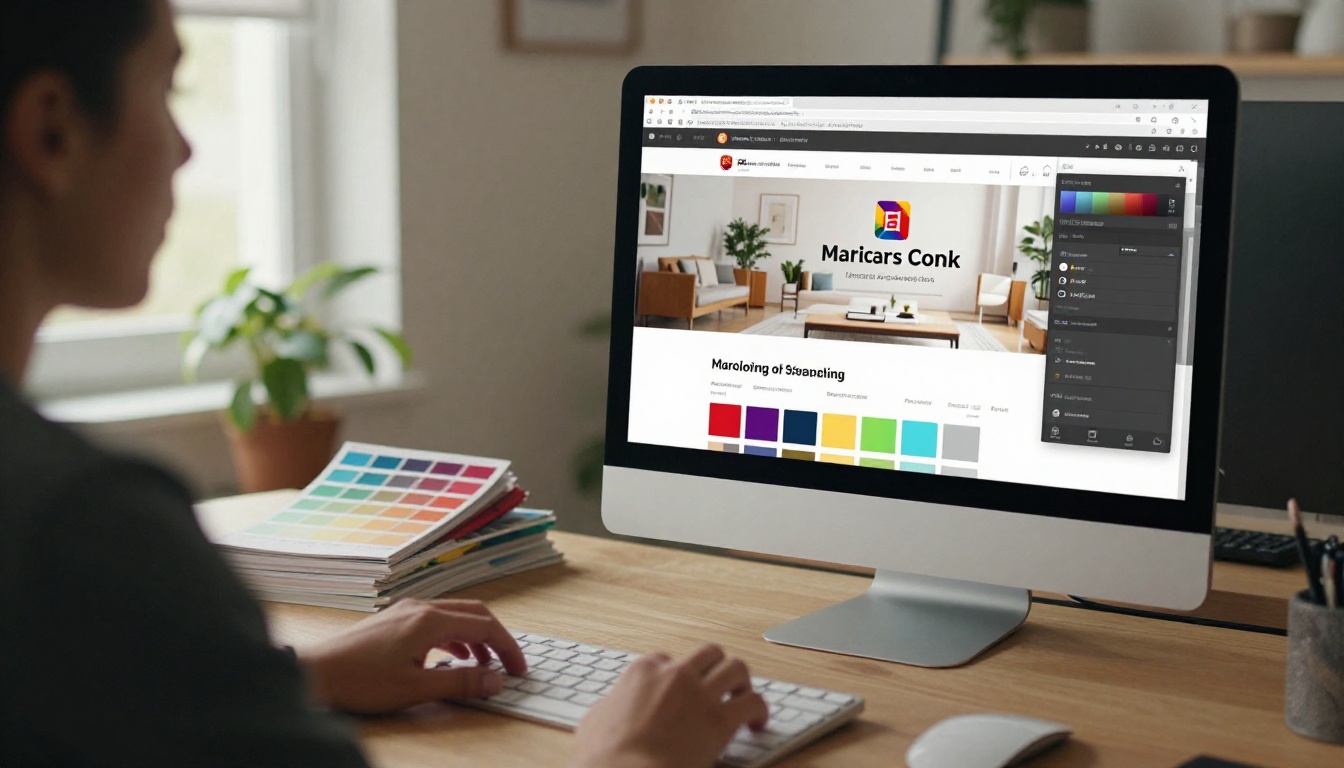
A flipbook that looks like it came from a generic converter won't impress anyone. The customization options in a proper platform are what separate a professional publication from a plain PDF in disguise.
Branding and Colors
Custom branding isn't just about logos. It's about the entire visual experience:
- Logo placement: Top-left, top-right, or centered in the viewer header
- Color scheme: Match your brand's hex codes exactly, down to the toolbar and loading screen
- Custom domain: Some plans let you serve your flipbook from your own domain name
- Viewer skin: Light, dark, or fully transparent backgrounds
For businesses especially, removing the platform's own branding and replacing it with yours is the difference between looking like a startup and looking like an established brand.
Multimedia and Interactivity
Static pages are fine. Interactive pages are better:
- Embed YouTube or Vimeo videos that play directly inside specific pages
- Add audio narration for accessibility or guided tours
- Insert clickable links that open product pages, booking forms, or external sites
- Add animated GIFs for motion without the overhead of full video
💡 Adding a video to your product catalog's hero page increases time-on-page significantly. Viewers who interact with embedded media tend to browse more pages before closing.
Publishing and Sharing Made Simple
Once your flipbook is ready, distributing it is as effortless as creating it. No exporting, no file transfers, no compatibility worries for your audience.
Embed It Anywhere
The embed feature is one of the most practical tools in any flipbook platform. You get a snippet of HTML code, paste it into your website, and the flipbook appears inline, fully interactive, without redirecting visitors away from your site.
Use cases for embedding:
- E-commerce sites: Embed a product catalog directly on a category page
- Hotel websites: Show a property brochure inline with booking options nearby
- School portals: Embed course materials or newsletters inside the student dashboard
- Event pages: Display event programs or schedules right on the RSVP page
Keep It Private
Not every flipbook is meant for the public. Password protection is critical for:
- Internal company documents: Employee handbooks, training materials, internal reports
- Client proposals: Share with only the intended recipient
- Pre-launch materials: Give early access to select people without a public URL
⚠️ If you're sharing confidential documents, always use password protection AND verify that your platform doesn't index flipbooks publicly by default. Check the privacy settings before you hit publish.
Who Uses Browser-Based Flipbooks

The range of people creating flipbooks in browsers today is wider than most realize. It's not just marketers with catalogs.
Businesses That Benefit Most
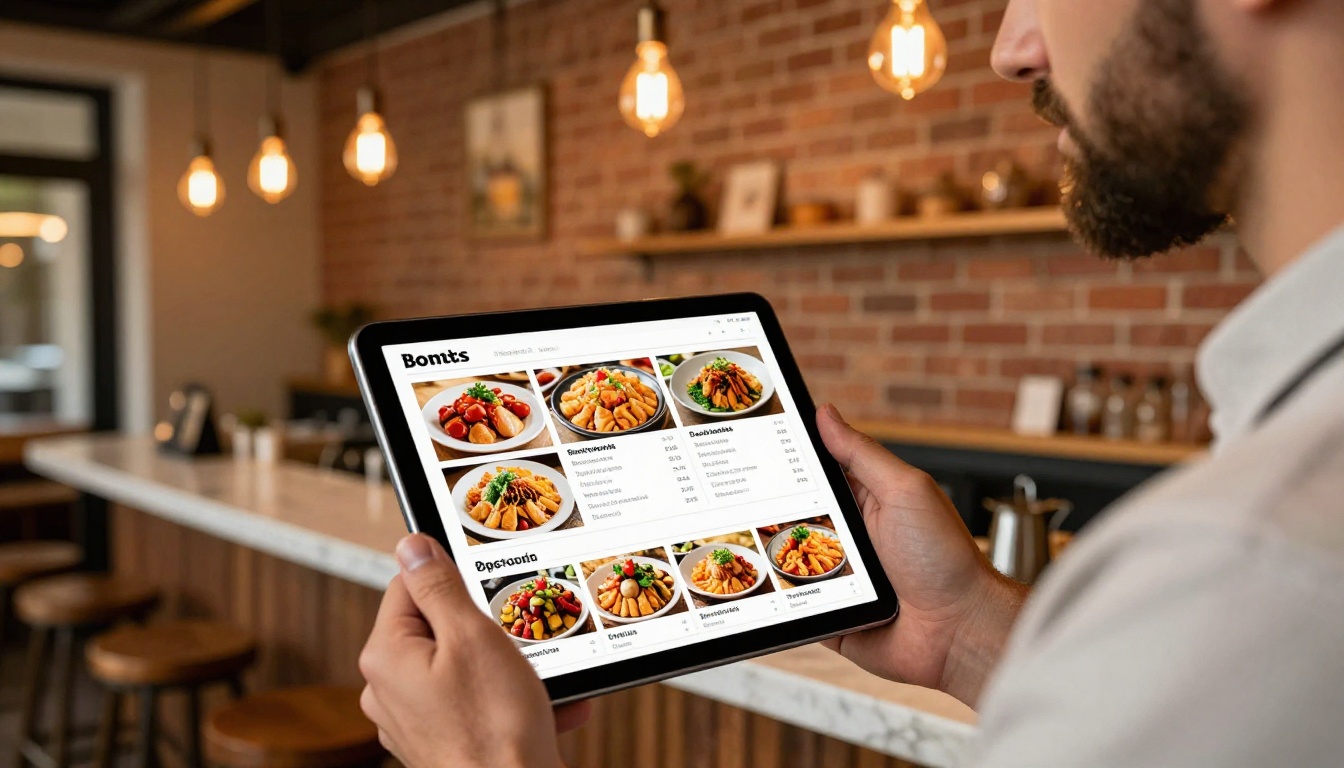
A restaurant using a paper menu spends money on printing every time the menu changes. A digital menu flipbook updates in seconds, zero cost, and every customer scanning the QR code sees the latest version immediately.
Education and Events
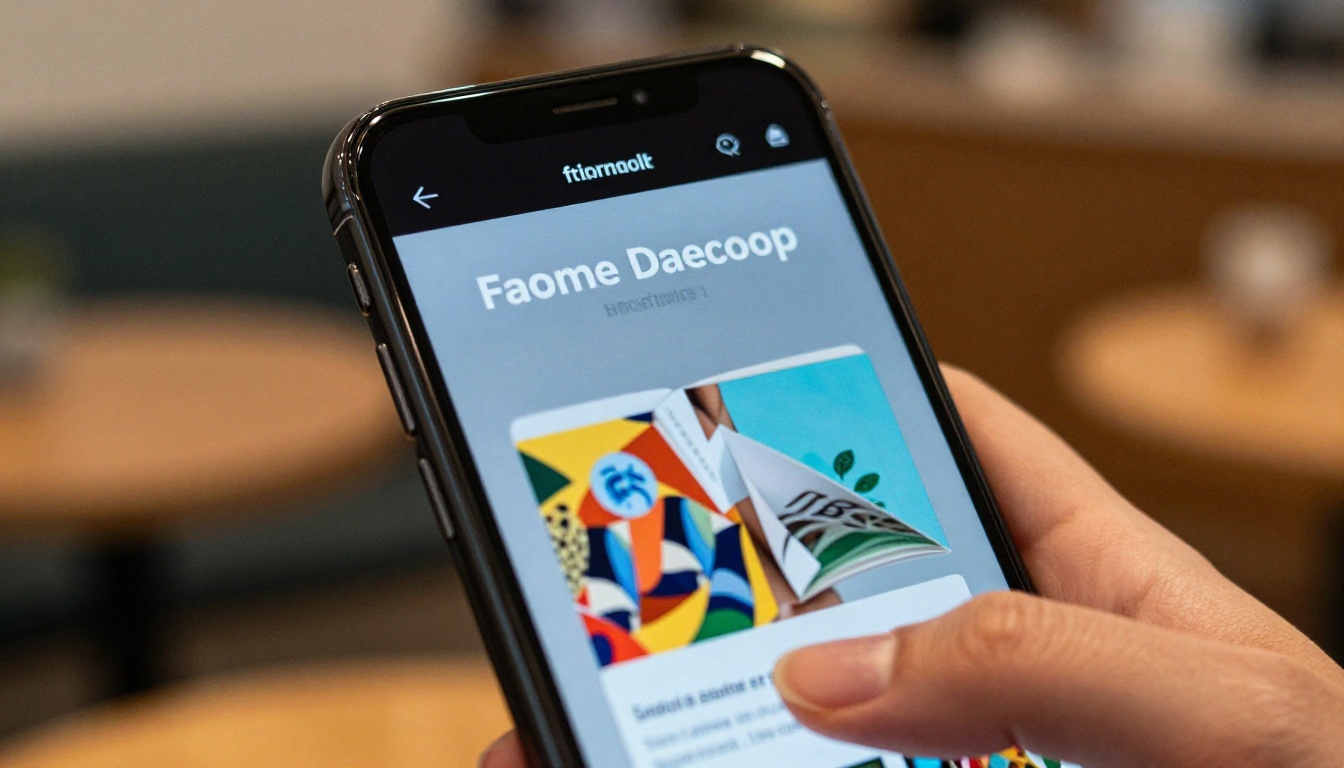
Education has become one of the biggest growth areas for digital flipbooks:
- Teachers create interactive course materials that students access on any device
- School administrators publish newsletters and yearbooks without printing costs
- Event organizers distribute programs, schedules, and sponsor materials digitally
- Training departments publish employee manuals that stay current without reprinting
The Training Manual Flipbook and Course Material Publisher tools are purpose-built for these workflows.
For events specifically, a flipbook event program eliminates last-minute printing panics. Update the schedule at midnight, and every attendee scanning the QR code on their ticket sees the new version instantly.
How It Fits Into Real Workflows

The most common workflow question is: "How does this fit into what I'm already doing?" The answer is that it slots in exactly where PDF distribution currently lives.
Before: Designer creates PDF in InDesign, exports it, emails a 40MB file to the marketing team, who forwards it to clients, who can't open it on mobile.
After: Designer exports PDF, uploads to Flipbooks AI in two minutes, shares a URL. Clients open it on any device, on any browser, without downloading anything.
For teams that already work in design tools like Canva, Adobe InDesign, or Figma, the workflow is identical. Export your PDF, upload, customize, publish. The browser-based part means anyone on the team can manage it regardless of what software they have installed.
✅ Keep a master PDF template for your publication type (catalog, brochure, report) and update only the content each time. This reduces your upload-to-publish time to under three minutes for recurring publications.
Plans, Pricing and What's Actually Free
Understanding what you get at each tier prevents surprises after you've already built your first flipbook.
| Plan | Flipbooks | Watermark | Custom Branding | Password Protection | Analytics | Offline Download |
|---|
| Free | Limited | None | Basic | No | No | No |
| Standard | Unlimited | None | Full | Yes | No | Yes |
| Professional | Unlimited | None | Full | Yes | Full | Yes |
What the free plan actually gives you: Enough to evaluate the platform, create test flipbooks, and confirm the output quality before committing. No watermarks across all plans. That alone sets Flipbooks AI apart from most competitors.
What Standard adds: Unlimited flipbooks and offline downloads, which matters when your audience sometimes views content without internet access.
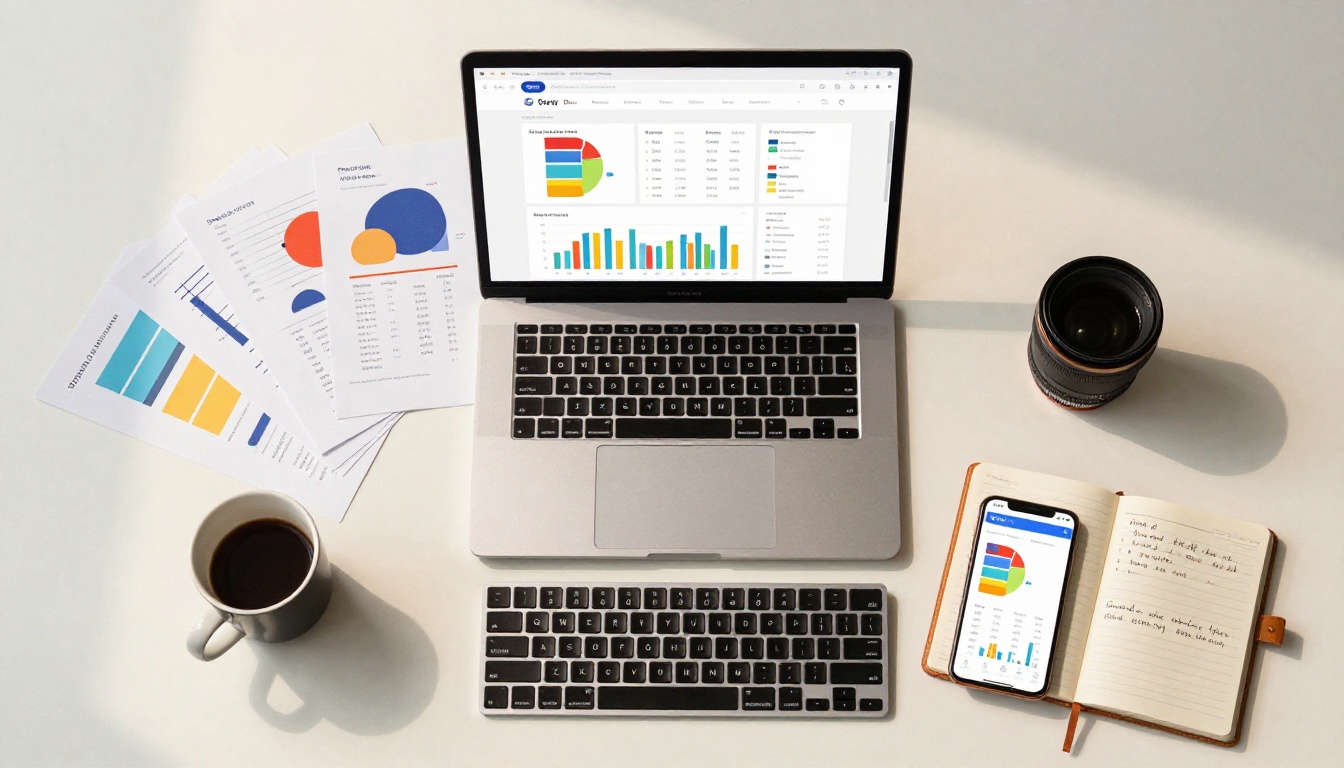
What Professional unlocks: The analytics dashboard shows you exactly which pages viewers spend time on, how long they read, where they drop off, and whether your call-to-action pages are getting seen. The lead generation tool captures viewer information directly through the flipbook interface. These features are genuinely useful for sales and marketing teams. Full details on the pricing page.
💡 If you're deciding between Standard and Professional, ask yourself: "Do I need to know if people are reading past page 3?" If yes, the analytics alone justify the Professional plan.
Your First Flipbook Is 5 Minutes Away
You've seen the tools, the process, and the use cases. There's nothing left standing between you and a published, interactive digital flipbook except the time it takes to open a browser tab.
No software to download. No installation wizard. No 45-minute setup process. Just a PDF and a browser.
Create your first flipbook for free on Flipbooks AI right now. If you already know what you're building, head straight to the tools directory to find the template that fits your use case, whether it's a restaurant menu, a corporate annual report, a fashion lookbook, or a school newsletter.
If you're still deciding on the right plan, the pricing page breaks down exactly what each tier includes. Start free, upgrade when you need more.
Browse tools built for every use case:
Your audience is on mobile. Your competitors are still emailing PDFs. The flipbook you build today is the one they'll be reading tomorrow.



