Most brands create a PDF and then wonder why nobody reads it. The file gets downloaded, opened once, and forgotten. The problem isn't the content. It's the format. Static PDFs are flat, unresponsive, and offer nothing the web doesn't already do better. Interactive PDFs change that equation entirely. With clickable links, embedded media, page-flip animations, and real-time sharing, your brand document becomes something people actually spend time with. Flipbooks AI makes this possible for free, and this article shows you exactly how.
Why Static PDFs Are Hurting Your Brand
Brands invest heavily in design. A well-crafted product catalog or company brochure can represent hundreds of hours of creative work. Then it gets exported as a static PDF and sent via email, where it competes with hundreds of other attachments for the same 30 seconds of attention.
Static PDFs have no clickable buttons, no animations, no video, and no way to track who read what. They are essentially printed pages on a screen, with all the limitations of print and none of the advantages of digital.
The Numbers Tell a Clear Story
According to content performance research, interactive content receives significantly more attention and shares than static documents. Audiences scroll further, stay longer, and return more often when content has responsive elements. For brands that use PDFs as sales tools, catalogs, or editorial publications, this gap in attention directly affects revenue.
What "Interactive" Actually Means
An interactive PDF isn't just a PDF with hyperlinks. True interactivity means:
- Page-flip animations that simulate turning a physical book
- Embedded videos and audio that play inline
- Clickable product links that send readers directly to purchase pages
- Table of contents navigation for longer documents
- Mobile responsiveness so it works on any screen
- Password protection for sensitive materials
- Analytics to see how readers interact with every page
Static vs. Interactive: The Real Difference
The simplest way to see the value is side by side. Static PDFs were designed for printing. Interactive flipbooks were designed for sharing.
| Feature | Static PDF | Interactive Flipbook |
|---|
| Page animations | None | Page-flip, slide, fade |
| Embedded video | No | Yes |
| Clickable links | Limited | Full support |
| Mobile-friendly | Often poor | Fully responsive |
| Analytics | None | Page views, clicks, time on page |
| Shareable link | Download only | Direct URL |
| Password protection | Software-dependent | Built-in |
| Search inside document | No | Yes |
| Embeddable on website | No | Yes |
This comparison makes one thing obvious: if your PDF is meant to be read online, it should be built for online from the start.
Why Format Choice Affects Perception
A brand that shares a static PDF signals "we export documents." A brand that shares an interactive flipbook signals "we build experiences." That distinction is subtle but powerful when your document is the first impression.
💡 Pro Tip: Even if you already have existing PDFs from a prior campaign, you can convert them into interactive flipbooks without redesigning anything. Just upload and go.

There are several platforms offering free interactive PDF creation. Not all of them deliver on the promise, and most free tiers come with visible watermarks, limited uploads, or clunky interfaces. Here is how the main options compare.
| Platform | Free Plan | Watermarks | Custom Branding | Flipbook Effect | Analytics |
|---|
| Flipbooks AI | Yes | Never | Yes | Yes | Professional plan |
| Issuu | Yes | Yes (free) | Limited | Yes | Paid only |
| FlipHTML5 | Yes | Yes (free) | Limited | Yes | Paid only |
| Yumpu | Yes | Yes (free) | Paid only | Yes | Paid only |
| Heyzine | Yes | Yes (free) | Paid | Yes | Paid only |
Flipbooks AI stands apart because the free plan never adds watermarks to your published documents. For a brand, a watermark on your digital catalog is the equivalent of handing someone your business card with someone else's logo printed on the back. It undermines the professionalism of your content instantly.
What the Free Plan Actually Includes
On Flipbooks AI's free tier you get:
- PDF to interactive flipbook conversion
- No watermarks, ever
- Custom share link
- Mobile-responsive output
- Basic customization options
For most small brands and startups, this is everything you need to start publishing professional interactive content right away.
✅ Best Practice: Start on the free plan to test your workflow and content format. Upgrade only when you need analytics, lead generation, or unlimited flipbooks (Standard plan and above).
How to Create Your Interactive PDF (Step by Step)
The process on Flipbooks AI takes under five minutes from upload to a shareable link. Here is exactly how it works.
Step 1: Set Up Your Free Account
Go to flipbooksai.com/account and sign up. No credit card is required for the free plan. Once inside the dashboard, you have immediate access to the conversion tools.
Step 2: Upload Your PDF
Click "Create New Flipbook" and upload your PDF file. The platform accepts standard PDF files up to the size limit of your plan. The conversion process is automatic and typically takes less than 60 seconds depending on the number of pages.
⚠️ Before you upload: Make sure your PDF is exported at high resolution (at least 150 DPI) for clean, crisp pages. Low-resolution exports look blurry on Retina and high-DPI displays.

Step 3: Customize for Your Brand
Once converted, you can customize:
- Background color: Match your exact brand palette
- Page flip style: Choose the animation type that suits your document's tone
- Title page image: Set a compelling first page as the thumbnail
- Table of contents: Auto-generated from your PDF's bookmarks
- Logo placement: Add your brand mark to the viewer interface
This is where your document stops looking like a generic digital file and starts feeling like a branded experience.
Step 4: Add Multimedia and Links
For more detailed flipbooks, embed videos, audio, or links directly on specific pages. A product catalog can link each item directly to its purchase page. A restaurant menu can embed a booking form. A portfolio can link to project case studies.
The PDF to Flipbook Converter handles the base conversion, and you can layer in multimedia on top.
Step 5: Share or Embed
Once published, you get:
- A direct URL to share via email, social media, or messaging apps
- An embed code to place the flipbook directly on your website (via the Embed Flipbook on Website tool)
- Password protection for exclusive content or internal documents
- Offline download option for readers who want a local copy
💡 Pro Tip: Embedding directly on your website means visitors never leave your domain to view your content. That keeps your brand front and center throughout the reading experience.
Real-World Use Cases by Industry
Interactive PDFs are not a one-size-fits-all solution. Different industries benefit in different ways, and the tools available on Flipbooks AI are built for specific content types.
Retail and E-Commerce Brands
A product catalog with 50 items and no clickable links is just a scrollable image. The same catalog as an interactive flipbook lets customers click directly to product pages, watch demo videos, and share individual products via link. The Digital Catalog Maker and Fashion Catalog Creator are purpose-built for exactly this workflow.
Real Estate Agents
A static property brochure PDF gets forwarded once, read once, and forgotten. An interactive real estate brochure can embed a virtual tour video, include a mortgage calculator link, and track which pages buyers spent the most time on. With Flipbooks AI's Real Estate Brochure Creator, agents can produce professional materials without a full design team.
Restaurants and Hospitality Brands
Seasonal menus are expensive to reprint. An interactive menu published as a new flipbook can be pushed to tables via QR code, updated in minutes, and include wine pairing videos or featured specials pages. The Restaurant Menu Creator and Spa and Wellness Menu tools handle format and layout from the start.
Flipbooks AI Plans at a Glance
The free plan is a genuine starting point, not a bait-and-switch. As your brand scales, upgrading opens up serious capabilities.
| Feature | Free | Standard | Professional |
|---|
| Watermarks | Never | Never | Never |
| Number of flipbooks | Limited | Unlimited | Unlimited |
| Custom branding | Basic | Full | Full |
| Password protection | No | Yes | Yes |
| Analytics | No | No | Yes |
| Lead generation | No | No | Yes |
| Offline downloads | No | Yes | Yes |
| Embed videos and audio | No | Yes | Yes |
| Custom domain | No | No | Yes |
For brands that rely on their digital publications as lead generation or sales tools, the Professional plan pays for itself quickly. You can compare all options at flipbooksai.com/pricing.
3 Things That Separate Good Brand PDFs from Forgettable Ones
Creating the flipbook is the easy part. Making it actually work for your brand requires a few intentional decisions.
Visual Consistency with Your Brand System
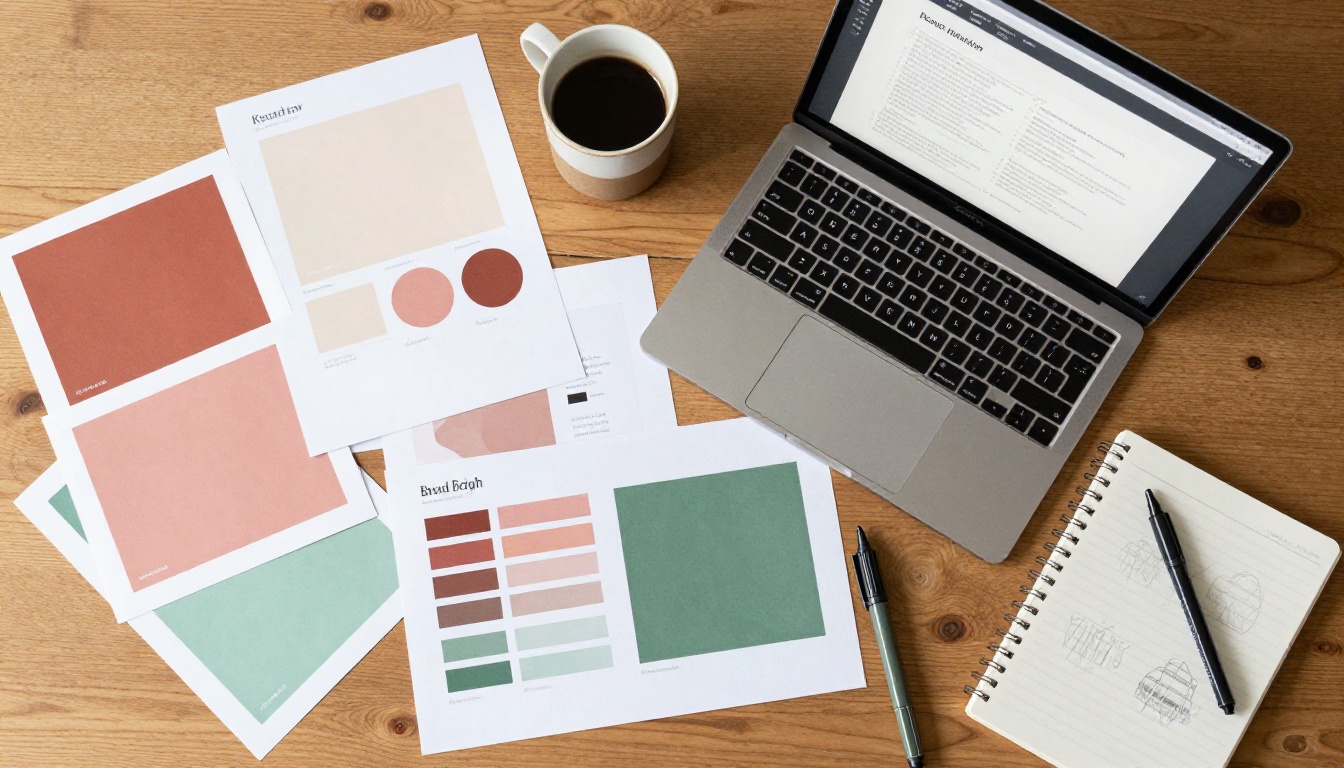
Every page of your interactive PDF should feel like it belongs to the same brand. This means using your exact brand colors (not approximations), your defined typefaces, and your established photo style. Inconsistency across pages signals a lack of attention to detail, and readers notice even if they cannot articulate why.
⚠️ Common mistake: Using one font in the PDF and a different font on your website creates visual friction. Your digital publication should feel like a seamless extension of your website, not a separate product.
Mobile-First Design Decisions
Over 60% of document views now happen on mobile devices. If your PDF was designed for A4 print dimensions, it will look painfully small on a phone screen. Design with mobile viewing in mind from the beginning: larger text, simpler layouts, and single-column sections wherever possible. Flipbooks AI renders all flipbooks in fully mobile-responsive viewers automatically, but the source PDF still needs to be designed with mobile proportions in mind.
Clear Calls to Action on Every Page
An interactive PDF without calls to action is just a pretty document. Every key page should tell the reader what to do next. This might be:
- "Visit our website to order"
- "Scan the QR code to book a consultation"
- "Click here to see all available sizes"
- "Download our price list"
Interactive elements exist to move people along a path. Make sure every path leads somewhere intentional.
Content Length and Structure
Short, focused documents perform better than sprawling ones. A 6-page interactive product lookbook will get read in full more often than a 30-page document with everything your brand has ever produced. If you have a lot of content, consider splitting it into dedicated flipbooks by category and linking between them.
The Interactive Lookbook Designer and Digital Portfolio Creator are designed for exactly this kind of focused, curated content.
Your First Interactive PDF Starts Here
The barrier to creating a free interactive PDF for your brand is lower than it has ever been. You don't need a developer, a design agency, or an expensive software subscription. You need a PDF, a free account, and about five minutes.
Flipbooks AI handles the conversion, the hosting, and the sharing infrastructure so you can focus entirely on your content. Whether you're building a product catalog, a press kit, an event program, or a company brochure, the tools are ready for you right now.

Ready to put your brand in motion? Create your free account and upload your first PDF today. Browse all tools and templates to find the exact format your brand needs, or review the pricing plans when you are ready to scale.



