Losing someone you love is one of the hardest things a person can face. In those moments, the need to preserve their story, to hold onto every photograph, every written word, every shared memory, becomes deeply urgent. A memorial flipbook turns that urgency into something beautiful: a living, digital tribute that families can share, revisit, and treasure for generations.
Flipbooks AI makes this process straightforward, even for people who have never built anything digital in their lives. You upload a PDF, customize the look and feel, and within minutes you have an interactive digital flipbook that reads like a real book, complete with page-turning animations, embedded photos, and personalized details.
This article walks you through every stage of creating a tribute flipbook, from gathering your materials to sharing the finished product with family members around the world.
Why a Flipbook Works for Memorials
Most families end up with a box. A cardboard box stuffed with old photographs, printed programs from the funeral service, handwritten notes, and anniversary cards. It sits in a closet or under a bed, and over time the photos fade, the paper yellows, and the memories become harder to reach.
A digital memorial flipbook solves this problem permanently.
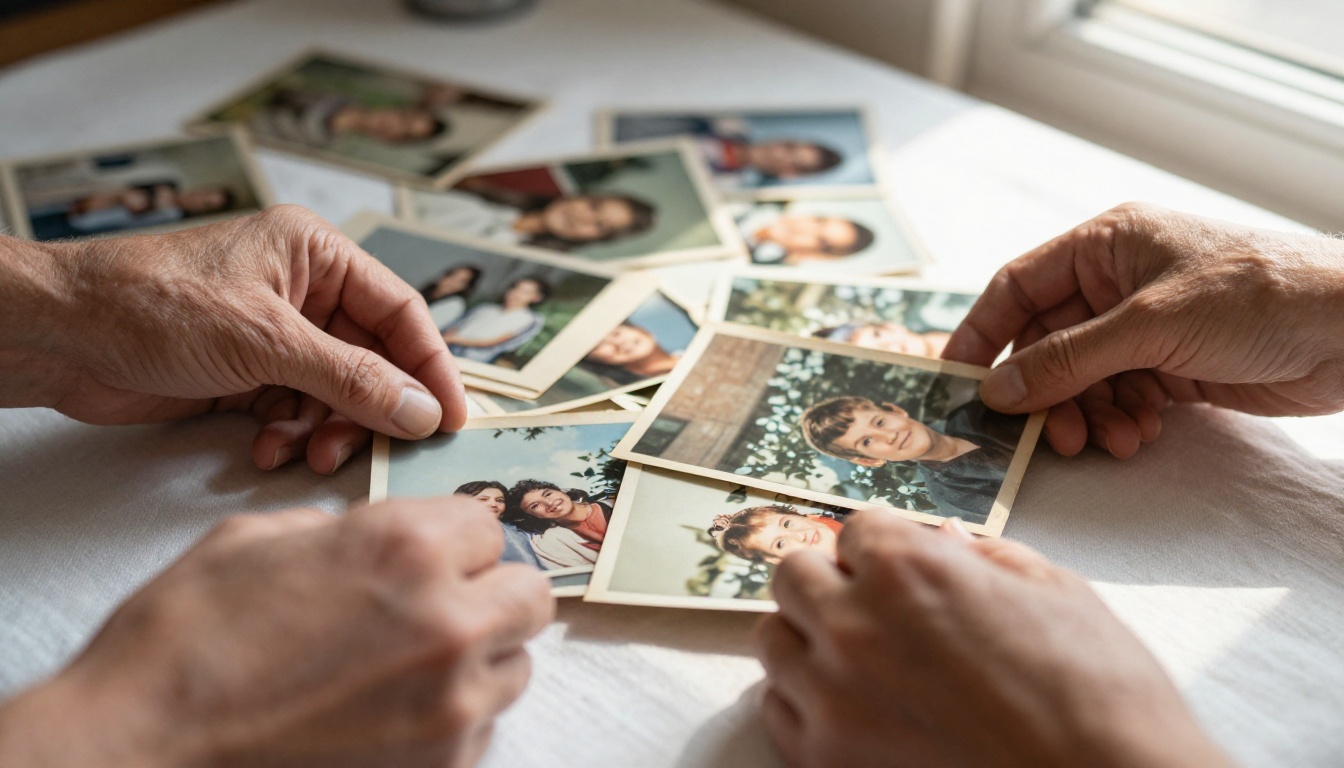
Physical vs. Digital: What Lasts Longer
Physical photo albums deteriorate. Humidity, sunlight, and age all take their toll. A digital flipbook stored in the cloud does not. It can be accessed a decade from now just as easily as today, from any device, by anyone with the link.
That said, digital tributes serve a different emotional purpose than physical ones. They are shareable. A printed album can only be in one place at a time. A digital memorial flipbook can be viewed simultaneously by family members in different cities, countries, or time zones during a virtual celebration of life event.
| Format | Durability | Shareability | Cost | Accessibility |
|---|
| Printed Photo Album | Fades over time | Limited to one location | High printing cost | Physical access required |
| PDF Document | Permanent | Shareable via email | Low | Requires download |
| Digital Flipbook | Permanent | Link, embed, QR code | Low to moderate | Any device, anywhere |
| Social Media Post | Platform-dependent | High | Free | Public by default |
Who Can Access It and When
One of the strongest arguments for a digital tribute is accessibility. A link can be shared in a group message the same day as the funeral. Family members who could not travel can view the entire memorial flipbook from their phone. Years later, grandchildren who were too young to remember can open the same flipbook and see exactly who their grandparent was.
With Flipbooks AI, you can also password-protect your flipbook, keeping it private and shared only with invited family members.
What to Include in a Memorial Flipbook
The best tribute flipbooks feel complete without being overwhelming. They tell a story, and like any good story, they have a beginning, a middle, and an end.

Photos That Tell the Full Story
Photographs are the foundation. You want a range: childhood photos, school portraits, wedding pictures, candid family moments, work milestones, and recent photos that show the person in their later years. Aim for variety in setting and emotion rather than simply choosing the most formal shots.
- Early childhood: birthday photos, first day of school, family vacations
- Young adult years: graduation, first job, early friendships
- Family milestones: wedding day, birth of children or grandchildren
- Everyday moments: cooking, gardening, hobbies, holiday gatherings
- Later years: portraits with family, travel, quiet moments at home
💡 Scan old printed photos at 300 DPI or higher. This ensures they look sharp when displayed in a full-page flipbook format without pixelation.
Words That Carry Weight
Every memorial flipbook benefits from text pages alongside the photos. These do not need to be long. A single paragraph about how someone laughed, what they cooked for Sunday dinners, or the phrases they always used can be more powerful than a formal biography.
Consider including:
- A short biography written by a close family member
- Favorite quotes the person used often
- A poem they loved, or one written for them
- Brief captions beneath key photographs
- A letter from a child, grandchild, or lifelong friend
Mementos Worth Digitizing
Beyond photographs, many families have physical mementos that carry enormous meaning: handwritten recipes, military medals, ticket stubs from a first date, a hand-drawn card from a grandchild. Scan these items and include them as full-page spreads within your flipbook. They add texture and authenticity that pure photographs cannot.
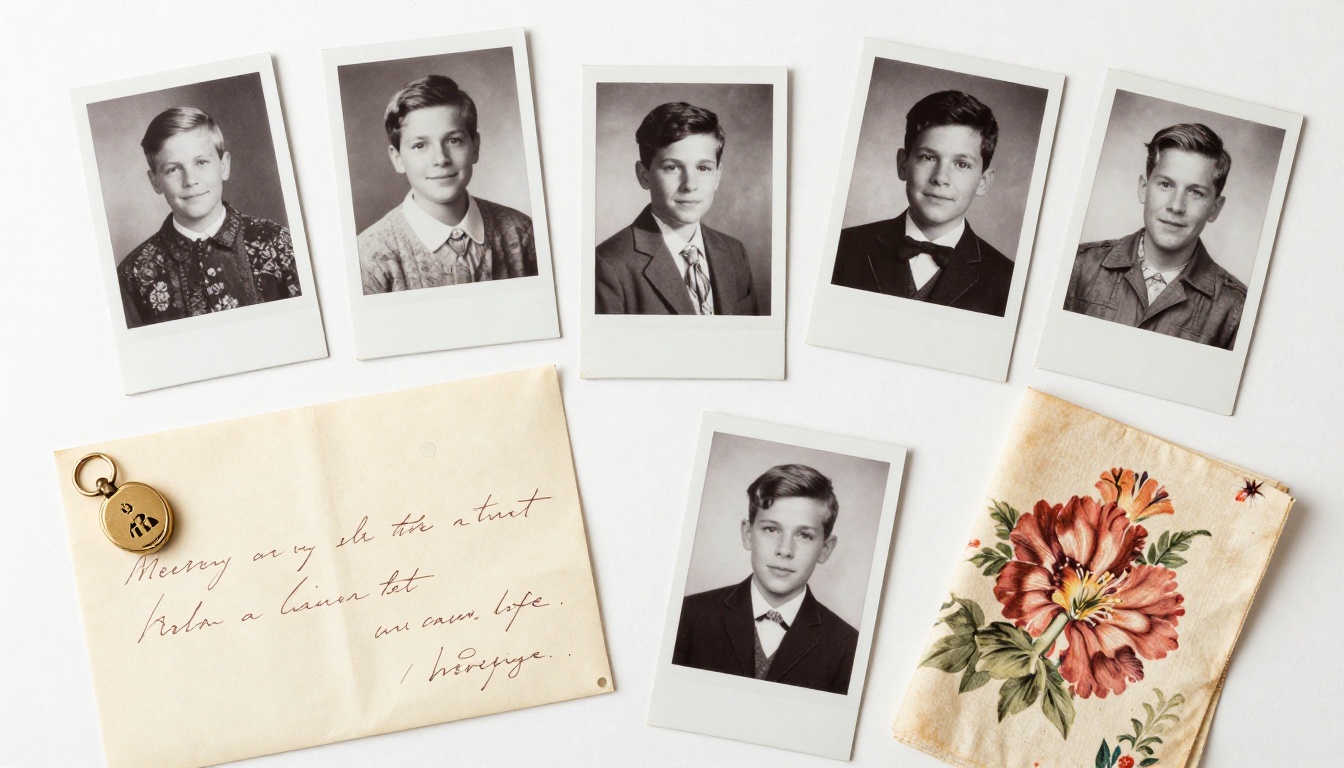
⚠️ Scan mementos at the highest resolution your scanner supports. Handwritten documents especially should be captured at 600 DPI so that the handwriting remains legible in digital format.
Sorting and Organizing Your Materials
Once you have gathered your photos and mementos, the next challenge is deciding how to arrange them. This structural decision shapes the emotional experience of anyone reading the flipbook.
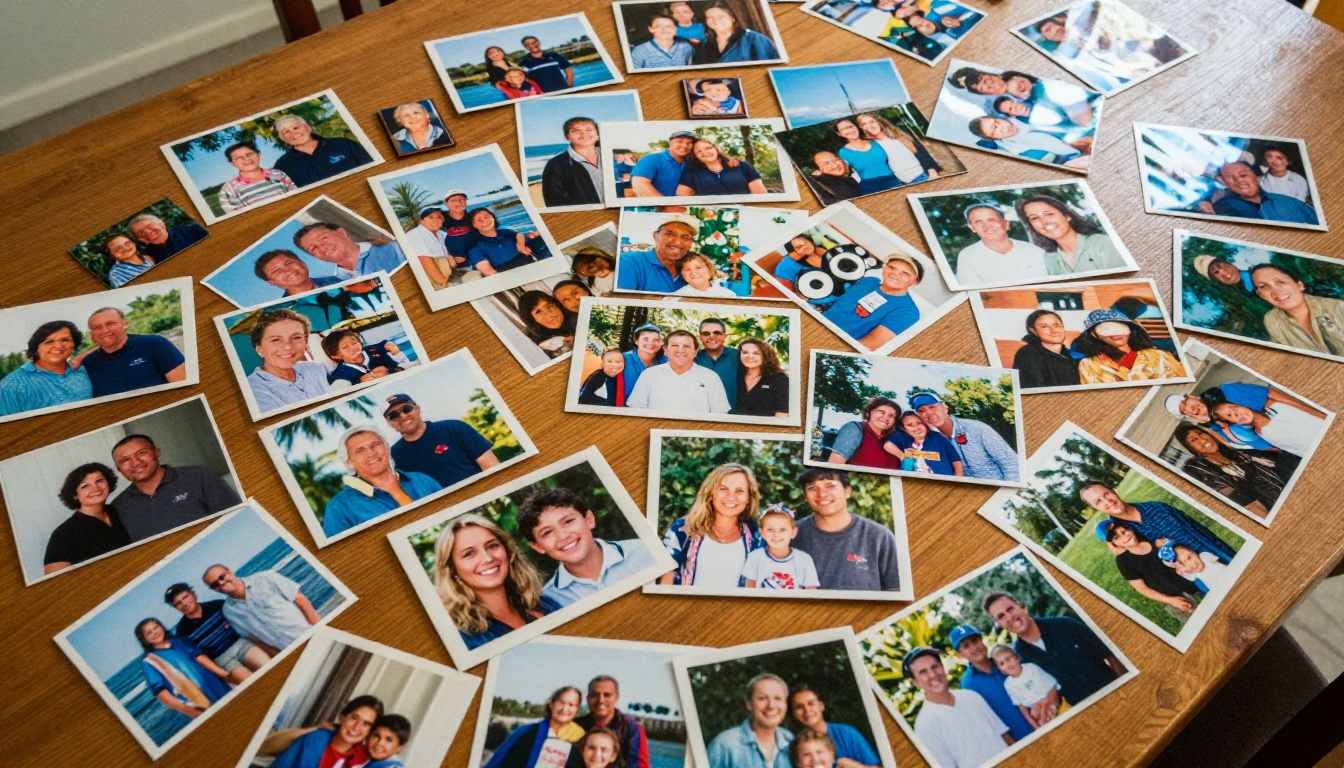
Chronological vs. Thematic Order
There is no single right answer here. Both approaches work well, and the choice depends on the person being remembered and the family's preferences.
| Structure | Best For | Emotional Effect | Practical Consideration |
|---|
| Chronological | Full life story | Journey and progression | Requires knowing approximate dates |
| Thematic | Personality-focused tributes | Snapshot of who they were | More flexible with undated photos |
| Event-based | Specific milestones | Focused and poignant | Works well for shorter tributes |
| Mixed | Long, richly documented lives | Dynamic and layered | Requires more planning |
A chronological structure works especially well when the person lived a long, documented life with clear milestones. A thematic structure, organized around passions, hobbies, relationships, or values, can feel more personal and often works better for younger people or for tribute flipbooks that will be shown at a celebration of life event.
How Many Photos Is Too Many
Quality over quantity applies here more than almost anywhere. A 40-page flipbook with 60 carefully chosen photographs will always be more powerful than a 120-page flipbook crammed with every photo the family could find.
A practical breakdown:
- Short tribute (20-30 pages): 25-40 photos, 3-5 text pages
- Standard memorial flipbook (40-60 pages): 50-80 photos, 6-10 text pages
- Full life retrospective (60-100 pages): 80-120 photos, 10-20 text pages
✅ Include at least one full-spread text page for every 5-6 photo pages. This gives viewers breathing room and emotional context between images.
How to Build Your Tribute Flipbook on Flipbooks AI
Flipbooks AI is purpose-built for exactly this kind of project. You do not need design experience or technical skills. The platform converts your PDF into a fully interactive digital flipbook in minutes.

Step 1: Create Your Account
Visit flipbooksai.com/account and sign up for free. The free tier lets you publish and share flipbooks immediately. If you need password protection, custom branding, or analytics, the Standard and Professional plans are available at flipbooksai.com/pricing.
Step 2: Design Your PDF Layout
Before uploading, prepare your content as a PDF. Use any design tool you are comfortable with: Canva, Adobe InDesign, Google Slides, or Microsoft Word all work. Structure the pages with:
- A cover page featuring the person's name, portrait, and dates
- An introductory text page with a biography or opening tribute
- Photo spreads with optional captions
- Text tribute pages from family members
- A closing page with a final image and message
The PDF to Flipbook Converter on Flipbooks AI handles any standard PDF format and preserves all fonts, images, and layouts exactly as designed.
Step 3: Upload and Convert
Once your PDF is ready, upload it directly through the Flipbooks AI dashboard. The conversion process takes seconds to a few minutes depending on the file size. The platform automatically creates the page-turning flipbook format with smooth animation.
Step 4: Customize the Look
After conversion, you can customize:
- Background color or texture behind the flipbook pages
- Page flip sound (on or off, important for a memorial setting)
- Branding elements including custom domain if needed
- Table of contents for longer flipbooks
- Embedded audio: Add a tribute song or recorded message that plays when the flipbook opens
💡 For a memorial flipbook, use a dark navy or deep forest green background. It creates a dignified, intimate framing for the content, particularly when photographs include candlelight or outdoor nature scenes.
Step 5: Share With Family
Once published, you have multiple sharing options:
- Direct link: Share via text, email, or messaging apps instantly
- QR code: Print and display at the funeral service or on programs so attendees can scan and view
- Embed code: Add the flipbook to a memorial website or obituary page using the Embed Flipbook on Website tool
- Password protection: Set a private password so only invited family members can access it (available on Standard plan and above)
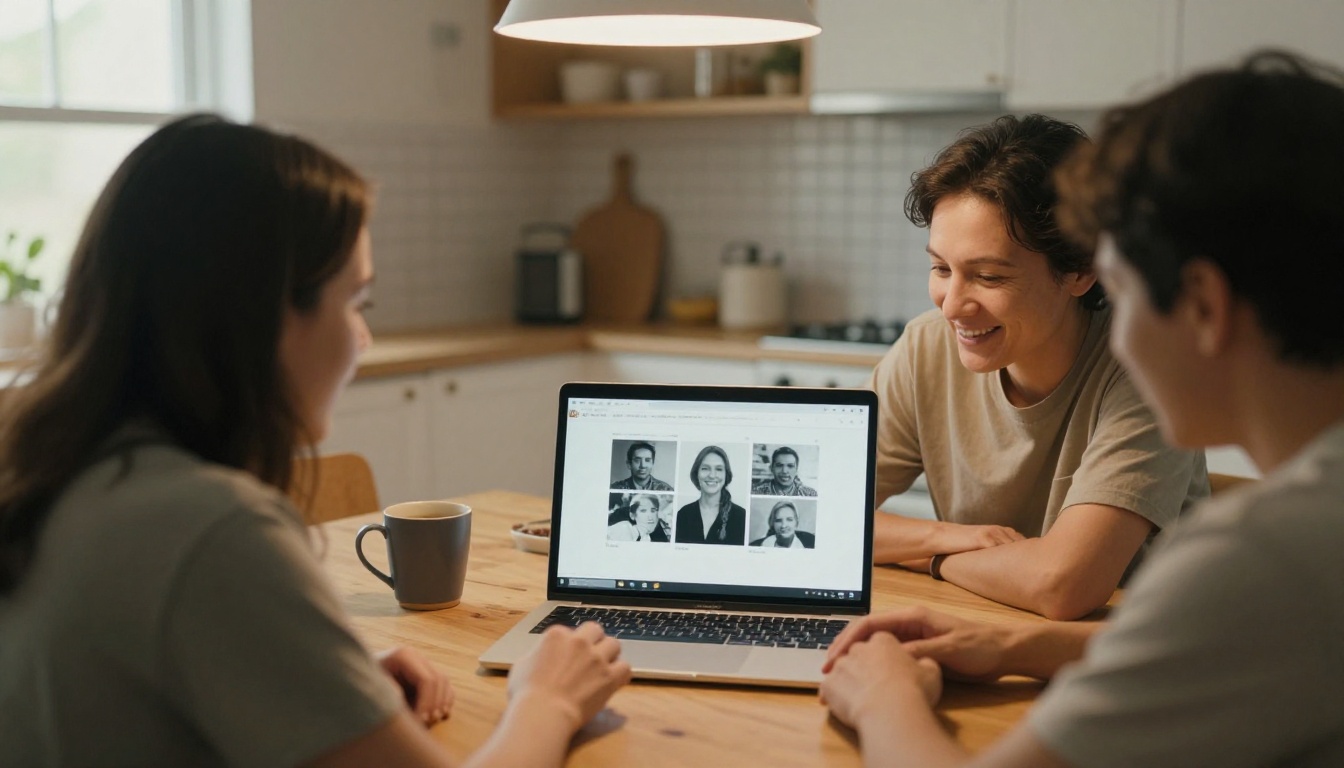
Sharing a Memorial Flipbook with Loved Ones
The moment you share a tribute flipbook with family, something shifts. It moves the experience of grief from private and isolated into something shared and communal, even when family members are geographically scattered.
Private Links vs. Public Pages
For most families, a private link shared within a trusted group is the right choice. This keeps the tribute within the family and prevents it from being indexed publicly. Password protection on Flipbooks AI makes this simple to configure.
For larger communities, a public link can work well, especially for community figures, teachers, coaches, or anyone whose life touched many people outside the immediate family. In those cases, the wider reach brings comfort to people who otherwise would not have access to the tribute.
Embedding at Memorial Services
One underused approach is embedding the flipbook on a display screen at the memorial service itself. A simple browser window, opened full-screen on a laptop connected to a projector or large TV, creates a living visual tribute that runs in the background during the service or reception.
Print a QR code that links to the flipbook and include it on the service program. Attendees can then take the tribute home with them, on their phone, accessible forever.
Families today have more options than ever for honoring a loved one. Here is how a memorial flipbook compares to other common formats.
| Format | Cost | Creation Effort | Sharing | Long-Term Access | Interactivity |
|---|
| Printed memorial booklet | High | Moderate | Limited to printed copies | Fades or gets lost | None |
| Video slideshow | Moderate | Requires video skills | Shareable via link | Platform-dependent | Low |
| Social media memorial page | Free | Easy | Wide but uncontrolled | Platform-dependent | Comments only |
| Digital memorial flipbook | Low to moderate | Easy | Link, embed, QR code | Permanent cloud storage | High |
| Memorial website | Moderate to high | Requires web skills | Wide | Requires maintenance | High |
A digital memorial flipbook sits in a strong middle ground: it has the visual richness of a printed booklet, the shareability of social media, the permanence of a dedicated website, and none of the technical complexity of building a site from scratch.
Real-World Uses for Tribute Flipbooks
The memorial flipbook format works across a wide range of tribute contexts, not only formal funerals.
Funeral Services and Wakes
A printed program handed out at a funeral gives attendees something to hold during the service. A digital flipbook companion, shared by QR code on that program, gives them something to hold onto long after. It extends the memorial service into the weeks and months that follow, when grief often peaks most sharply.
Anniversary Memorials
Many families mark the anniversary of a loved one's passing, the first year especially. A tribute flipbook created for that occasion, perhaps with new photos or additional written tributes collected over the year, becomes a new tradition. Sharing it on the anniversary date creates a point of connection for family members who are no longer together in the same city.
Online Tribute Pages
Many families now create dedicated online memorial pages. A flipbook embedded on one of these pages creates an interactive centerpiece that visitors can spend real time with. Unlike a photo gallery or a static page, a flipbook invites engagement: you turn the pages, you sit with the images, you read at your own pace.
The Wedding Album Flipbook tool also works for creating tribute-style albums centered on life milestones, and the Digital Portfolio Creator is useful when a person had a professional or creative legacy worth documenting alongside family memories.
✅ After creating the initial flipbook, share a private link with close family and ask for additional photos or written memories before publishing the final version. This collaborative process often surfaces stories that no single person had alone.
Your Tribute, Ready to Share
A memorial flipbook is not a replacement for grief. It is a way of honoring a life in a form that is worthy of that life: beautiful, permanent, and shareable with everyone who was touched by the person you are remembering.
The process starts with gathering what you have, deciding what matters most, and putting it into a format that will last. Flipbooks AI handles the technical side so you can focus entirely on the emotional work of honoring someone's story.
Ready to build a tribute that lasts? Create your account and start for free today. When you are ready for private sharing, password protection, and custom branding, check all pricing plans to find the right fit. Browse all available flipbook tools for even more ways to tell stories that matter.



