Your portfolio is the first real conversation you have with a hiring manager before you ever say a word. In a pile of applicants, it is the one thing that can make someone stop, pay attention, and forward your name to the top of the list. The problem is that most people are still sending static PDFs that get skimmed in 11 seconds, closed, and forgotten. An interactive portfolio flipbook changes that dynamic completely. Flipbooks AI gives you the tools to turn your work into something a hiring manager actually wants to sit with.
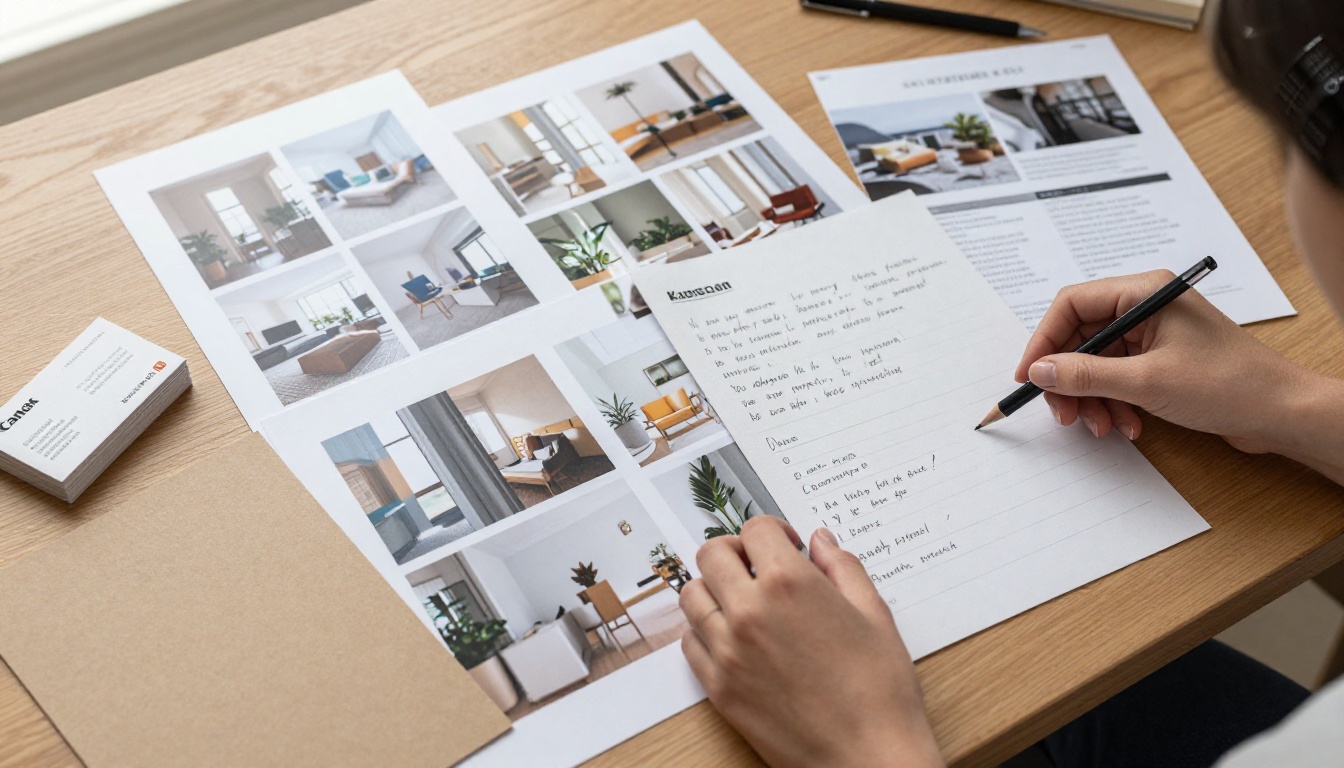
Why Static PDFs Are Holding You Back
There is a reason your applications are not converting into interviews. The PDF you spent three days perfecting downloads to someone's cluttered desktop, sits in a folder labeled "Candidates", and requires a separate app to open. By the time a recruiter gets to it, the moment is gone.
Here is what works against you with a PDF portfolio:
- No interactivity, no way to hold attention
- Requires downloading to view properly
- No analytics, so you never know if it was even opened
- Hard to update once sent
- Not mobile-friendly without special formatting
A portfolio flipbook solves every one of these problems. It opens in a browser, works on any device, and gives you a real-time link you can track, update, and share anywhere.
💡 Pro tip: A link that opens instantly in a browser converts at a significantly higher rate than an attached file. Recruiters appreciate not having to download anything.
What Makes a Portfolio Flipbook Different
The flipbook format is not just visual novelty. The page-turning experience triggers a fundamentally different cognitive response than scrolling through a flat document. It signals effort, craft, and attention to detail before the hiring manager has read a single word.

| Feature | Static PDF | Portfolio Flipbook |
|---|
| Mobile-friendly | Limited | Yes, fully responsive |
| Shareable via link | No (requires download) | Yes, instant browser link |
| Interactive page turns | No | Yes |
| Trackable analytics | No | Yes (Professional plan) |
| Password protection | No | Yes |
| Embedded video/audio | No | Yes |
| Updatable after sending | No | Yes (link stays the same) |
| Custom branding | No | Yes |
The analytics feature alone is worth switching formats. Knowing exactly when a hiring manager opened your portfolio, how long they spent on each page, and which projects held their attention longest gives you intelligence most candidates never have. You can time your follow-up email to the hour.
What to Include in Your Portfolio Flipbook
Before you open any tool, the content decision matters most. A portfolio that impresses is not just a collection of work. It tells a story about who you are, what you can do, and what problems you solve.

The pages that actually win interviews:
- A strong opening spread: Your name, discipline, and a single bold statement about your work. Not a paragraph, not a list. One sentence.
- Three to five signature projects: Each with a problem statement, your specific role, the process, and the outcome. Numbers wherever possible.
- A skills overview: Brief, scannable, with visual hierarchy. Hiring managers spend under 30 seconds here.
- Client or collaborator context: Where did the work live? Was it for a startup, a major brand, a personal brief? Context makes work credible.
- Contact section with CTA: A simple page with your email, LinkedIn, and a one-line pitch. Make it easy to act.
⚠️ Avoid this: Do not include every project you have ever done. Curating to your best five to eight pieces reads as confident. Showing everything reads as uncertain.
What Goes on Each Page
The structure inside each project spread matters as much as what project you picked.
| Portfolio Section | What to Show | What to Avoid |
|---|
| Project Intro | One-sentence brief plus client name | Long backstory paragraphs |
| Process | 2-3 steps with visuals | Lengthy methodology text |
| Outcome | Measurable result (% growth, conversions, awards) | Vague adjectives like "successful" or "impactful" |
| Your Role | Specific title and contribution | Generic team descriptions |
| Visuals | Final deliverables, full-bleed | Rough drafts unless process is the point |
How to Build Your Portfolio on Flipbooks AI
Flipbooks AI has a dedicated Digital Portfolio Creator and Portfolio Flipbook Builder that make the technical side straightforward so you can focus entirely on your content.

Step 1: Create Your Account
Head to flipbooksai.com/account and create your account. The Standard plan gives you unlimited flipbooks with no watermarks, which is the baseline you need for a professional portfolio.
Step 2: Prepare Your PDF
Build your portfolio in whatever tool you prefer: Canva, InDesign, Figma, PowerPoint, or Google Slides. Export as a high-resolution PDF. Aim for 1920x1080px (16:9 ratio) for each page to ensure sharp, crisp output.
💡 Keep your PDF file size under 50MB for fastest upload and best performance. Compress large images before exporting.
Step 3: Upload and Convert
Use the PDF to Flipbook Converter to upload your file. The platform converts your PDF into a fully interactive flipbook within minutes. Every page maintains your original design fidelity.
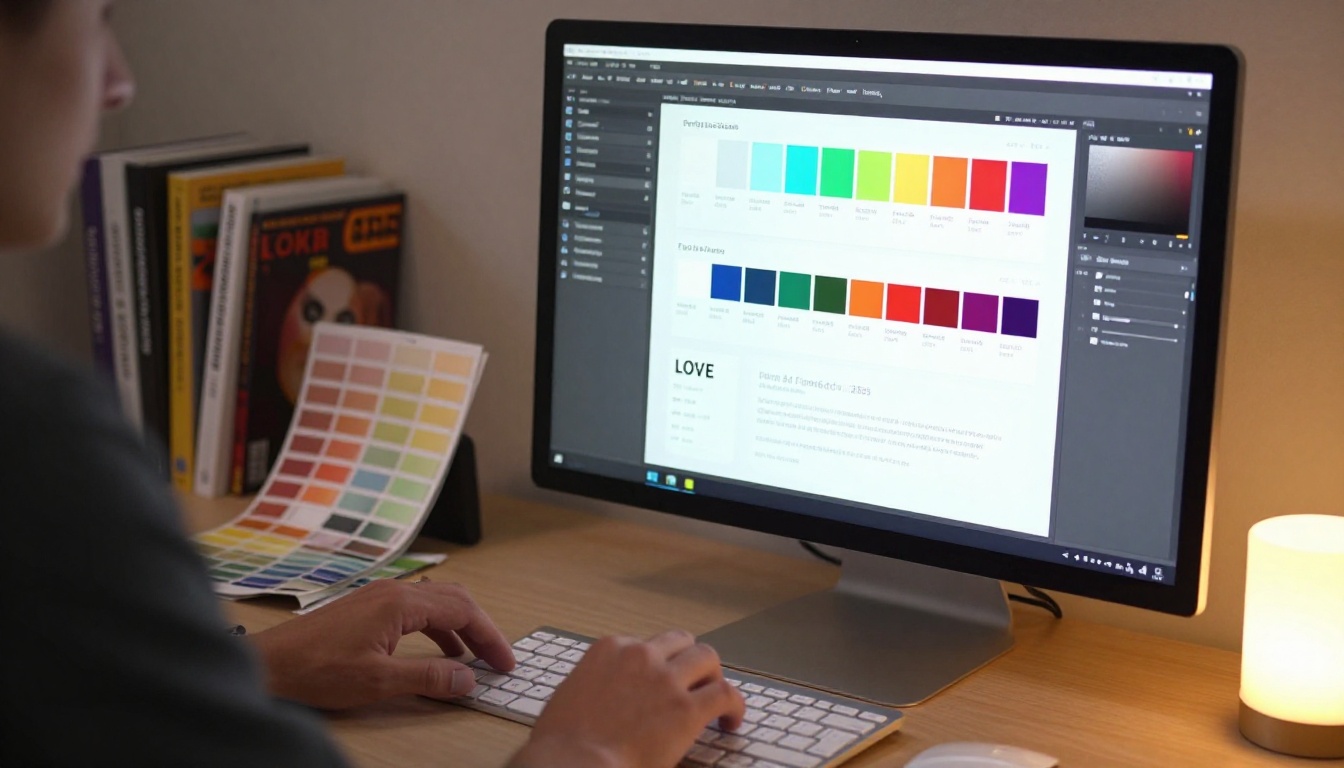
Step 4: Customize Your Branding
This step is what separates a polished portfolio from a generic one. In the editor:
- Set your custom background color to match your brand palette
- Choose a page flip animation style (soft or crisp)
- Add your logo to the viewer interface
- Set a custom thumbnail for the flipbook cover
- Enable or disable the table of contents sidebar
Step 5: Add Multimedia Elements
If your portfolio includes motion work, video ads, or audio presentations, embed them directly into the relevant pages. Flipbooks AI supports embedded video and audio, so a hiring manager can watch your reel without leaving your portfolio. This is a significant advantage over any PDF or static website.
Step 6: Set Sharing Preferences
For job applications, you typically want:
- A direct public link you can paste into emails and LinkedIn messages
- Password protection for exclusive previews or when applying to highly competitive roles where you want controlled access
- Embed code if you want to feature your flipbook on your personal website or portfolio page
Step 7: Enable Analytics
With the Professional plan, you get detailed viewer analytics: open rate, time-on-page, and geographic data. For job seekers applying to multiple companies simultaneously, this data tells you exactly which companies are engaging with your portfolio and which are not.
✅ Best practice: Create a separate version of your flipbook for each major role type you are targeting. A UX designer applying to both product companies and agencies should have subtly different portfolio versions with the most relevant work surfaced first.
Branding Your Portfolio Flipbook
The visual identity of your portfolio flipbook is itself a signal. It tells a hiring manager whether you think in systems or in isolation.
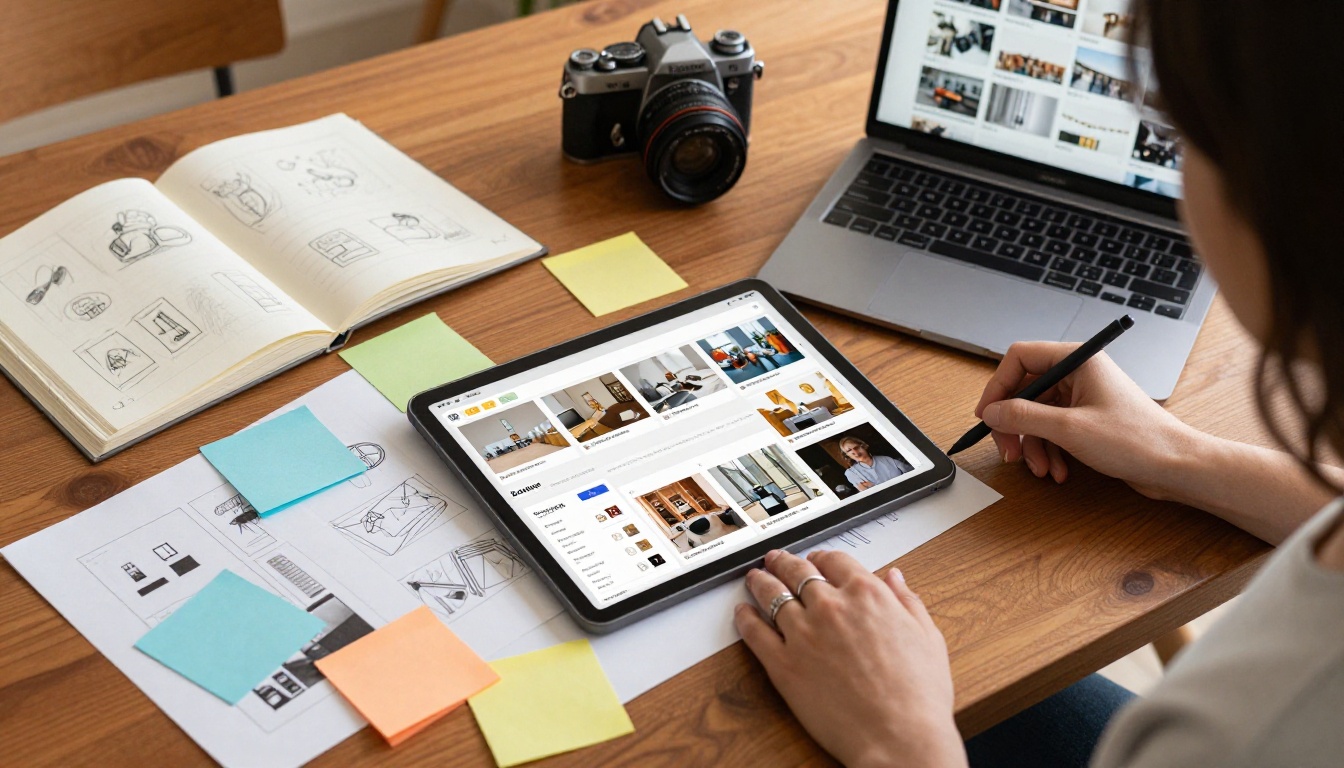
Three branding rules that hold up across disciplines:
- One typeface family: A single font in two or three weights is cleaner than three different fonts at one weight. Consistency signals control.
- Color restraint: A primary color plus one neutral (off-white or charcoal) plus one accent is enough. More than that, and your work competes with itself.
- Consistent margin system: Every page should have the same margin width. Even if a hiring manager cannot name what feels wrong, inconsistent margins register as sloppiness.
Sharing Your Portfolio the Right Way
Getting the portfolio built is only half the equation. How you share it determines whether the right people see it.

Where to place your portfolio link:
- Email signature: Every outbound email becomes a passive portfolio impression
- LinkedIn profile: The Featured section above your experience is the first thing a recruiter sees when they click your profile
- Job application cover letters: Hyperlink your name or a specific project to the relevant portfolio page
- LinkedIn connection requests: A short note with a direct link converts better than a generic request
- Cold outreach: When reaching out to creative directors or hiring managers directly, a portfolio link gives the message a clear reason to exist
💡 When cold outreach works: Lead with one specific project that is directly relevant to the company's work. "I built a campaign for [Brand X] that achieved [Y result]. Here is the project in context." Then link directly to that page in your flipbook.
Portfolio Analytics in Practice

When you upgrade to the Professional plan on Flipbooks AI, the analytics dashboard tells you a story about every viewer session. Here is how to use that data practically:
- If a viewer spent 4+ minutes on your portfolio: They are genuinely interested. Follow up within 24 hours.
- If they opened it but stayed under 30 seconds: Your cover page is not holding attention. Revise the opening spread.
- If they spent time on one specific project: Lead with that project in your follow-up email.
- If no one is opening it from LinkedIn: Your headline or the context around the link may not be compelling enough.
This is intelligence that no other format gives you. It turns a passive application into an active, data-informed campaign.
Making Your Portfolio Work Across Industries
The flipbook format adapts across creative disciplines without losing its core advantage: the interactive, browser-based experience that feels intentional rather than improvised.

Industry-specific approaches:
- Photography: Full-bleed images per page, minimal text, let the work speak. The Photography Portfolio tool is built for exactly this format.
- Fashion and styling: Lookbook-style layouts with editorial pacing. The Interactive Lookbook Designer gives you the format without the coding.
- Architecture and interior design: Large-format renders and floor plans need room. Use landscape orientation and single-image spreads.
- Marketing and advertising: Lead with campaign results: awareness lift, conversion rate, ROAS. Hiring managers in this space want numbers, not just visuals.
- Motion and video: Embed your showreel directly into your portfolio's first spread. Do not make anyone click away to YouTube.
✅ Best practice: For any industry, lead with your most recent and most relevant work. Chronological ordering is for a resume, not a portfolio.
What Hiring Managers Actually Look For
This section is worth slowing down for. The people reviewing your portfolio are scanning for specific signals, not just admiring your work.
The three questions every hiring manager asks:
- Can this person solve my specific problem?: Your work needs to be framed as problem-solving, not just aesthetic output.
- Did they have a defined process?: Even if the result is beautiful, showing your thinking makes you more hireable. Add brief process notes to each project.
- Is this person easy to work with?: The tone of your portfolio copy matters. Confident, clear, and direct reads as professionally mature. Defensive or over-explaining does not.
⚠️ Common mistake: Writing about your portfolio in the third person or using corporate tone. Your portfolio is a conversation, not a press release. Write like yourself.
The Fastest Path to a Great Portfolio Flipbook
If you are starting from zero today, here is the most direct path:
- Pick your best five projects. Be ruthless.
- Write three sentences about each: the brief, your role, the result.
- Collect your strongest two to three visuals per project.
- Build your layout in Canva or Figma, export as PDF.
- Upload to Flipbooks AI using the PDF to Flipbook Converter.
- Brand it with your colors and logo.
- Share the link.
The whole process, from raw files to a shareable link, can happen in a single afternoon. Most candidates spend weeks procrastinating on a PDF that a hiring manager will open for 11 seconds. A flipbook built in four hours and shared immediately beats a PDF you never send.
Start Sending the Portfolio That Gets Responses
The difference between candidates who get interviews and those who do not is rarely talent. It is presentation, timing, and the ability to make someone stop and pay attention. An interactive portfolio flipbook does all three.
Flipbooks AI gives you a no-watermark, fully branded, mobile-responsive portfolio that works on every device, tracks every viewer, and stays live at a permanent link you control. Build yours now at flipbooksai.com/account, or compare pricing plans to find the right fit for your needs. Browse all available portfolio tools to find the exact format for your discipline.
Your next interview could start with the link you send today.



