Building a product catalog used to mean hiring a designer, paying for printing, and hoping your customers actually kept the thing. Those days are over. Whether you're running a handmade candle shop on Instagram, a small wholesale business, or an e-commerce store just getting off the ground, there are genuinely powerful ways to create a polished, shareable product catalog without spending a single dollar. Flipbooks AI is one of the best tools for the job, and this article walks through everything you need to know, from snapping product photos with your phone to publishing an interactive flipbook catalog that buyers can scroll through in seconds.
Why Product Catalogs Still Matter
In an age where everything lives on a website, you might wonder if a catalog is even necessary. The short answer: yes, absolutely. A well-structured catalog is a sales tool that speaks for itself. It groups your products logically, tells a visual story, and gives buyers a way to browse at their own pace without clicking through dozens of individual product pages.
The Shift to Digital Catalogs
Print catalogs are expensive, outdated the moment they're printed, and impossible to update. Digital catalogs solve all three problems at once. They're free to distribute, easy to update, and can be shared via link, email, social media, or embedded directly on your website.
The best digital catalogs go beyond static PDFs. Interactive flipbooks with page-turn animations, embedded videos, and clickable links give buyers a premium browsing experience, even if the cost to create it was zero.
What Buyers Actually Want to See
Before you design anything, understand what actually converts browsers into buyers. Research consistently shows that buyers want:
- High-quality product images shot from multiple angles
- Clear, accurate pricing without having to ask
- Product dimensions and specs upfront
- Simple navigation so they can find categories fast
- A way to contact or order directly from the catalog
Keep these five points front of mind throughout your build.

What You Need Before You Start
Product Photos on a Budget
Your photos are the most important element in any catalog. Good news: you don't need a professional photographer or studio equipment. A smartphone with a decent camera, natural window light, and a clean white background will produce results that look professional.
The $0 photography setup:
- Find a table near a north-facing or east-facing window (diffused light, no harsh shadows)
- Tape a large sheet of white poster board or paper from the wall down onto the table (the "infinity curve" effect)
- Place your product in the center and shoot from straight on, 45 degrees, and close-up
- Edit for free with Snapseed (mobile) or Google Photos' auto-enhance
💡 Shoot all your products in the same session under the same light conditions so your catalog looks visually consistent.
Your Product Information Checklist
Before opening any design tool, gather all the data you need. Missing information halfway through designing is a catalog killer. Work through this list first:
- Product name (official, consistent)
- SKU or product code (if applicable)
- Price (and sale price if relevant)
- Short description (2-3 sentences max)
- Dimensions, weight, materials
- Available colors or variants
- At least 2-3 photos per product

Canva for Catalog Layout
Canva's free plan is the most accessible catalog design tool available. It has dozens of catalog templates you can customize with your own colors, fonts, and product images. The drag-and-drop interface means you don't need any design experience.
What Canva free gives you:
- Pre-built catalog and brochure templates
- Basic photo editing (crop, brightness, filters)
- Export to PDF (print or web quality)
- Drag-and-drop image placement
What you won't get on the free plan:
- Brand kit with locked fonts and colors (Canva Pro feature)
- Background remover
- Some premium templates
For a zero-budget catalog, the free plan is more than enough.
Google Slides as a Free Alternative
Many people overlook Google Slides as a catalog builder, but it's surprisingly capable. You get full control over layout, can export as PDF, and it's cloud-based so you can share it instantly. The downside is no catalog-specific templates, so you'll spend more time on layout work.
Free PDF to Catalog Converters
Once you've created your catalog as a PDF (from Canva, Google Slides, or any other tool), the next step is converting it into something interactive and shareable. This is where the real difference happens.
⚠️ Sharing a raw PDF link is the fastest way to lose a potential buyer's attention. Most people close PDF downloads immediately. A digital flipbook keeps them engaged.

Not every tool is the right fit for every business. Here's a direct comparison of the most commonly used free options:
| Tool | Best For | Free Tier Limits | Export Options |
|---|
| Canva | Visual design, templates | Limited storage, no brand kit | PDF, PNG |
| Google Slides | Quick builds, collaboration | 15GB Google Drive storage | PDF, PPTX |
| Adobe Express | Branded visuals | Limited templates on free plan | PNG, JPG |
| Microsoft Sway | Storytelling format | Limited customization | Web only |
| Flipbooks AI | Interactive digital catalogs | Generous free plan, no watermarks | Flipbook link, embed |
✅ The most effective zero-budget workflow: Design in Canva (free) + Export as PDF + Convert with Flipbooks AI (free) + Share the flipbook link.
How to Make It Interactive Online
Turning a PDF into a Digital Flipbook
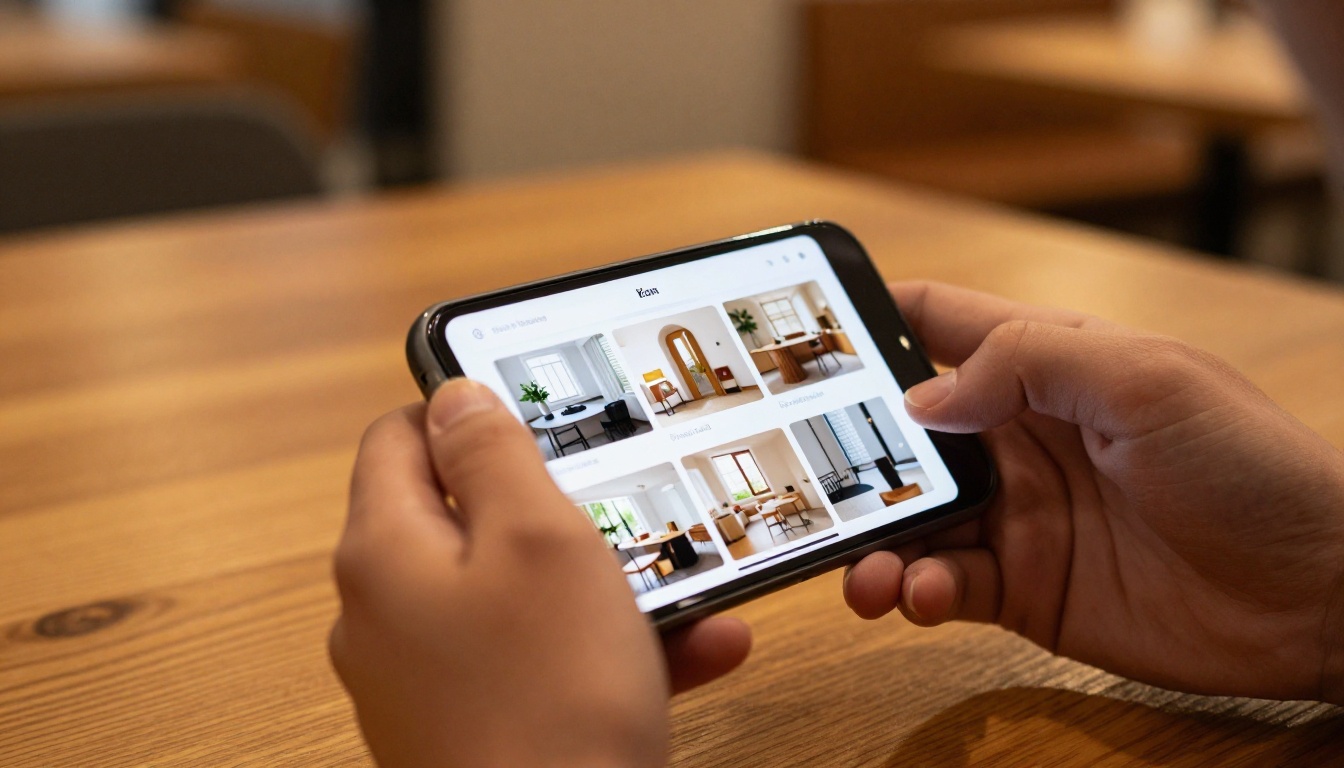
A static PDF is functional but forgettable. A digital flipbook with page-turn animations gives buyers a premium browsing experience that holds attention. It also loads faster in a browser than a downloaded PDF, which matters on mobile.
Flipbooks AI converts any PDF into a professional interactive catalog in seconds. No design experience needed. Upload, customize, and share.
Embedding Your Catalog on a Website
One of the most overlooked features of digital catalog tools is the embed code. Instead of sending buyers to a separate link, you can drop your entire catalog directly onto your website, your blog, or even a Facebook tab.
Flipbooks AI's embed tool makes this straightforward: copy the embed code, paste it into your site, done. Your catalog lives inside your website and gives visitors a reason to stay.
Build Your Catalog with Flipbooks AI (Step-by-Step)
This is the step-by-step process for taking your PDF and turning it into a shareable, professional digital catalog at zero cost.
Step 1: Sign Up and Upload Your PDF
Head to Flipbooks AI and create a free account. No credit card required. Once you're in, click "Create New Flipbook" and upload your PDF catalog file. The conversion happens automatically, usually within 30 to 60 seconds depending on page count.
💡 Make sure your PDF is exported at high resolution (300 DPI for print-quality images, 150 DPI minimum for web) so your product photos look sharp in the flipbook.
Step 2: Customize Your Catalog
After the initial conversion, you can customize your catalog directly in the editor:
- Brand colors: Set your primary and secondary brand colors so the flipbook interface matches your visual identity
- Logo: Upload your logo to appear on the flipbook viewer
- Background: Choose a solid color or subtle texture that complements your products
- Page effects: Enable the realistic page-turn animation for a premium feel
- Catalog title: Add a title that appears when buyers open the link
The Product Catalog Generator and Digital Catalog Maker tools give you additional templates and structure if you prefer to start fresh rather than uploading a PDF.
Step 3: Share, Embed, and Distribute
Once your catalog is ready, you have several distribution options:
| Sharing Method | Best Used For | Flipbooks AI Feature |
|---|
| Direct link | Social media, email, WhatsApp | Shareable URL |
| Embed code | Website, landing page, blog | Copy-paste iframe |
| Password protection | Wholesale buyers, VIP clients | Password-protect option |
| QR code | Print materials, business cards | Auto-generated QR |
| Offline download | In-person sharing | Available on all plans |
What you get with every plan (no watermarks, ever):
- ✅ No watermarks on any plan
- ✅ Unlimited flipbooks on Standard plan and above
- ✅ Password protection for wholesale or private catalogs
- ✅ Analytics and lead generation (Professional plan)
- ✅ Offline downloads available
- ✅ Mobile-responsive on all devices

Real-World Use Cases
Small Retail Shops
A small boutique selling clothing, home goods, or artisan products can build a seasonal catalog every quarter using Canva templates. Export to PDF, convert with Flipbooks AI, and share the link in your Instagram bio. When inventory changes, update the PDF and re-upload.
The Catalog Flipbook Creator tool is built exactly for this kind of seasonal, product-focused publishing.
Handmade and Craft Sellers
Etsy sellers and craft market vendors often rely purely on their shop listings, which means buyers have to click through each item individually. A single flipbook catalog that shows your full range in one place is a serious competitive advantage. Send it via WhatsApp or DM before events and markets.

B2B Wholesale Businesses
Wholesale buyers want to browse your full range without making 20 phone calls. A password-protected digital catalog that you update seasonally is the professional standard. With Flipbooks AI's Professional plan, you can even track who opens your catalog and how long they spend on each page, giving you real sales intelligence. Check pricing plans to see what fits your volume.
Catalog Design Mistakes to Avoid
Even free catalogs can look professional. But there are a few common errors that instantly make a catalog feel amateurish:
- Inconsistent photo styles: Mixing white-background shots with lifestyle shots on the same spread looks unplanned. Pick one style per catalog.
- Too much text per product: Three lines maximum. Buyers scan, they don't read.
- No clear pricing: Forcing buyers to ask for prices creates friction. Include prices unless there's a specific business reason not to.
- Low-resolution images: Blurry product shots kill trust instantly. Always export photos at the highest quality your phone can produce.
- No call to action: Every catalog needs a final page with contact info, ordering instructions, or a link to your website.
⚠️ A catalog with no CTA page is a missed sale. Always close your catalog with clear next steps for the buyer.

How to Drive Traffic to Your Catalog
Social Media Sharing
Your catalog link works anywhere you can paste a URL. Specific strategies that actually work:
- Instagram bio link: Replace your Linktree or website link with your catalog link during product launches
- Pinterest: Create a board for your catalog with individual product pins, each linking to the catalog
- LinkedIn: For B2B sellers, posting your catalog as a PDF document natively on LinkedIn gets dramatically more reach than posting a link
- Facebook groups: In niche buyer groups, sharing your catalog (where allowed) drives qualified traffic
Email and WhatsApp Distribution
For existing customers and warm leads, a catalog sent via email or WhatsApp outperforms any social media post. Include the flipbook link (not an attachment) in your message so it opens instantly in the browser without any download required.
A subject line like "Our new Spring catalog is live, 40 new products" gets opened. A subject line like "Check out our products" does not.
Free vs. Paid: When to Upgrade
Starting free is always the right move. But there are clear signals that it's time to invest in a paid plan:
| Signal | What It Means | Solution |
|---|
| Need to know who views the catalog | Analytics required | Upgrade to Professional |
| Catalog shared with private wholesale clients | Password protection needed | Standard plan or above |
| Multiple team members building catalogs | Collaboration needed | Professional plan |
| Want to collect leads directly from catalog | Lead generation forms | Professional plan |
| Need to embed on multiple websites | Multi-site embedding | Standard plan |
Flipbooks AI's pricing page shows a clear breakdown of what each plan includes. The free plan is genuinely useful for solo businesses just starting out, and the Standard plan covers most small businesses without breaking the budget.

Your Zero-Budget Catalog Starts Now
A product catalog does not require a budget, a designer, or an agency. What it requires is good product photos, organized content, and the right tools. The zero-dollar stack is: Canva (design) + Flipbooks AI (publish and share). Both are free. Both are powerful enough to produce results that look professional.
Start your catalog today and have it live before the end of the day:
The businesses that win in competitive markets are the ones that make buying easy. A well-built catalog is one of the simplest ways to do exactly that, and now it costs nothing to build.



