A product lookbook is one of the most powerful sales assets a brand can have, and the good news is you do not need a $5,000 design agency to build one. Whether you run an online fashion store, a beauty brand, a home goods shop, or any product-based business, a well-crafted lookbook converts browsers into buyers faster than a text-heavy product page ever could. Flipbooks AI makes this process genuinely free, fast, and professional.
What a Product Lookbook Actually Does
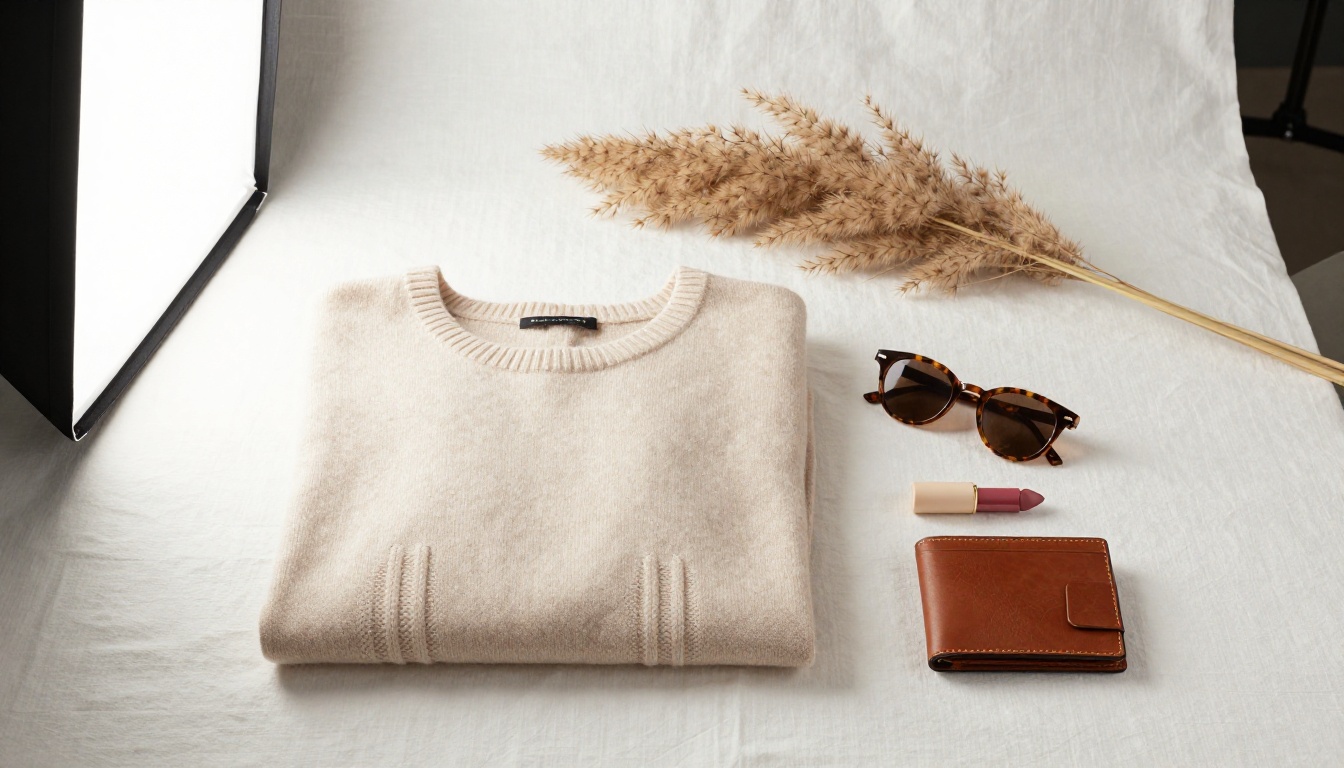
Most brands treat their lookbook as a vanity piece. The brands that grow treat it as a conversion tool. A product lookbook does three things at once: it tells your brand story, showcases your products in a lifestyle context, and gives customers a reason to buy the whole collection rather than a single item.
Think of it as the difference between a product listing and an experience. When someone sees your jacket on a hanger in a grid view, they consider the price. When they see it styled on a person in a sun-drenched market scene inside an editorial lookbook, they imagine owning it.
Lookbooks vs. Product Catalogs
These two formats get confused constantly. They are not the same thing, and using the wrong one for your audience is a costly mistake.
| Feature | Product Lookbook | Product Catalog |
|---|
| Primary Goal | Inspire and build desire | Inform and reference |
| Content Style | Lifestyle photography, editorial | Product shots, specs, SKUs |
| Page Density | Low (1-3 products per spread) | High (6-20 products per page) |
| Best For | Fashion, beauty, home decor, luxury | B2B wholesale, hardware, large inventories |
| Customer Stage | Top of funnel, discovery | Bottom of funnel, ready to buy |
| Tone | Aspirational, emotional | Functional, informational |
Both have their place. For seasonal collections, new product launches, and brand storytelling, the lookbook wins every time. For wholesale buyers or technical product lines, a catalog makes more sense. Many brands use both: a Product Catalog for B2B buyers and a lookbook for direct consumers.
Who Needs a Product Lookbook
The short answer: any brand that sells visually driven products. But here are the specific scenarios where a lookbook delivers the highest return:
- Fashion brands launching a seasonal collection
- Beauty businesses showcasing a new skincare or makeup line
- Home decor shops presenting room concepts and product pairings
- Jewelry designers showing pieces in styled editorial photography
- Small boutiques replacing expensive printed catalogs with digital versions
- Ecommerce stores reducing product return rates by showing true-to-life styling

What to Include in Your Product Lookbook
Structure matters more than most first-time lookbook creators realize. A disorganized spread of product photos is not a lookbook. It is a mood board with ambitions. Here is what every strong lookbook needs.
Must-Have Pages
- Cover Page: Your brand name, season or collection title, and a single high-impact hero image. No clutter.
- Brand Story Page: Two to four sentences and a compelling image. Tell people who you are and why this collection exists.
- Editorial Spreads: Each spread features one to three products styled in a lifestyle scene, with product names and brief descriptions.
- Close-Up Details: Macro product shots showing texture, materials, and craftsmanship. These build trust.
- Outfit and Pairing Pages: Show how products work together. This is the single most effective upsell mechanism in a lookbook.
- Pricing and Where to Buy: Make it easy to act. Include links, QR codes, or a clear URL.
- Contact and Social: Let buyers reach you directly.
The Visuals That Sell
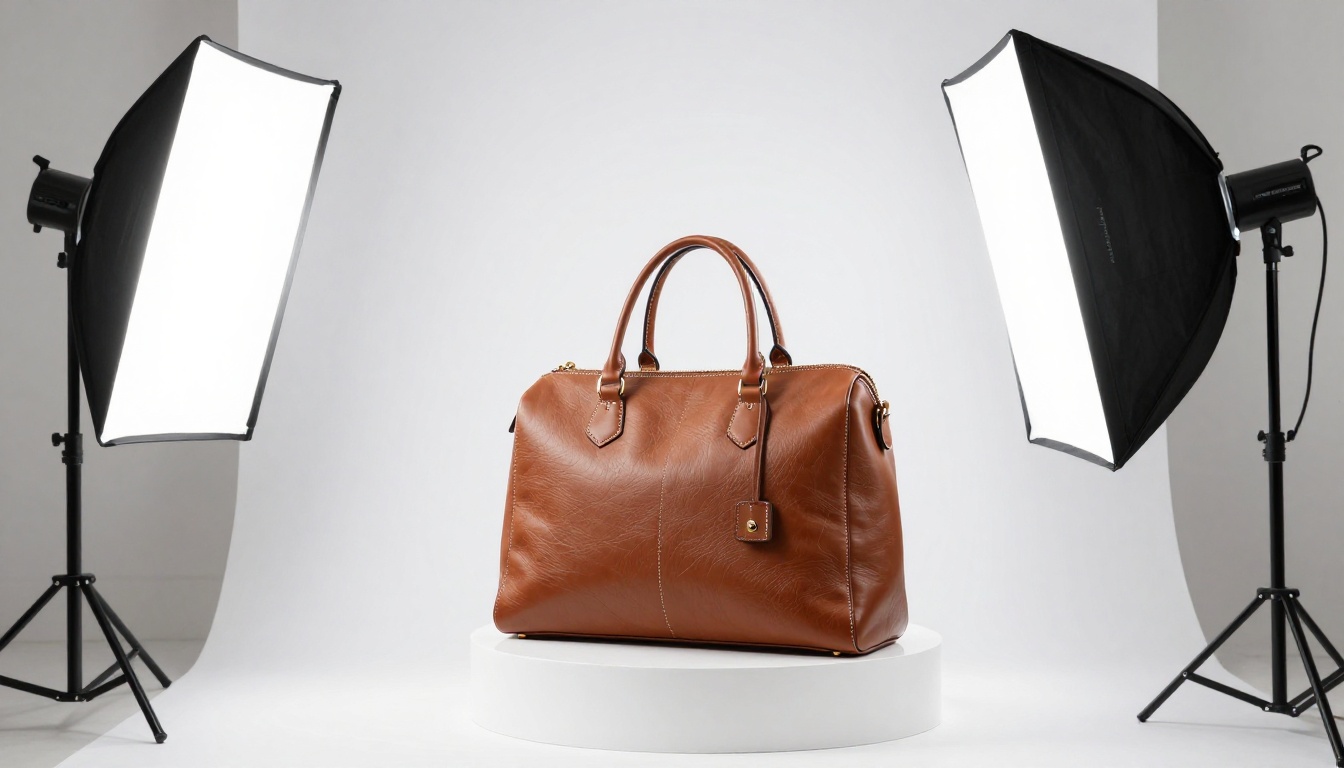
Your photography does 80% of the heavy lifting. You do not need a professional studio for every shot, but you do need consistency. All images in the lookbook should share:
- The same color temperature (all warm or all cool, not mixed)
- A consistent background palette (white, neutral, or one signature color)
- Similar framing (if you mix flat-lays and lifestyle shots, keep proportions balanced)
- Real models or real settings (stock photos rarely match your brand's specific aesthetic)
💡 The single most common lookbook error is using photos from three different photographers or shoots. The inconsistency reads as unprofessional even to untrained eyes.
How to Plan Your Lookbook Before You Build It
Skipping the planning phase is why most lookbooks take three times longer than they should. Thirty minutes of planning saves hours of revision.
Define Your Audience First
Write one sentence describing who this lookbook is for. Not "women aged 25-45." Something specific: "Women in their late twenties who shop sustainable fashion and follow editorial accounts on Instagram." That level of specificity changes every design decision you make.
Pick a Theme and Color Story
Your lookbook needs a visual through-line. This is usually built around:
- Season: Spring freshness, winter warmth, summer heat
- Mood: Minimalist calm, maximalist abundance, urban edge
- Story: A weekend getaway, a morning routine, a celebration
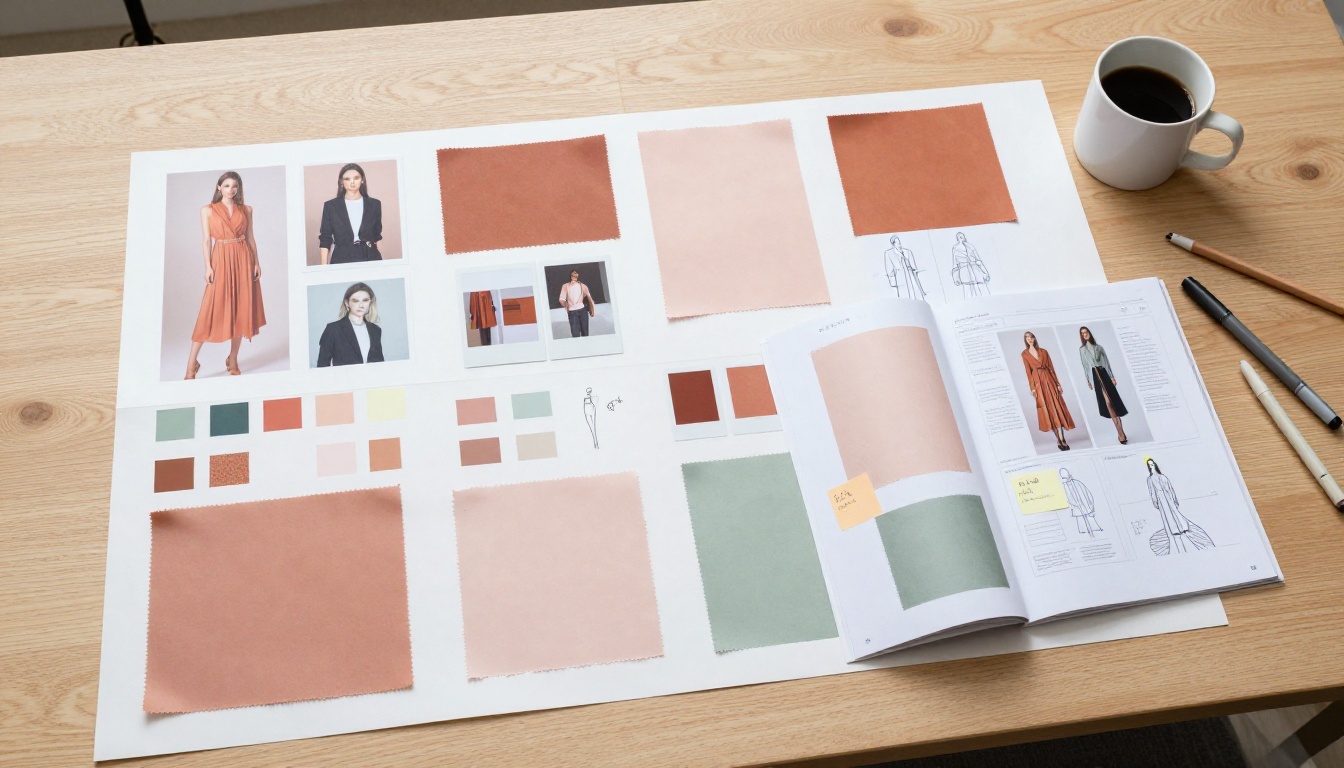
Once you pick a direction, pull three to five reference images and define your color story. Two to three core colors plus one accent. Everything in your lookbook should feel like it belongs to the same world.
✅ Use your brand's existing color palette as the starting point, then adjust the mood palette for the specific collection.
How to Build a Product Lookbook for Free with Flipbooks AI
This is where the practical part starts. Flipbooks AI is a browser-based tool that converts your designed PDF into a fully interactive digital lookbook, complete with page-turning animations, embedded links, and mobile-responsive viewing. No software installs, no subscriptions required to get started.
Step 1: Design Your PDF
Before uploading, you need to design your lookbook pages. If you already have a designed PDF, skip ahead. If you are starting from scratch, tools like Canva, Adobe Express, or Google Slides all export to PDF.
Design tips for lookbook PDFs:
- Use landscape orientation (16:9 or A4 landscape) for a magazine-style reading experience
- Set bleed margins to prevent white borders when pages display
- Embed all fonts before exporting to avoid substitution issues
- Export at 150-300 DPI for crisp image quality without excessive file size
Step 2: Upload and Convert
Go to Flipbooks AI and create a free account. Once inside:
- Click Create New Flipbook
- Drag and drop your PDF file (or click to browse)
- Wait for the automatic conversion (typically under 60 seconds for a 20-page PDF)
- Your lookbook renders immediately with a realistic page-turn effect
The Interactive Lookbook Designer tool is specifically built for this use case, with lookbook-optimized templates and display settings.
💡 For fashion brands, also check out the Lookbook Flipbook Builder for additional layout options.
Step 3: Customize Your Branding
After conversion, the editor lets you customize:
- Background color of the reader frame (match your brand's primary color)
- Thumbnail navigation on or off
- Auto-flip speed for self-running presentations
- Custom domain or embed for your website
No watermarks appear on your published lookbook, even on the free tier. This is one of Flipbooks AI's most important features for professional brand presentation.
Step 4: Add Interactive Elements
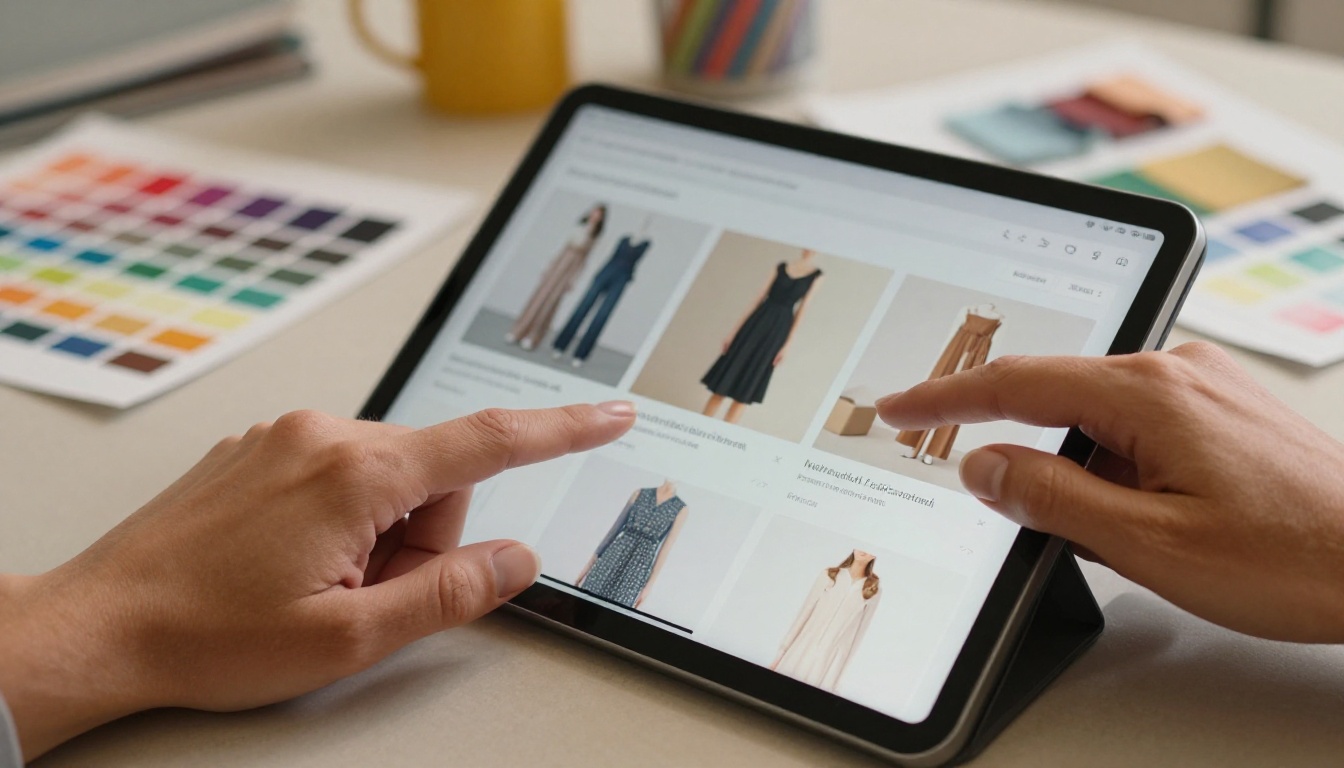
This is where digital lookbooks surpass print. Inside Flipbooks AI, you can add:
- Clickable product links directly on images, sending readers to your product pages
- Embedded videos for campaign footage, behind-the-scenes content, or tutorials
- Audio overlays for background music or narration
- Pop-up information panels with additional product details
A fashion lookbook with shoppable product links removes every friction point between inspiration and purchase.
Step 5: Share and Distribute
Publishing is one click. You get:
- A direct link to share via email, social media, or SMS
- An embed code to drop directly into your website or landing page
- Password protection to create exclusive early-access previews for VIP customers or wholesale buyers (Standard plan and above)
- QR code for print materials that link to the digital version
For brands on the Professional plan, built-in analytics show you page-by-page engagement data: which spreads get the most attention, where readers drop off, and lead capture forms for building your email list.

Not every free tool is equal. Here is how the most common options compare for creating a product lookbook from scratch:
| Tool | Free Tier | Page-Turn Effect | No Watermark | Embed Code | Shoppable Links | Mobile Responsive |
|---|
| Flipbooks AI | ✅ Yes | ✅ Yes | ✅ Yes | ✅ Yes | ✅ Yes | ✅ Yes |
| Canva | ✅ Yes | ❌ No | ✅ Yes | ❌ Limited | ❌ No | ✅ Yes |
| Issuu | ⚠️ Limited | ✅ Yes | ❌ Watermark | ⚠️ Paid | ❌ No | ✅ Yes |
| FlipHTML5 | ⚠️ Limited | ✅ Yes | ❌ Watermark | ⚠️ Paid | ❌ No | ✅ Yes |
| Adobe Express | ✅ Yes | ❌ No | ✅ Yes | ❌ No | ❌ No | ✅ Yes |
⚠️ Most free flipbook tools add a watermark on your published content. This immediately signals to buyers that you are using a free tool, which undercuts the premium perception a lookbook is supposed to build. Flipbooks AI is one of the few that skips this entirely.
Flipbooks AI Plan Features at a Glance
| Feature | Free | Standard | Professional |
|---|
| Flipbooks | Limited | Unlimited | Unlimited |
| Watermark | None | None | None |
| Password Protection | ❌ | ✅ | ✅ |
| Custom Branding | ❌ | ✅ | ✅ |
| Embed on Website | ✅ | ✅ | ✅ |
| Analytics | ❌ | ❌ | ✅ |
| Lead Generation | ❌ | ❌ | ✅ |
| Offline Downloads | ❌ | ✅ | ✅ |
| Shoppable Links | ✅ | ✅ | ✅ |
See full details on the pricing page.
Common Lookbook Mistakes to Avoid
After seeing hundreds of brand lookbooks, the same errors show up repeatedly. Here are the ones that cost brands the most.
Too Many Products Per Page
A lookbook is not a product grid. When you crowd a spread with six products, you dilute the visual impact of each one. The rule: one to three products per spread, maximum. If you have a 30-product collection, you need more pages, not more products per page.
Ignoring Mobile Viewers
More than 60% of your audience will read your lookbook on a phone. A PDF designed for desktop without testing on mobile produces an unreadable experience. Digital lookbooks published via Flipbooks AI are automatically mobile-responsive, but you should still preview every page on your own phone before publishing.
✅ If a page requires pinching and zooming to read, redesign it. No buyer will do that.
Skipping the Call-to-Action
Every lookbook needs at least three moments where you ask the reader to do something: visit a product page, send an inquiry, follow on social media. A beautiful lookbook with no calls-to-action is a branding exercise with no business result.
Making It Too Long
Attention is finite. A lookbook that runs 40 pages is not twice as good as a 20-page lookbook. For most product launches, 12 to 24 pages is the sweet spot. If you are launching a major seasonal collection with 60-plus SKUs, break it into two separate lookbooks by category or story arc.

Real-World Use Cases
Understanding how other brands use lookbooks in practice helps clarify what is possible for your own business.
Independent fashion boutique: A small boutique creates a quarterly digital lookbook showcasing 15 to 20 pieces from their new arrivals. They embed it on their homepage and send it to their email list. The lookbook page consistently has a lower bounce rate and higher time-on-page than any other page on their site.
Sustainable skincare brand: A skincare company uses their lookbook to show each product in context: morning routine, ingredient close-ups, and lifestyle photography of their customers. They include a shoppable link on every product image. Their lookbook converts at three times the rate of their standard product pages.
Furniture and home decor store: A home goods retailer builds seasonal room lookbooks, showing full room settings where every visible product is clickable. Customers who browse the lookbook purchase an average of 2.3 items per order compared to 1.1 items for customers who shop via the standard product grid.
B2B wholesale brand: A fashion brand creates two versions: a consumer lookbook with lifestyle photography and editorial content, and a separate trade lookbook using the Product Catalog tool with wholesale pricing, minimum order quantities, and reorder codes. Both are published via Flipbooks AI, with the trade version password-protected.
Digital vs. Print Lookbooks: The Real Difference
Printing is expensive, slow, and static. A digital lookbook published on Flipbooks AI solves every limitation of print:
- Instant updates: Change a price, add a new product, fix a typo without reprinting
- Unlimited distribution: Share with 10 people or 10,000 with no per-unit cost
- Shoppable: Every product image can link directly to a purchase page
- Trackable: Know exactly which pages drove the most attention (Professional plan)
- Interactive: Embed video campaigns, audio, and interactive hotspots
- Accessible anywhere: No physical copy needed. A link or QR code is enough
The only scenario where print makes sense over digital is ultra-premium in-store experiences where the physical object itself is part of the brand luxury (think high-end jewelry or couture). For every other use case, digital wins on every practical metric.
Your Next Step
You have everything you need to build a product lookbook that actually drives sales. Design your PDF, upload it to Flipbooks AI for free, and have a published, shareable, embeddable lookbook live within the hour.
If you want to go further, the Interactive Lookbook Designer and Lookbook Flipbook Builder tools give you lookbook-specific features built for exactly this workflow. For digital catalogs, portfolios, and other branded documents, browse all available flipbook tools to find the right format.
When you are ready to add analytics, password protection, and lead generation to your lookbook workflow, compare pricing plans to find what fits your business. The free plan is a genuinely useful starting point. Upgrade when the results justify it.
Start building now at Flipbooks AI.



