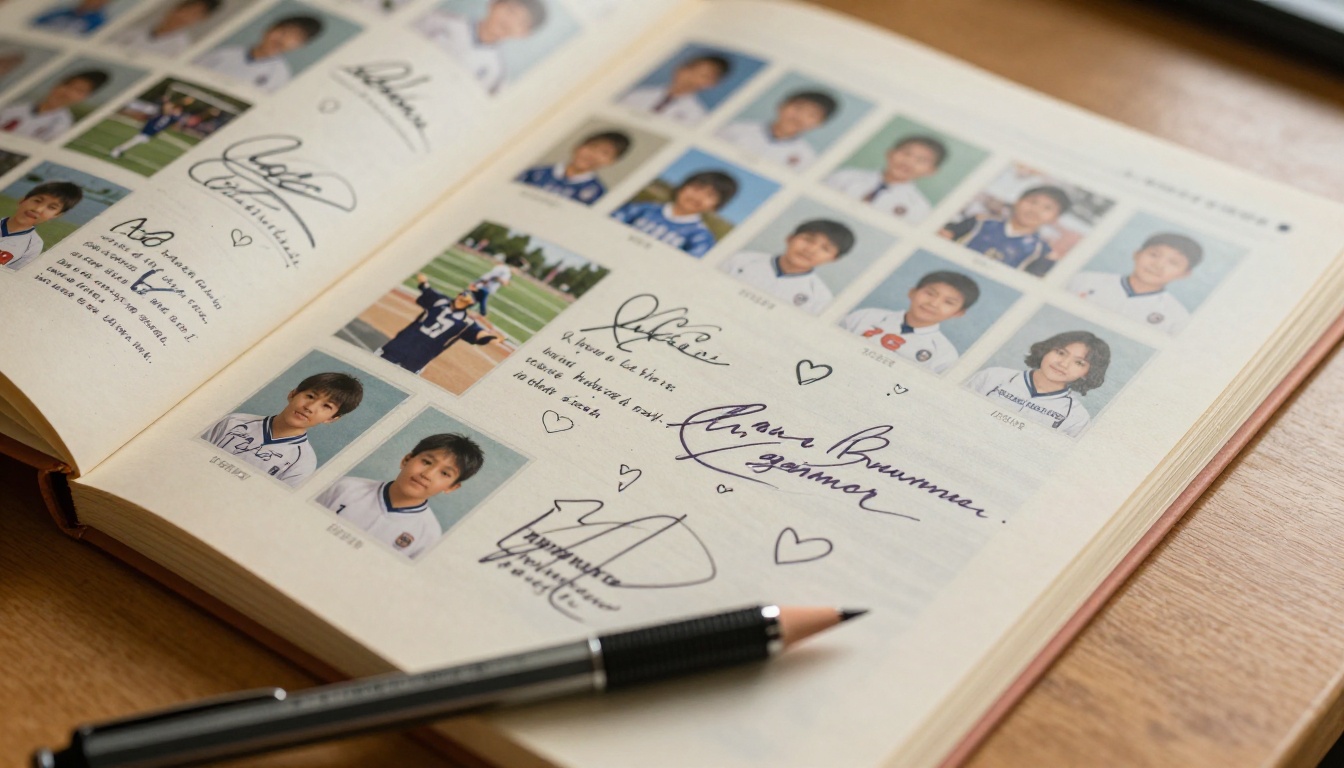
A school yearbook holds something that no class list or photo album ever quite captures: the texture of a year, the inside jokes, the awkward class photos, and the handwritten notes that time slowly fades. The problem is that printed yearbooks are expensive, fragile, and locked inside a single copy that gets buried in a box. Turning your school yearbook into a digital flipbook changes that entirely. With a realistic page-turn effect, instant sharing, and zero print costs, a flipbook yearbook reaches every student and family, regardless of where they end up. Flipbooks AI makes this process straightforward enough for a school committee to handle without any technical background.
Why Schools Are Moving to Digital Yearbooks
The True Cost of Printed Yearbooks
Print yearbooks are not cheap. Between design software licenses, professional printing, binding, and distribution, a typical school yearbook can cost anywhere from $20 to $80 per copy. For larger student bodies, that adds up to thousands of dollars, and a significant portion of families end up skipping the purchase entirely because of the price.
| Cost Factor | Printed Yearbook | Digital Flipbook |
|---|
| Per-copy cost | $20 to $80 | $0 (unlimited sharing) |
| Design tool cost | $300 to $1,200/year | Included in platform |
| Distribution | Physical delivery | Instant link or embed |
| Revision after print | Impossible | Update anytime |
| Storage | Physical space required | Cloud-hosted |
| Accessibility | One copy per purchase | Unlimited viewers |
Beyond cost, printed yearbooks have a shelf life. Pages yellow, covers warp, and ink fades. A digital flipbook is permanent, shareable, and always looks exactly as intended.
What Students and Families Actually Want
Students in 2026 already live digitally. They share photos on their phones, watch videos online, and expect access to things immediately. A printed yearbook handed out at the end of the school year often ends up lost or damaged within months. A digital yearbook link can be shared in a school email, posted on the school website, or bookmarked for life.
💡 Pro tip: A digital yearbook flipbook can include embedded videos of graduation speeches, sports highlights, and school play recordings, things a printed yearbook simply cannot do.
The Page-Turn Experience Still Matters
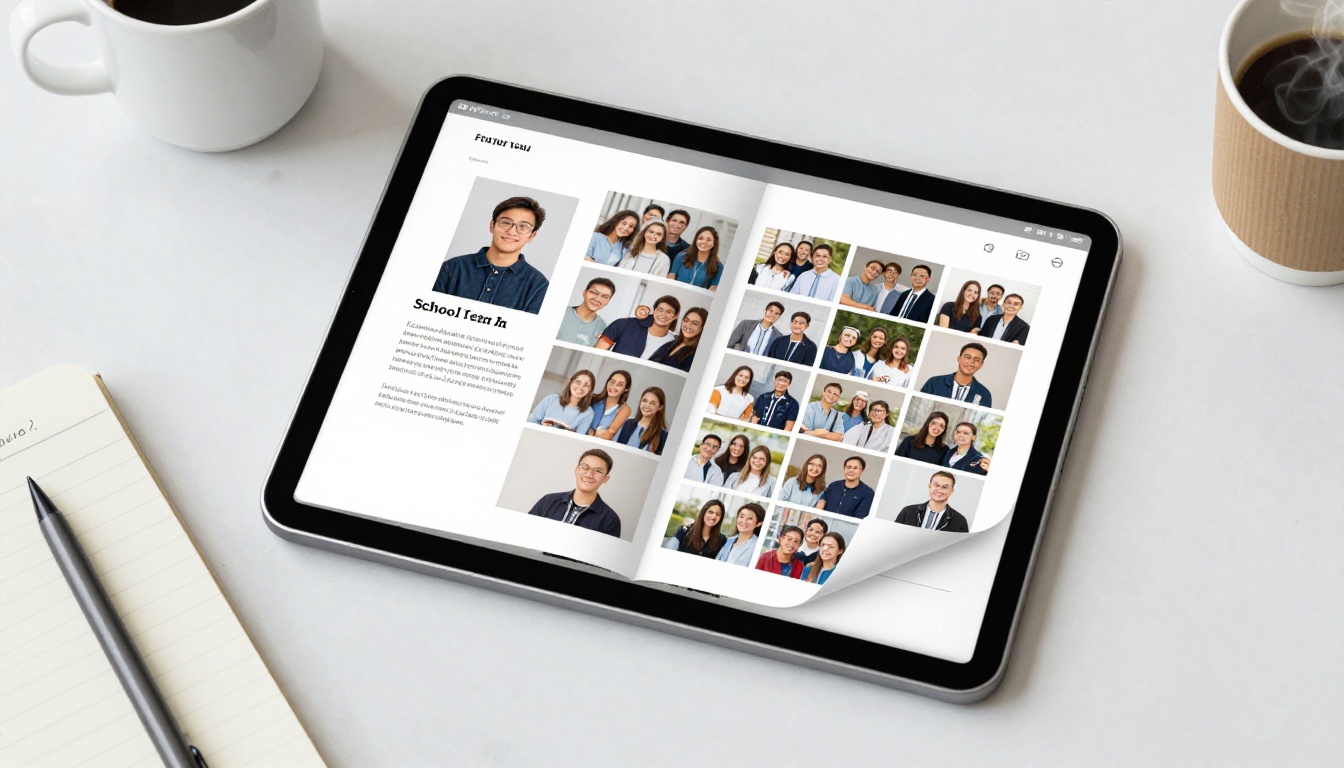
A plain PDF download feels flat. A flipbook recreates the physical sensation of turning pages, complete with realistic paper-curl animations and the familiar left-to-right reading flow that feels like holding the actual book. This matters for a yearbook specifically because the emotional experience of flipping through it is part of what makes it valuable.
The Yearbook Flipbook Maker on Flipbooks AI preserves that tactile experience in a browser, on mobile, on tablets, and on desktop, with no app download required.
Sharing Without Barriers
One of the biggest limitations of a printed yearbook is that only the student who bought it can experience it. With a flipbook, the entire student body, every parent, grandparent, and alumni, can view the same document through a single shared link.
✅ Best practice: Use password protection to make the yearbook available only to enrolled families, while still enabling unlimited viewing within that group.
Planning Your School Yearbook Content
Sections Every Yearbook Needs
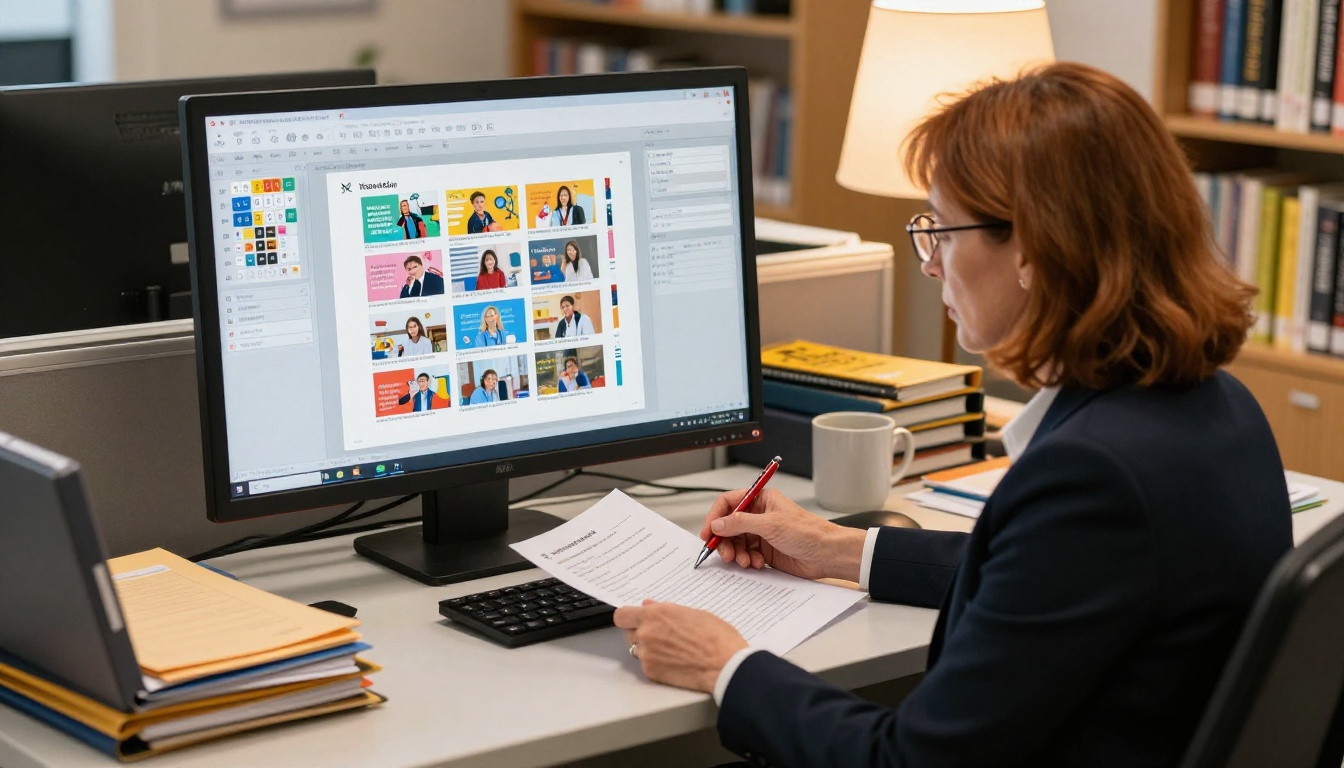
Before you open any design tool, map out your content. A well-structured yearbook follows a consistent flow that readers expect. Here is a standard yearbook section breakdown:
| Section | What to Include | Typical Page Count |
|---|
| Opening spread | School motto, year, key photo | 2 to 4 pages |
| Faculty and staff | Individual portraits, names, roles | 6 to 12 pages |
| Student portraits | Grade-sorted headshots with names | 20 to 60 pages |
| Academics | Club photos, class highlights | 8 to 16 pages |
| Sports | Team photos, season highlights | 10 to 20 pages |
| Events and activities | Prom, field trips, performances | 8 to 16 pages |
| Senior spotlights | Senior quotes, baby photos, superlatives | 10 to 20 pages |
| Autograph pages | Blank or lightly designed for signatures | 4 to 8 pages |
| Closing | Farewell message, acknowledgments | 2 to 4 pages |
Planning this structure upfront prevents design chaos. Assign student staff members to specific sections so multiple people can work simultaneously on different parts of the book.
Collecting Photos and Signatures
Photo collection is usually the biggest bottleneck in any yearbook project. Set up a shared Google Drive or similar cloud folder organized by section, and communicate a hard deadline at least three weeks before your publish date. Use a simple submission form so students can upload photos with the correct labels, including name, grade, event, and date.
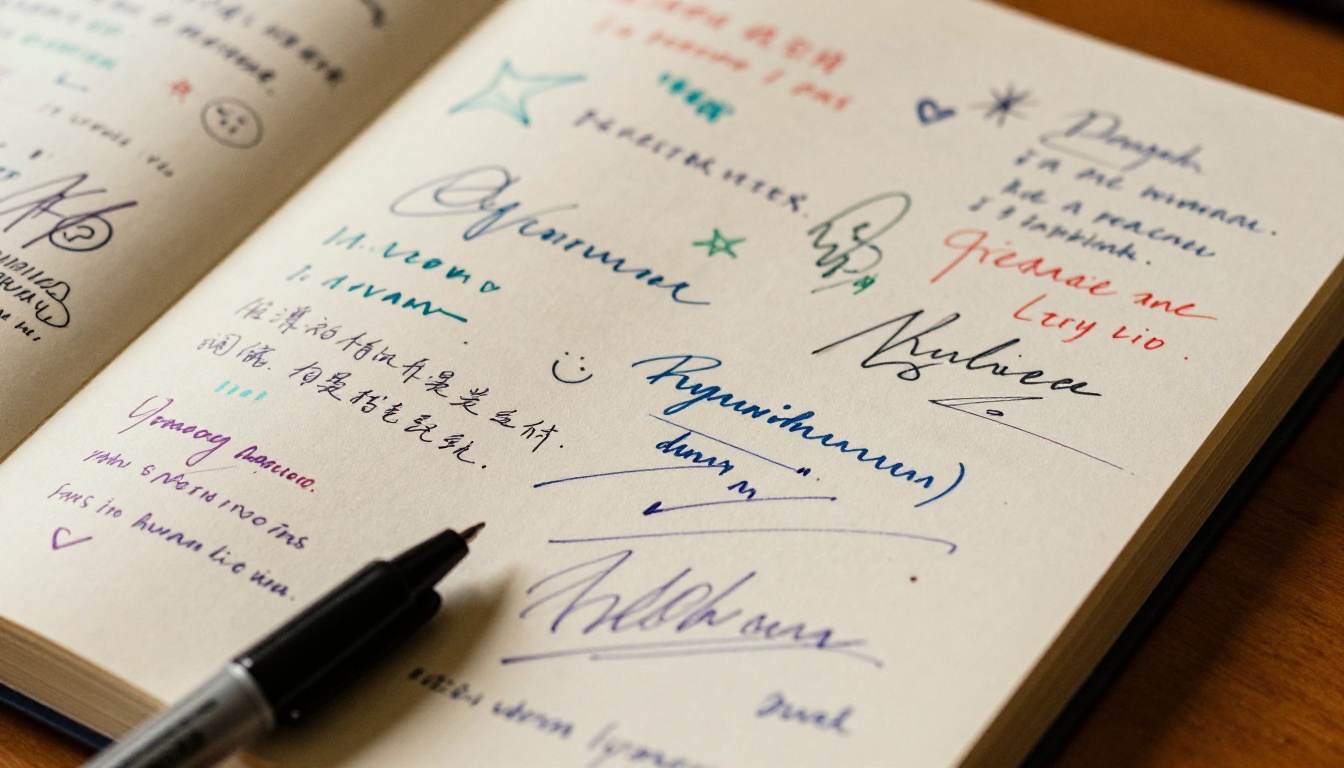
For the signature section, consider including blank or lightly patterned pages at the end of the flipbook. When families receive a physical print version alongside the digital one, they can still sign each other's copies. The digital flipbook simply adds another layer of access.
⚠️ Warning: Low-resolution photos are the most common problem in yearbook production. Require a minimum resolution of 300 DPI for any photos that will appear as full-page or half-page spreads.
Designing Your Yearbook PDF Before Upload
Choosing a Layout Tool
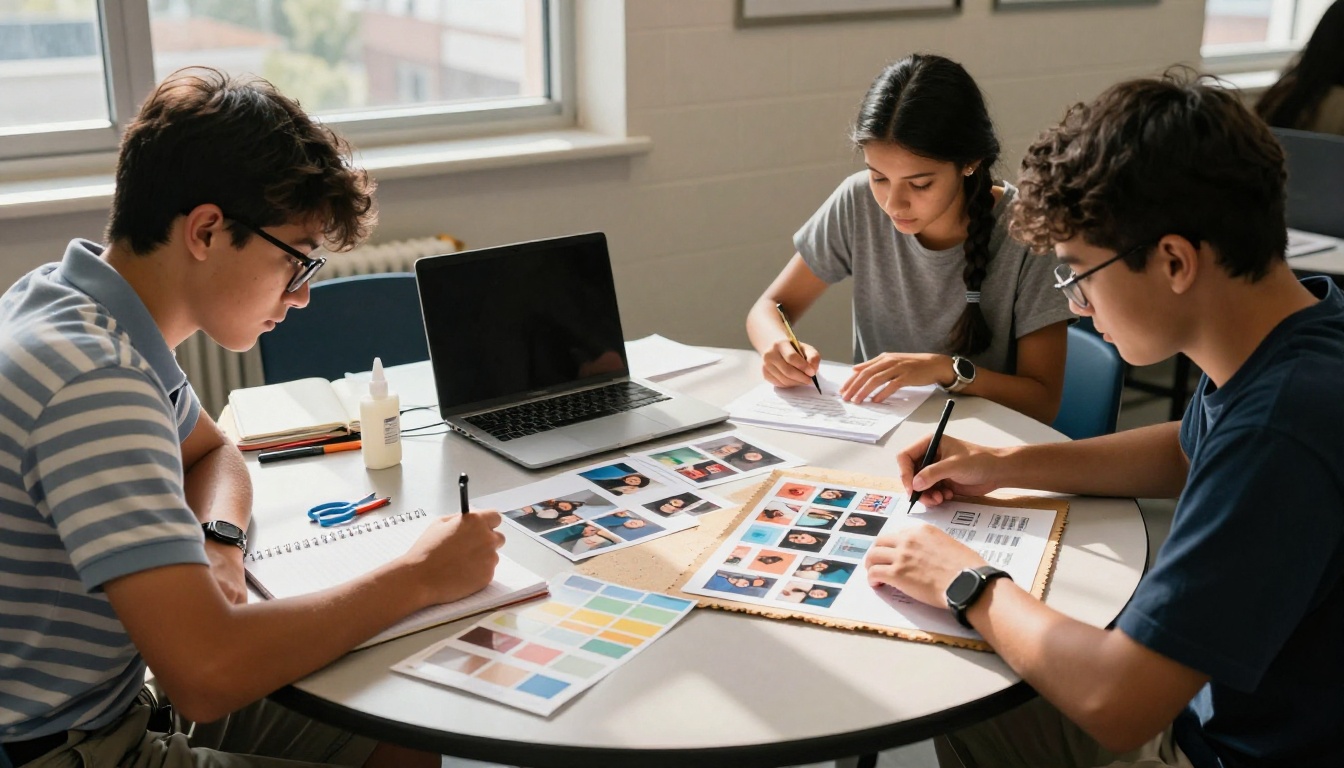
You do not need professional design software to create a yearbook. Several tools make the job accessible to student committees working with limited budgets:
| Tool | Best For | Price Range | Output Format |
|---|
| Canva | Beginners, visual drag-and-drop | Free to $15/month | PDF |
| Adobe InDesign | Professional precision layouts | $21/month | PDF |
| Google Slides | Collaborative real-time editing | Free | PDF (export) |
| Microsoft Publisher | Simple familiar interface | Included with Office | PDF |
| Lucidpress (Marq) | Education-focused templates | Free for students | PDF |
Whatever tool you use, export the final file as a high-resolution PDF. This is the file you will upload to the PDF to Flipbook Converter on Flipbooks AI.
Page Setup and Export Settings
When setting up your document before exporting:
- Page size: Use standard letter (8.5 x 11 inches) or A4 for best results
- Orientation: Landscape works well for double-page spreads
- Resolution: Export at 150 to 300 DPI for screen viewing
- Color mode: RGB (not CMYK) for digital-only yearbooks
- File size: Keep under 500 MB for smooth uploads and fast viewer loading
💡 Pro tip: If your yearbook has many full-page photos, compress your PDF using a tool like Smallpdf or Adobe Acrobat before uploading to reduce load times for viewers on slower connections.
How to Create Your School Yearbook Flipbook on Flipbooks AI
This is where your PDF becomes an interactive digital experience. The Yearbook Flipbook Maker on Flipbooks AI handles the conversion and gives you full control over the presentation without any coding or technical setup.
Step 1: Create Your Account
Go to flipbooksai.com/account and sign up. The process takes under two minutes. For a school yearbook project, the Standard plan is usually sufficient since it includes unlimited flipbooks and removes watermarks entirely. If your school wants access to analytics, lead capture forms, or offline downloads, the Professional plan adds those features. Check the full pricing comparison before choosing your plan.
Step 2: Upload Your Yearbook PDF
From your dashboard, click "Create New Flipbook" and upload your PDF. Flipbooks AI supports files up to several hundred pages and converts them automatically. The conversion process typically takes two to five minutes depending on file size.

Once converted, you will see a live preview of your flipbook with the page-turn effect already applied. Scroll through every page at this point to check for any formatting issues that may have occurred during the PDF export step.
Step 3: Customize Branding and Colors
This step separates a generic digital PDF from a polished school yearbook experience. In the customization panel:
- Set the flipbook title: Include the school name and graduation year
- Choose a background color: Deep navy, forest green, or the school's primary color works well
- Upload a custom logo: Add the school crest or yearbook committee logo
- Adjust the toolbar color: Match it to your school's branding palette
- Set a custom favicon: A small detail, but it makes the browser tab look polished and intentional
✅ Best practice: Use your school's exact hex color codes for branding consistency. Most school websites list these in their style guide, or you can extract them using a browser color-picker extension.
Step 4: Add Multimedia Elements
This is the feature that genuinely separates a digital flipbook from a static PDF. Within supported pages, you can embed:
- Videos: Graduation speech recordings, sports highlight reels, school play performances
- Audio: The school song, a recorded message from the principal, or a student commencement speech
- Links: Connect out to the school's social media pages, alumni network, or event recap articles
To add multimedia, hover over the relevant page in the editor and select the "Add Media" option. Paste the YouTube, Vimeo, or direct media URL and position the element on the page where it best fits the content.
Step 5: Configure Sharing and Privacy
Before publishing, decide on your access settings based on your school's privacy needs:
- Public link: Anyone with the URL can view the yearbook freely
- Password protected: Only families with the password can access it (strongly recommended for yearbooks containing minor students' photos)
- Embed code: Paste into the school website so the flipbook loads directly on the page without requiring navigation away
Use the Embed Flipbook on Website tool to generate the correct embed code for your school's content management system.
Step 6: Publish and Share
Click "Publish" and copy your flipbook URL. This is the link you send to students, families, and staff. You can distribute it through:
- School-wide email newsletters to all enrolled families
- The school's parent communication app or portal
- A dedicated page on the school website
- Class group chats and school social media accounts
Flipbooks AI Plan Comparison for Schools
| Feature | Free Plan | Standard Plan | Professional Plan |
|---|
| Watermark on flipbook | Yes | No | No |
| Number of flipbooks | 1 | Unlimited | Unlimited |
| Password protection | No | Yes | Yes |
| Custom branding | No | Yes | Yes |
| Embed on website | No | Yes | Yes |
| Analytics and view tracking | No | No | Yes |
| Lead generation forms | No | No | Yes |
| Offline downloads | No | No | Yes |
| Multimedia (video, audio) | No | Yes | Yes |
For most school yearbook projects, the Standard plan offers everything needed. Schools that want to track how many families viewed the yearbook, from which devices, and at what times would benefit from upgrading to the Professional plan. See full pricing details on the Flipbooks AI website.
Sharing and Distributing Your Digital Yearbook
Embedding on the School Website
The cleanest way to share your yearbook is by embedding it directly on the school's website. Families do not need to click away or download anything. They land on a dedicated yearbook page and the flipbook loads inline, just like viewing a video embedded in a news article.
This approach is particularly valuable for building a lasting archive. The school can maintain a "Yearbook Archive" page with embedded flipbooks from every graduating class, giving alumni a way to revisit their year without searching through storage boxes decades later.
Sending Direct Links to Families
For distribution via email or messaging apps, the direct link is the simplest option. Include the password in the same message if you have set one. A clean sample distribution message might read:
"Your 2026 digital yearbook is now available. Click the link below to view it. Use the password provided to access. This link can be saved and shared with extended family members."
This approach removes the traditional barrier of physical delivery and guarantees that every family, regardless of geography, receives the same experience at exactly the same time.

Common Yearbook Mistakes to Avoid
Low-resolution photos: Always require 300 DPI minimum from contributors, even for candid shots that will appear relatively small on the final page layout.
Missing students: Create a checklist of every enrolled student and cross-reference it against your portrait submissions at least three weeks before your publish deadline. Leaving a student out is the most visible and painful error possible.
Inconsistent fonts: Limit yourself to two or three fonts total throughout the entire publication. Mixing too many typefaces looks unpolished and reduces readability.
No proofreading pass: Read every name caption at least twice. A misspelled name in a yearbook is the kind of error that families remember for years.
Forgetting the acknowledgments page: Recognize teachers, sponsors, parent volunteers, and committee members. This page is meaningful and gets skipped more often than it should.
Not testing on mobile: Before publishing, open your flipbook on a smartphone. Flipbooks AI is mobile-responsive, but always verify that text is readable and photos display correctly at smaller screen sizes.
⚠️ Warning: Never publish a yearbook without a final review from at least two people outside the design committee. Fresh eyes catch the errors that close collaborators stop seeing after hours of working on the same pages.
Other School Publications Worth Creating as Flipbooks
While the Yearbook Flipbook Maker is the primary tool for this project, Flipbooks AI offers several other tools that school departments use throughout the academic year:
These tools all use the same upload and customization workflow. Once your yearbook committee is comfortable with the platform, deploying other school publications becomes second nature with almost no learning curve.
Your School Yearbook, Ready to Share
A school yearbook as a flipbook is not just a cost-saving alternative to print. It is a richer, more accessible, and longer-lasting way to preserve the memories of a school year. Every student gets access. Every family can share it with relatives across the country. And it will look exactly the same in ten years as it does the day you publish it.
Create your free account at Flipbooks AI, upload your PDF when it is ready, and your yearbook will be live and shareable in minutes. Browse all available tools and templates to see what else your school can publish digitally throughout the year, or compare pricing plans to find the right fit for your school's budget and publishing needs.



