Most training manuals collect digital dust. They get emailed once, opened twice, and forgotten completely by the end of onboarding week. If your employee documentation lives in a static PDF or a printed binder, you already know the problem: nobody reads it past page three. The fix is not more content. It is a better format. This article walks you through exactly how to create a training manual as a flipbook, from planning your content to publishing an interactive version your team will actually use.
Why Static Training Manuals Do Not Work
There is nothing wrong with the information inside most training manuals. The problem is the container. A flat PDF has no hierarchy visible at a glance, no way to hold attention across 40 pages, and no mechanism to know if anyone read it at all.
The Readability Problem
When someone opens a dense PDF training document on their phone or a shared company computer, the experience is immediately hostile. Pinching to zoom, scrolling endlessly, losing their place, fighting with pagination. These are not small annoyances. They are the reason a significant portion of employees skip sections of required training materials, according to internal HR surveys across mid-size companies.
A flipbook changes the physical logic of reading. Pages turn. Sections are visually distinct. The reader feels forward momentum instead of the sensation of scrolling through an infinite wall of text.
Static Content Loses Attention Fast

Printed binders and flat PDFs share one core weakness: they offer zero interactivity. No embedded videos, no clickable links, no progress indicators. In an era where every other piece of content competes for attention, a 50-page static document cannot win.
Interactive training materials, by contrast, keep readers oriented and moving. A well-structured flipbook with chapter tabs, embedded media, and page-turn animations creates an experience closer to a digital publication than a document dump.
What Makes a Flipbook Better for Training
The format alone is not enough. The advantages of a flipbook for training purposes come from specific features that combine accessibility, interactivity, and tracking in one place.
Interactive Pages vs. Static Documents
| Feature | PDF or Print | Flipbook |
|---|
| Page-turn animation | No | Yes |
| Embedded video | No | Yes |
| Clickable links | Limited | Full |
| Mobile-responsive | Poor | Yes |
| Branded design | Manual | Automatic |
| Analytics | None | Per-page tracking |
| Password protection | Basic | Yes |
| Offline access | Yes (print only) | Yes (download) |
The gap between columns two and three is where employee retention of training content actually lives. The more interactive and accessible the material, the more of it gets absorbed.
Mobile-Ready Training for Modern Teams

A significant portion of frontline workers, retail staff, hospitality teams, and remote employees access company resources on their phones. A training flipbook built with Flipbooks AI renders perfectly across devices without any additional configuration. The same document that looks crisp on a 27-inch monitor works just as well on a 6-inch smartphone screen.
💡 Pro tip: Test your flipbook on at least two screen sizes before sending it to your team. What works on desktop does not always translate cleanly to mobile without proper formatting in the source PDF.
Planning Your Training Manual Content
Before you upload anything, the content needs structure. The most common mistake training managers make is converting a badly organized PDF into a badly organized flipbook. The format improves the experience. It does not fix chaotic information architecture.
Define Your Training Objectives
Start with three questions:
- What should the employee be able to do after reading this?
- What is the minimum information required to achieve that?
- What supporting detail helps, but is not mandatory reading?
Your answers should map directly to your section hierarchy. Core objectives become H1 chapters. Supporting details become sub-sections. Everything else gets cut or moved to an appendix.
Structure Sections for Quick Scanning

Training readers are not leisure readers. They scan before they read. Every section of your training manual needs to work as a standalone unit that communicates its purpose in the first two lines. Use short headers, numbered steps, and bolded key terms. Avoid blocks of paragraph text that bury the actionable instruction three sentences in.
A clean flipbook structure for an onboarding manual might look like this:
- Chapter 1: Company overview and values (4 pages)
- Chapter 2: Tools and systems access (6 pages)
- Chapter 3: Role-specific responsibilities (8 pages)
- Chapter 4: Communication protocols (4 pages)
- Chapter 5: Safety and compliance (5 pages)
- Appendix: Forms, contacts, resources
What to Include in Each Module
Each training module inside your flipbook should contain:
- A clear objective statement at the top
- Step-by-step instructions for any process
- At least one visual aid (diagram, photo, or checklist)
- A summary box or closing recap at the end
- Links to related resources or tools
✅ Best practice: Keep individual chapters under 10 pages. If a chapter runs longer, split it. Shorter chapters with clear titles are more likely to be completed and retained.
How to Create a Training Manual as a Flipbook
This is where the process becomes practical. Flipbooks AI provides a dedicated Training Manual Flipbook tool that converts your existing PDF into a fully interactive publication in minutes.
Step 1: Design Your Manual in PDF Format
Your starting point is always a PDF. Whether you build it in Google Docs, Microsoft Word, Canva, or Adobe InDesign does not matter. What matters is that the PDF is well-organized before you upload it.
PDF checklist before upload:
⚠️ Warning: Low-resolution images in your source PDF will appear blurry in the flipbook. Always use the highest quality version of any image or diagram you include.
Step 2: Upload to Flipbooks AI

- Go to Flipbooks AI and create or sign into your account.
- From your dashboard, select New Flipbook and choose the training manual template.
- Click Upload PDF and select your training document.
- Wait for the conversion to finish (typically under 60 seconds for documents up to 100 pages).
- Preview the result before making any customizations.
The PDF to Flipbook Converter preserves your original formatting, fonts, and images while adding the interactive page-turn functionality automatically.
Step 3: Customize Branding and Appearance
Once your manual is converted, apply your company branding:
- Upload your company logo to appear on the front page and corner of each spread
- Set your primary color scheme to match brand guidelines
- Choose a page-turn style (classic flip, slide, or fade)
- Customize the table of contents appearance
- Set a custom background and typography
Consistent branding signals professionalism and builds trust in the materials. Employees who receive a branded, polished training document take it more seriously than an unmarked PDF attachment.
Step 4: Add Interactive Elements
This is where a flipbook earns its value over a static document:
- Embed videos directly into relevant pages (product demo clips, safety procedure recordings)
- Add hyperlinks to company systems, tools, and policies
- Include audio narration for accessibility or language support
- Insert clickable tables of contents so readers can jump between sections instantly
Step 5: Share With Your Team

Sharing options from Flipbooks AI include:
- Direct link: Send a URL via email, Slack, or your intranet
- Embed code: Place the flipbook directly inside your HR portal or LMS using the Embed Flipbook on Website tool
- Password protection: Restrict access to employees only
- QR code: Print and post in physical locations for frontline teams
💡 Pro tip: For compliance training, use password protection so access is restricted to active employees. When someone leaves the company, simply revoke access without needing to reprint or redistribute materials.
Flipbook vs. PDF vs. Print
Choosing the right format for your training documentation is not a philosophical debate. It is a practical decision based on your team's size, location, and how often materials change.
| Format | Cost | Update Speed | Analytics | Interactivity | Mobile |
|---|
| Printed binder | High (print and bind) | Slow (reprint required) | None | None | No |
| Static PDF | Low | Medium | None | Minimal | Poor |
| Flipbook | Low monthly | Instant | Full | Rich | Yes |
For teams of five or fewer with infrequent updates, a PDF may still work. For any team larger than that, or any training content that changes quarterly, a flipbook is the more efficient investment by a significant margin.

When Print Still Makes Sense
There are specific scenarios where physical documentation remains appropriate:
- Safety-critical environments where phones or devices are prohibited
- Remote field locations without reliable internet access
- Legal documentation requiring wet signatures and physical filing
In every other context, an interactive flipbook is the faster, cheaper, and more trackable option.
Training Flipbooks Across Industries
The use cases for training flipbooks extend well beyond standard corporate onboarding. Different industries benefit from this format in sector-specific ways.
Retail and Hospitality Onboarding
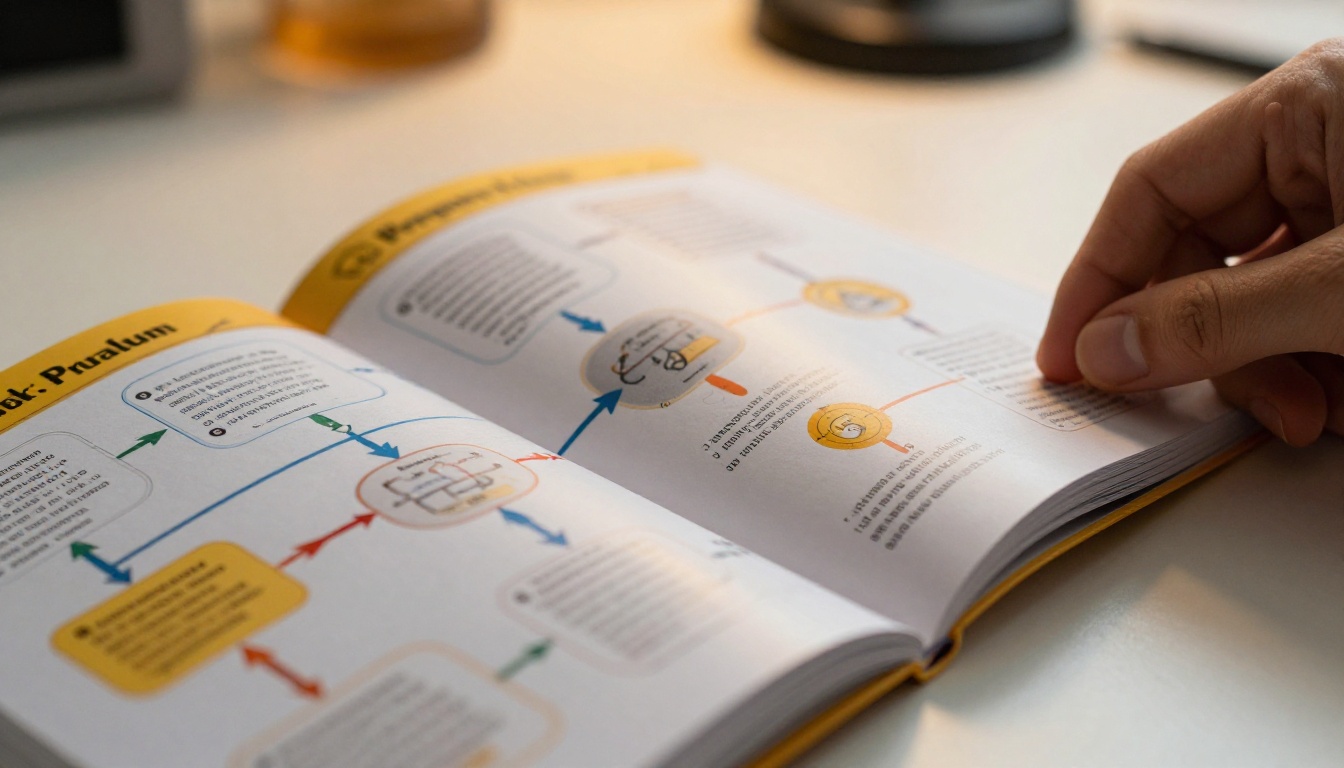
A restaurant chain training 200 seasonal staff members cannot afford to reprint manuals every time the menu or protocols change. A single update to the master flipbook propagates instantly to every shared link. No reprinting, no redistribution, no version control headaches.
Retail operations use training flipbooks for:
- Point-of-sale system procedures
- Customer service scripts and escalation paths
- Inventory management workflows
- Visual merchandising standards with photo references
Corporate HR Documentation
Large organizations with complex compliance requirements use training flipbooks to manage:
- Anti-harassment and DEI training
- Data privacy and GDPR compliance modules
- Information security protocols
- Performance review processes
With the Professional plan on Flipbooks AI, HR teams gain access to per-page analytics that show which sections employees spent the most time on and which ones were skipped. This data is actionable: sections with high skip rates need restructuring.
Healthcare and Compliance Training
In healthcare settings, training documentation must be accurate, version-controlled, and demonstrably received. A flipbook with access tracking provides a record of who opened the document and when, supporting audit requirements without manual sign-off sheets.
Tracking Who Actually Read the Manual
Distributing training materials is only half the job. Knowing that your team completed them is the other half. This is where most traditional formats fail entirely.
Analytics and Completion Tracking
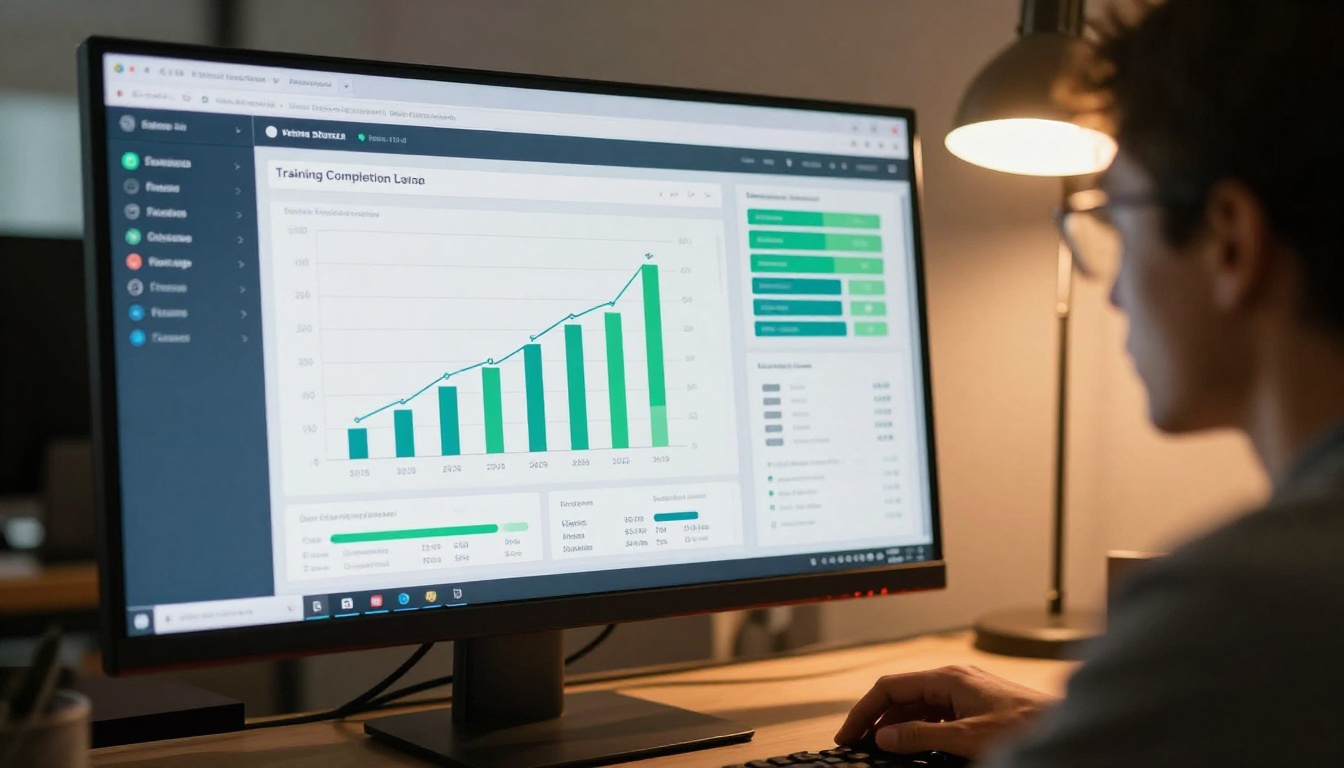
With the Professional plan, training managers can see:
- Total views per flipbook
- Time spent per page (identifies where readers disengage)
- Geographic access data (useful for distributed teams)
- Lead capture forms embedded within specific pages
This data turns your training manual from a passive document into an active intelligence tool. If your safety compliance chapter has a 40% drop-off rate at page three, you know exactly where to improve the content.
✅ Best practice: Set a minimum reading time expectation and use analytics to follow up with employees who accessed the document but spent fewer than two minutes on it.
Plans and Pricing Compared
Understanding which plan suits your organization helps you build the right training infrastructure from the start.
| Feature | Free | Standard | Professional |
|---|
| Flipbooks | 1 | Unlimited | Unlimited |
| Watermark | Yes | No | No |
| Password protection | No | Yes | Yes |
| Custom branding | No | Yes | Yes |
| Analytics | No | No | Yes |
| Lead generation | No | No | Yes |
| Offline downloads | No | Yes | Yes |
| Embed on website | No | Yes | Yes |
For most HR and training teams, the Standard plan provides everything needed for internal employee training. The Professional plan adds the analytics layer that compliance-heavy industries typically require.
Compare all pricing plans to find the right tier for your team size.
Remote Employee Training Without the Friction
Remote and hybrid teams face a specific challenge: onboarding happens through a screen, which means the quality of your digital training materials has a direct impact on how quickly new hires reach productivity.
A training flipbook sent via a single link eliminates the common pain points of remote onboarding:
- No attachment size limits to work around
- No version confusion from multiple forwarded copies
- No compatibility issues across operating systems
- No printing required
New hires can access the training manual on any device, at any time, before their first day if needed. The Course Material Publisher tool makes it straightforward to structure multi-module training programs with a consistent look across all materials.
Features that matter most for distributed teams:
- Mobile-responsive design so field workers can read on their phones
- Password protection to control who accesses sensitive HR documentation
- Offline downloads so employees in low-connectivity areas still get full access
- Instant updates so every team member always has the current version, regardless of time zone
Make Your Training Flipbook Live Today
Your training documentation does not need a complete rebuild. It needs a better format. Take the PDF you already have, upload it to Flipbooks AI, and within minutes your team has access to an interactive, branded, trackable training manual that works on any device.
Where to start:
The employees who onboard next month deserve training materials that respect their time and attention. A flipbook built with Flipbooks AI does exactly that.



