Your wedding day generates hundreds, sometimes thousands, of photographs. A printed album captures some of them. A digital flipbook captures all of them, and lets anyone in the world open it, flip through it, and feel the magic of that day from their phone or laptop. If you've been wondering how to create a wedding album as a digital flipbook, you're about to see just how simple it is, and how much better the result can be compared to anything that comes out of a print shop.
Why Digital Flipbooks Beat Printed Albums
Printed albums have their charm. But they also have real limitations: high printing costs, limited copies, storage space, and the slow fade of ink over time. A digital wedding flipbook solves every one of those problems while adding features that a printed book physically cannot offer.
The Cost Gap Is Significant
A premium printed photo album from a professional lab costs anywhere from $150 to $600 or more, depending on size and page count. You typically get one copy. Sharing means physically mailing it, hoping it doesn't get damaged in transit, and eventually getting it back.
A digital flipbook costs a fraction of that, lives in the cloud, and can be shared with your entire guest list in under a minute. Anyone who receives the link can open it instantly, without downloading anything or creating an account.
Photos That Stay Perfect for Decades
Digital files don't yellow. They don't fade. Your grandchildren will see the same crisp, vivid images that you see today. A digital wedding album hosted on a platform like Flipbooks AI stays sharp and accessible for years, without any special storage conditions or archival sleeves.
Share With Everyone, Instantly
The most powerful feature of a digital wedding flipbook is instant shareability. You send a link, anyone clicks it, and the album opens with a satisfying page-turn animation right in their browser. Family abroad, friends who moved across the country, colleagues who couldn't attend: they all get the same immersive experience as if the album were sitting in their hands.
💡 A QR code printed inside your wedding favor boxes links directly to your digital flipbook. Guests scan it during the reception and have your album in their pocket before they leave the venue.

What Makes a Wedding Flipbook Actually Good
Not every digital wedding album is worth showing off. A truly great one is organized like a story, not just a chronological dump of every photo the photographer delivered.
Think in Chapters, Not Just Moments
The best wedding albums have a clear narrative structure that pulls viewers through the day:
- Getting ready: Bridal suite details, the dress hanging in morning light, candid nervous smiles, the groom adjusting his tie
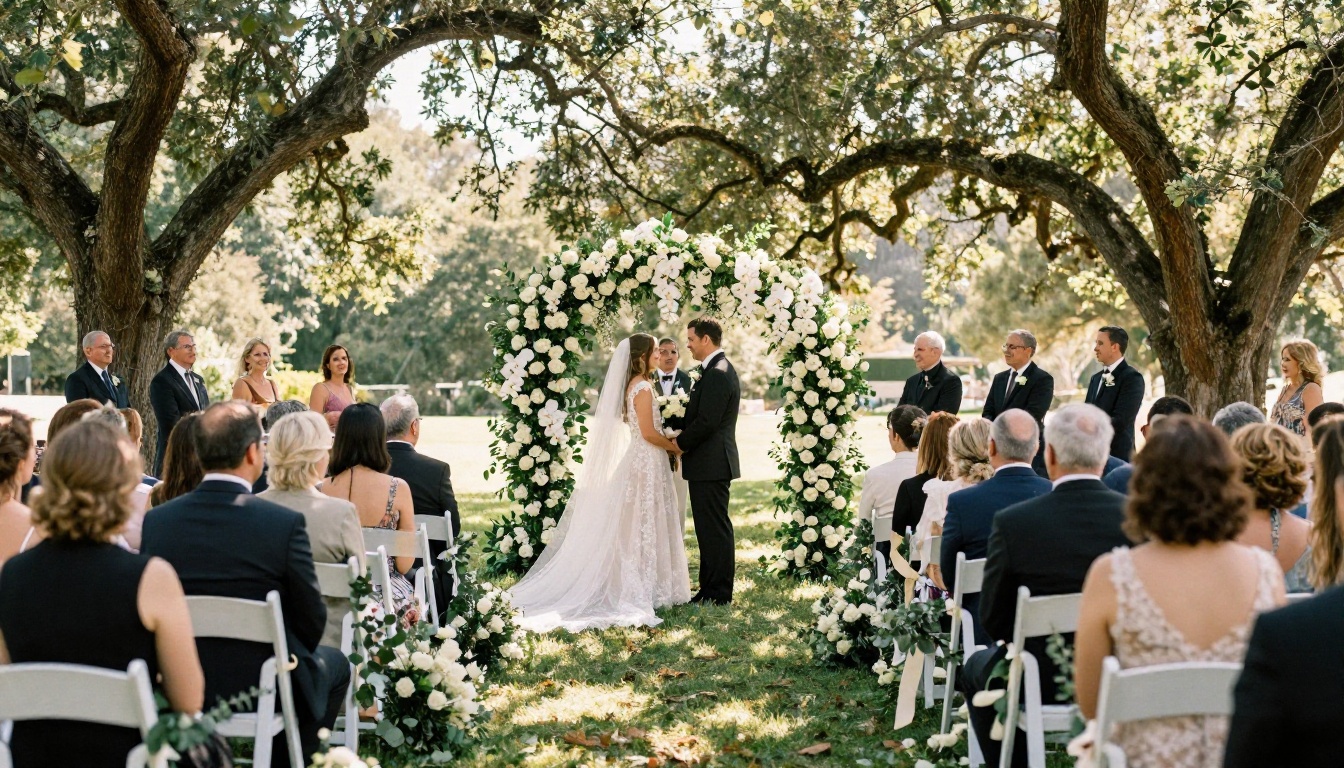
- The ceremony: Walking down the aisle, exchanging vows, the first kiss, emotional family reactions
- Portraits: Formal shots, fun group photos, the golden-hour couple portraits that photographers live for
- The reception: First dance, toasts, cake cutting, the dance floor at full energy, candid late-night moments
- The sendoff: Sparklers, confetti, the final exit into the night
When your digital flipbook follows this structure, it reads like a film rather than a photo gallery. Viewers are carried through the day from beginning to end.
Quality Over Quantity, Always
A 40-page flipbook with 80 carefully selected photographs will always outperform a 200-page collection of everything the photographer delivered. The selection process is itself part of the storytelling. Pick frames that show genuine emotion, beautiful light, and moments that matter. Cut anything blurry, duplicate, or unflattering.
✅ The ideal number of photos for a wedding flipbook is between 80 and 120. Enough to tell the full story, not so many that the pacing drags.
Cover Image as First Impression
Your cover photo sets the tone for everything that follows. Choose a single, stunning image: the first look, a golden-hour portrait, an aerial shot of the venue, or the ceremony's most emotional moment. It should immediately communicate "this was a beautiful wedding" to anyone who opens the link.
Details Matter as Much as Portraits
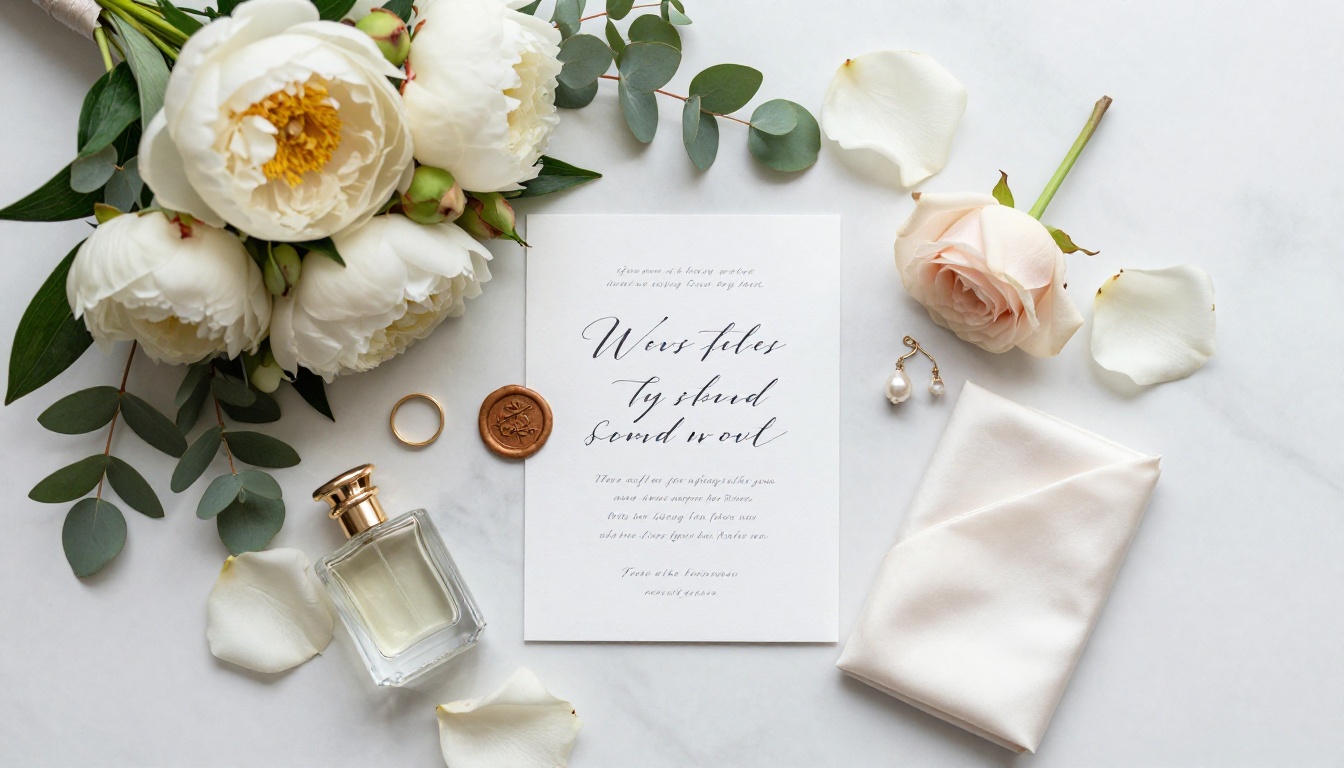
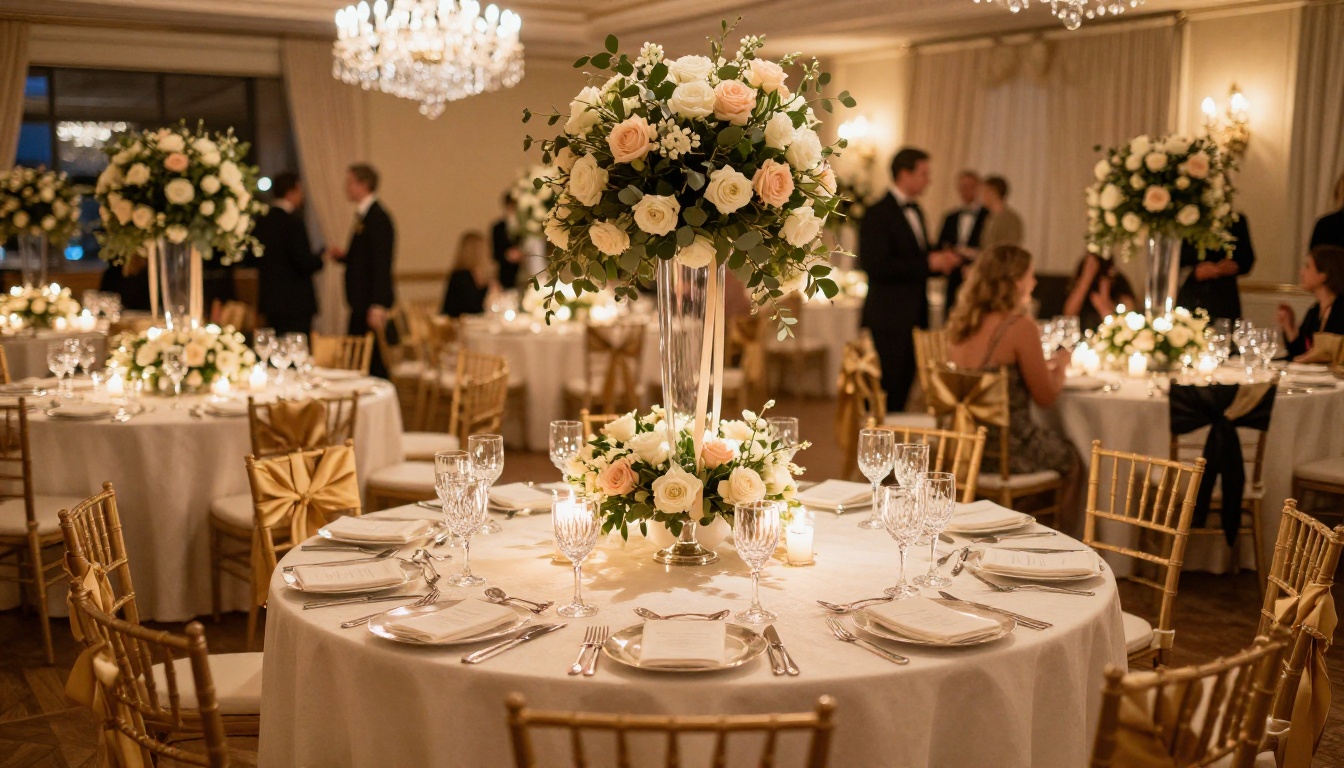
Don't neglect the small things. Detail shots of the rings on a silk cloth, the floral centerpieces, the invitation suite, the cake before cutting, the shoes, the table settings. These photos seem minor, but they add texture, atmosphere, and a sense of place that purely people-focused shots cannot provide on their own.
Creating Your Wedding Album Flipbook with Flipbooks AI
Flipbooks AI makes the process straightforward. You don't need design skills, photo editing software, or any technical knowledge. Here is the exact process from start to shareable link.
Step 1: Create Your Account
Go to flipbooksai.com/account and create a free account. You can explore the platform immediately. If you know you want the full feature set, including custom branding, password protection, and the ability to embed your flipbook on a personal wedding website, check the pricing plans before you begin so you choose the right tier from the start.
Step 2: Design and Export Your Album as a PDF
Before uploading to Flipbooks AI, you need your wedding album laid out as a PDF. Here are the most popular tools couples use:
| Tool | Best For | Cost |
|---|
| Canva | Easy drag-and-drop design | Free / Pro |
| Adobe InDesign | Professional multi-page layouts | Subscription |
| Google Slides | Simple, fast creation | Free |
| Lightroom Books | Photographer-generated albums | Subscription |
| PowerPoint | Basic layouts with photos | Subscription |
Design your pages at 1920x1080px (16:9 ratio) for the best digital display, or use standard A4/letter size if you prefer a more traditional book proportion. Keep photo resolution at 200-300 DPI to ensure crisp quality on modern screens. Export as PDF when your layout is complete.
⚠️ Never compress your photos below 150 DPI when building your PDF. Wedding photos lose visible detail quickly, and the result will look soft on high-resolution displays.
Step 3: Upload to Flipbooks AI
Once your PDF is ready:
- Log in to your Flipbooks AI dashboard
- Click "Create New Flipbook"
- Upload your PDF file (drag and drop or file browser)
- Wait for the automatic conversion (usually under 2 minutes for a 40-80 page album)
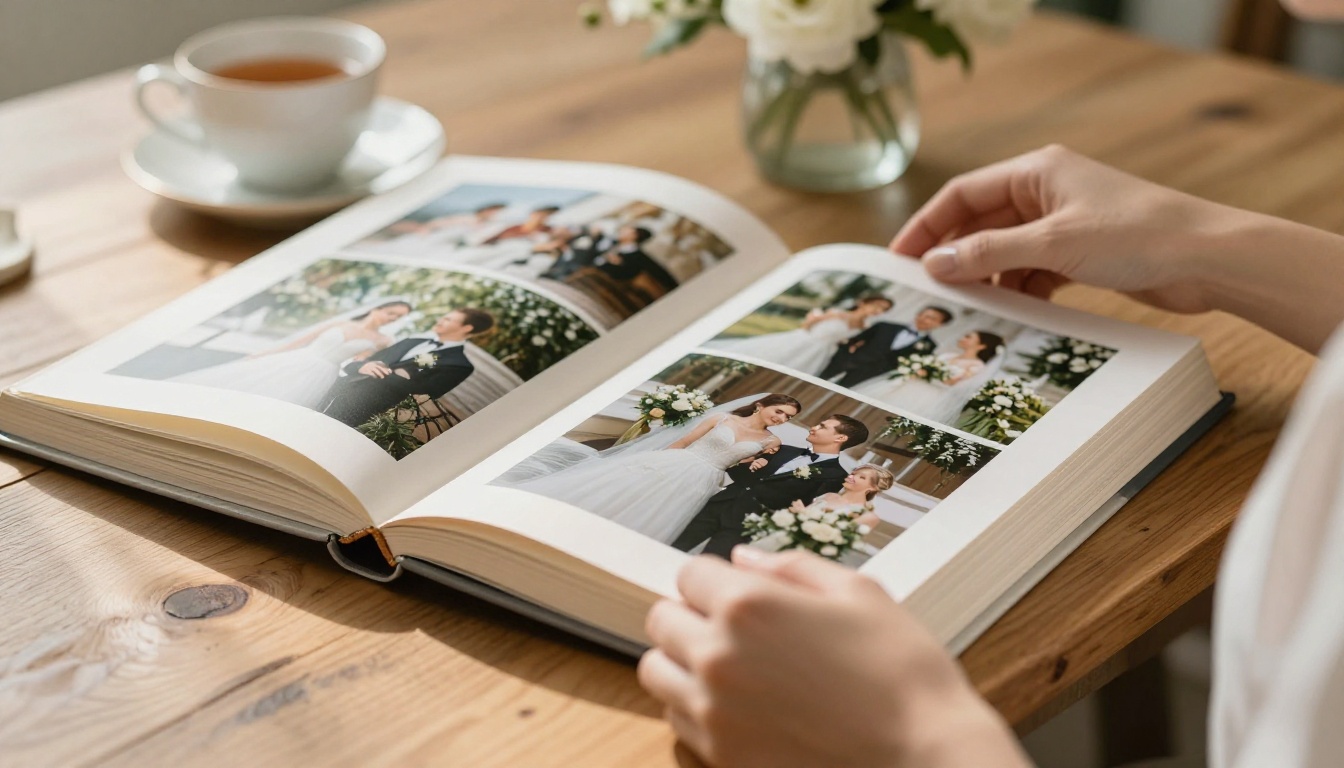
The platform converts every page into a flippable spread with smooth, realistic page-turning animations. No configuration needed for the core conversion.
✅ Use the dedicated Wedding Album Flipbook tool for a streamlined workflow built specifically for wedding albums.
Step 4: Customize the Appearance
This is where your wedding flipbook transforms from a converted PDF into a polished, personal product:
- Cover image: Set your hero photograph as the displayed cover
- Background color: Choose white, cream, or a color pulled from your wedding palette
- Custom branding: Remove platform branding and replace with your names, monogram, or wedding date (Standard plan and above)
- Page effects: Soft drop shadows, realistic paper texture, and smooth page-curl animations
- Background music: Upload your wedding song as ambient audio that plays while someone browses the album
- Embedded video: Insert your ceremony highlight reel or reception footage directly into a page spread, so video and stills live together in one experience
Step 5: Set Privacy and Publishing Options
Before sharing, decide who can access your album:
- Public link: Anyone with the URL can view it, no login required
- Password protection: Share only with guests who have the password, ideal for private or intimate weddings
- Embed code: Place the flipbook directly on your personal wedding website or blog
Once your settings are configured, publish your flipbook and copy your unique sharing URL.
Step 6: Share and Distribute
Flipbooks AI gives you multiple ways to get your wedding album into people's hands:
- Direct URL: Paste into any message, email, or wedding website
- Embed code: Drop the flipbook onto a personal website so it appears inline on the page
- QR code: Print on thank-you cards, favor tags, or wedding day programs
- Social sharing: Direct share buttons for WhatsApp, Facebook, and email

Flipbooks AI Plans at a Glance
Choosing the right plan depends on the features you need for your wedding album.
| Feature | Free | Standard | Professional |
|---|
| Flipbooks | 1 | Unlimited | Unlimited |
| Watermarks | Yes | No | No |
| Password Protection | No | Yes | Yes |
| Custom Branding | No | Yes | Yes |
| Embed on Website | No | Yes | Yes |
| Audio and Video Embed | No | Yes | Yes |
| Offline Downloads | No | No | Yes |
| Analytics and Lead Gen | No | No | Yes |
| Priority Support | No | No | Yes |
For most couples, the Standard plan covers everything needed to create and share a beautiful private wedding album with no watermarks and full customization. If you are a photographer wanting to offer digital flipbook albums as a premium client deliverable, the Professional plan adds analytics, lead generation tools, and offline downloads.
See the full feature breakdown at flipbooksai.com/pricing.
Digital vs. Printed: Side by Side
Still weighing the options? This comparison covers the factors that matter most.
| Factor | Printed Album | Digital Flipbook |
|---|
| Cost | $150 to $600 or more | Starting free |
| Copies available | One (reprints are expensive) | Unlimited |
| Sharing method | Physical delivery only | Instant global link |
| Storage requirement | Physical space | Cloud-based |
| Longevity | Fades over decades | Permanent digital file |
| Editing after creation | Not possible | Update anytime |
| Interactive features | None | Video, audio, animations |
| Device accessibility | In-person only | Any device, anywhere |
| Password protection | Inherent (physical possession) | Optional digital lock |
The two formats don't have to compete. Many couples do both: a small printed album for display at home, and a digital flipbook to share with everyone who couldn't attend in person, including family living abroad, college friends who moved away, and future children who will one day want to see the day they've heard stories about their whole lives.
Wedding Flipbook Ideas Worth Stealing
Beyond the standard "all the photos in order" approach, here are three formats that photographers and couples are using to spectacular effect right now.
The Destination Wedding Edition
For weddings held abroad or in a unique location, many guests simply cannot attend. A destination wedding flipbook doubles as a travel diary. Include photographs of the location itself: the coastline, the vineyard, the historic chapel, local food and flowers, and the venue from the outside. Pair these with the ceremony and reception shots. The result tells a complete story of the place and the people, making viewers feel they were almost there.
The Dual Perspective Album
Ask your photographer to cover the formal moments, then ask guests to submit their smartphone photos through a shared drive or wedding hashtag. Combine both sets into a single flipbook. The professional shots handle the ceremony and portraits. The guest photos capture what no hired photographer sees: the grandmother wiping away tears during the vows, the kids falling asleep under a table, the best man's raw reaction at the altar. Two perspectives make a richer story.
The Anniversary Edition
Create a new flipbook each year on your anniversary. Year one is the wedding. Year two adds the honeymoon and first apartment. Year three includes the first home or first child. Over time, it becomes a living document of your shared life, all in the same visual format and accessible from the same Flipbooks AI account. Five years in, you have something genuinely extraordinary.
💡 The Photography Portfolio tool works beautifully for anniversary editions, letting you build a cinematic visual story that expands year after year.

Mistakes That Ruin Wedding Flipbooks
Knowing what to avoid saves you from a result you'll regret after sharing the link with three hundred people.
Too many photos: Edit ruthlessly. Every photograph that stays in the album should earn its place. If you're unsure about an image, cut it.
No narrative order: Don't upload photos sorted by filename or camera timestamp. Sort them manually by the chapter structure described earlier. The story matters.
Skipping cover customization: A blank or default cover signals an unfinished product. Always set a strong hero image and add your names.
Low-quality source files: Small file sizes and heavy JPEG compression look terrible on modern high-resolution screens. Start with the full-resolution originals your photographer delivered.
Forgetting video: If your photographer or videographer gave you a highlight reel, embed it. A 90-second video inside the flipbook adds an emotional dimension that static photos alone cannot match.
No audio: Adding your first dance song as background audio while someone browses the album creates an immersive, emotional experience that sets a digital flipbook apart from any printed alternative.
No call to action for guests: If you want guests to leave comments or messages, include your contact details, a wedding website URL, or a social hashtag on a dedicated page within the flipbook.
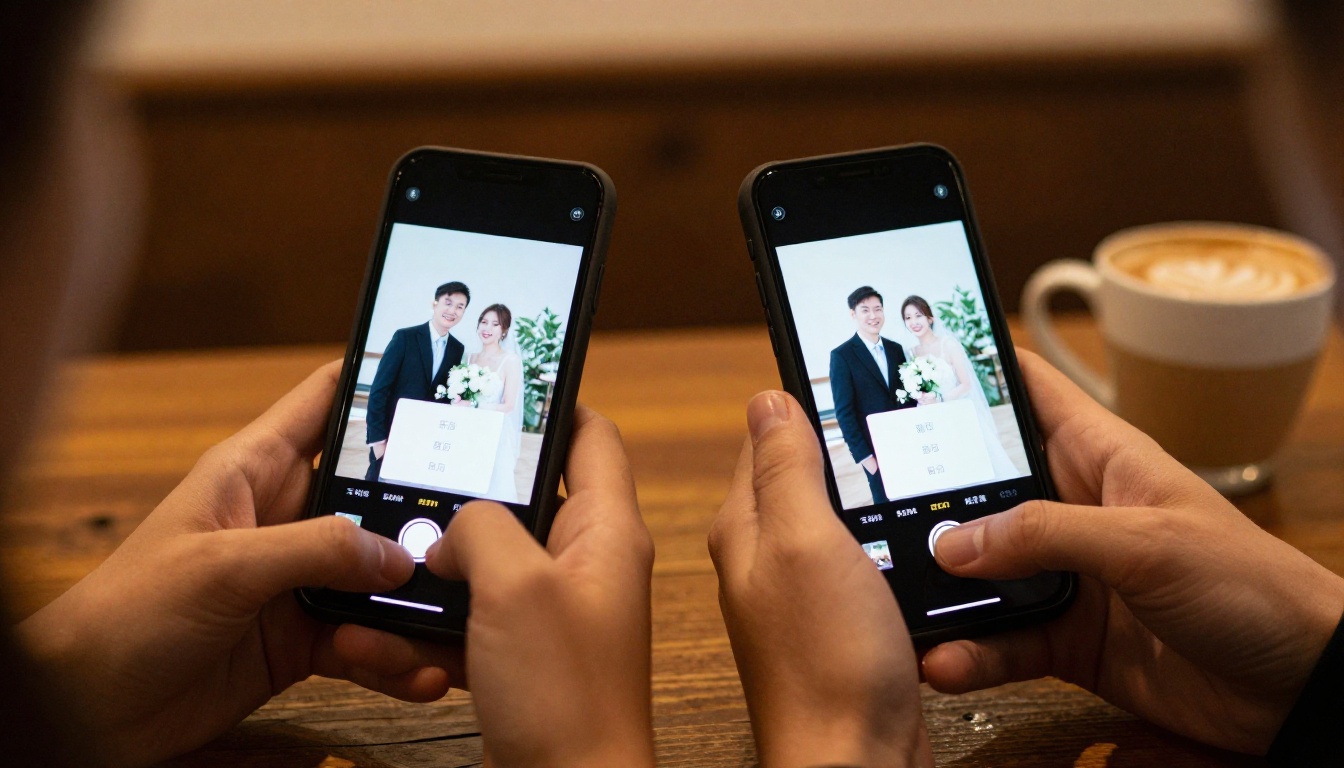
Your Wedding Day Deserves This
Your wedding photographs are irreplaceable. They are the only record of how that day actually looked, felt, and sounded. A digital flipbook doesn't just preserve those photographs, it presents them in a format that does justice to what your photographer captured.
The page-turn experience is genuinely emotional. There's something about flipping through an album, even a digital one, that slows you down and makes you actually look. It's different from scrolling through a gallery app or tapping through a slideshow. It mimics the intimacy of sitting with someone and leafing through a book together. That feeling travels through a link just as well as through a physical object.
For couples who want to give their families something they can open and experience from anywhere in the world, a digital wedding flipbook is the answer.
Ready to create yours? Get started for free on Flipbooks AI and have your first wedding flipbook ready to share in under an hour. Browse all flipbook tools to find the right starting point, or go directly to the Wedding Album Flipbook tool built for exactly this purpose. When you're ready to share privately with full custom branding and no watermarks, compare pricing plans to find the right fit.



