Your wedding day generates hundreds of photographs that deserve more than a digital folder collecting dust. Most couples end up with beautiful images that rarely get seen after the first few weeks of excitement. A digital wedding album flipbook solves that problem by giving your photos a living, interactive home that anyone can access from their phone, tablet, or laptop at any time, without digging through cloud storage or waiting weeks for a print order to arrive.
Flipbooks AI makes the whole process fast. You upload a PDF, customize the look, and share a link. Below is everything you need to do it well, from organizing your photos to picking the right plan for your situation.
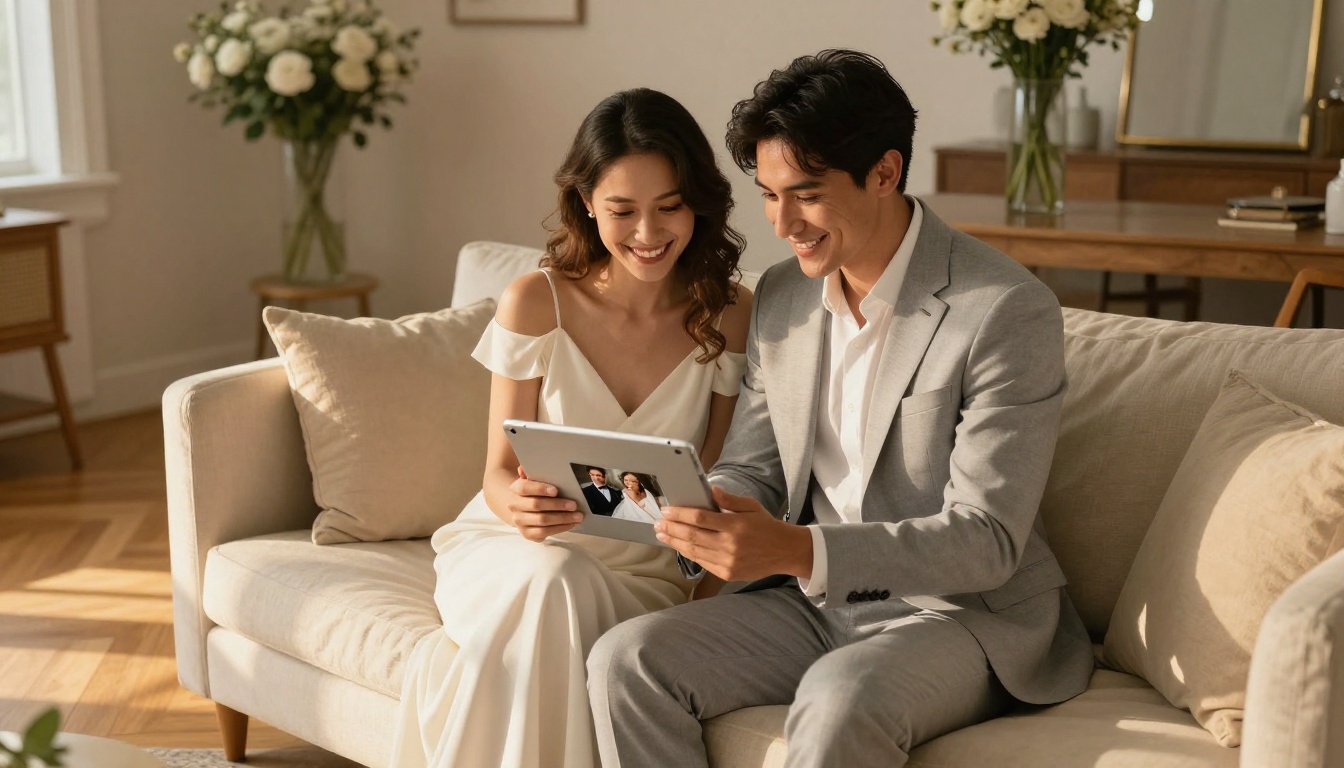
Why Your Wedding Photos Deserve Better Storage
Printed albums are beautiful but expensive, fragile, and completely inaccessible to relatives in other cities. Cloud folders work but feel utilitarian. There is no personality, no experience, no sense of occasion when someone opens a Dropbox link.
A digital flipbook sits in the sweet spot between both worlds. It has the premium feel of a physical album, with realistic page-turning animation and a curated layout, while being as easy to share as a text message. When your aunt in another country opens a link on her phone and watches your wedding photos flip past with smooth, natural animation, that moment lands completely differently than a raw photo dump ever could.
The format also ages well. Five years from now, your flipbook link still works. No software updates, no compatibility issues, no hunting for a USB drive. The experience stays exactly as you built it.
What a Flipbook Does That a PDF Cannot
A PDF is a static file. You scroll down, you see pictures. A flipbook adds a page-turning animation that mimics the physical act of flipping through a printed album, except it runs in a browser, works on any device, and can be embedded on a website or shared via a simple link.
The difference in experience is significant, especially for something as personal as a wedding album.
Real Page-Turning Feel
The page-flip animation in Flipbooks AI is physics-based. Pages curl, bend, and cast subtle shadows as they turn, which creates the sensation of handling a real album. This is not a slideshow. It is a proper reading experience with the warmth and weight of something physical.
Fully Mobile-Responsive
Every flipbook works on mobile without any extra setup. The layout adjusts automatically for portrait and landscape orientations. No pinching and zooming, no horizontal scrolling. Your guests click a link and the album opens beautifully on whatever screen they are using.
Instantly Shareable
Once published, you get a direct link, an embed code for your personal website or wedding blog, and options to password-protect for privacy. There is no app to download, and viewers need no account to open it.
Before You Upload: Getting Your Photos Ready
The quality of your flipbook depends mostly on the quality of the PDF you build before uploading. A few minutes of preparation makes a real difference in the final result.
Choose Your Best 60 to 100 Photos
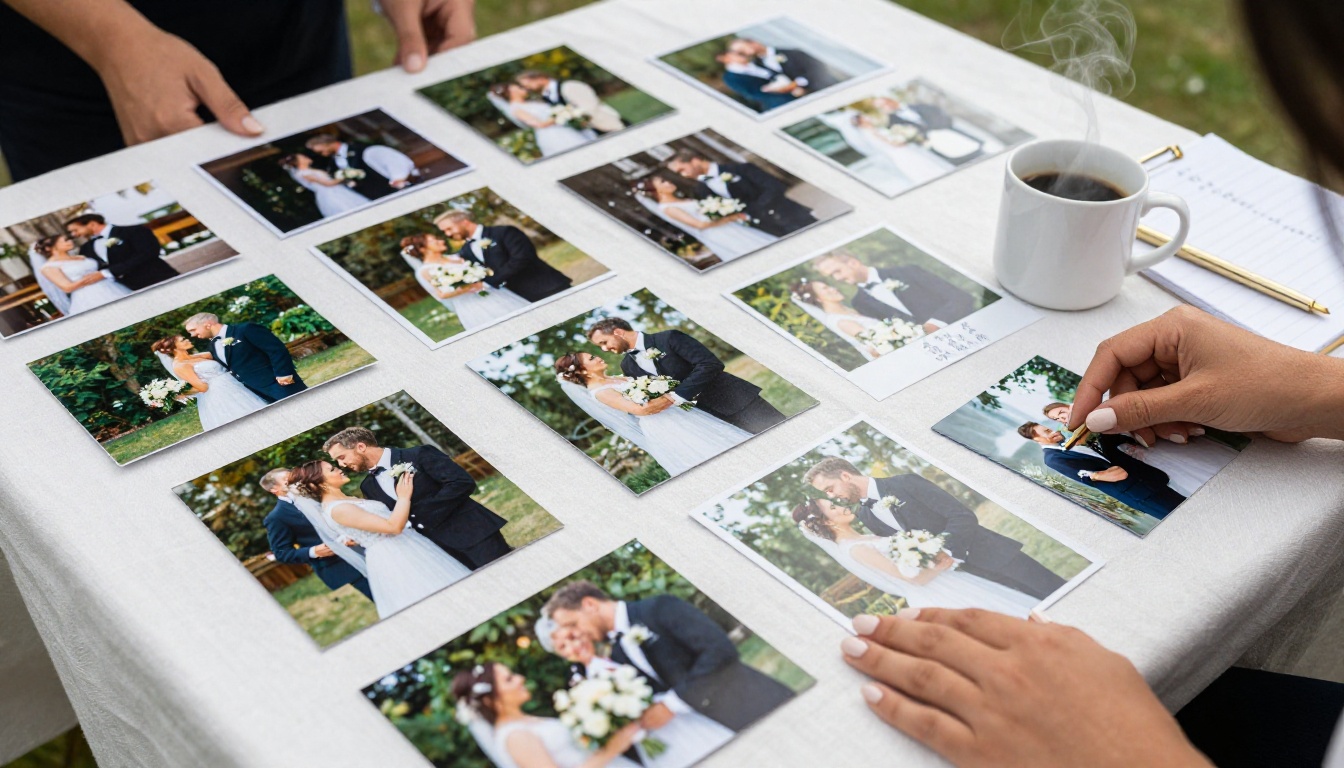
More is not always better. A tight edit of 60 to 100 images will hold your audience's attention far better than 400 unedited shots. Think of it like telling a story: getting ready, the ceremony, the first kiss, the reception, the first dance, the cake, the candid moments of laughter, the exit.
Organize Chronologically
The most natural sequence for a wedding album is chronological. Start with preparations, move through the ceremony, then the reception. This mirrors the lived experience of the day and makes the flipbook feel like reliving it from the first minute to the last.
Export as a High-Quality PDF
Most photo editing software, including Lightroom, Canva, and Adobe Express, lets you export a photo book layout as a PDF. Aim for at least 150 DPI for print-quality pages. This gives the flipbook sharp, crisp images that look good on any screen size, from a smartphone to a large monitor.
💡 If you are using Canva, use the "Print-ready PDF" export option. It embeds fonts and compresses images at 150 DPI, which is ideal for flipbook conversion and keeps file size manageable.
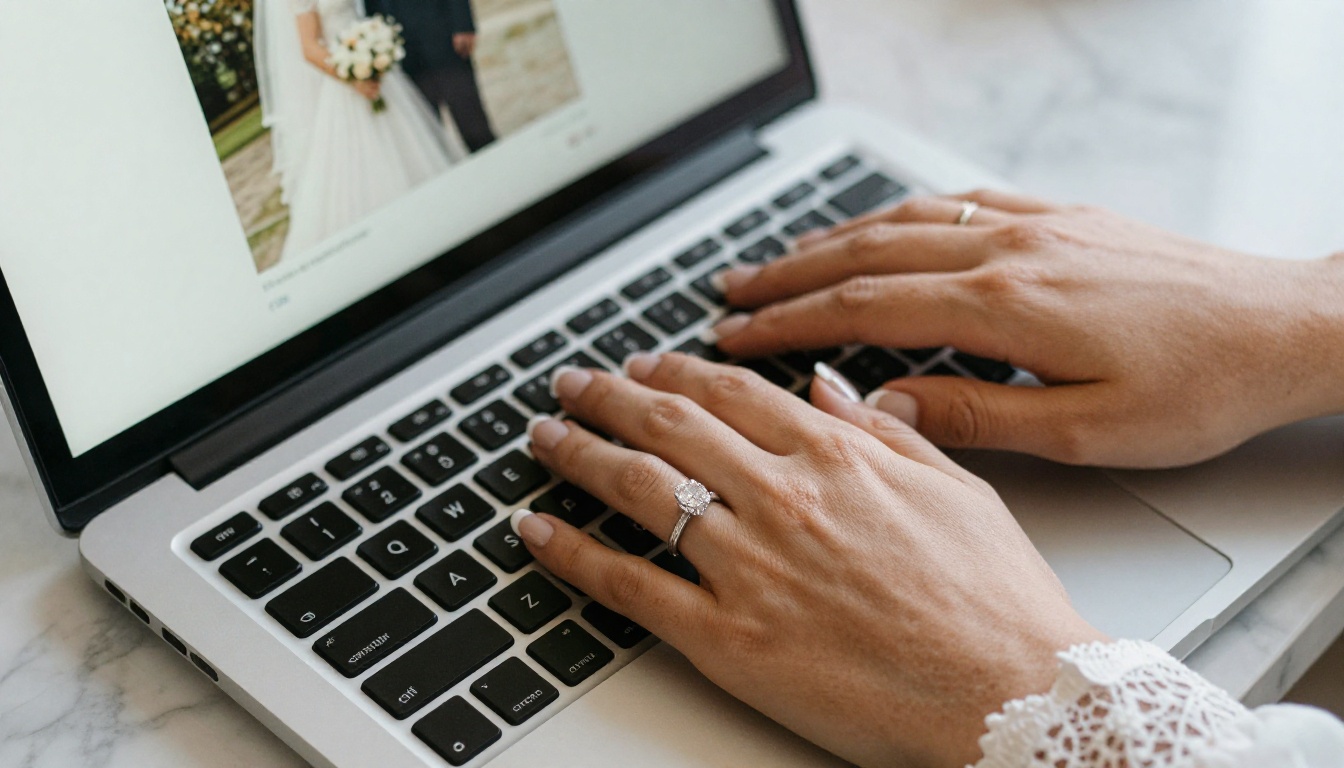
How to Create Your Wedding Album Flipbook, Step by Step
This section walks through the exact process using the Wedding Album Flipbook tool on Flipbooks AI.
Step 1: Create Your Account
Go to flipbooksai.com/account and sign up. The free plan lets you get started immediately with no credit card required. You can test the full conversion and preview process before committing to anything.
Step 2: Upload Your Wedding PDF
From your dashboard, click New Flipbook and drag your PDF into the upload area. The converter reads each page and renders it as a high-quality flipbook page. Depending on file size, conversion typically takes under two minutes.
✅ The PDF to Flipbook Converter supports files up to 500 pages. A 100-photo wedding album converts without any issues, and you can preview every page before publishing.
Step 3: Set Your Title and Opening Image
After conversion, you can rename the flipbook, set an opening title, and apply your color scheme. If you want a minimal, elegant look suited to a wedding aesthetic, the default white-and-gold theme works beautifully. You can also upload a custom background image for the viewer frame to match your wedding colors.
Step 4: Customize the Reading Experience
This is where the flipbook goes from a converted file to something genuinely impressive:
- Page flip sound: Toggle on a soft paper-turn audio effect for atmosphere
- Autoplay: Set a timer so the album flips through automatically, ideal for a background display at a celebration party
- Background music: Embed an audio track, such as your wedding song, that plays softly as people browse the album
- Table of contents: Add named chapters like "Ceremony," "Reception," and "Dancing" so viewers can jump directly to sections they care about
Step 5: Publish and Share
When you are happy with the result, click Publish. You immediately receive:
- A direct shareable link
- An embed code for any website or blog
- A QR code you can print on thank-you cards or wedding favors
⚠️ If your flipbook contains private or intimate moments and you want to control who sees it, toggle on Password Protection before publishing. Only people you give the password to will be able to open the album.
Customization Options Worth Knowing
The difference between a generic flipbook and a truly beautiful wedding album often comes down to a handful of specific settings. Here is what to pay attention to:
| Feature | What It Does | Why It Matters for Weddings |
|---|
| Opening Image Title | Sets the first-page image and title text | Creates the right first impression for family viewers |
| Background Color | Changes the viewer frame color | White or blush tones suit wedding aesthetics perfectly |
| Page Flip Sound | Adds a paper-turn audio cue | Creates an intimate, physical album feel |
| Background Music | Embeds audio that plays during browsing | Play your first dance song as a soft backdrop |
| Password Protection | Restricts access with a password | Keeps intimate moments private to close family |
| Table of Contents | Named chapter navigation | Lets guests jump directly to ceremony or reception |
| Autoplay Mode | Flips pages automatically on a timer | Great for display screens at post-wedding parties |
What the Photography Portfolio Tool Offers
If you are a wedding photographer creating client albums, the Photography Portfolio tool is designed for showcasing professional work. It includes portfolio-optimized layouts and clean presentation modes that work well for client deliverables and studio websites.
Sharing Your Flipbook With Everyone Who Matters
One of the biggest advantages of a digital flipbook over a printed album is how easily it reaches people. A single link can be sent to hundreds of guests in seconds, regardless of where in the world they are.
Via Direct Link
Copy the flipbook URL from your dashboard and drop it into a text message, email, or WhatsApp group. Anyone who clicks it sees the flipbook immediately in their browser, with no app required and no account needed.
Embedded on a Wedding Blog or Site
If you have a personal website or a wedding blog, the embed code drops your flipbook directly into a webpage. Visitors see the full page-turning experience without ever leaving your site. This works especially well for couples who document their wedding journey on a blog.
Via QR Code on Printed Materials
Print the QR code on thank-you cards, wedding favors, or framed photo prints you give to close family. It is a thoughtful touch that bridges the physical and digital versions of your wedding memories in a way that feels intentional.
Password-Protected for Close Family
For an intimate album with candid, personal moments, enable the password protection feature and share the password only with your inner circle. Everyone else sees a prompt asking for the code.

Plans, Pricing, and What You Actually Need
Flipbooks AI offers several plans. Here is a direct comparison of what matters most for wedding albums:
| Feature | Free | Standard | Professional |
|---|
| Number of Flipbooks | 1 | Unlimited | Unlimited |
| Watermark | Yes | No | No |
| Password Protection | No | Yes | Yes |
| Custom Branding | No | Yes | Yes |
| Background Music | No | Yes | Yes |
| Analytics | No | No | Yes |
| Lead Generation | No | No | Yes |
| Offline Download | No | No | Yes |
| Embed on Website | No | Yes | Yes |
For a one-time personal wedding album, the Standard plan hits the right balance. You get unlimited flipbooks (useful if you want separate albums for the ceremony, reception, and honeymoon), no watermarks, password protection, and background music. That combination covers everything needed to create something genuinely beautiful for family.
The Professional plan makes sense if you are a wedding photographer who delivers client albums regularly. Analytics show which pages clients spend the most time on, and you can set up lead generation forms directly within the flipbook for future inquiries.
💡 Compare full plan details on the pricing page before committing. The Standard plan covers almost everything a personal wedding album needs at a fraction of the cost of printing.
Real-World Use Cases
Wedding flipbooks are not just for newly married couples. Here is who else creates them and why:
Wedding Photographers: Deliver client albums as professional flipbooks instead of USB drives or Dropbox links. The presentation is dramatically better and it reflects positively on your brand and professionalism.
Wedding Planners: Create recap albums for clients as a value-added service. A beautiful flipbook at the close of a project is a memorable way to finish the relationship and generate referrals.
Parents of the Couple: Many parents want their own curated version of the day, one that focuses on family moments rather than the full event. A separate flipbook just for extended family is easy to create and takes minutes to share.
Destination Wedding Guests: For guests who could not attend in person, a wedding flipbook sent as a link brings them into the day in a way that a static photo file simply cannot replicate.
Anniversary Lookbacks: Add new photos each year and republish. The flipbook becomes a living document of the relationship, not just a snapshot of one day.

3 Common Mistakes to Avoid
1. Using Low-Resolution Images
A PDF exported at 72 DPI will look soft and blurry on large screens. Always export at a minimum of 150 DPI. Print-quality exports from Canva, Lightroom, or Adobe Express are ideal and will look sharp even on 4K displays.
2. Including Every Single Photo
The temptation to include all 600 images from the day is understandable, but restraint creates a far better experience. Curate with intention. An 80-page album where every spread matters is dramatically more powerful than a 400-page album where attention fades by page 50.
3. Skipping Customization
A flipbook with default settings and a generic title misses the opportunity to make something personal. Spend 10 minutes setting an opening title, choosing a background color that matches your wedding palette, and adding your first dance song as background music. The difference between a default export and a thoughtfully customized album is enormous.
⚠️ Do not publish your flipbook publicly if it contains photos of children or private family moments. Use password protection whenever the album is intended for a limited audience.
Flipbook vs. Other Digital Album Options
Before committing to any format, it helps to see how a flipbook compares to the alternatives most couples consider:
| Format | Shareable | Interactive | Mobile-Friendly | No App Needed | Looks Premium |
|---|
| Digital Flipbook | Yes | Yes | Yes | Yes | Yes |
| Printed Photo Book | No | No | No | No | Yes |
| Google Photos Album | Yes | No | Yes | Yes | No |
| PDF Download | Yes | No | Yes | No | No |
| Instagram Highlight | Yes | Partial | Yes | No | Partial |
A digital flipbook is the only format that checks every box. It shares like a link, works on any device, requires no app, and looks like something that was professionally produced for print.
Start Creating Yours Today
Your wedding photos tell a story that deserves a proper stage. A digital flipbook gives those photos the presentation they have earned, with page-turning animation, shareable links, and customization that takes minutes rather than days.
Create your wedding flipbook now and see the result before committing to any paid plan. If you are a photographer looking for a client delivery solution, check out the Photography Portfolio tool or the dedicated Wedding Album Flipbook creator.
Browse all available flipbook tools to find the right fit for your project. When you are ready to remove the watermark and add background music, see the pricing plans and choose the one that works for you.



