Your wedding invitation is the first piece of your story that guests hold in their hands. Before the vows, before the first dance, before the dinner is served, your invitation sets every expectation. That pressure is real. And in 2027, more couples are choosing a format that rises to it: the wedding invitation flipbook, a page-turning digital experience that is beautiful, shareable, and completely personal. Flipbooks AI makes creating one faster than you might expect.
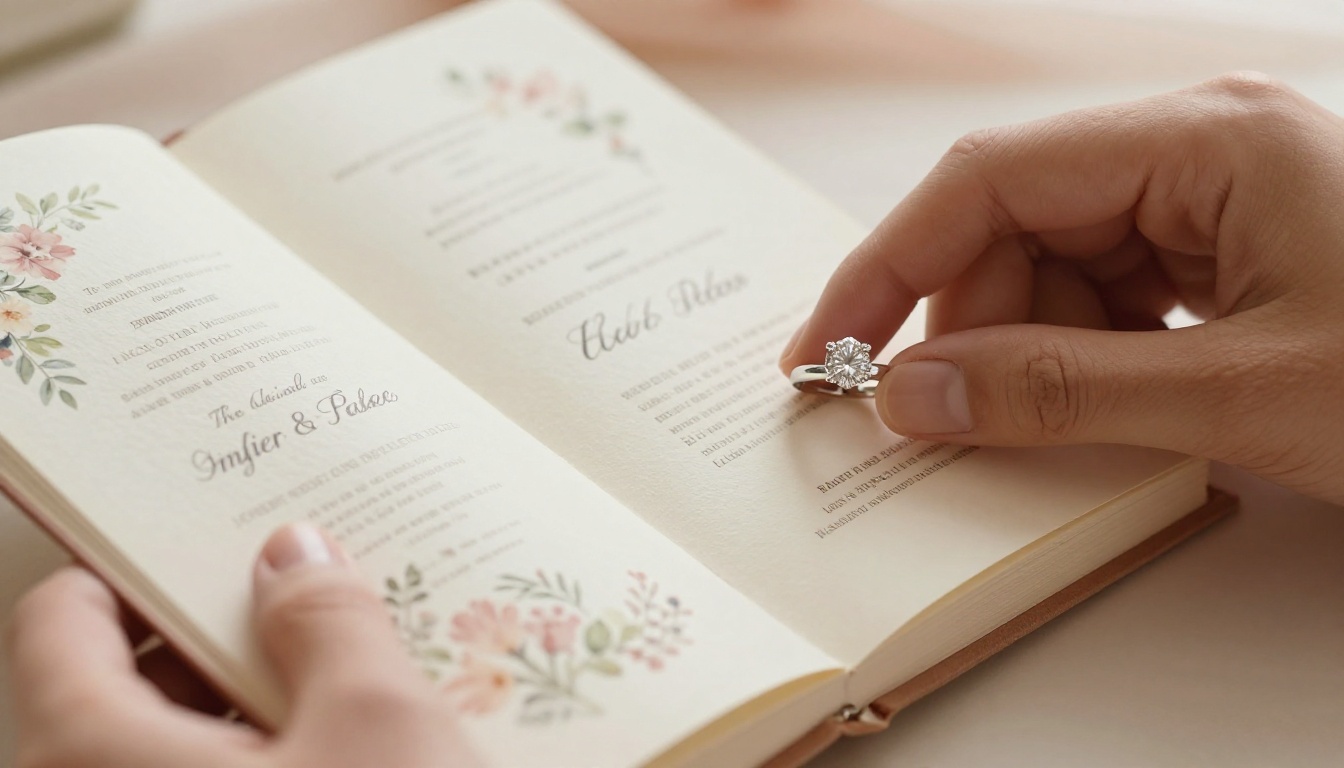
Why Paper Invites Fall Short
Traditional wedding stationery has real charm. The weight of thick cotton paper, the smell of fresh ink, the satisfaction of a hand-addressed envelope. But paper invitations also carry costs and limitations that digital simply does not.
The Real Cost of Printed Invitations
A standard paper invitation suite (invitation card, envelope, RSVP card, and details insert) typically runs between $3 and $10 per set before postage. For a 150-person guest list, that is $450 to $1,500 before a single stamp is applied. Add rush printing fees, international postage for destination wedding guests, and reprints for addresses that changed, and the number grows fast.
A digital wedding flipbook is created once and shared an unlimited number of times. The cost does not scale with your guest list.
What a Flipbook Actually Does
A flipbook is not a static PDF attachment. It is an interactive publication with a realistic page-turning animation, a shareable link, and optional embedded media. When a guest clicks the link, they see your names on the opening page and experience the soft sensation of pages turning as they swipe through your story.
You can embed music that plays automatically. You can link directly to your RSVP form. You can make every photo full-bleed across two pages. Nothing paper-based can do any of that.
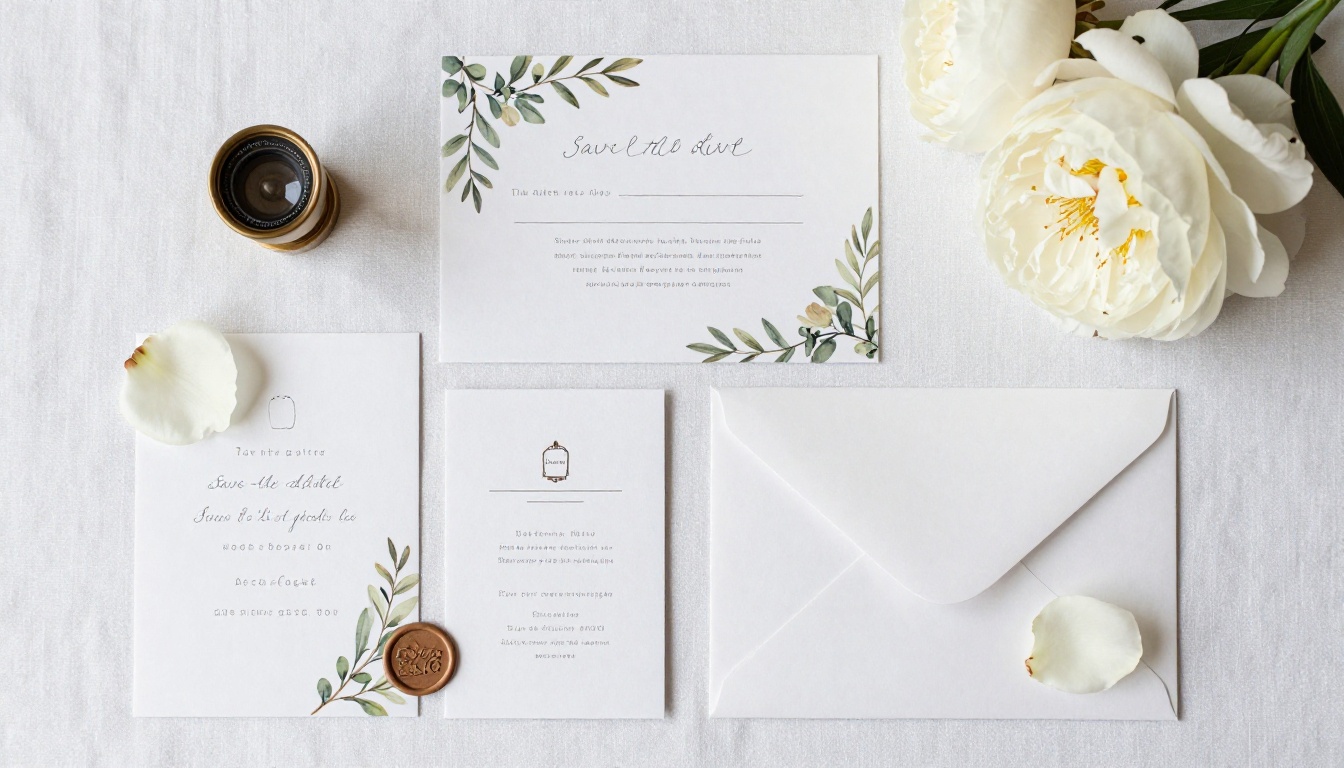
What Goes Inside a Wedding Invitation Flipbook
One of the biggest advantages of the flipbook format is that you are not constrained to a single card. Think of it as a miniature magazine where every page is purposeful and beautiful.
The Essential Pages
Every wedding invitation flipbook should include these core elements:
- Opening page: Your names, the wedding date, and a stunning photo or botanical motif
- Invitation page: Formal wording with ceremony details (date, time, venue name, full address)
- RSVP page: Deadline, meal preferences, and a direct link or form to respond
- Details page: Dress code, parking, shuttle times, and accommodation options
- Schedule page: Ceremony start, cocktail hour, and reception timings
Pages That Make It Memorable
These additions turn a functional invitation into something guests screenshot and forward to family:
- Couple photos spread: Two or three full-page photos from your photo session
- Our story timeline: A short, warm summary of how you met and the proposal moment
- Wedding party page: Photos and names of everyone standing at the altar
- Gift registry page: Direct links to your registries
- Map or venue directions page: A visual layout guests can reference on the day itself
💡 Pro tip: Couples who include an "Our Story" page consistently report that guests mention it in speeches and on cards. It sets an emotional tone before anyone arrives at the venue.
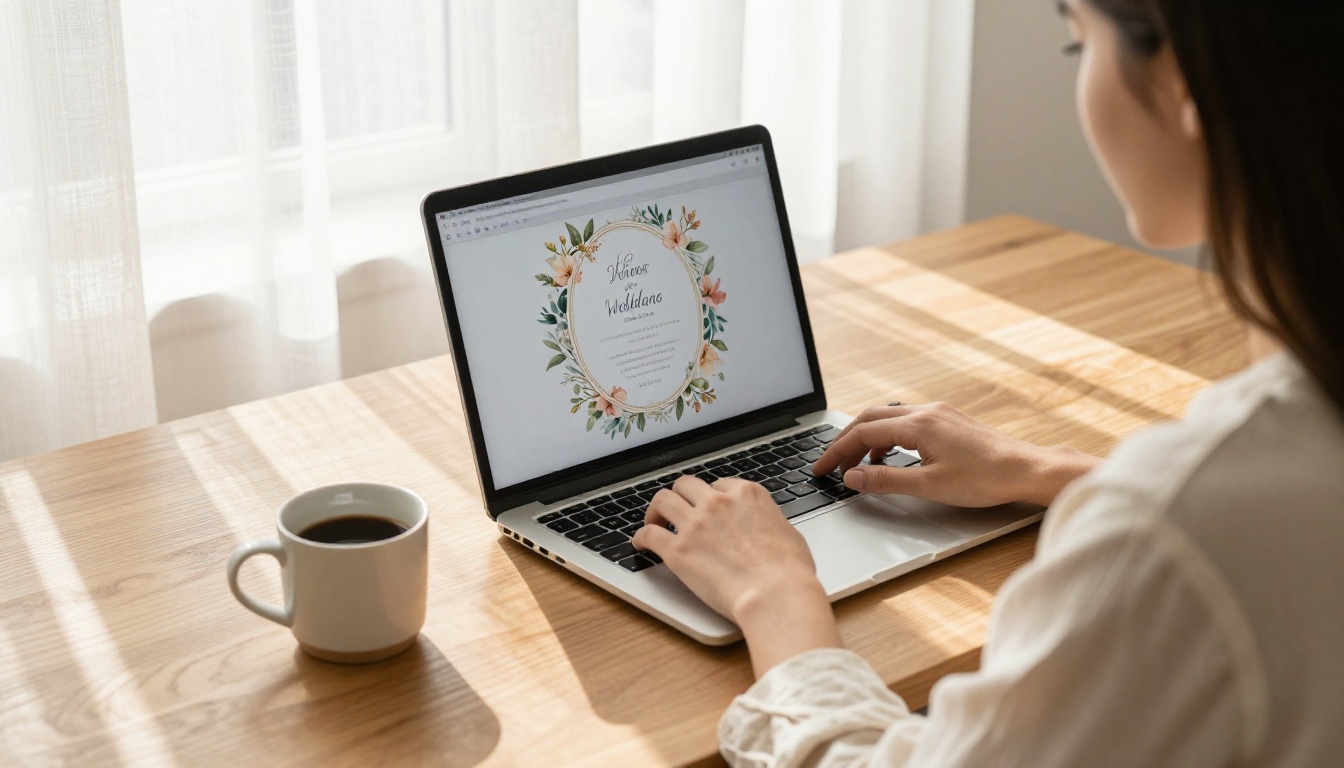
Matching Your Flipbook Style to the Wedding
Your invitation should feel like a preview of the day itself. A black-tie ballroom ceremony calls for something entirely different from a barefoot beach wedding. Use the table below as a starting point for your design decisions.
| Wedding Style | Color Palette | Typography | Best Page Effect |
|---|
| Classic Formal | Ivory, Gold, Black | Serif script (Garamond) | Soft page curl |
| Rustic Bohemian | Terracotta, Sage, Cream | Hand-lettered script | Natural paper texture |
| Modern Minimalist | White, Charcoal, Blush | Clean sans-serif | Clean digital flip |
| Tropical Destination | Coral, Teal, White | Playful script | Bright page curl |
| Garden Floral | Blush, Lavender, Soft Green | Elegant serif | Botanical overlay |
✅ Best practice: Limit yourself to two fonts (one script, one sans-serif) and a palette of three colors. More than that competes visually with your photos and dilutes the overall design.
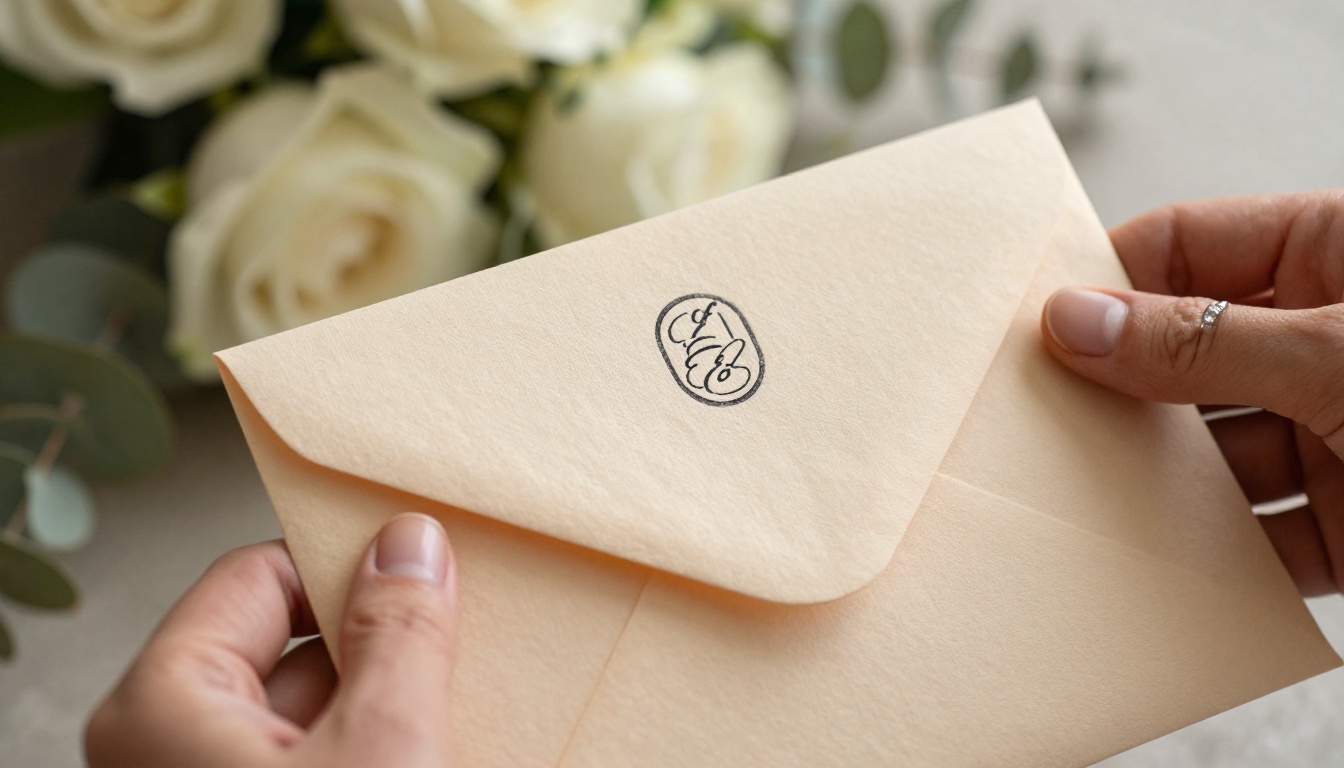
How to Build Your Wedding Invitation Flipbook with Flipbooks AI
This is the practical part. Here is the full process from a blank PDF to a shared link, using Flipbooks AI.
Step 1: Design Your PDF
Before uploading anything, you need a multi-page PDF. If you already work with Canva, Adobe InDesign, or Affinity Publisher, build each page of your invitation as its own spread. If not, Canva is free and has hundreds of wedding invitation templates you can adapt directly.
Use either A5 (148x210mm) or 5x7-inch dimensions. Export at high resolution (300 DPI minimum). Each page of the PDF becomes one page in your flipbook, so structure your content accordingly before exporting.
⚠️ Warning: Embed all custom fonts before exporting your PDF. Fonts that are not embedded may render as generic substitutes during conversion, breaking your typography completely.
Step 2: Sign Up for Flipbooks AI
Go to flipbooksai.com/account and create your account. The free plan lets you test the platform immediately. For a wedding where you need no watermarks and unlimited sharing across your entire guest list, the Standard plan is the right starting point. Check pricing plans to compare options before committing.
Step 3: Upload Your PDF
From your dashboard, click "New Flipbook" and upload the wedding invitation PDF. Most files convert in under 60 seconds. You will see a live preview of the page-turning animation before publishing. This is your chance to catch any formatting issues before your guests see them.
Step 4: Customize Branding and Style
Inside the Flipbooks AI editor, you can personalize every visual detail:
- Upload your wedding monogram as a logo for the flipbook header
- Set a background color or texture that matches your color palette
- Choose your page-turn animation from soft curl to clean flip
- Add background music: Upload a meaningful song set to play automatically as guests open the flipbook
- Embed buttons and links: Drop an RSVP button directly onto any page you choose
The Wedding Album Flipbook tool includes wedding-specific templates that speed up this customization step considerably.
Step 5: Set Privacy and Sharing Options
Before the link goes out, decide on access level:
- Public link: Any guest with the URL can open the flipbook immediately
- Password protection: Set a password (your wedding date, a shared word) so only invited guests can view it
- Embed code: Copy the embed code and place the flipbook directly on your wedding website for a seamless experience
💡 Pro tip: Password-protecting your wedding invitation adds a small, intentional moment of delight. Guests enter the code and the invitation reveals itself like the opening of something precious and personal.
Step 6: Share the Link
Your flipbook is live. Now distribute it:
- Email: Paste the link into a personal email or use a service like Paperless Post for a designed send
- WhatsApp or iMessage: One message reaches your entire guest list instantly
- Instagram DM: Works well for younger guests and international friends
- QR code: Print it on a simple physical card for guests who prefer something tangible to receive

Sharing with Every Guest, Everywhere
The sharing experience matters as much as the design. A link that loads slowly or breaks on mobile undoes everything you built.
Why Mobile-First Matters
Over 70% of people click links on mobile devices first. Flipbooks AI renders every flipbook in a fully mobile-responsive format with touch-swipe page-turning. Guests on an iPhone swipe naturally through your pages without needing to zoom or scroll awkwardly in any direction.
Analytics: Know Who Opened It
With the Professional plan, you see exactly how many guests opened your invitation, how long they spent on each page, and whether they clicked your RSVP link. This is genuinely practical for following up. If you can see that a guest opened the flipbook but did not click the RSVP button, a direct follow-up message makes perfect sense and saves you chasing people blindly.
✅ Best practice: Send the flipbook link three to four weeks before your RSVP deadline. Follow up one week before with a personal message, using analytics data to target only those who have not responded yet.

Comparing Plans for Your Wedding
The right plan depends on your guest list size and which features you actually need. Here is a practical breakdown.
| Feature | Free | Standard | Professional |
|---|
| Number of flipbooks | 1 | Unlimited | Unlimited |
| Watermark on flipbook | Yes | No | No |
| Password protection | No | Yes | Yes |
| Custom branding | No | Yes | Yes |
| Offline download | No | Yes | Yes |
| Analytics and lead gen | No | No | Yes |
| Embed on website | Yes | Yes | Yes |
For most couples, Standard is the right call. No watermark on your wedding invitation is non-negotiable. Unlimited flipbooks means you can create a matching ceremony program, a rehearsal dinner flipbook, and a post-wedding photo album all within the same account at no extra cost.
The Professional plan makes sense if you want analytics to track who has opened the invitation or if you plan to use the platform for future events (anniversary parties, baby showers, holiday cards). See the full breakdown at flipbooksai.com/pricing.
Who Benefits Most from Wedding Flipbooks
Destination Weddings
Guests flying in from multiple countries need all logistics in one place. A flipbook delivers venue addresses, travel tips, accommodation recommendations, and day-of schedules in a single link. And if anything changes, you update the flipbook without reprinting anything.
Budget-Conscious Couples
Eliminating printing, addressing, and postage for a 150-person guest list can save hundreds of dollars. That budget shifts directly to something guests will actually experience at the wedding.
Eco-Aware Couples
Zero paper, zero waste. A digital invitation shared by link has no environmental footprint. For couples who care about sustainability, the flipbook format is the obvious choice without sacrificing elegance.
Couples with International Guests
International postage is expensive, slow, and occasionally unreliable. A digital link arrives anywhere in the world in seconds at no additional cost per recipient.
Large Guest Lists
Managing 300 paper invitations involves weeks of work: printing, stuffing, addressing, and mailing. A flipbook is built once and shared in minutes.

Common Mistakes to Avoid
Packing In Too Many Pages
A 35-page wedding flipbook loses guests before the RSVP page. Aim for 10 to 14 pages. Every page should earn its place with either essential information or a genuine emotional moment.
Using Low-Resolution Photos
Your photos are the heart of the flipbook. Blurry or poorly lit images undermine an otherwise beautiful design. Use photos at a minimum of 300 DPI, and where possible, use professionally shot images.
Hiding the RSVP
Put the RSVP on its own dedicated page with a clear button, a direct link, and a bold deadline date. Do not bury it inside a details page where guests might scroll past it.
Skipping the Mobile Preview
Always preview on a smartphone before sharing. Typography that reads clearly on a desktop screen can become too small to read on a phone without zooming. Adjust font sizes before sending.
Not Using Password Protection for Intimate Ceremonies
If your wedding is 50 guests or fewer, consider locking the flipbook with a password. It prevents uninvited forwarding and makes the invitation feel deliberately exclusive and personal.
More Flipbook Uses Across Your Wedding Day
Your wedding involves more printed pieces than just the invitation. Flipbooks AI handles all of them in the same place:
- Ceremony program: Guests follow the order of service directly on their phones
- Seating chart flipbook: A searchable, shareable flipbook guests use to find their table
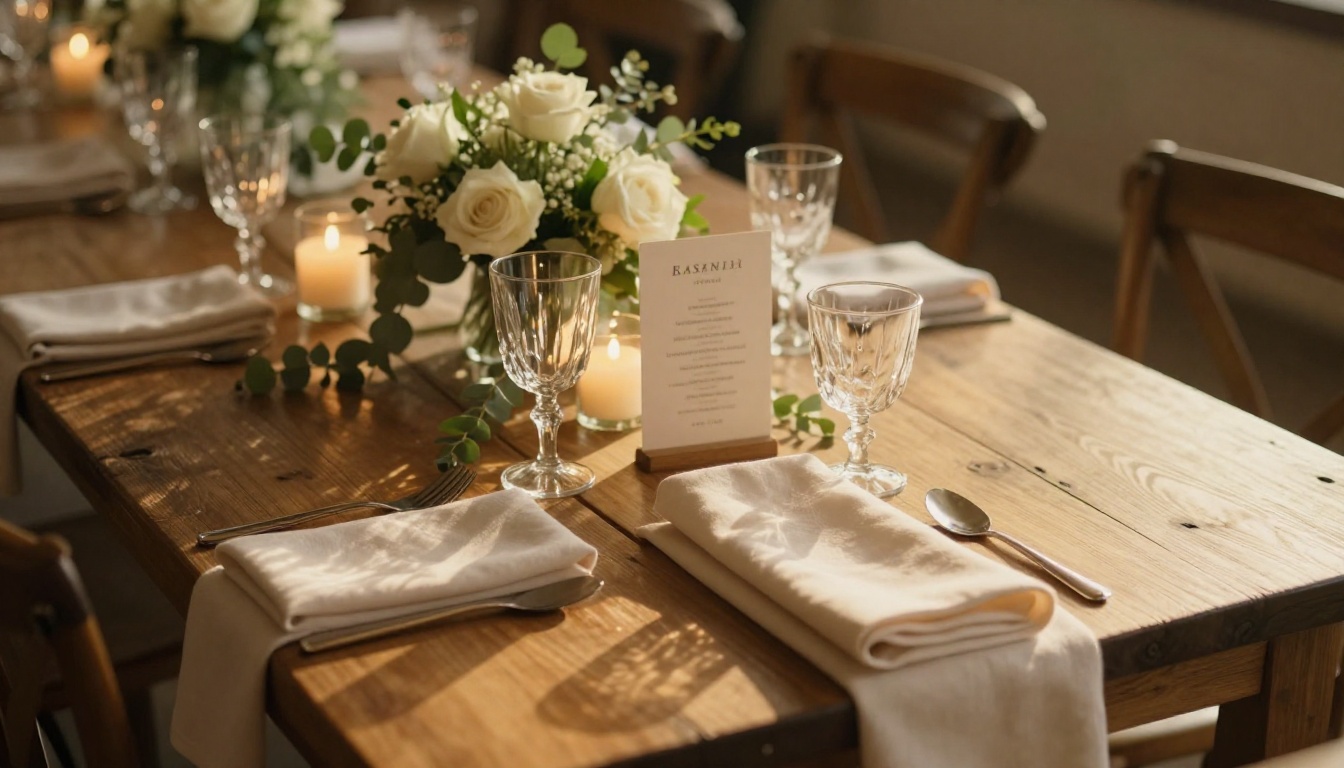
- Reception dinner menu: A full-page menu with course descriptions and dietary notes
- Post-wedding photo album: Use the Wedding Album Flipbook tool to deliver your gallery as a page-turning keepsake guests can share
- Thank-you card flipbook: A personal post-wedding message with a highlights spread
Browse the full flipbook tools library to see every format available for wedding stationery and beyond.
Start Building Yours Today
Everything you need is in one place. Design your PDF, upload it to Flipbooks AI, personalize the style and privacy settings, and send a link that any guest can open on any device within seconds of receiving it.
No printing wait times. No postage budget. No address spreadsheet. Just a beautiful, page-turning invitation that arrives instantly and makes a lasting impression before your guests ever step through the venue doors.
Create your wedding invitation flipbook now and see how fast it comes together. Compare pricing plans to pick the right option for your guest list and budget.



