Publishing an eBook today and handing readers a flat, static PDF is like printing a magazine and stapling the pages together. It works, technically, but it misses everything that makes digital reading worth doing. Flipbooks AI solves that problem without asking you to learn a single line of code.

Why Static PDFs Are Costing You Readers
PDFs were built for printing. They are rigid, fixed documents that behave the same whether they are on a screen or rolled off a laser printer. The problem is that most of your readers are not printing anything.
On mobile, PDFs are pinch-to-zoom frustration. On desktop, they require a separate reader application. They cannot be embedded inside a webpage with a real reading experience. They do not load progressively. They do not track who reads what.
Here is the actual cost:
- Bounce rate spikes when readers hit a PDF download prompt instead of instant in-browser content
- Mobile engagement drops because PDF rendering on phones is clunky and inconsistent
- No analytics means you have no idea if anyone read past page three
- No sharing mechanics means your content lives and dies by the one link you send out
- No branding control once the file is downloaded and forwarded
A flipbook solves all of this. It keeps the same design you already built in InDesign, Canva, or Google Slides, and wraps it in an interactive HTML5 reading experience that works everywhere.
What a Flipbook Actually Does to Your eBook
The term "flipbook" describes the page-turn animation, but that is just the surface. What actually happens when you convert a PDF to a flipbook is a full translation from a static file format into an interactive web publication.

Your PDF pages become individual layers inside an HTML5 document. Readers can:
- Flip pages with a natural page-curl animation on desktop, or swipe on mobile
- Zoom in on specific sections without losing their place
- Click hyperlinks that actually work inside the reading experience
- View embedded videos or audio without leaving the flipbook
- Search text within the publication
- Download or share from inside the reader interface
For eBook authors, course creators, and digital publishers, this matters enormously. A reader who would have bounced from a PDF link will stay and engage with the same content in flipbook format.
Not all flipbook tools are equal. Some require HTML knowledge to embed or customize. Others lock your content behind watermarks unless you pay for premium tiers. A few only work well on desktop and fall apart on mobile.
The checklist below separates tools that actually work from ones that waste your time:
| Feature | What to Demand |
|---|
| Upload format | Must accept PDF natively. No re-exporting required. |
| Watermarks | Zero watermarks, even on entry plans |
| Mobile experience | Touch-based page swipe, not just zoom-and-scroll |
| Custom branding | Your logo, your colors, no third-party branding visible |
| Embed options | iFrame embed code for any website, no developer needed |
| Password protection | For private or gated content |
| Analytics | Page view tracking, reader engagement data |
| No coding required | Full customization through a visual interface |
💡 If a tool charges extra for removing its own watermark from your content, that is a red flag. You created the content. Your publication should not advertise the tool.
Flipbooks AI was built around these exact requirements. No watermarks ever, custom branding from day one, and every interaction happens through a clean visual dashboard with no code involved.
How to Build Your eBook Flipbook Step by Step
This is the part most tutorials complicate unnecessarily. Creating an eBook flipbook takes about five minutes once your PDF is ready.

Step 1: Prepare Your PDF
Your starting point is always a PDF. This can come from:
- Canva (export as PDF print quality)
- InDesign (export as PDF Interactive)
- Google Slides (File, Download, PDF)
- Microsoft Word (Save As, PDF)
- Any design tool that exports PDF format
Keep your fonts embedded. Use RGB color mode for screen display. Export at 150-300 DPI for a good balance of visual quality and file size.
Step 2: Create Your Account
Go to flipbooksai.com/account and create your account. The signup takes under a minute.
Step 3: Upload Your PDF
From the dashboard, click the upload button and select your PDF file. The conversion engine processes your document and generates the flipbook automatically. Depending on file size, this takes between 10 and 60 seconds.
You can use the E-Book Flipbook Generator tool directly for eBook-specific workflows, or the Interactive E-Book Publisher if you want a more hands-on publishing flow.
Step 4: Apply Your Branding
This is where the flipbook stops looking like a generic template and starts looking like your publication:
- Upload your logo and set its position on the reader interface
- Choose your brand colors for the toolbar and navigation elements
- Set a custom title and description for the flipbook
- Add a favicon if you are embedding it on your own domain
Step 5: Configure Sharing and Access
Decide who can see your flipbook:
- Public link: Anyone with the URL can read it. Best for marketing content and free eBooks.
- Password protection: Readers enter a password before accessing. Best for paid content, internal documents, or client deliverables.
- Embed on your site: Copy the generated iFrame code and paste it into any webpage, WordPress post, or landing page with zero coding. The Embed Flipbook on Website tool walks through this process visually.
Step 6: Publish and Share
Hit publish. Copy your flipbook URL and share it anywhere: email, social media, your website, or a QR code. The reading experience is identical whether the reader is on a desktop browser, iPhone, or Android tablet.

Customization That Changes How Readers Engage
The visual customization options in a flipbook tool are what separate a polished professional publication from something that looks like a file conversion experiment.
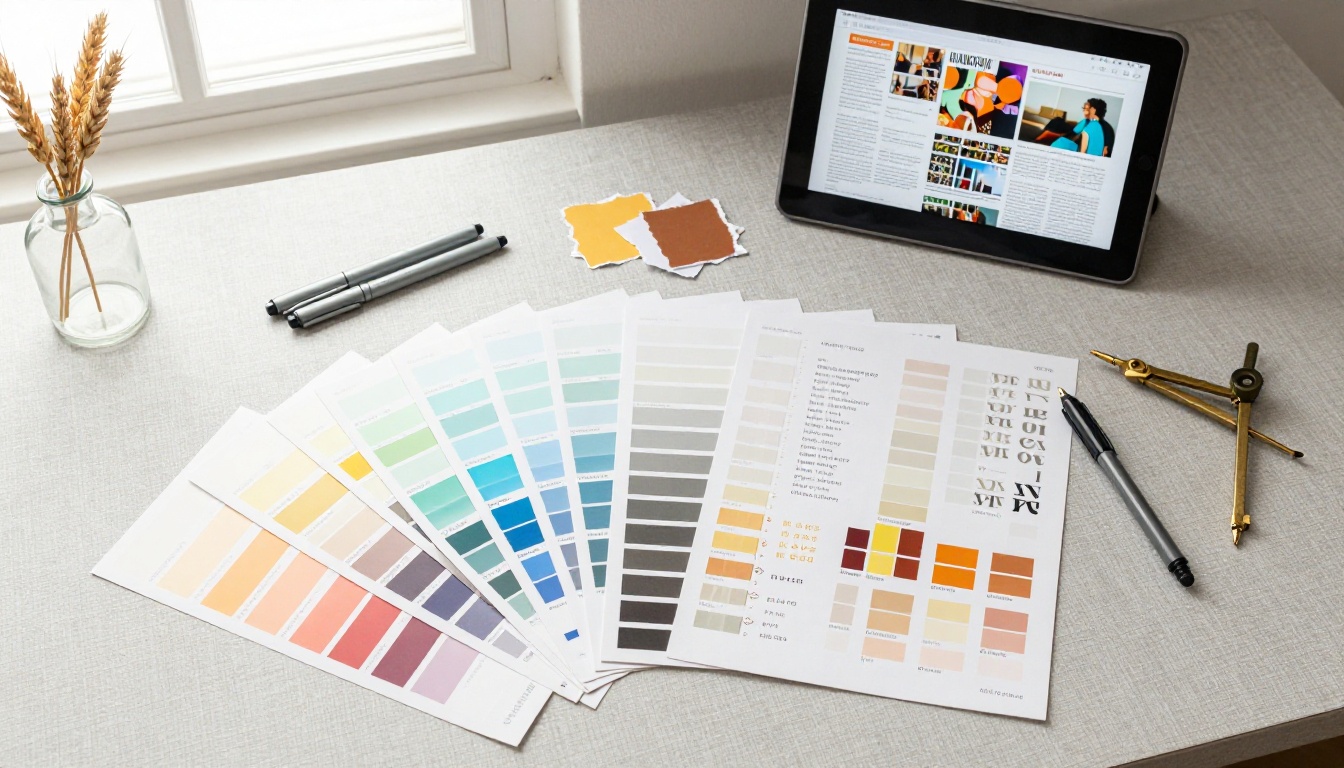
Here is what actually matters for eBook flipbooks specifically:
Page effects: Realistic page curl adds a physical reading sensation that flat digital documents cannot replicate. Readers spend more time with content that feels tactile.
Background and skin: The area around the flipbook reader itself can be customized. A dark background works well for photography-heavy eBooks. A white or brand-color background suits corporate publications.
Table of contents: Auto-generated from your PDF bookmarks, this lets readers jump directly to chapters without flipping through pages manually.
Multimedia embeds: If your eBook references external content, you can add embedded video links, audio clips, and clickable URLs that activate directly inside the reader.
Auto-flip mode: Useful for kiosk displays or when you want the flipbook to present itself without reader interaction, such as in a waiting room or as a background element on a webpage.
✅ Best practice: Use the same brand colors in your flipbook reader interface as in your PDF design. Consistency between the document and the wrapper reinforces brand trust.
Sharing, Embedding, and Publishing Options
Getting your flipbook in front of readers requires understanding the different distribution channels and how flipbooks behave in each.
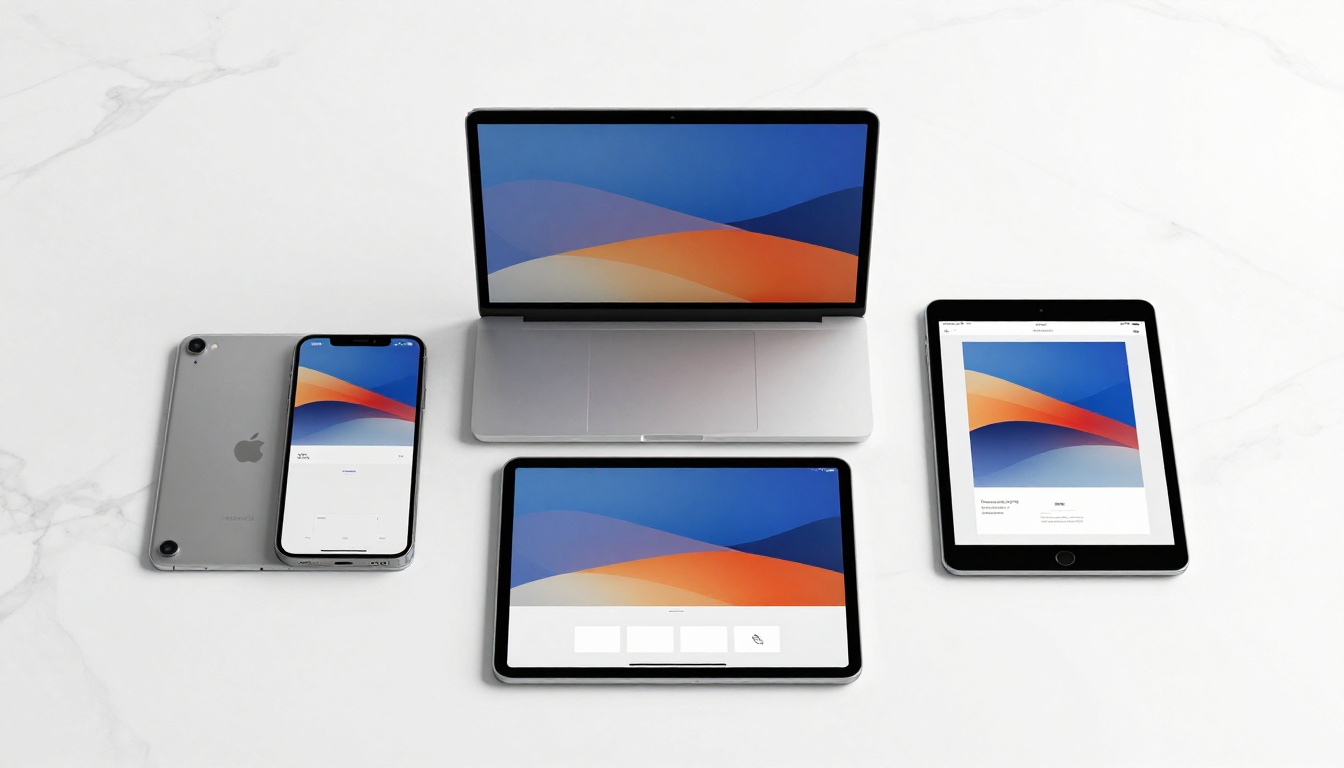
| Distribution Method | Best For | Technical Requirement |
|---|
| Direct link | Email campaigns, social media, messaging apps | None, just copy and paste |
| Website embed | Landing pages, blog posts, product pages | Paste iFrame code |
| QR code | Printed materials, signage, business cards | Scan with any phone |
| Password-protected link | Paid content, internal reports, client docs | Share link plus password |
| Offline download | Conferences, areas with unreliable internet | Reader downloads once, reads anywhere |
The embed option is especially powerful for eBook authors who want to keep readers on their website rather than sending them to an external URL. A visitor who reads your eBook embedded on your site is far more likely to convert into a subscriber or buyer than one who clicks a PDF link and leaves your page entirely.
⚠️ If you are embedding a flipbook on a paid membership site, always use password protection as an additional layer. The embed code alone does not prevent direct URL access.
Who This Works Best For
The no-code flipbook workflow fits a wide range of content creators and business use cases. Here is how different types of users are applying it:

Self-published authors: Turn manuscript exports into professional interactive eBooks without hiring a developer or paying for ePub conversion tools. The Interactive E-Book Publisher is built specifically for this workflow.
Course creators: Package course workbooks, supplementary readings, and student guides as flipbooks. Embed them directly inside course platforms. The Course Material Publisher handles structured educational content well.
Marketing teams: Replace PDF lead magnets with interactive flipbooks that track reader engagement. Know which pages readers spend time on, where they drop off, and how many return. Analytics are available on the Professional plan.
Consultants and agencies: Deliver client reports, proposals, and presentations as branded flipbooks instead of email attachments. The Corporate Report Maker and Presentation Flipbook Designer handle these formats well.
Publishers and content studios: Produce digital magazines, newsletters, and catalogs at scale. The Magazine Flipbook Creator and Newsletter Flipbook Publisher are purpose-built for regular publication workflows.
Educators: Build training materials, handbooks, and instructional guides using the Training Manual Flipbook tool, with the option to share via embed directly on a learning management platform.

Plans Worth Paying For
The question of pricing usually comes down to one thing: what features do you actually need for the kind of publishing you are doing?
| Plan | Best For | Notable Features |
|---|
| Free | Testing, personal projects, one-off publications | Limited flipbooks, basic sharing |
| Standard | Regular publishers, small businesses | Unlimited flipbooks, no watermarks, custom branding, password protection |
| Professional | Marketing teams, lead generation, analytics-driven publishing | Analytics dashboard, lead capture forms, offline downloads, priority support |
For most eBook authors and small-scale digital publishers, the Standard plan provides everything needed. For anyone using flipbooks as a lead generation or content marketing tool, the Professional plan pays for itself quickly. You can compare all options in detail on the pricing page.
💡 The analytics feature in the Professional plan is genuinely useful for eBook authors selling or distributing content. Seeing which chapters hold attention versus which pages readers skip tells you more about what to write next than any survey ever will.
The PDF to Flipbook Converter is the core tool underlying all of this, and it accepts virtually any PDF regardless of page count or complexity.

Your eBook Deserves Better Than a Download Link
A static PDF is a starting point, not a finished product. The gap between handing someone a file and giving them a reading experience is exactly where reader engagement is won or lost.
The process described above requires no technical background, no hired developer, and no complex software to install. Your PDF goes in, your flipbook comes out, and your readers get something worth actually reading.
Ready to build yours? Create your free account and convert your first eBook in under five minutes. Browse all available flipbook tools to find the right fit for your specific use case, and check the pricing plans when you are ready to publish without limits.



