Every year, organizations spend thousands of dollars producing annual reports that end up sitting in a Google Drive folder, unopened after the first week. The format is wrong. A static PDF was never built for digital consumption, and your stakeholders know it. Switching to an interactive annual report changes everything: page turn animations, clickable charts, embedded videos, mobile optimization, and real-time analytics that tell you exactly who read what. The good news? You can do all of this for free, starting today with Flipbooks AI.
Why Static PDFs Fail Your Annual Report
The readership problem nobody talks about
A PDF attached to an email has roughly a 15-20% open rate on a good day. Of those who open it, the average reading time for a 40-page corporate annual report is under three minutes. Three minutes for a document that likely took your team three months to produce. The problem is not the content. It is the container. PDFs are static, non-trackable, and designed for print. They shrink awkwardly on mobile, load slowly on weak connections, and offer zero feedback loop.
Interactive digital reports flip this dynamic. Stakeholders navigate between sections like a website, click on charts for deeper data, watch embedded video highlights from the year, and share individual pages directly. The experience goes from passive reading to active exploring.
What your stakeholders actually want
Board members, donors, investors, and employees all want the same thing: fast access to the numbers that matter to them, without scrolling through 60 pages of executive prose. An interactive format lets each reader self-select their path. A major donor skips straight to the impact section. A board member jumps to the financials. A prospective partner checks your company overview. Everyone gets what they came for, and nobody has to page through content that was not meant for them.

What Makes an Annual Report "Interactive"
Clickable navigation and embedded media
An interactive annual report typically includes a linked table of contents, navigable section headers, clickable footnotes, embedded video reels, and hyperlinked data sources. Readers click their way through the document rather than scrolling a single continuous column. This alone increases average session time by over 40% compared to PDF equivalents, according to several digital publishing studies.
The most impactful additions are usually:
- Embedded video CEO address or year-in-review highlight reel
- Animated charts that load progressively rather than appearing all at once
- Clickable infographics linking to deeper data appendices
- Audio narration for accessibility compliance
- Hyperlinked citations directing readers to source documents
Real-time data visualizations
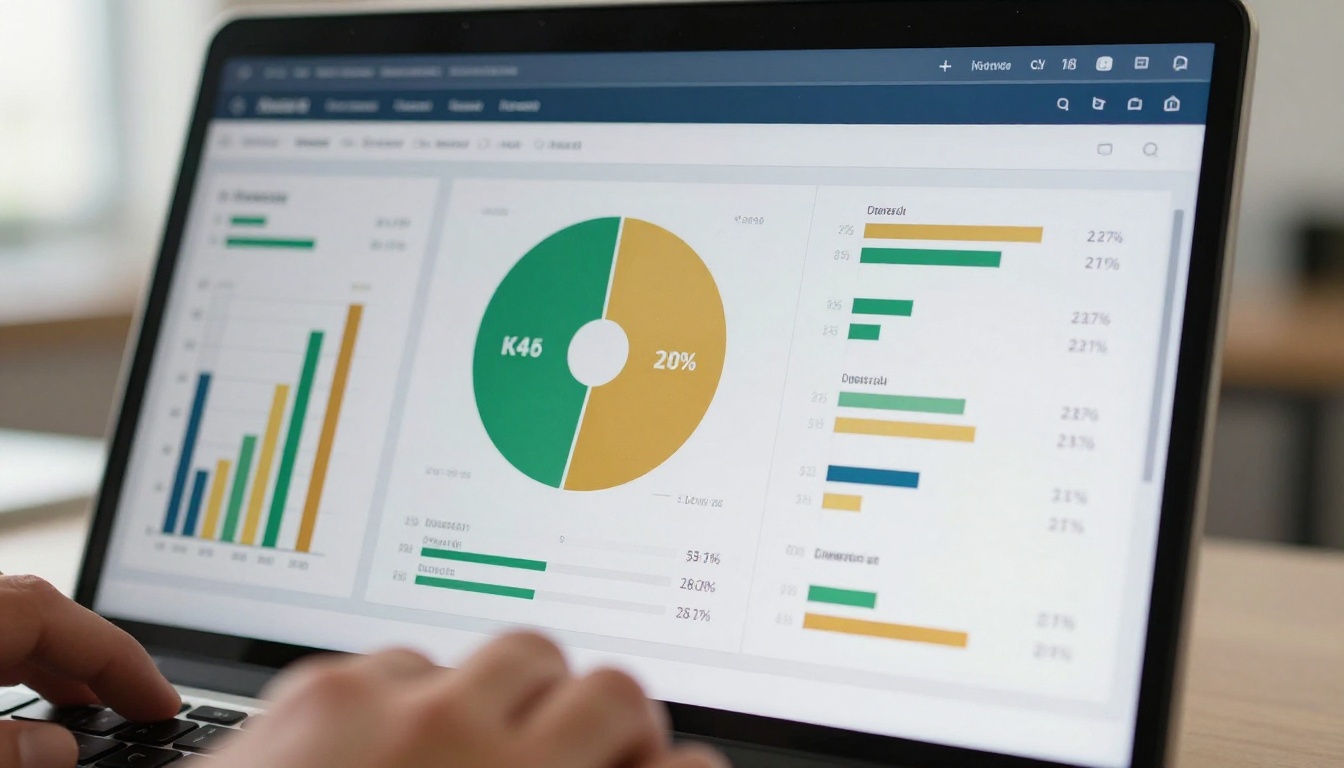
Static tables of numbers are the fastest way to lose a reader. Modern interactive annual reports replace data tables with visual representations: stacked bar charts that show year-over-year growth, donut charts for budget allocation, geographic heat maps for regional impact data. Tools like Flipbooks AI make it possible to embed these visuals directly into a page-turning format that feels like a premium publication, not a website.
What to look for before committing
Not every "free" tool is actually free. Many advertise a free tier, then lock the most important features behind paid plans: no watermark removal, no embedding, no analytics. Before choosing a platform, verify four things:
- No watermarks on the free plan
- Public sharing link included at no cost
- Embeddable on your website without a subscription
- Mobile-responsive output without extra fees
Comparing the top free options
| Tool | Free Plan | No Watermark | Embed | Analytics | Mobile |
|---|
| Flipbooks AI | ✅ Yes | ✅ Yes | ✅ Yes | ✅ Pro plan | ✅ Yes |
| Issuu | ✅ Limited | ❌ Paid | ❌ Paid only | ❌ Paid only | ✅ Yes |
| Flipsnack | ✅ Limited | ❌ No | ❌ Paid only | ❌ Paid only | ✅ Yes |
| Canva (PDF export) | ✅ Yes | ✅ Yes | ❌ No flipbook | ❌ No | ✅ Yes |
| Joomag | ✅ Limited | ❌ No | ❌ Paid only | ❌ Paid only | ✅ Yes |
💡 Flipbooks AI stands out because the free tier includes no watermarks and a shareable public link right out of the box. Most competitors require payment before removing their branding from your document.

How to Build an Interactive Annual Report with Flipbooks AI
The Annual Report Creator on Flipbooks AI is purpose-built for exactly this use case. Here is how to go from a PDF file to a fully published interactive report in under ten minutes.
Step 1: Prepare your PDF
Before uploading, make sure your PDF is print-ready with clean typography, high-resolution images, and proper page sizing (A4 or Letter). If you are building the PDF from scratch, tools like Canva or Adobe InDesign work well. For corporate reports, your existing design team output in PDF format imports cleanly with no quality loss.
Keep file sizes under 150MB for fastest processing. If your report has embedded fonts, flatten them before uploading to avoid rendering issues.
⚠️ Avoid password-protected PDFs at the upload stage. Remove any encryption first, then re-apply protection inside Flipbooks AI using the built-in password feature after conversion.
Step 2: Upload and convert
- Go to Flipbooks AI and create a free account
- Click New Flipbook from your dashboard
- Drag and drop your annual report PDF into the upload zone
- Wait for the conversion (typically 30 to 90 seconds for a 50-page document)
- Preview the auto-generated flipbook with realistic page-turn effects
The converter preserves all original typography, images, and layout exactly as designed. Each PDF page becomes a navigable spread with smooth animation.
Step 3: Customize your flipbook
Once uploaded, you have full control over the presentation:
- Branding: Add your organization logo, set a custom background color, and choose a cover thumbnail
- Page effects: Choose from classic page-turn animation, flat scroll, or modern swipe mode
- Table of contents: Auto-generate a linked TOC from your PDF bookmarks
- Multimedia: Embed video links within specific pages (CEO address on page 3, for example)
- Password protection: Lock the report for board-only access or internal stakeholder distribution
The Corporate Report Maker tool includes pre-styled templates specifically designed for annual reports, covering financial, nonprofit, and startup variants with professional layouts ready to populate.
Step 4: Publish and share
When your report is ready:
- Click Publish to generate a shareable public link
- Copy the embed code to place the flipbook directly on your website's investor relations page
- Share the direct link in email campaigns, LinkedIn posts, and board meeting invites
- For internal distribution, enable password protection before sharing the link
✅ The Non-Profit Annual Report tool on Flipbooks AI includes donor-friendly templates with large impact statistics sections and clear program breakdowns built in, saving hours of design time.

Structure that works every time
The best-performing annual reports follow a consistent structure regardless of organization type. Here is the sequence that consistently drives the most read-through:
- Executive summary (2 pages max) with the 3 to 5 biggest wins of the year
- Year at a glance infographic spread
- Financial highlights with visual data representations
- Program or product impact with case studies and real outcomes
- Leadership messages (brief, 1 page each)
- Full financial statements as an appendix for those who need them
- Priorities for the coming year with specific goals and targets
Each section should open on a strong visual, not a wall of text. Readers make the decision to keep reading or bail in the first two seconds of seeing a new page. Front-load your most compelling data.
Visual hierarchy and data storytelling
Your most important number should be the biggest thing on the page. If revenue grew 40%, that number belongs in 96pt font with a supporting chart below it, not buried in paragraph four of a financial narrative. Use color consistently: one primary brand color for positive trends, neutral gray for baseline data, and a secondary accent for callouts.
💡 Limit yourself to three typefaces maximum across the entire document. Headline font, body font, and a monospace font for financial figures. More than three creates visual noise that readers subconsciously register as unprofessional.
Color-code your sections so readers can instantly orient themselves. If the financials always appear in navy and the impact section always appears in green, returning readers jump straight to what they need without re-reading headers.

Sharing and Distribution Strategy
Getting maximum reach from one document
Creating a great interactive annual report is step one. Distributing it so the right people actually see it is step two. Here is a distribution checklist organized by channel:
| Channel | Best For | Format |
|---|
| Email newsletter | Existing stakeholders and donors | Direct link with thumbnail preview |
| Company website | Investors, press, public visitors | Embedded flipbook on /annual-report page |
| LinkedIn | Professional network, talent attraction | Link post with cover image |
| Board meeting invite | Directors and executives | Password-protected private link |
| Press release | Media and industry contacts | Download link for journalists |
| Investor relations page | Shareholders and analysts | Embedded with PDF download option |
Embed on your website
The embed code from Flipbooks AI generates a responsive iframe that scales cleanly on any screen size. Place it on a dedicated /annual-report page with a short description, then submit that page to Google Search Console for indexing. Interactive reports frequently rank for branded search terms and occasionally earn backlinks from industry publications and aggregators.
For nonprofits, embedding on a /impact or /transparency page alongside the IRS Form 990 builds donor trust significantly more than a PDF download link ever could.

Send as a mobile-ready link
Over 60% of stakeholder email opens happen on mobile devices. A PDF attachment fails immediately on a phone screen: the file downloads, requires a separate PDF reader app, and renders as tiny unreadable text. A Flipbooks AI link opens instantly in the mobile browser with proper responsive formatting, tap-to-zoom on data charts, and swipe navigation between pages.
No additional work required on your end. The same flipbook that looks polished on a 27-inch monitor renders just as cleanly on a 6-inch phone screen.
Who Benefits Most from Interactive Reports
Nonprofits and foundations
Nonprofit organizations arguably benefit more than anyone from switching to interactive formats. Donors want impact transparency. An interactive annual report lets you put your biggest outcome metrics front and center, embed video testimonials from program beneficiaries on the relevant pages, and make financial data both accessible and visually compelling to non-accountants. Board members can review governance sections independently, and grant funders get the detailed program data they need without requesting separate attachments.
The Non-Profit Annual Report and Report Flipbook Creator tools on Flipbooks AI include sections specifically designed for impact reporting, donor acknowledgment pages, and program outcome summaries.
Startups and SMBs
For startups, the annual report is often doubling as a fundraising document and a talent attraction piece. Interactive formats let founders highlight traction metrics, team growth, product milestones, and culture in a single shareable link that investors can forward to their partners without formatting issues. SMBs use annual reports to retain clients, communicate growth to lenders, and build brand credibility in competitive markets.
💡 Startups can create a "Year in Review" instead of a traditional annual report, using the same interactive format but with a more casual tone and product-focused structure. Same tool, different framing, much more authentic to the brand.
Corporations and public companies
For publicly traded or large private companies, the annual report is both a regulatory and reputational document. Interactive versions serve both purposes: the full financial statements are preserved for regulatory compliance, while the interactive layer makes the narrative sections genuinely readable by analysts, media, and employees. Linking to the Sales Presentation and Press Kit Designer tools for complementary documents keeps all brand assets consistent in format and accessible from one platform.
Plan comparison for different organization sizes
| Organization Type | Recommended Plan | Features Needed |
|---|
| Nonprofit (under 50 donors) | Free | Share link, no watermark, embed |
| Startup (seed to Series A) | Standard | Unlimited flipbooks, custom branding |
| SMB (10 to 200 employees) | Standard | Reader analytics, multiple reports per year |
| Corporation (200+ employees) | Professional | Analytics, lead gen, offline downloads, team access |
Browse all pricing plans to match your organization size and publishing volume.
Tracking Who Actually Read Your Report
The analytics advantage
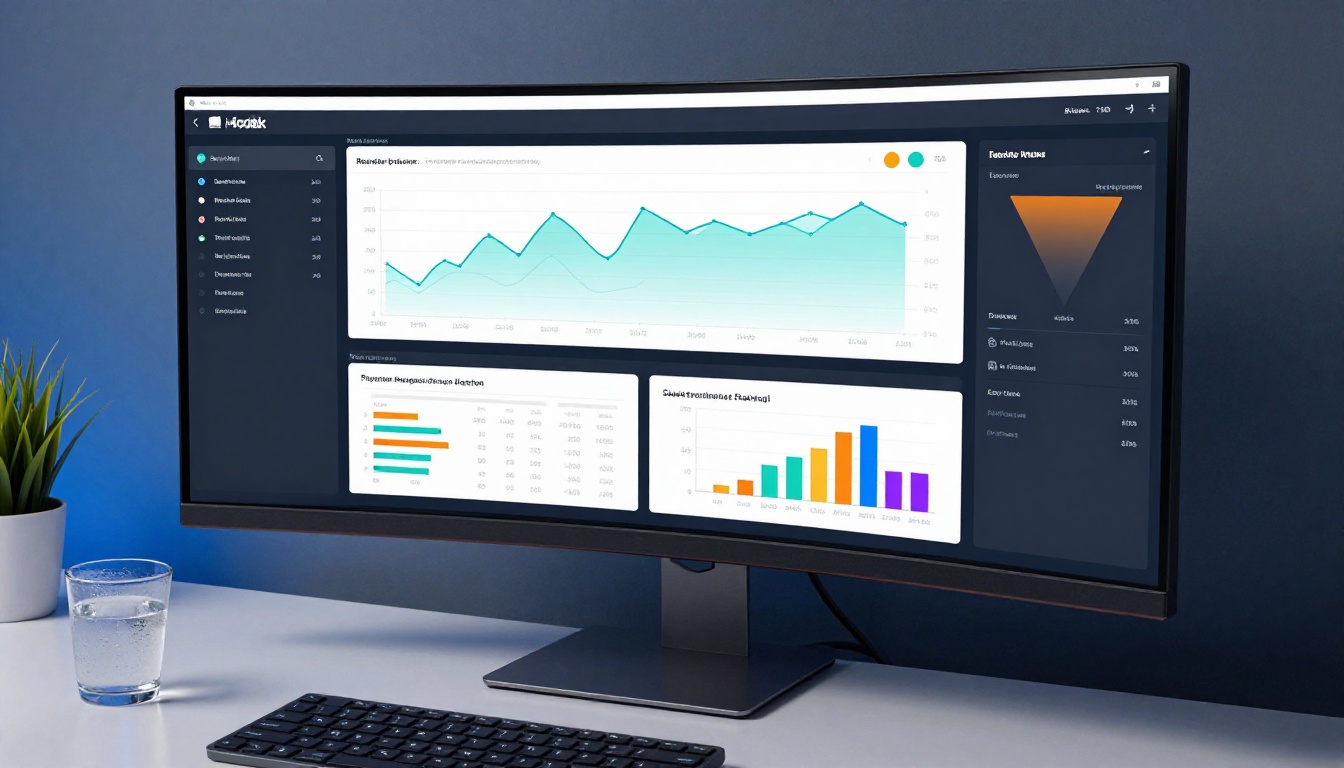
One of the most underused features in interactive publishing is reader analytics. With a static PDF, you send it and never hear from it again. With a Flipbooks AI Professional account, you see exactly how many people opened your report, which pages they spent the most time on, where they dropped off, and whether they clicked through to external links.
This data is genuinely useful for next year's report. If analytics show that 80% of readers never get past the executive summary, the financial section buried on page 22 needs to move closer to the front. If the employee spotlight pages have the highest average time spent, more of that content belongs early in next year's version.
Lead capture within the report itself
The Professional plan includes a built-in lead capture form that appears before readers access the full document. For companies using the annual report as a business development tool, capturing contact details from prospective partners, investors, or clients who request the report adds real pipeline value. This feature alone frequently justifies the plan upgrade for sales-driven organizations. See pricing details for what is included per tier.
💡 Even on the free plan, you can track basic traffic by adding UTM parameters to the links you share. Add ?utm_source=email&utm_campaign=annual-report to your public link before distributing it through different channels.

The Real Cost of Staying Static
A beautifully designed static PDF that nobody reads is an expensive missed opportunity. The average professionally designed corporate annual report costs $15,000 to $80,000 to produce. Making it interactive costs nothing extra on Flipbooks AI's free plan. The interactive layer is not an add-on. It is the format your content was always supposed to live in.
Stakeholders are busy. Your annual report competes with every email, social post, and meeting on their calendar. Making the report genuinely pleasant to read through is no longer a nice-to-have. It is the only way to ensure the story you spent months documenting actually reaches the people who need it.
The organizations seeing the best results with interactive annual reports are the ones that stopped treating the format as an afterthought. They design for digital first, represent their data visually, and distribute through channels their stakeholders actually use. The tools to do all of this are free and ready to use right now.
Ready to publish your first interactive annual report? Create your free account on Flipbooks AI and have your report live in under ten minutes. Browse the Annual Report Creator and all available report tools to find the template that fits your organization. Compare pricing plans when you are ready to add reader analytics, custom branding, or team access.



