InDesign is powerful software, but paying $60+ per month for a tool you use twice a year just to make a brochure is a bad deal. Modern web-based design platforms have completely closed the quality gap, and in many cases they produce results that are more shareable, more interactive, and far easier to update than anything coming out of a print workflow. Whether you run a small business, work in marketing, or need a polished brochure for an event, you do not need InDesign. This article breaks down the best approaches, tools, and step-by-step methods for creating a professional online brochure without ever opening Adobe's software, and shows you how to turn any design into an interactive digital publication using Flipbooks AI.
Why People Are Ditching InDesign for Brochures
Adobe InDesign was built in 1999 for one job: producing print-ready layouts. It does that job well, but most brochures today are never printed. They are emailed, embedded on websites, shared on social media, and viewed on phones. InDesign's output is a PDF: a static, passive file. You cannot embed a video in it, track who opened it, or update it after you send it.
The shift to digital publishing has made InDesign feel like overkill for most brochure projects. Here is what people actually need from a brochure tool in 2025:
- A tool that works in a browser, on any device
- Ready-made templates so design does not start from zero
- Easy export to shareable links, not just PDF files
- The ability to update content without reprinting
- Analytics to measure how readers interact with each page
Web-based tools deliver all of this, at a fraction of the cost.
Not all online design tools are equal. When choosing a platform specifically for brochures, these are the criteria that matter most:
| Feature | Why It Matters |
|---|
| Pre-built brochure templates | Saves hours of layout work |
| Custom branding (fonts, colors, logo) | Keeps output on-brand |
| PDF upload or import | Reuses existing design assets |
| Shareable link or embed code | Distributes without file downloads |
| Mobile-responsive output | Readers often view on phones |
| Analytics | Shows who opened it and for how long |
| No watermarks | Maintains professional appearance |
💡 The best online brochure tools also let you embed video, which print and PDF can never do. If your brochure is about a product or a property, a short embedded video clip increases reader engagement significantly.
The 5 Best Ways to Create a Brochure Online
1. Use a Web-Based Drag-and-Drop Editor
Tools like Canva, Adobe Express, and Visme offer drag-and-drop brochure editors with pre-designed templates. You pick a layout, swap in your photos and copy, and export. Output is typically a PDF or image, though some platforms also offer a hosted shareable link.
Best for: First-time designers who need something functional fast.
Limitation: Output is usually still a static PDF or image file, not an interactive experience.
2. Convert a PDF into an Interactive Flipbook
If you already have a brochure designed in Canva, PowerPoint, Word, or any other tool, you can upload the PDF to a flipbook platform and instantly turn it into an interactive digital publication with a page-turning effect. This is the fastest path from a static file to something engaging and easy to share.
Flipbooks AI specializes in exactly this: upload a PDF, and within seconds you have a link to a beautiful, interactive brochure that works on any device.
Best for: Anyone with a finished design who wants to make it interactive without rebuilding from scratch.
Limitation: The initial design still needs to be created in a separate tool.

3. Use a Template-Based HTML Brochure Builder
Some platforms generate HTML-based brochures that are hosted online and fully responsive. These are not flipbooks but more like mini landing pages in a brochure layout, good for events, product launches, or real estate listings where embedding is more important than page-flip interaction.
Best for: Developers or marketers who need something embeddable on a website.
Limitation: Less intuitive for non-technical users.
4. Build It in Google Slides or PowerPoint Online
For teams already using Google Workspace or Microsoft 365, Slides or PowerPoint Online offer basic brochure layouts at zero extra cost. Design the slide in a landscape or portrait format, export as PDF, then convert to an interactive format with a dedicated tool.
Best for: Teams with existing licenses who want a zero-cost entry point.
Limitation: Template quality is lower, and the design ceiling is lower.
5. Use a Dedicated Digital Brochure Platform
Platforms built specifically for digital brochures and digital publishing go beyond simple PDF hosting. They add interactive features: embedded multimedia, analytics, password protection, lead generation forms, and custom branding, all without requiring any design experience. Flipbooks AI sits firmly in this category.
| Criteria | Adobe InDesign | Online Brochure Tool |
|---|
| Monthly Cost | $54.99 (CC All Apps) | Free to ~$30/mo |
| Learning Curve | Steep (weeks) | Minimal (minutes) |
| Output Format | Print-ready PDF | Interactive web link + PDF |
| Shareable Link | No | Yes |
| Video Embedding | No | Yes (select platforms) |
| Analytics | No | Yes (professional plans) |
| Template Library | Limited | Extensive |
| Mobile Editing | No | Yes |
| Real-Time Updates After Publishing | Requires re-export | Instant |
This comparison makes the case clearly. For web-first brochures, InDesign is not the right tool, and it never was.
⚠️ If you are creating print materials for professional offset printing at 300 DPI with precise CMYK color profiles, InDesign still has advantages. But for digital distribution, web publication, or email campaigns, online tools are the better choice.
How to Create an Online Brochure with Flipbooks AI
Flipbooks AI is one of the most capable platforms for turning any PDF brochure into an interactive digital publication. Here is the full step-by-step process:
Step 1: Sign Up and Access the Dashboard
Go to flipbooksai.com/account and create your account. The free tier lets you publish your first flipbook immediately, no credit card required.
Step 2: Design Your Brochure or Use What You Have
If you do not have a brochure yet, create one in Canva, Google Slides, or PowerPoint, then export it as a PDF. If you already have a PDF brochure, you are ready for the next step.
Flipbooks AI also offers dedicated brochure tools for specific industries:
Step 3: Upload the PDF
Inside your dashboard, click "New Flipbook" and upload your PDF. The platform processes it automatically and generates a page-flipping digital brochure within seconds.

Step 4: Customize the Branding
Once uploaded, the customization panel lets you:
- Set a custom background color or texture behind the flipbook
- Add your logo to the viewer interface
- Choose the page-flip animation style (soft page curl, slide, or hard cover)
- Set a custom domain or vanity URL for the brochure link
- Add background music or embedded video clips to specific pages
✅ Always add your brand colors and logo before sharing. Flipbooks AI supports full custom branding with no platform watermarks on Standard plans and above, which means your clients see your brand, not theirs.
Step 5: Configure Sharing Options
Choose how your brochure gets distributed:
- Public link: Anyone with the URL can view immediately
- Password protection: Restrict access to specific audiences, ideal for press kits, investor decks, or private proposals
- Embed code: Paste an iframe snippet on your website or landing page using the Embed Flipbook on Website tool
- PDF download toggle: Allow or restrict readers from downloading the source file
Step 6: Track Who Reads It
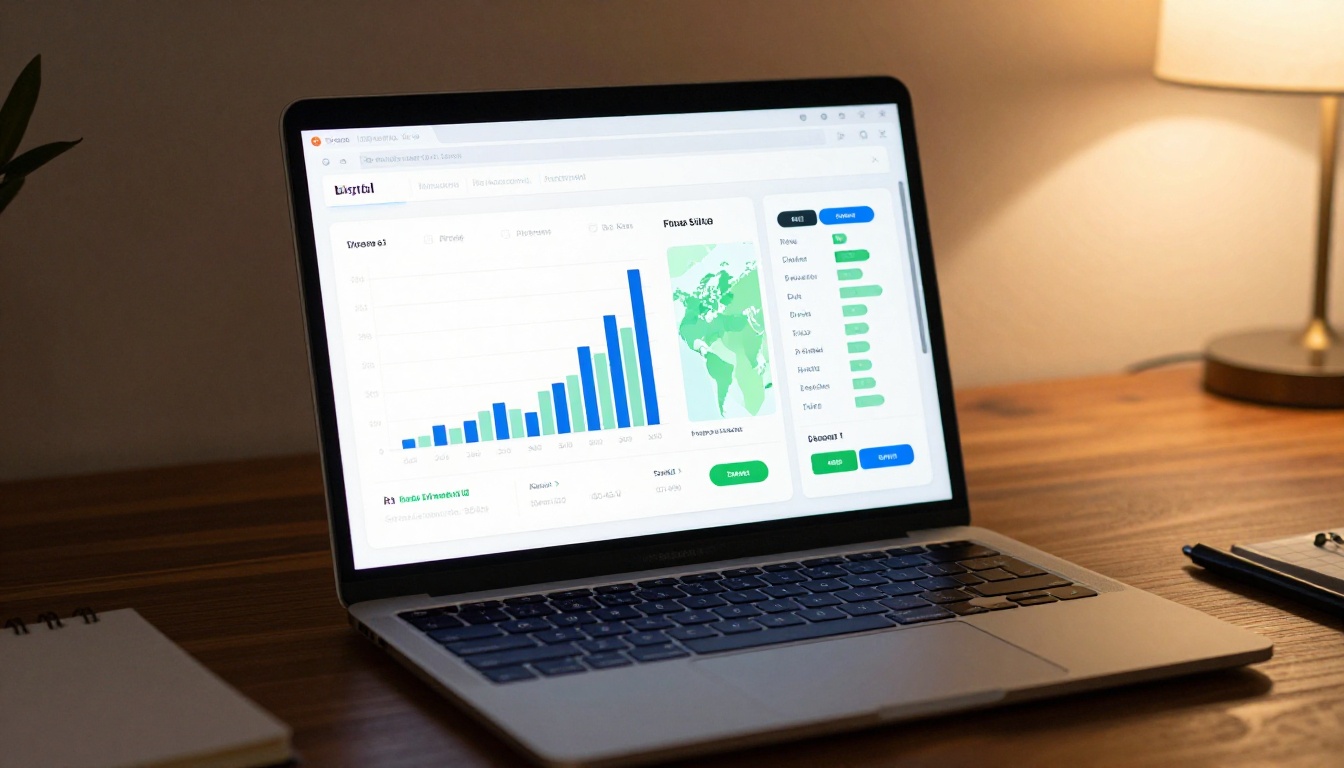
On the Professional plan, Flipbooks AI provides real analytics: total views, unique visitors, time spent on each page, geographic data, and referral sources. For sales teams and marketing managers, knowing exactly which pages perform best is data that changes how you build the next version.
Real-World Use Cases by Industry
Online brochures are not a single-industry solution. They fit almost any field where communication, sales, or marketing happens.
Real Estate
Agents send property brochures via email and embed them directly on listing pages. An interactive flipbook with a page-turn effect feels far more premium than a flat PDF attachment. The Real Estate Brochure Creator is tailored for this workflow, with layout templates built around property photography and spec sheets.
Hospitality
Hotels use digital brochures to present room categories, seasonal packages, and dining options. The Hotel Brochure Designer makes it easy to create a polished, shareable brochure without needing an in-house design team.
Automotive
Car dealerships showcase vehicle specs, financing options, and seasonal promotions through digital brochures sent via email or embedded on their site. The Automotive Brochure Generator handles this format with industry-specific templates.
Events and Nonprofits
Event organizers distribute digital programs and sponsor brochures. Nonprofits create fundraising brochures with embedded video testimonials that a PDF simply cannot support. Password-protecting these brochures adds an additional layer of exclusivity for donor audiences.
Restaurants and Food Service
Restaurants use digital brochures to showcase seasonal menus, private dining options, and catering packages. Pair with the Restaurant Menu Creator for a full digital publishing workflow from design through distribution.
Flipbooks AI Plans at a Glance
| Plan | Price | Flipbooks | Watermark | Analytics | Password Protection |
|---|
| Free | $0/mo | 1 | Yes | No | No |
| Standard | ~$9/mo | Unlimited | No | No | Yes |
| Professional | ~$19/mo | Unlimited | No | Yes | Yes |
💡 The Professional plan's analytics feature pays for itself quickly. Knowing which pages of your brochure people read, and which they abandon, gives you actionable data to improve future versions. See the full breakdown on the pricing page.
Common Mistakes When Creating Brochures Online
Too Much Text Per Page
Online brochures are scanned, not read word for word. Use short sentences, bullet points, and generous white space. If a section takes more than 30 seconds to read, cut it in half. Visual hierarchy matters more than word count.
Ignoring Mobile Readers
More than 60% of email opens happen on a phone. A flat PDF attached to an email is nearly unreadable on a small screen without zooming. Interactive flipbook formats from platforms like Flipbooks AI resize automatically and maintain readability across all screen sizes.

Low-Resolution Images
Blurry or pixelated images immediately signal low quality to readers. Always use images at 1920px wide or larger for digital brochures. Stock photo platforms like Unsplash and Pexels provide free high-resolution images with no license restrictions.
No Clear Call-to-Action
Every brochure needs one clear next step: a phone number, a booking link, a contact form. If a reader finishes your brochure without knowing what to do next, the brochure failed its purpose. Put the call-to-action on the last page and make it impossible to miss.
⚠️ Do not stack five different calls-to-action on the same page. Pick one action you want readers to take and make it obvious. Competing calls-to-action produce the same result as none at all.
Not Updating After Publishing
A major advantage of online brochures over printed materials is that you can update them instantly. Old prices, discontinued products, and outdated contact information can all be corrected in seconds. Treat your digital brochure as a living document rather than a finished artifact.
What Flipbooks AI Supports Beyond Brochures
Once you see what an interactive digital publication can do, static PDFs start feeling limiting in every category. Flipbooks AI supports a wide range of publication formats:
Browse all available flipbook tools to find the right format for your next project.
| Your Situation | Best Approach |
|---|
| Starting from scratch, no design skills | Canva for design, Flipbooks AI to publish |
| Already have a PDF brochure | Upload directly to Flipbooks AI |
| Need analytics and lead tracking | Flipbooks AI Professional plan |
| Need brochure embedded on website | Flipbooks AI embed code |
| Team collaboration required | Google Slides design, Flipbooks AI to publish |
| Industry-specific template needed | Flipbooks AI industry tools directory |
Start Publishing Better Brochures Now
InDesign is a tool built for a print era that is largely behind us. The brochures that perform best in 2025 are not printed and handed out at trade shows. They are shared as links, embedded on websites, tracked with analytics, and updated in real time.
You do not need expensive software, a design degree, or a professional agency to create something that looks and performs like you hired one. You need a clear message, strong visuals, and the right digital publishing platform.
Ready to create your first interactive brochure? Get started for free on Flipbooks AI and see how fast a polished, shareable digital brochure comes together. Compare pricing plans to find the right fit for your publishing volume, or browse all flipbook tools to find templates built for your specific industry and use case.



