PDFs are practical. They preserve formatting, print cleanly, and work on every device. But when you share one online, the experience falls completely flat: no interactivity, no page-turning feel, nothing that makes a reader want to keep scrolling. That is where flipbooks change everything.
A flipbook converts your static PDF into an interactive digital publication with realistic page-turn animations, mobile responsiveness, and shareable links. And the best part? You can do it for free, right now, without any design experience.
Whether you have a product catalog, a school newsletter, a portfolio, or a brand brochure, this article covers exactly how to create a flipbook from any PDF for free, which tools to use, and what separates a great free option from a frustrating one.
Why PDFs Stop Working Online
Static files kill reader attention
A PDF sitting behind a download link loses most of its audience before they even open it. Readers today expect interactive, visual experiences. A static file with no animation, no zoom, and no page-flip feels outdated by comparison. People scroll past, close the tab, and move on.
The problem is not your content. It is the format. A document that was designed to be printed does not translate well to a screen-first audience with limited patience.
What flipping pages actually adds
The page-turn effect is not a gimmick. It activates a familiar mental model that mimics physical reading, which keeps readers engaged longer. On top of that, a well-built flipbook tool adds real functional value:
- Zoom controls for fine print and detailed imagery
- Mobile-responsive layout that adapts to any screen size
- Embedded links so every page can drive clicks and conversions
- Shareable URLs for instant distribution via text, email, or social
- Embed codes to place the flipbook directly inside any website

What You Need Before You Start
PDF file requirements that matter
Before uploading your PDF to any flipbook converter, make sure it meets these basic requirements to avoid rendering issues:
- File size: Most free tools accept PDFs up to 100MB. Compress large files before uploading.
- Page count: Free plans typically support between 50 and 300 pages. Check the platform's specific limits.
- Font embedding: Embed fonts in your PDF to prevent text rendering issues on other systems.
- Image resolution: Use at least 150 DPI for crisp-looking pages. 300 DPI is better for print-quality content.
- No password protection: Remove any encryption from the PDF before uploading.
⚠️ Watch out: Scanned PDFs sometimes render blurry because they are stored as low-resolution images rather than vector text. If your PDF is a scan, run it through an OCR tool first for sharper output.
Free vs paid: what you actually get
Not all free plans are equal. Here is a practical breakdown of what free tiers typically offer versus what you gain when you upgrade:
| Feature | Free Plan | Paid Plan |
|---|
| Watermark on flipbook | Sometimes present | Never |
| Number of flipbooks | Limited (1-5) | Unlimited |
| Custom domain | No | Yes |
| Password protection | No | Yes |
| Analytics | No | Yes |
| Embed on website | Limited | Full access |
| Offline download | No | Yes |
| Custom branding | No | Yes |
| Lead generation forms | No | Yes (Professional) |
| Video and audio embeds | No | Yes |
💡 Pro tip: Always check if a free tool adds a watermark. A watermark on a client-facing catalog or business proposal signals amateur tooling immediately. Flipbooks AI never adds watermarks to your flipbooks, even on free conversions.
How to Create a Flipbook from Any PDF for Free
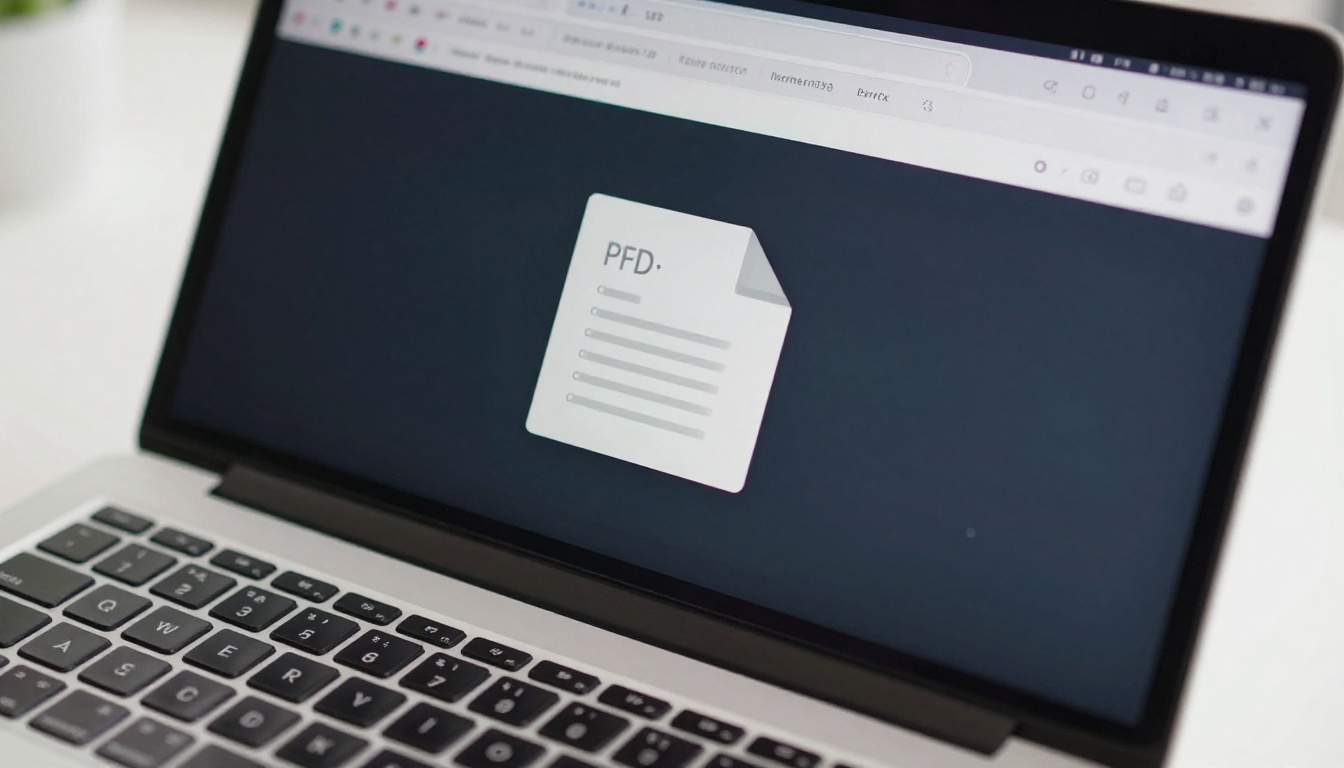
The fastest way to create a flipbook from a PDF for free is to use Flipbooks AI. The entire process takes under five minutes and requires zero technical skills. Here is exactly how it works, step by step.
Step 1: Create your free account
Head to flipbooksai.com/account and sign up for free. No credit card required. You will have immediate access to the PDF to flipbook converter the moment you log in.
Step 2: Upload your PDF
Once inside your dashboard, navigate to the PDF to Flipbook Converter. Click the upload area or drag and drop your PDF file directly into it.
The platform processes your PDF page by page, converting each one into a high-fidelity digital page with accurate colors, fonts, and image quality. Processing takes seconds for most documents, though larger files with many high-resolution images may take slightly longer.
✅ Best practice: Name your PDF file with a descriptive slug before uploading (e.g., spring-catalog-2025.pdf). This helps with internal organization and makes the resulting flipbook URL more readable.
Step 3: Customize your flipbook
After processing, you can personalize the flipbook before it goes live:
- Cover style: Choose single-page or spread layout for the opening view
- Background color: Match your brand palette or choose a neutral base
- Page shadow: Add depth to the page-turn effect for a more tactile feel
- Table of contents: Auto-generate navigation from PDF bookmarks or headings
- Multimedia embeds: Add videos or audio clips to specific pages (Standard plan and above)
Step 4: Publish and share
When you are satisfied with the preview, click Publish. Flipbooks AI instantly generates:
- A direct shareable link you can send via email, text, or social media
- An embed code to place the flipbook inside any website or blog
- A QR code for print materials that links directly to the digital version
The flipbook is live immediately, fully mobile-responsive, and viewable by anyone with the link without requiring them to download anything or create an account.

Several online tools convert PDFs to flipbooks. Here is how the most widely used options compare on the features that matter most for real-world use:
| Tool | Watermark on Free | Flipbook Limit | Custom Branding | Embed Support | Mobile Friendly |
|---|
| Flipbooks AI | No watermark | Generous free tier | Yes (paid plans) | Full support | Yes |
| Issuu | Watermark on free | 1 publication | No | Limited | Yes |
| FlipHTML5 | Watermark on free | Limited | No | Partial | Yes |
| Yumpu | Ads injected | Unlimited | No | Yes | Yes |
| Calameo | No watermark | 1 publication | No | Yes | Partial |
💡 Pro tip: If you plan to share flipbooks with clients, customers, or stakeholders, use a platform that does not watermark or inject ads into your content. The difference in perceived professionalism is significant.
What to look for in a free flipbook tool
Before committing to any platform, check these five things:
- No forced watermarks on the free tier
- Fast, crisp rendering (pages should not look pixelated or washed out)
- Viewer-friendly sharing (viewers should not need to create an account to open your flipbook)
- Mobile performance (test on a phone before publishing to your audience)
- Embed capability so you can integrate it into your own site or landing page
Real Use Cases for Free PDF Flipbooks
Business catalogs and brochures
A static PDF catalog is something a client downloads once and forgets. A flipbook catalog lives at a permanent URL, looks polished on any device, and can be shared with a single link. Flipbooks AI offers purpose-built tools for specific business types:
A real estate agent, for example, can upload a property brochure PDF and immediately have a shareable flipbook link to send to prospects via text message. No printing, no large email attachments, no friction for the recipient.
School and education materials
Teachers and administrators can convert curriculum PDFs, school newsletters, yearbooks, and course packets into flipbooks that students and parents actually open. Instead of a 40-page PDF that no one reads past the first page, a flipbook is visual, fast-loading, and works on any student device without requiring an app.
Relevant tools include:
✅ Best practice: When sharing flipbooks with students or parents, use password protection (available on paid plans) to control access without requiring complex login systems.

Portfolios and creative work
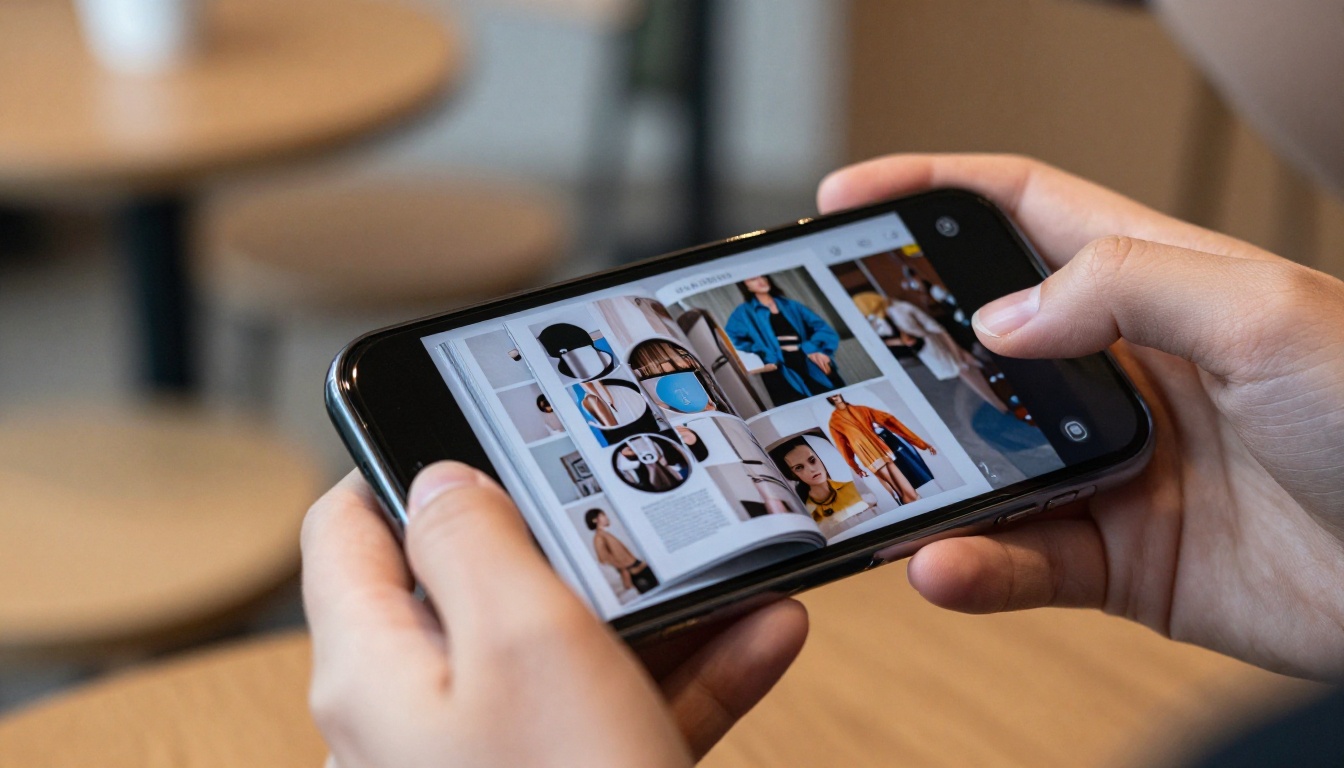
Designers, photographers, and creatives often send their work as PDF portfolio attachments. That file gets opened once on a laptop and rarely revisited. A flipbook portfolio lives at a permanent, shareable URL, can be embedded directly on a personal website, and presents your work in a browsable magazine-style format that feels intentional.
Tools like the Digital Portfolio Creator, Photography Portfolio Flipbook, and Interactive Lookbook Designer make this conversion seamless for creatives across industries.
Features That Actually Matter
Page turns and mobile performance
The page-turn animation is the signature feature of any flipbook, but it has to perform smoothly on mobile. A choppy or laggy animation on a smartphone destroys the experience. Quality platforms use hardware-accelerated HTML5 rendering to ensure smooth page transitions at consistent frame rates across all devices.
⚠️ Warning: Flash-based flipbooks are completely obsolete. Any tool still relying on Flash will not work on modern browsers or any mobile device. Make sure any platform you use outputs HTML5.
How to embed a flipbook on any website
The ability to embed a flipbook on a website is critical for anyone using flipbooks as part of a broader online presence. The embed code places a fully interactive flipbook inside a webpage with no plugins or additional software required for visitors.
This is particularly useful for:
- Landing pages: Embed your product catalog or pricing guide inline without a separate link
- Blog posts: Embed a related e-book or resource directly in the article
- Portfolio sites: Embed work samples without requiring visitors to download files
- Restaurant websites: Embed the menu so customers can browse without leaving the page
Analytics and lead generation
Free tiers skip analytics almost universally. But for anyone using flipbooks in a business context, knowing which pages get the most attention and where readers drop off is actionable data. The Professional plan on Flipbooks AI includes:
- Page-level analytics: See which spreads get the most reading time
- Total reads and unique visitors: Measure real reach beyond download counts
- Lead generation forms: Capture emails from readers before they reach a key page
- Offline downloads: Allow viewers to save the flipbook for later without an internet connection

Common Problems and How to Fix Them
PDF won't upload
Most upload failures trace back to one of three causes:
- File too large: Compress using Smallpdf, iLovePDF, or Adobe Acrobat's compression feature, then re-upload
- Password-protected PDF: Remove encryption using Adobe Acrobat or a free online PDF unlocker before uploading
- Corrupt file: Re-export directly from the source application (PowerPoint, InDesign, Canva, Figma) using PDF export settings
Pages look blurry or pixelated
This almost always means the PDF was exported at low resolution. Fix it by returning to the source file and re-exporting at High Quality Print settings rather than Standard or Minimum. In most applications, this means setting export quality to 150-300 DPI.
💡 Pro tip: If the original file is no longer accessible, use an image upscaling tool to sharpen individual pages before reassembling them into a new PDF.
Sharing link not working for recipients
If the person you shared the link with cannot open the flipbook:
- Confirm the flipbook status is set to Published and not left as a Draft
- Check whether password protection is enabled and whether you shared the password
- Test the link yourself in an incognito or private browser window to replicate the recipient's experience exactly

Free vs Paid: The Honest Breakdown
If you are deciding whether to stay on a free plan or upgrade, here is a clear tier comparison for Flipbooks AI:
| Feature | Free | Standard | Professional |
|---|
| Watermarks | Never | Never | Never |
| Number of flipbooks | Limited | Unlimited | Unlimited |
| Pages per flipbook | Up to 50 | Unlimited | Unlimited |
| Custom branding | No | Yes | Yes |
| Password protection | No | Yes | Yes |
| Video and audio embeds | No | Yes | Yes |
| Analytics dashboard | No | No | Yes |
| Lead generation forms | No | No | Yes |
| Offline downloads | No | No | Yes |
| Custom domain | No | No | Yes |
For personal use, school projects, or small creative portfolios, the free tier handles the basics well. For business use where brand credibility, measurable engagement, and lead capture matter, upgrading to Standard or Professional pays for itself quickly.
✅ Best practice: Start free, build your first flipbook, and test the sharing experience end to end. Upgrade when your use case requires branding, analytics, or a larger library of publications.
Who Benefits Most Right Now
The answer is broader than most people expect. Anyone currently sharing a PDF via email or download link has an immediate, free upgrade path available:
- Marketing teams: Replace static decks and press kits with shareable interactive assets using the Press Kit Designer
- Sales reps: Send a flipbook brochure instead of a PDF attachment that gets buried in inboxes
- Event organizers: Share programs and schedules via the Event Program Maker with zero printing costs
- Non-profits: Publish annual reports with the Non-Profit Annual Report tool and reach donors on any device
- Restaurants: Replace printed menus with QR-code-linked flipbooks built with the Restaurant Menu Creator
- Corporate teams: Present board reports in a polished format using the Corporate Report Maker
Start Creating Today
Every PDF you share as a flat file is a missed opportunity. A flipbook takes your existing document and gives it a presentation quality that static files simply cannot replicate, and you can do it for free in minutes.
Your first flipbook is one upload away. Create your free account on Flipbooks AI, upload your PDF, and have a shareable interactive publication live before your next meeting. If you want to see all the specialized tools available for specific industries and use cases, browse the full tools directory. When you are ready to add branding, analytics, and unlimited publications, the pricing plans are built to scale with your needs.



