Static PowerPoint decks and PDF presentations have become the default for business communication, but they're fundamentally broken. Audiences glaze over at slide 5, retention drops by 60% within the first 10 minutes, and your carefully crafted message gets lost in a sea of bullet points. There's a better way—interactive flipbooks that transform passive viewing into active engagement.
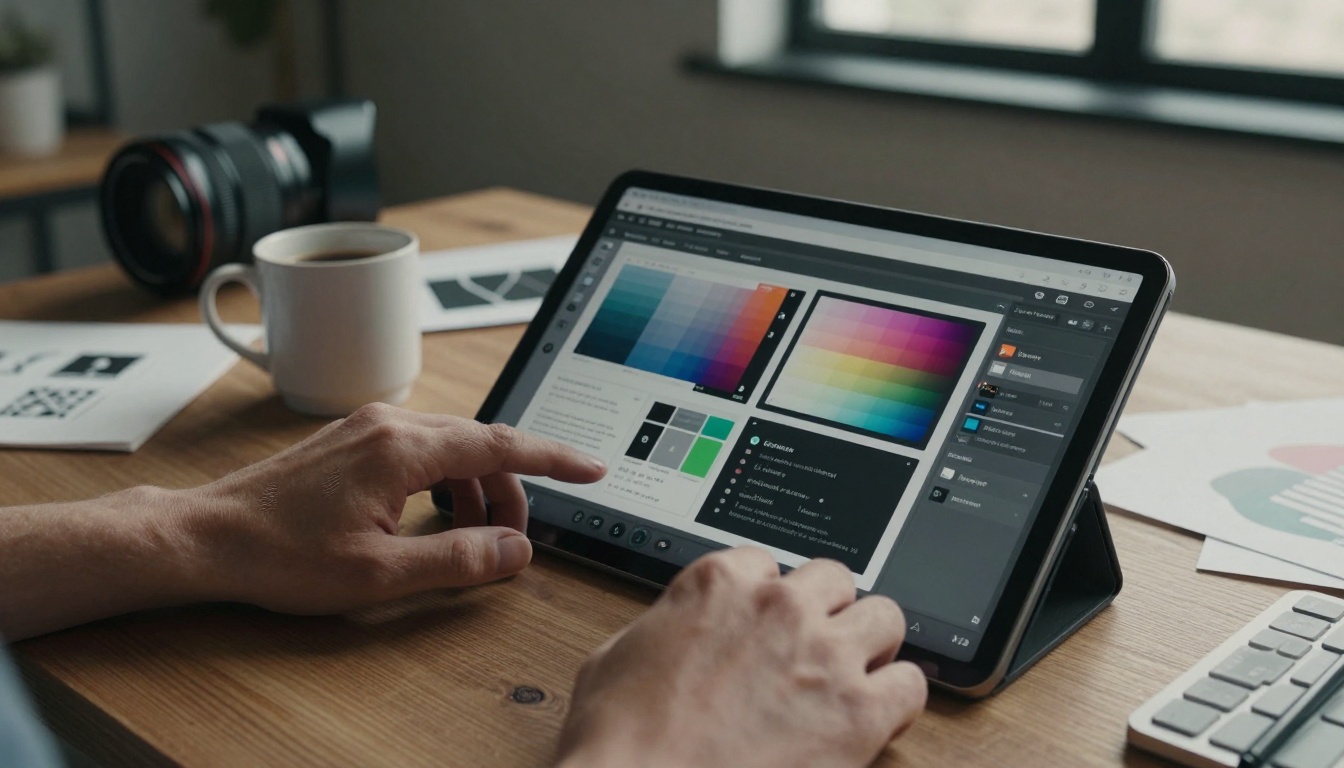
Close-up aerial view of a designer customizing a flipbook interface
Business presentations fail today because they're designed for the presenter, not the audience. Traditional formats assume linear consumption, but modern attention spans demand interactive experiences. When you convert presentations into flipbooks, you're not just changing the format—you're redesigning the communication model itself.
💡 The engagement gap: Research shows interactive content receives 47% higher engagement than static materials. Flipbooks bridge this gap by turning viewers into participants.
Why Static Presentations Fail Today
The corporate world runs on presentations—investor pitches, sales decks, training materials, quarterly reports. Yet most follow the same tired formula: title slide, agenda, content slides, summary, questions. This structure worked in the 1990s when options were limited, but today it's actively counterproductive.
Three critical flaws in traditional presentations:
- Linear progression forces everyone through the same path regardless of their interests or knowledge level
- Mobile responsiveness is an afterthought—PDFs and PowerPoint files display poorly on smartphones
- Analytics are virtually nonexistent—you can't track what sections engage viewers most

Corporate team collaborating around an interactive flipbook presentation
Flipbooks solve these problems by design. They're inherently non-linear—viewers can jump to relevant sections, revisit complex points, and explore at their own pace. Every modern flipbook platform like Flipbooks AI ensures mobile-responsive design, and advanced analytics track every interaction.
The Business Case for Interactive Flipbooks
The financial impact matters. Consider these numbers from companies that switched to flipbook presentations:
| Metric | Before Flipbooks | After Flipbooks | Improvement |
|---|
| Average view time | 4.2 minutes | 8.7 minutes | +107% |
| Content retention | 38% | 72% | +89% |
| Share rate | 12% | 41% | +242% |
| Lead generation | 0.8% conversion | 3.2% conversion | +300% |
These aren't theoretical improvements—they're measurable results from real business implementations. The conversion happens because flipbooks align with how people actually consume digital content today: interactive, self-directed, and device-agnostic.
Where flipbooks deliver the most value:
- Sales presentations that prospects actually engage with
- Investor pitch decks that stand out in crowded fundraising environments
- Training materials that employees complete and retain
- Corporate reports that stakeholders actually read
- Product catalogs that drive higher conversion rates

Sales professional presenting a product catalog flipbook to clients
Not all flipbook tools are created equal. Business presentations have specific requirements that generic flipbook creators miss. When evaluating platforms, prioritize these features:
Essential business presentation features:
- ✅ No watermarks on paid plans—professional materials need clean presentation
- ✅ Unlimited flipbooks—scalability matters as your library grows
- ✅ Password protection—secure sensitive financial and strategic information
- ✅ Custom branding—maintain consistent corporate identity
- ✅ Mobile-responsive design—50%+ of business content is consumed on mobile devices
Advanced features for professional use:
- Analytics dashboard—track engagement, time spent, and popular sections
- Lead generation forms—capture prospect information directly within presentations
- Offline downloads—enable viewing without internet access
- Video and audio embedding—multimedia integration for richer storytelling
- Team collaboration—multiple contributors working on the same project
⚠️ Platform selection mistake: Many businesses choose tools based on price alone, then discover missing features later. Start with Flipbooks AI's pricing page to understand what each plan includes, then test with your actual content.
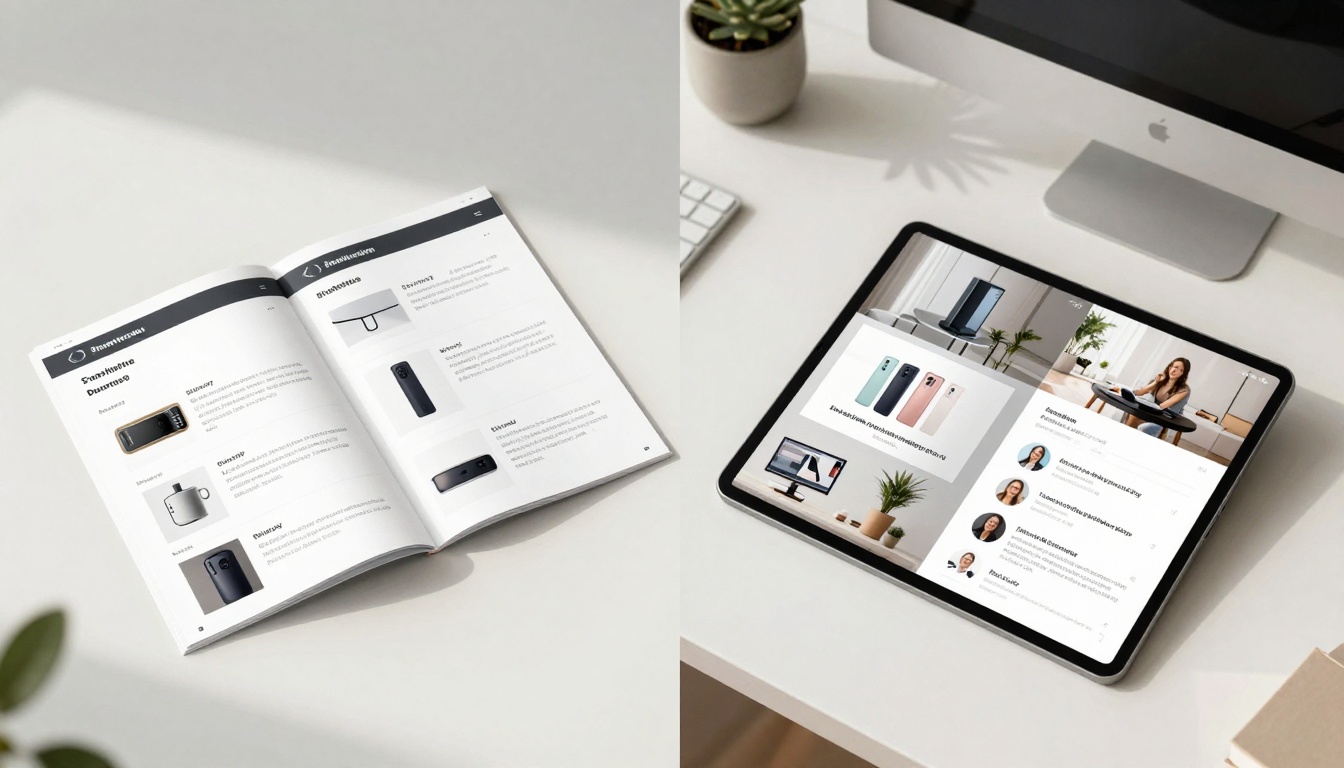
Investor pitch deck flipbook being reviewed across multiple devices
5 Essential Steps to Create Your First Business Flipbook
Creating effective business flipbooks requires a systematic approach. Follow these five steps to transform your existing presentations or build new ones from scratch.
Step 1: Content Preparation and Organization
Start with your existing materials, but don't just convert them blindly. Analyze what works and what doesn't:
- Audit current presentations—identify high-performing slides and problematic sections
- Reorganize for non-linear consumption—group related content into logical sections
- Add navigation markers—clear headings and section dividers
- Identify multimedia opportunities—where would video, audio, or interactive elements add value?
Common reorganization patterns:
- Sales presentations: Problem → Solution → Proof → Pricing → Next Steps
- Training materials: Overview → Core Concepts → Examples → Practice → Assessment
- Investor decks: Opportunity → Team → Product → Market → Financials → Ask
Step 2: Platform Setup and Account Creation
- Create your account on Flipbooks AI
- Select the appropriate plan based on your needs (Standard for small business, Professional for marketing teams)
- Configure branding settings—upload logos, set brand colors, choose fonts
- Set up team access if multiple people will contribute
✅ Pro tip: Use the free trial to test with one presentation first. Upload your most important deck and see how it performs before committing.
Step 3: Upload and Conversion Process
The technical conversion is straightforward with modern tools:
- Upload your PDF or PowerPoint file to the PDF to Flipbook Converter
- Review the auto-generated flipbook—check formatting, image quality, and page transitions
- Make initial adjustments—fix any conversion artifacts or formatting issues
- Save the basic version as your starting point
Conversion best practices:
- Use high-resolution images (minimum 150 DPI)
- Ensure consistent fonts throughout
- Check color accuracy after conversion
- Verify interactive elements work correctly
Step 4: Enhancement and Interactive Elements
This is where flipbooks surpass static presentations. Add these elements systematically:
Essential enhancements for business presentations:
- Navigation menu—clear table of contents with clickable sections
- Interactive charts—hover effects, click-to-expand data points
- Multimedia integration—embedded videos explaining complex concepts
- Downloadable resources—PDF handouts, spreadsheets, templates
- Contact forms—lead capture directly within the presentation
Advanced interactive features:
- Branching scenarios—different paths based on viewer choices
- Progress tracking—visual indicators showing completion percentage
- Search functionality—quick find for specific content
- Bookmarking—viewers can save their place and return later

Training manager using flipbook manual during employee onboarding
Step 5: Testing, Publishing, and Distribution
Never publish without thorough testing:
- Device testing—check on desktop, tablet, and mobile
- Browser testing—Chrome, Safari, Firefox, Edge
- User testing—have colleagues navigate without guidance
- Load testing—ensure performance with multiple simultaneous viewers
Distribution channels for maximum impact:
- Website embedding using the Embed Flipbook on Website tool
- Email campaigns—direct links with tracking
- Social media—snippets with call-to-action
- Sales meetings—live demonstration during calls
- Internal portals—employee access to training materials
Advanced Features for Professional Presentations
Business presentations at the professional level require more than basic functionality. These advanced features separate adequate flipbooks from exceptional ones.
Analytics and Measurement
What gets measured gets improved. Professional flipbook platforms provide detailed analytics:
| Metric | What It Measures | Business Value |
|---|
| Time per page | Engagement depth by section | Identify compelling vs. weak content |
| Navigation patterns | How viewers move through content | Optimize flow and organization |
| Completion rates | Percentage who view entire presentation | Gauge overall effectiveness |
| Device breakdown | Desktop vs. mobile consumption | Optimize for primary viewing method |
| Geographic data | Viewer locations by region | Target marketing efforts |
Analytics dashboard overlay showing real-time engagement metrics
Actionable insights from analytics:
- Content optimization: Identify which sections get the most/least attention
- Format improvements: Adjust based on device usage patterns
- Timing adjustments: Schedule distribution when engagement is highest
- Personalization opportunities: Tailor content to viewer behavior patterns
Lead Generation Integration
Business presentations should generate leads, not just convey information. Professional flipbook platforms include built-in lead capture:
Lead generation features:
- Embedded forms—capture information at natural break points
- Progressive profiling—gather additional data across multiple interactions
- CRM integration—automated syncing with Salesforce, HubSpot, etc.
- Follow-up automation—triggered emails based on content engagement
Optimal form placement strategies:
- After value demonstration—once you've shown your solution works
- At natural decision points—"Ready to learn more?" sections
- Multiple micro-opportunities—small asks throughout rather than one big form at the end
- Contextual requests—specific offers based on which sections were viewed
Security and Access Control
Business materials often contain sensitive information. Professional flipbooks address this through:
Security features for business presentations:
- Password protection—individual or group access codes
- Expiration dates—automatic deactivation after set period
- IP restriction—limit access to specific office locations
- Download controls—prevent unauthorized copying
- Watermarking (when appropriate)—identify leaked materials
Access management best practices:
- Tiered access levels—different content for different audiences
- Time-based availability—materials available only during specific periods
- Usage monitoring—track who accesses what and when
- Revocation capability—instantly remove access when needed

Marketing director embedding flipbook presentation into corporate website
Real-World Business Applications
Different business functions require different flipbook approaches. Here's how specific departments benefit:
Sales and Business Development
Sales presentations transformed:
- Product catalogs become interactive shopping experiences
- Proposal decks include embedded calculators and configurators
- Case studies feature video testimonials and data visualizations
- Competitive comparisons use interactive tables with expandable details
Tools for sales teams:
Measurable results for sales:
- 28% shorter sales cycles—prospects move faster through interactive materials
- 42% higher proposal acceptance—better understanding leads to quicker decisions
- 3.2x more qualified leads—self-qualification through interactive content
Marketing and Communications
Marketing materials elevated:
- Brand guidelines become living documents with examples
- Campaign overviews include performance dashboards
- Media kits feature interactive portfolio sections
- Annual reports transform from PDFs to multimedia experiences
Tools for marketing teams:
Marketing impact metrics:
- 67% higher social sharing—interactive content gets shared more
- 89% longer engagement—viewers spend more time with multimedia
- 214% more backlinks—unique content attracts references from other sites
Human Resources and Training
Training revolutionized:
- Onboarding materials become self-paced learning journeys
- Policy manuals include search and bookmarking
- Skill development programs feature progress tracking
- Compliance training incorporates assessment and certification
Tools for HR and training:
Training effectiveness improvements:
- 74% higher completion rates—employees finish interactive training
- 52% better retention—multimedia and interactivity improve memory
- 38% faster onboarding—new hires reach productivity sooner
Executive and Board Communications
Executive materials professionalized:
- Board presentations include real-time data dashboards
- Investor updates feature interactive financial models
- Strategic plans become living documents with milestone tracking
- M&A materials include scenario modeling tools
Tools for executive communication:

Corporate annual report flipbook presented to board members
Measurement and Analytics
The business value of flipbooks becomes clear through measurement. Unlike static presentations where you're guessing what worked, flipbooks provide concrete data.
Key Performance Indicators for Business Flipbooks
Track these metrics to prove ROI and optimize future presentations:
Engagement metrics:
- Average time spent—benchmark against industry standards
- Page completion rates—identify drop-off points
- Interaction frequency—clicks, expands, multimedia plays
- Return visits—viewers coming back for reference
Business outcome metrics:
- Lead conversion rates—from presentation to qualified lead
- Sales cycle impact—reduction in days to close
- Training effectiveness—pre/post assessment improvements
- Stakeholder satisfaction—feedback scores and comments
Operational efficiency metrics:
- Creation time reduction—reusable templates and components
- Update frequency—how quickly materials can be revised
- Distribution reach—number of viewers across channels
- Cost per engagement—total cost divided by meaningful interactions
A/B Testing and Optimization
Flipbooks enable systematic improvement through testing:
What to test for maximum impact:
- Navigation structures—linear vs. modular organization
- Multimedia placement—video at beginning vs. interspersed
- Call-to-action timing—early vs. late in presentation
- Length variations—detailed vs. concise versions
Testing methodology:
- Create variations of key presentation elements
- Split audience randomly between versions
- Measure performance across key metrics
- Implement winning variations across all presentations
💡 Continuous improvement: The most successful companies treat presentations as living documents. They measure, test, and optimize based on data rather than assumptions.
Getting Started With Your First Project
Ready to transform your business presentations? Follow this practical implementation plan:
Phase 1: Pilot Project (Week 1-2)
Select one high-impact presentation that meets these criteria:
- Currently underperforming in engagement metrics
- Frequently distributed to important audiences
- Contains elements that would benefit from interactivity
- Has clear success metrics you can measure
Conversion steps for your pilot:
- Audit the current version—identify pain points and opportunities
- Create your Flipbooks AI account
- Upload and convert using the PDF to Flipbook Converter
- Add three interactive elements—start simple with navigation, one video, and a contact form
- Test with a small audience—colleagues or friendly clients
- Gather feedback and make adjustments
Phase 2: Department Rollout (Week 3-4)
Expand to one department based on pilot results:
For sales teams:
- Convert top 5 sales presentations
- Train team on using flipbooks in meetings
- Integrate with CRM for lead tracking
- Measure impact on sales cycle length
For marketing teams:
- Transform 3 key marketing assets
- Implement analytics tracking
- Create branded templates for consistency
- Measure engagement and conversion rates
Phase 3: Organization-Wide Adoption (Month 2-3)
Scale across the organization:
Create standardized processes:
- Templates for different presentation types
- Branding guidelines specific to flipbooks
- Quality standards for interactive elements
- Approval workflows for sensitive materials
Training and support:
- Department champions—expert users in each area
- Documentation library—how-to guides and best practices
- Regular review sessions—share successes and learnings
- Performance benchmarking—track improvement over time
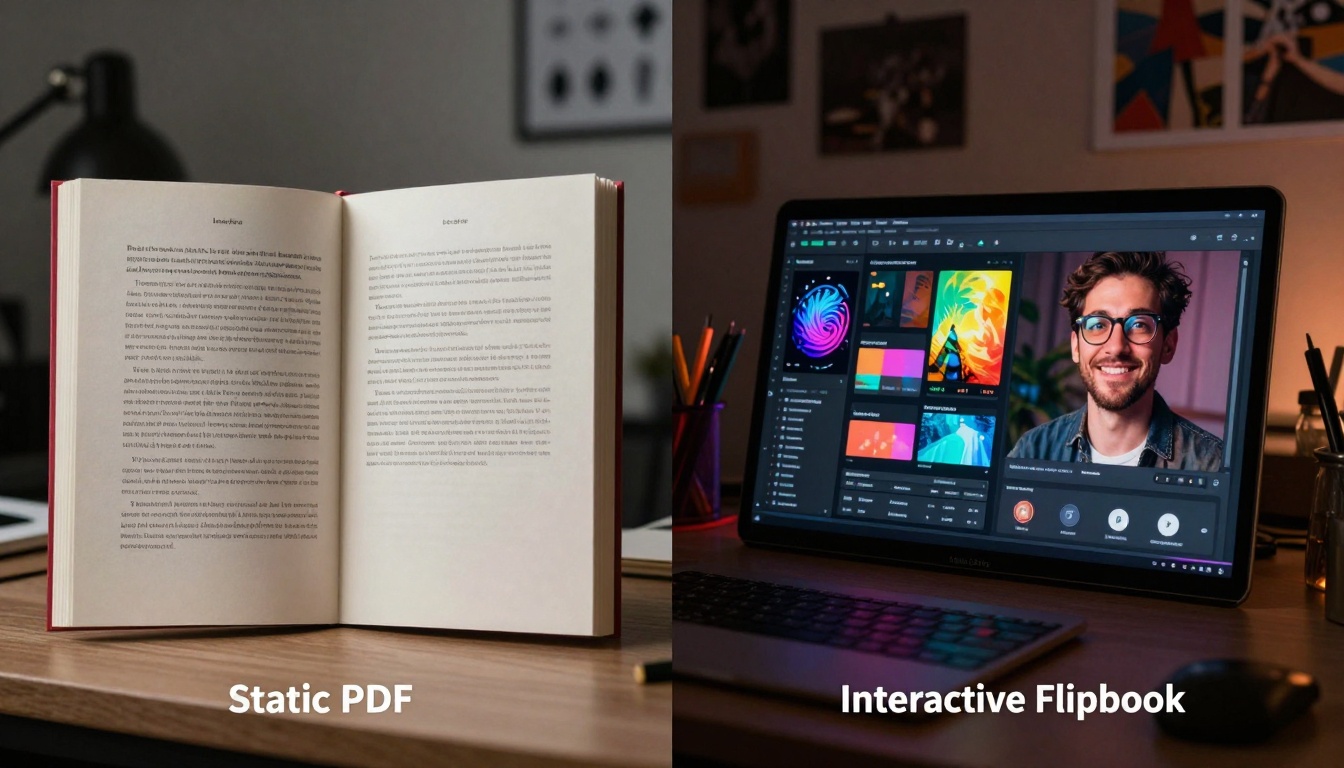
Visual transformation from static PDF to interactive flipbook
Choosing the right platform matters. Here's how leading options compare for business presentations:
| Feature | Flipbooks AI | Competitor A | Competitor B |
|---|
| Business presentation templates | 50+ specialized templates | 12 generic templates | 8 basic templates |
| Analytics depth | Page-level engagement, heatmaps | Basic view counts | No analytics |
| Lead generation | Built-in forms, CRM integration | Third-party integration only | No lead capture |
| Team collaboration | Real-time editing, comments | Single user only | Basic sharing |
| Security features | Password, expiration, IP controls | Password only | No security |
| Mobile optimization | Auto-responsive, touch gestures | Basic mobile view | Desktop only |
| Pricing (monthly) | €3-€7 depending on features | €15-€25 | €9-€19 |
| Watermark removal | Standard plan and above | Professional plan only | Enterprise only |
Why Flipbooks AI leads for business use:
- Business-first design—features specifically for corporate presentations
- Transparent pricing—no hidden costs or feature gates
- Scale-friendly—unlimited flipbooks on Standard plan
- Integration ready—works with existing business systems
- Support quality—dedicated business customer support
Common Implementation Mistakes to Avoid
Mistake 1: Direct conversion without optimization
- Problem: Simply converting PDF to flipbook without restructuring
- Solution: Reorganize content for non-linear consumption before conversion
Mistake 2: Overloading with interactive elements
- Problem: Adding too many features that distract from core message
- Solution: Start with 2-3 key interactive elements, expand based on data
Mistake 3: Ignoring mobile experience
- Problem: Designing for desktop only, mobile becomes unusable
- Solution: Test on multiple devices during creation process
Mistake 4: Skipping analytics setup
- Problem: Creating flipbooks but not measuring their impact
- Solution: Configure analytics before distribution, establish baseline metrics
Mistake 5: Isolated implementation
- Problem: One department uses flipbooks while others continue with static formats
- Solution: Create cross-department standards and share best practices
The Future of Business Presentations
Interactive flipbooks represent the next evolution in business communication. As technology advances, expect these developments:
Near-term trends (1-2 years):
- AI-assisted creation—automatic optimization based on content type
- Real-time collaboration—multiple team members editing simultaneously
- Enhanced analytics—predictive insights on engagement patterns
- Integration expansion—deeper connections with business intelligence tools
Long-term direction (3-5 years):
- Personalized experiences—content adapting to individual viewer profiles
- Immersive elements—AR/VR integration for product demonstrations
- Automated updates—content refreshing based on changing data
- Cross-platform continuity—seamless experience across all digital touchpoints
The shift from static to interactive presentations isn't just a technology change—it's a fundamental rethinking of how businesses communicate. Organizations that adopt flipbooks early gain competitive advantages in engagement, retention, and conversion.
Your next steps are clear:
- Evaluate one critical presentation that could benefit from interactivity
- Create your free account on Flipbooks AI
- Convert your first presentation using the PDF to Flipbook Converter
- Measure the impact against your current benchmarks
- Scale based on results to other departments and presentation types
The data doesn't lie: interactive flipbooks deliver measurable business results. Static presentations belong to the past. The future of business communication is interactive, measurable, and effective.



