PDF documents remain static and unengaging while readers demand interactive experiences. Converting PDFs to flipbooks transforms boring documents into dynamic publications that capture attention and drive results. This guide covers the complete conversion process from upload to distribution, compares platform options, and demonstrates real applications for restaurants, real estate, retail, and corporate use. Learn how flipbooks achieve 3-5x higher engagement than traditional PDFs with measurable analytics and mobile-responsive design.
PDF documents have been the standard for digital documents for decades, but they lack interactivity and engagement. When you convert PDFs into flipbooks, you transform static content into dynamic, interactive experiences that capture attention and drive results. The process is straightforward, and with modern platforms like Flipbooks AI, anyone can create professional flipbooks in minutes.
Why Flipbooks Work Better Than PDFs
Static PDFs suffer from low engagement rates. Readers often skim or abandon them entirely. Flipbooks solve this by adding:
Page-turning animation that mimics physical books
Interactive elements like clickable links and multimedia
Mobile-responsive design that works on any device
Analytics tracking to measure reader engagement
Social sharing capabilities that PDFs lack
💡 Industry data shows flipbooks achieve 3-5x higher engagement than traditional PDFs, with average session times increasing from 45 seconds to 4+ minutes.
The PDF to Flipbook Conversion Process
Converting your PDF involves three simple steps:
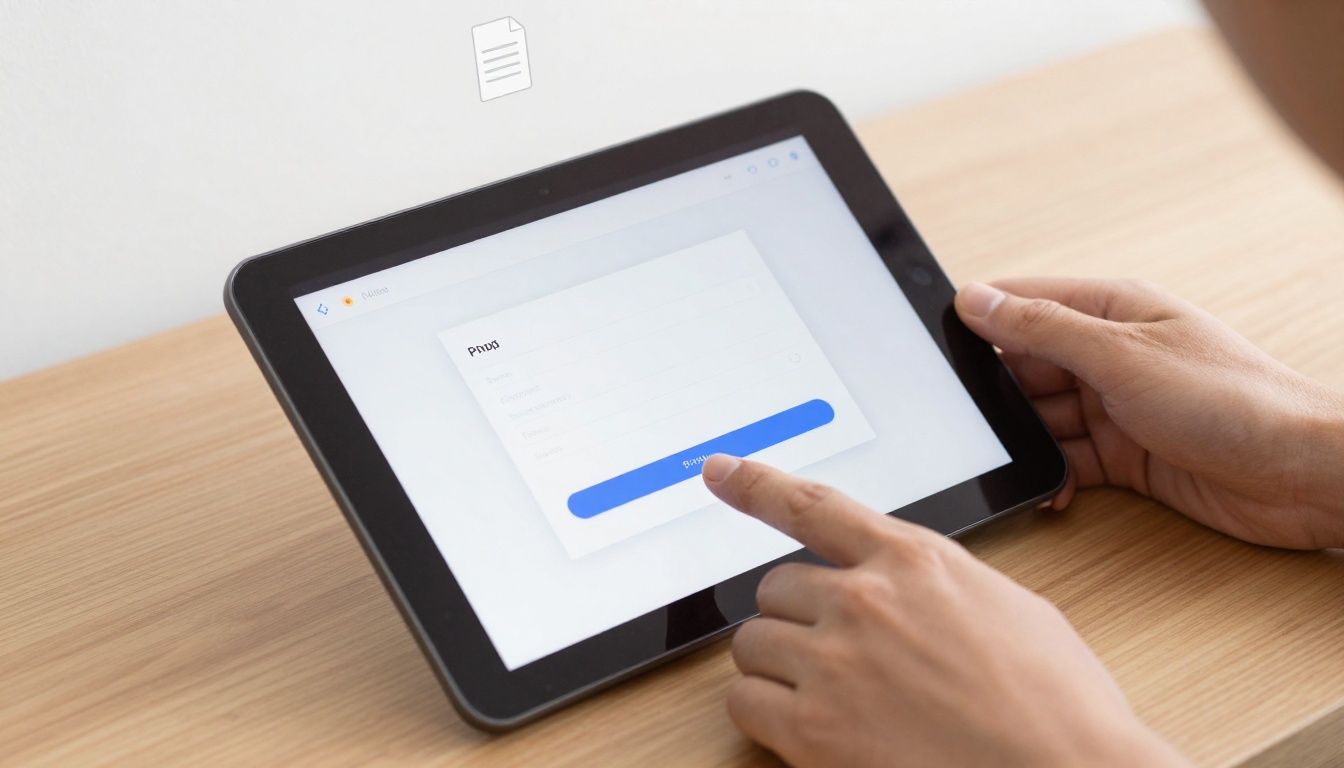
Upload your PDF - Drag and drop your file to any online converter
Customize the appearance - Adjust colors, branding, and layout
Publish and share - Get a link or embed code immediately
Most platforms process files in under 60 seconds, regardless of page count. The PDF to Flipbook Converter at Flipbooks AI handles files up to 500MB with no page limits.
Platform Comparison: Choosing the Right Tool
Feature
Flipbooks AI
Traditional Solutions
Manual Coding
Processing Speed
< 60 seconds
2-5 minutes
Hours to days
File Size Limit
500MB
100MB
Varies
Customization
Full branding control
Limited templates
Complete control
Analytics
Built-in tracking
Third-party needed
Manual setup
Mobile Support
100% responsive
Partial
Development required
Cost
Free to €7/month
$20-50/month
Development costs
⚠️ Avoid platforms that add watermarks to free versions or limit basic functionality. Quality solutions like Flipbooks AI offer watermark-free flipbooks even on their Standard plan.
Creating Flipbooks with Flipbooks AI: Step-by-Step
1. Start with Your Account
Begin at Flipbooks AI and create your free account. The Basic plan allows testing with up to 5 flipbooks.
2. Upload Your PDF
Use the drag-and-drop interface to upload your document. Supported formats include:
Standard PDF files
PDF/A for archival
Password-protected PDFs (enter password during upload)
Scanned PDFs with OCR text recognition
3. Customize Appearance
Adjust these elements for brand consistency:
Colors - Match your brand palette exactly
Fonts - Choose from web-safe or custom fonts
Layout - Control margins, spacing, and page alignment
Effects - Add page shadows, curl intensity, and transition speed
Navigation - Include table of contents and search functionality
4. Add Interactive Elements
Enhance your flipbook with:
Clickable links - Drive traffic to your website
Embedded videos - Add YouTube or Vimeo content
Audio integration - Include background music or narration
Forms - Collect leads directly within the flipbook
Responsive design automatically adjusts to container size
Lazy loading improves page performance
SEO-friendly content remains indexable
Cross-browser compatibility tested across all major browsers
API Integration for Automation
For businesses publishing multiple flipbooks regularly:
Bulk upload via REST API
Template management for consistent branding
Automated publishing to multiple channels
Webhook notifications for completion alerts
Analytics and Performance Measurement
Professional flipbook platforms provide detailed analytics unavailable with PDFs:
Metric
What It Measures
Why It Matters
Total Views
Number of times opened
Content reach and popularity
Average Time
Minutes spent viewing
Engagement depth
Page Completion
Percentage who finish
Content effectiveness
Interaction Rate
Clicks on embedded elements
Call-to-action performance
Device Breakdown
Mobile vs desktop usage
Audience preferences
Geographic Data
Viewer locations
Market penetration
✅ The Professional plan at Flipbooks AI includes advanced analytics, lead generation tools, and custom reporting—essential for marketing teams measuring ROI.
Mobile Experience Optimization
Mobile devices account for 68% of flipbook views. Optimize for mobile with:
Touch-friendly navigation with swipe gestures
Pinch-to-zoom for detailed content inspection
Offline viewing capability for downloaded flipbooks
Progressive Web App functionality for app-like experience
Battery optimization to prevent excessive drain
Pricing and Plan Selection
When choosing a flipbook platform, consider these plan features:
Plan
Monthly Cost
Flipbook Limit
Key Features
Best For
Basic
Free
5 flipbooks
Watermark-free, basic customization
Testing and evaluation
Standard
€3
Unlimited
No watermarks, full customization
Small businesses, frequent users
Professional
€7
Unlimited
Analytics, lead generation, API access
Marketing teams, agencies
Lifetime
€200 one-time
Unlimited
All features forever
Long-term heavy users
Cost considerations:
Per-page pricing models become expensive with longer documents
Watermark removal should be included in affordable plans
Analytics features justify higher tiers for business use
Volume discounts available for enterprise needs
Compare pricing plans based on your specific requirements rather than choosing the cheapest option.
Common Conversion Problems and Solutions
Problem
Cause
Solution
Poor image quality
Low-resolution source PDF
Use minimum 150 DPI source files
Text recognition errors
Scanned PDF without OCR
Enable OCR during upload
Layout breaks
Complex PDF formatting
Simplify source document structure
Slow loading
Large file size
Compress images before conversion
Missing fonts
Custom fonts not embedded
Convert text to outlines in source
Industry-Specific Tools and Templates
Flipbooks AI offers specialized tools for different industries:
Each tool includes industry-specific templates, best practice layouts, and optimization guidance.
Getting Started Today
The transition from static PDFs to interactive flipbooks requires minimal technical knowledge but delivers maximum impact. Start with a free account at Flipbooks AI to convert your first PDF within minutes. Experiment with different customization options to match your brand identity, then share your flipbook to measure real engagement metrics.
For teams needing advanced features, the Professional plan provides the analytics and automation tools necessary for scaling digital publication efforts. Browse the complete tools directory to find specialized solutions for your specific use case, whether you're creating restaurant menus, real estate brochures, product catalogs, or corporate reports.