Kids and flipbooks are a natural match. There is something almost magical about watching a child hold a stack of paper, flick their thumb, and suddenly see a drawing come alive in their hands. Whether you are a parent looking for a rainy-day craft, a teacher building a classroom activity, or someone hunting for a creative way to spark a child's imagination, this article walks through every step. Flipbooks AI makes the digital side of this faster than ever, but we cover both hand-drawn and digital methods so you can pick the right approach for any child.
Why Flipbooks Work So Well for Children
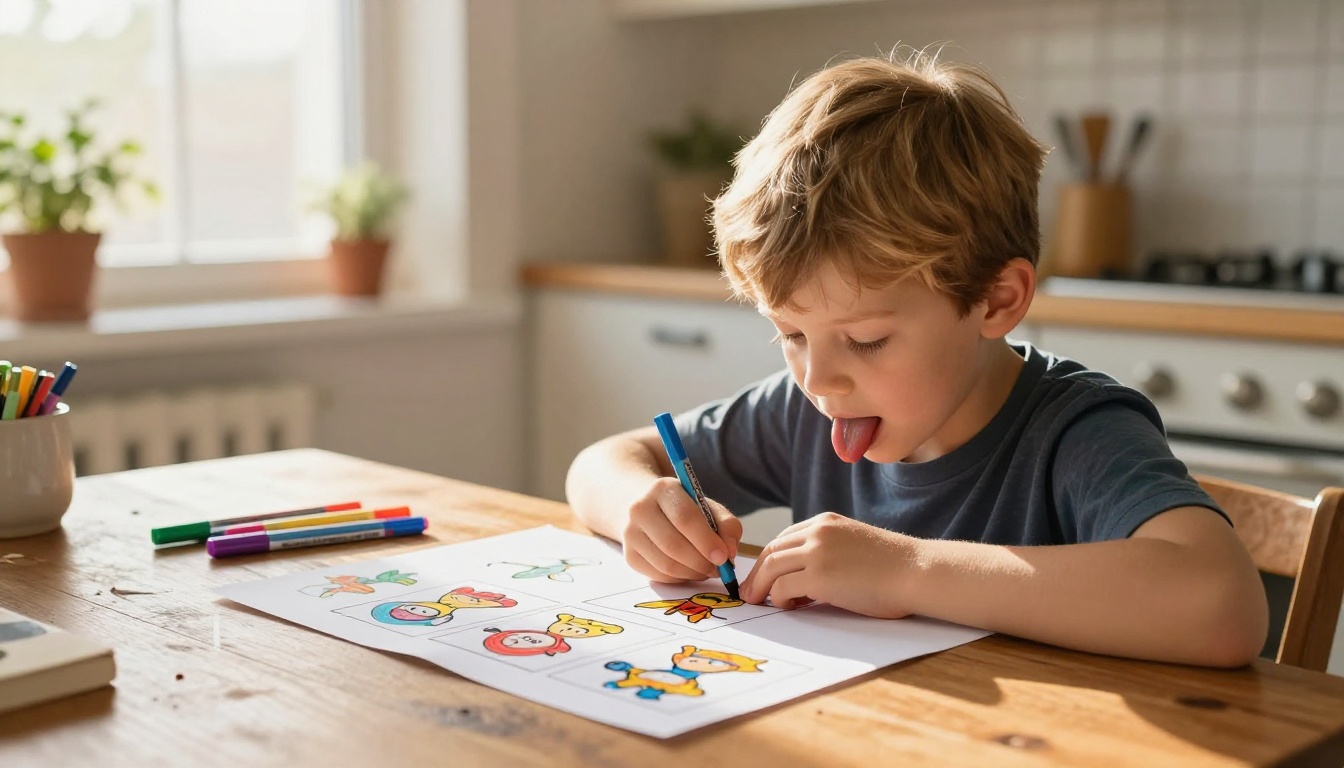
Flipbooks sit at the intersection of art, storytelling, and basic physics. When a child draws a simple shape moving across pages and then flips them, they get instant feedback: animation. That reward loop builds confidence and curiosity fast.
What Children Actually Develop
- Fine motor control: Holding a pencil, drawing within small frames, and flipping pages all refine hand coordination
- Sequential thinking: Planning a story panel by panel is early practice in logical reasoning
- Patience and persistence: A flipbook with 20 frames takes real effort, teaching kids to stick with a project
- Visual storytelling: Expressing ideas without words is a foundational creative skill
Age Groups and What Works Best
| Age Range | Recommended Method | Ideal Subject Matter |
|---|
| 3 to 5 years | Hand-drawn with parent help | Simple shapes, bouncing ball |
| 6 to 8 years | Solo hand-drawn or digital | Animals, stick figures, letters |
| 9 to 12 years | Digital flipbook tools | Stories, characters, nature |
| 13 and up | Digital platforms with features | Comics, presentations, portfolios |
💡 Younger children benefit most from a parent sitting alongside them, turning the activity into a bonding experience rather than a solo task.
What You Need Before You Start
The beauty of a physical flipbook is that the material list is almost nothing. For digital flipbooks, the barrier is even lower.
For Hand-Drawn Flipbooks
- Index cards or sticky notes: A pad of sticky notes (3x3 inch) is the perfect starting size for ages 5 and up
- Pencil or thin marker: Thinner lines reproduce more cleanly when flipping
- Binder clip or stapler: Keeps pages in order and makes flipping smooth
- Ruler: Optional, but helpful for older kids who want consistent margins
For Digital Flipbooks
- A laptop, tablet, or desktop computer
- An internet connection
- An account on Flipbooks AI
- A PDF of the content, or a template from the platform
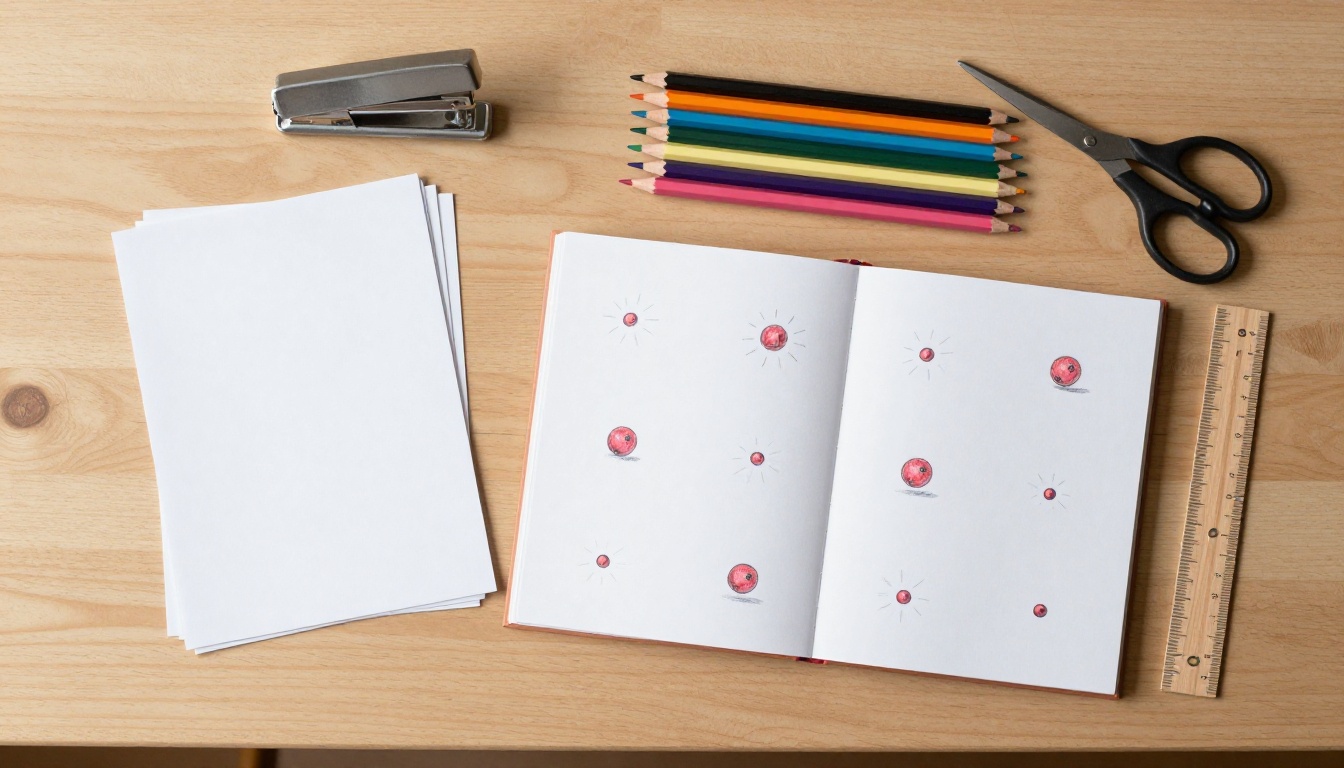
✅ For classroom settings, index cards work better than loose paper. The thickness makes flipping more satisfying and the animation more visible to young eyes.
How to Make a Hand-Drawn Flipbook, Step by Step
This method works for ages 5 and up, requires no technology, and produces a real, tangible result a child can keep and share.
Step 1: Pick a Simple Story or Action
The number one mistake beginners make is picking something too complicated. A bouncing ball, a flower growing, a stick figure jumping, a sun rising. These simple loops are perfect for a first flipbook.
Ask the child: "What is one thing that moves?" That question usually produces the best ideas.
Step 2: Set Up Your Pages
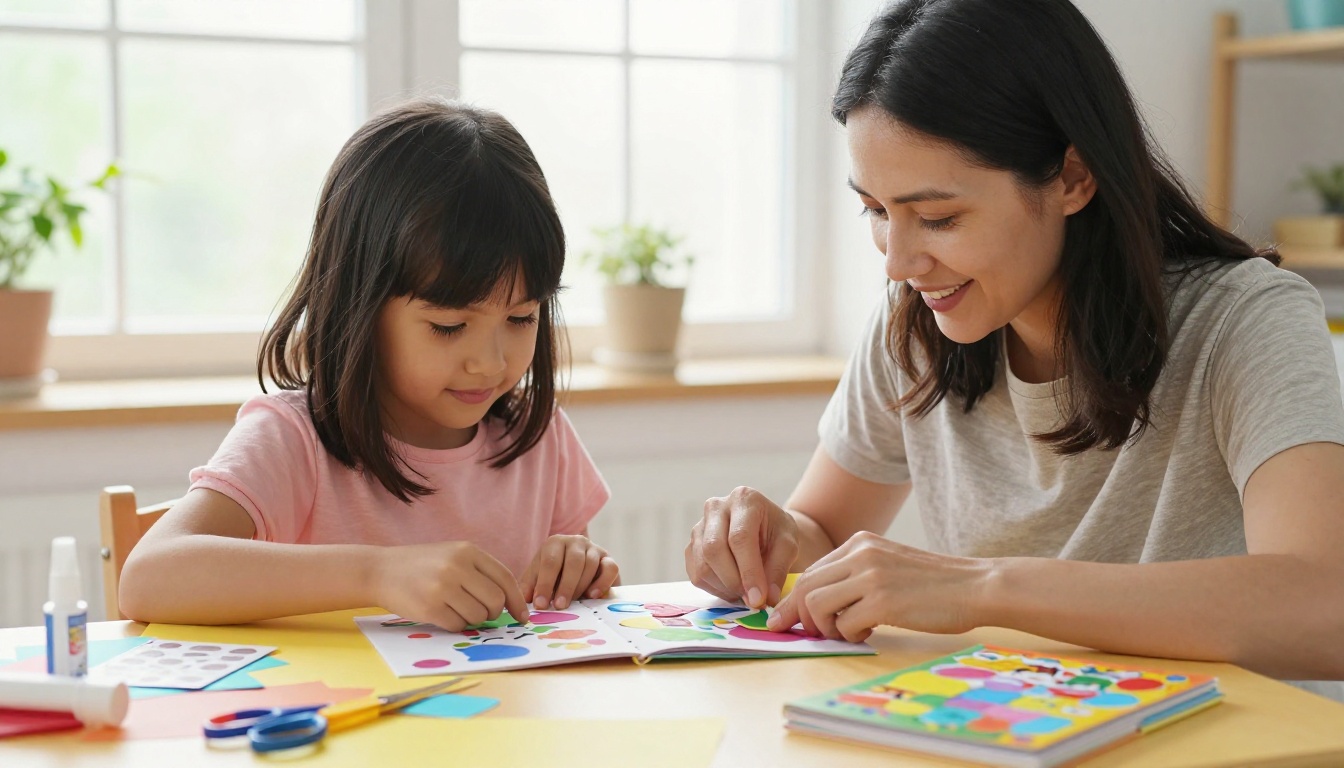
Take 20 to 30 index cards or sticky notes and number them lightly in pencil at the top corner. Page 1 is the first frame of the animation. Page 20 or 30 is the last position.
Stack them so that page 1 sits at the back and the last page is on top. When the child flips with their thumb from back to front, the animation plays forward in real time.
Step 3: Draw the First and Last Frame
Before filling in the middle, draw the starting position on page 1 and the ending position on the last page. This gives a clear direction for all the pages in between and prevents the animation from drifting off course.
💡 Hold pages up to a window to trace positions from one page to the next. This is called "onion skinning" in animation, and it keeps movement smooth and consistent.
Step 4: Fill in the Middle Frames
Draw every page between the first and last, moving the subject a small amount each time. The smaller the movement per page, the smoother the animation. For a 20-page flipbook, that means 18 in-between drawings.
Step 5: Clip and Flip
Stack all pages in order, clip them with a binder clip on the non-drawing edge, and flip. Watch the child's face when the drawing moves for the first time. That reaction is worth the whole effort.
Fun Theme Ideas for Every Age
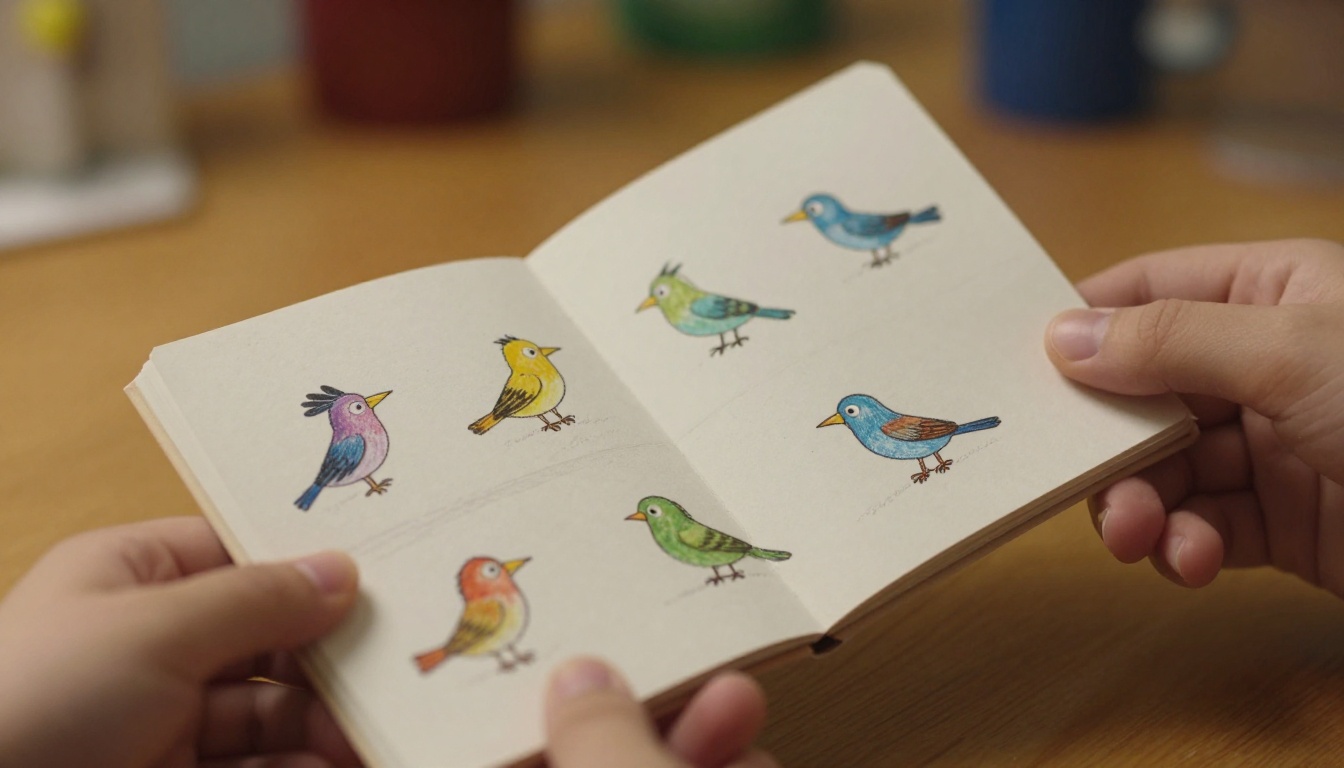
Not every child knows what to draw. Here are proven crowd-pleasers organized by age group.
For Ages 3 to 6
- A circle that grows into a sun
- A raindrop falling into a puddle with ripples
- A balloon floating upward until it disappears
- A caterpillar slowly curling into a butterfly
For Ages 7 to 10
- A rocket launching into space with smoke below
- A flower blooming in time-lapse
- A dog leaping to catch a ball mid-air
- Letters spelling out a word, one appearing at a time
For Ages 11 and Up
- A cartoon character walking across the page with a full stride cycle
- A face changing expression from sad to happy
- A skateboard trick from setup to landing
- A hand writing a short message letter by letter
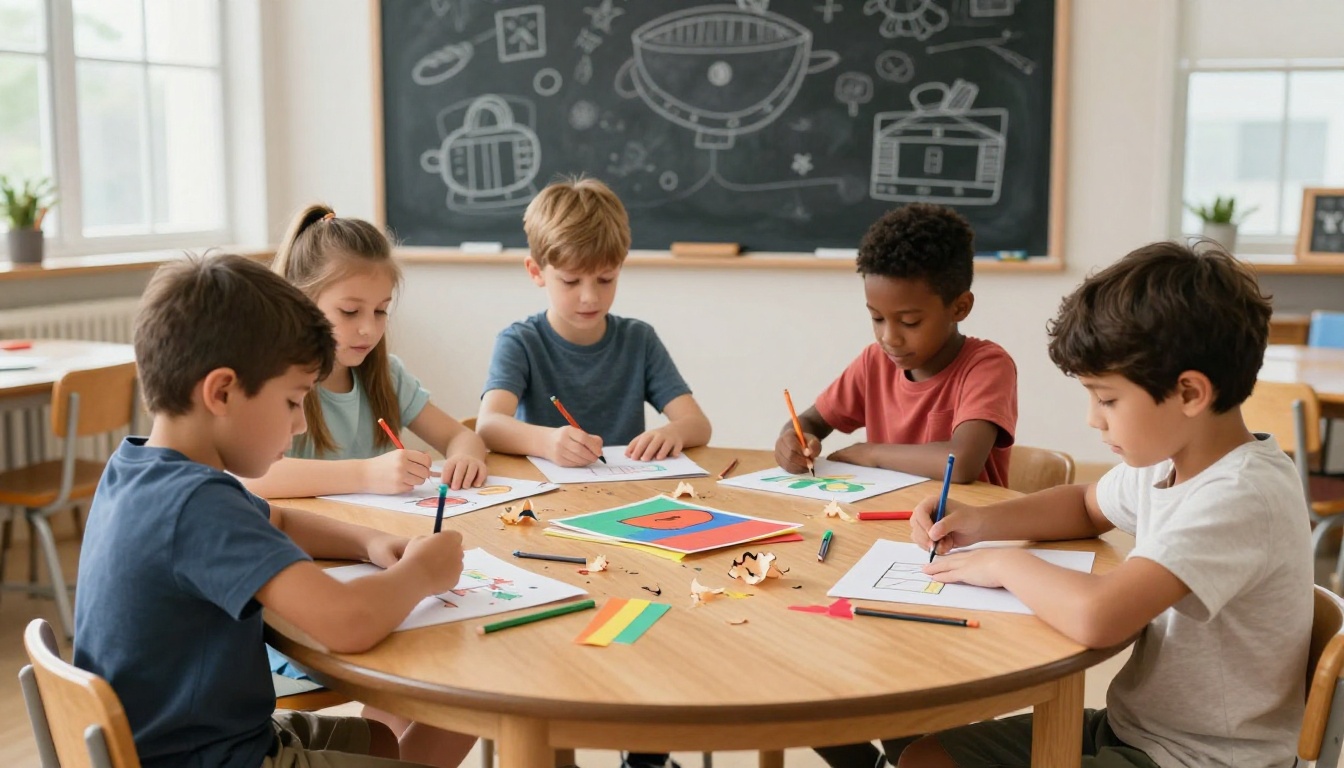
⚠️ Avoid having children draw full background scenes on every page. It takes too long and the background movement distracts from the main animation. Keep backgrounds minimal or skip them entirely.
Taking It Digital: How to Create an Interactive Flipbook with Flipbooks AI
For older kids, school projects, or parents who want something polished and shareable, Flipbooks AI is the fastest way to produce a professional-looking result without any design experience needed.
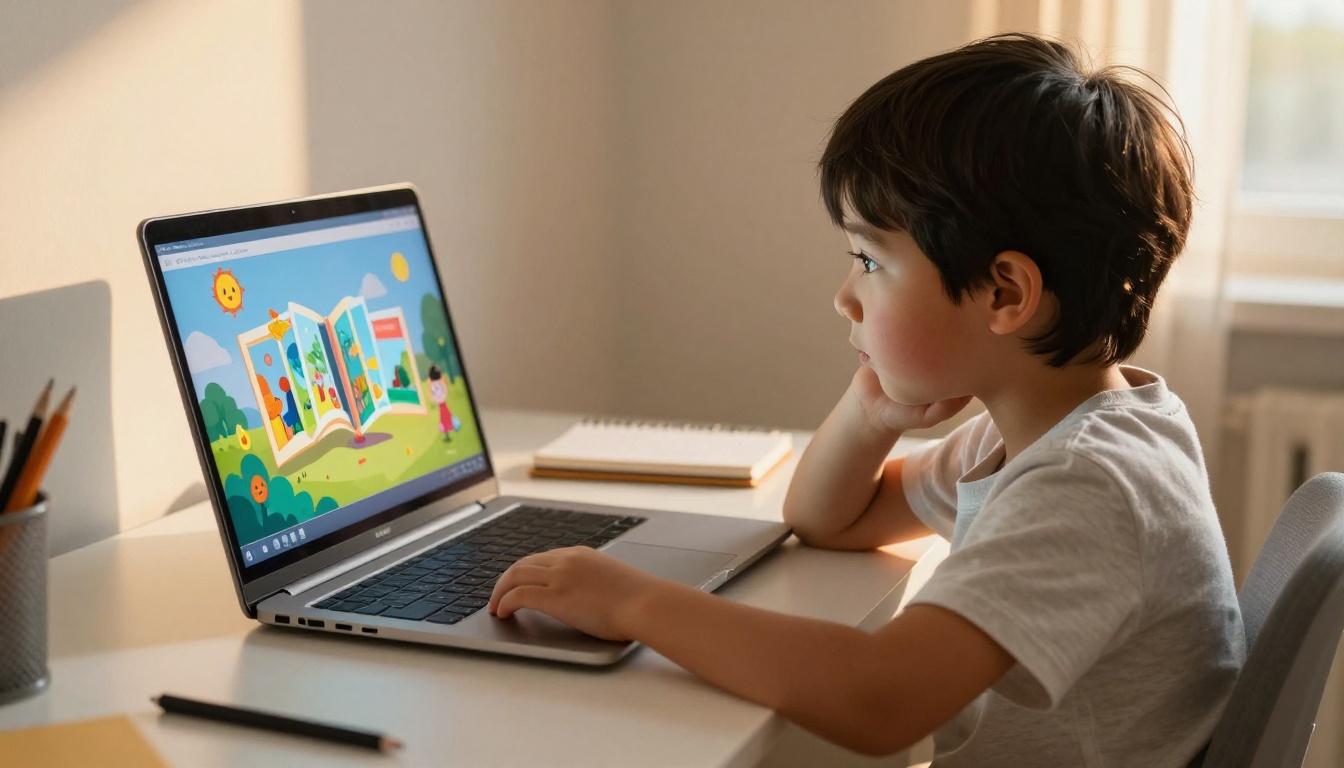
Step 1: Create Your Account
Go to flipbooksai.com/account and sign up for free. No credit card is required to start creating.
Step 2: Prepare Your PDF
Flipbooks AI converts PDF files into animated flipbooks with realistic page-turning effects. For a kids' flipbook project, you can:
- Export drawings from any drawing app as a PDF
- Use a Word or Google Slides document and save it as PDF
- Download a coloring-book template and fill it in digitally
- Use the Course Material Publisher to structure educational content
Step 3: Upload and Convert
Click "Create Flipbook" in the dashboard, upload your PDF, and the platform converts it automatically. The conversion takes seconds for most files, and the page-turn animation is added instantly.
Step 4: Personalize the Look
This is where children and parents can have real creative fun inside the editor:
- Change the background color or add a textured background
- Pick a page-turn animation style
- Add your child's name as the title at the top of the front page
- Embed audio or a short video clip on supported plans
The Interactive E-Book Publisher is especially useful if the project is more of a storybook than a simple animation.
Step 5: Share and Celebrate
When the flipbook is ready, Flipbooks AI generates a shareable link. You can:
- Send the link to grandparents or family members anywhere in the world
- Embed the flipbook in a class website or school blog
- Download it for offline viewing on any device
- Password-protect it to keep it private for family use only
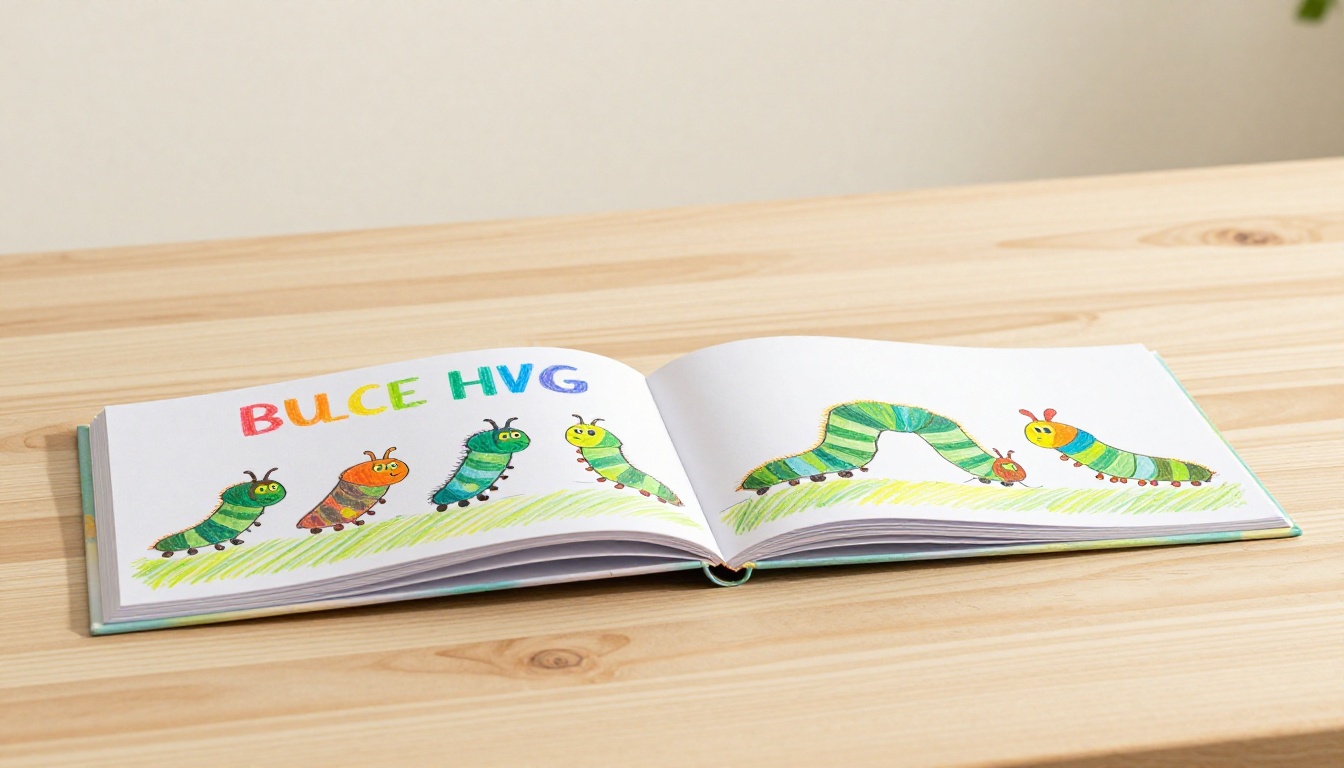
✅ Flipbooks AI includes no watermarks on any plan. See the full pricing breakdown to find what works for your family or school budget.
Hand-Drawn vs. Digital: Which Should You Choose?
Both methods have real strengths. The right one depends on the child's age, your goals, and the time available.
| Factor | Hand-Drawn Flipbook | Digital Flipbook via Flipbooks AI |
|---|
| Age suitability | Any age with supervision | Best for ages 8 and up |
| Cost | Nearly free | Free plan available |
| Time to complete | 30 to 90 minutes | 10 to 30 minutes |
| Screen time | Zero | Moderate |
| Sharing ability | Physical copy only | Link, embed, or download |
| Durability | Depends on materials | Permanent, cloud-stored |
| Customization | Unlimited artistic freedom | Templates, themes, branding |
| Educational value | Art, motor skills, patience | Digital literacy, design thinking |
💡 The ideal classroom approach: have kids draw their flipbook by hand first, then photograph the pages and upload them to Flipbooks AI to create a digital version the whole family can see.
Using Flipbooks in Educational Settings
Teachers have used flipbooks in classrooms for decades, and for good reason. They work across every subject area.

Science Class
A flipbook showing a plant growing from seed to flower, or the water cycle, or the phases of the moon is more memorable than a static diagram. The act of drawing each stage forces students to process the concept, not just look at it.
Language Arts
Children can illustrate a short story or a vocabulary word in action. A word like "leap" becomes real when a stick figure leaps across 15 pages in sequence.
Mathematics
Geometric transformations, fractions of a circle, or a number line can all become animated with a flipbook. Abstract concepts become concrete when a child draws them frame by frame.
History and Social Studies
A timeline can become a flipbook. Historical events playing out across pages make chronology stick in a way that passive memorization rarely does.
The School Newsletter Creator and Yearbook Flipbook Maker are also worth checking out for school-wide digital projects that involve multiple students.
Flipbooks AI Plan Comparison for Families and Schools
| Feature | Free Plan | Standard Plan | Professional Plan |
|---|
| Flipbooks created | Limited | Unlimited | Unlimited |
| Watermarks | None | None | None |
| Password protection | No | Yes | Yes |
| Custom branding | No | Yes | Yes |
| Analytics | No | No | Yes |
| Lead generation forms | No | No | Yes |
| Offline download | No | Yes | Yes |
| Embedded video and audio | No | Yes | Yes |
| Mobile responsive | Yes | Yes | Yes |
See the full breakdown at flipbooksai.com/pricing to choose the right option.
Tips for Making Flipbooks Even More Fun
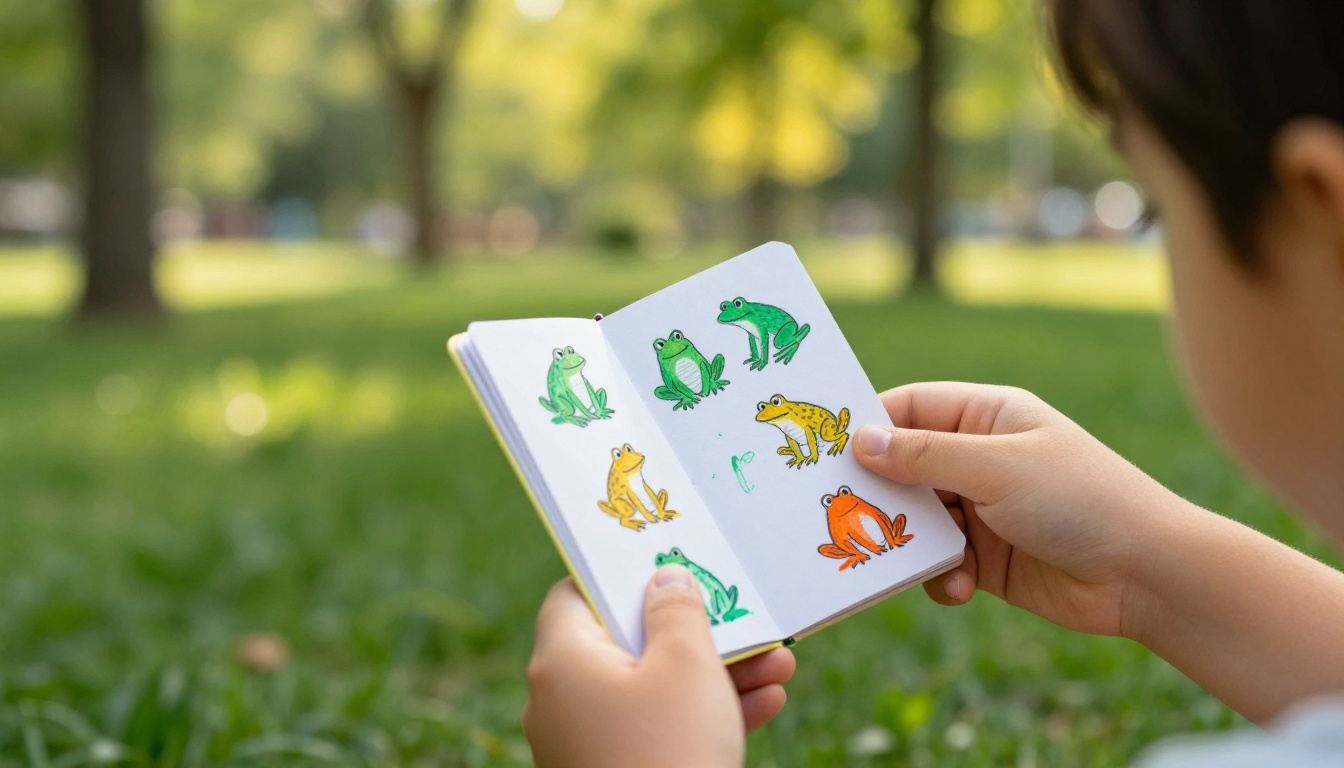
Make It a Series
Once a child finishes one flipbook, they almost always want to make another. Encourage a series: book 1 is the character walking, book 2 is the character running, book 3 is the character flying. Series-thinking builds project planning habits that carry into school and beyond.
Host a Flipbook Screening
Gather friends or family, have each child present their flipbook, and let the group vote on categories: funniest, most creative, smoothest animation, best story. This adds social motivation and turns a solo craft into a shared event.
Combine Digital and Physical
Print a digital flipbook created in Flipbooks AI, cut the pages, and bind them by hand. Kids get the best of both: professional-looking content and the tactile joy of a real flipbook they assembled themselves.
Theme Challenges
Give children a constraint: every flipbook this month must feature an animal. Next month: space. Constraints paradoxically boost creativity because they eliminate the paralysis of infinite options. It is one of the oldest tricks in creative education.
Make One Today
Creating an interactive flipbook for kids takes nothing more than paper, a pencil, and an idea. For something polished, shareable, and built to last, get started for free on Flipbooks AI.
Whether your child draws a bouncing ball on sticky notes or turns a full storybook into a digital page-turner, the result is the same: something they made themselves that actually moves. That feeling does not get old.
Browse all flipbook tools and templates to find the perfect format for your next project, or compare plans to see what fits your budget.



