Print is struggling. Advertising budgets have collapsed, newsrooms have shrunk, and readers have moved to screens. But the appetite for well-crafted journalism hasn't gone anywhere. What's changed is where people read and how they expect content to be delivered. An online newspaper built with flipbook technology sits right at that intersection: it looks like a real newspaper, it feels like flipping through pages, and it works on every device imaginable.
Flipbooks AI makes this process fast. You design your newspaper in whatever layout tool you already use, export it as a PDF, and convert it into an interactive digital edition in minutes. No developers. No hosting headaches. No watermarks.
This article breaks down exactly how to do it, why the format works so well for news content, and what features separate a forgettable digital paper from one readers bookmark and share.
Why Print Newspapers Are Moving Online
The Decline Is a Distribution Problem
The numbers are stark. Print newspaper circulation in the United States has dropped by more than 60% over the past two decades. But that figure masks something important: it's a distribution problem, not an interest problem. Local news, community papers, school newspapers, niche publications, and trade journals still have devoted audiences. Those audiences have simply moved to phones, tablets, and laptops.

Publishers who adapted early by simply posting articles to a website discovered something frustrating: article pages don't feel like newspapers. They lose the multi-column layout, the editorial hierarchy, the sense of a publication rather than a collection of links. Readers miss the experience.
What Readers Actually Want
When surveys ask readers what they miss about print, they consistently mention the same things:
- The ability to browse rather than search
- A curated front page with editorial judgment already applied
- The feeling of holding something whole and considered
- The visual identity of a publication they trust
A digital flipbook delivers all of this. It preserves the layout your designers built. It brings the page-turn experience to a screen. And it makes your newspaper feel like a product rather than a feed.
What Makes a Flipbook Newspaper Different
The Page-Turn Effect Is More Than Aesthetics
There's a reason the page-turn animation resonates with readers: it creates a reading frame. When you flip a page, you know you've moved from one section to another. You develop a mental model of the publication. You know the sports section comes after local news. That navigability is something article-feed websites have never successfully replicated.
Beyond aesthetics, flipbooks offer practical advantages for newspaper publishers:
- Preserved layouts: Your multi-column grids, pull quotes, and photo spreads stay intact
- Searchable text: Despite looking like a print PDF, the text remains selectable and searchable
- Embedded links: Print URLs become clickable. Advertisers love this.
- Multimedia integration: Add video interviews, audio clips, or interactive polls directly inside pages
Mobile Readers Come First
More than 55% of digital content is now consumed on mobile devices. Traditional newspaper PDFs are unreadable on phones without constant zooming and scrolling. Flipbook technology automatically adapts your newspaper to fit any screen size. Readers can pinch-to-zoom on specific articles or use the built-in table of contents to jump to sections.
💡 Pro Tip: Design your newspaper at a standard broadsheet or tabloid size. Flipbooks AI handles the responsive scaling automatically. You don't need a separate mobile layout.
| Format | Mobile Experience | Layout Preserved | Interactive Links | Multimedia |
|---|
| PDF download | Poor (requires zoom) | Yes | No | No |
| Article website | Good | No | Yes | Yes |
| Flipbook newspaper | Excellent | Yes | Yes | Yes |
| Static image pages | Poor | Partial | No | No |
How to Publish Your Newspaper on Flipbooks AI
This section assumes your newspaper is designed and exported as a PDF. If you use InDesign, Affinity Publisher, Canva, or even Google Slides, any of these can export to PDF.
Step 1: Create Your Account
Go to Flipbooks AI and create a free account. No credit card required to start. The free plan lets you test the conversion and see exactly how your newspaper looks before committing to a paid tier.

Step 2: Upload Your PDF
From your dashboard, click New Flipbook and drag your PDF into the upload zone. Flipbooks AI processes the file and generates an interactive flipbook preview. For a standard 16-page newspaper, this typically takes under 60 seconds.
⚠️ Important: Make sure your PDF uses embedded fonts, not outlined text. Embedded fonts allow readers to select and copy text. Outlined text turns everything into vectors and loses that capability.
Step 3: Customize Your Publication
Once converted, open the customization panel. Here you can:
- Set a custom publication title and description
- Apply your publication's brand colors to the toolbar and background
- Upload your logo for the reader interface
- Choose a background texture (many newspapers prefer a subtle paper or dark theme)
- Toggle the page flip sound on or off
These settings take minutes and make an enormous difference in how professional the final product feels.
Step 4: Add Multimedia Elements
This is where digital newspapers go beyond what print can do. Inside the editor, you can select any area of any page and:
- Embed a video (YouTube, Vimeo, or direct upload) directly onto a page
- Add a hyperlink to an external URL or internal page
- Insert audio clips for podcast content or recorded interviews
- Place interactive polls or forms over editorial content
✅ Best Practice: Use video embeds sparingly. One compelling video per section keeps readers interested without overwhelming the reading experience.
Step 5: Configure Distribution
Before sharing your newspaper, configure how it reaches readers:
- Direct link: A clean, shareable URL that works on any device
- Embed code: Drop your newspaper into any website with a single HTML snippet. The Embed Flipbook on Website tool walks through each step.
- Password protection: For paid subscribers or internal staff editions, lock the flipbook with a password
- Download option: Allow readers to save an offline PDF copy
Which Plan Do You Actually Need?
Flipbooks AI offers several pricing tiers. The right one depends on your publication's scale and what features matter most. See the full pricing plans for current details.
| Feature | Free | Standard | Professional |
|---|
| Flipbooks per account | 1 | Unlimited | Unlimited |
| Watermark | Yes | No | No |
| Custom branding | No | Yes | Yes |
| Password protection | No | Yes | Yes |
| Analytics | No | Basic | Full + Lead Gen |
| Offline downloads | No | Yes | Yes |
| Multimedia (video/audio) | Limited | Yes | Yes |
| Custom domain | No | No | Yes |
For a community newspaper or school publication, the Standard plan covers everything most editors need. If you're monetizing with subscriptions or advertising and need reader analytics and lead generation, the Professional plan is the right call.
💡 Pro Tip: The Professional plan's analytics show you which pages get the most reading time, where readers drop off, and which articles drive the most clicks. That data is genuinely useful for editorial decisions.
Real-World Uses Beyond the Traditional Newsroom
School and University Newspapers
Student journalism programs were among the first adopters of flipbook publishing. A school newspaper converted to a flipbook format gives students a professional-looking publication they can add to their portfolios. The School Newsletter Creator provides templates designed specifically for educational institutions.

Student editors report that alumni and parents read digital editions at far higher rates than print editions ever achieved. The flipbook link gets shared on social media and sent in emails in ways that PDFs never were.
Corporate and Internal Communications
Many organizations publish internal newspapers for employees. HR departments, communications teams, and executives use these to share company news, policy updates, and team spotlights. A flipbook format makes these feel like proper publications rather than formatted email blasts.
The Newsletter Flipbook Publisher is built for exactly this use case, with templates that adapt to both internal communications and external newsletters.
Niche Trade Publications
Trade newspapers covering specific industries (construction, agriculture, hospitality, healthcare) serve tight-knit professional communities. Advertisers in these publications want real metrics. The Professional plan's analytics give publishers data to show advertisers: average read time, page-by-page interaction, geographic distribution.
Community and Neighborhood Papers
Hyperlocal newspapers often run on volunteer labor and minimal budgets. Flipbooks AI removes the cost of print entirely while preserving the editorial format that makes a local paper feel like a local paper. Distribution happens via email list, neighborhood Facebook groups, and local websites.
What Good Newspaper Analytics Look Like
Once your newspaper is live and distributing, the Professional plan's analytics dashboard tells you things print never could.
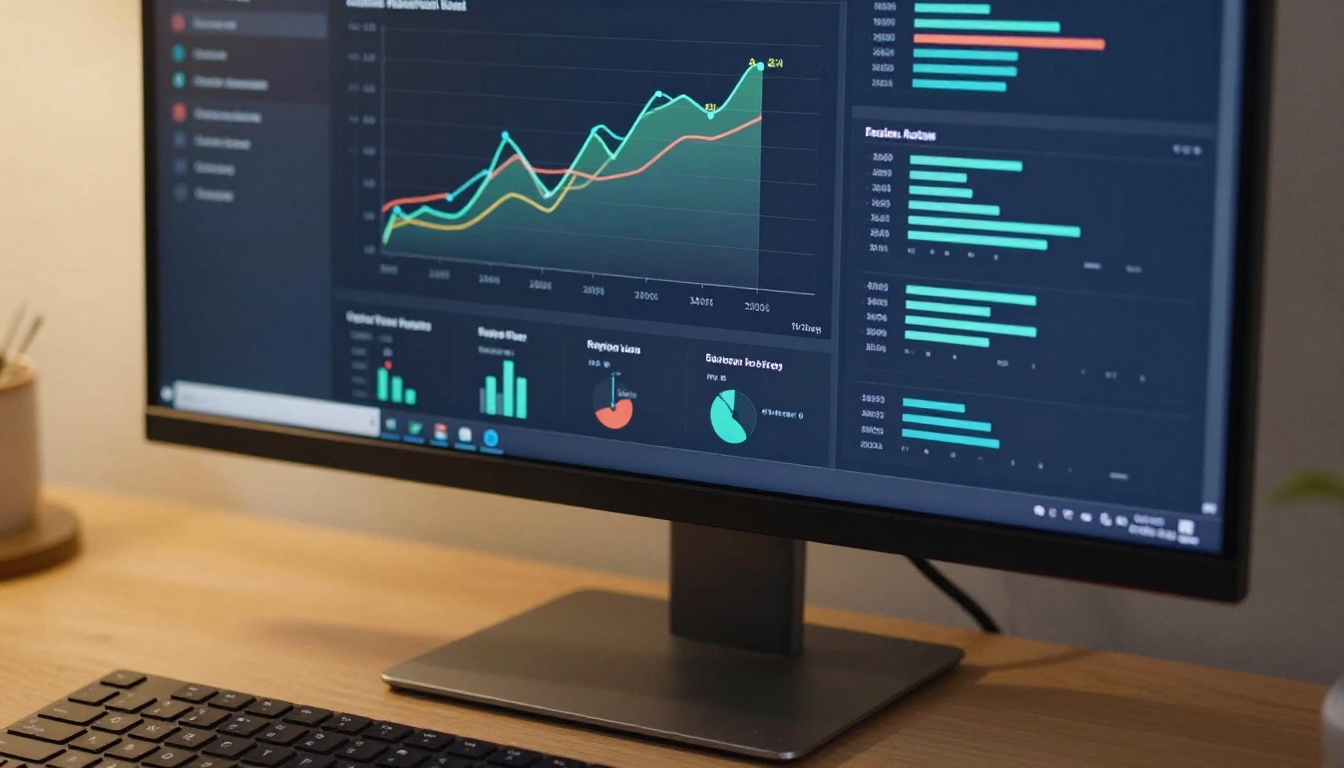
Metrics worth paying attention to:
- Total views vs. unique readers: Are the same people reading multiple times, or is the audience growing?
- Average time on page: Pages with the longest read times often contain the most valuable content. Use this to calibrate article length and layout.
- Page drop-off: If readers consistently stop at page 8 of a 16-page paper, something on pages 7 or 8 is breaking the experience.
- Geographic data: For advertisers, knowing that 70% of readers are within 30 miles of your market is a compelling sales argument.
- Device breakdown: If 60% of your readers are on mobile, that influences your layout decisions for the next edition.
✅ Best Practice: Share a monthly analytics report with advertisers. It builds credibility and justifies rate increases as your readership grows.
Embedding Your Newspaper on a Website
Most publications already have a website. The embed code from Flipbooks AI drops your newspaper directly into any page, making it feel like a native part of your site rather than an external link.

The embed is responsive, meaning it adjusts to whatever container it's placed in. You can embed it in a full-width section of a homepage, inside a sidebar widget, or in a dedicated "Current Edition" page. The Embed Flipbook on Website tool generates the correct code with your preferred dimensions.
Common embedding scenarios:
- Homepage featured section: Large embed showing the current edition front page
- Archive page: Multiple flipbooks showing past editions with publication dates
- Subscriber-only page: Flipbooks protected by password, accessible only to paying members
- Email newsletters: Link to the flipbook rather than attaching a PDF (significantly better open rates)
Comparing Newspaper Publishing Options
Before committing to any publishing approach, it's worth laying out what the alternatives actually look like.
| Approach | Setup Cost | Ongoing Cost | Layout Control | Reader Experience | Distribution |
|---|
| Print only | High | Very high | Full | Traditional | Physical only |
| Article CMS (WordPress) | Medium | Low | Partial | Modern web | Global |
| PDF download | None | None | Full | Poor on mobile | Download required |
| Email HTML newsletter | Low | Low | Limited | Inbox only | Email only |
| Flipbook online newspaper | None | Low | Full | Excellent | Link, embed, email |
The flipbook approach occupies a unique position: it preserves the full editorial layout of a designed newspaper while delivering it through web-friendly URLs that work everywhere.
3 Common Mistakes Publishers Make
1. Skipping the Branding Setup
The default Flipbooks AI interface is clean, but the custom branding options are what make a newspaper feel like your newspaper. Spending 15 minutes setting your colors, logo, and background creates a consistent reading experience across every edition.
2. Using Outlined Text in PDFs
When designers outline text to avoid font-embedding issues, they inadvertently make the text non-selectable in the flipbook. Readers can't copy quotes, search engines can't index the content, and the built-in search function stops working. Always export with embedded fonts.
3. Ignoring the Archive Value
Every edition you publish stays accessible at its own URL. Smart publishers build an archive page on their website that embeds every edition chronologically. This creates ongoing traffic from readers looking up past stories and makes your publication feel established.
Building Your Editorial Workflow
From Design to Published in Under an Hour
A realistic weekly newspaper production workflow with Flipbooks AI looks like this:
- Monday through Thursday: Reporting, writing, editing
- Friday morning: Layout in InDesign or Affinity Publisher
- Friday afternoon: Export PDF, upload to Flipbooks AI, add multimedia elements
- Friday evening: Send distribution email with flipbook link
- Weekend: Readers browse, analytics populate
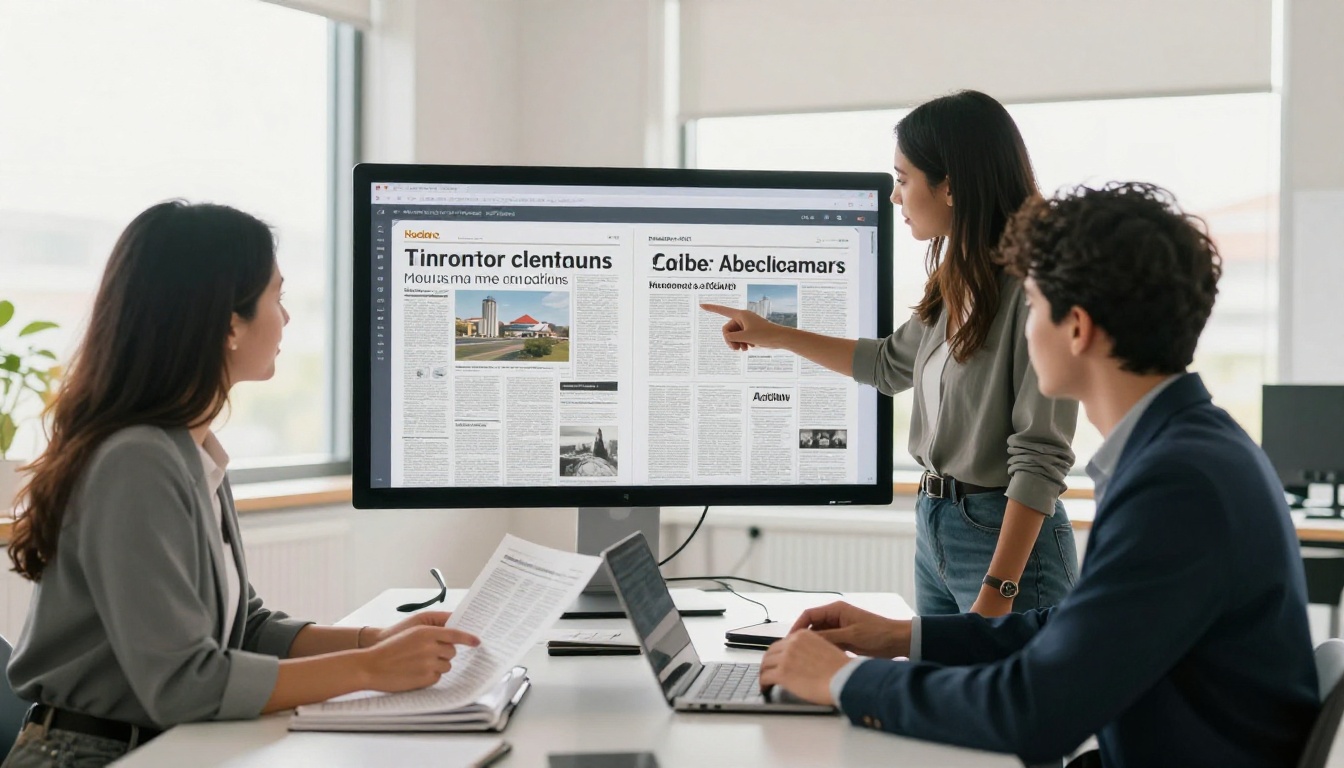
The conversion step takes under five minutes. The customization and multimedia addition might take another 20. The entire digital publication process is faster than the logistics of sending a PDF to a print shop.
Tools Worth Bookmarking
For publications that go beyond a standard newspaper format, Flipbooks AI offers specialized tools that complement a newspaper workflow:
Ready to Publish Your First Edition?
Publishing an online newspaper with flipbook technology is genuinely accessible now. You don't need a web team, a hosting contract, or a print budget. You need a PDF and 20 minutes.
Get started for free on Flipbooks AI and convert your first edition today. The free plan shows you exactly what your newspaper will look like before you commit to anything.
When you're ready to remove the watermark, activate custom branding, and turn on reader analytics, review the pricing plans to see what fits your publication's scale.
Browse all flipbook tools to find specialized templates for every publishing format. And when your audience is ready for a paid subscription model, the Professional plan's lead generation features make that transition straightforward.
Your newspaper deserves to be read. The format that makes that happen is already available, and it starts free at Flipbooks AI.



