If you have ever sent a PDF and watched it sit unread in someone's inbox, you already know the problem. PDFs are static, dull, and feel like homework. Flipbooks, on the other hand, flip open with page-turn animations, look stunning on any device, and actually get read. The good news: going from PDF to flipbook takes exactly one click on Flipbooks AI. No software to install, no design skills required.
This article walks through why flipbooks outperform PDFs, how the conversion works, and a step-by-step process to publish your first interactive flipbook today.
Why PDF Files Are Losing the Attention War
PDFs were designed in 1993 to preserve document formatting for printing. That's it. Three decades later, most content gets consumed on phones and tablets, and a flat PDF file has zero interactivity, no analytics, no embedded media, and no page-turn experience. It feels like handing someone a printout.
The numbers tell the story:
| Content Format | Avg. Time on Page | Mobile-Friendly | Shareable Link | Analytics |
|---|
| PDF (static) | ~25 seconds | Poor | No | No |
| Word or Google Doc | ~30 seconds | Moderate | Limited | No |
| Interactive Flipbook | 3 to 5 minutes | Yes | Yes | Yes |
| Embedded Video | ~2 minutes | Yes | Yes | Yes |
Interactive flipbooks win on every metric that matters for marketing, education, and business communication.
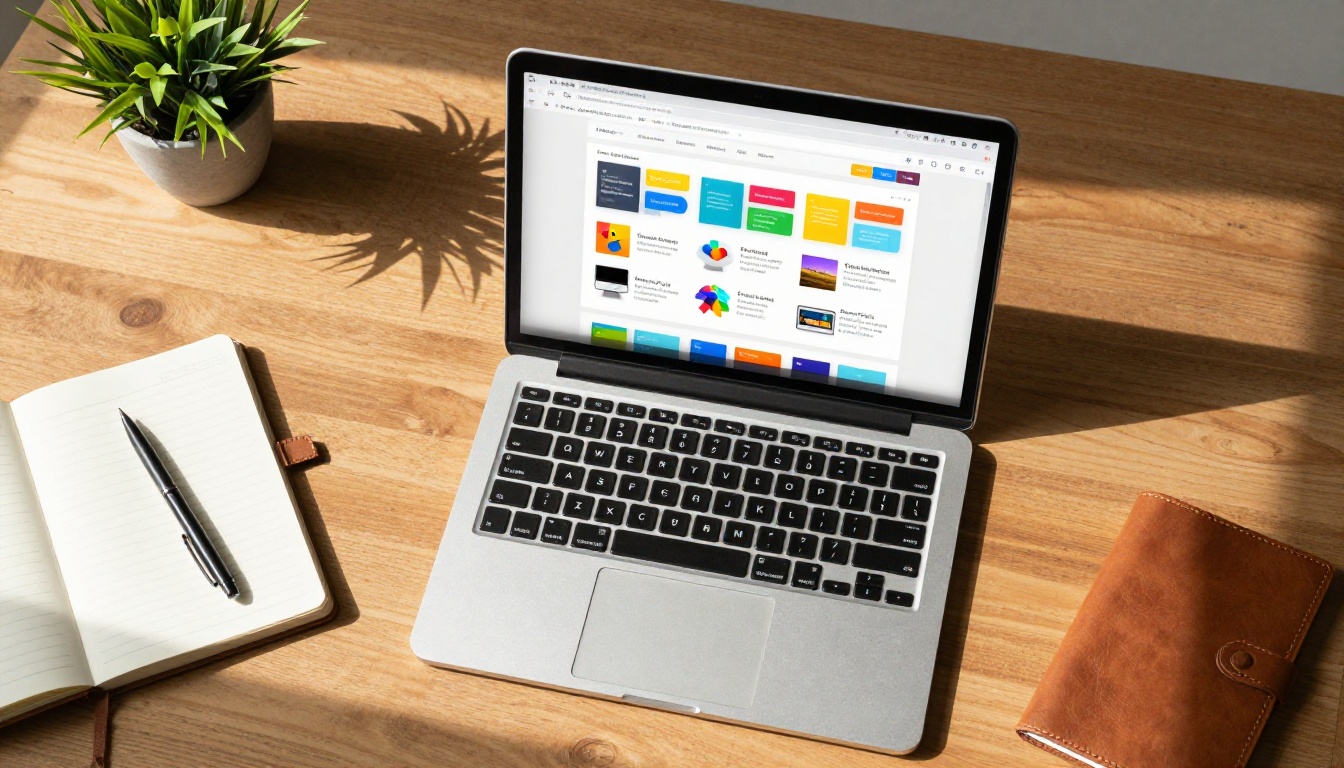
When you upload a PDF to a flipbook converter, it does not just slap a page-flip animation on top. A quality tool like Flipbooks AI processes every page of your PDF and converts it into HTML5 format with real page-turn physics, embedded in a responsive viewer that works across desktop, tablet, and mobile.
Here is what happens under the hood:
- Page rendering: Each PDF page converts to a high-resolution web image or vector layer
- Page-turn engine: An HTML5 animation engine handles realistic curling, shadows, and flip physics
- Responsive embedding: The viewer auto-scales to any screen size
- Shareable URL: Your flipbook gets a unique link you can send, embed, or publish immediately
- Optional branding: Add your logo, custom colors, and a custom domain
The result feels like a premium digital magazine, even if your source file is a basic Word document exported to PDF.
How to Go from PDF to Flipbook in One Click
This is the actual process. It is genuinely one click after you upload.
Step 1: Create Your Free Account
Go to Flipbooks AI and sign up. The free tier lets you publish flipbooks and share them with a direct link, no credit card needed.
💡 The Standard plan gives you unlimited flipbooks and removes all restrictions. Check pricing if you plan to publish frequently.
Step 2: Upload Your PDF
Click the upload area or drag your PDF directly into the dashboard. Flipbooks AI accepts PDFs of any size, from a one-page flyer to a 200-page annual report. Processing typically takes 10 to 30 seconds depending on file size.
Step 3: Publish with One Click
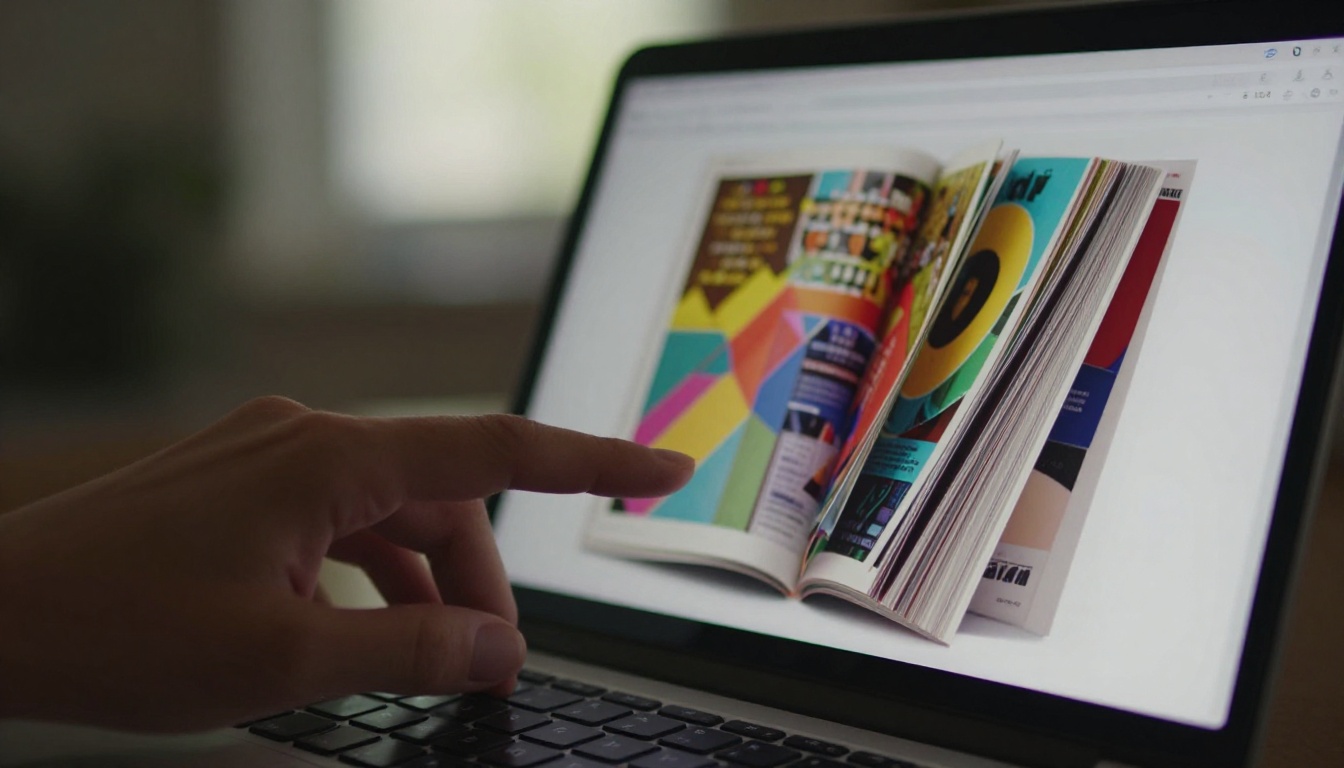
Once uploaded, click Publish. Your flipbook goes live instantly with a shareable URL, an embed code, and a QR code. No rendering queue, no waiting.
✅ Copy your flipbook's embed code to paste directly into your website or email campaign.
Step 4: Customize Your Flipbook
Before or after publishing, you can:
- Add your logo and brand colors to the viewer
- Set a custom background using a color or image
- Enable password protection for private flipbooks
- Embed videos and audio within pages
- Turn on lead generation forms to capture emails (Professional plan)
- Download for offline use without needing an internet connection
Step 5: Share or Embed
Share via direct link, embed on your website, or use the built-in QR code. Your flipbook is mobile-responsive by default, so it looks perfect on every device without any extra setup.
One of the most practical parts of Flipbooks AI is the range of purpose-built tools for specific document types. Instead of a one-size-fits-all approach, there is a dedicated tool for almost every use case:
Browse the full collection at flipbooksai.com/tools.

Real-World Use Cases That Actually Work
Businesses That Sell Physical Products
A product catalog as a PDF gets ignored. As an interactive flipbook with a direct link, it becomes a shareable, browsable digital showroom. Sales teams send it from their phone, and managers see exactly which pages got the most views via analytics.
💡 A furniture retailer converts their 80-page PDF catalog using the Furniture Catalog Maker, embeds it on their website, and sees 4x longer time-on-page compared to their old PDF download.
Restaurant and Hospitality
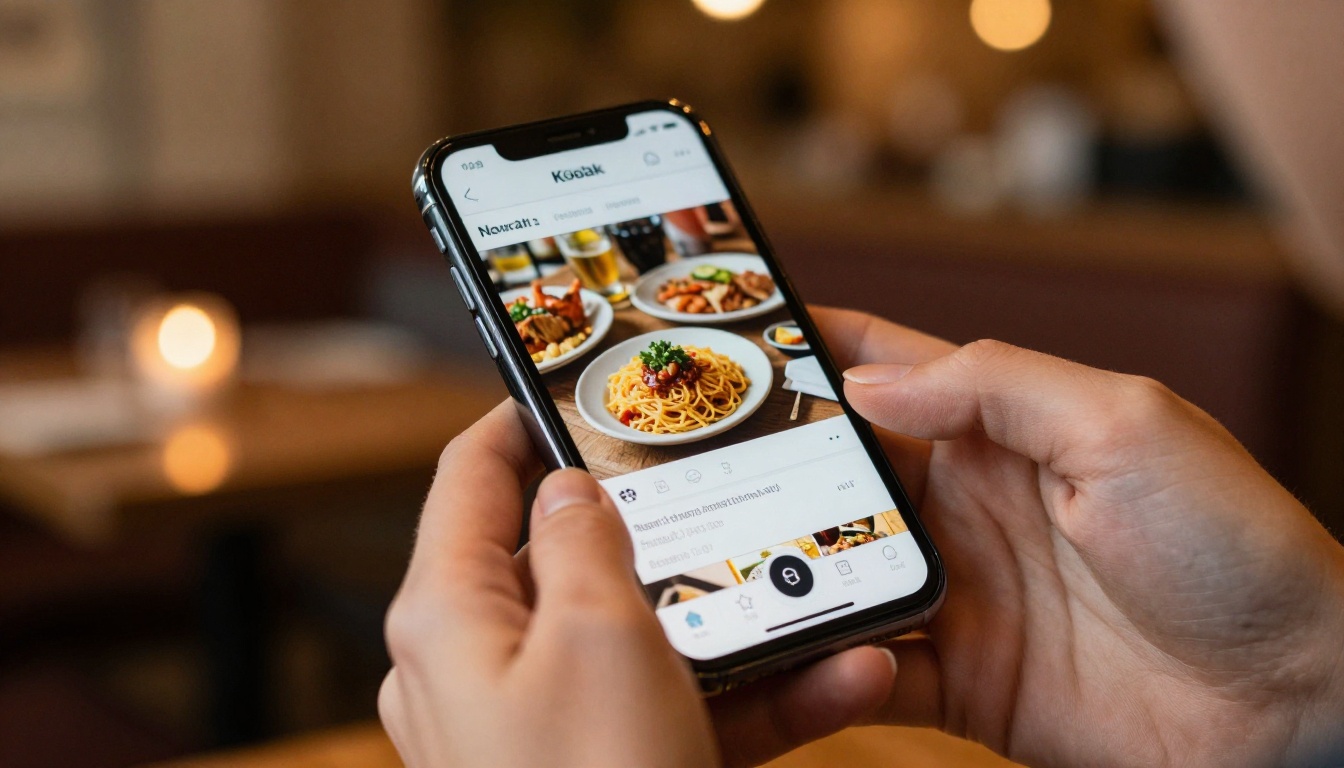
Static PDF menus are invisible on mobile. A flipbook menu loads instantly in any browser, looks great on phones, and can be updated in minutes. The Spa & Wellness Menu Creator and Menu Flipbook Designer make this fast for any venue.
Education and Training
Textbooks, course materials, and training manuals are natural fits for flipbooks. Students engage more with interactive content they can flip through on their phones. The Course Material Publisher handles everything from a single lesson PDF to a full curriculum.

Creative Professionals
Photographers and designers who send flat PDF portfolios miss a huge opportunity. A flipbook portfolio built with the Photography Portfolio Flipbook or Portfolio Flipbook Builder turns every page into a gallery-quality presentation with a single shareable link.

Real Estate
Property brochures as PDFs require a download. As a flipbook, agents share a link via WhatsApp and buyers flip through floor plans and photos directly in their browser. The Real Estate Brochure Creator is built for exactly this workflow.

Flipbooks AI Plans at a Glance
Choosing the right plan depends on how many flipbooks you need and which features matter most:
| Feature | Free | Standard | Professional |
|---|
| Flipbooks | 3 | Unlimited | Unlimited |
| Watermark | No | No | No |
| Custom branding | No | Yes | Yes |
| Password protection | No | Yes | Yes |
| Analytics | No | No | Yes |
| Lead generation forms | No | No | Yes |
| Offline downloads | No | No | Yes |
| Embed videos and audio | No | Yes | Yes |
| Custom domain | No | No | Yes |
⚠️ Even the free plan has no watermarks, which is rare in this category. Most competitors add branding unless you pay.
The Standard plan is the sweet spot for most small businesses and content creators. Professional unlocks analytics and lead generation, which are worth it for marketing teams. See exact pricing at flipbooksai.com/pricing.
When Your PDF Needs a Redesign First
Sometimes the PDF is not the problem — the design is. If your source document looks outdated, Flipbooks AI has purpose-built templates that let you start fresh:
The PDF to Flipbook Converter is the core tool, but purpose-built templates produce polished results even before you export a PDF.
Embedding Your Flipbook on a Website
Once your flipbook is published, embedding it takes one line of code. Flipbooks AI provides an embed snippet you paste into any website builder, CMS, or HTML page. The viewer is fully responsive and scales to whatever container you place it in.
The Embed Flipbook on Website tool walks through the exact process for different platforms. Whether you use WordPress, Webflow, Squarespace, or raw HTML, your flipbook looks native on the page.
💡 Password-protect embedded flipbooks for gated content. Only people with the password can access it, even through the embed code.
5 Mistakes People Make with PDF Files
Most people who send PDFs are leaving performance on the table. Here is what gets missed:
- Sending as an email attachment — Recipients must download, open, and zoom in. Links to flipbooks open instantly in any browser.
- No mobile optimization — PDFs on phones require pinching and zooming. Flipbooks reflow and scale automatically.
- Zero tracking — You never know if someone opened your PDF. Flipbook analytics show views, time spent per page, and total reads.
- No call-to-action — A PDF ends at the last page. A flipbook can embed forms, links, and lead generation popups throughout.
- Hard to update — Replacing a PDF means re-sending it to everyone. A flipbook URL stays the same while you update the content behind it.
Make the Switch Today
The shift from PDF to flipbook is not complicated. It is a single upload. The result is a document that gets read, shared, and remembered instead of sitting ignored in someone's downloads folder.
Get started for free on Flipbooks AI, publish your first flipbook in under a minute, and see the difference a page-turn makes. When you are ready for analytics, lead generation, and advanced branding, check the pricing plans to find what fits your workflow.
Browse every available tool at flipbooksai.com/tools to find the right format for your specific document type.



