Most product catalogs need a salesperson standing beside them to do any real work. Without someone to explain the features, handle objections, and push the buyer toward a decision, the catalog just sits there, passive and silent. But the right digital catalog does not work that way. Built correctly, it answers questions before they are asked, removes hesitation, and walks a buyer from interest to purchase without a single human intervention. This is not a hypothetical. It is what thousands of businesses are already doing with interactive digital catalogs on Flipbooks AI, and you can build yours today.
Why Most Catalogs Need a Rep to Work
They Were Designed to Be Presented
Traditional catalogs assume a salesperson is present. Product names are abbreviated. Pricing is "call for quote." Descriptions skip the objection-handling and assume someone will fill in the gaps verbally. When that rep is removed from the equation, the catalog exposes every weakness at once: vague claims, missing context, and no clear path to purchase.
This is not a design failure, it is a structural one. The catalog was never intended to sell independently, so it was never built to do so.
The Confidence Gap
Buyers who cannot find the information they need do not call to ask. They leave. The three biggest barriers to purchase are uncertainty about product specs, lack of visible pricing, and no clear call to action. A catalog that does not directly address all three will struggle without someone in the room to patch those gaps in real time.

What Makes a Catalog Self-Sufficient
A Clear Product Hierarchy
Every page of a self-selling catalog has a purpose. Hero products command the first spread and establish the brand's core value proposition. Supporting products offer complementary options and build basket size. Accessories and add-ons close the upsell before the buyer even reaches the order page.
Without this hierarchy, buyers skim without direction and leave without purchasing. With it, the catalog becomes a story with a logical, purchase-driven flow from the first page to the last.
💡 Organize your catalog around buyer problems, not internal product categories. Lead with the outcome the buyer wants, then show the product that delivers it.
Pricing That Removes Doubt
Nothing stops a sale faster than having to ask for a price. Even for high-end or B2B products where negotiated pricing is standard, displaying a "starting from" figure removes the biggest psychological barrier: uncertainty about affordability.
Buyers who see pricing move faster. They self-qualify more accurately. They arrive at the purchase decision with far less friction.
Calls to Action on Every Spread
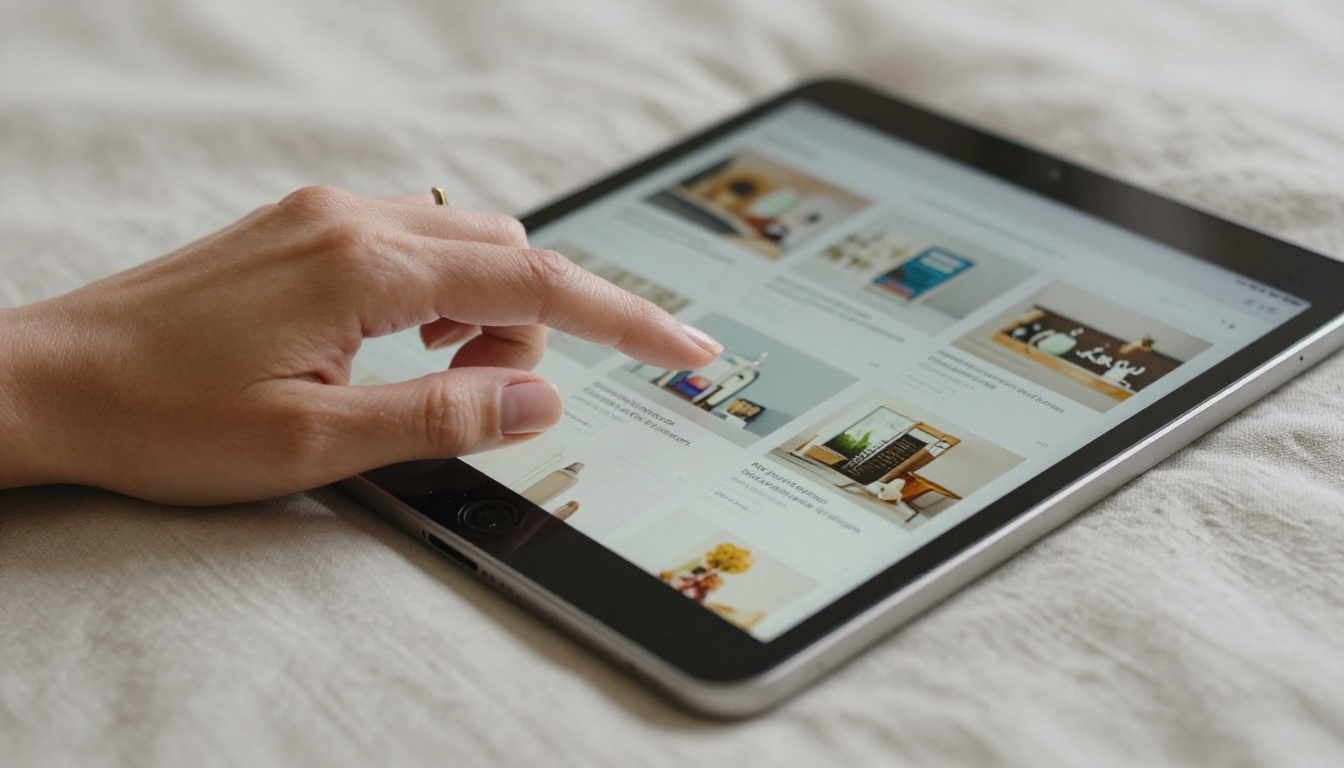
A self-selling catalog does not save its conversion energy for a final page. Every product spread carries at least one visible next step: a URL, a QR code, an order form, a link to a purchase page, or a contact prompt. The reader should never have to wonder what to do after seeing a product they want.
The Anatomy of a High-Converting Catalog
Static PDF vs. Interactive Digital Catalog
The format you choose changes the entire selling capability of your catalog. Here is how a standard PDF compares to an interactive digital flipbook when it comes to selling without sales support:
| Feature | Static PDF | Interactive Digital Catalog |
|---|
| Clickable product links | No | Yes |
| Embedded video | No | Yes |
| Mobile-responsive layout | Poor | Fully optimized |
| Analytics and page tracking | None | Full data |
| Real-time content updates | Requires re-upload | Instant changes |
| Lead capture forms | No | Yes |
| Password protection | No | Yes |
| Direct shareable link | Limited | URL or embed code |
| Offline availability | Yes | Yes (with download) |
The gap between these two formats is not cosmetic. An interactive catalog built on Flipbooks AI can do in a single browsing session what a trained sales rep does over a 20-minute call.
Product Photography That Does the Talking
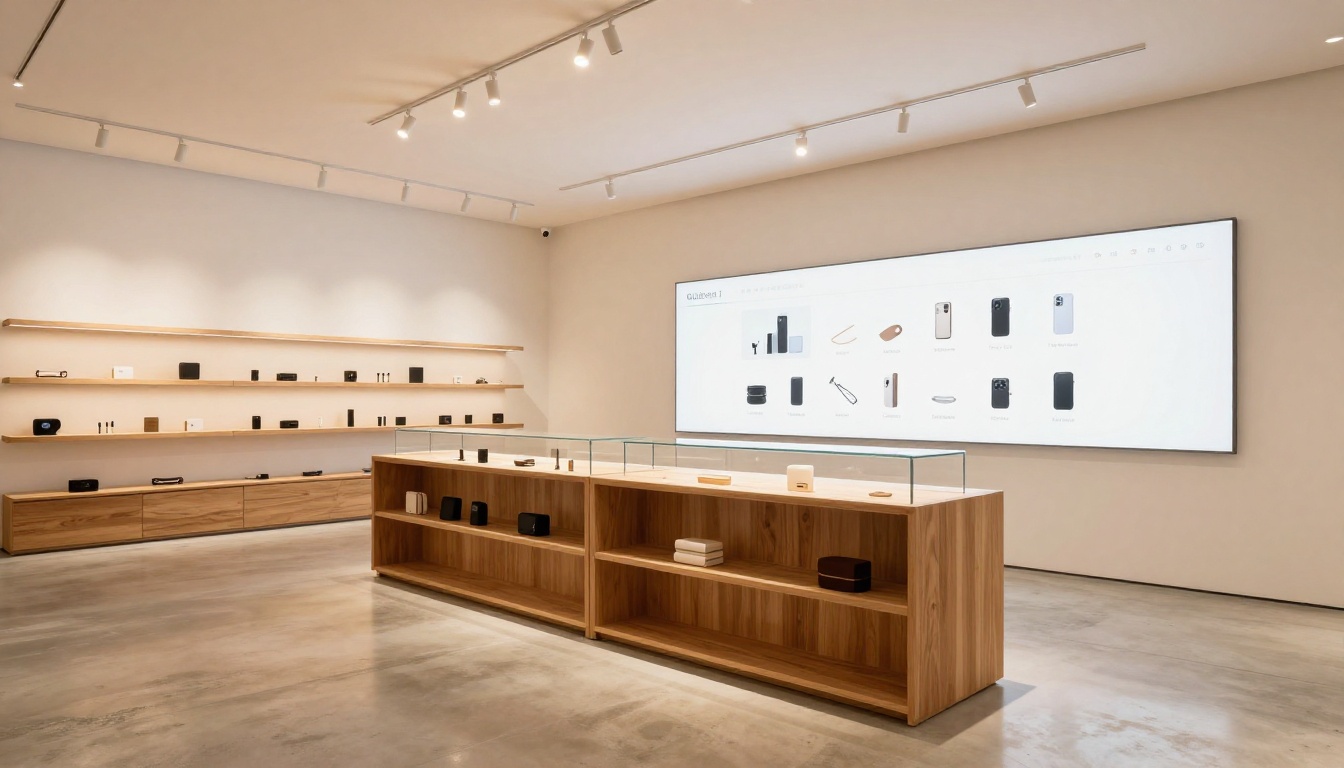
When there is no salesperson to describe a product, photography carries the entire weight. That means multiple angles per product, lifestyle images that show it in context, and close-up shots that communicate texture, scale, and quality. A single product-on-white photo is rarely enough to convert a hesitant buyer.
Buyers who can visualize a product being used in their space or wardrobe convert at significantly higher rates. Budget as much time and money on catalog photography as you would on copy. Both are doing the same job: building enough confidence to trigger a purchase.
Descriptions That Answer Objections
Product descriptions in a self-selling catalog are not labels. They are silent salespeople. Each one needs to answer three questions every buyer carries: What exactly is this? Why do I need it? Why should I trust this product and this brand?
The description that answers all three does not need a follow-up call. It handles the objection before it is raised.
⚠️ Avoid generic filler phrases like "high-quality" or "premium craftsmanship." These say nothing concrete. Use specific details: exact dimensions, material grades, certifications, compatibility specs, and real results from real customers.
How to Build Yours with Flipbooks AI
Flipbooks AI converts any PDF into a fully interactive, self-selling digital flipbook in minutes. Here is the exact process:
Step 1: Create your account
Visit flipbooksai.com/account and sign up for free. No credit card required.
Step 2: Prepare your PDF
Design your catalog in Canva, InDesign, PowerPoint, or any design tool you prefer. Export it as a PDF. Every page should include visible pricing, a brief benefit-led product description, and at least one call to action per spread.
Step 3: Upload and convert
Upload your PDF directly to Flipbooks AI. The platform converts it into a high-resolution, page-turning flipbook automatically in seconds. Use the Digital Catalog Maker or the Catalog Flipbook Creator for a workflow designed specifically for product catalog presentations.
Step 4: Apply your branding
Add your logo, set your brand color palette, choose a background style, and configure page-turn effects. Every flipbook is fully white-labeled with no Flipbooks AI watermarks on any paid plan.
Step 5: Embed links and multimedia
Add clickable hotspots directly on product images that link to purchase pages, order forms, or product detail pages. Embed product demonstration videos on relevant pages for buyers who want to see the product in action before committing.
Step 6: Set up sharing and access controls
Share via a direct link, embed on your website using the generated code, or distribute by email or social media. For B2B catalogs with exclusive pricing, use password protection to restrict access to approved buyers only.
Step 7: Activate analytics
On the Professional plan, turn on analytics to see exactly which pages buyers spend the most time on, which products they click, how long they stay, and where they exit the catalog. This data tells you precisely where your catalog is losing sales, so every revision is backed by real buyer behavior rather than gut feeling.

Digital vs. Print: Which Converts Better Solo
For independent, no-rep catalog selling, digital wins in almost every scenario outside of physical trade events:
| Criterion | Print Catalog | Digital Flipbook |
|---|
| Update speed | Weeks, costly reprints | Instant, no cost |
| Distribution reach | Physical only | Global via shareable link |
| Buyer interaction | None | Clicks, forms, video |
| Sales data | Zero | Full page analytics |
| Cost per distribution | High (print and shipping) | Near zero |
| Shelf life | 3 to 6 months | Indefinite |
| Device accessibility | In-person or mail only | Any device, anywhere |
✅ Keep a short print version for in-person trade events. Use digital for everything else, including email campaigns, social sharing, website embedding, and direct buyer outreach.
Catalog Types That Work Without Sales Support
Fashion and Apparel
Fashion buyers are visual decision-makers who research before they commit. A well-photographed lookbook with clear sizing charts, fabric composition details, care instructions, and clickable "shop now" links per item does not need anyone to sell it. The Fashion Catalog tool is built for exactly this workflow, with layouts optimized for apparel presentation and collection storytelling.

Home Goods and Furniture
Furniture buyers research extensively before committing. A digital catalog that includes room dimension charts, material swatches, configuration options, and direct purchase links replicates what a showroom sales associate would walk a customer through, except it is available at 2am on a Sunday. The Furniture Catalog Maker supports this with interactive features designed specifically for high-consideration purchases.
Beauty and Skincare
Beauty products require education: ingredient lists, skin type compatibility, application methods, and before-and-after documentation. A catalog that organizes this information clearly per product removes the need for in-store consultation. Buyers who feel informed about what they are applying to their skin convert at rates that far exceed uninformed browsers.

B2B Wholesale Lines
Wholesale and B2B catalogs traditionally require a rep to walk through pricing tiers, minimum order quantities, and product spec sheets. A digital catalog with tiered pricing tables, embedded spec details per product, and a lead capture form for custom orders replaces that entire process. The Product Catalog Generator handles complex product lines with multiple variants and pricing structures without requiring a single sales call.
Tracking What Is Working
Data Replaces Gut Feeling
Without analytics, improving a catalog is pure guesswork. Which products get the most page time? Which spreads do buyers skip entirely? Where do they leave the catalog? Flipbooks AI's analytics features on the Professional plan answer all of these questions with real numbers, so every catalog revision is driven by actual buyer behavior rather than assumptions.
Plan Feature Comparison
| Feature | Free | Standard | Professional |
|---|
| Flipbooks | 1 | Unlimited | Unlimited |
| Custom branding | No | Yes | Yes |
| Password protection | No | Yes | Yes |
| Analytics and tracking | No | No | Yes |
| Lead generation forms | No | No | Yes |
| Offline downloads | No | Yes | Yes |
| Embed on website | Yes | Yes | Yes |
| Watermark-free output | No | Yes | Yes |
For catalog-driven sales without a team, the Professional plan pays for itself within the first few closed deals. Compare all plans to find the right fit for your volume.
5 Catalog Mistakes That Kill Sales
These five problems consistently undermine catalog performance when there is no salesperson to compensate for them in the room:
-
No pricing displayed: Buyers who cannot find a price will not call to ask. They will go to a competitor that shows pricing clearly. Include real numbers, even ranges or starting figures.
-
Single-angle product photography: One image leaves too much to the imagination. Multiple shots from different angles, combined with at least one lifestyle image, significantly increase buyer confidence and reduce returns.
-
No action prompt on each page: Every product spread needs a specific, visible next step. A link, a QR code, a form, or a contact method. Do not bury the call to action on the final page.
-
Outdated stock or pricing information: Static print catalogs go stale immediately after printing. A digital catalog lets you update pricing, stock status, and seasonal offers in real time without reprinting anything.
-
Dense copy with no visual structure: Long paragraphs without bold text, bullet points, or scannable headers get skipped entirely. Break every product description into a short, benefit-led structure with the most important information visible at a glance.

💡 Use the "stranger test." Give your catalog to someone unfamiliar with your products and ask them to find a specific item and place an order. Every point where they hesitate or ask a question is a gap your catalog must fix before it can sell on its own.
Build It Once, Sell It Forever
The businesses that scale without proportionally growing their sales headcount are the ones with catalogs that work independently. Not because those catalogs are elaborate or expensive, but because they are built with self-sufficiency in mind from the start: clear pricing, benefit-led descriptions, strong photography, and a call to action on every spread.

Start with your PDF. Design it so a buyer can read it alone, understand every product, find every price, and know exactly what to do next. Then convert it into an interactive digital flipbook on Flipbooks AI and distribute it to every buyer channel you have.
Browse all available catalog tools and templates to find the format that fits your product type. Compare pricing plans to choose the analytics and lead generation features that match your sales goals.
Your catalog can close deals without you. It just needs to be built for it.



