Making a professional digital brochure used to mean hiring a designer, waiting days for revisions, and spending hundreds of dollars on print runs. Not anymore. With the right tools available today, anyone, regardless of design experience, can produce a polished, interactive digital brochure in under 10 minutes flat.
Flipbooks AI has changed what's possible for small businesses, marketers, and creators who need fast, professional results without the overhead of traditional design workflows. Whether you're creating a property listing, a restaurant menu, a product catalog, or a company overview, the process is faster than you think.
Why Digital Brochures Beat Printed Ones
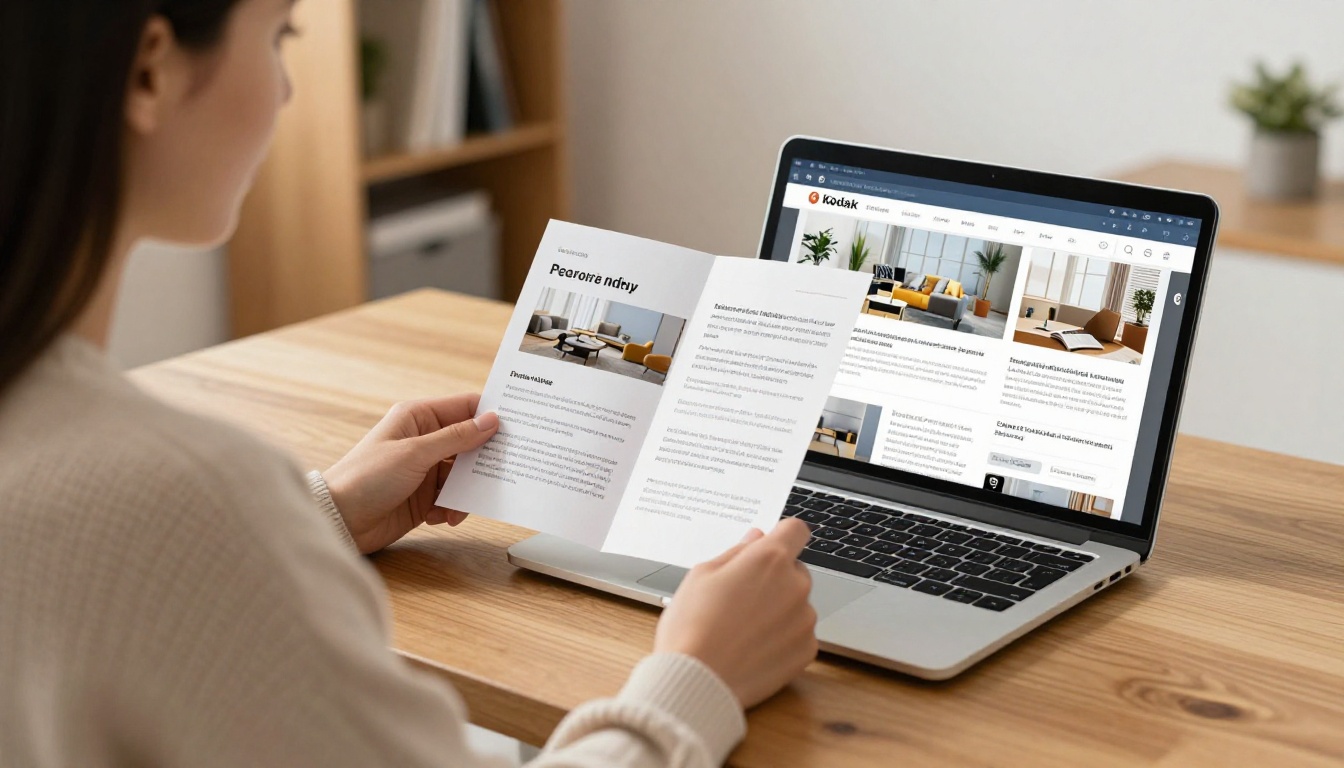
Print brochures had their era. But in a world where your audience is scrolling on phones and tablets, static paper simply can't compete. Here's what the comparison actually looks like:
| Feature | Printed Brochure | Digital Brochure |
|---|
| Cost | $200-$2,000+ per print run | $0-$30/month platform fee |
| Update Speed | Reprint required | Instant changes |
| Distribution | Physical delivery only | Share via link, embed, email |
| Reach | Limited to in-person | Global, 24/7 |
| Analytics | None | Viewer tracking, click data |
| Environmental Impact | Paper, ink, shipping | Zero physical waste |
| Interactivity | None | Videos, links, audio |
The numbers make the case clearly. A single print run for 500 tri-fold brochures in full color typically costs between $300 and $800. A digital brochure costs you a few minutes and a platform subscription that covers unlimited publications.
💡 Pro tip: Digital brochures also update in real time. Change a price, add a new product, or swap a photo without reprinting a single sheet.
What You Need Before You Start
The good news: the barrier to entry is almost zero. Here's what you need:
- A PDF file of your brochure (or a tool to make one, covered below)
- A Flipbooks AI account (free to create)
- 10 minutes and a browser
That's it. No Photoshop, no InDesign, no design background required.
Designing Your Source PDF
If you don't already have a PDF, you have several fast options:
- Canva (free) has hundreds of brochure templates. Pick one, swap in your text and photos, export as PDF.
- Google Slides or PowerPoint can export directly to PDF in any size.
- Adobe Express has free brochure templates with brand color support.
- Microsoft Word templates work fine for text-heavy brochures.
The key is to export at high resolution (300 DPI) so the final digital brochure looks sharp on retina screens.
⚠️ Common mistake: Exporting at 72 DPI to reduce file size. This creates blurry pages in the flipbook. Always export at 150-300 DPI for best results.
How to Make a Digital Brochure Step by Step
Step 1: Create Your Account
Go to Flipbooks AI and sign up. The free account gives you immediate access to the core conversion tools. For brochures with password protection, custom branding, or analytics, check out the pricing plans.
The signup process takes about 60 seconds.
Step 2: Upload Your PDF
Once you're in, click "Create New Flipbook" and drag your PDF into the upload zone. The PDF to Flipbook Converter handles the rest automatically.
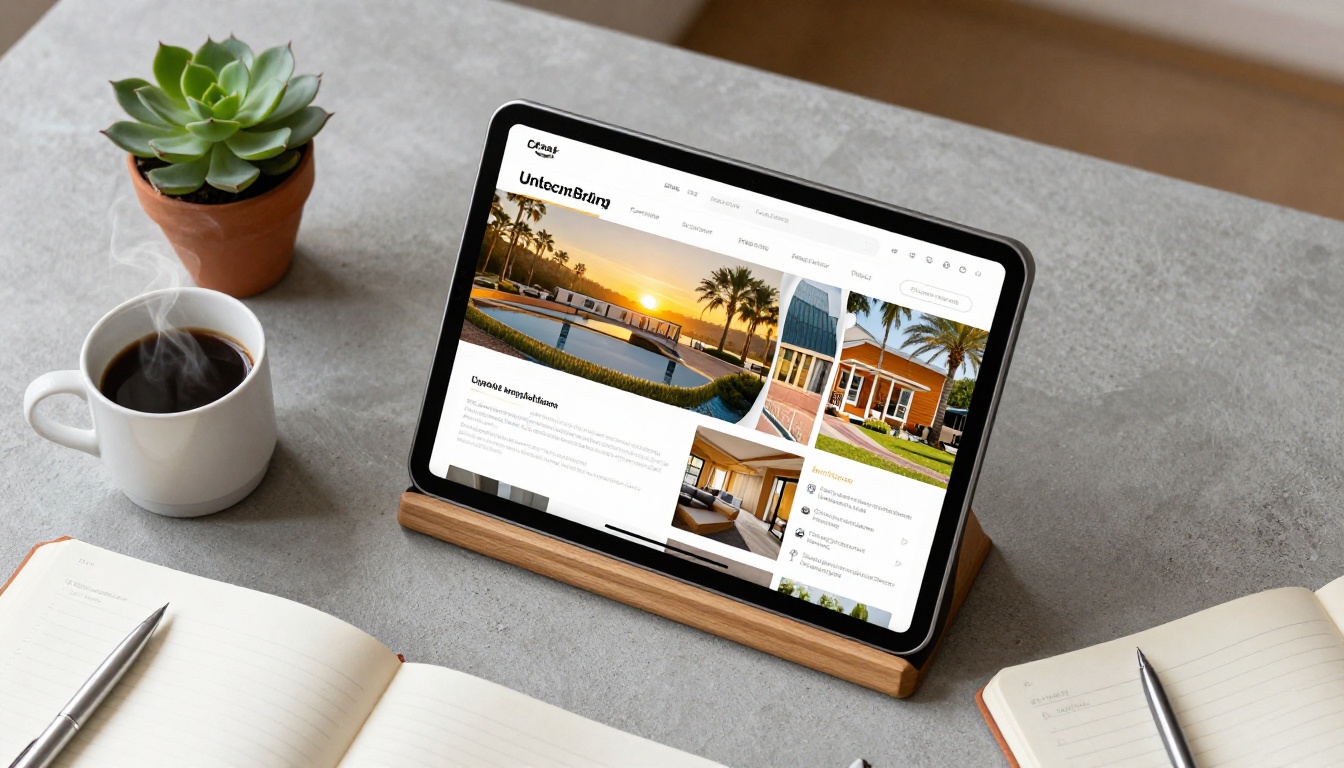
- Supported formats: PDF (primary), JPG and PNG for single-page brochures
- Max file size: 500MB (covers even the most image-heavy brochures)
- Processing time: typically 15-60 seconds depending on page count
The platform converts your static PDF into a fully interactive flipbook with smooth page-turning animations that work on desktop, tablet, and mobile.
Step 3: Customize Branding and Appearance
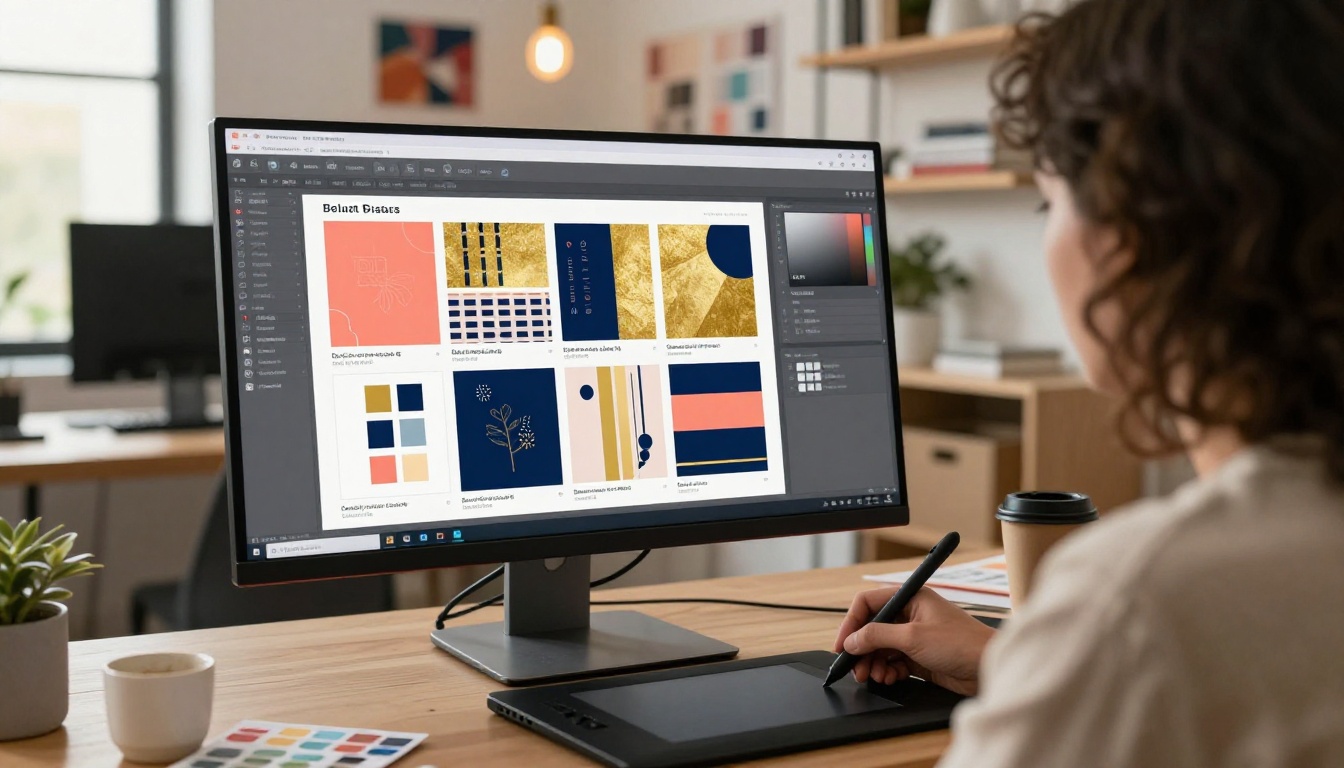
This is where your brochure gets its professional polish. In the customization panel:
- Brand colors: Set your primary and secondary colors so the viewer toolbar matches your identity
- Logo placement: Upload your logo to appear in the top corner of the flipbook viewer
- Background: Choose from solid colors, gradients, or image backgrounds behind the pages
- Page effects: Enable realistic page shadow and curl for a tactile feel
- Auto-flip: Set pages to turn automatically for presentation mode
The Online Brochure Designer handles all of this without any code or technical setup.
✅ Best practice: Keep the viewer background color within your brand palette. It makes the brochure feel like a cohesive branded experience rather than a generic viewer.
Step 4: Add Interactive Elements
This is where digital brochures genuinely outclass print. You can embed:
- Clickable links on any page area (perfect for product pages, booking forms, social profiles)
- Video embeds directly into specific pages
- Audio for narrated walkthroughs or background music
- Lead capture forms to collect visitor information (Professional plan)
For a property brochure, you might embed a virtual tour video on the main floor plan page. For a restaurant menu, you could link directly to your online ordering system from every dish listing.
Step 5: Publish and Share
Once you're satisfied, hit Publish. Your brochure instantly gets a shareable URL. From there:
- Direct link: Send via email, WhatsApp, or any messaging platform
- Embed code: Use the Embed Flipbook on Website tool to drop it into any webpage with a single code snippet
- QR code: Download a QR code pointing to the brochure for print materials, packaging, or signage
- Password protection: Lock it for internal use or VIP clients only
The right tool depends on your industry and what the brochure needs to do. Here's how the most popular digital brochure tools compare:
| Tool | Best For | Price | Learning Curve | Interactive Features |
|---|
| Flipbooks AI | All industries, fast publishing | Free - $30/mo | Very low | Full (video, audio, links) |
| Adobe InDesign | Print-first design | $54/mo | High | None (output only) |
| Canva | Design creation | Free - $15/mo | Low | Basic (links only) |
| Issuu | Magazine-style publishing | Free - $19/mo | Medium | Moderate |
| FlipHTML5 | Corporate use | Free - $29/mo | Medium | Good |
For pure design creation, Canva wins on templates and ease. For publishing, interactivity, and sharing, Flipbooks AI is the faster and more capable option at every price point.
💡 Industry tip: Most marketers use Canva to design and Flipbooks AI to publish. They're complementary, not competing tools.
Digital Brochure Types and Use Cases

Digital brochures aren't a one-size-fits-all format. Here's how different industries use them effectively:
Real Estate
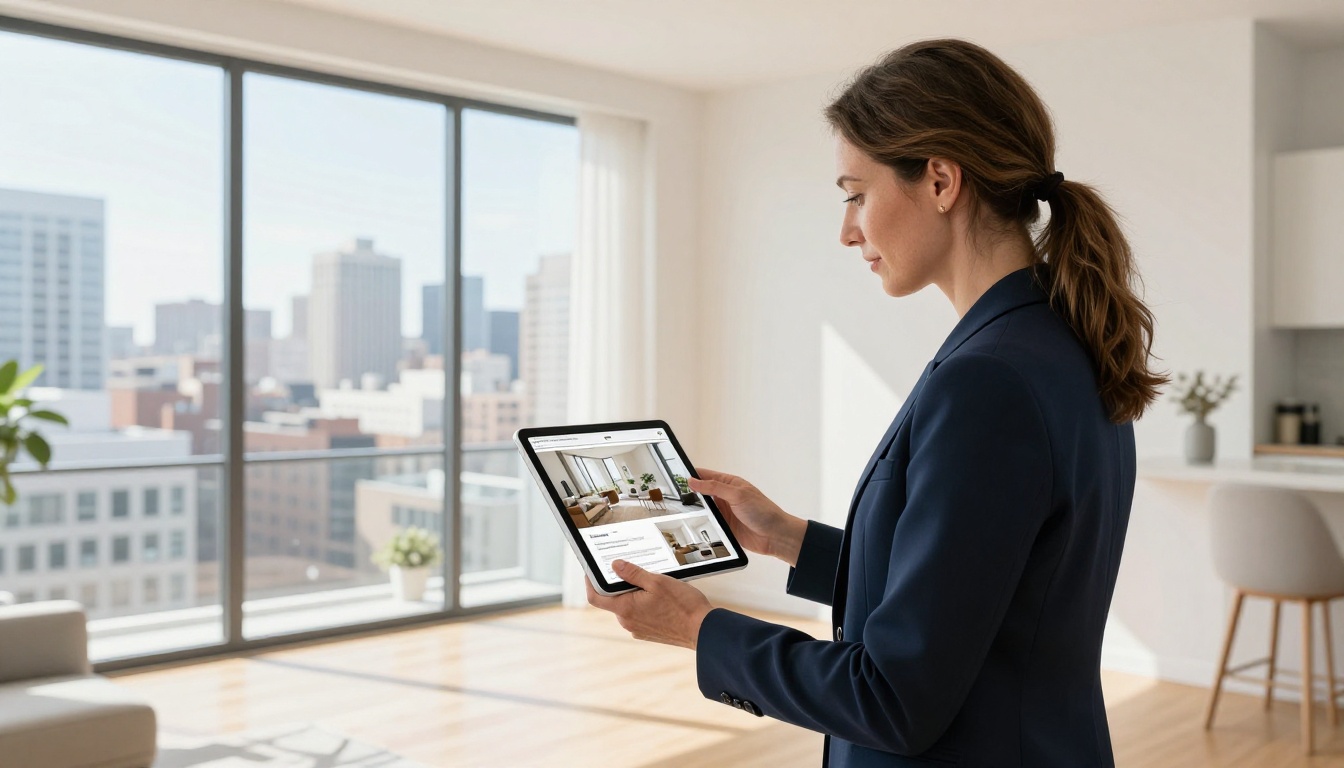
Property brochures need high-resolution photos, floor plans, and neighborhood maps. A digital brochure lets agents embed a video walkthrough directly into the listing document. The Real Estate Brochure tool handles this format specifically, with layouts designed for property listings.
Real estate agents report sending property brochures via WhatsApp link as their primary distribution method. Buyers can flip through the whole property on their phones before booking a viewing.
Hospitality and Restaurants
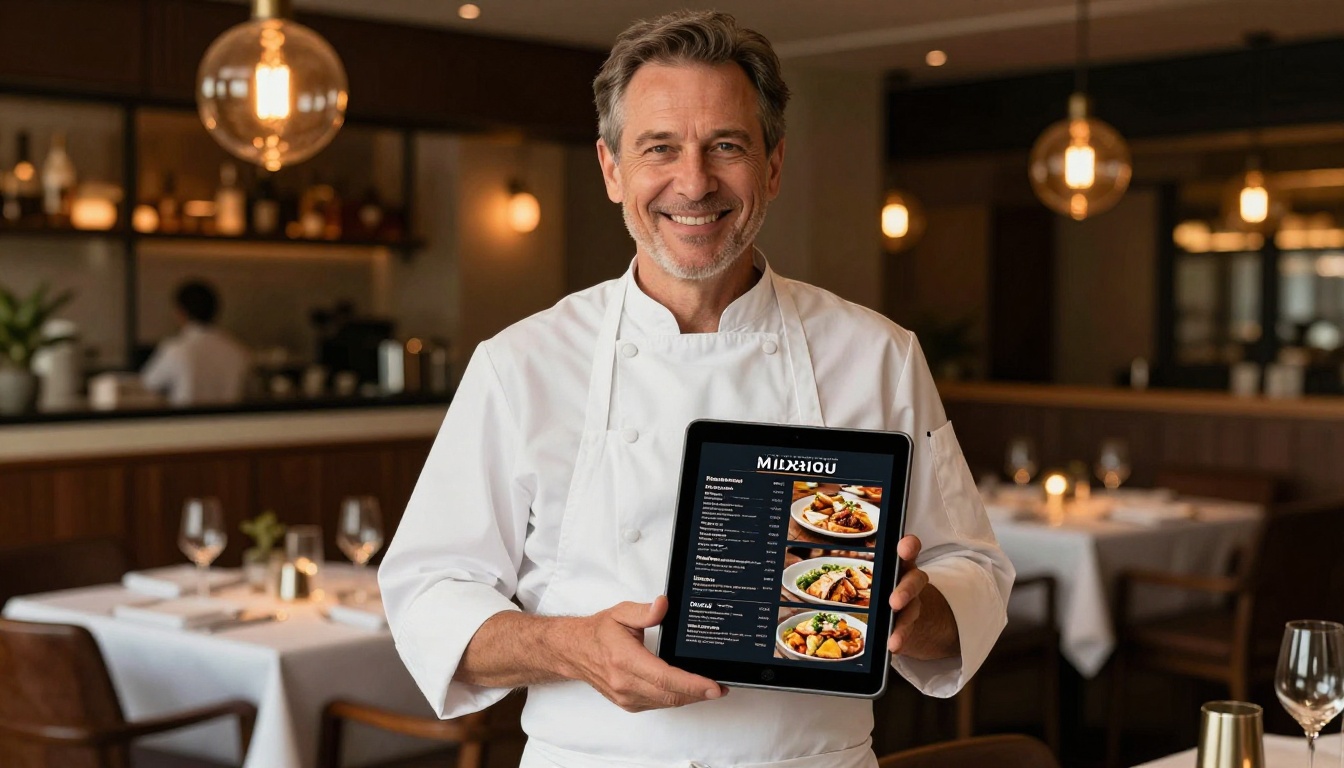
Restaurant owners use digital brochures as interactive menus. The Brochure Flipbook Maker converts a PDF menu into something that can be embedded on the website, printed as a QR code for tables, or sent directly to guests before their reservation.
Hotels use the Hotel Brochure tool to present room types, amenities, and local attractions in a single shareable document that stays current without reprinting.
Automotive
Car dealerships replace their printed model brochures with digital versions that include spec comparison tables, color option galleries, and embedded promo videos. The Automotive Brochure tool is built around this specific workflow with pre-configured spec sheet layouts.
B2B and Corporate
Company overview brochures, investor decks, and capability statements work beautifully in digital format. They can be password-protected for confidential prospects and tracked via analytics to see exactly which pages received the most attention from each viewer.
✅ Best practice: For B2B brochures, enable the lead generation feature (Professional plan) to capture viewer contact details before they access the document.
Common Mistakes to Avoid
Even with a simple tool, there are patterns that consistently produce poor results:
- Low resolution source files: Always export your source PDF at 150 DPI minimum. Use 300 DPI for image-heavy brochures.
- Too much text on a page: Digital screens reward scannable content. Break dense text into bullet points and short paragraphs.
- No clear call to action: Every brochure page should serve a purpose. Where do you want the reader to go next?
- Ignoring mobile: Over 60% of brochure views happen on smartphones. Always preview on mobile before publishing.
- Skipping analytics: If your platform tracks engagement, use it. Page drop-off data tells you exactly what's not working.
- Not updating content: One of the biggest advantages of digital is real-time updates. Outdated pricing or photos undermine credibility instantly.
⚠️ Warning: Never use a free platform that puts their watermark on your brochure. It damages your brand and signals to clients that you're not invested in professionalism. Flipbooks AI has no watermarks on any plan.
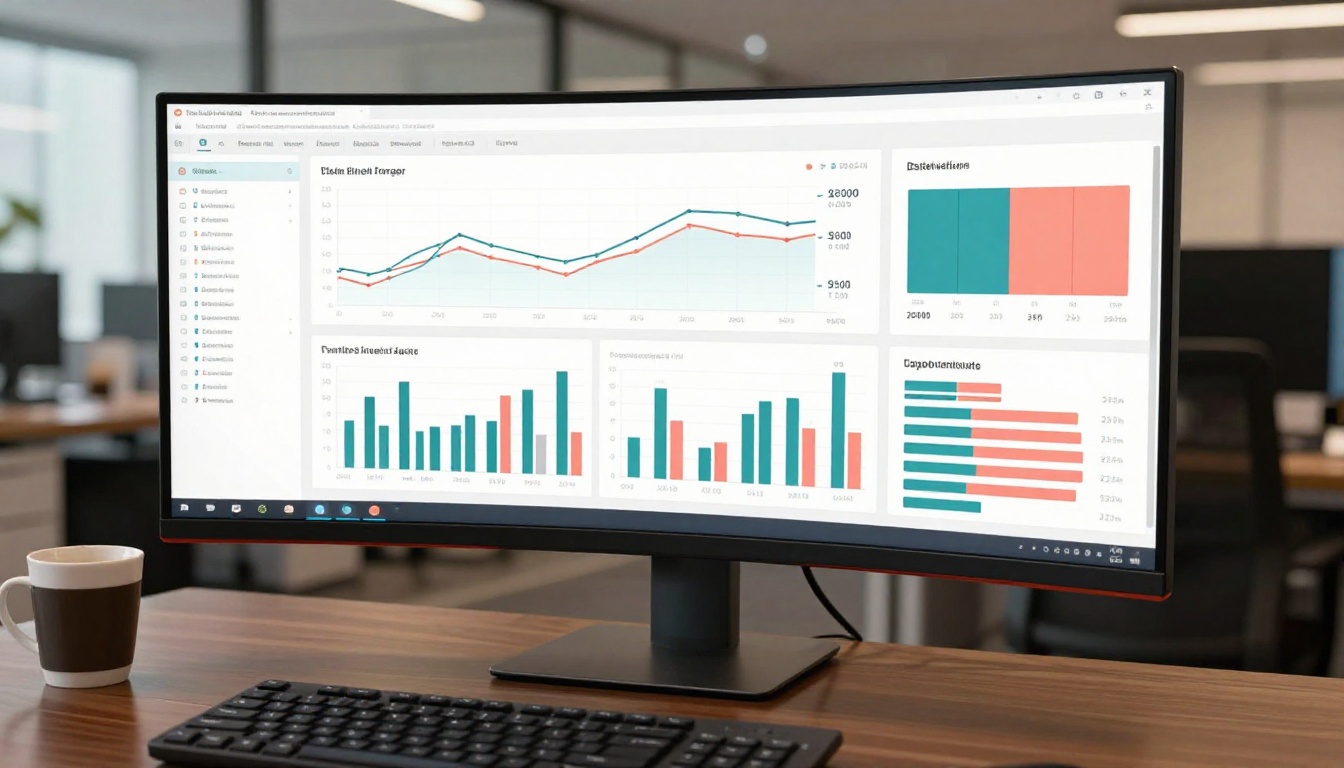
Print brochures are a black box. You never know if anyone read them or tossed them in the bin at the front desk. Digital brochures on the Professional plan give you real data:
- Total views and unique visitor counts
- Average time spent reading the brochure
- Page-by-page engagement to see which sections get the most attention
- Geographic data showing where viewers are located
- Lead capture data when you've enabled the intake form
This data transforms your brochure from a static marketing asset into a live feedback loop. If everyone stops reading on page 4, you know exactly where the content needs work.
Pricing Plans Compared
Choosing the right plan depends on your volume and which features matter most for your workflow:
| Feature | Free | Standard | Professional |
|---|
| Flipbooks | 3 | Unlimited | Unlimited |
| Watermarks | None | None | None |
| Custom branding | No | Yes | Yes |
| Password protection | No | Yes | Yes |
| Analytics | No | Basic | Full |
| Lead generation | No | No | Yes |
| Offline downloads | No | Yes | Yes |
| Embed on website | Yes | Yes | Yes |
| Custom domain | No | No | Yes |
For most small businesses, the Standard plan covers everything needed for professional brochure publishing. If analytics and lead capture are priorities, Professional pays for itself quickly. See the full breakdown at flipbooksai.com/pricing.
Collaborate and Share Faster

One underrated benefit of digital brochures is how much faster they make team workflows. Instead of emailing PDF attachments back and forth:
- Share a live link that always shows the latest version
- Password-protect early drafts for internal review rounds
- Update the brochure once and the link stays current for everyone who has it
- Embed directly on your website without touching any code
Marketing teams that switch to digital brochure workflows consistently report saving 3-5 hours per publication cycle, mostly from eliminating repetitive revision rounds on static files.
Beyond the core brochure workflow, Flipbooks AI has purpose-built tools for specific scenarios that save additional setup time:
Each tool is optimized for its use case with pre-configured settings that eliminate guesswork.
Publish Your First Digital Brochure Today
The 10-minute timeline is real. Once you have a PDF ready, the actual conversion, customization, and publishing process on Flipbooks AI takes about 5-8 minutes for a first-time user. By your second or third brochure, it takes less.
What you'll have at the end is a professional, mobile-responsive, interactive digital brochure you can share via link, embed on your website, send by email, or gate behind a password for specific audiences. No watermarks. No design skills required. No waiting on a printer.
Ready to publish your first one? Create your free account and upload your first PDF today. Or, if you're evaluating options, review the pricing plans to find the right fit for your volume and needs.
Browse all available brochure and publication tools to find the one built specifically for your industry.



