Every time a price changes, a product sells out, or a promotion kicks off, thousands of businesses face the same painful choice: reprint the catalog (expensive and slow) or leave customers looking at outdated information (damaging to trust). There is a third option that most businesses have not fully adopted yet, and it does not cost a fortune. A digital catalog that updates instantly solves all of this in one move. With Flipbooks AI, you can publish a live, shareable catalog that reflects real-time changes the moment you make them, without printing a single page or emailing a new PDF to your entire contact list.
Why Static Catalogs Are Costing You More Than You Think

The math on printed catalogs is brutal once you actually run it. A mid-sized retailer printing 5,000 catalogs quarterly spends somewhere between $3,000 and $15,000 per run, depending on page count and finish quality. Add design and layout fees, and the number climbs fast. Then a supplier changes pricing two weeks after delivery and you are sitting on 4,800 copies of wrong information.
Digital PDFs seem like the solution, but they carry the same core problem: once distributed, the file is frozen. The customer who downloaded your catalog in January still has January's prices in March. When they arrive expecting a deal that no longer exists, you have a customer service problem before the conversation even starts.
The real cost is not just money. It is trust. When a customer shows up expecting a price they saw in your catalog and finds something different at checkout, your credibility takes the hit.
Here is what businesses lose every year from static catalogs:
- Revenue from outdated pricing (too high cutting sales, too low cutting margins)
- Customer trust from mismatched product availability
- Staff time answering "which version is current" questions
- Print and distribution budget on materials that expire within weeks
- Missed opportunities to promote new arrivals or time-sensitive deals
The businesses winning on catalog efficiency right now have switched to a model where the catalog lives at a URL, not in a file. That shift is smaller than most people expect.
What Actually Makes a Catalog "Update Instantly"

The phrase "updates instantly" means something very specific technically, and it is worth understanding before you choose a platform.
Static vs. Dynamic: The Core Difference
A static catalog is a fixed file, whether that is a PDF, an image set, or a printed booklet. Once it leaves your hands, it is permanent. Changing it means creating a new file and redistributing everything from scratch.
A dynamic catalog lives at a URL. Everyone who accesses that URL sees the same document, always pulled fresh from the source. When you change something in the back end, the change appears immediately for anyone who opens the link next time.
💡 The key insight: your customers are not receiving a file. They are accessing a live document through a link. That single shift is what makes instant updates possible.
Shareable Links vs. Downloadable Files
| Feature | Static PDF | Downloadable Flipbook | Live-Link Flipbook |
|---|
| Updates reflect instantly | No | No | Yes |
| Requires redistribution on update | Yes | Yes | No |
| Embed on website | No | Limited | Yes |
| Works well on mobile | Poor | Good | Excellent |
| Analytics on who viewed | No | No | Yes (Pro) |
| Password protection | No | No | Yes |
| QR code compatible | No | Partially | Yes |
The distinction between a "downloadable flipbook" and a "live-link flipbook" is critical. If your platform lets customers download the flipbook file, you lose the instant-update advantage entirely. The live link model keeps you in control of what your audience sees at every point in time.
Version Control Without the Chaos
One overlooked benefit of instant-update catalogs: you always know exactly what version customers are seeing. There is no "v2_FINAL_USE_THIS_ONE.pdf" confusion in your email outbox. There is one URL. It shows the current catalog. That is the entire system.
For teams with multiple people managing content, this removes the coordination overhead of keeping everyone on the same version. The link is always right because you control what the link shows.
How to Build Your Live Digital Catalog, Step by Step

This is where theory meets action. The process is straightforward if you use the right platform.
1. Design Your Catalog as a PDF First
Before uploading anything, build your catalog in whatever design tool you use: Canva, Adobe InDesign, Google Slides, or even PowerPoint. Export it as a PDF. This is your source file and the foundation of your live catalog.
Pro tip: Structure your PDF with clear page breaks per category. When you convert it to a flipbook, each PDF page becomes a flipbook page. A clean layout in the source translates directly to a professional digital experience. Do not cram multiple categories onto a single page if you plan to rearrange content later.
2. Upload to Flipbooks AI and Convert
Head to Flipbooks AI and create your account. The upload process takes under two minutes:
- Click "New Flipbook" from your dashboard
- Select "Upload PDF"
- Drag and drop your catalog PDF
- Wait for automatic conversion, typically 30 to 90 seconds depending on page count
- Your flipbook is now live and accessible via its unique URL
Use the Digital Catalog Maker for a workflow optimized specifically for product catalogs, with layout defaults tuned for product grid formats.
✅ Your catalog is now live. Everyone who accesses the URL sees the current version. No distribution required yet.
3. Customize Branding and Appearance
Before sharing the link, polish the presentation to match your brand:
- Logo: Upload your brand logo to appear in the flipbook viewer header
- Colors: Set brand colors for the interface, including buttons and background
- Page flip effects: Choose from realistic page turns, sliding transitions, or clean swipes
- Background: Set a custom color or image behind the catalog pages
- Custom domain: On paid plans, use your own domain for the catalog link instead of a generic URL
4. Share the Live Link, Not the File
Distribute the link through every channel you use:
- Direct link: Share via email, SMS, WhatsApp, or social media posts
- QR code: Generate a QR code pointing to your catalog and print it on packaging, receipts, shelf talkers, or in-store signage
- Embed on website: Place your catalog directly on a product page or landing page using the provided embed code. The Embed Flipbook on Website tool handles this with a single copy-paste
- Password protection: Lock the catalog with a password for exclusive segments like trade buyers or VIP customers
5. Update Anytime Without Touching the Link
When pricing changes or a product is discontinued:
Option A: Replace the PDF. Upload an updated PDF to the same flipbook. The URL stays identical. Everyone accessing the link from this point forward sees the new version automatically.
Option B: Edit pages directly. Make targeted changes to specific pages within the platform without reuploading the entire document.
⚠️ Never create a new flipbook when you update content. If you share a new URL every time you make changes, you lose the instant-update advantage. Always replace content at the same URL.

Different catalog types have different structural needs. Flipbooks AI offers purpose-built tools for each industry:
Each tool includes templates and layout defaults tuned for the specific content type, which cuts the design-to-publish time significantly compared to starting from a blank document.
Real-World Use Cases Worth Studying
Furniture Retailers

A furniture retailer with 200-plus SKUs faces constant inventory flux. New collections arrive, discontinued pieces need removing, and seasonal promotions run for limited windows. With a live digital catalog built using the Furniture Catalog Maker, the showroom team pulls up the same up-to-date catalog on tablets during customer consultations. No more walking a customer toward a sofa that sold out two weeks ago. The catalog on the sales associate's tablet is the same one the customer browsed from home before visiting.
Restaurants and Food Service
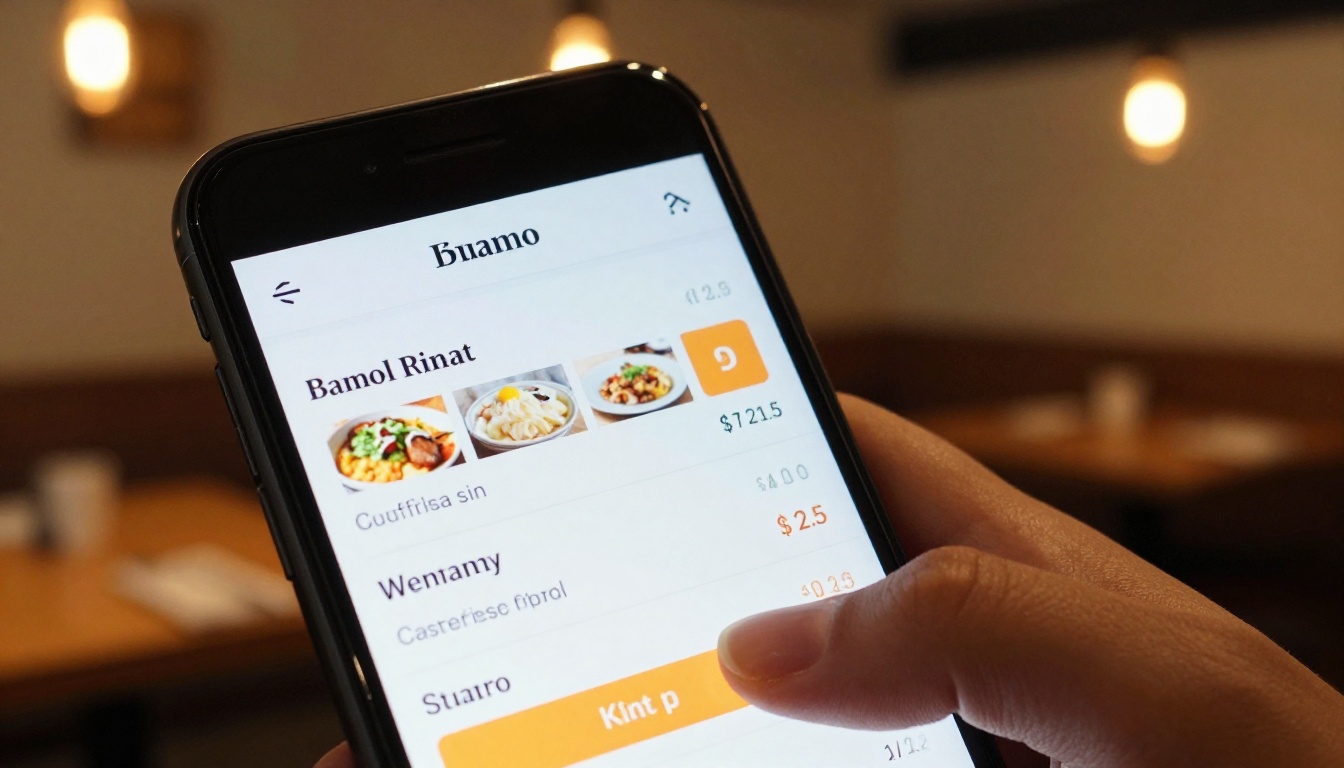
A restaurant that changes its menu seasonally cannot afford to reprint physical menus every few weeks, especially with commodity price swings affecting food costs in both directions. A QR code at each table pointing to a live digital menu solves this completely. Update the PDF in the back end and every QR code scan immediately shows the new menu. The Restaurant Menu Creator provides templates designed for food presentation with high-impact photography layouts.
The same model works for food halls, catering companies, and beverage distributors who need clients to reference current offerings rather than printed sheets from the previous quarter.
Fashion and Apparel Brands
Seasonal fashion moves fast. A brand launching a new collection while the previous season is still on sale needs customers to always see current availability and accurate pricing. A live lookbook shared via an Instagram bio link or email campaign reflects actual stock in real time. When a colorway sells out, update the catalog and the change is live within seconds. No email blast required, no confusing customers with "sorry, that item is no longer available" responses after they have already clicked to buy.
B2B Wholesale Distributors
Wholesale pricing changes based on volume agreements, commodity costs, and contract renewals. A live price list catalog shared with buyers means your accounts always reference current pricing. No more "but the catalog said X" disputes during invoicing. The Digital Price List Generator handles tiered pricing display formats that work well for wholesale structures.
Plans and Pricing: What You Actually Need

The feature set you need depends on your catalog volume and how you distribute it. Here is a practical breakdown:
| Feature | Free | Standard | Professional |
|---|
| Number of flipbooks | Limited | Unlimited | Unlimited |
| Watermark on catalog | Yes | No | No |
| Custom branding | No | Yes | Yes |
| Password protection | No | Yes | Yes |
| Embed on website | Limited | Yes | Yes |
| Analytics and lead generation | No | No | Yes |
| Offline downloads | No | No | Yes |
| Custom domain | No | No | Yes |
For most small to mid-sized businesses running a single active catalog, the Standard plan hits the right balance: no watermarks, unlimited flipbooks, custom branding, and shareable links with password protection. Visit Flipbooks AI pricing for current rates.
If you run multiple catalogs for different customer segments, such as retail versus wholesale or domestic versus export, and want to know who is viewing what, the Professional plan adds analytics and lead generation that pays for itself in conversion data.
💡 Start with the free tier to test the PDF-to-flipbook workflow with your actual content. Once you confirm the pipeline fits your process, upgrade to remove the watermark before sharing with customers.

Even with the right platform, these errors consistently undermine the instant-update advantage:
Mistake 1: Creating a New Flipbook Every Time You Update
This is the single most common mistake. When you create a new flipbook for each updated version, every previously shared link shows old content or breaks entirely. The solution is always to update the existing flipbook at the same URL by replacing the PDF rather than creating a new document.
Mistake 2: Sending the PDF Instead of the Link
If you email the PDF file to clients instead of the flipbook link, they download a static file and you lose all update capability from that point forward. Always share the link, never the file. This is the entire premise of the instant-update model, and it is easy to accidentally revert to old habits.
Mistake 3: Uploading Low-Resolution Source PDFs
Your flipbook will only look as good as the PDF you upload. Pixelated product photography or blurry text in the source file cannot be fixed after upload. Export your design files at 150 to 300 DPI minimum. High-resolution product images in your catalog do more selling than any amount of copywriting, and a blurry image on a retina display sends the wrong signal about your brand quality.
⚠️ Always test how your catalog looks on a smartphone screen before sharing with customers. What looks sharp on a desktop can appear compressed and muddy on mobile if your source resolution is too low.
How Your Team Uses It Every Day

Once your live catalog is set up, day-to-day maintenance takes minutes rather than hours. A typical update cycle looks like this:
- Product or pricing change confirmed in your inventory or pricing system
- Designer updates the PDF source file (15 to 30 minutes for most standard edits)
- Updated PDF replaced in the Flipbooks AI dashboard (under 2 minutes)
- All existing shared links and website embeds immediately reflect the new version
- No email blast to customers, no new QR codes to print, no version confusion with the team
For teams with regular promotional cycles, such as weekly deals or monthly collection launches, this becomes a standard step in the content calendar rather than a scramble each time something changes. The catalog is always current. The link is always the same. The customer always sees accurate information.
Sales teams particularly benefit from having a single, always-accurate catalog link to share with prospects rather than managing a folder of PDF versions. One link in a CRM contact record covers every conversation going forward.
Build Your Live Catalog Today
The technology behind an instantly-updating digital catalog is not complex, expensive, or reserved for enterprise brands with dedicated digital teams. Any business with a product line can have a live catalog published and shareable within an afternoon.
The catalog you build today can live at the same URL your customers bookmark a year from now, always showing exactly what you sell at exactly the prices you charge. A static PDF will never do that for you regardless of how well it is designed.
Ready to build yours? Get started for free on Flipbooks AI and publish your first live catalog today. When you are ready for custom branding, unlimited catalogs, and no watermarks, compare pricing plans to find the right fit for your volume. Browse the full library of catalog and publishing tools to find templates built specifically for your industry.



